Get Started


Build your own work order software
Build work order software on the database you already run. Assign jobs, track status to sign-off, with role-based access and an audit trail.
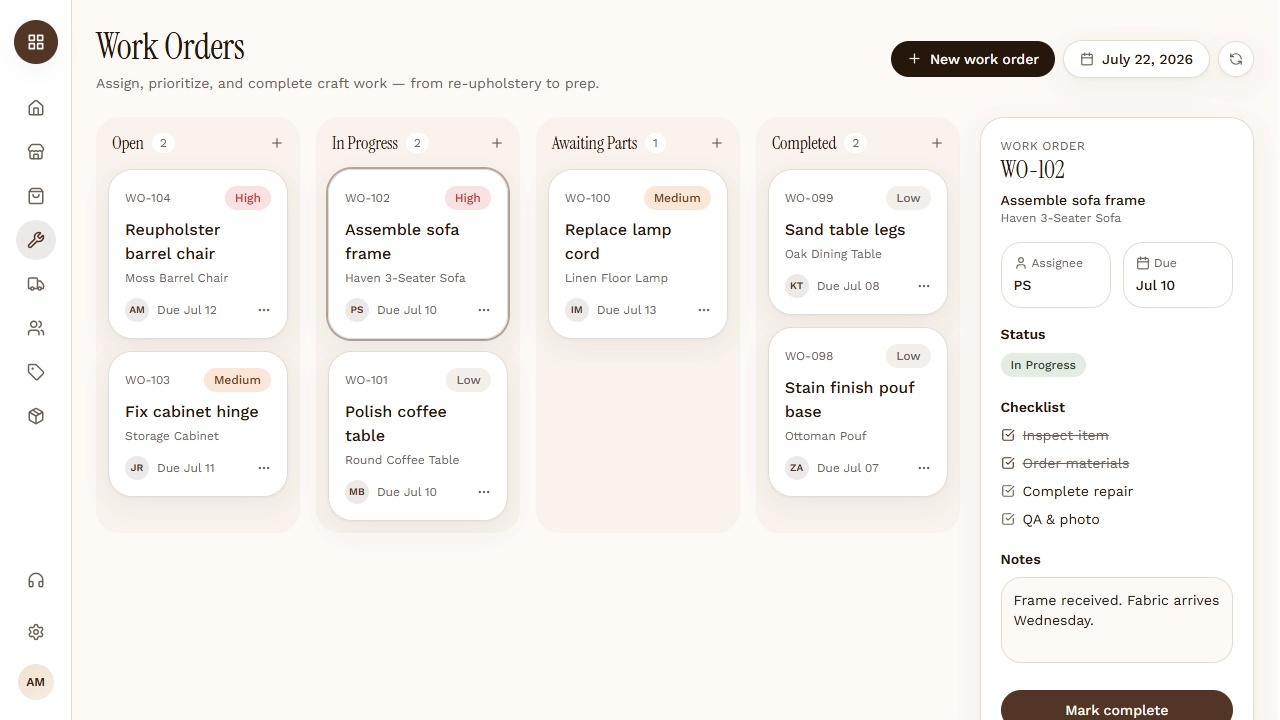
Build exactly what your team needs
Digital work orders, dispatch, status through to sign-off, photos from the field, and parts and labour logged against the asset.
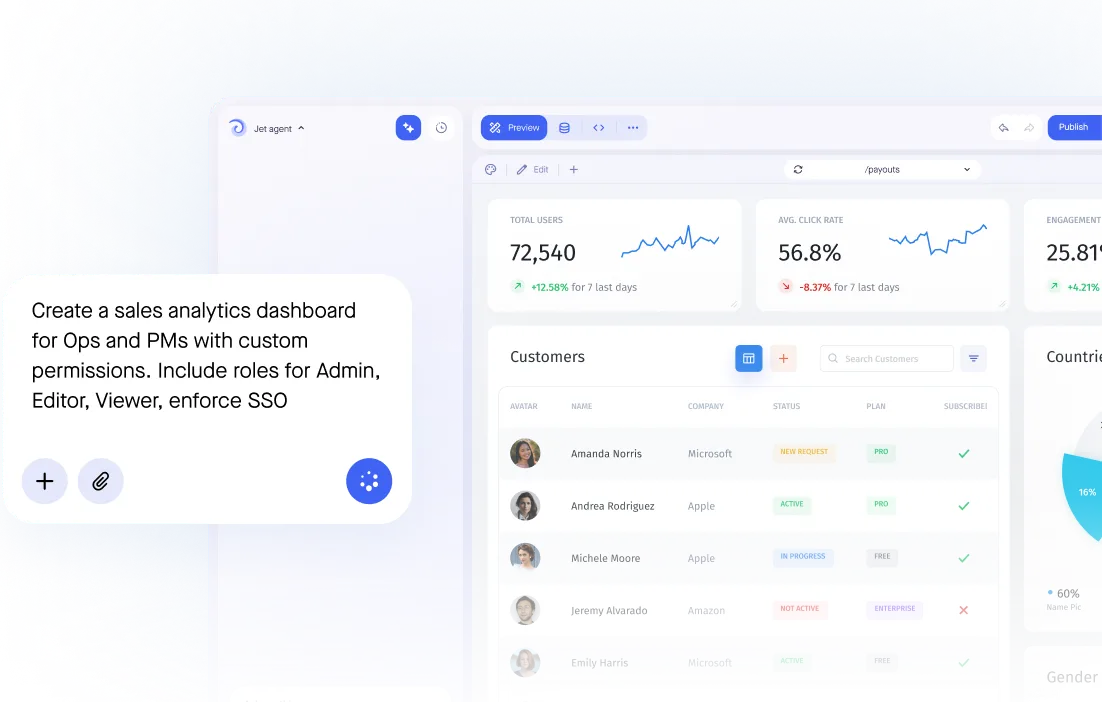

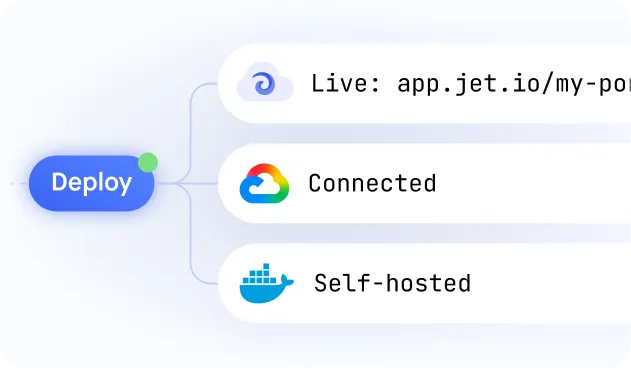
Build secure app fast



Build secure app fast
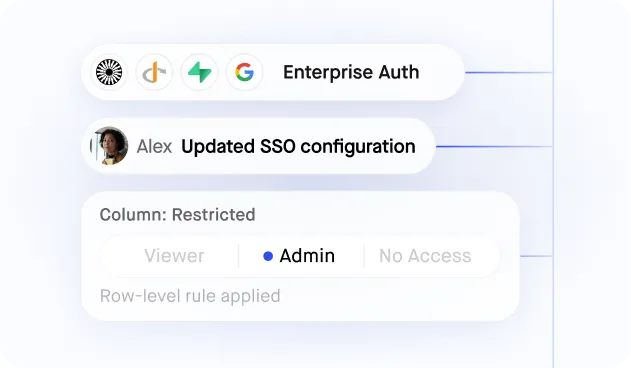
Technicians see their jobs, supervisors see their site, contractors see only what they are assigned — with SSO and an audit trail on every change.
.jpeg)
Connect to Your Maintenance Database or CMMS Directly
Whether work order data lives in Postgres, MySQL, or a custom CMMS API, Jet Admin builds the management interface on top — no migration to ServiceNow or Salesforce Field Service, always live from your data.
.jpeg)
Technician Mobile Interface for Field Work Updates
Field technicians update work order status, log time, and attach photos from any mobile browser on the job site — no native app required, no separate mobile CMMS license needed.
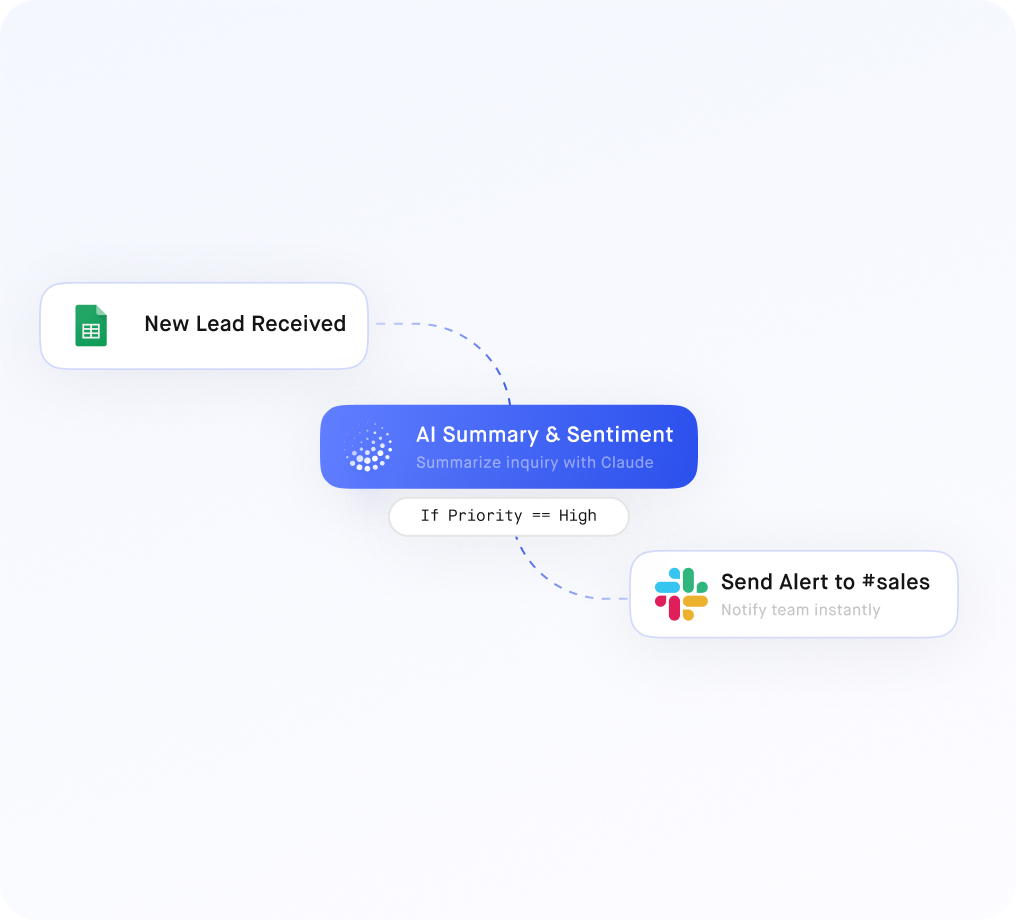
Client and Tenant Work Request Portal
Give clients or tenants a branded portal to submit work requests, check job status, and approve completed work — row-level access ensures each client sees only their own requests, not your full work order database.
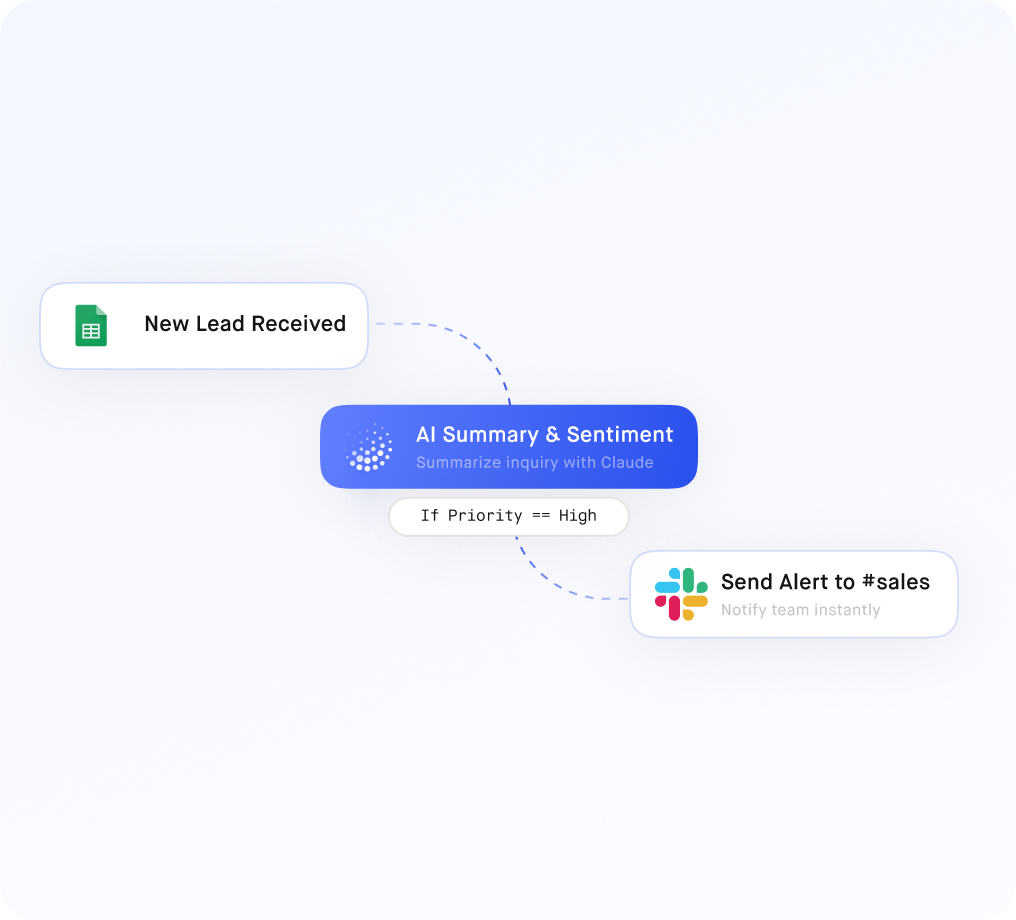
Multi-Stage Job Workflow with Approval Routing
Configure work orders through stages: Requested → Assigned → In Progress → Complete → Closed — with optional approval gates, automated notifications, and full audit logging of every status transition.
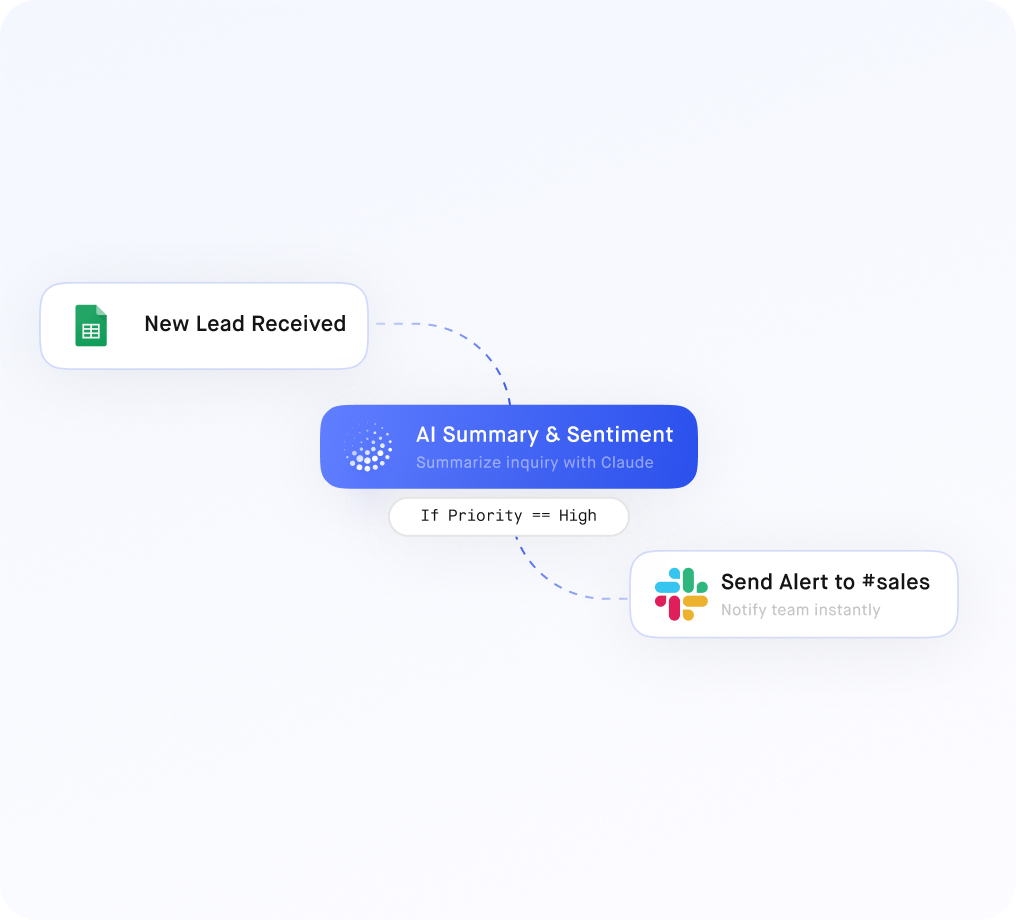
Scheduling Dashboard and Technician Workload Views
Build a real-time scheduling dashboard showing open work orders by priority, technician assignment, and location — so dispatch managers can balance workload and respond to urgent requests without spreadsheet coordination.
Similar Use Cases
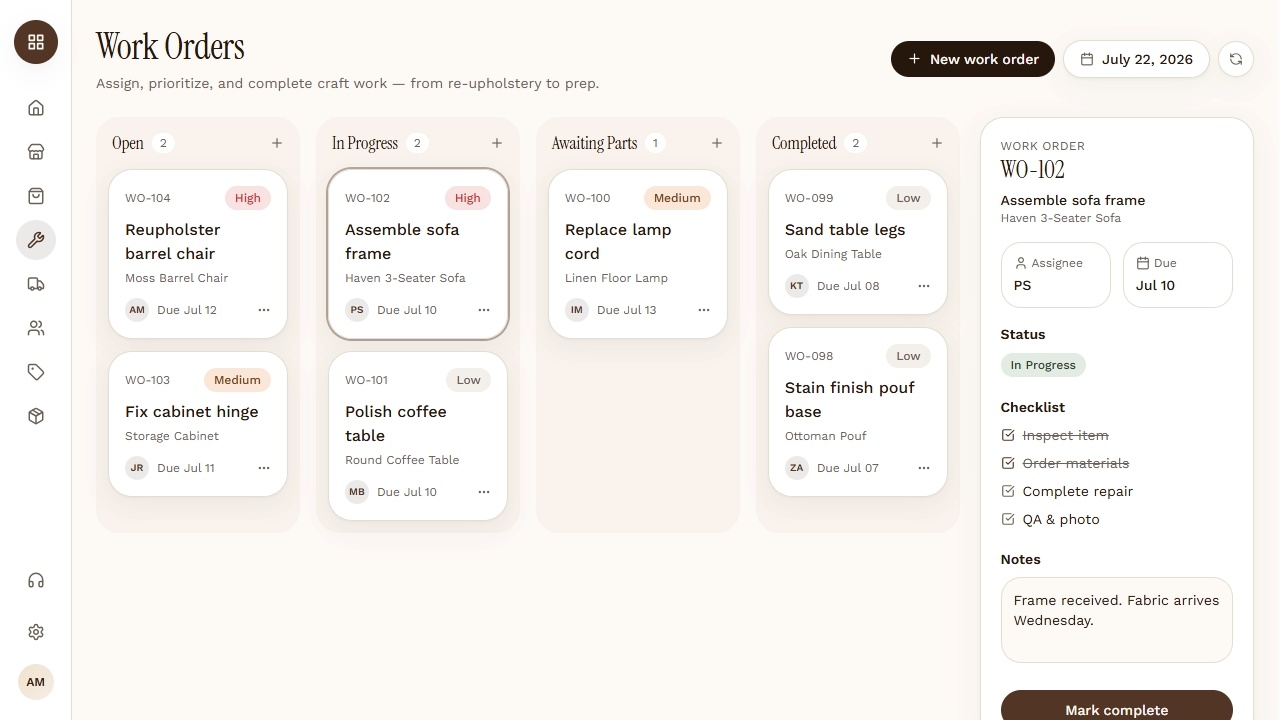
Work order management
Create, assign, and track work orders for field and facilities teams in real time. Build it on your own data with Jet Admin — free to start.
Operations & supply chain
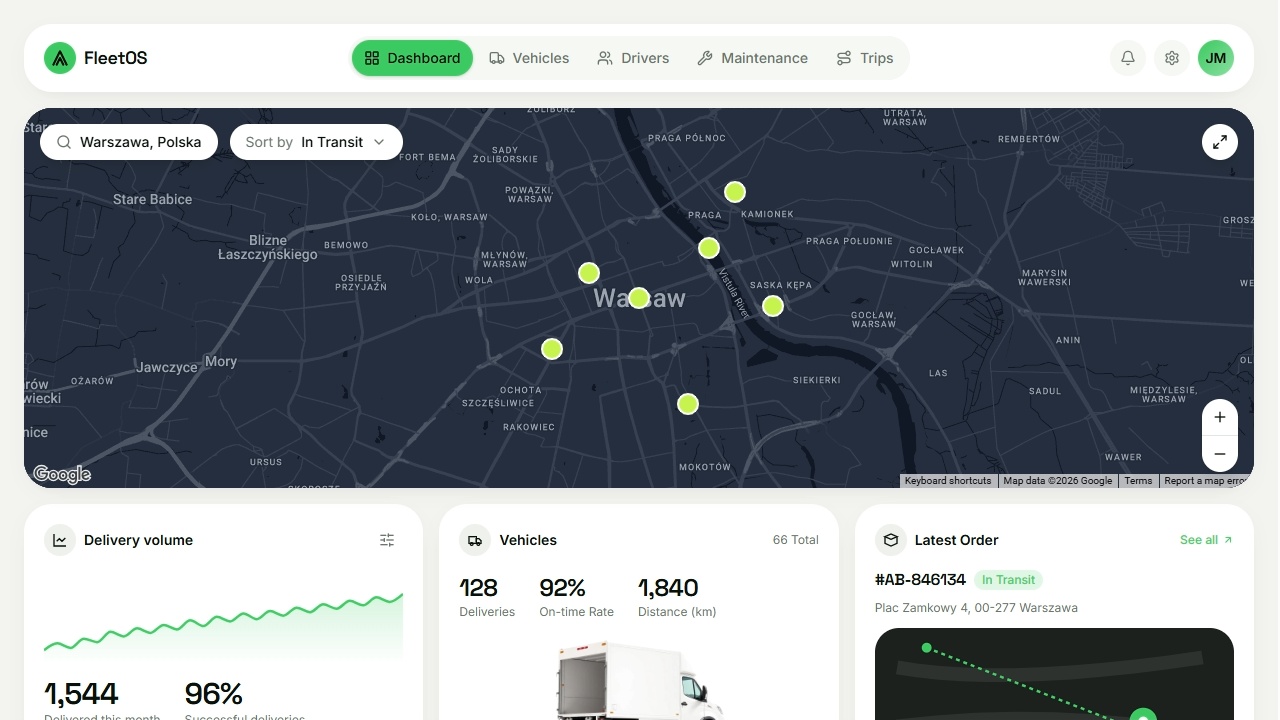
Fleet management dashboard
Monitor vehicles, maintenance, and assignments across your fleet in real time. Build it on your own data with Jet Admin — free to start.
Operations & supply chain







.png)











.svg-min.png)


.png)





.png)



















Frequently asked questions
What is work order software?
It records a maintenance or service request, assigns it, tracks it through to completion and keeps the history against the asset — replacing the paper job sheet and the shared inbox.
How is this different from a CMMS?
A CMMS brings its own data model and asks you to fit your assets into it. Building on the asset and parts data you already hold means the work order matches your equipment hierarchy, not a vendor's.
Can technicians use it in the field?
Yes, on a phone, seeing only their assigned jobs — which is usually what decides whether it gets adopted at all.
Can contractors be given access?
Yes. External crews get a login showing only the jobs assigned to them, with no view of the asset register or other contractors' work.
Can it handle multiple sites?
Yes, through permissions rather than separate installs. One app, each site or crew seeing its own work.