Get Started


Build SQL database front end app on your own data
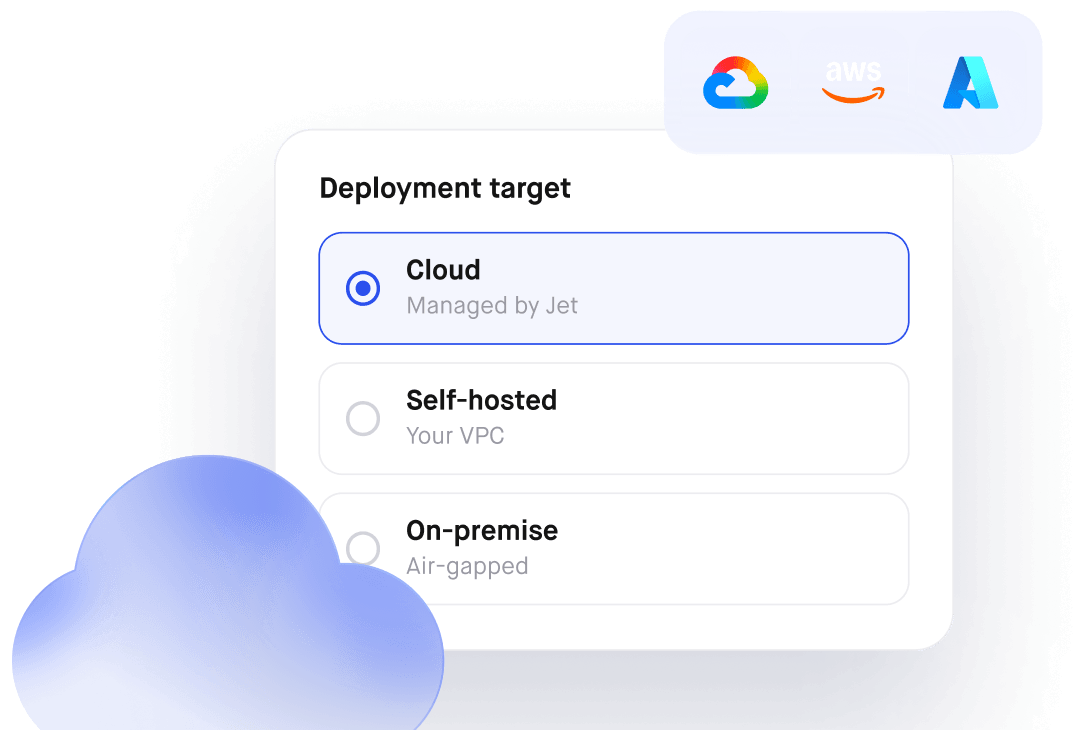
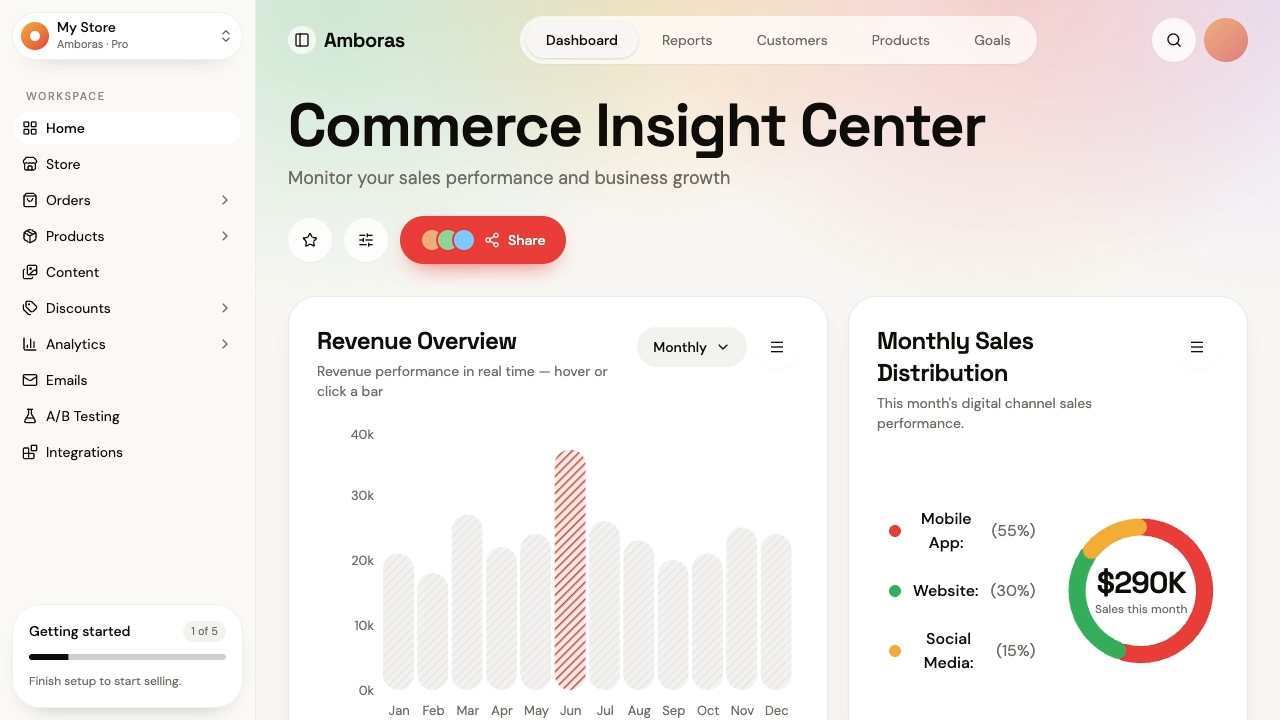
SQL Database Front End that lets you read and edit records without handing out a database client. Connect your database. Control who sees what. Self-host it.

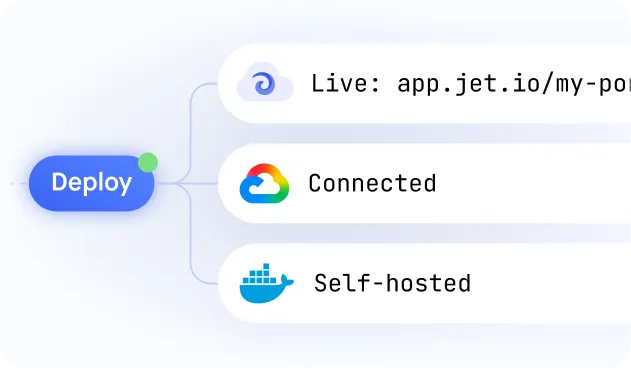
Build secure app fast



Build secure app fast
.jpeg)
One GUI, every engine
Connect PostgreSQL, MySQL, SQL Server, Snowflake, BigQuery and more, and manage every one of them through the same SQL GUI.
.jpeg)
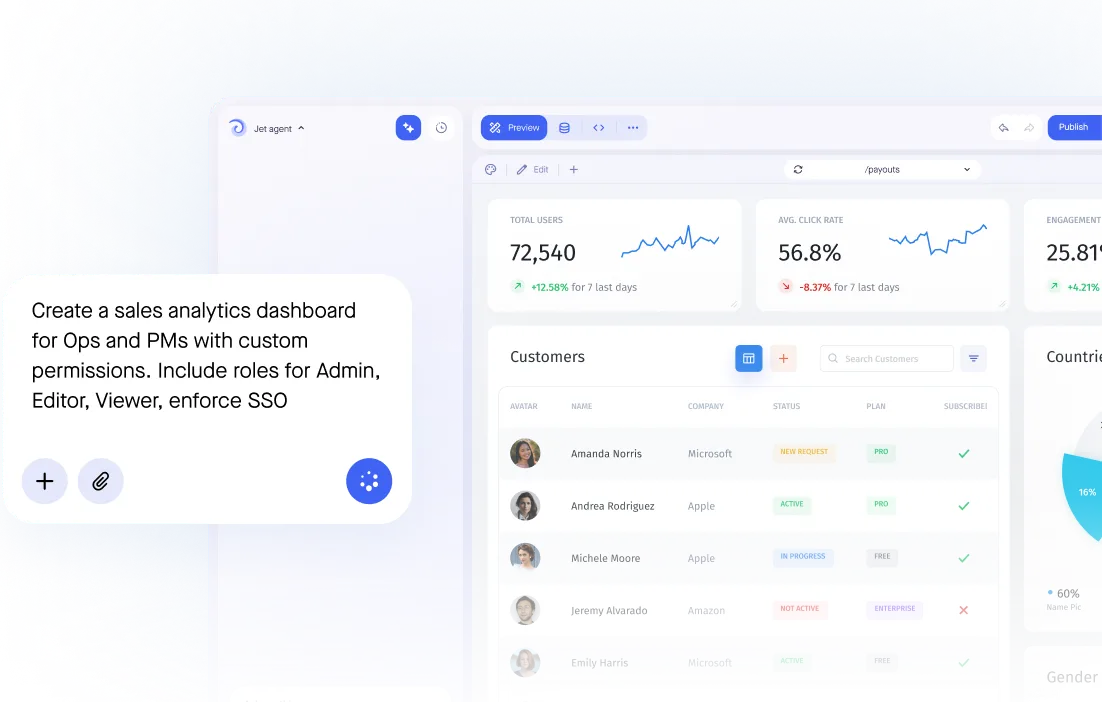
SQL or visual queries
Drop into raw SQL for the complex work or build views point-and-click. Both run live against your databases.
.jpeg)
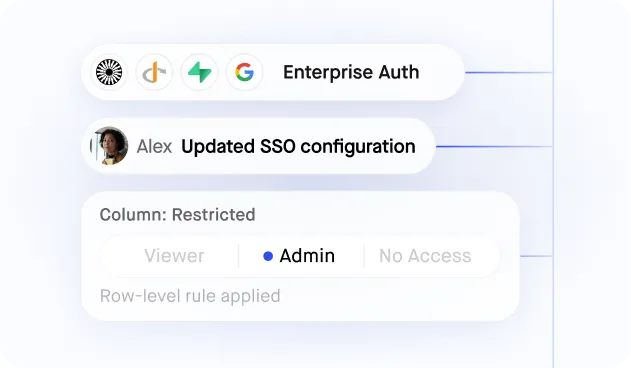
Granular user permissions
Give each role precise read and write access down to the column, across every SQL database you connect.
.jpeg)
Relationships and joins
Navigate across related tables using the foreign keys your SQL schema already defines, with no manual wiring.
.jpeg)
Write-back, no data copy
Every edit writes back to your SQL database in real time. Jet builds on the data where it already lives.
Similar Use Cases
No items found.





.png)





.png)














.svg-min.png)














.png)






Frequently asked questions
What is a SQL database front end?
A safe surface over a SQL database for reading and editing records, replacing shared credentials and a query tool on someone's laptop.
Does it stop dangerous queries?
It removes the need for them. People work through defined views and forms rather than writing SQL, so an unbounded update against production is not a mistake that is available to make.
Can we still write custom SQL where we need it?
Yes, where the builder chooses to. A query can back a view while the person using that view never writes one.
Is every change recorded?
Yes, with the user, the time, the record and the previous value. That is the difference between an edit you can investigate and one you can only discover.
Does it work across several databases?
Yes. One interface can read from more than one database, and from APIs alongside them, without the user needing to know where anything lives.