Get Started


Build order management software on your own data
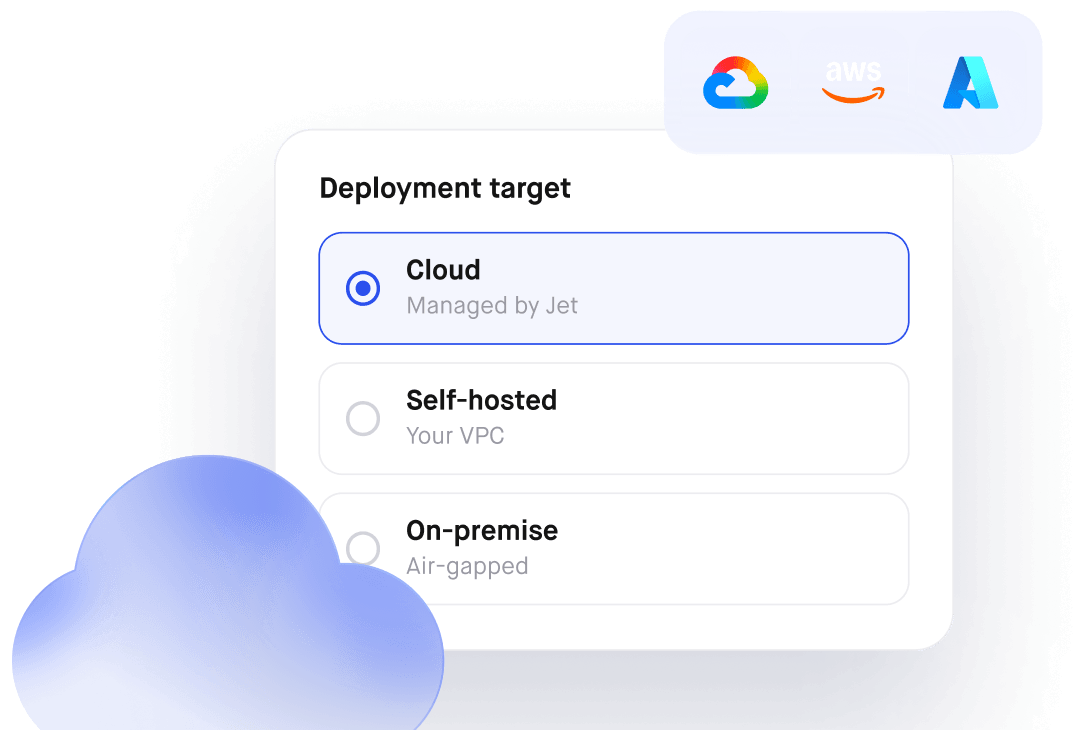
Order Management that lets you route requests, approvals and orders through one flow. Connect your database. Control who sees what. Self-host it.
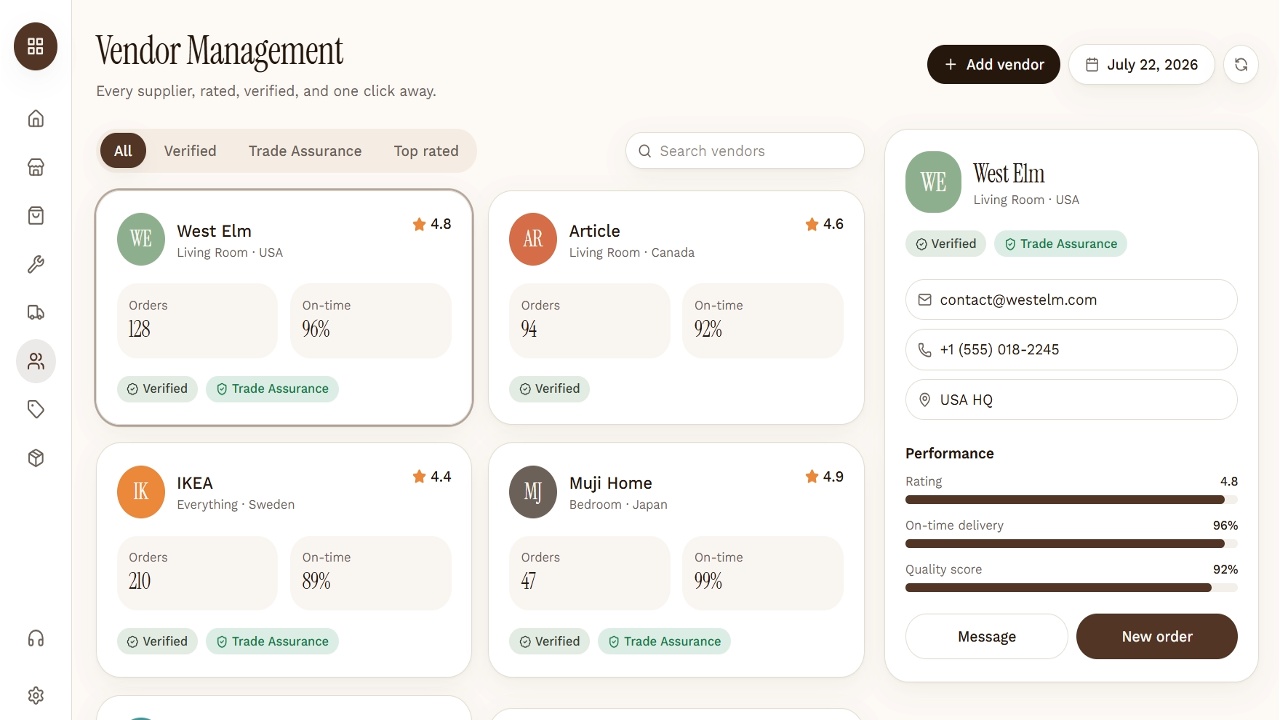
Build exactly what your team needs
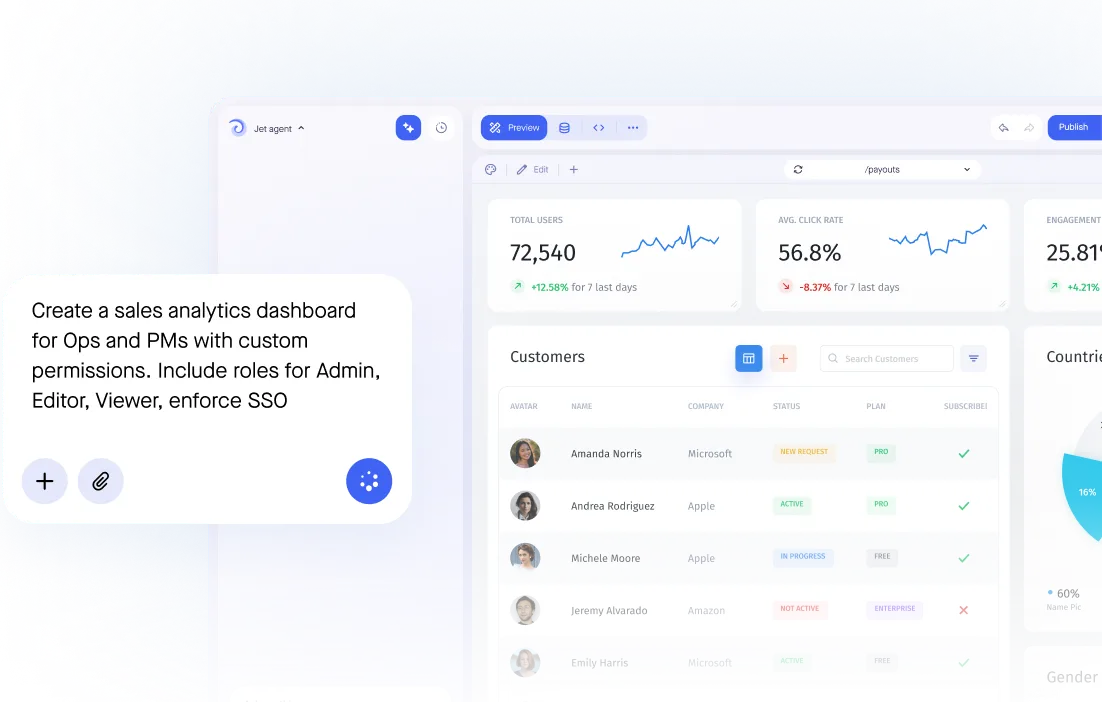

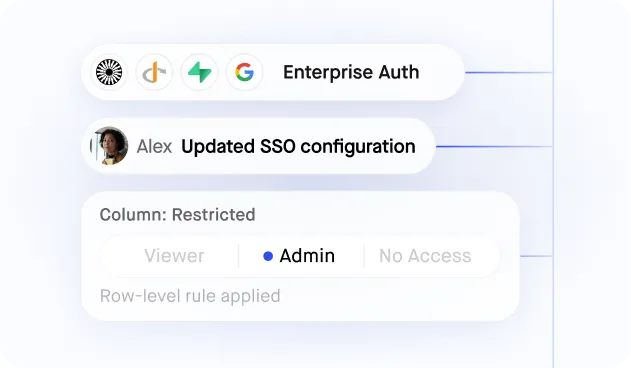
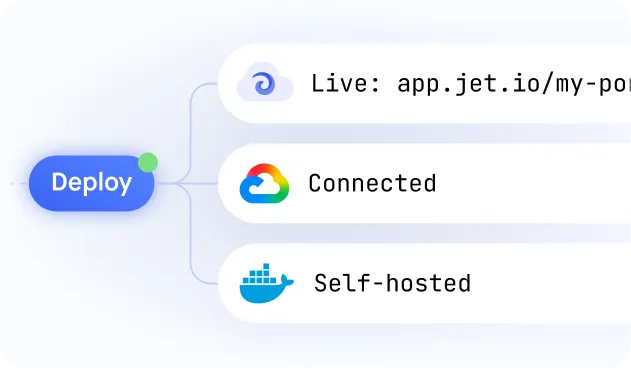
Build secure app fast



Build secure app fast
.jpeg)
Connect to Your Purchase Order and ERP Database
Jet Admin connects directly to your Postgres, MySQL, or ERP REST API where procurement data already lives — no migration to a new system, no re-entering supplier records, always in sync with your source of truth.
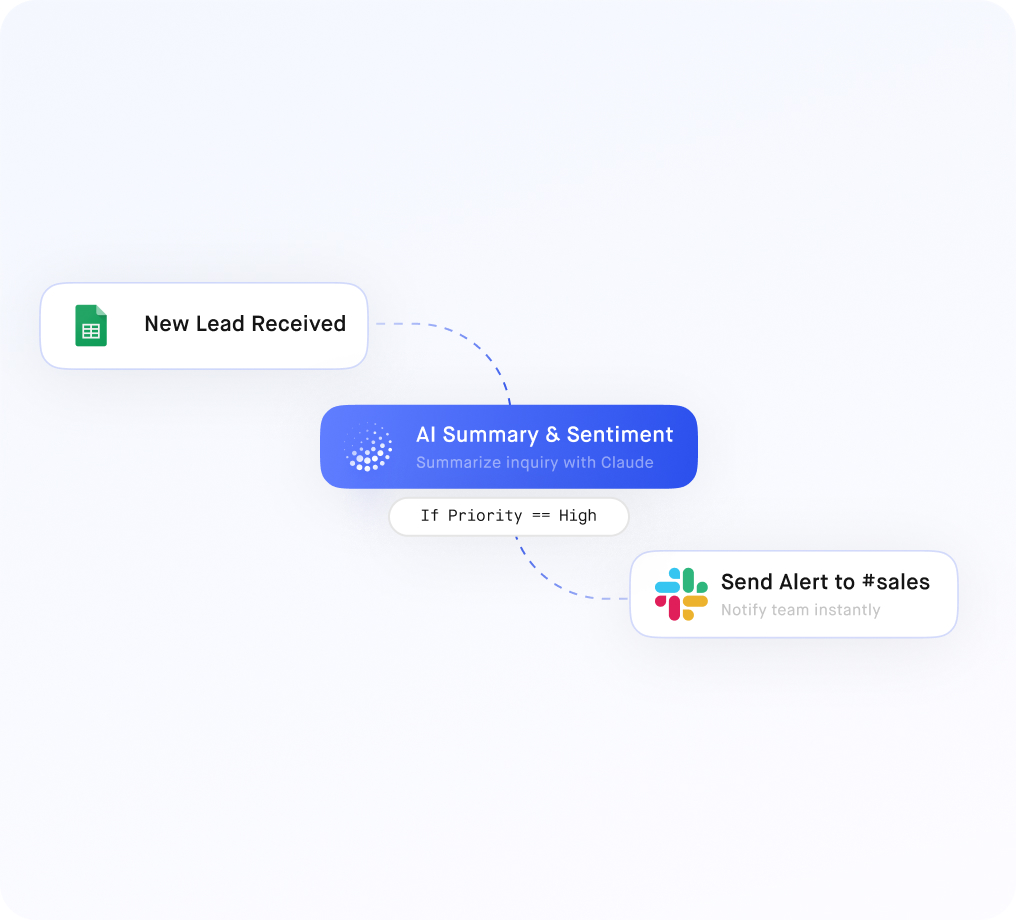
Multi-Stage Approval Workflows with Audit Logging
Build configurable approval chains for purchase requests — from requester to manager to finance — with full audit logging of every approval, rejection, and comment. Every step is timestamped and stored in your database.
.jpeg)
Vendor Portal with Scoped Supplier Access
Give each supplier a secure portal login showing only their own purchase orders, invoices, and delivery statuses. Row-level access ensures vendors see their data only, while your procurement team sees everything.
.jpeg)
Spend Analytics Dashboard from Live Data
Build a real-time spend dashboard pulling directly from your procurement database — tracking spend by vendor, category, or cost center without exporting to spreadsheets or waiting for monthly finance reports.
.jpeg)
Bulk PO Management for High-Volume Procurement Teams
Update PO statuses, assign approvers, or change budget codes across dozens of records at once with inline bulk editing. Designed for procurement ops teams managing hundreds of active purchase orders simultaneously.
Similar Use Cases
No items found.


.png)





.png)





.png)









.svg-min.png)























Frequently asked questions
What is order management software?
It tracks an order from placement through fulfilment to delivery, keeping the status, the exceptions and the customer communication in one record rather than across an inbox and a spreadsheet.
How is this different from our ERP?
An ERP holds the transaction; it rarely gives an operations team a workable screen. Building on top of it means the people chasing exceptions get a view built for that job without an ERP licence each.
Can it span multiple systems?
Yes. Orders in one database, inventory in another and shipping in a carrier API can appear as one record, which is usually where the status questions come from.
Can customers see their own orders?
Yes, through a portal scoped to their records only — the same data, with row-level isolation and a branded login.
Can we control who changes an order?
Yes. An agent can update status and add notes; only a supervisor can change price or approve a refund, enforced at field level and logged.