
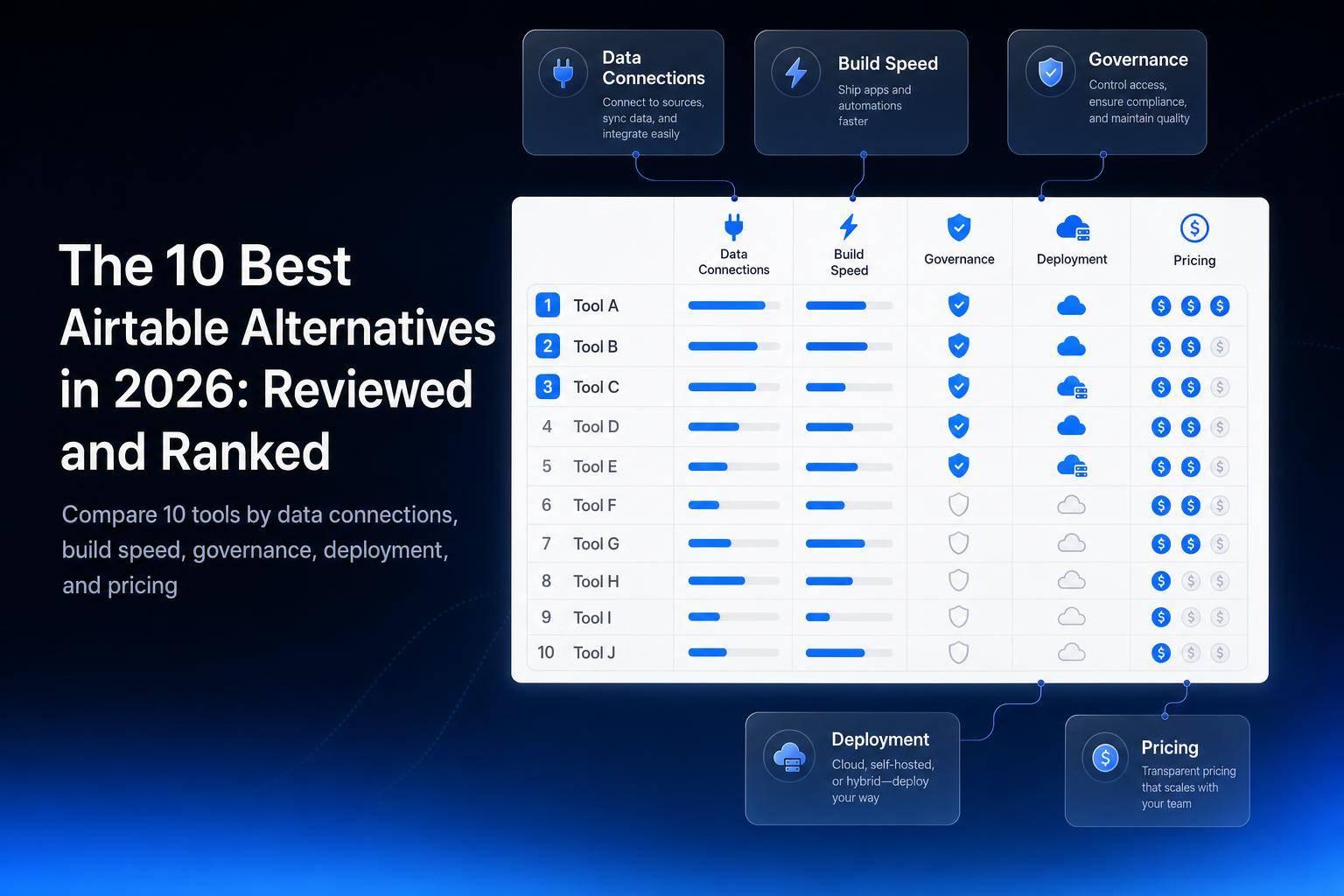
If Airtable feels too limiting, too pricey, or too tied to its own system, you have better options in 2026. I’d narrow the field like this: Jet Admin is my top pick for teams building on top of existing data, Retool is strong for SQL-heavy internal tools, Budibase and Appsmith stand out for self-hosting, NocoDB is a simple choice for existing SQL databases, Glide is best for spreadsheet-based apps, Softr fits portals, Power Apps fits Microsoft shops, and Quickbase fits governance-heavy companies.
I looked at 10 internal tool builder platforms using 4 buying factors: data connections, build speed, governance and deployment, and pricing. The big pattern is simple: some tools are built for developers, some for business teams, some for spreadsheet users, and some for companies that need tight control over access, hosting, and audit trails.
Here’s the short version:
- Best overall: Jet Admin
- Best for SQL databases: NocoDB
- Best open-source pick: Appsmith
- Best self-hosted pick: Baserow
- Best spreadsheet-to-app tool: Glide
- Best for external portals: Softr
- Best for Microsoft 365 teams: Microsoft Power Apps
- Best for large governed workflows: Quickbase
- Best for developer-led internal tools: Retool
- Best low-cost open-source option: Budibase
If you’re choosing fast, here’s how I’d think about it:
- Pick Jet Admin if you need many data sources plus cloud, self-hosted, or on-prem deployment (the last two on Enterprise).
- Pick Retool if your team is fine with SQL and JavaScript.
- Pick Budibase or Appsmith if you want open-source and more hosting control.
- Pick NocoDB if you already have MySQL or PostgreSQL and want a spreadsheet UI on top.
- Pick Glide if your workflow starts in Google Sheets or Excel.
- Pick Softr if you’re building a client portal, member area, or light CRM.
- Pick Power Apps if you already pay for and use Microsoft 365, SharePoint, and Azure.
- Pick Quickbase if admin control matters more than build freedom.
Quick Comparison
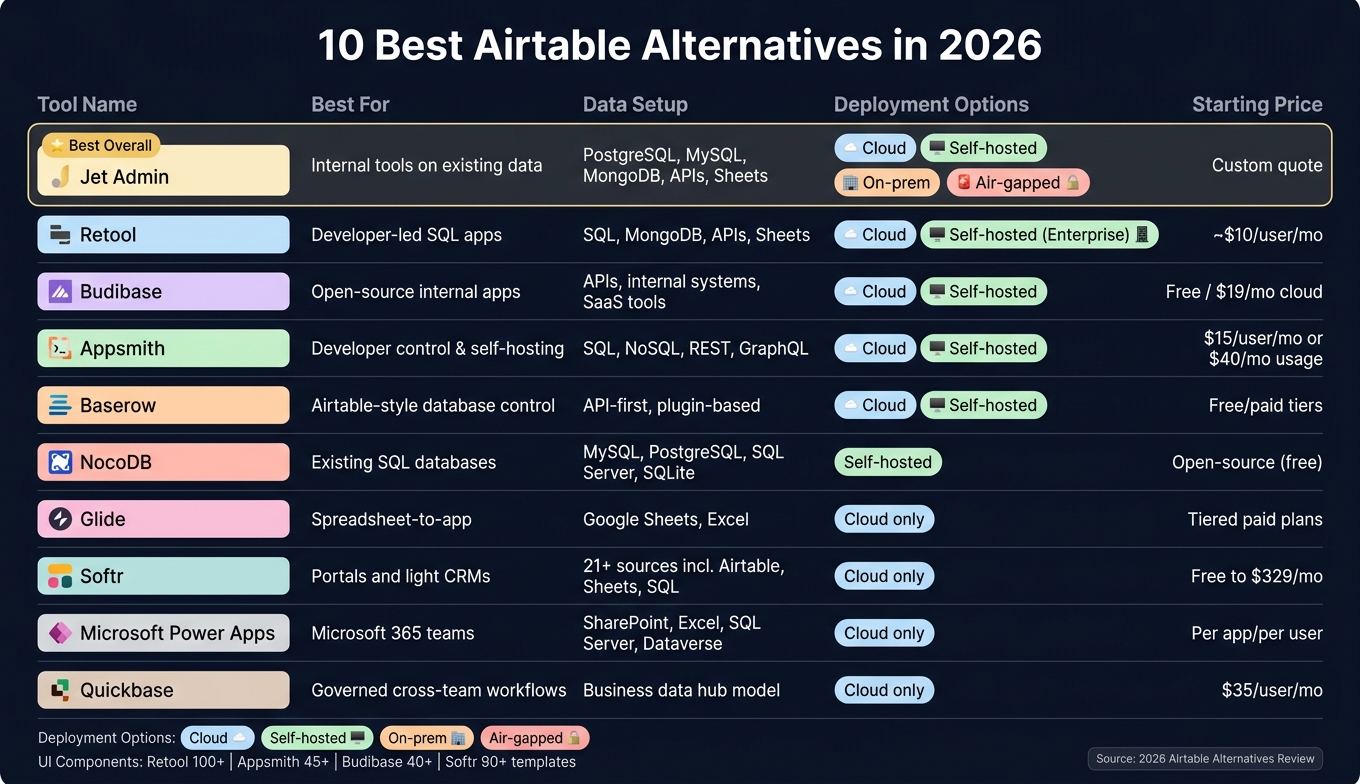
10 Best Airtable Alternatives in 2026: Side-by-Side Comparison
| Tool | Best For | Data Setup | Deployment | Pricing Shape |
|---|---|---|---|---|
| Jet Admin | Internal tools on existing data | PostgreSQL, MySQL, MongoDB, APIs, Sheets, Airtable, storage | Cloud; self-hosted, on-prem and air-gapped on Enterprise | Free; Pro $20/month; Business $100/month; Enterprise custom |
| Retool | Developer-led SQL apps | SQL, MongoDB, APIs, Sheets | Cloud, self-hosted on Enterprise | Per seat; starts around $10/user/month |
| Budibase | Open-source internal apps | APIs, internal systems, SaaS tools | Cloud or self-hosted | Free self-hosted; paid cloud from $19/month |
| Appsmith | Developer control and self-hosting | SQL, NoSQL, REST, GraphQL | Cloud or self-hosted | From $15/user/month or usage-based |
| Baserow | Airtable-style database control | API-first, plugin-based | Cloud or self-hosted | Mixed free/paid tiers |
| NocoDB | Existing SQL databases | MySQL, PostgreSQL, SQL Server, SQLite | Self-hosted | Open-source |
| Glide | Spreadsheet apps | Google Sheets, Excel | Cloud only | Tiered paid plans |
| Softr | Portals and light CRMs | 21+ sources, including Airtable, Sheets, SQL | Cloud only | Free to paid; Business at $329/month for SQL access |
| Power Apps | Microsoft-first companies | SharePoint, Excel, SQL Server, Dataverse, APIs | Cloud only | Per app/per user; connector costs vary |
| Quickbase | Governed cross-team workflows | Business data hub model | Cloud only | From $35/user/month |
A few numbers stand out right away: Retool offers 100+ UI components, Budibase has 40+, Appsmith includes 45+ widgets, and Softr offers 90+ templates. Those numbers don’t decide the winner on their own, but they do hint at how much comes ready to use on day one. This includes the ability to build a CRUD app in minutes without writing code.
In one line: the best Airtable alternative depends less on features alone and more on where your data lives, who is building the app, and how much control you need over hosting, access, and cost.
sbb-itb-8346adb
1. Jet Admin
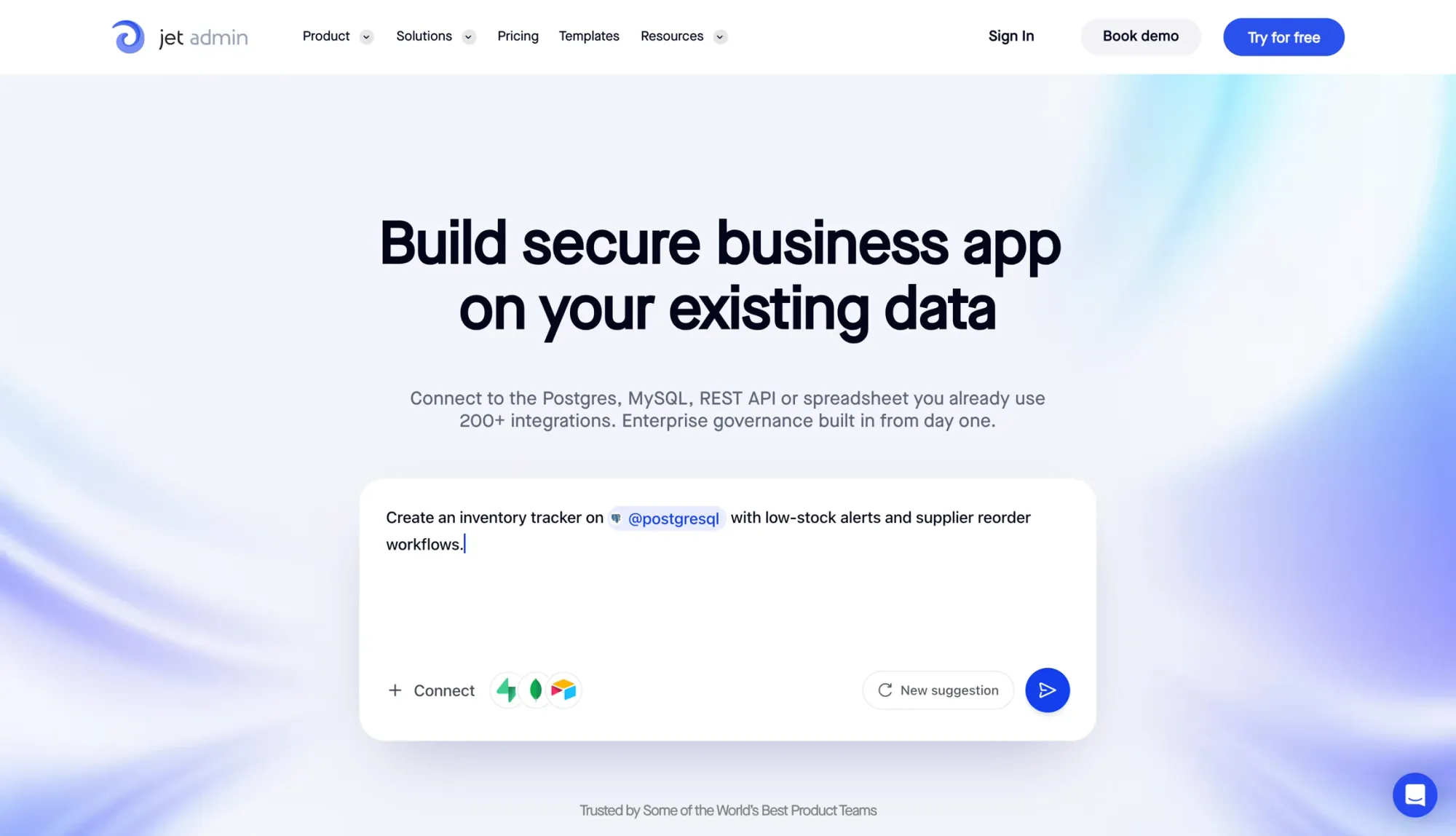
Jet Admin is an AI-powered app builder for teams that want to turn existing data into internal tools, dashboards, admin panels, and business apps.
Data-Source Flexibility
Jet Admin connects directly to PostgreSQL, MySQL, MongoDB, Supabase, Firebase, REST APIs, Google Sheets, and Airtable. It also supports cloud storage connections like Amazon S3, Google Cloud Storage, and Azure Blob Storage.
App-Building Speed
After the data connection is in place, the next step is simple: how fast can a team turn that data into something people can use? Jet Admin comes with 30+ building blocks and AI-powered relationship detection, which helps speed up database app creation.
That said, it’s not the lightest setup in every case. Some users point to more setup work than simpler no-code tools, and advanced UI customization is more limited than what you’d get with pure code-based builders.
Governance and Deployment
When a team moves from a test project to production, access control and deployment options start to matter just as much as build speed. Jet Admin supports row-, field-, and API route-level permissions, plus SSO, SAML and audit logs on the Business plan and above, and built-in authentication with magic link and Google login.
Deployment options include:
- Cloud
- Self-hosted
- On-premise
- Air-gapped environments
Self-hosted, on-premise and air-gapped deployment are on the Enterprise plan.
Pricing
Jet Admin has a Free plan with unlimited apps, users and workflows. Pro is $20/month ($16 billed annually), Business is $100/month ($80 billed annually) and adds granular permissions, SSO and audit logs, and Enterprise is custom-priced for on-premise, air-gapped and SCIM needs.
Pricing is based on AI credits rather than seats, so adding more users does not raise the bill.
2. Retool
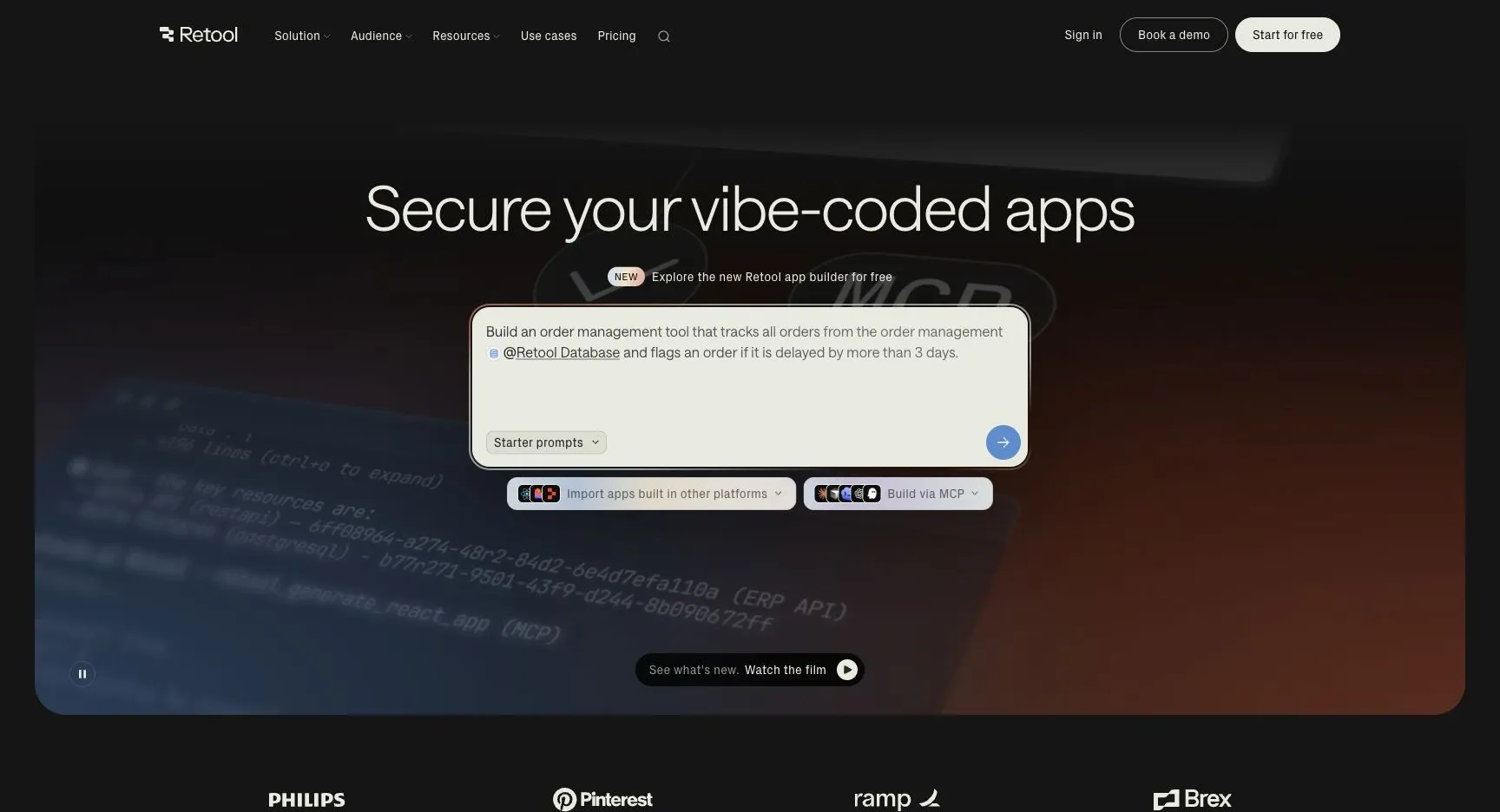
Retool is a low-code builder made for engineering-led teams that want to ship internal tools on top of existing databases and APIs. It fits best when the people building those tools are comfortable with SQL and JavaScript. That’s the trade-off in plain English: less simplicity, more control and speed.
Data-Source Flexibility
Retool connects to SQL databases, MongoDB, REST and GraphQL APIs, and Google Sheets. Its strongest area is SQL. Relational data lines up cleanly with Retool’s table and form components, which makes common internal-tool workflows feel pretty natural.
That said, Retool works best with relational data. Document data often needs to be flattened before it shows up cleanly in the UI. If your team lives in SQL, that may not feel like a big deal. If you work with messy nested data, it can slow things down.
App-Building Speed
Retool can get a working CRUD app on screen fast. It comes with more than 100 UI components, including tables, forms, and charts, so teams can assemble internal tools without starting from scratch.
Development also gets a boost from auto-refactoring. When variable names change, Retool updates dependent queries and components for you. In practice, that helps teams ship internal tools much faster than they would with custom code.
The downside is the editor. It’s dense, and because it’s live, accidental clicks during design can trigger real queries or API calls. That can feel a bit like bumping the wrong switch in a busy control room. Native testing is still in closed beta, so many teams lean on external tools instead. For developers, that trade-off may be fine. For nontechnical builders, it’s a tougher sell.
Governance and Deployment
After an app goes live, the main trade-off shifts to plan limits and access controls. Governance is tied to pricing tiers. Basic roles start on Team, granular RBAC and SSO start on Business, and audit logs plus self-hosting are held for Enterprise.
One thing to watch: Retool does not support automatic key rotation, so teams have to update keys manually.
Pricing
Pricing looks simple at first, but costs can climb fast as usage grows.
| Plan | Builder Price | End-User Price | Deployment | Governance |
|---|---|---|---|---|
| Team | ~$10/mo | ~$5/mo | Cloud | Basic |
| Business | ~$50/mo | ~$5/mo | Cloud | RBAC, SSO |
| Enterprise | Custom | Custom | Cloud or Self-Host | Full (Audit Logs, SAML) |
Public apps require Business or Enterprise pricing, with a minimum annual commitment of about $600. Per-seat pricing can ramp up fast once a prototype starts spreading across a team or department, so it’s smart to model costs early before locking in.
3. Budibase
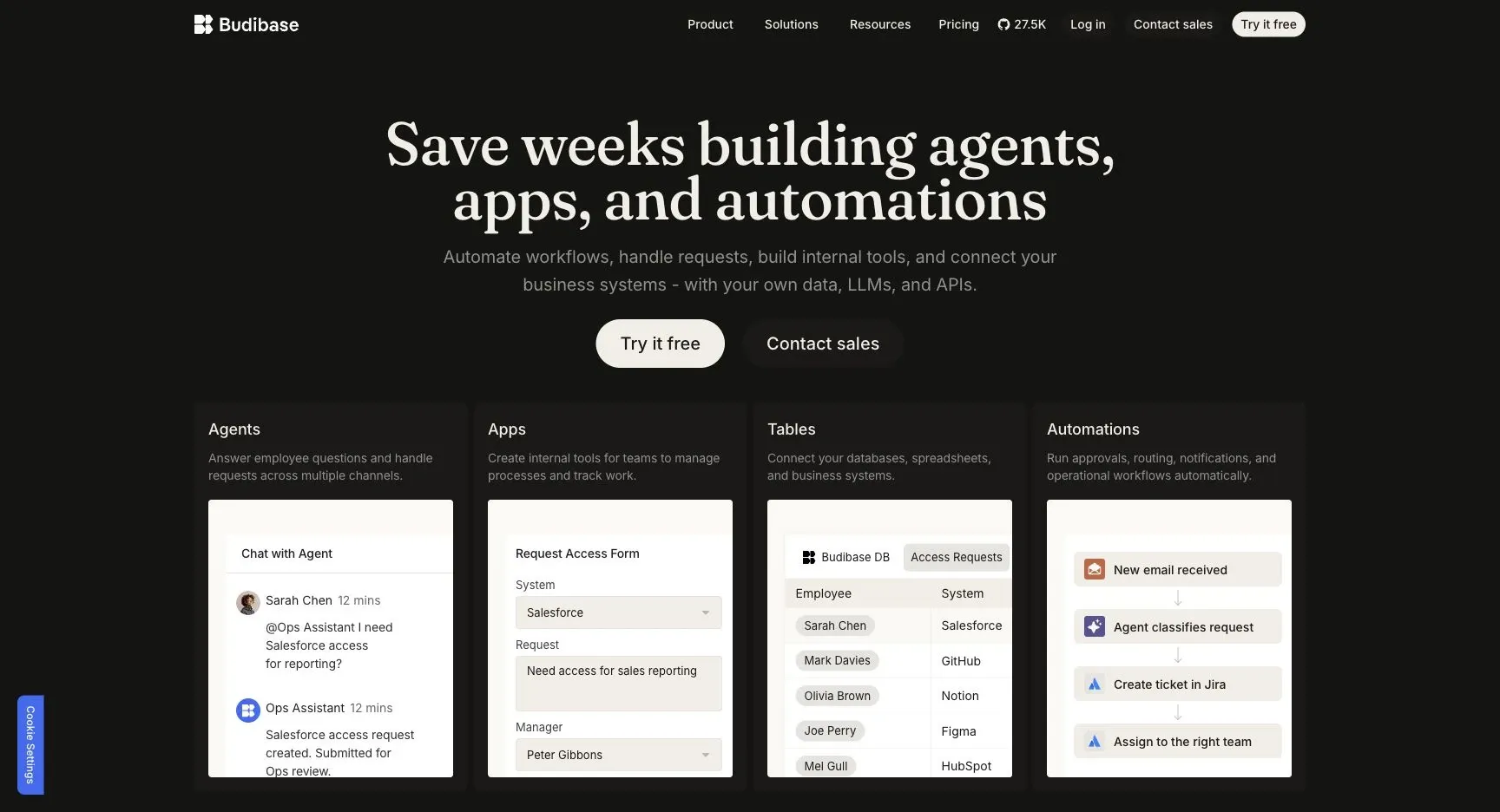
Budibase leans less into heavy developer control and more into fast open-source app delivery. Because it’s open-source and self-hostable, it fits teams that want to ship internal apps fast while still keeping more control over where and how those apps run.
Data-Source Flexibility
Budibase connects internal systems and third-party SaaS tools through a dedicated REST API connector.
App-Building Speed
Budibase comes with 40+ UI components and can generate CRUD interfaces from a connected data source in seconds. That can save a lot of setup time, especially when a team needs to move from idea to working app fast.
It’s also known for mobile-ready internal tools and desktop dashboards, which makes it a solid pick for teams that need apps employees can use in the field, not just at a desk. And if the out-of-the-box setup doesn’t cover everything, developers can extend workflows with JavaScript or Python.
Governance and Deployment
Budibase can be self-hosted on your own infrastructure, with RBAC and SSO available on paid tiers instead of being reserved only for enterprise plans. For teams that care about control but don’t want a long setup slog, that balance matters.
The built-in automation engine includes 20+ triggers and actions for things like approvals and onboarding.
Pricing
Cloud plans start as low as $19/month. Self-hosting the open-source version is free, while enterprise pricing is custom.
| Plan Type | Starting Price | Deployment |
|---|---|---|
| Free (Open Source) | $0 | Self-hosted |
| Paid Cloud | As low as $19/month | Cloud |
| Enterprise | Custom | Cloud or Self-hosted |
For teams that want open-source freedom without slowing app delivery down, Budibase stands out.
4. Appsmith
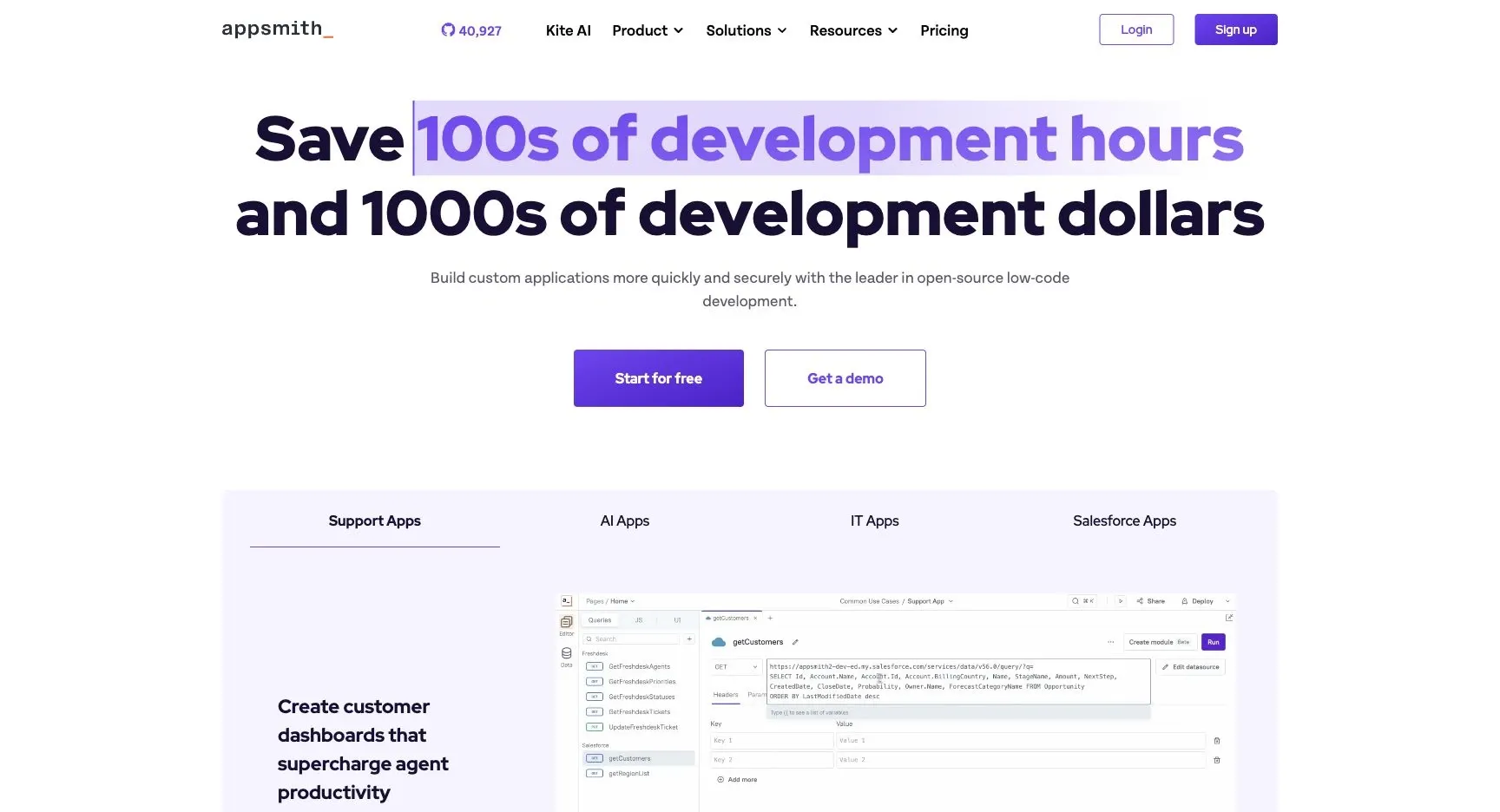
Appsmith is an open-source low-code platform built for developers. You get full source-code access and JavaScript support. If your team wants more control than a lighter no-code tool can give, Appsmith is the next step.
Data-Source Flexibility
Appsmith connects straight to your current databases and APIs, so teams don’t have to move data into a closed system. It works with SQL, NoSQL, and REST/GraphQL APIs, and it comes with 45+ widgets. That setup makes sense for teams that already have data where they want it and just need a clean app layer on top.
App-Building Speed
Its drag-and-drop editor uses a 64-column layout grid, which gives teams tight control over layout and spacing. The flip side? It takes more time to learn than lighter no-code tools, and it offers fewer templates. Teams that are comfortable with JavaScript will usually get more out of it and move faster.
Governance and Deployment
This is the clearest reason Appsmith ranks here: it gives teams strong control over how apps are built and shipped.
Appsmith includes Git-based version control, Git branch protection, and multi-environment support for development, staging, and production. On the security side, it includes granular RBAC and audit logs. For deployment, teams can choose managed cloud or self-hosting. Self-hosted setups run through Docker or Kubernetes and avoid per-seat fees.
Put simply, Appsmith leans into control, not ease of use.
Pricing
| Plan | Starting Price | Notes |
|---|---|---|
| Paid Cloud | From $15/user/month | User-based pricing |
| Usage-Based Cloud | $40/month | Includes 100 hours; $0.40/hour after |
| Enterprise | Custom | SSO, SCIM, dedicated support |
Users often point to its deep customization, open-source model, and enterprise security as key reasons to choose it.
5. Baserow
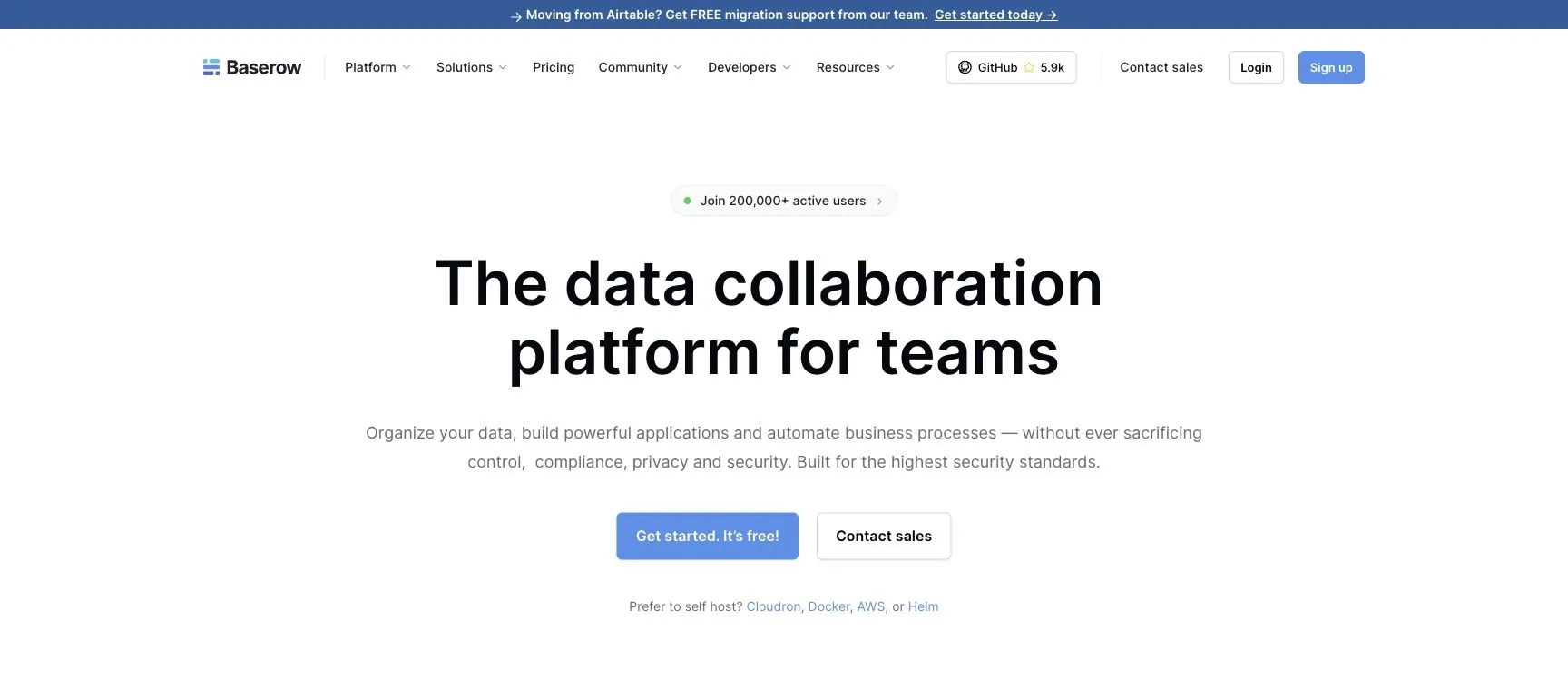
Baserow is an Airtable-style database platform for teams that want the feel of a spreadsheet without giving up control over how and where their data is managed. It works best for teams that like spreadsheet-style workflows but still want database-level control.
Data-Source Flexibility
Baserow uses an open-source, API-first setup, which makes it easy to connect with other systems or extend through plugins.
App-Building Speed
Baserow is fast for turning spreadsheet-style data into apps. But if you need more complex governance or setups with multiple apps, you'll still likely need developer help.
Governance and Deployment
Baserow supports both managed cloud and self-hosting through Docker or Kubernetes. It also supports RBAC, GDPR, HIPAA, and SOC 2. More granular permissions and enterprise support are available on paid tiers.
That makes Baserow a good fit for teams that care more about data ownership and deployment control than deep UI customization.
6. NocoDB
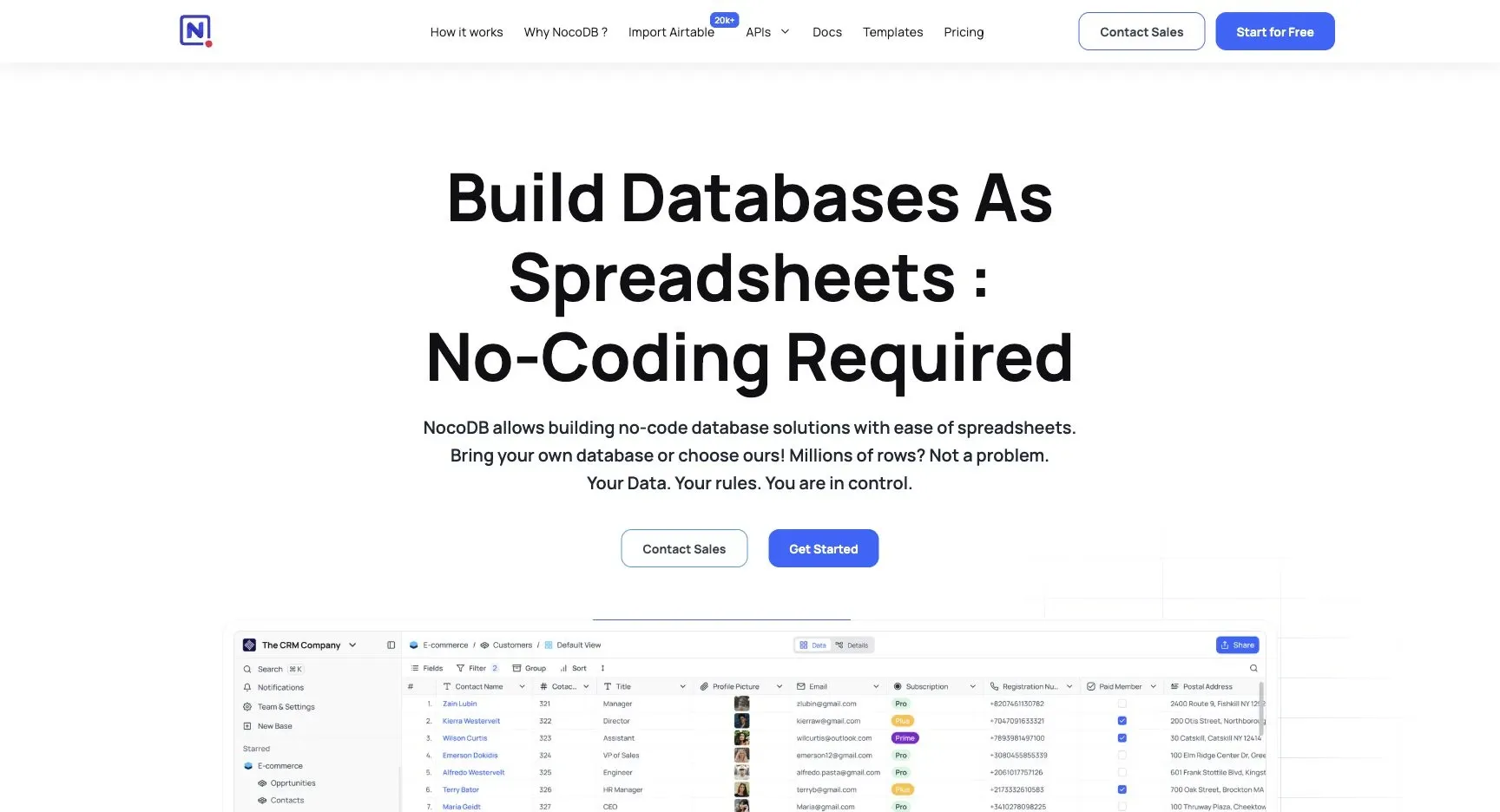
If your team already stores data in SQL, NocoDB cuts out the migration step. It connects straight to existing databases like MySQL, PostgreSQL, SQL Server, and SQLite and adds a spreadsheet-style interface on top. No data move. No need to rebuild your setup from scratch.
It can also generate a UI from your schema. That makes it a fast pick for teams that already have a database and want to start working from it, instead of setting up a new base first.
NocoDB works well for internal CRUD apps, views, forms, and simple automations.
Because NocoDB is open-source, teams keep control over where their data lives. That makes it a strong fit for database-first CRUD apps and internal views.
7. Glide
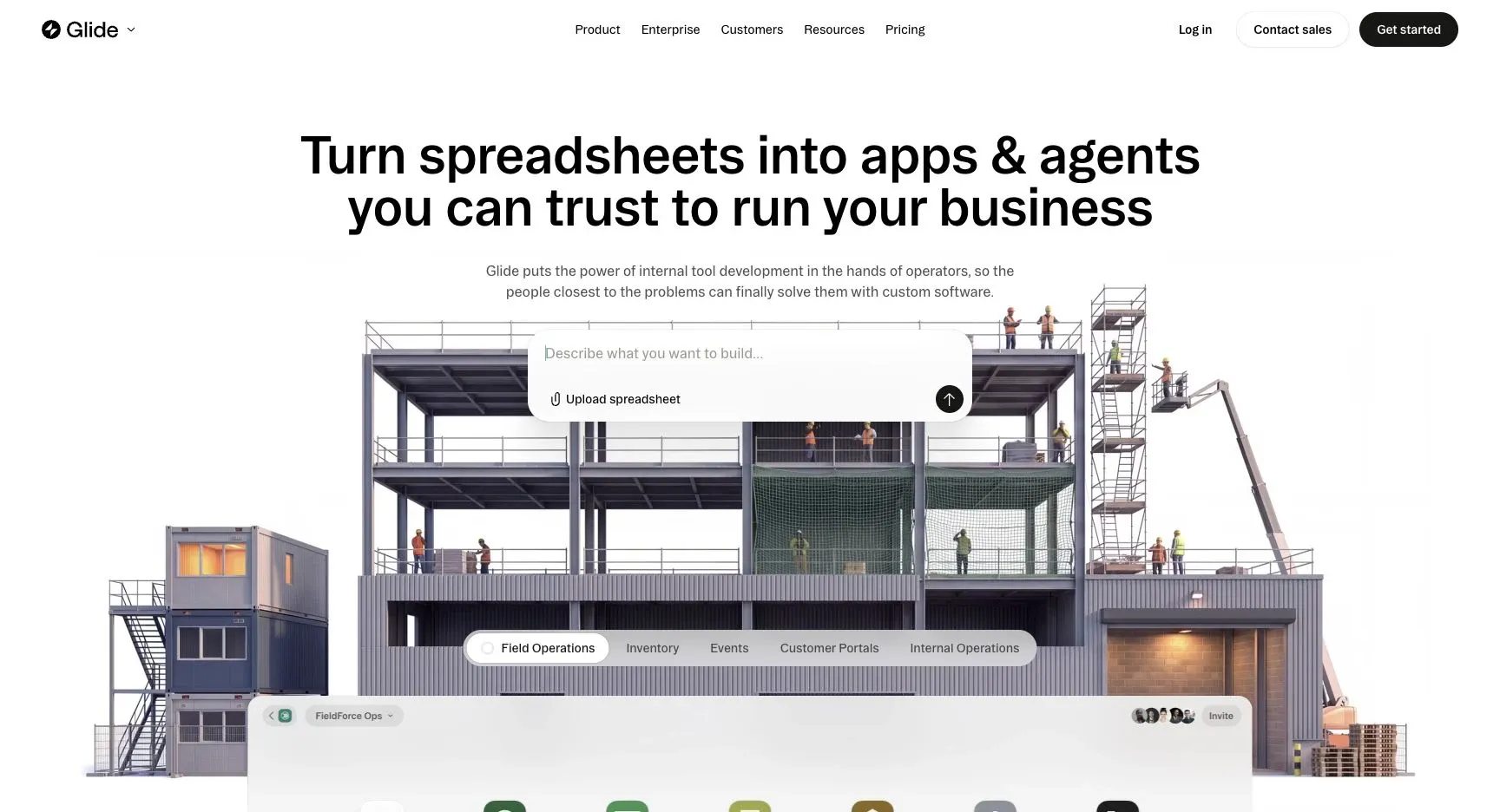
For teams that already run on spreadsheets, Glide is one of the fastest ways to turn that data into a simple internal app.
It’s built for spreadsheet-first teams, which means you can take data from Google Sheets or Excel and turn it into an app without much setup. If your team already lives in rows, columns, and tabs, Glide feels like a natural next step.
Data Source Flexibility
Glide works best for simple apps that sit on top of spreadsheet data. It’s a strong fit for sheet-backed use cases, but it’s not the best pick for database-heavy workflows or setups with lots of moving parts.
App-Building Speed
This is where Glide stands out. It’s well known for fast app creation from Google Sheets, which makes it a good option when you need to get something live without a long build process.
Design and Customization
Glide comes with prebuilt templates and components, so you can put together an app fast. The tradeoff is that customization is more limited. If speed matters more than deep workflow control, Glide makes a lot of sense.
That’s why Glide works well for quick spreadsheet-to-app workflows.
8. Softr
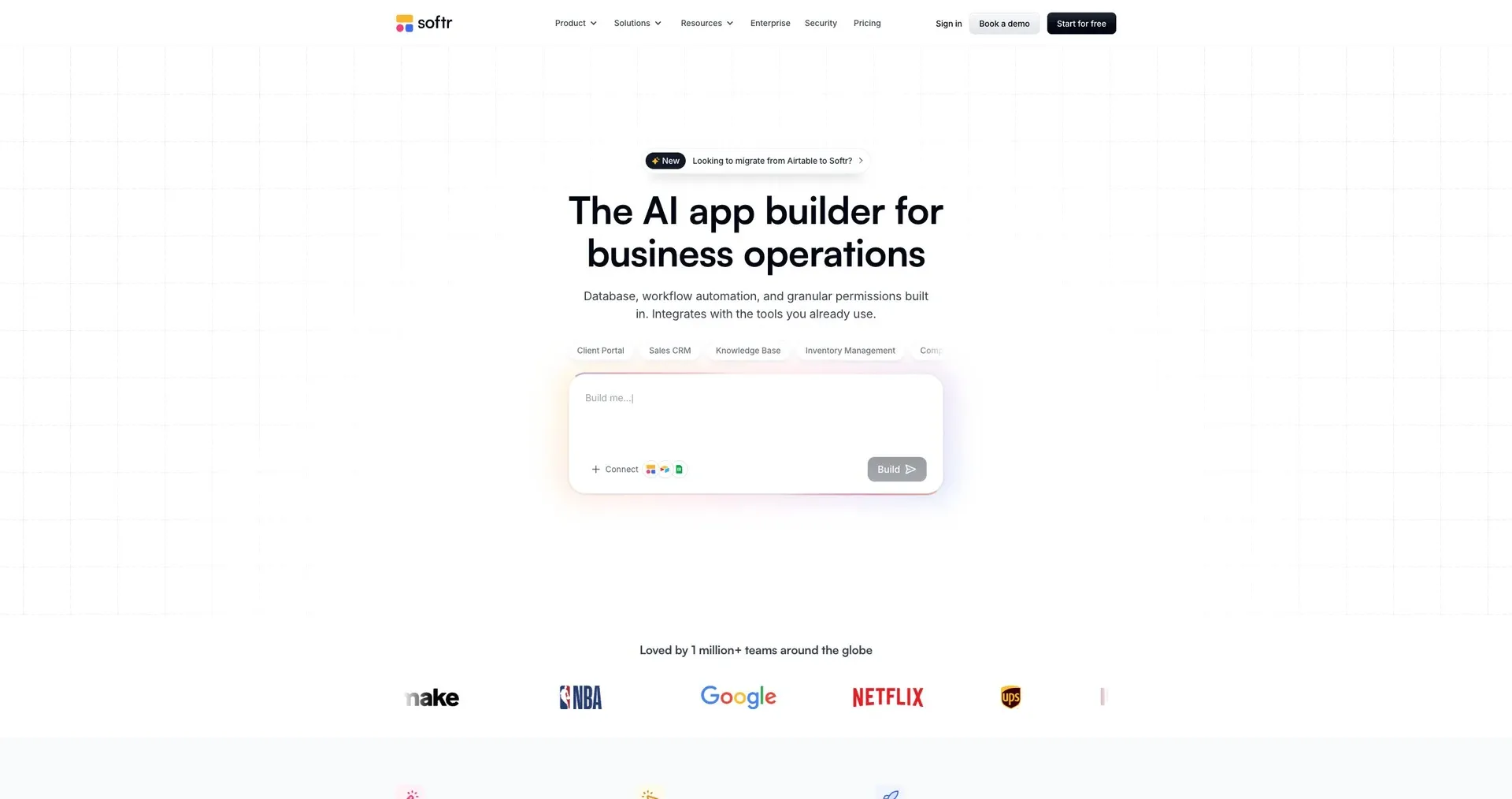
Softr works well for client portals, member directories, and lightweight CRMs. In plain terms, it leans toward customer-facing apps more than back-office admin systems.
Data Source Flexibility
Softr connects to 21+ data sources, including Airtable, Google Sheets, Notion, HubSpot, and SQL databases like MySQL, PostgreSQL, SQL Server, MariaDB, and BigQuery. It also has a native Softr Databases layer for built-in storage. On top of that, two-way real-time sync helps keep records up to date across sources.
That setup makes sense for portal-style apps, where data often needs to move between tools people already use, rather than for heavy internal database operations.
App-Building Speed
Softr puts a lot of focus on speed. Its AI Co-Builder can generate the app, schema, pages, and logic from a plain-English prompt in minutes. If you want more control over the interface, the Vibe Coding block can generate components and widgets with AI.
Softr also includes Softr Workflows for automation triggered by UI actions or data changes. And if you don't want to start from scratch, there are 90+ pre-built templates available.
Governance and Deployment
Softr is geared toward external-facing apps. It includes role-based permissions and row-level data restrictions, so users only see the records assigned to them. That's a big deal for client portals, where one user should never peek into another account by accident.
It is SOC 2 Type II and GDPR compliant, with data hosted in Europe. Apps are mobile-responsive by default and support custom domains and full white-labeling. SSO is available on the Enterprise plan.
Taken together, those controls make Softr a strong option when you need managed external access without a lot of setup.
Pricing
Softr uses tiered pricing based on user limits. Here are the current plan limits:
| Plan | Monthly Price | App Users | Record Limit |
|---|---|---|---|
| Free | $0 | 5 | 5,000 |
| Basic | $19 | 10 (5 team + 5 client) | 50,000 |
| Pro | $99 | 60 (10 team + 50 client) | 500,000 |
| Business | $329 | 130 (30 team + 100 client) | 1,000,000 |
| Enterprise | Custom | Custom | Custom |
SQL database integrations start on the Business plan, while Enterprise adds SSO, dedicated SLAs, and success managers.
9. Microsoft Power Apps
Microsoft Power Apps makes the most sense for teams already running on Microsoft 365, SharePoint, and Azure. In many cases, basic use may already be covered by current licensing. If your company is already deep in the Microsoft stack, Power Apps is usually the most direct option.
Data Source Flexibility
Power Apps works smoothly with Microsoft-native data sources like SharePoint, Excel, SQL Server, and Dataverse. Dataverse sits at the center of the platform and handles relational data in a way spreadsheet-style tools simply can't.
Power Apps also supports custom connectors and REST APIs for outside systems. That said, there's a catch: premium connectors can push costs up.
App-Building Speed
Power Apps gives teams two main ways to build:
- Canvas apps for drag-and-drop layouts
- Model-driven apps for data-first builds
In Microsoft-heavy setups, teams can move fast. But Power Fx, the platform's formula language, is often where things slow down. It has a learning curve that can surprise non-technical users, even though Power Apps is sold as a low-code tool.
Governance and Deployment
Power Apps uses Azure AD for identity management. It also supports column-level security and row-level filtering through Dataverse.
Deployment follows an environment-based model, with separate development, staging, and production environments using packaged Dataverse solutions. Native CI/CD and Git-based workflows aren't built in, so teams usually need extra tooling to fill that gap. The other issue is licensing: it can get complicated fast.
Pricing
Pricing is one of the trickier parts of Power Apps. There's a free developer plan for building and testing, but production use requires paid plans priced either per user or per app.
Connector choice also affects cost. Standard connectors are less expensive, while premium connectors add more to the bill. Some Microsoft 365 plans include limited Power Apps use, which can trim costs for current Microsoft customers.
10. Quickbase
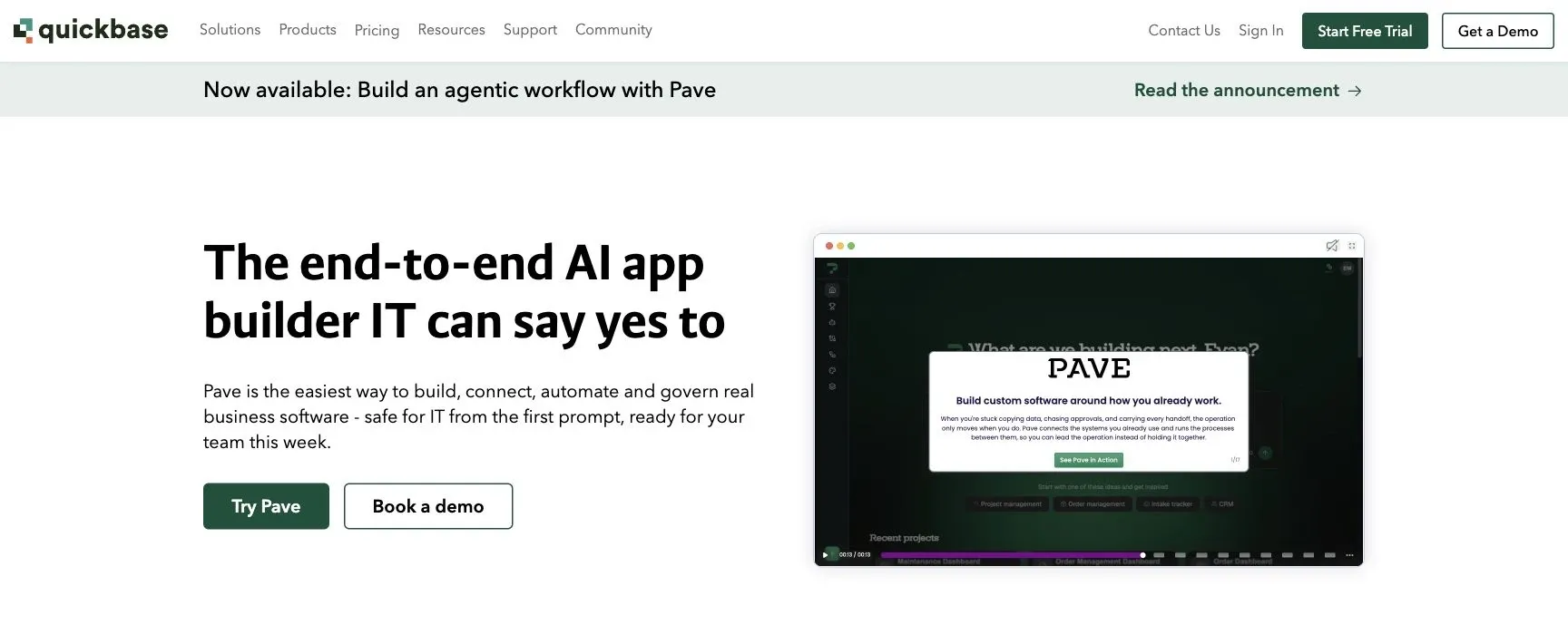
Quickbase is a governed no-code platform built for large teams that need to manage complex business workflows and shared operational data. In plain English: it gives teams one place to manage data tied to projects, tasks, and resourcing instead of letting that information live across scattered tools.
Data Source Flexibility
Quickbase works best as a governed hub for business data and processes. That setup makes sense for companies that want tighter control over how teams store, use, and share information.
App-Building Speed
Quickbase uses a WYSIWYG editor and AI assistant to help teams build structured apps fast. That said, it’s a better fit for structured workflows than for teams that want a more open-ended builder with lots of freedom.
Governance and Deployment
Quickbase puts a lot of weight on admin control and centralized oversight, which is a strong match for teams running complex workflows across many people or departments. If your company cares about guardrails, permissions, and keeping things orderly, that focus will stand out pretty fast.
Pricing
Quickbase starts at $35/user/month when billed annually, and it comes with a 30-day free trial. It’s priced for enterprise use, and its focus on structured workflows can feel limiting for teams with broader needs. Those trade-offs are easier to see in the comparison below.
Pros and Cons at a Glance
Use this quick matrix to compare the trade-offs that matter most after the individual reviews. Each row shows the top reason to pick a platform and the main reason to skip it.
| Platform | Biggest Advantage | Biggest Limitation | Best Team Fit | Deployment |
|---|---|---|---|---|
| Jet Admin | Connects to the broadest mix of data sources, with AI-assisted app generation | Setup takes more work than lighter no-code tools | Ops and IT teams building admin panels and dashboards on top of existing databases | Best for regulated teams that need deployment control |
| Retool | Fastest route to production for SQL-backed internal tools, with deep components for more complex builds | Dense editor; governance features sit behind higher tiers | Developer-led teams that are comfortable with SQL and JavaScript | Best for teams that want cloud speed with an enterprise upgrade path |
| Budibase | Open-source and self-hostable, with RBAC available below enterprise tier | Smaller community and fewer templates than bigger platforms | Teams that want open-source freedom without slowing down delivery | Best for teams that want self-hosted control at a low cost |
| Appsmith | Full source-code access, plus Git-based version control and multi-environment support | Steeper learning curve; fewer templates than no-code options | Developer teams that need self-hosted control without per-seat lock-in | Best for teams that want self-hosted control without per-seat lock-in |
| Baserow | API-first, open-source database with strong compliance support, including GDPR, HIPAA, and SOC 2 | Complex multi-app governance still needs developer involvement | Teams that care more about data ownership than deep UI customization | Cloud or self-hosted through Docker or Kubernetes |
| NocoDB | Adds a spreadsheet UI directly on top of existing SQL databases, so there’s no need to migrate | Limited automation depth; not a fit for complex app logic | Database-first teams that need fast CRUD views without rebuilding their stack | Open-source; self-hosted |
| Glide | Fastest spreadsheet-to-app workflow for Google Sheets and Excel data | Not a fit for database-heavy or complex multi-source workflows | Teams that already live in spreadsheets and need a fast app layer | Cloud-only |
| Softr | AI Co-Builder creates pages and logic from a plain-English prompt | Not built for back-office admin systems or consumer-facing SaaS | Ops and business teams building portals without developers | Cloud-only |
| Microsoft Power Apps | Deep integration with Microsoft 365, SharePoint, and Azure; often included in existing licensing | Power Fx has a learning curve; premium connectors add cost; no native Git-based CI/CD | Teams already running on the Microsoft stack | Cloud-only; environment-based deployment through Dataverse |
| Quickbase | Centralized governance and admin control for complex cross-team workflows | Starts at $35/user/month; its structured focus can feel limiting for open-ended builds | Large enterprises with governance-heavy workflows | Cloud-only |
Best Picks by Use Case
Use this table as a quick shortlist by use case.
| Use Case | Best Pick | Why It Wins |
|---|---|---|
| Best Overall | Jet Admin | Connects to Postgres, MySQL, MongoDB, REST APIs, Google Sheets, and Airtable. It also includes AI app generation plus cloud, self-hosted, or on-prem deployment (the last two on Enterprise). |
| Best for Existing SQL Databases | NocoDB | Adds a spreadsheet UI on top of MySQL or Postgres. |
| Best for Open-Source Deployment | Appsmith | Self-hosted, full source-code access, and no per-seat fees when self-hosted. |
| Best for Spreadsheet-to-App Workflows | Glide | The fastest path from spreadsheet to a working mobile-first app. |
| Best for External Portals | Softr | Built for client portals and CRMs, with an AI Co-Builder that generates permissions and databases for external users. |
| Best for Microsoft-Centric Organizations | Microsoft Power Apps | Deep native integration with Azure and Microsoft 365. |
| Best for Enterprise Workflow Management | Quickbase | Strong governance and admin controls for large cross-team workflows. |
| Best for Self-Hosted Deployment | Baserow | Self-hosted, compliance-friendly deployment. |
FAQs
How do I choose the right Airtable alternative for my team?
Choose based on your team’s technical skills, data needs, and governance requirements. Start by pinning down the main use case, whether that’s project management or building secure internal tools on top of existing databases.
Then compare candidates on a few key points:
- data connectivity
- governance features like SSO, audit logs, and row-level permissions
- builder skill level
- deployment options
Before you make the call, run a 2-to-4-week pilot with one real workflow.
Which tools work best with existing SQL databases?
Several platforms work well with existing SQL databases, so you can build internal tools without moving your data.
Jet Admin connects to PostgreSQL, MySQL, SQL Server, and other databases as a frontend and logic layer. NocoDB adds a spreadsheet-style interface. And tools like Retool, Appsmith, Softr, and Budibase support SQL-based dashboards, CRUD apps, and internal tools.
Which option is best for self-hosting and compliance?
For teams that put self-hosting and compliance first, the top picks are the ones that support on-premise or private cloud deployment. That matters for data residency and network isolation, especially when sensitive data can't leave your setup.
Baserow is a strong match for teams dealing with GDPR, HIPAA, and SOC 2 requirements. Appsmith, ToolJet, and Budibase give you full self-hosted control. DronaHQ and Jet Admin add enterprise-grade security features, including audit logs and granular access controls.