Spreadsheets break, custom software takes too long, and generic SaaS tools often force your workflow into a box. The best internal tool builders let you build the interface your team needs on top of data you already own. Here are 10 strong options, with a straight look at use cases, security, deployment, pricing models, and trade-offs.
1. Jet Admin
Jet Admin is a platform for building internal tools and external-facing apps on databases, APIs, and spreadsheets. It’s the strongest fit for teams that need fast delivery without giving up control over data access or deployment.
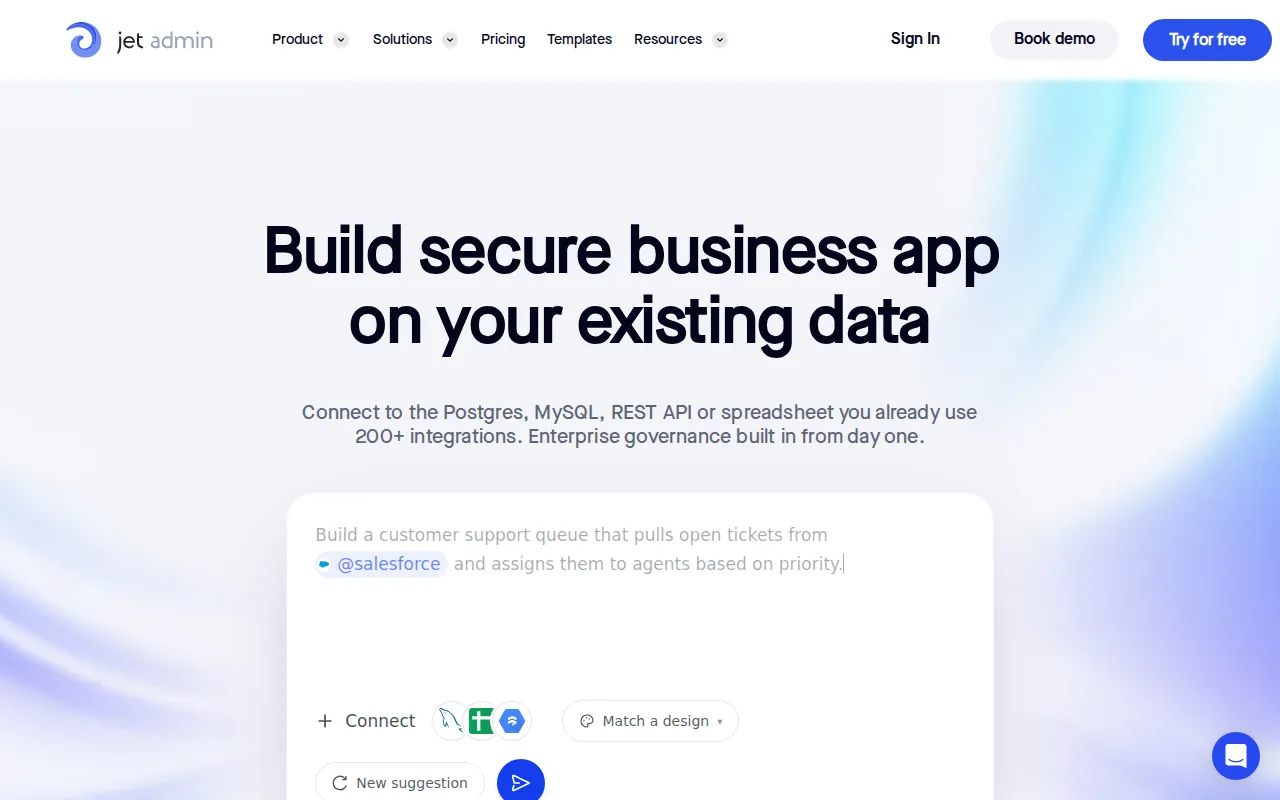
Jet Admin automatically generates backend logic behind the scenes, so developers don’t have to assemble every server action by hand. You can connect existing data, shape a user interface, and keep the app tied to the systems your business already uses.
The security model is built for serious operational work. Jet Admin supports granular permissions, audit trails, and SSO. Those controls help an IT team answer basic but important questions: who can see a record, who changed it, and how does a user sign in?
Deployment choice is the bigger differentiator. Jet Admin supports cloud, private infrastructure, local, and fully air-gapped deployment options. That matters when sensitive data can’t leave a controlled network. A self-hosted setup also gives your team more say over infrastructure and release timing.
Use it for database admin panels, approval workflows, operations dashboards, or secure customer and partner portals. You can also start with a spreadsheet and move toward a more governed data layer as the workflow grows.
The caveat is simple: teams still need to define sensible roles, data rules, and approval paths. A builder can provide the controls, but it can’t decide which employee should see payroll data.
Key Takeaway: Pick Jet Admin when deployment flexibility, automatic backend logic, and governance need to work together from day one.
2. Retool, Flexible tools for developer-led teams
Retool is aimed at developers building complex internal tools on top of databases and APIs. It fits teams that want a polished visual editor but still expect to write JavaScript when the workflow gets specific.
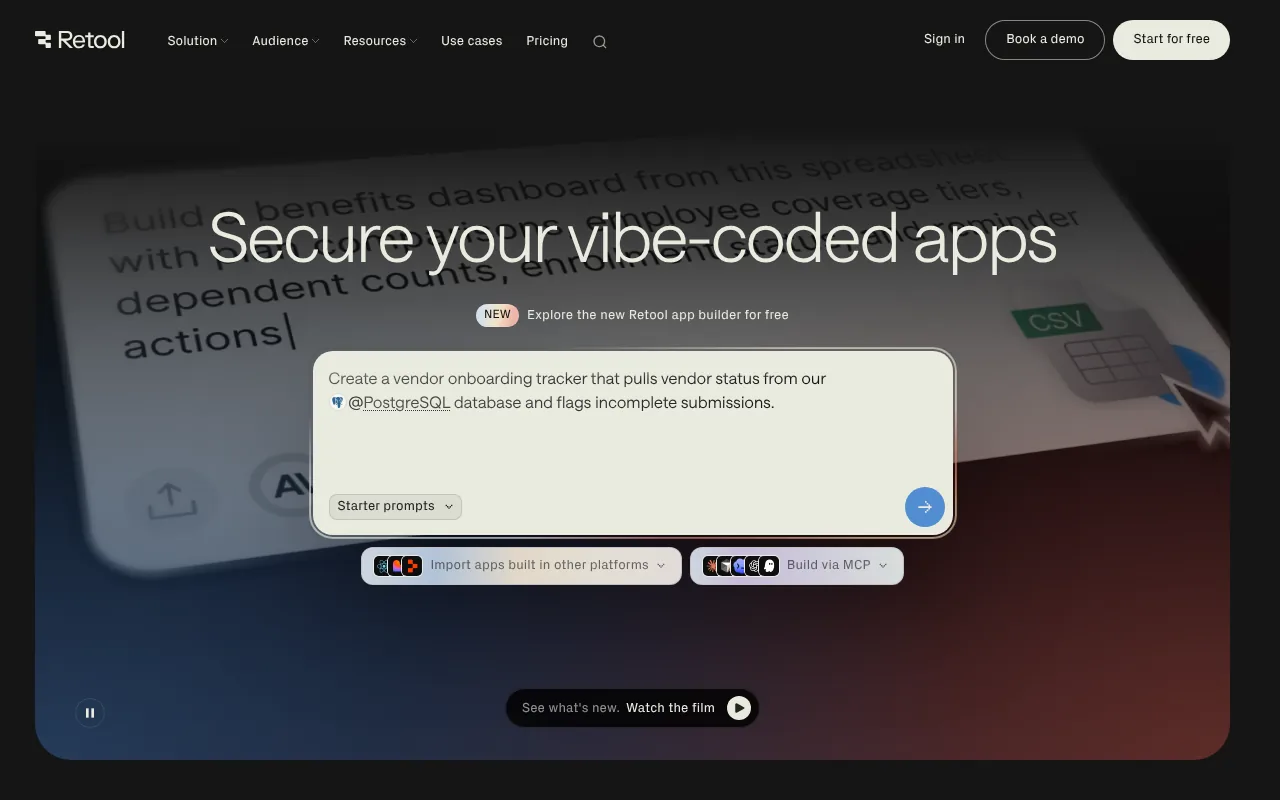
The platform’s main strength is speed on data-heavy apps. A developer can place tables, forms, charts, and buttons on a page, then connect them to queries. It works well for admin panels, dashboards, and CRUD apps where the data model already exists.
Retool also supports an AI app builder, visual editing, and custom JavaScript. That gives technical teams several ways to start. You can begin with a prompt, adjust the page visually, then add code where the generated result falls short.
Its broad database and API support makes it useful when information sits across several systems. That flexibility comes with a learning curve. Nontechnical users may be able to edit a simple screen, but complex data flows still need a developer who understands queries and permissions.
Pricing follows a tiered SaaS model, with free access for small tests and paid plans based on users or usage. Enterprise deployment and governance usually require a higher tier or a sales discussion, so check the current plan rules before you estimate total cost.
Retool is a sensible choice for engineering-led teams. It’s less attractive when your top requirement is fully air-gapped deployment with automatically generated backend logic.
3. Appsmith, Open-source flexibility for technical teams
Appsmith is an open-source internal tool builder for technical teams that want visual development plus custom code. It’s a good match for developers who care about self-hosting and want more freedom than a closed platform may provide.
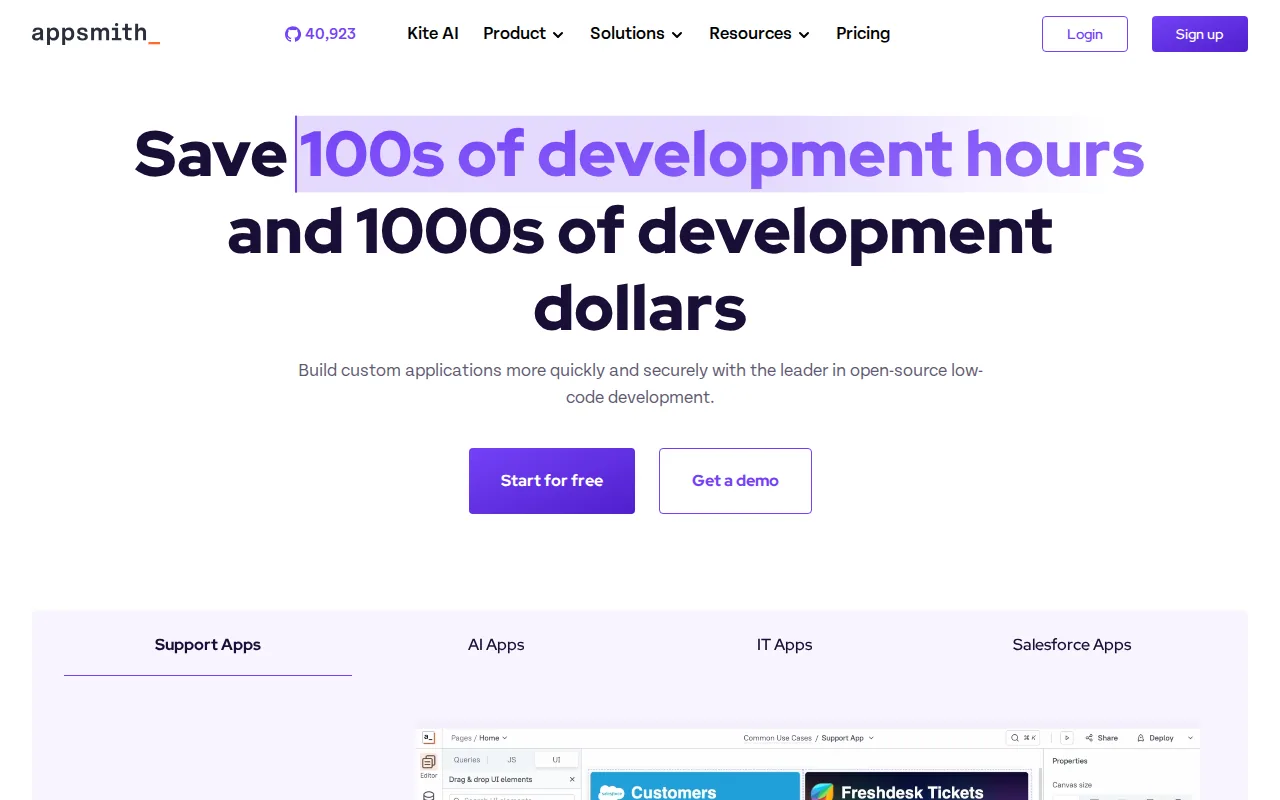
Appsmith works well for admin panels, dashboards, and database GUIs. Its visual programming approach helps a team place interface elements quickly, while custom JavaScript extensions give developers room to handle unusual business rules.
The self-hosting model is a major part of its appeal. A team can run the platform on infrastructure it controls, which may help with data ownership and internal security reviews. Open-source code can also make it easier to inspect how the builder fits into your stack.
That freedom has a cost. Your team owns more of the setup, upgrades, and support work. A managed cloud plan may be easier for a small team, but self-hosting is rarely a one-click decision once backups, access control, and release management enter the picture.
Appsmith uses a mix of visual configuration and JavaScript for business logic. This is helpful when a workflow needs custom behavior, but it can feel less friendly to operations staff who want a purely drag-and-drop experience.
Pricing varies by cloud or self-hosted model and by the level of support you need. Treat infrastructure time as part of the cost. Appsmith is compelling when control matters more than a hands-off service.
4. ToolJet, Self-hosted low-code business applications
ToolJet is an open-source, low-code platform for building internal business applications. It suits technical teams that want a visual editor and the option to self-host the result.
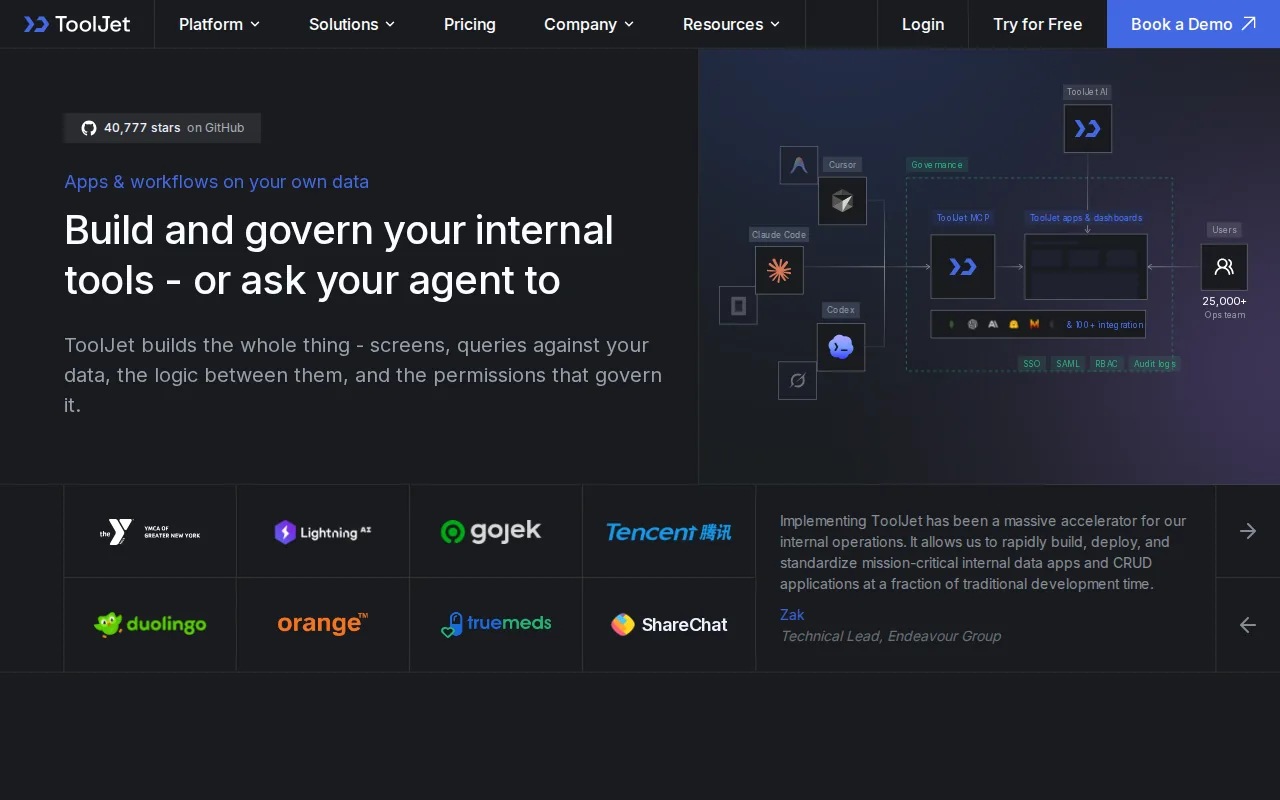
The builder is designed for common internal workflows. Think of a support queue, a data review screen, or an operations dashboard that reads from a database or API. The visual approach can cut the first build down to a set of components and queries instead of a blank codebase.
Self-hosting gives ToolJet a place on shortlists where cloud-only products are difficult to approve. Open-source access also gives technical teams more control over deployment and customization. That doesn’t remove the need for security review, though. Your team still has to manage the host, secrets, updates, and network rules.
ToolJet’s low-code approach is more technical than a pure no-code app builder. Developers can move faster, while business users may need help with data connections and workflow logic. That split is fine when IT owns the platform and operations owns the process.
Pricing can vary by edition, builder count, app count, and end-user access. A free tier may work for a proof of concept, but production cost should include hosting and maintenance if you self-host.
Choose ToolJet when source access and deployment control matter. Choose another option if you want the vendor to handle nearly every part of the runtime.
5. Budibase, Rapid internal app development
Budibase helps teams build internal tools quickly through a blend of low-code and open-source flexibility. It’s a strong fit for operations teams that need a working app soon and technical staff that wants control over hosting.
Budibase is suited to forms, CRUD apps, approval flows, and lightweight dashboards. A team can start with a visual layout, connect data, and shape a workflow without building a full front end from scratch.
The low-code approach keeps the first version approachable. A developer can step in when the app needs more custom logic, while an operations lead can still understand the main screens and records. That can make handoffs easier than a codebase known by one person.
Open-source and self-hosting options are useful for teams that don’t want every internal app tied to a vendor cloud. But the trade-off remains: someone must own upgrades, access rules, backups, and performance checks. For teams comparing self-hosted app builders in depth, the Budibase alternatives guide provides another point of comparison.
Budibase uses a tiered pricing model, with the final cost shaped by hosting choice, builders, and users. Ask how internal users and external portal users are counted before comparing plans. The cheapest test plan may not reflect the cost of a shared production app.
Budibase is a good middle ground. It gives business teams more speed than traditional development while leaving technical teams a path to control. Its limits show up when a workflow needs very deep governance or strict air-gapped deployment.
6. Baserow, Lightweight workflows and data-driven apps
Baserow is a data-first builder for lightweight internal workflows, dashboards, and apps that rely on live data connections. It fits teams that want a spreadsheet-like starting point with more structure.
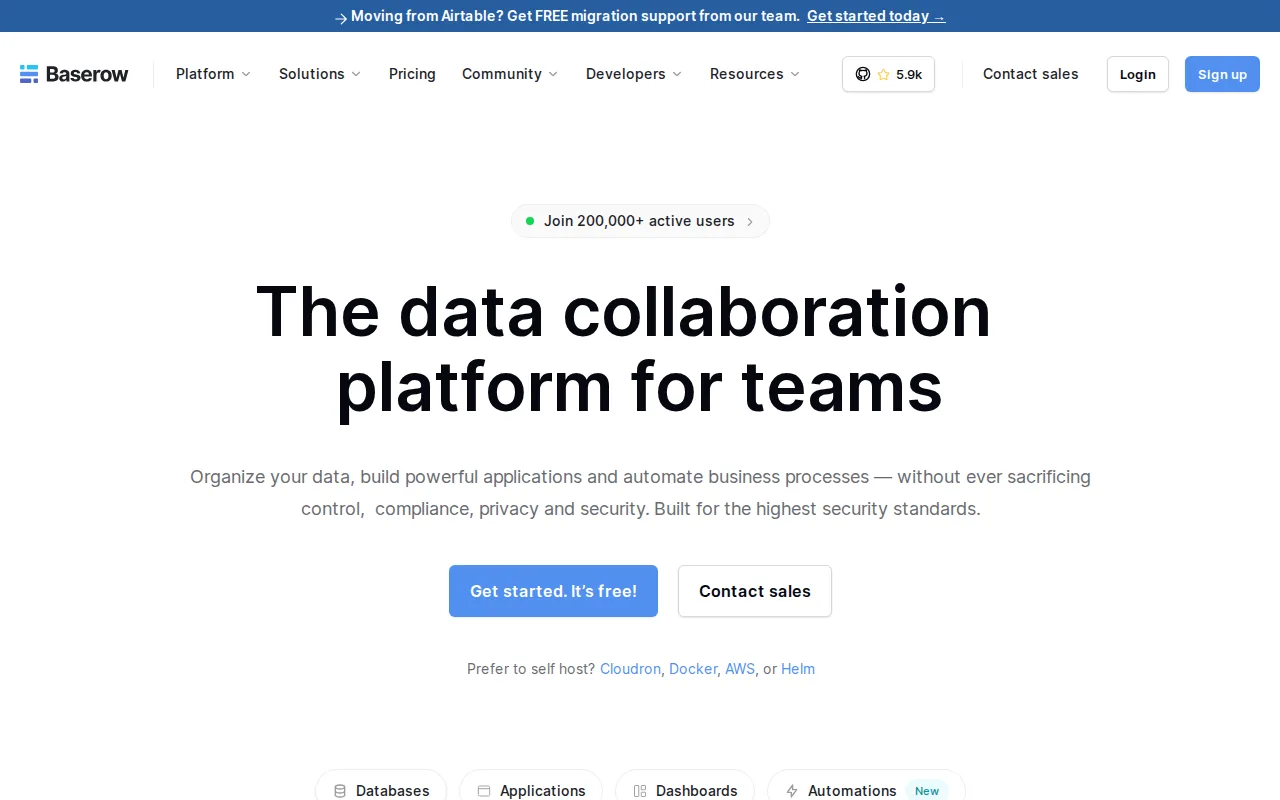
The platform is useful when the first version of an app is mostly records, views, forms, and simple workflow rules. A team can organize operational data without forcing every user into a large enterprise system.
Baserow supports granular permissions and role-based access. It also supports self-hosting, which gives teams a path to keep the data layer under their own control. Those are useful features for internal work, but they don’t answer every enterprise question by themselves.
The light interface can help an operations team ship a small request tracker or team dashboard. It may be less suitable for a complex app that needs many integrations, custom backend behavior, or strict release controls.
Pricing depends on the plan and deployment model. Compare the cost of hosted use with the staff time required to run a self-hosted instance. A lower subscription bill isn’t always a lower total cost.
Baserow makes sense when your workflow looks close to a well-structured table. If you’re building a customer portal over several production systems, look for deeper permission and integration controls.
7. Glide, Mobile-first apps from spreadsheet data
Glide turns spreadsheet data into mobile-first applications without requiring code. It’s a usable choice for lightweight field apps, simple CRM tools, and internal workflows that already live in Google Sheets.
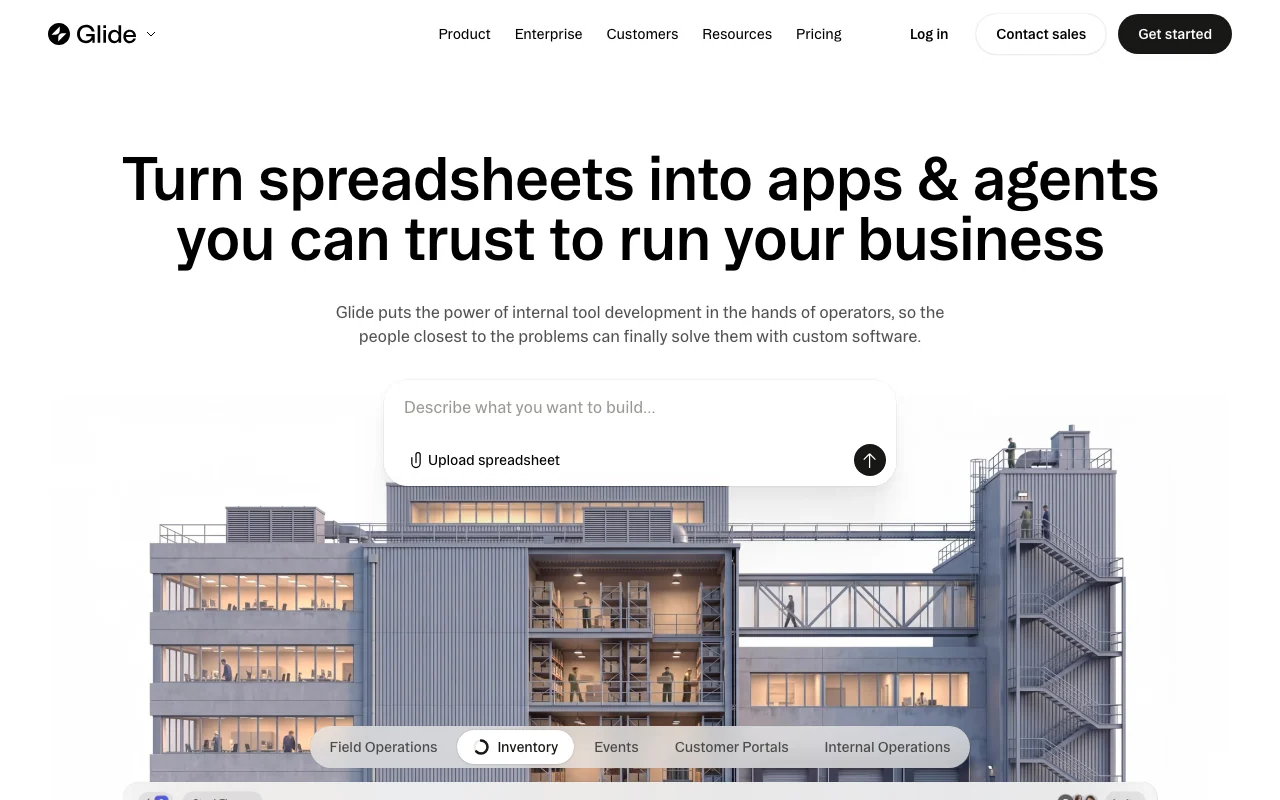
The appeal is clear. A team can put a friendly interface over existing rows instead of asking staff to work inside a spreadsheet. That can help with field updates, checklists, shared directories, and simple status tracking.
Glide’s spreadsheet-first model also makes the starting point easy to explain. The data is familiar, and the app becomes a front end for that data. For a small team, that may be enough to replace a fragile set of shared tabs.
The ceiling appears when the data grows or the workflow needs deeper backend logic. Mobile-first web apps are different from native iOS or Android apps, so confirm the delivery format before you commit to a field deployment.
Glide uses free and paid tiers, with pricing shaped by editors, users, rows, and business needs. External user counts can change the economics quickly. Test the exact user mix you expect instead of pricing only the builder account.
Use Glide for speed and familiar data. Don’t choose it for a workflow that needs complex server-side behavior or the deployment controls expected by a high-risk enterprise.
8. Microsoft Power Apps, Microsoft 365-connected applications
Microsoft Power Apps is built for organizations that already rely on Microsoft 365 and related services. It’s a natural fit when your app must connect to Microsoft data and support both web and mobile use.
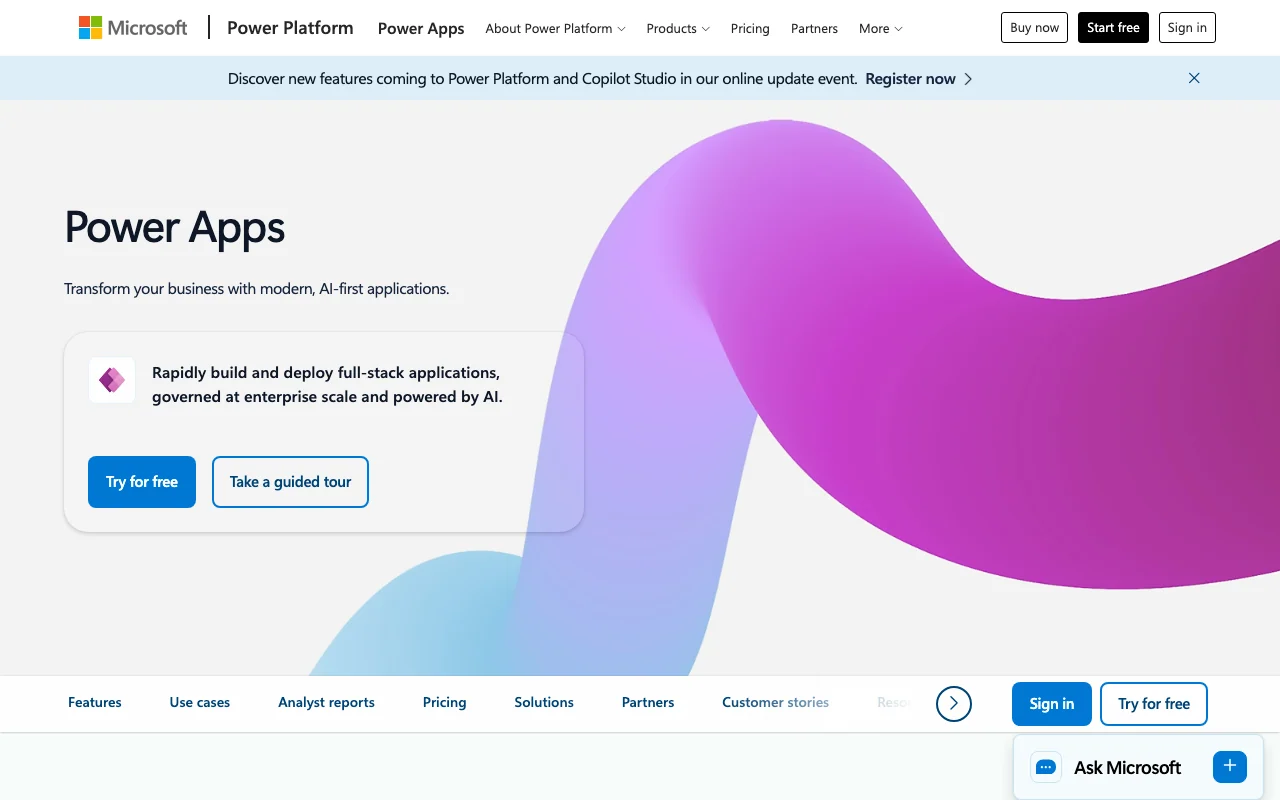
Power Apps supports two broad build styles. Canvas apps give users a free-form drag-and-drop surface. Model-driven apps build around a defined data model and set of components. That split lets teams choose between layout freedom and a more structured application pattern.
The platform can automate business processes with data from Microsoft services and other sources. A company might use it for approvals, internal forms, service workflows, or a mobile app for staff who work away from a desk.
The main advantage is ecosystem fit. If your users already work in Microsoft tools, identity and data access may be easier to align. The main risk is platform sprawl. Licensing, connectors, environments, and admin rules can take time to understand.
Power Apps pricing uses multiple plan types, and the right estimate depends on users, apps, connectors, and existing Microsoft agreements. Ask your Microsoft administrator to model the full setup rather than relying on a simple per-user figure.
Pick Power Apps when Microsoft is already your operating base. If you need a vendor-neutral app layer across many data sources, compare it with a builder designed around existing databases and APIs.
9. Superblocks, Governed app building for enterprise IT
Superblocks targets enterprise IT and platform teams that want business users to build apps while IT keeps a clear record of access and changes. It fits organizations where shadow IT is a bigger concern than the first prototype.
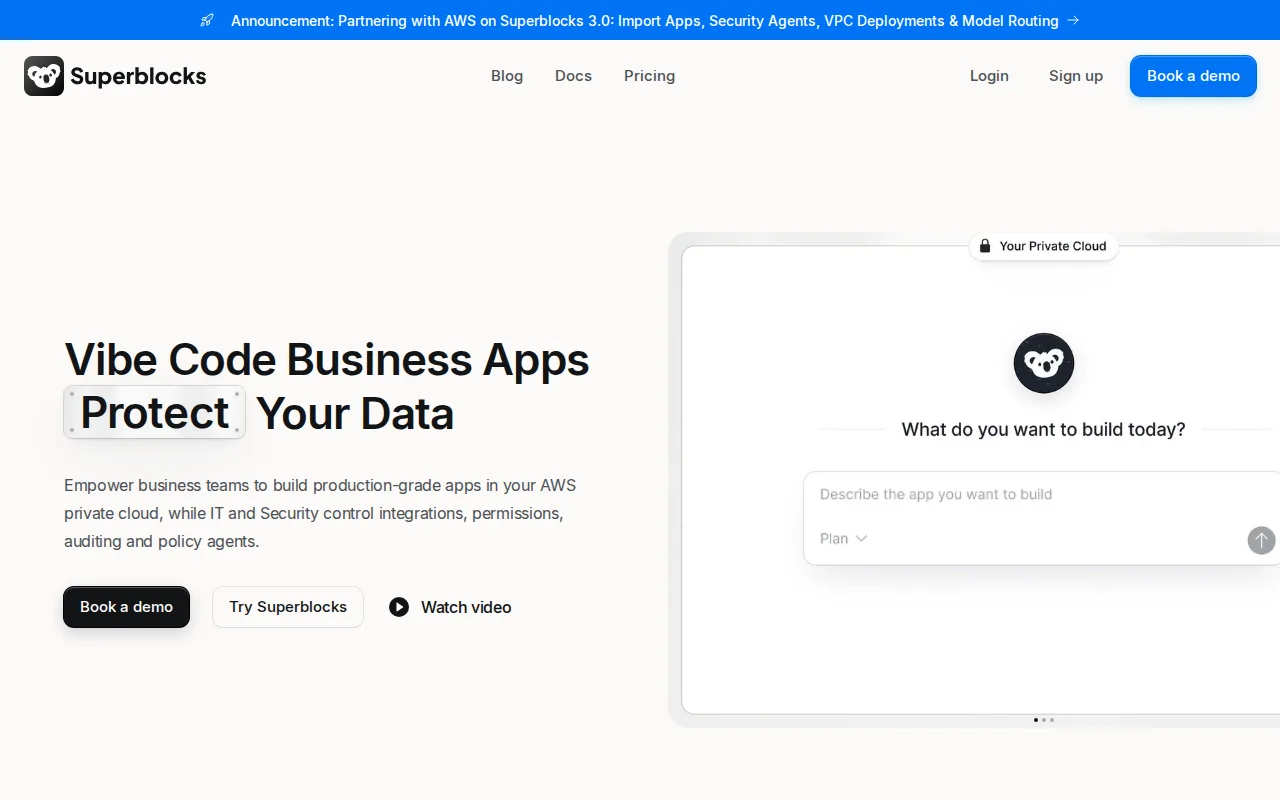
The platform’s governance angle is its main draw. IT can set guardrails while teams build internal apps from prompts and visual components. Audit logs, SSO, and access controls help central teams see what an app connects to and who can use it.
Superblocks also supports enterprise deployment patterns, including running the platform inside an organization’s own cloud environment. That can help with data residency and security review, but it still requires a strong internal platform owner.
Prompt-based building may reduce the time needed for a first draft. It doesn’t remove the work of checking queries, permissions, data exposure, and failure paths. Production review still matters, especially when a business user builds an app that touches customer or financial records.
Pricing uses a free or lower entry point for testing and higher enterprise tiers for governance features. SSO, audit logs, deployment controls, source control, and secrets management may sit behind enterprise pricing, so ask for a quote based on the controls you need.
Superblocks is best when central governance is the buying reason. Smaller teams may find its enterprise machinery heavier than the app requires.
10. Softr, Client portals and no-code web apps
Softr is a no-code web app builder for client portals, internal dashboards, and apps built on data such as Airtable or Google Sheets. It’s a good fit for operations teams that want a polished web interface without asking developers to build every page.
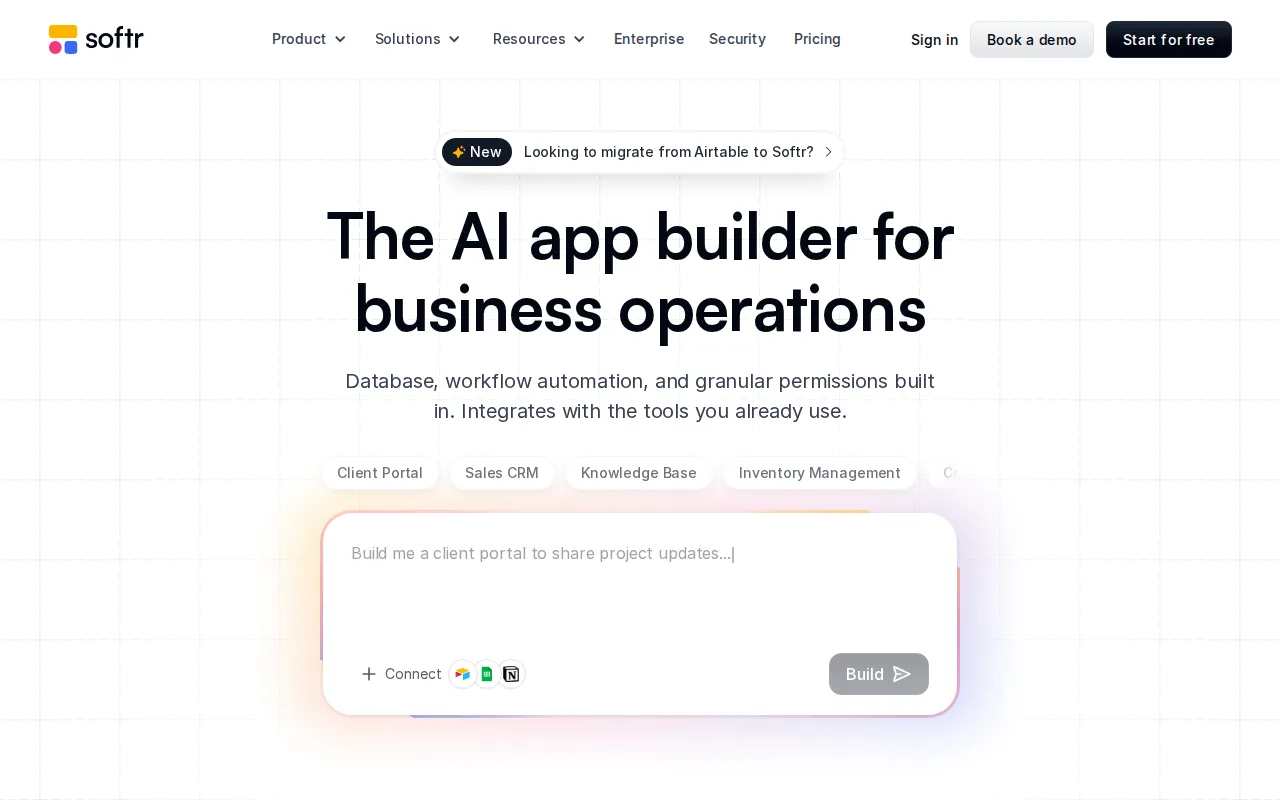
Its AI co-builder can start with a plain-language description of the app. The platform can then scaffold pages, records, roles, and permissions before you refine the result in a visual editor. That makes it attractive for a first version of a CRM, project tracker, or partner portal.
The block-based editor keeps the experience approachable, but it also limits design freedom. You can adjust branding and layouts, yet a team that needs pixel-level control may hit the edge of the system.
Softr creates responsive web apps rather than native mobile apps. Large datasets can also require care, especially when the connected source is a spreadsheet-style system. Test page speed with your expected records and user mix before launch.
Pricing follows plan tiers with limits tied to users, integrations, and advanced features. Compare the plan you need for launch with the plan you’ll need once external users and premium connections enter the picture.
Softr is a strong choice for a clean portal built fast. For deeper backend logic, private infrastructure, or fully air-gapped deployment, Jet Admin is the safer first comparison.
Pro Tip: Build one small production workflow during evaluation. A demo can hide permission gaps, slow queries, and awkward handoffs that appear as soon as real users touch the app.
Internal Tool Builder Comparison Table
The right comparison depends on what you need to control. A mobile field app and an air-gapped admin panel should not receive the same score.
| Builder | Best fit | Data and build style | Deployment or governance note | Main trade-off |
|---|---|---|---|---|
| Jet Admin | Secure internal tools and portals | Databases, APIs, spreadsheets, automatic backend logic | Cloud, private, local, and fully air-gapped options; granular permissions, audit trails, SSO | Requires careful role and data design |
| Retool | Complex developer-built tools | Databases and APIs; visual editor plus JavaScript | Strong fit for technical teams; enterprise deployment needs review | Less approachable for nontechnical builders |
| Appsmith | Open-source technical teams | Visual programming plus JavaScript extensions | Cloud and self-hosting models | More infrastructure ownership |
| ToolJet | Self-hosted low-code apps | Visual builder for internal applications | Open-source and self-hosting options | Hosting and maintenance remain with your team |
| Budibase | Fast internal app delivery | Low-code with open-source flexibility | Useful when teams want control over hosting | May need more governance for high-risk apps |
| Baserow | Lightweight data workflows | Live data connections and table-led apps | Granular permissions and self-hosting | Less suited to deep backend logic |
| Glide | Spreadsheet-based field workflows | Google Sheets and mobile-first apps | Simple user-facing app layer | Data scale and native mobile limits |
| Microsoft Power Apps | Microsoft-centered organizations | Canvas or model-driven apps | Connects with Microsoft services and supports process automation | Licensing and connector complexity |
| Superblocks | Governed enterprise app building | Prompt-led and visual app development | SSO, audit logs, and enterprise deployment controls | Governance features may require enterprise pricing |
| Softr | Client portals and no-code web apps | Airtable or Google Sheets with visual blocks and AI scaffolding | Fast web delivery with roles and authentication | Limited design and backend depth |
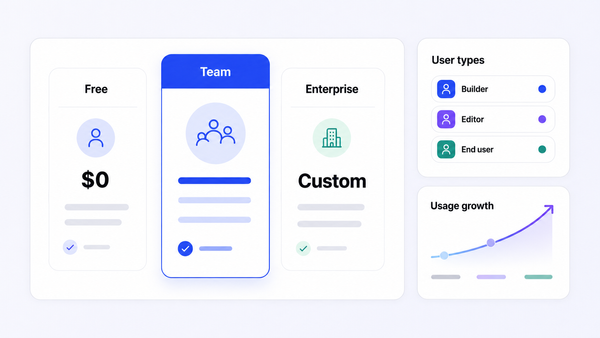
Permissions can be assigned through user roles rather than one-off rules. That distinction matters when an app has dozens of users and several data groups.
How to Choose an Internal Tool Builder
Choosing among the best internal tool builders gets easier when you score the work your app must do, not the length of a feature list.
Start with the data layer
List every system the app must read or change. Include databases, APIs, spreadsheets, and identity providers. Then ask whether the builder connects directly or needs a second automation service in the middle.
Score security and deployment separately
Don’t treat “enterprise security” as a complete answer. Ask about granular permissions, SSO, audit trails, secrets, backups, network placement, and local or self-hosted deployment. If your environment must be isolated, ask specifically about fully air-gapped operation.
Security language is often uneven across this market. Some builders publish detailed controls. Others focus on speed and leave deployment questions for a sales call. That gap should affect your score.
Test the handoff after the demo
Have an operations user build or edit a small screen. Then ask a developer to trace the data flow. Finally, have an IT reviewer test user access and deployment. You’ll learn more from that handoff than from a polished demo.
Model the full price
Compare more than the builder seat. Include end users, external portal users, AI credits, premium connectors, hosting, support, and maintenance. A free plan can prove that an idea works. It may not show what production costs.
Use a weighted score
Give each category a weight based on your risk:
- Data connections and query control
- Permissions, SSO, and audit trails
- Cloud, private, local, or air-gapped deployment
- Visual editing and developer tools
- Mobile or responsive web delivery
- Pricing at your expected user count
- Support, release control, and ownership
For a regulated team, deployment and access control may outweigh visual polish. For a small operations group, speed and a familiar data source may matter more. The strongest first test is usually a narrow workflow built on real, non-sensitive sample data.
Key Takeaway: Pick the builder that still looks sound after security review, user handoff, and production pricing, not the one with the best demo.
FAQ
What is the best internal tool builder?
Jet Admin is the best fit when you need secure internal tools on existing databases, APIs, or spreadsheets. It combines automatically generated backend logic with granular permissions, audit trails, SSO, and cloud, private, local, or fully air-gapped deployment options. Other builders may be better for open-source hosting, Microsoft workflows, or simple spreadsheet apps.
What should I look for in an internal tool builder?
Look first at data connections, permissions, deployment, and the path from prototype to production. The best internal tool builders also need clear pricing for builders and end users. Test a real workflow, review access rules, and ask who owns backups, upgrades, secrets, and support.
Are internal tool builders secure?
Internal tool builders can be secure, but the answer depends on the product and your setup. Check for SSO, role-based permissions, audit trails, network controls, secrets management, and deployment options. Don’t treat a no-code label as proof of safety. Review the app’s data paths before users receive access.
Can I self-host an internal tool builder?
Yes, some internal tool builders support self-hosting. Appsmith, ToolJet, Budibase, Baserow, and Jet Admin all fit different self-hosting needs, but their deployment models differ. Ask whether self-hosting includes updates, support, backups, and air-gapped operation, or whether your team must manage those pieces.
Are no-code internal tools good for enterprise use?
No-code internal tools can work in enterprises when IT sets clear guardrails. The builder needs strong access control, audit records, integration rules, and a deployment model that fits the company’s risk level. For sensitive workloads, start with a limited app and require security review before connecting production data.
Conclusion
Jet Admin is the clearest choice when your internal app must connect to existing data and meet strict security or deployment needs. Start with one workflow, map its roles and data access, then build a secure internal tool with Jet Admin against safe sample data. If your main need is open-source hosting or a simple spreadsheet front end, compare the alternatives above on that specific use case.