Key Takeaways
- Define exactly who will use your client portal and their jobs-to-be-done before you touch any software; this drives every UX and security decision.
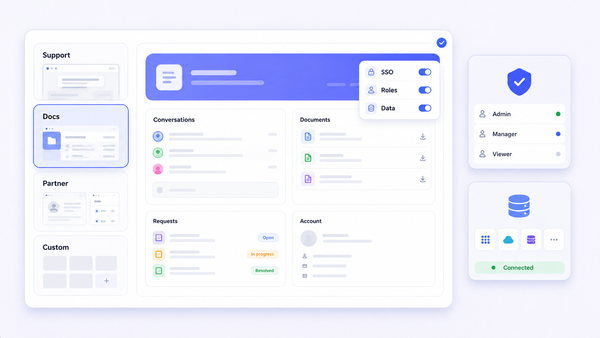
- A modern client portal combines secure sign-in, fine-grained permissions, data visibility rules, self-service workflows, and branded UI under your own domain.
- The fastest way to launch is to connect existing data sources (databases, SaaS tools, spreadsheets) to configurable client portal software instead of rebuilding from scratch.
- A practical build flow runs from scoping and information architecture through interface design, permissions, testing, and staged rollout to a pilot group of clients.
- Jet Admin offers a configurable path to a secure client portal on top of your existing stack, but the principles in this article apply to any serious portal platform.
What is a client portal and why teams are investing in it now
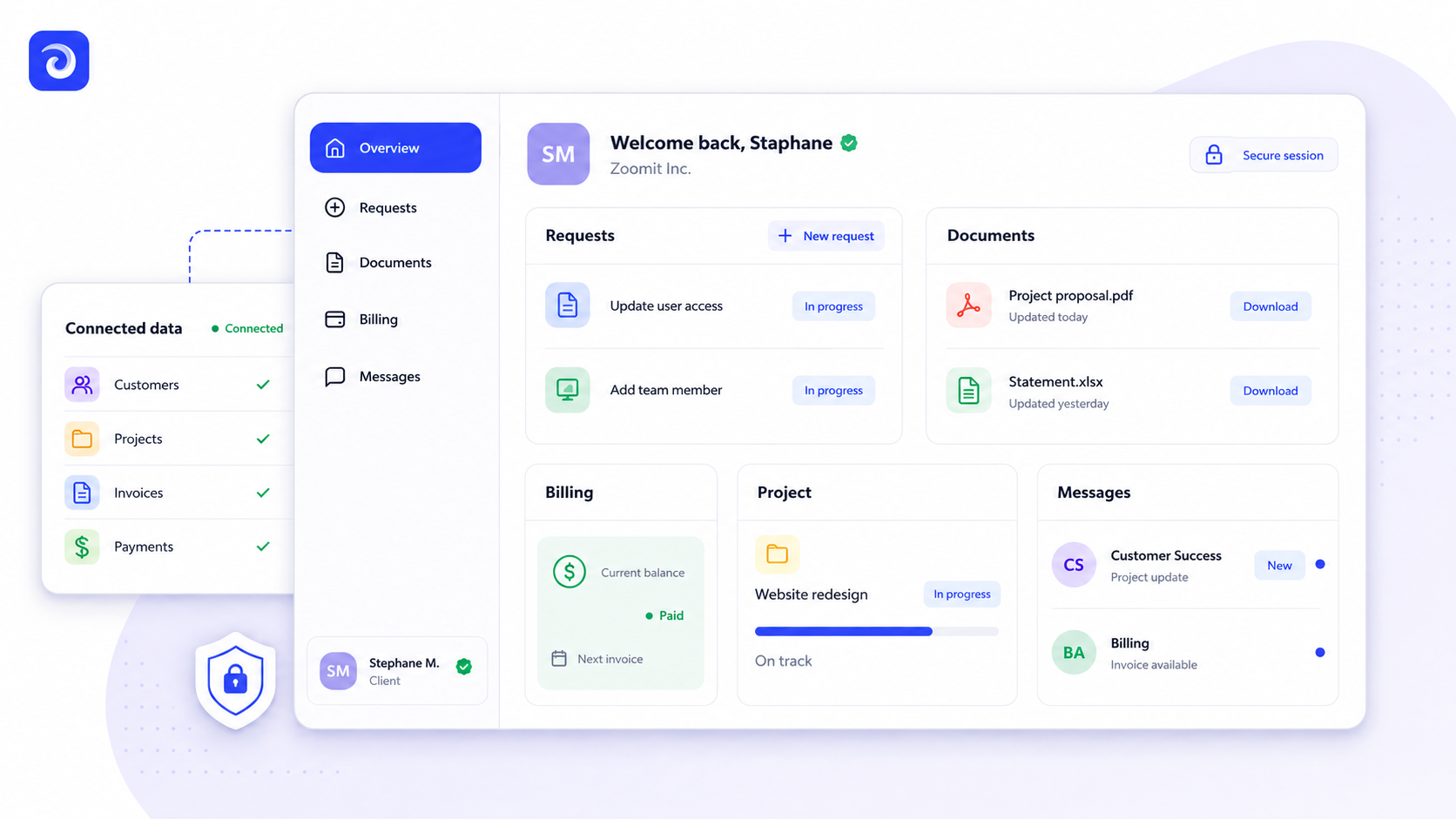
A client portal is a secure online platform where external users log in, access documents, track progress on projects, and communicate with your team - all without sending another email. Unlike internal tools or generic project management software, a portal is a curated surface: it exposes only what clients need and hides everything else.
Client portals enable businesses to communicate and collaborate with clients across industries like legal, accounting, healthcare, financial services, and marketing agencies. They serve as a central hub for accessing important information - invoices, contracts, deliverables, messages - that would otherwise be scattered across inboxes and shared drives. Client portals improve communication and transparency with clients and reduce email clutter by providing a centralized hub.
The market reflects this shift. Over 8,000 businesses use client portals for client interactions today, and the client portal market is expected to reach $3.34B by 2030. Client portals facilitate improved communication and reduce email clutter whether you run an agency, a SaaS company, or a professional services firm.
The rest of this article is a practical guide for operations, customer-success, IT, and product teams evaluating portal software or designing a portal from scratch.
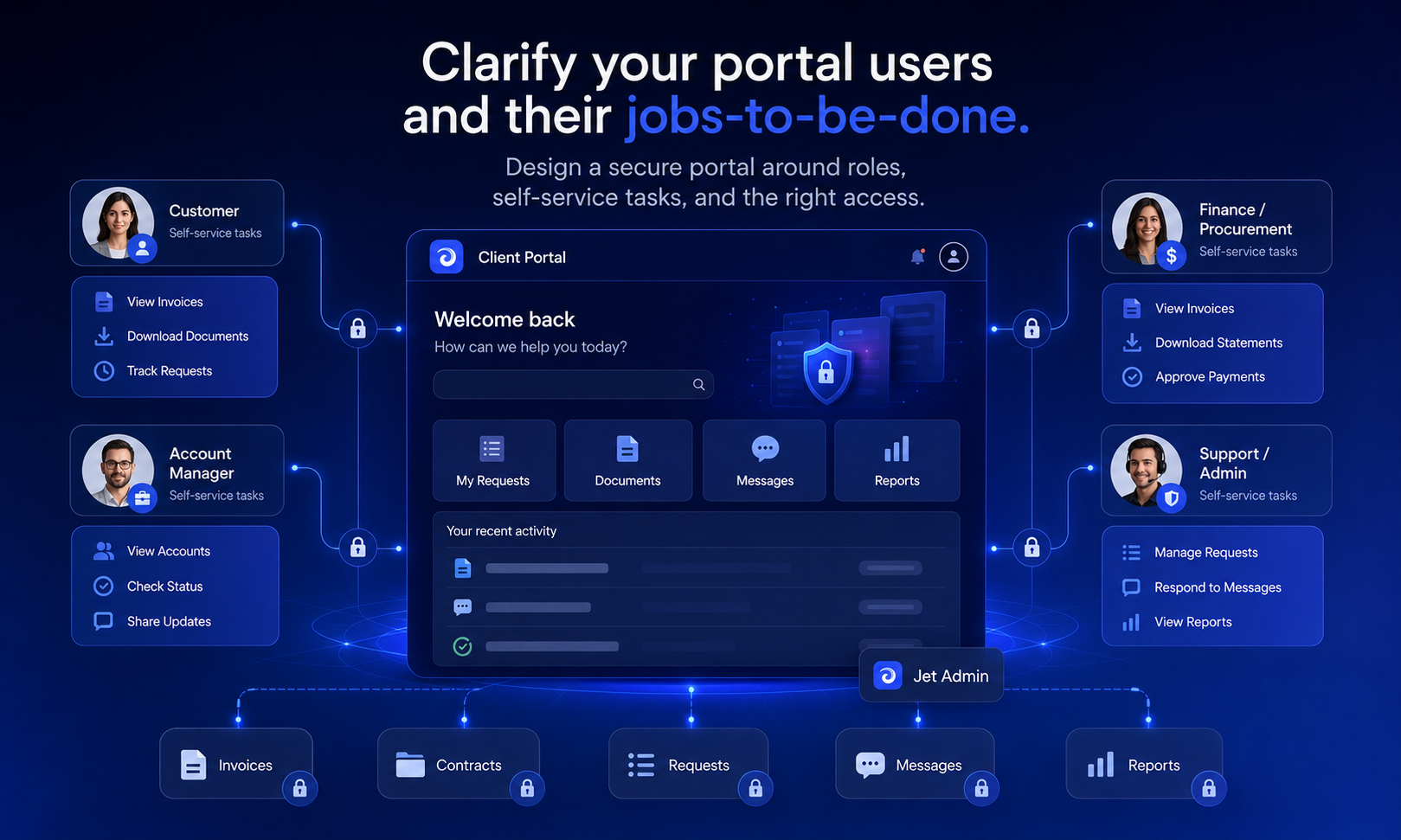
Clarify your portal users and their jobs-to-be-done
Every effective client portal starts with a clear picture of its users and the work they need to accomplish. Skip this step and you end up building features nobody uses.
Primary user groups:
- Clients (end customers or their team members)
- Internal account managers and CSMs
- Finance and billing staff
- Partners or vendors with limited access
Typical client jobs-to-be-done:
- Sign in securely and see where things stand without emailing support
- Download and upload documents (contracts, statements, KYC forms) - eliminating paperwork delays
- Review project status, milestones, and deliverables
- Pay invoices or update billing information
- Submit change requests or support tickets in a structured way
Clients have 24/7 self-service access to their files and project updates, which is often the single biggest benefit driving adoption.
Internal jobs-to-be-done:
- Reduce inbox load and repetitive questions ("Can you resend that file?")
- Standardize onboarding, approvals, and renewals
- Deliver a consistent, branded professional experience across all client relationships
Client portals improve operational efficiency and reduce administrative tasks. They streamline workflows by centralizing client information so your team can focus on high-value work instead of chasing answers in email threads.
Create two or three lightweight personas and map their journeys into and through the portal. This exercise drives decisions on navigation, role-based access, and default data visibility.
Core features every modern client portal should include
Think of these as your minimum viable portal. Nail them first; add integrations later.
Authentication and user management:
- Secure sign-in with password policies, optional SSO/OIDC, and MFA for sensitive actions
- Invite-based user provisioning - invite clients to join the portal with secure login credentials, with automated deprovisioning when contracts end
- Session controls: timeout, last-login tracking
Access control and data visibility:
- Role-based access control (RBAC) with roles like Client Admin, Client User, Internal Manager, and Billing-Only
- Data visibility rules restricting each client to their own records, filtered by project, location, or legal entity
Client portals support encrypted file sharing and role-based access control, making security non negotiable rather than optional.
Collaboration and workflows:
- Document sharing with upload/download, version history, and folder or tagging structures
- Self-service workflows: onboarding checklists, change requests, approvals, ticket submission
- Set up features like file sharing and task tracking in the portal to let clients manage tasks on their own terms
Key features of client portals include secure messaging and automated notifications for events like new documents, updated tasks, or payment due dates. Client portals offer better organization of documents and project timelines than scattered email threads.
Branding and experience:
- Customize the portal with branding elements like logos and colors for a seamless, intuitive experience
- Custom domain (e.g., portal.yourcompany.com) so the portal lives on your own site
- Client portals allow for customizable branding and personalization, reinforcing trust
Analytics:
- Track login frequency, workflow completion rates, and common support requests to improve the portal over time
Client portals enhance security compared to traditional email methods. Scalability is a key benefit of using client portals for businesses, and you can create a client portal in minutes with user-friendly tools if you choose the right platform. Use these features as baseline evaluation criteria when comparing client portal software.
Designing a secure client portal: authentication, permissions, and data protection
External-user access dramatically raises the security bar. A secure client portal must go well beyond a simple login page.
Authentication patterns:
- Email and password with strong policies (complexity, lockout, rotation)
- SSO, SAML, or OIDC options for enterprise clients who need to sync identity providers
- Optional MFA for high-risk actions - downloading sensitive reports, approving large invoices, or changing account settings
User lifecycle management:
- Invites tied to verified email domains
- Mapping external users to the correct client account so they never see another client's data
- Deactivating or suspending accounts when employees leave or contracts end
Fine-grained permissions:
- Read-only, billing-only, and full-admin roles
- Row-level and column-level restrictions so Client A never sees Client B's data
- Action-level permissions controlling who can upload, approve, or delete items
Data protection and compliance:
- TLS in transit, encryption at rest
- Audit logs and activity trails for downloads, approvals, and data edits
Some platforms set strong examples here. Clinked uses AES-256 encryption for data security, is SOC 2 compliant and HIPAA-ready, and serves over 3,000 businesses across 40 countries. SimplePractice's portal is HIPAA-compliant and HITRUST certified - a standard in healthcare. These solutions show that compliance and usability can coexist in a secure environment.
Involve your security and compliance teams early, especially in regulated industries. Review vendor documentation rather than assuming features exist - then test with realistic accounts to confirm no cross-client data leakage occurs.
From spreadsheets and SaaS tools to a working client portal: a practical build flow
Most organizations already have the data. The project is surfacing it coherently. Creating a client portal involves selecting the right software and connecting it to what you already run.
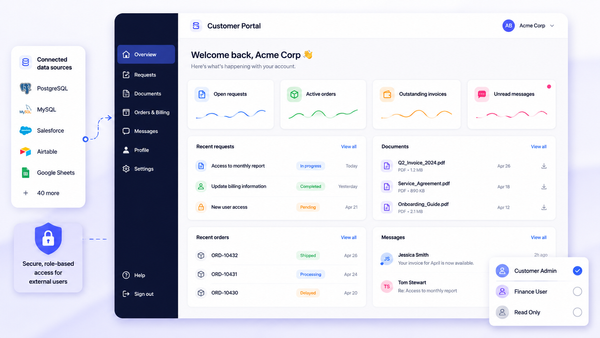
Step 1 - Connect existing data. Link your databases (PostgreSQL, MySQL), billing tools (Stripe, QuickBooks), CRM (HubSpot, Salesforce), support platforms, and spreadsheets. Use APIs or direct integrations rather than exporting CSVs - you want data to sync in real time so clients always see current information.
Step 2 - Define information architecture. Keep it simple:
Portal Section | Data Source | Who Sees It |
|---|---|---|
Home / Dashboard | CRM + project DB | All roles |
Projects | Project management DB | Client Admin, Client User |
Documents | File storage (S3, GCS) | Varies by role |
Billing | Stripe / accounting DB | Billing roles |
Support | Ticketing system | All client roles |
Step 3 - Build the interface. Use drag-and-drop components - tables, forms, charts, status cards - to create views that are accessible to non-technical clients. Keep navigation minimal; if a client needs more than three clicks to find something, simplify.
Step 4 - Implement workflows. A sample onboarding flow: client completes profile → uploads KYC documents → internal review triggers → automatic status update and notification. Client collaboration portals support project tracking and secure document sharing through exactly these kinds of connected processes.
Portals serve different shapes depending on the use case. Customer onboarding portals streamline new-client onboarding processes for SaaS firms. Business service hubs centralize billing, invoicing, and service requests. Customer service portals enhance support with self-service options for clients. Digital sales room portals are even used in mergers and acquisitions for secure document exchange.
Step 5 - Test, pilot, iterate. Start with internal "dummy client" accounts, then run a limited pilot with a small group of real clients. Collect feedback in your browser-based app before rolling out broadly.
How Jet Admin helps you ship a configurable client portal faster
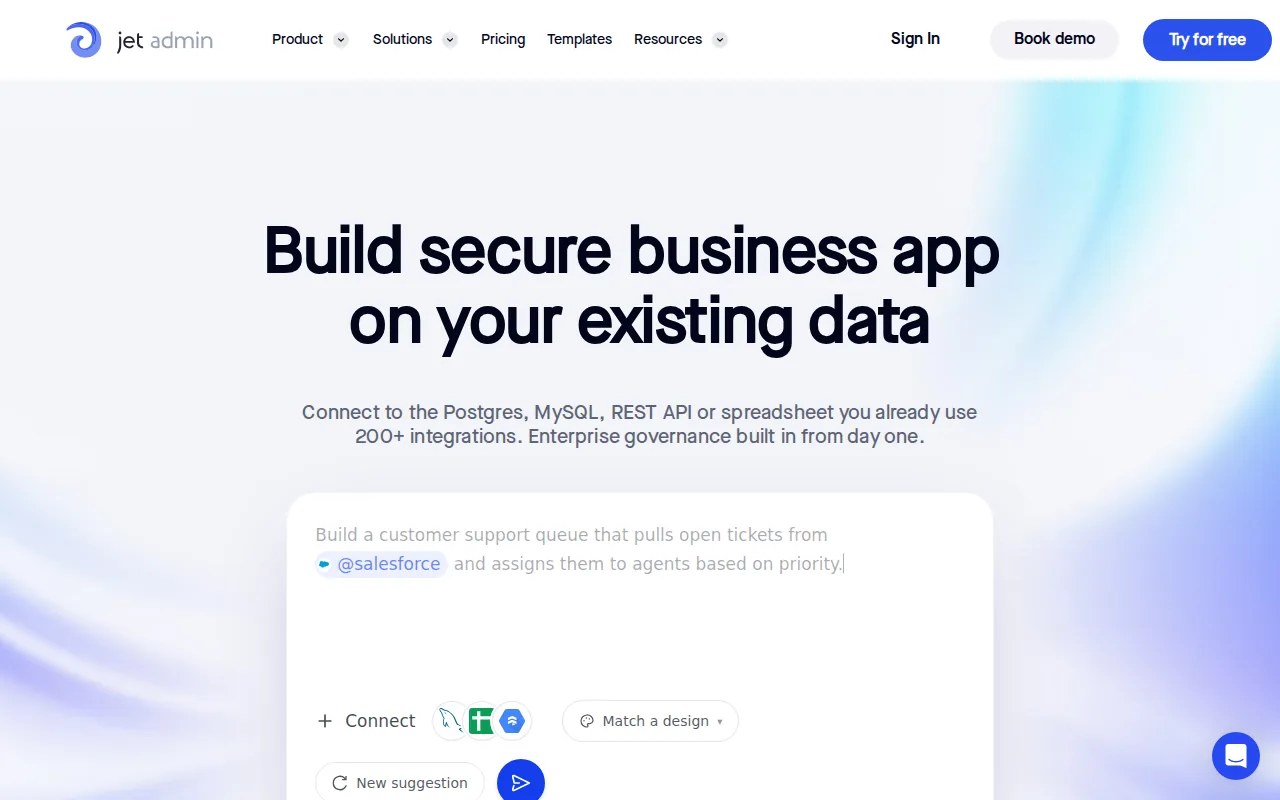
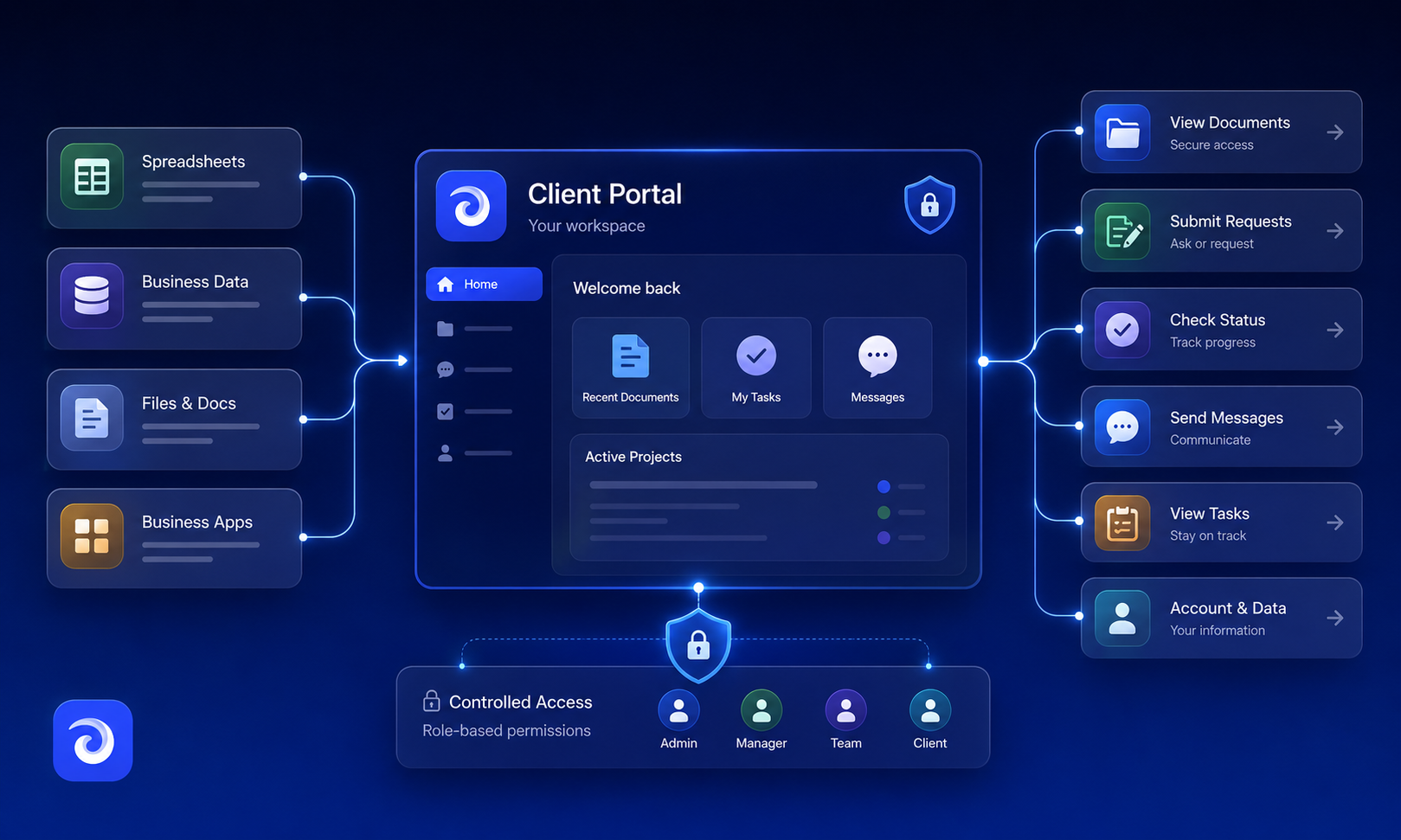
Jet Admin is one valid approach for teams that want to build a secure client portal on top of existing data without writing code from scratch. It connects to databases like PostgreSQL, MySQL, MongoDB, BigQuery, Snowflake, and SQL Server, plus SaaS tools like Stripe, HubSpot, Salesforce, Google Sheets, Zendesk, Intercom, and Slack. You can review the full catalog on Jet Admin's integrations page.
On the interface side, Jet Admin provides 100+ drag-and-drop components for tables, forms, dashboards, and navigation. Built-in actions let you send emails, trigger refunds via Stripe, or post messages to Slack directly from the portal. Automations use triggers, conditions, and actions to power self-service flows and notifications - no separate workflow engine required.
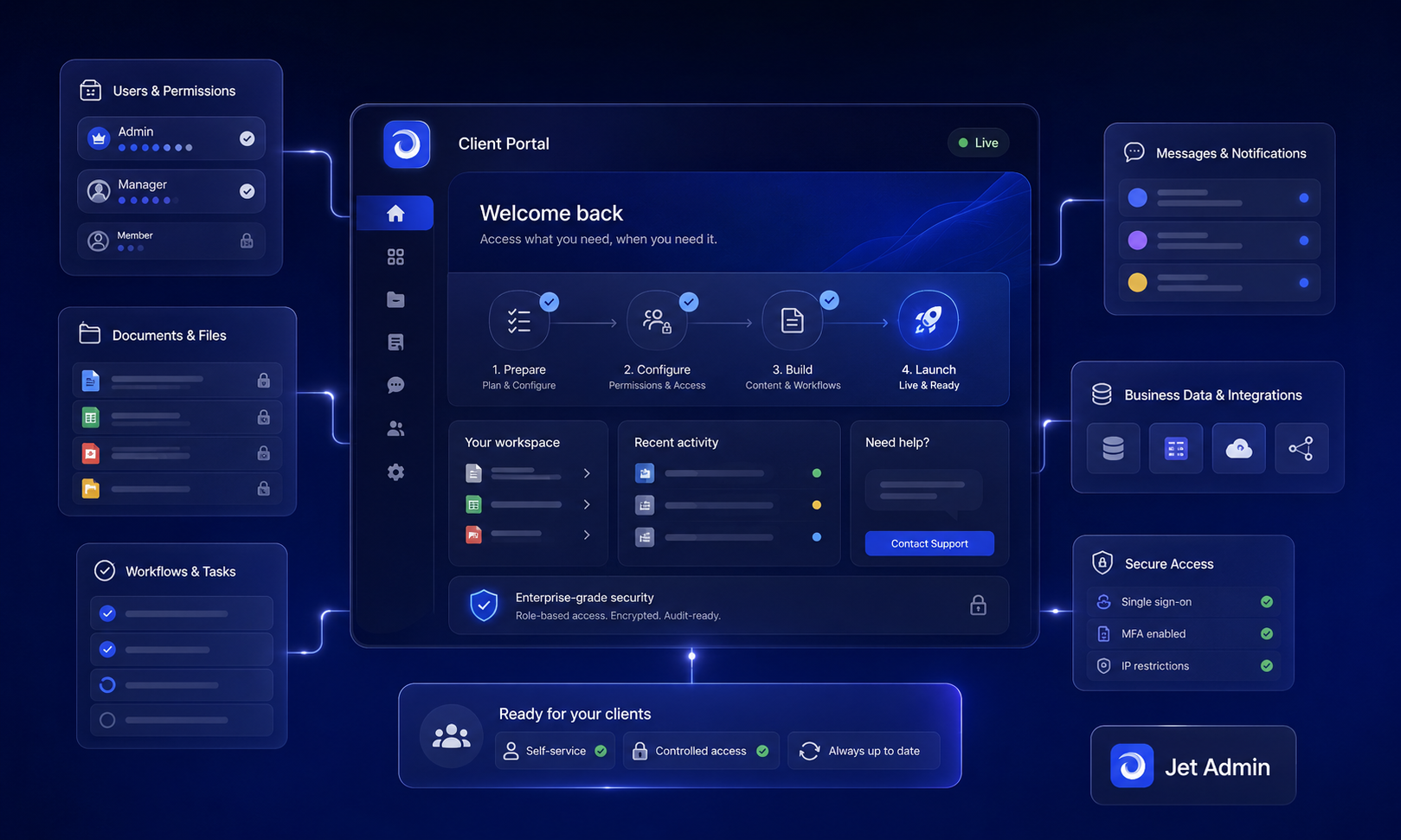
For security, Jet Admin supports role-based access down to rows, columns, and actions, SSO/SAML, custom OAuth 2.0 integration, audit logs, and both cloud and self-hosted deployment for teams that need control over data residency. Branding controls and custom domains help you deliver a seamless experience under your own website.
Teams can start from a customer portal template, plug in existing data, customize the UI, and invite users without rebuilding backend logic. If you're evaluating multiple solutions, use the requirements list from this article to compare. Explore Jet Admin's customer portal overview for concrete implementation examples.
Measuring success: adoption, support load, and operating cost
A client portal is only successful if clients actually use it and it reduces operational friction.
Adoption metrics to track:
- Percentage of invited clients who activate accounts
- Monthly active users and login frequency
- Completion rates for key workflows (onboarding, document uploads, renewals)
A meta-analysis of patient portals found mean adoption of roughly 52% in controlled settings but only about 23% in real-world deployments - a reminder that launch is just the beginning.
Support and operations:
- Track reductions in email volume and repetitive tickets (file requests, "What's the status?" questions)
- Measure time-to-resolution for issues initiated through the portal versus email or phone
Operating cost:
- Compare ongoing licensing and hosting costs against the engineering effort of maintaining a custom build
- Include security maintenance, compliance reviews, and support overhead in your total cost of ownership
Over 8,000 businesses trust client portals for organization. Use built-in analytics from your portal platform plus general product analytics to understand where clients struggle and where to invest forward in improvements. Set targets and review them quarterly so the portal remains a living product, not a one-off implementation.
Next steps: how to move from idea to live client portal
You now have a framework for defining requirements, evaluating portal software, and designing a secure, branded experience. Here is a concrete roadmap:
- Week 1–2: Stakeholder interviews, JTBD mapping, requirements list
- Week 2–3: Choose your platform, connect data sources, draft IA
- Week 3–5: Build UI, configure permissions, implement one or two key workflows
- Week 5–8: Test internally, run a limited client pilot, refine based on feedback
Start small. One or two critical use cases - like project status and document sharing - will deliver results faster than trying to replicate every internal system on day one. With the client portal market projected to reach $3.34B by 2030, investing in this channel now positions your business well for the road ahead.
Ready to move forward? Review Jet Admin's customer portal page for templates and examples. Or, if you prefer another tool or a custom build, apply the same evaluation and design principles outlined here.
FAQ: client portals, security, and implementation details
Below are practical questions that often come up after teams decide to explore client portals.
Is a client portal the same thing as a project management tool?
No. Project management tools are designed for internal planning: assigning tasks, managing timelines, and coordinating your team. A client portal, by contrast, exposes a curated subset of information and actions to external users - clients who need to share files, track progress, or view invoices, but who should never see internal notes or cross-client data.
Many teams keep an internal project management system and then surface selected tasks, milestones, and files to clients through a portal. Evaluate whether you need deep internal project management features, an external-facing portal for client management, or both connected together.
How long does it typically take to launch a basic client portal?
Timelines vary, but many teams can launch a basic portal in a few weeks using configurable software and existing data rather than a full custom build. A simple MVP focused on document sharing and status visibility can often be piloted within four to eight weeks, assuming data access and internal alignment are in place.
Time-box the first version. Collect feedback from a small group of clients, then iterate. Trying to solve every use case before launch is the most common reason portals stall.
What kinds of data should never be exposed through a client portal?
The specifics depend on regulations and internal policies, but sensitive internal notes, raw system logs, and data belonging to other clients should always remain hidden. Work with legal and security stakeholders to classify data into categories - public, client-visible, internal-only, restricted - and configure the portal accordingly.
Test role-based access with realistic accounts. Confirm that no cross-client data leakage or overexposure occurs before you open the portal to real users.
Can we migrate from an email-heavy process to a client portal without disrupting clients?
Yes, with a gradual rollout. Start by offering the portal as an optional, better alternative to email for one process - for example, document exchange or invoice review. Provide clear onboarding materials and short walkthroughs so clients understand what they gain: fewer attachments, real-time status, self-service history they can access from any browser.
Monitor adoption and only phase out email-based workflows once a majority of active clients are comfortable. This approach lets you collaborate with early adopters, refine the experience, and build confidence before making the portal the default channel.