
If I had to cut this list down fast, I’d sort these 10 tools into four buckets: Jet Admin for internal apps on top of live data, Zapier for simple app-to-app automations, UiPath for RPA and legacy systems, and ServiceNow/Appian/Pega for large company workflows with tighter control. That’s the short answer.
I’m comparing Jet Admin, Microsoft Power Automate, UiPath, Zapier, Workato, ServiceNow, Appian, Pega, Nintex, and Pipefy using the same checks:
- Automation depth
- AI-assisted building
- Integrations with databases, APIs, and SaaS apps
- Security like RBAC, SSO/SAML, and audit logs
- Deployment like cloud, self-hosted, and on-premises
- Pricing in U.S. dollars
A few numbers stand out right away:
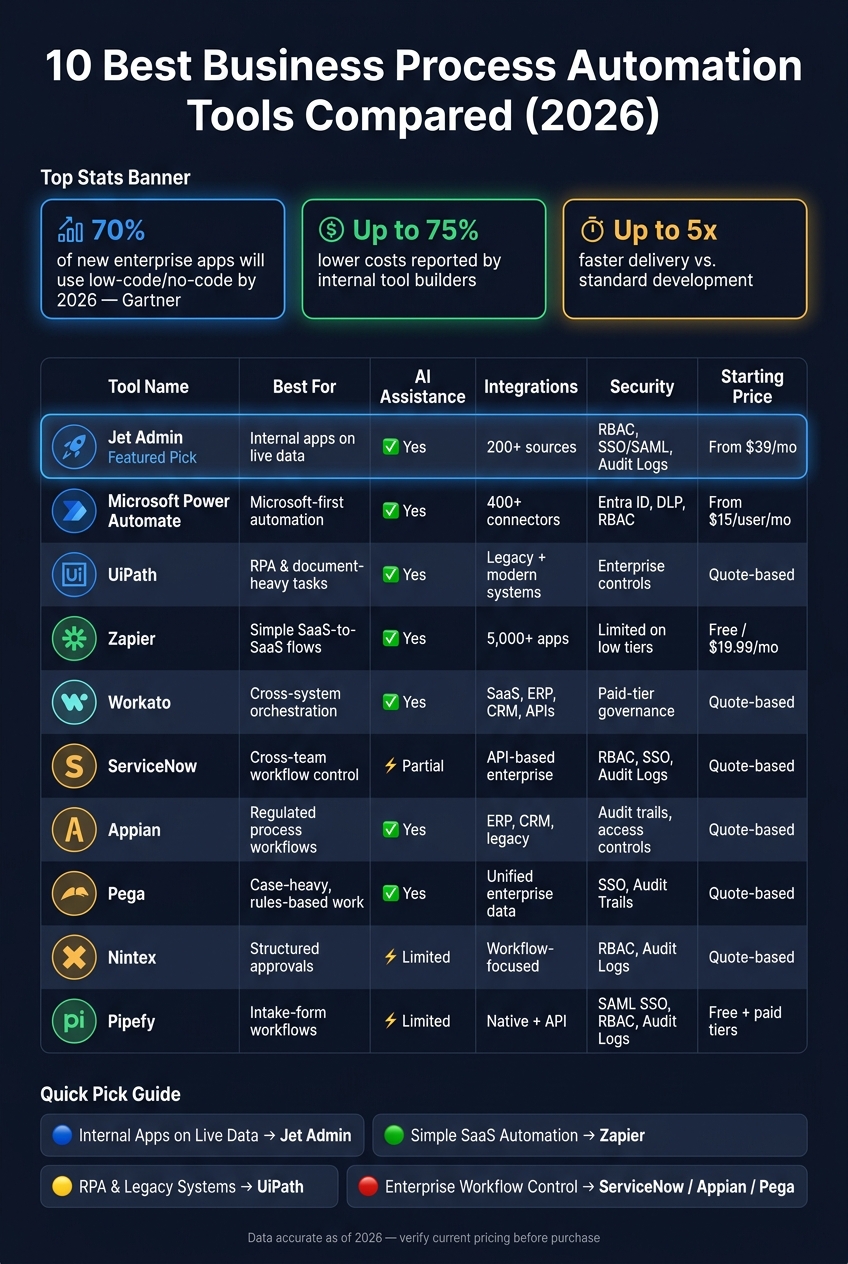
- Gartner says 70% of new enterprise apps will use low-code or no-code by 2026
- Some internal tool builders report up to 75% lower costs
- Delivery can be up to 5x faster than standard development
So if you’re picking a tool for HR onboarding, approvals, help desk work, CRM ops, or legacy-system workflows, this list gives you the short path to a shortlist.
My quick take:
- Choose Jet Admin if you need internal apps tied to live databases, spreadsheets, or APIs
- Choose Power Automate if your team runs on Microsoft 365 and Azure
- Choose UiPath if desktop tasks and old systems still drive a lot of work
- Choose Zapier if you just need simple SaaS automations with fast setup
- Choose Workato if cross-system orchestration matters more than a basic trigger-action flow
- Choose ServiceNow, Appian, or Pega if your process spans many teams and needs tighter control
- Choose Nintex for approval chains
- Choose Pipefy for intake-form-based workflows
Quick Comparison
| Tool | Best For | AI Help | Integrations | Security | Deployment | Pricing |
|---|---|---|---|---|---|---|
| Jet Admin | Internal apps on live data | Yes | 200+ sources | RBAC, SSO/SAML, audit logs | Cloud; self-hosted, on-prem and air-gapped on Enterprise | Free plan; Pro $20/month; Business $100/month |
| Microsoft Power Automate | Microsoft-first automation | Yes | 400+ connectors | Entra ID, DLP, RBAC | Cloud + on-prem via gateway | From $15/user/month; RPA/process mining cost more |
| UiPath | RPA and document-heavy tasks | Yes | Strong mixed-system access | Enterprise controls | Enterprise deployment options | Quote-based |
| Zapier | Simple SaaS-to-SaaS flows | Yes | 5,000+ apps | More limited on low tiers | Cloud | Free plan; from $19.99/month |
| Workato | Cross-system orchestration | Yes | SaaS, ERP, CRM, APIs | Paid-tier governance | Cloud | Quote-based |
| ServiceNow | Cross-team workflow control | Some AI features | API-based enterprise integrations | RBAC, SSO, audit logs | Cloud and on-prem | Quote-based |
| Appian | Regulated process workflows | Yes | ERP, CRM, legacy systems | Audit trails, access controls | Enterprise options | Quote-based |
| Pega | Case-heavy, rules-based work | Yes | Unified enterprise data layer | SSO, audit trails | Cloud and on-prem | Quote-based |
| Nintex | Structured approvals | Limited in this summary | Workflow-focused integrations | RBAC, audit logs | Cloud | Quote-based |
| Pipefy | Intake-form workflows | Limited in this summary | Native + API integrations | SAML SSO, RBAC, audit logs | Cloud only | Free + paid per-user plans |
10 Best Business Process Automation Tools Compared (2026)
1. Jet Admin
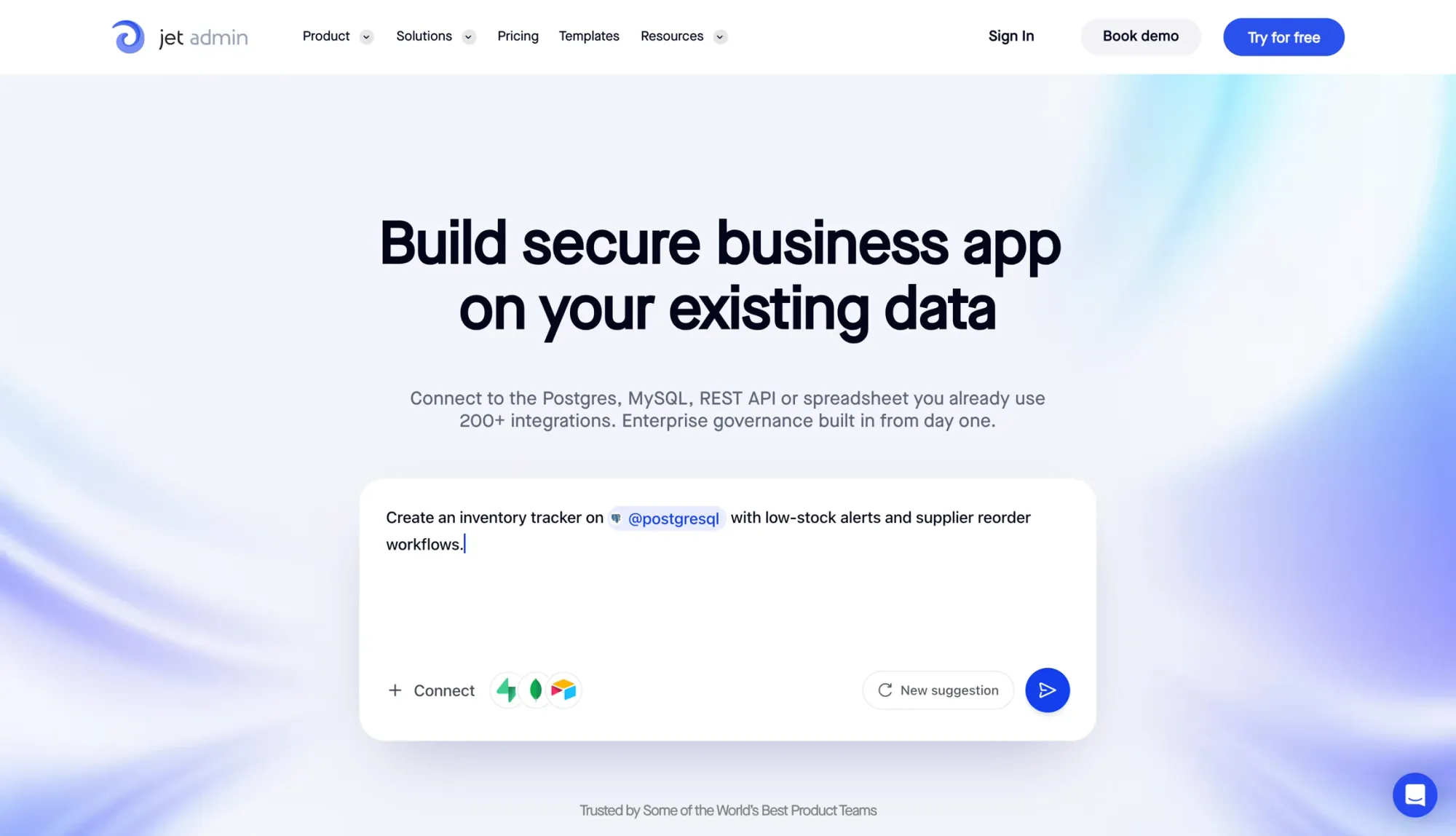
Jet Admin is an AI-powered app builder for internal tools, admin panels, approval workflows, and dashboards that sit on top of your existing data. There’s no need to migrate data or write code. That makes it a strong choice for teams that want to automate work directly on live operating data.
Automation Model
Jet Admin handles automation through triggers, logic, and AI help. A workflow can start when a record is created or updated, when a webhook comes in, or on a set schedule every minute, hour, or day. From there, teams can build multi-step flows with conditional branches and either serial or parallel execution.
The same builder also cuts setup time. Jet Admin includes AI-assisted app and query generation, so teams can describe an app or workflow in plain English and have it generated for them. It also supports AI SQL writing and prompt-to-app generation, which helps speed up internal tool creation.
Data Access and Integrations
Jet Admin connects to 200+ data sources without forcing teams to move or copy their data. That includes:
- Relational databases like PostgreSQL, MySQL, and SQL Server
- Cloud data warehouses like BigQuery and Snowflake
- Spreadsheets and no-code bases like Google Sheets and Airtable
- Business apps like Salesforce, HubSpot, and Zendesk
- Cloud storage like Amazon S3
- Custom REST or GraphQL APIs
For teams working with sensitive data, access controls and deployment options matter just as much as integrations.
Security and Deployment
Jet Admin includes security features such as RBAC, SSO, SAML, audit logs, and built-in sign-in options like magic link and Google login. On the deployment side, teams can choose managed cloud, self-hosted setups in AWS, GCP, or Azure, on-premises installs, or even air-gapped environments (the non-cloud options are on the Enterprise plan).
Pricing and Best-Fit Use Cases
Pricing is by AI credits, not seats: every plan, including the Free plan, includes unlimited apps, users and workflows. Pro is $20/month ($16 billed annually), Business is $100/month ($80 billed annually) and adds granular permissions, SSO and audit logs, and Enterprise, which adds self-hosted, on-premises and air-gapped deployment, is priced through sales.
Jet Admin fits best for operations, HR, help desk, CRM, and admin workflow use cases. Users often point to ease of use, fast app development, and Figma import as strong points.
sbb-itb-8346adb
2. Microsoft Power Automate
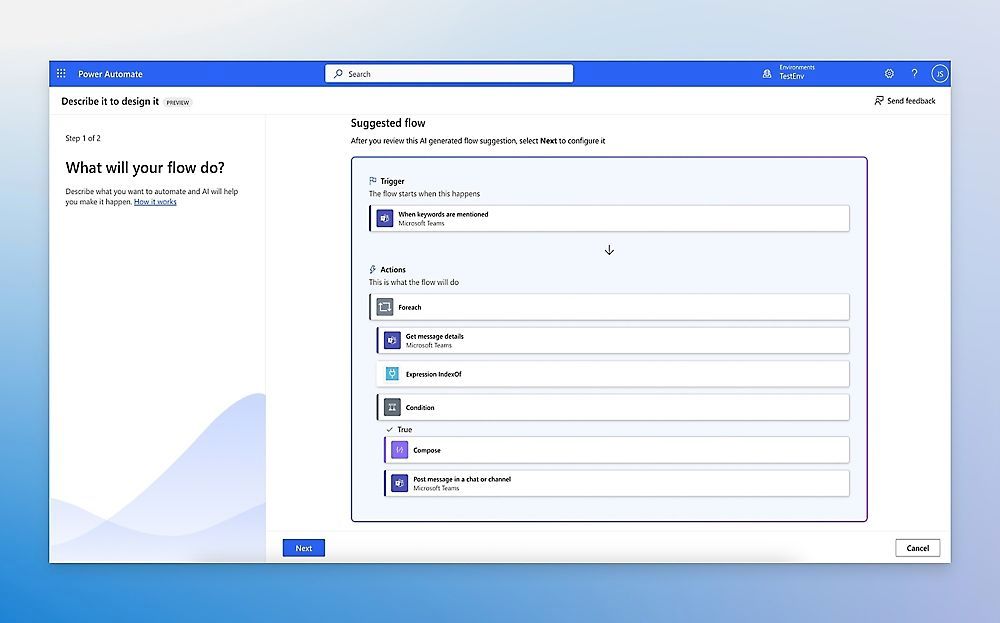
For Microsoft-first teams, automation often starts with the tools they already know. Microsoft Power Automate is a strong fit for organizations built around Microsoft 365 and Azure. It supports three main automation types:
- Cloud flows for API-based automation
- Desktop flows for UI-based RPA
- Business process flows for guided, human-stage workflows
Automation Model
Power Automate uses Power Fx for flow logic and validation, along with AI Builder and Copilot for data extraction, summarization, and help with expressions. It also supports event-based workflows.
Data Access and Integrations
Once workflow logic is set, connector coverage often becomes the next bottleneck. Power Automate connects to 400+ connectors, including Microsoft 365 apps like SharePoint, Teams, and Outlook. It also links with on-premises systems through a self-hosted data gateway.
Dataverse acts as the shared data model, and custom connectors can extend access to REST APIs. That matters when a team needs to tie Microsoft tools to systems that don't neatly fit inside the default connector library.
Security and Deployment
Security flows through Microsoft Entra ID with SSO and RBAC. Dataverse adds granular security roles and row-level access controls. On top of that, DLP policies, governance controls, and dev/test/prod environments help lower release risk.
Pricing and Best-Fit Use Cases
| Plan | Price | Key Capability |
|---|---|---|
| Premium | $15/user/month | Cloud flows + attended RPA |
| Process | $150/bot/month | Unattended desktop flows |
| Hosted Process | $215/bot/month | Unattended RPA + Microsoft-hosted VM |
| Process Mining | $5,000/tenant/month | Large-scale system analysis |
Costs can climb fast once teams add unattended RPA and process mining.
Power Automate works best for onboarding, approvals, invoice handling, and internal notifications across SharePoint, Teams, and Outlook. If your team lives outside the Microsoft stack, though, Azure and Entra ID ties can feel restrictive.
3. UiPath

UiPath is built for teams that need to automate high-volume, repetitive work across legacy and modern systems. It uses RPA and AI to handle structured processes that still rely on desktop apps, web interfaces, or automated approval workflows. That makes it a strong fit for finance ops, claims processing, shared-service centers, and back-office workflows.
Automation Model
UiPath stands out by combining attended and unattended bots with AI-assisted document handling. Attended bots help human workers in real time, which is handy when a person still needs to make decisions or check edge cases. Unattended bots handle scheduled or event-triggered tasks on their own, so routine work can keep moving without someone sitting there clicking through screens.
It also handles document extraction through its Document Understanding framework. This framework classifies, extracts, and validates data from invoices, forms, and contracts. Think of it as a system that reads paperwork, pulls out the fields that matter, and then routes anything unclear for review instead of letting bad data slip through.
Exception handling and orchestration run through UiPath Orchestrator, which gives teams centralized control over bot deployment, scheduling, queues, and monitoring.
4. Zapier
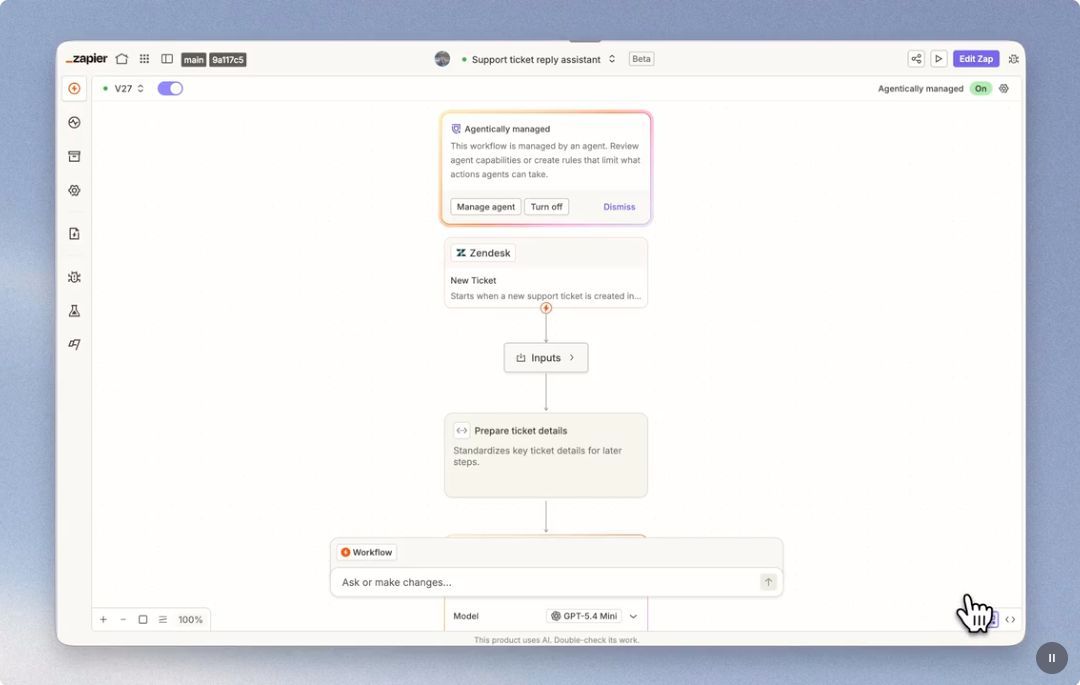
Zapier automates business workflows across apps with a visual builder for triggers, conditions, and actions. It shines when a team needs simple automation between tools that don’t talk to each other out of the box. As of 2026, Zapier also includes AI Copilot and agent features that can turn scattered inputs into summaries, handoff notes, and follow-up drafts.
Data Access and Integrations
Zapier’s biggest strength is its connector library. In plain English, it acts as a practical integration layer for teams using tools that don’t integrate natively. It also supports API workflows, webhooks, and custom logic, which makes it useful for automating tasks across day-to-day business operations.
Security and Deployment
Governance controls are limited on lower tiers. User authentication, role permissions, collaboration features, and analytics are restricted to paid plans.
Pricing
| Plan | Starting Price |
|---|---|
| Free | Free plan available |
| Professional | From $19.99/mo |
Best-Fit Use Cases
Zapier is a strong fit for straightforward cross-app automation and repetitive business processes. It works well when teams need to connect tools that don’t integrate natively and route outputs such as status summaries, handoff notes, or follow-up drafts. If a team needs more structured process management, the next section goes deeper.
5. Workato
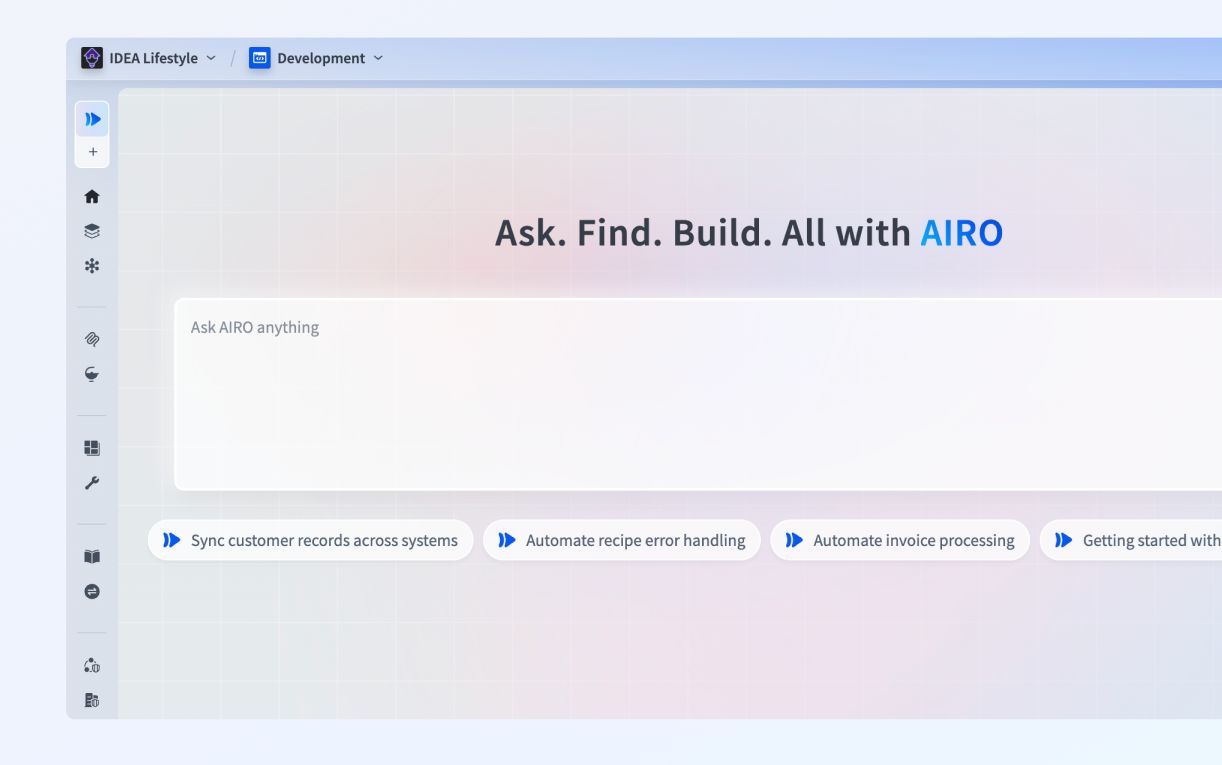
Workato uses a trigger-and-action model to run multi-step workflows with conditions built in. It’s a good fit for teams that need orchestration across systems, not just simple task automation.
Data Access and Integrations
Workato connects SaaS apps, APIs, and ERP/CRM systems so teams can automate work across tools. That makes it useful for internal processes like approvals, ERP sync, CRM updates, and operational handoffs.
There’s one catch: external integrations and connectors are paid-only features. So if those matter for your setup, plan for that cost early.
Security and Deployment
Workato keeps governance controls in paid tiers. That includes RBAC, authentication, analytics, monitoring, governance, collaboration, versioning, deployment controls, and core automation features.
In plain English, many of the controls larger teams care about sit behind the paid plans.
Pricing
Workato uses custom pricing through sales-led quotes.
Best-Fit Use Cases
Workato is best for IT and operations teams running cross-system processes that need governance and paid enterprise features. If your team also needs broader service and workflow management, the next platform may be a better match.
6. ServiceNow
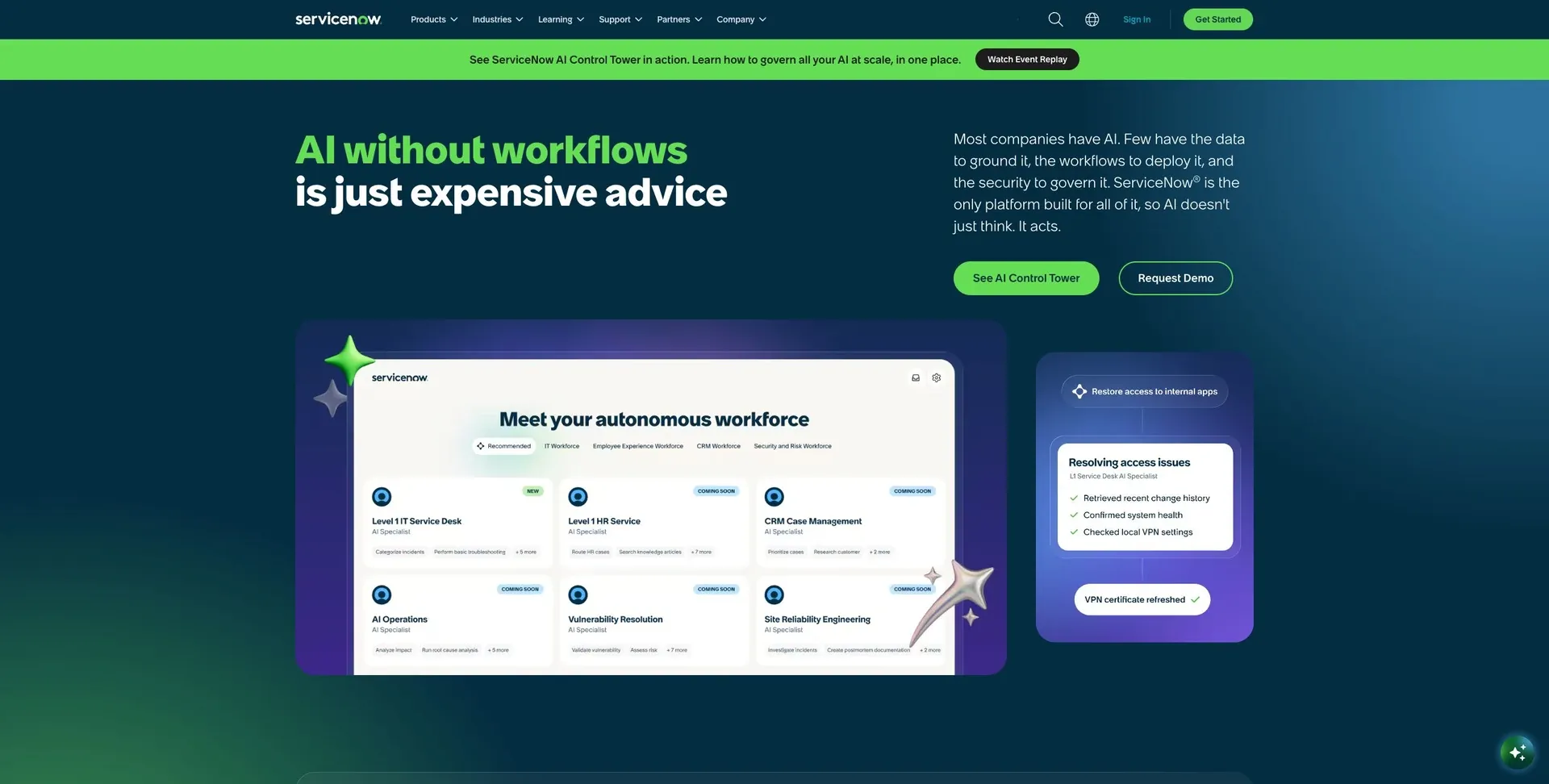
ServiceNow is built for centralized enterprise workflows that run across departments, systems, and service teams.
Automation Model
ServiceNow uses workflow-based rules to trigger approvals, routing, and service actions inside a single app. In plain English, it acts like a control hub for work that moves between teams. That helps enterprise apps stay in sync across departments without manual handoffs.
Data Access and Integrations
ServiceNow supports API-based integrations with ERP and CRM systems, so service data stays aligned without moving records from one system to another. That setup matters most when requests, approvals, and service work all need to stay synced across multiple tools.
Security and Deployment
ServiceNow includes RBAC, SSO, and audit logs. It also offers deployment options for both cloud and on-premises enterprise environments, which gives teams room to match the setup to internal IT and compliance needs.
Best-Fit Use Cases
It works best for approvals, case management, and cross-department workflows that need one control layer. Pricing is quote-based. That fits enterprise procurement, but it can slow down early evaluation.
7. Appian
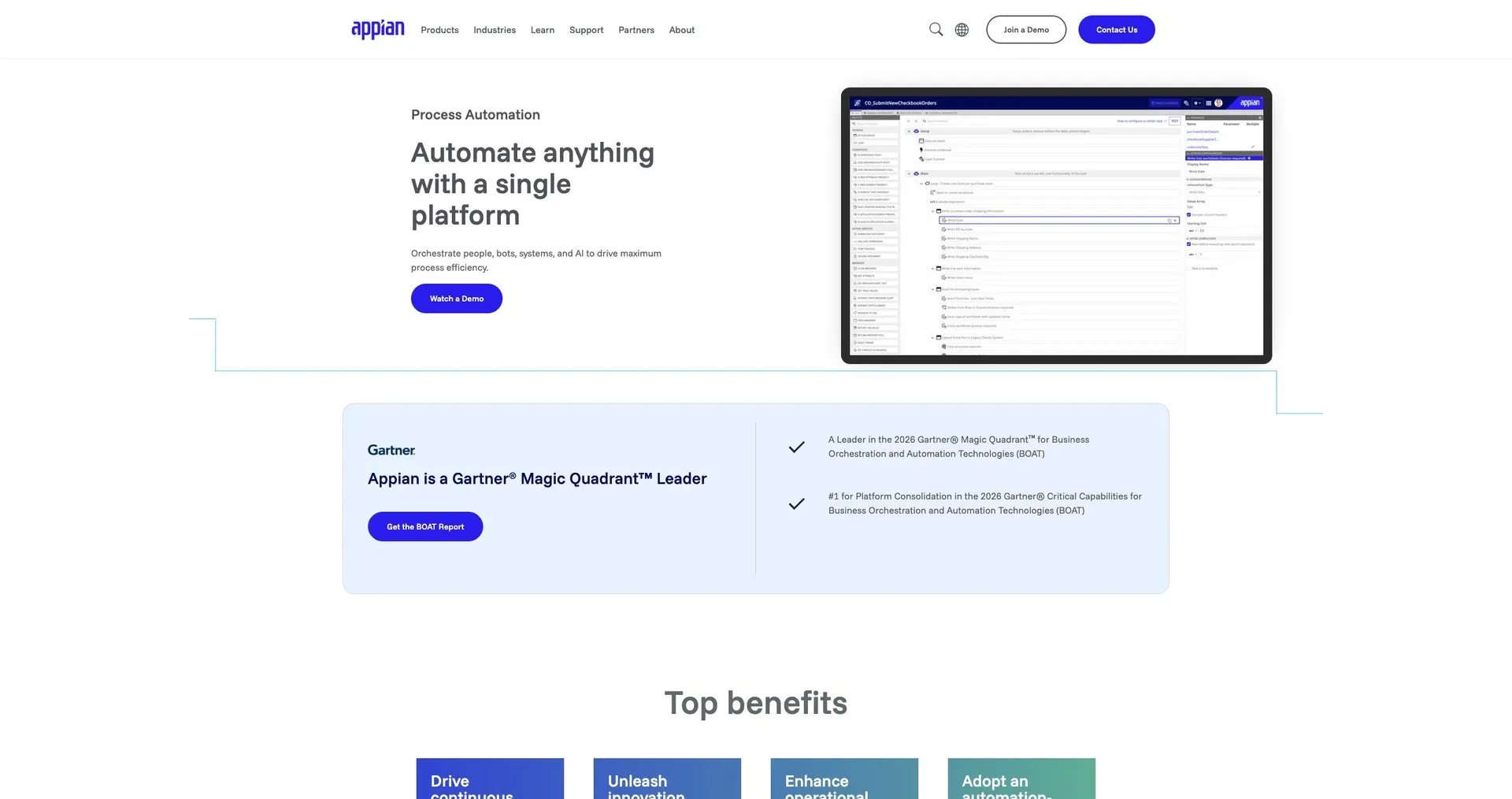
Appian is an enterprise process automation platform built for regulated workflows that run across existing systems. It’s a strong fit for process-heavy teams that need workflows connected to live business systems, not siloed apps.
Automation Model
Appian automates processes across existing systems, with a focus on approvals, operations, and compliance-heavy workflows that involve multiple teams.
In plain English, it’s built for work that has a lot of handoffs, rules, and tracking. Think HR requests, internal approvals, or ops processes where one team can’t work in a vacuum.
Data Access and Integrations
Appian connects with enterprise systems like ERPs, CRMs, and legacy databases through pre-built connectors and API support. That helps process data move across ERPs, CRMs, and legacy databases without forcing teams to rebuild everything from scratch.
For regulated workflows, access control and auditability matter just as much as how many systems the platform can connect to.
Security and Deployment
Appian includes detailed audit logs that are useful for compliance tracking, along with access controls and deployment options that fit enterprise environments.
That matters when teams need a clear record of who did what, when they did it, and how a process changed over time.
Pricing
Pricing is quote-based through sales.
Best-Fit Use Cases
Appian fits organizations running complex, compliance-heavy workflows across shared data. That includes admin workflows, HR, help desk, and operations teams where multiple groups work from the same records.
This next platform moves away from process design and into broader case and workflow management.
8. Pega
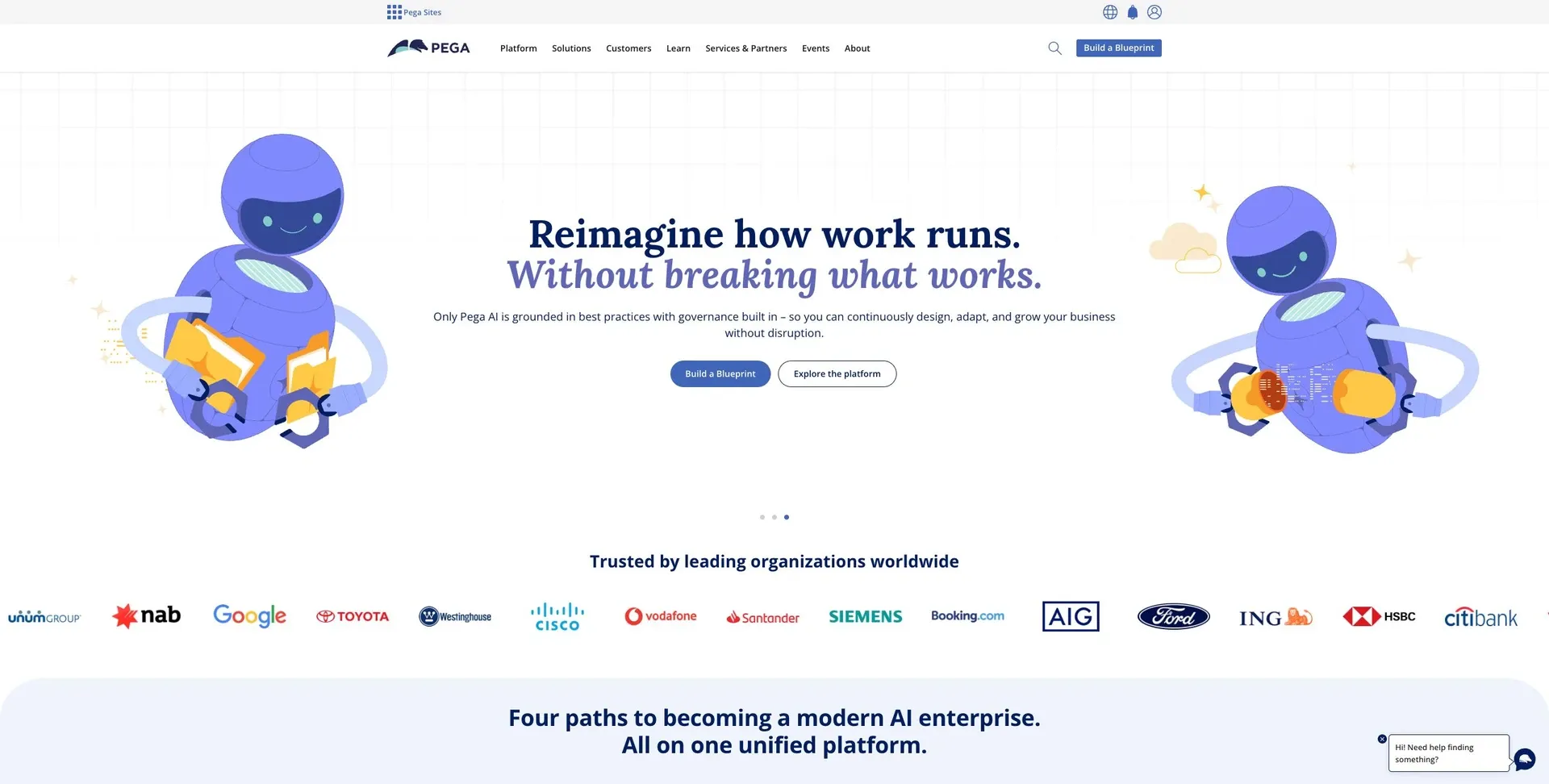
Pega has been in business process automation since 1983. Today, it’s a low-code platform with built-in AI for large-scale workflows, which makes it a strong fit for companies running regulated, decision-heavy processes.
Automation Model
Pega is built for case management, rules-based decisions, and workflow automation. Its built-in AI helps with app drafting, logic setup, and data mapping. That matters when teams need to move from process design to execution without doing every step by hand.
Data Access and Integrations
Pega uses a unified data layer to connect workflows to existing enterprise data. It also connects to ERP and other core enterprise systems. In plain English, that means companies can automate work around the data they already keep in the systems that run the business.
Security and Deployment
Pega includes SSO, audit trails, and governance controls. It also supports on-premises deployment, which can be a big deal for regulated organizations or teams working with infrastructure limits. One thing to know: implementation usually needs a partner because of the platform’s size and complexity.
Pricing
Pega uses a quote-based pricing model.
Best-Fit Use Cases
Pega is best suited for large enterprises in finance, insurance, and healthcare that need regulated workflows, ERP connections, and strong security controls.
9. Nintex
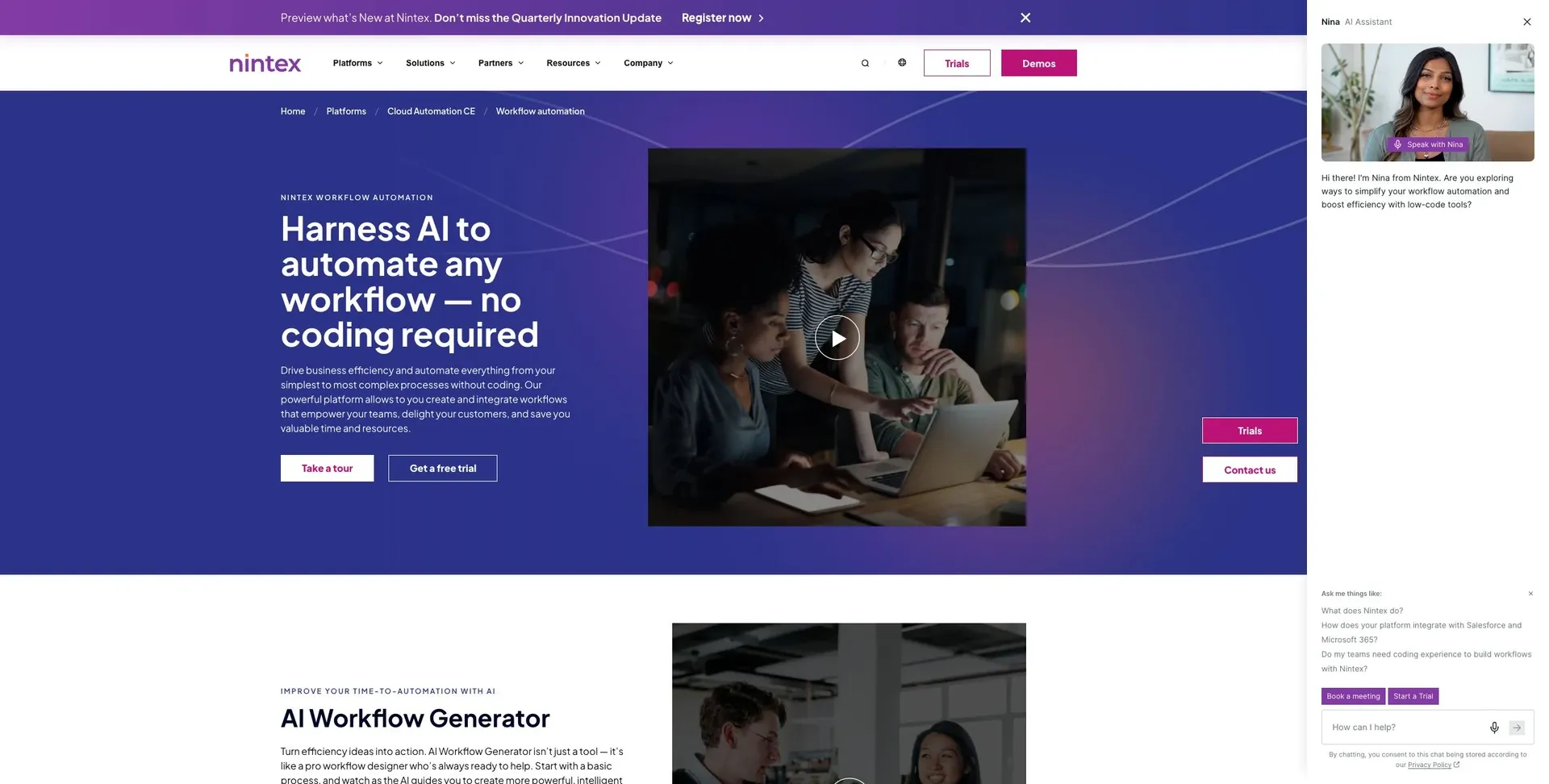
Nintex is built for teams that need structured approvals across different departments.
Its main focus is workflow coordination. A good example is vendor onboarding, where legal, finance, and procurement all need to review the same request, pass it along in the right order, and keep track of status as it moves forward.
That makes Nintex a good fit when several teams need to approve one process in sequence, not all at once.
It supports cloud deployment and includes security controls like RBAC and audit logs. Pricing is available through sales quotes.
10. Pipefy
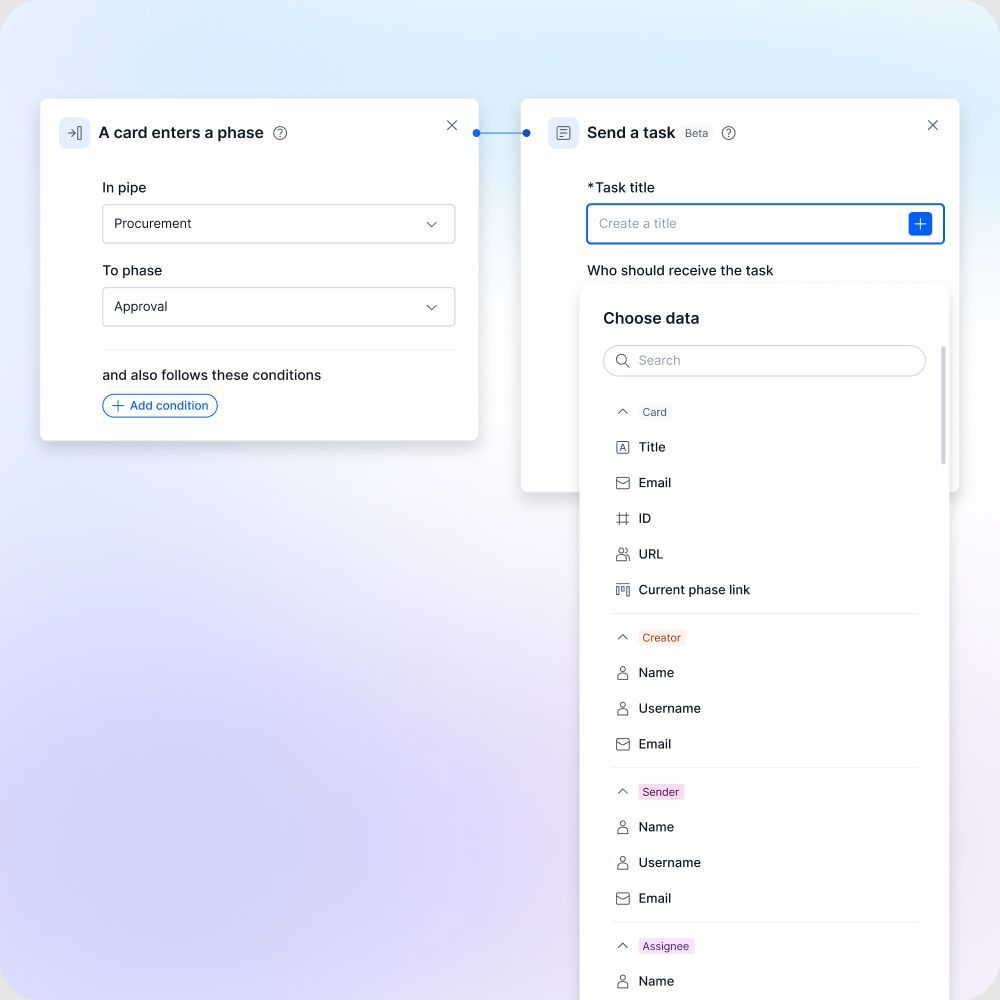
Pipefy is built around intake forms and rule-based task routing for internal workflows.
Automation Model
Everything starts with an intake form. Users submit structured details through those forms, and Pipefy can validate inputs and attach records like invoices or tickets. That setup works well for intake-heavy, repeatable processes where the routing is already defined.
Pipefy also connects with external systems through native integrations and API-based connections. So it can slot into a broader tool stack without forcing teams to rip out the tools they already use.
Security and Deployment
Pipefy is a cloud SaaS platform. On the Enterprise plan, it supports SAML 2.0 SSO, RBAC, and audit logs. It also holds SOC 2 Type II and ISO 27001 certifications.
Pricing and Best-Fit Use Cases
Pipefy offers a free Starter plan, along with paid Business and Enterprise tiers priced per user, per month.
It tends to fit teams that need structured internal workflows, especially for:
- HR onboarding
- Accounts payable
- IT service desk
- Operations workflows
The pros and cons summary below makes the trade-offs easier to scan.
Pros and Cons by Platform
The table below turns the platform reviews into a quick scan of strengths, trade-offs, and rollout effort.
| Tool | Pros | Cons | Implementation Complexity | Key Limit |
|---|---|---|---|---|
| Jet Admin | Deep database and API connectivity; AI-powered internal app building; RBAC, SSO, audit logs (Business+); cloud, plus self-hosted, on-premises and air-gapped deployment on Enterprise | Advanced governance needs the Business plan; on-premise needs Enterprise | Low–Medium | Not built for desktop RPA |
| Microsoft Power Automate | 400+ connectors; native Microsoft 365 and Azure integration; AI Builder and Copilot support; strong DLP and governance controls | Costs climb fast with unattended RPA and process mining add-ons; restrictive outside the Microsoft stack | Low–Medium | Tightly coupled to Microsoft ecosystem |
| UiPath | Best-in-class attended and unattended RPA; Document Understanding for invoice and form extraction; centralized bot orchestration | High implementation cost; requires dedicated RPA expertise | High | Heavy lift for non-RPA use cases |
| Zapier | Best for lightweight cross-app workflows; 5,000+ app integrations; fast setup | Limited depth for complex multi-step logic; no custom internal app UI | Very Low | Not suited for complex internal apps |
| Workato | Strong cross-system orchestration; supports ERP, CRM, and SaaS automation; built-in governance features | Key governance and connector features are paid-only; custom pricing only | Medium | Enterprise features locked behind paid tiers |
| ServiceNow | Centralized control for cross-department workflows; RBAC, SSO, audit logs; cloud and on-premises deployment | Quote-based pricing slows early evaluation; high total cost of ownership | High | Overkill for teams outside enterprise IT |
| Appian | Strong compliance and audit trail support; connects to ERPs, CRMs, and legacy databases; fits regulated workflows | Quote-based pricing; steep learning curve for non-technical teams | Medium–High | Best suited for compliance-heavy environments |
| Pega | Built-in AI for case management and rules-based decisions; on-premises deployment option; strong governance controls | Implementation typically requires a partner; quote-based pricing | High | Complex to deploy without dedicated resources |
| Nintex | Structured approval routing across departments; RBAC and audit logs; cloud deployment | Limited to workflow coordination; less suited for database-connected internal apps | Medium | Narrow fit outside approval-chain use cases |
| Pipefy | Intake form-driven workflow routing; SOC 2 Type II and ISO 27001 certified; SAML 2.0 SSO and RBAC on Enterprise plan | Cloud SaaS only; advanced security features require Enterprise tier | Low–Medium | No on-premises deployment option |
This comparison helps split the field into three groups: database-first internal app builders, workflow orchestration platforms, and lighter integration tools.
That makes the next step simpler. You can use these trade-offs to trim your shortlist before moving into the final recommendation section.
Which Tool Should You Choose?
Use the table below to match each tool to the automation job you deal with most often.
| Scenario | Best Fit | Why |
|---|---|---|
| Build internal apps on existing databases, spreadsheets, and APIs | Jet Admin | AI-powered internal app building with RBAC, SSO/SAML, audit logs, and flexible deployment. |
| Automate simple SaaS-to-SaaS workflows | Zapier | Best suited for straightforward trigger-based automation and fast setup. |
| Manage cross-department workflows with heavy governance | ServiceNow or Appian | Built for complex cross-team workflows that require significant implementation time. |
| Use for technical automation that needs RPA or mixed system access | UiPath | Best for developer-led automation across legacy and modern systems. |
This makes the first pass pretty simple. If you need fast, trigger-based automation between SaaS tools, Zapier is often the cleanest pick. If your team is dealing with cross-department process control and a lot of governance, ServiceNow or Appian will usually make more sense. And if the work leans technical, especially with RPA or a mix of old and new systems, UiPath is the better fit.
Choose Jet Admin when you need AI-built internal apps connected to live databases, spreadsheets, or APIs. That’s the sweet spot.
After that, don’t stop at feature checklists. For regulated environments, deployment model matters just as much as the feature set. If you work with restricted data, look for self-hosted or on-premise deployment, plus RBAC, SSO/SAML, and audit logs.
Before you buy, verify current pricing and feature availability.
FAQs
How do I choose the right automation tool?
Start with your data, security, and technical requirements. Those are the hardest parts to change later, so it makes sense to get them straight first.
Next, decide whether you need no-code or low-code. That choice usually depends on who will build and maintain the app, and how much control your team wants. Also be clear about the job the tool needs to do: are you building internal admin tools, customer portals, or workflow automation?
From there, check how well the platform connects to your current databases and SaaS systems. Good connectors can save a lot of pain. You’ll also want governance features such as RBAC, audit logs, and environment management, especially if more than one team will use the tool.
If you can, test the platform with your own data before you commit. A demo can look smooth, but your actual setup tells the real story.
When do I need on-premises deployment?
On-premises deployment is often the right fit for organizations in regulated industries or those with strict security and data residency rules.
Choose it when your policies require private data to remain off third-party cloud servers, when compliance calls for air-gapped environments, or when you need full control over network security, audit logs, and data governance.
What security features matter most?
The most important security features are RBAC, centralized identity/SSO, and detailed audit logs.
Here’s why they matter:
- RBAC helps enforce separation of duties and controls who can see or change data.
- Centralized identity/SSO keeps authentication consistent across systems.
- Detailed audit logs show who did what, when, and from where, including workflow submissions, approvals, rejections, and field changes.
These features matter most when you’re dealing with spend, customer data, HR records, and access rights.