
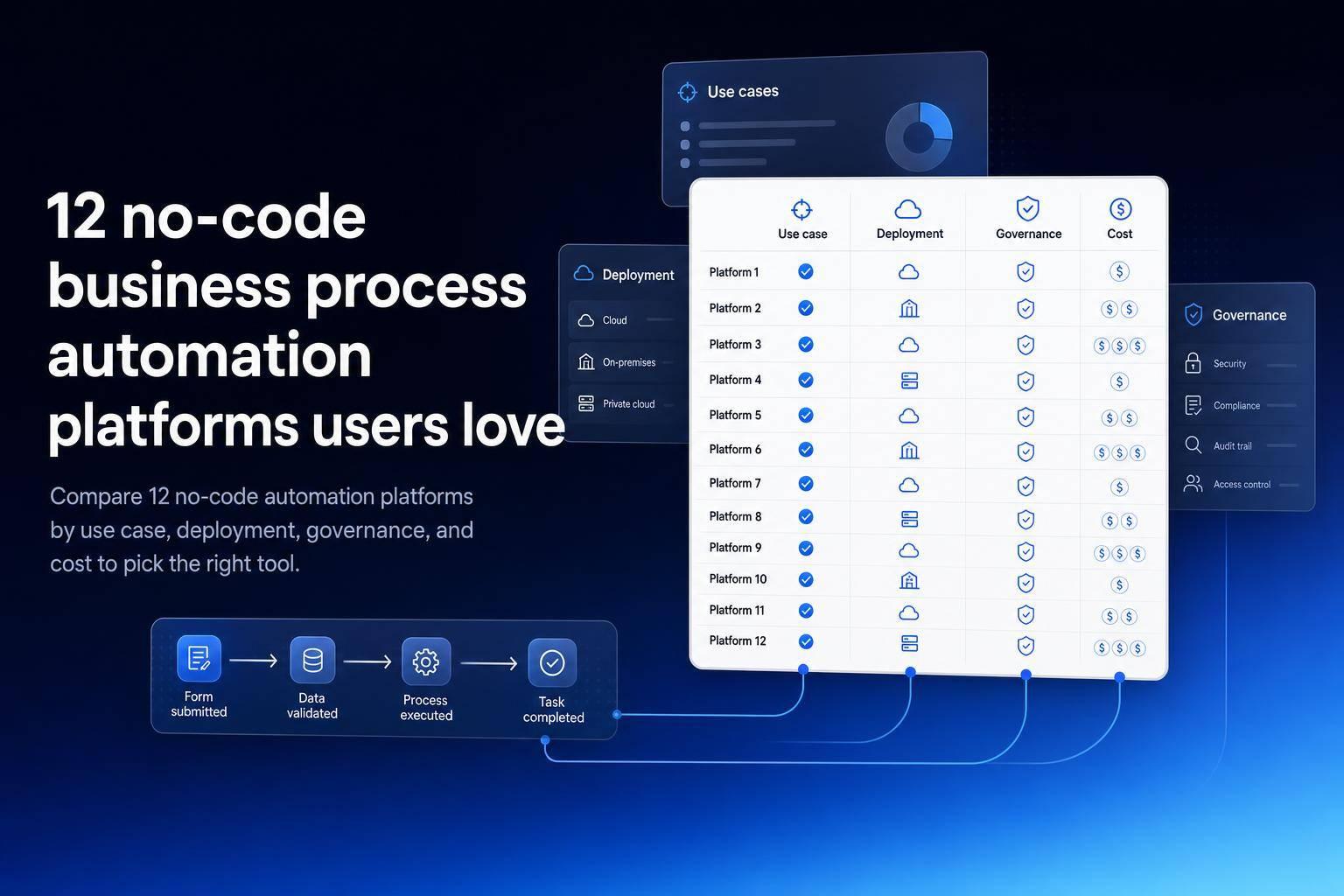
Most teams should pick based on 4 things first: workflow type, data source, hosting needs, and pricing model. In this list of 12 no-code automation platforms - Zapier, Make, Airtable Automations, Microsoft Power Automate, Retool Workflows, Jet Admin, Workato, Kissflow, n8n, Activepieces, Pabbly Connect, and airSlate - the split is clear: some are best for simple app-to-app flows, some fit internal data and approvals, and some work better for document routing or self-hosted setups.
Here’s the short version: Zapier, Make, and Pabbly Connect fit common SaaS automations; Airtable Automations fits teams already in Airtable; Power Automate fits Microsoft 365; Retool Workflows and Jet Admin fit database- and API-backed internal work; Workato fits large-company process orchestration; Kissflow fits simple request flows; n8n and Activepieces fit teams that want self-hosting; and airSlate fits document-heavy processes. Pricing starts as low as $10/month, $15/user/month, $19.99/month, or $20/month for some tools, while others use sales-led pricing or one-time payment plans.
Before I commit to any tool, I’d check:
- Usage-based pricing vs. flat pricing
- SSO, RBAC, and audit logs in the plan I can afford
- Cloud, self-hosted, on-premises, or air-gapped deployment
- Whether the workflow needs SQL, JavaScript, APIs, or none of that
I Tested 500+ Automations. One Platform Wins.
sbb-itb-8346adb
Quick Comparison
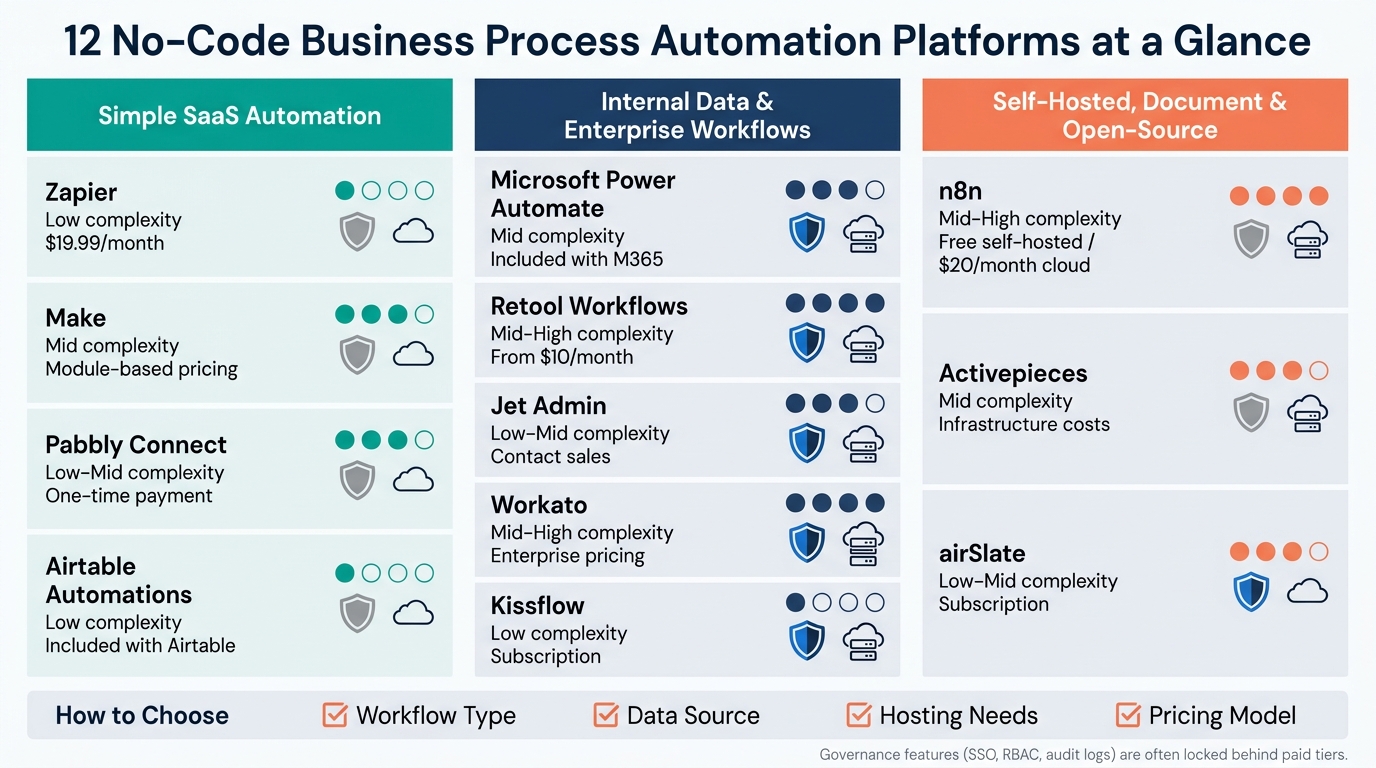
12 No-Code Automation Platforms Compared: Fit, Complexity & Cost
| Platform | Best for | Main watchout | Pricing note |
|---|---|---|---|
| Jet Admin | Internal tools plus workflow control | Self-hosting needs the Enterprise plan | Free plan; Pro $20/month |
| Zapier | Cross-app automations | Task costs can climb | Starts at $19.99/month |
| Make | Branching multi-step flows | Takes time to learn | Pricing not listed here |
| Airtable Automations | Airtable-based workflows | Best only if Airtable is core | Tied to Airtable plans |
| Microsoft Power Automate | Microsoft 365 processes | Learning curve | Starts at $15/user/month |
| Retool Workflows | Internal data/API automations | Often needs query or script skills | Starts at $10/month billed annually |
| Workato | Enterprise process orchestration | Higher cost and setup | Enterprise pricing |
| Kissflow | Request and approval flows | Less fit for API-heavy work | Subscription pricing |
| n8n | Self-hosted API workflows | You run maintenance if self-hosted | $20/month cloud; free self-hosted |
| Activepieces | Open-source automation | Hosting and upkeep fall on your team | Pricing not listed here |
| Pabbly Connect | Predictable automation spend | Governance may be tier-limited | One-time payment model |
| airSlate | Document routing and e-signature flows | Narrower fit outside document work | Subscription pricing |
If I were making a shortlist, I’d start with 3 buckets: simple SaaS automation, internal data workflows, and document or enterprise process flows. That gets you to the right category fast, without getting lost in feature lists.
The 12 no-code business process automation platforms
Zapier, Make, Airtable Automations, and Microsoft Power Automate
It helps to start with general-purpose automation tools before moving into no-code app builders, enterprise controls, and open-source options.
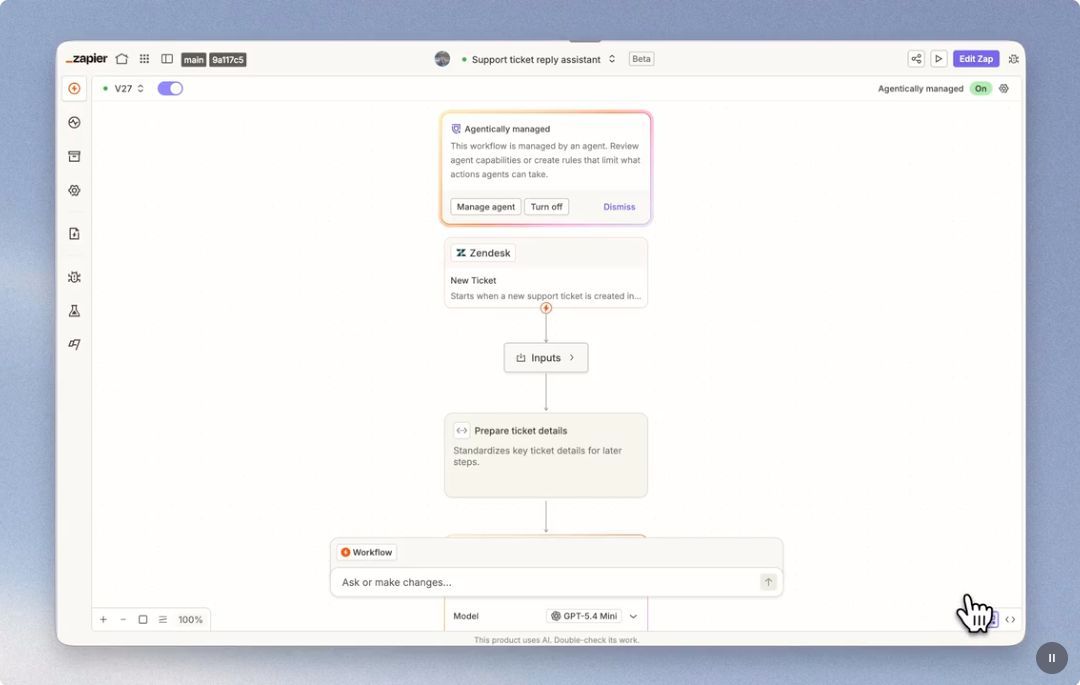
Zapier is often the fastest way to connect apps through native integrations. It’s good for notifications, record syncs, task creation, and approval triggers across business apps. The catch is pricing: it charges per task, so busy workflows can get expensive fast. Professional plans start at $19.99/month.
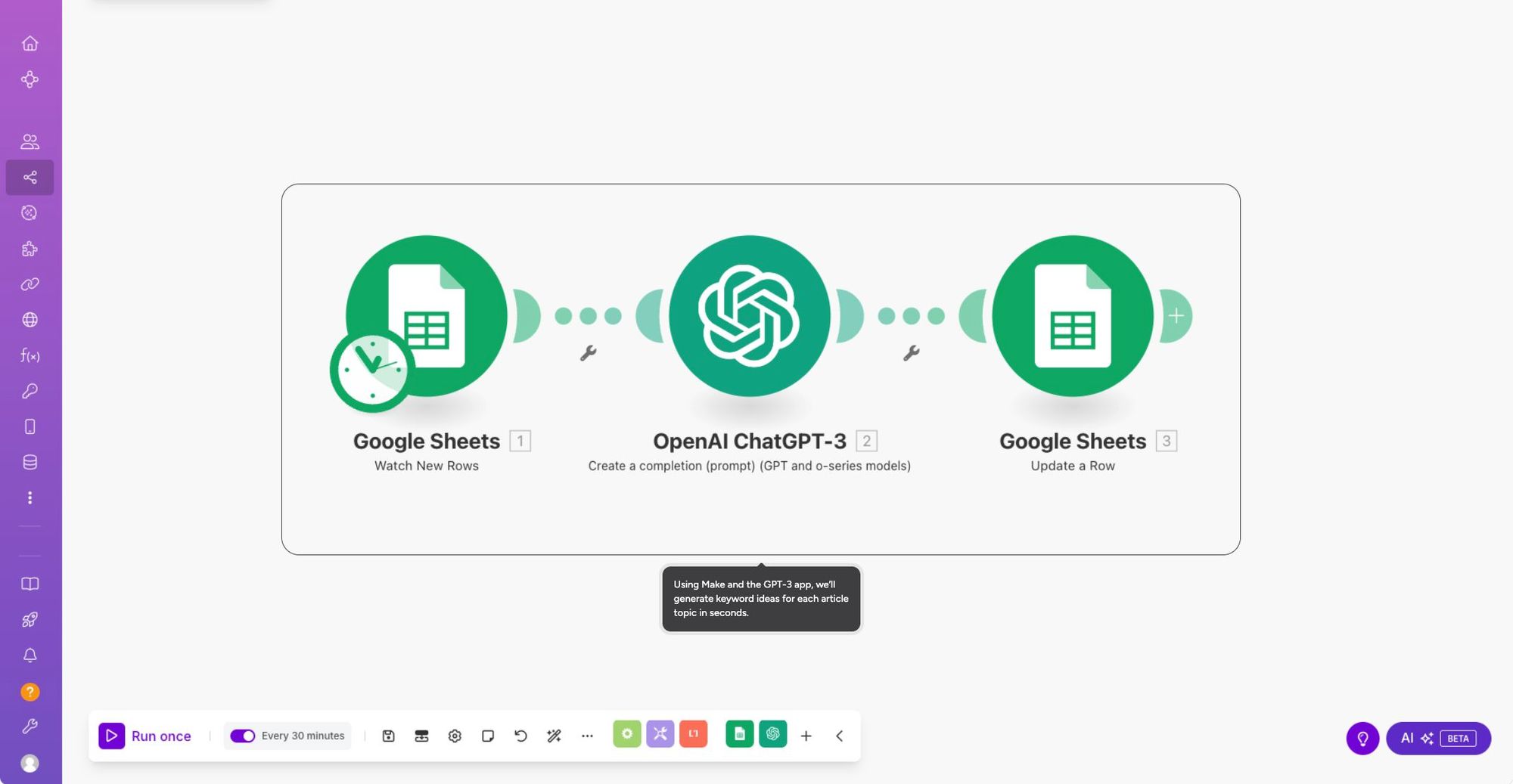
Make (formerly Integromat) uses a flowchart editor, which makes multi-step logic easier to see and manage. If your workflow has branches, conditions, API calls, or data transformation, Make handles that well. The trade-off is its module-based setup, which can take a while to get used to.
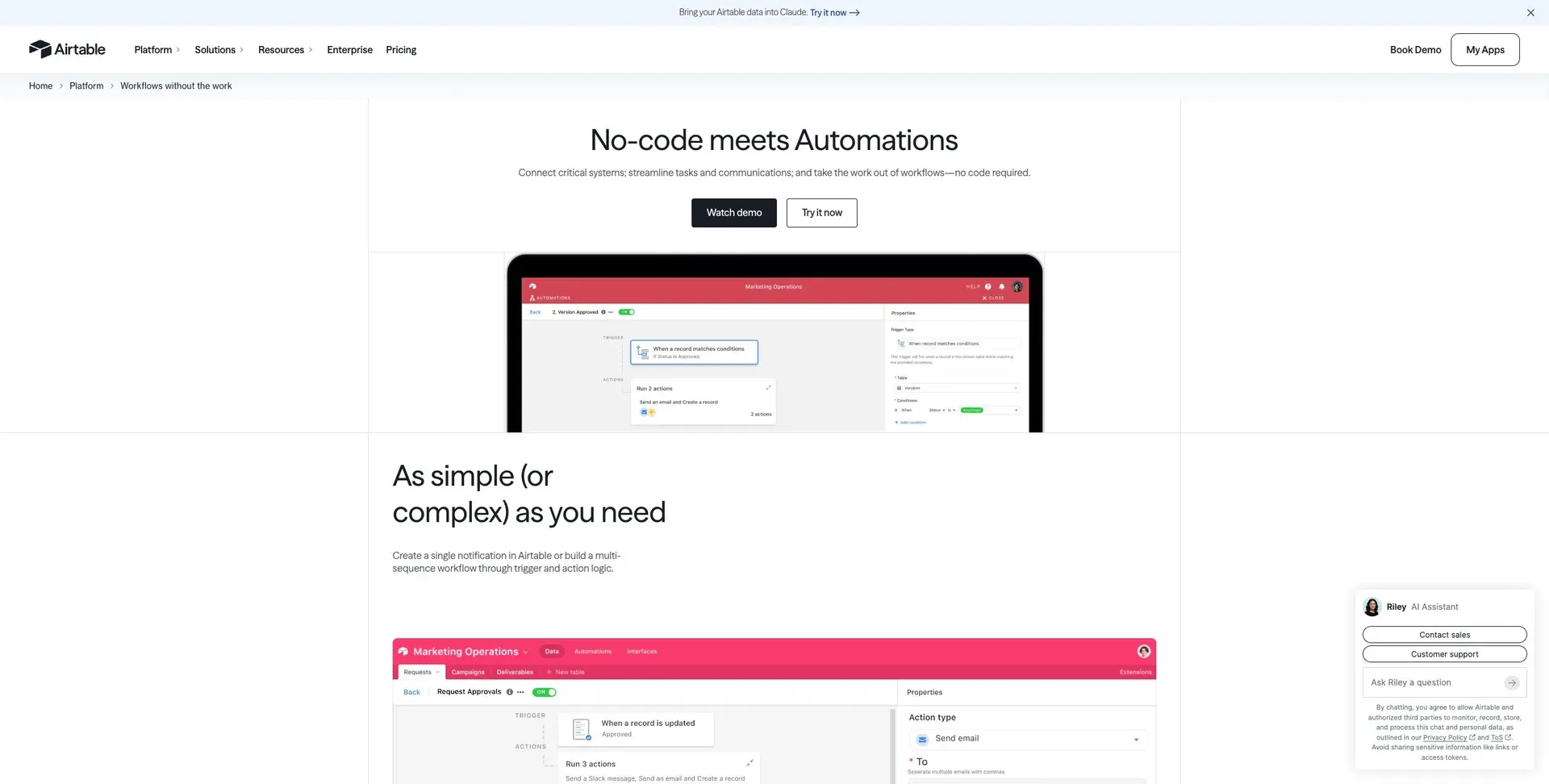
Airtable Automations makes the most sense when your workflow already lives in Airtable. It can automate record updates, field-driven workflows, notifications, and status changes. That narrow focus is both the point and the limit. If Airtable is your source of truth, it works well. If not, you may hit walls.
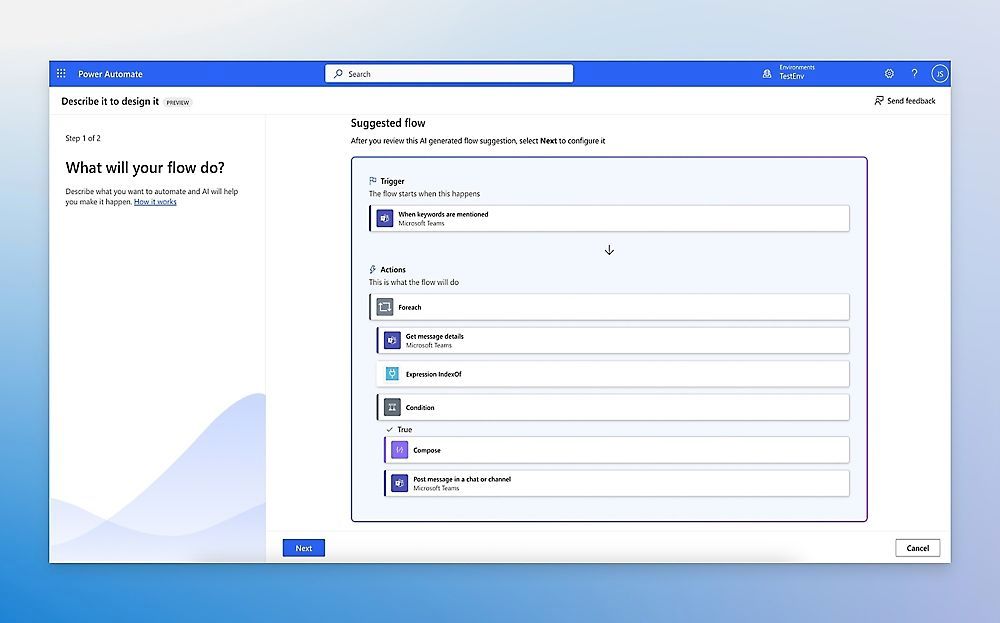
Microsoft Power Automate is a natural fit for Microsoft 365 teams. It handles approval chains, document routing, and scheduled syncs across Microsoft services. Like many Microsoft tools, it can do a lot, but it may take some time to learn.
Retool Workflows, Jet Admin, Workato, and Kissflow
This next group moves closer to your data and internal systems, not just app-to-app automation.
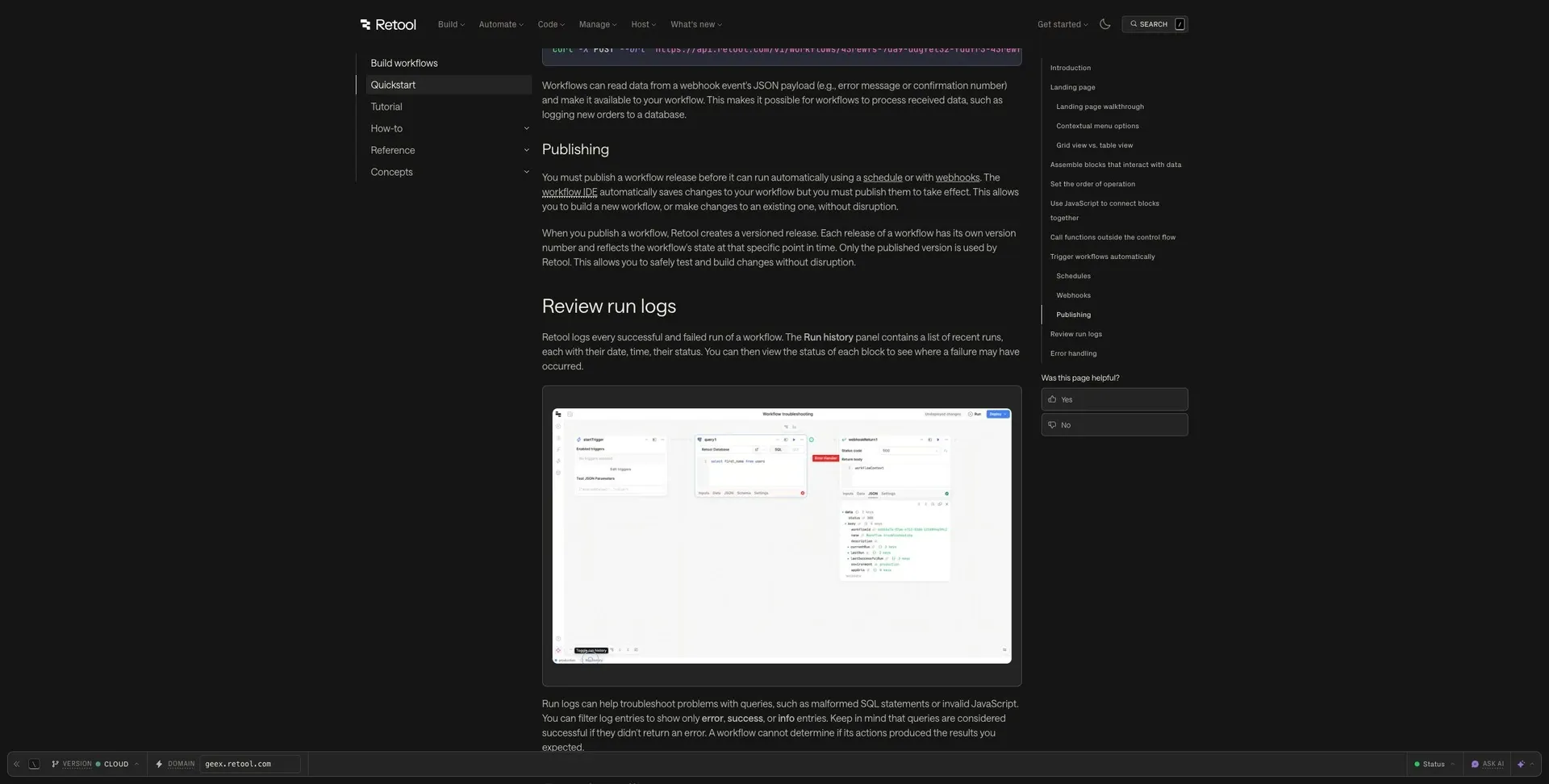
Retool Workflows connects straight to databases and APIs. It can run scheduled jobs, respond to webhook triggers, and process data across multiple steps. That makes it a good fit when your automations need to work with the same sources behind your internal tools. But there’s a catch: you’ll want some comfort with queries and scripting.
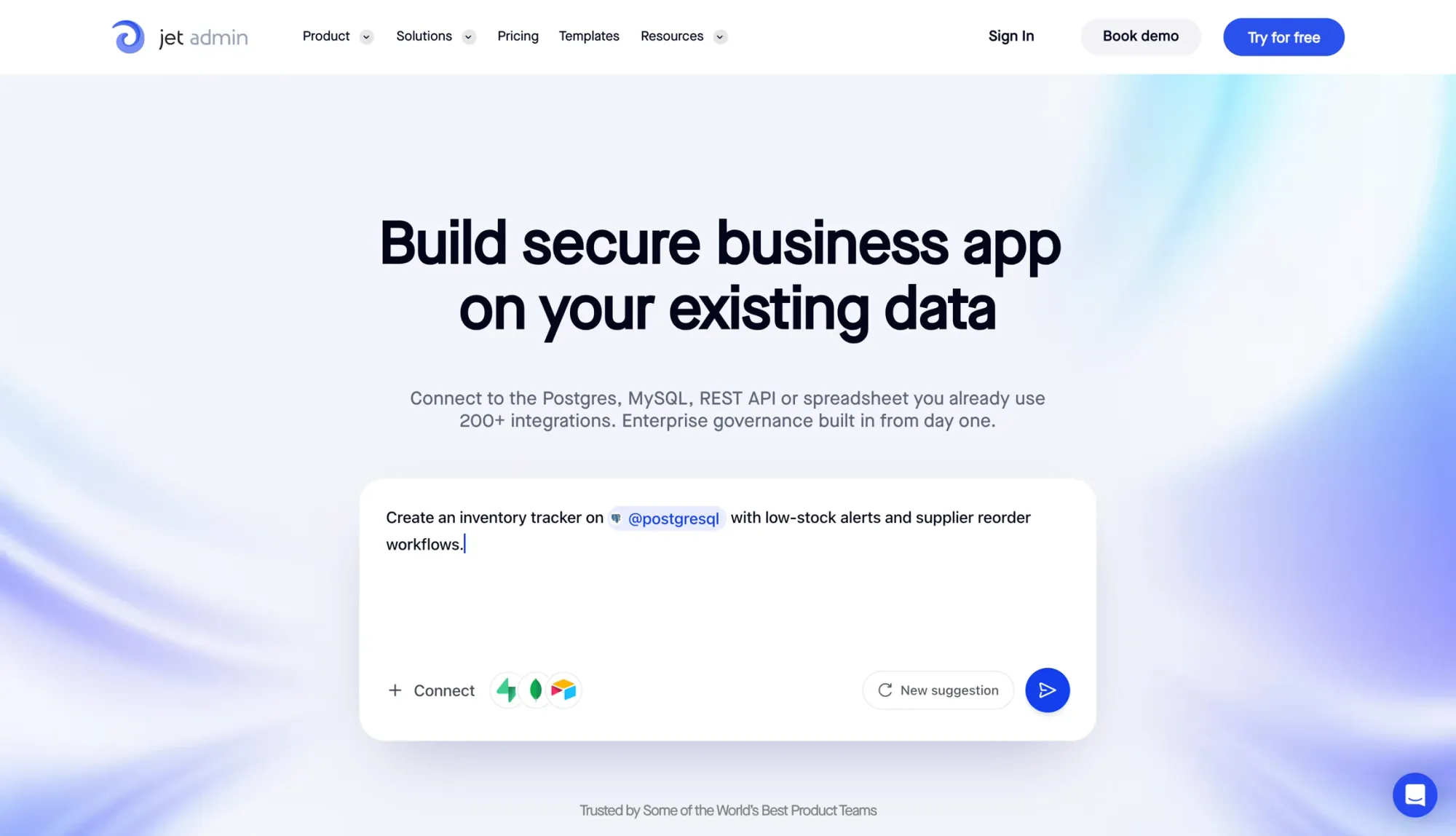
Jet Admin is built for teams that want secure internal tools and workflows on top of data they already use. It connects to PostgreSQL, MySQL, MongoDB, REST APIs, Google Sheets, Airtable, and Jet Tables. From there, teams can build approval flows, inventory update workflows, task routing, and dashboards. It also includes role-based access control (RBAC), with SSO and audit logs on the Business plan and above. For deployment, you can choose cloud, self-hosted, on-premises, and air-gapped environments; the non-cloud options are on the Enterprise plan.
Workato is aimed at enterprise-scale automation. It can orchestrate workflows across ERP systems, HR platforms, CRMs, and custom APIs, using a recipe-based workflow model and strong governance controls. It tends to make the most sense in places where reliability and auditability matter a lot.
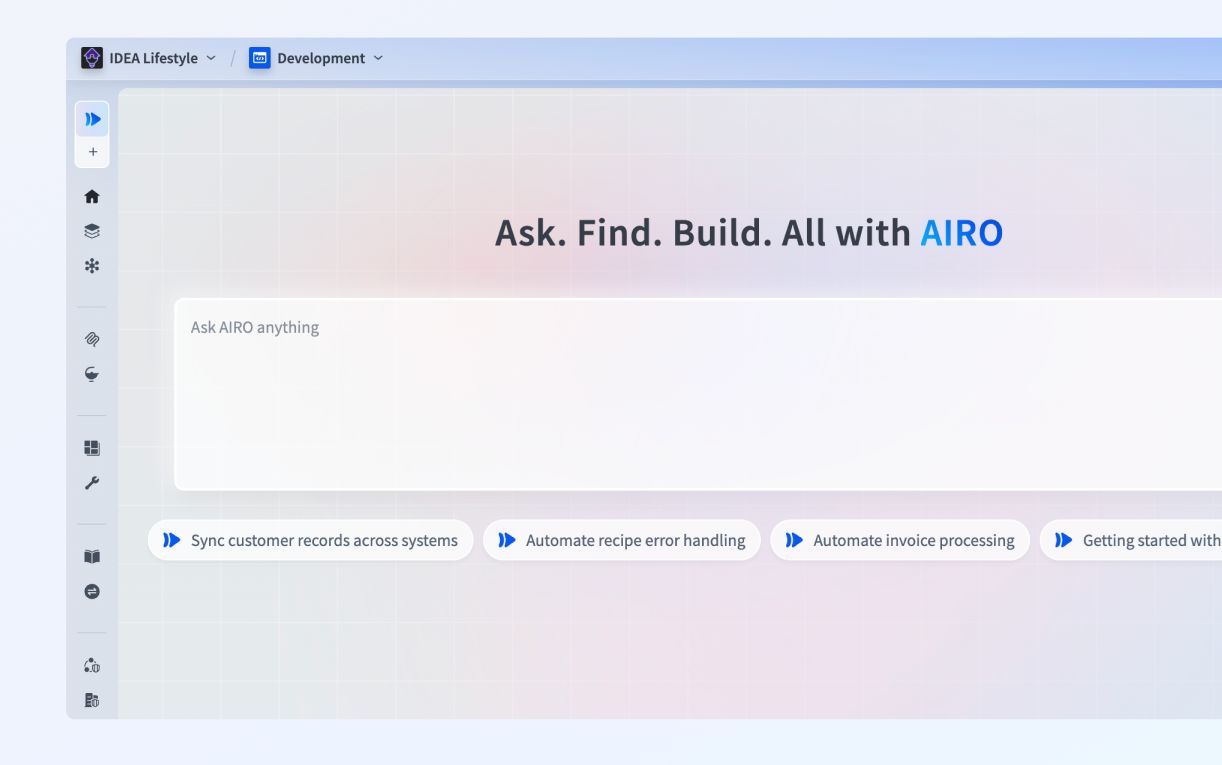
Kissflow works best for simple approval and request flows. Its form-and-flow builder is meant for straightforward requests without much friction. If your process is data-heavy or depends a lot on API connections, it’s less likely to be the right fit.
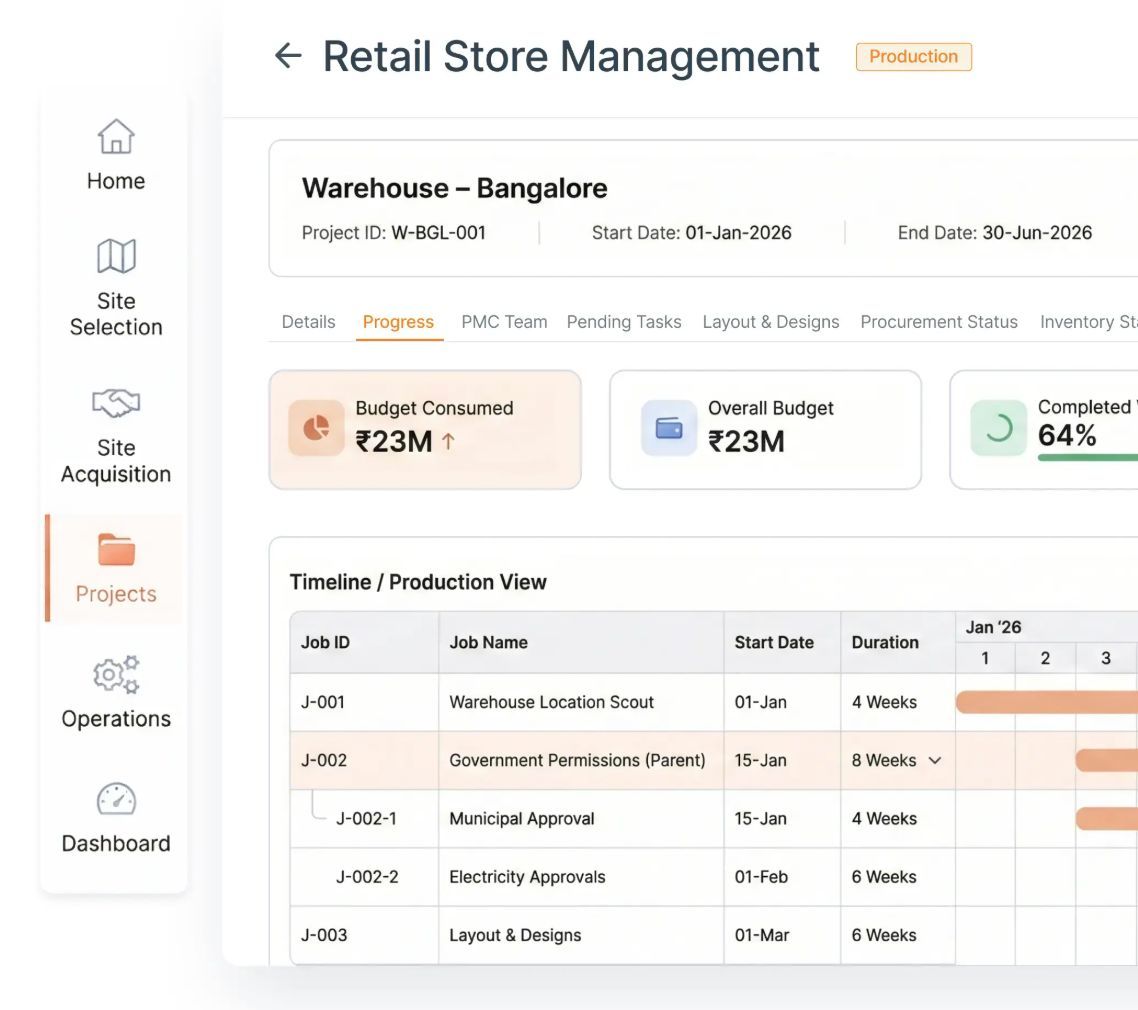
n8n, Activepieces, Pabbly Connect, and airSlate
This last group leans toward self-hosting, document-heavy workflows, or pricing that’s easier to predict.
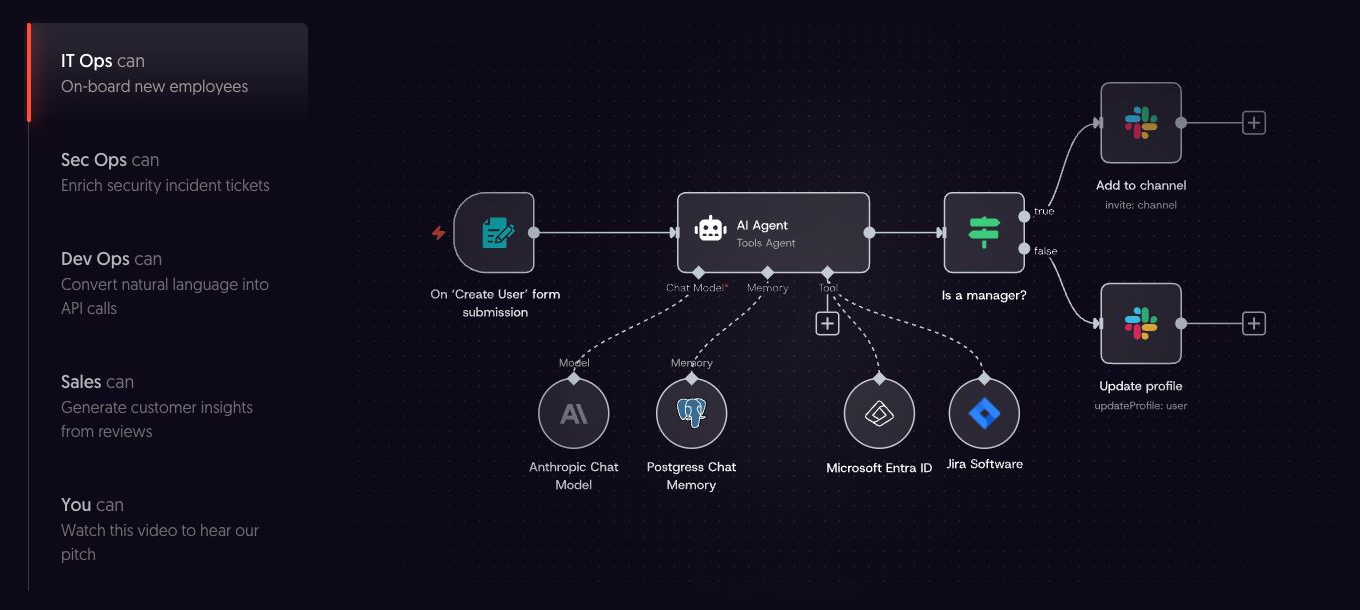
n8n is a good match for teams that want self-hosted control and visual API orchestration. It’s open-source and handles complex workflows well. The self-hosted version is free, while the cloud Starter plan begins at $20/month. If you self-host, your team is also on the hook for monitoring, error handling, and maintenance.
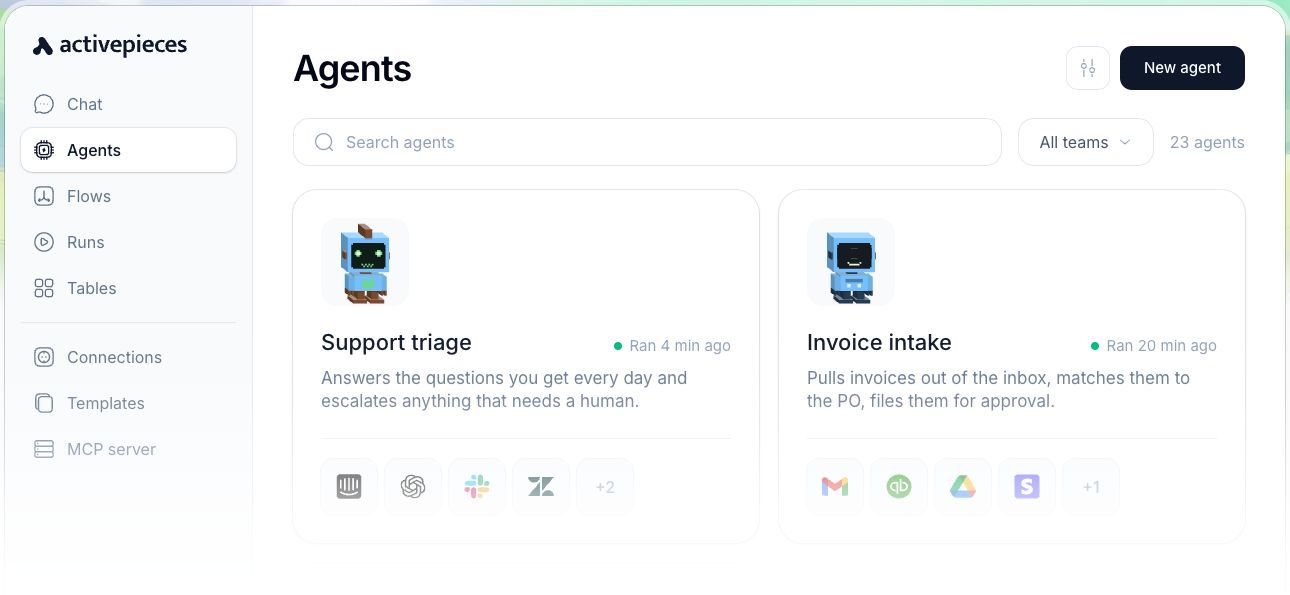
Activepieces also offers open-source automation with a self-hosted option. That setup brings infrastructure and maintenance work with it, so it tends to fit teams that can handle that side of the job.
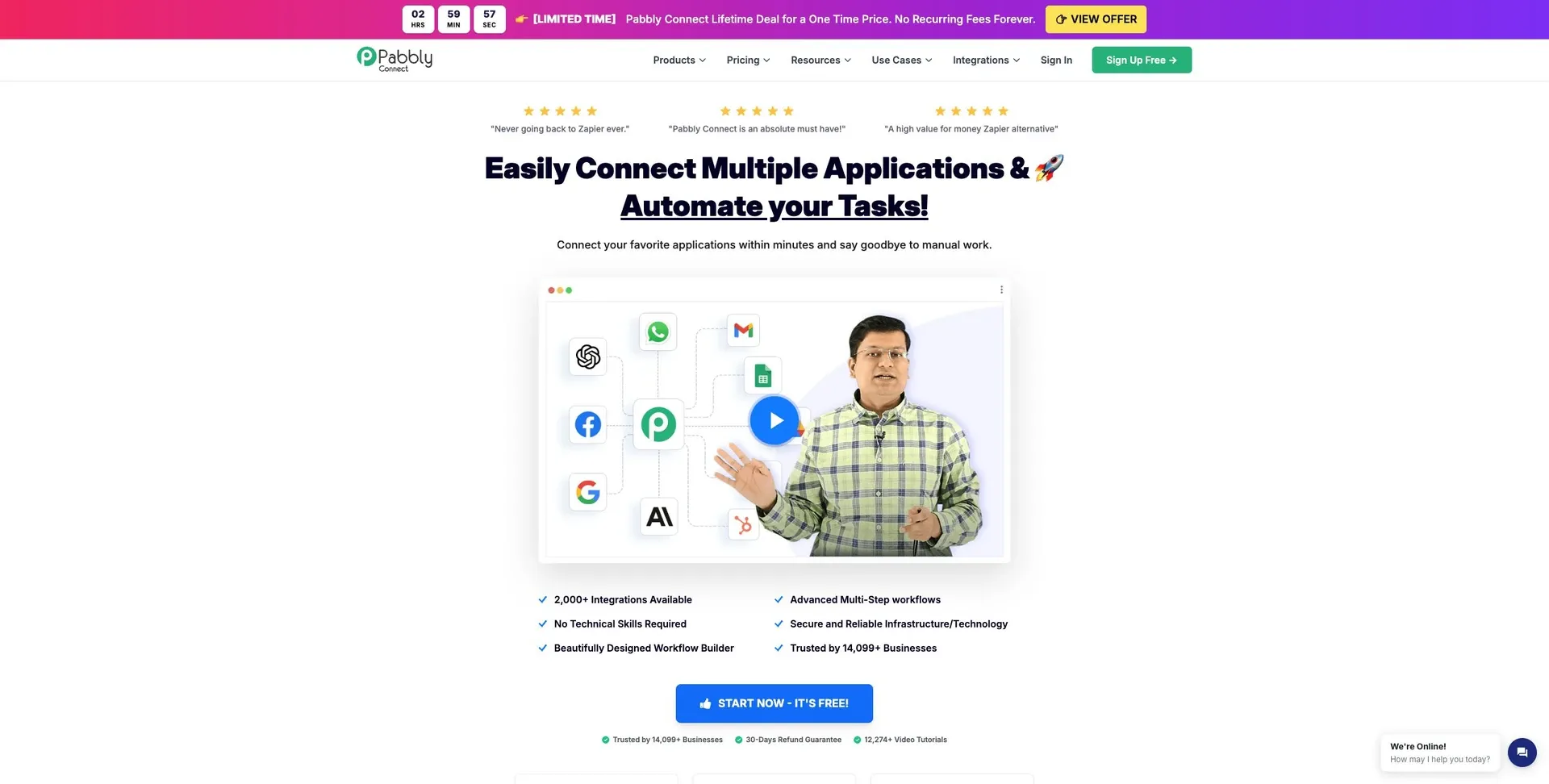
Pabbly Connect stands out for its one-time pricing with no recurring subscription. That can be a solid option for small teams or solo operators with steady, predictable automation volumes. It covers common app-to-app workflows like form submissions, email triggers, and CRM updates.
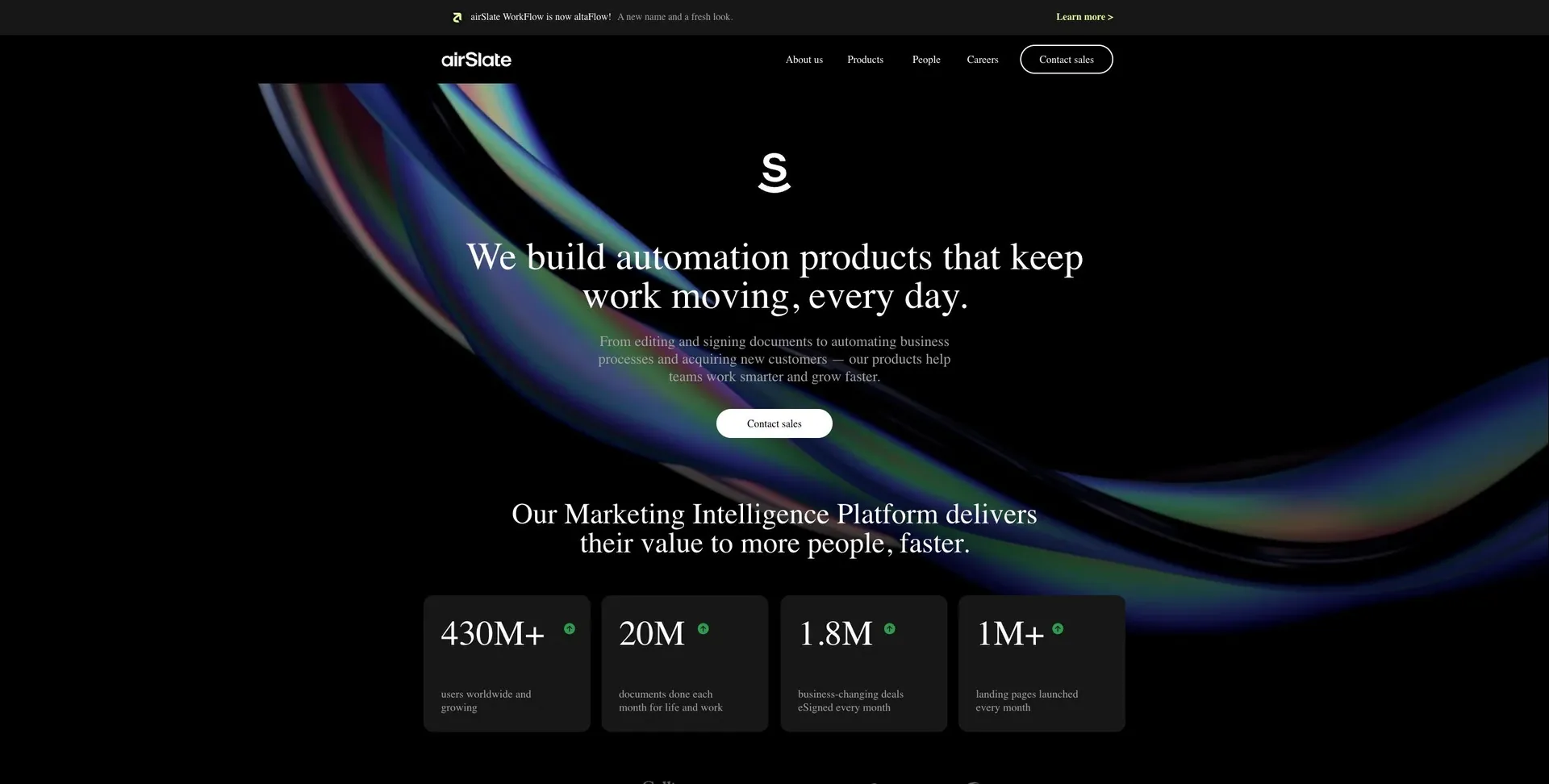
airSlate is built for document routing, e-signatures, and contract approvals. It supports compliance-driven document processes from start to finish. If the main bottleneck in your process is getting documents signed, routed, and stored, this is where airSlate fits best.
Platform trade-offs by decision criteria
The table below shows where each platform fits - and where it starts to crack under pressure. Once you know what each tool is built for, the next step is simpler: compare them on control, complexity, deployment, and cost.
That’s what turns a long platform list into an actual buying decision.
Governance, monitoring, and deployment controls show up across many tools, but there’s a catch: those features are often locked behind paid tiers. The table below puts those trade-offs side by side.
Complexity, governance, deployment, and cost compared across all 12 platforms
| Platform | Typical fit | Technical lift | Governance & deployment | Cost notes |
|---|---|---|---|---|
| Jet Admin | Internal apps and workflows on existing data sources | Low to mid | RBAC, SSO, SAML, audit logs (Business+); cloud, plus self-hosted, on-premises and air-gapped options on Enterprise | Free plan; Pro $20/mo; Business $100/mo; Enterprise custom |
| Zapier | Trigger-action automations | Low | Paid-only governance and SSO; cloud only | Usage-based pricing |
| Make | Visual, branching automations | Mid | Paid-only governance; cloud only | Module-based pricing |
| Airtable Automations | Airtable-centric workflows | Low | Tied to the Airtable plan | Included with Airtable subscriptions |
| Microsoft Power Automate | Microsoft 365 workflows | Mid | Enterprise governance within the Microsoft stack | Often included with Microsoft 365 plans |
| Retool Workflows | Data- and API-heavy internal workflows | Mid to high | More technical; SQL/JavaScript-friendly | Plan-based pricing |
| Workato | Enterprise orchestration across core systems | Mid to high | Enterprise governance and audit trails | Enterprise pricing |
| Kissflow | Form, request, and approval workflows | Low | Basic role controls | Subscription pricing |
| n8n | API-heavy automations | Mid to high | Paid-only advanced governance; connect via OpenAPI; cloud and self-hosted | Free self-hosted; cloud starts at $20/mo |
| Activepieces | Open-source, API-driven workflows | Mid | Self-hosted; infrastructure and maintenance required | Infrastructure costs apply |
| Pabbly Connect | Task-based automations with predictable pricing | Low to mid | Paid-only governance | One-time payment model |
| airSlate | Document-focused workflows | Low to mid | Compliance-oriented document controls | Subscription pricing |
Deployment flexibility is another line item that can change the whole decision. If your team needs self-hosting or on-premises control, put that near the top of your checklist.
Many platforms offer deployment controls, but those options are still often gated behind paid tiers. For regulated teams or organizations with data residency requirements, that can matter just as much as the raw feature set.
How to choose the right platform for your team
Use the trade-off table to narrow the field. Then use this section to line up each platform with how your team works day to day. Start with the workflow itself, not a long feature checklist. After that, confirm data source and governance needs.
Match the platform to your workflow shape, data source, and governance needs
The next step is simple: match the tool to how your team actually builds and runs workflows.
If you're handling approvals, notifications, and straight record syncs across SaaS tools, app-connector tools like Zapier, Make, or Pabbly Connect are usually the best place to start. If the workflow splits based on conditions or needs data transformation between steps, branching workflow tools like n8n or Activepieces give you more control. If your team needs forms, dashboards, role-based permissions, and workflows on top of an existing database or API, internal-tool platforms like Jet Admin make more sense. And if you're working at enterprise scale, where auditability is non-negotiable, enterprise process platforms are built for that layer.
Once you've pinned down the category, check cost, governance, deployment, and technical lift. That's where a lot of teams get tripped up. A tool can look great in a demo and still fall apart once pricing, hosting, or admin controls enter the picture.
What to check before you commit to a platform
- Usage limits can push costs up fast. Model pricing against your expected volume, not just what you're doing now, especially on task-based or run-based plans.
- Governance features are often paid-only. Check that SSO, RBAC, and audit logs are included in the tier you're planning to buy.
- Deployment model should be a hard filter. If data residency or air-gapped environments are required, confirm self-hosted or on-premises support before you spend time on anything else.
- Technical lift matters more than it first seems. Check whether advanced workflows need SQL, JavaScript, or IT support, and make sure custom logic still holds up as the workflow gets bigger.
Those four checks usually shape the shortlist.
Conclusion: the right no-code automation platform depends on your process, data, and control requirements
The right platform comes down to a few practical things: how complex the workflow is, where the data lives, who will maintain it, and how much control your team needs. A simple SaaS notification flow calls for a different tool than an approval process or a database-backed workflow with tighter governance. That’s the simplest way to match a platform to the work you actually need to automate.
It’s also worth noting that governance and audit trails often sit behind higher-priced plans. Before you commit, check pricing at your expected volume and confirm the security and deployment controls your team needs, including SOC 2, HIPAA, SSO, and data residency.
FAQs
How do I choose the right workflow category first?
Start by defining your main use case and the workflow anchor behind it. Be clear on what you’re building: internal tools, client-facing portals, data management dashboards, or pure automation flows.
Next, figure out where the main logic needs to live. Do you need app-level logic inside a UI, with things like branching and validation? Or do you need a workflow engine built for event-driven tasks like approvals and notifications?
Pick the category that best matches your governance needs, execution style, scale, and technical limits.
When does self-hosting make more sense than cloud?
Self-hosting makes more sense when your organization needs strict data governance, tighter security, or compliance with specific privacy rules. It puts you in full control of sensitive data and can help you avoid vendor lock-in.
It can also be a better fit if you want to avoid scaling caps, customize the codebase directly, and have the technical team to handle the DevOps work.
Which hidden costs should I check before buying?
Look past the subscription fee and check the total cost of ownership.
That means watching for scaling costs like record caps, automation run limits, and per-user pricing that can get pricey as your team grows.
It also helps to review governance features that may sit behind higher-tier plans, such as audit logs, SSO, and SCIM. On top of that, factor in day-to-day upkeep: schema changes, automation debugging, user training, vendor lock-in, and, if you host it yourself, the added responsibility that comes with self-hosting.