
If you need enterprise AI that can move past a demo, the short answer is this: I split my stack into 9 tools across 3 jobs - building AI admin panels, automating work with AI agents, and helping teams with writing, analysis, search, and coding.
Here’s my take in one view:
- For governed internal apps: Jet Admin
- For CRM-based agents: Salesforce Agentforce
- For custom code: GitHub Copilot
- For simple app-to-app automation: Zapier
- For legacy process automation: UiPath
- For company search across tools: Glean
- For Microsoft-heavy teams: Microsoft 365 Copilot
- For Google-heavy teams: Google Gemini Enterprise
- For general AI work: ChatGPT Enterprise and Claude Enterprise
What I care about most is simple: can the tool work with live company data and still give me SSO, RBAC, audit logs, and permission controls? That’s usually the line between a test project and daily use.
A few facts stand out right away:
- Jet Admin connects to 200+ data sources
- Zapier supports 6,000+ SaaS integrations
- Glean works across 100+ knowledge sources
- Several tools support cloud, self-hosted, on-prem, or hybrid setups
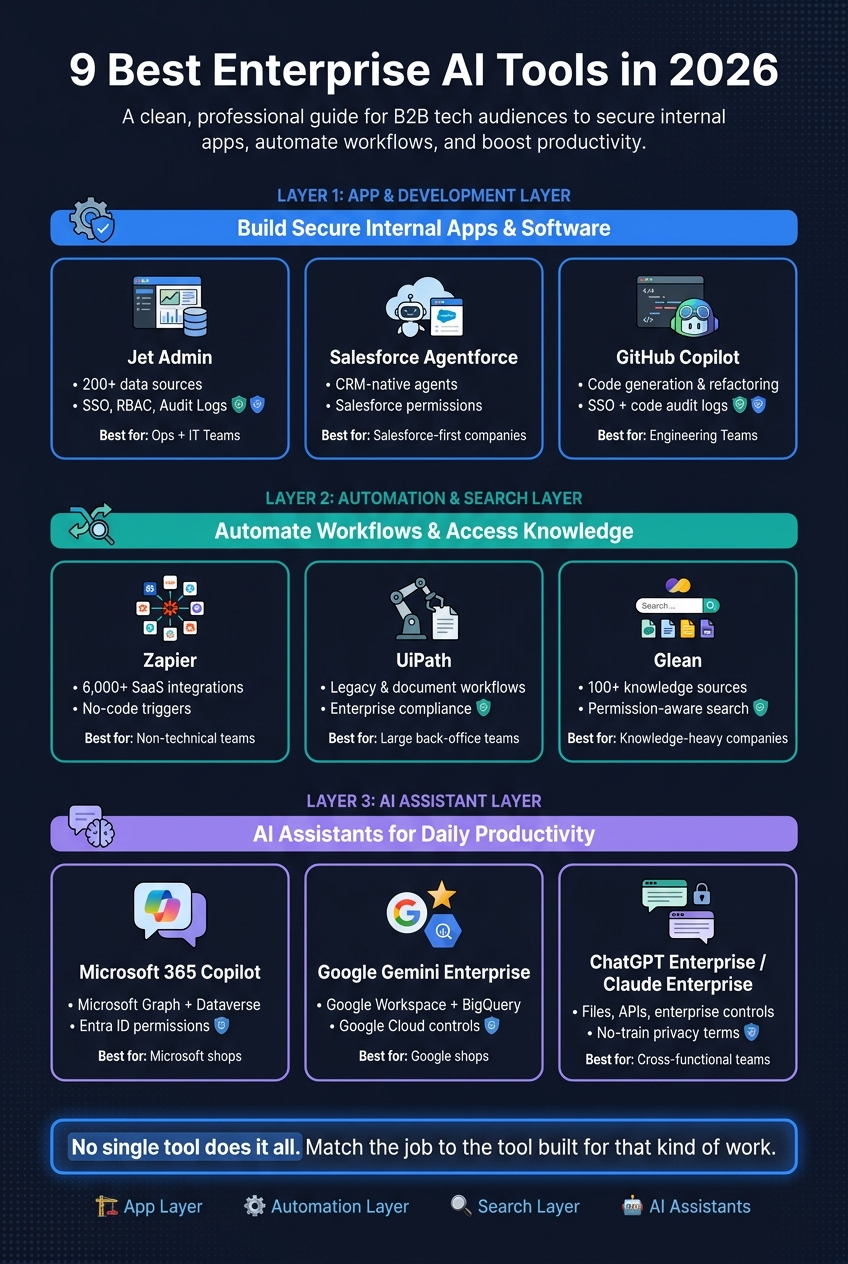
9 Best Enterprise AI Tools 2026: Stack Comparison
Quick Comparison
| Tool | Best for | Data access | AI or automation focus | Admin and security | Best fit |
|---|---|---|---|---|---|
| Jet Admin | Internal apps on live business data | 200+ sources, SQL, APIs, SaaS | Prompt-to-app, AI agents | SSO, RBAC, audit logs (Business plan and above) | Ops + IT teams |
| Salesforce Agentforce | CRM agents | Salesforce-native data | Multi-step agents | Salesforce permission model | Salesforce-first companies |
| GitHub Copilot | Internal software development | Repo context | Coding, refactoring, testing | SSO, code controls, logs | Engineering teams |
| UiPath | Legacy and document workflows | APIs + UI automation | RPA + document AI | Enterprise compliance controls | Large back-office teams |
| Zapier | App-to-app automation | 6,000+ apps | Natural-language workflow setup | Central admin, SSO | Non-technical teams |
| Glean | Internal knowledge search | 100+ tools and docs | AI answers over company data | Permission-aware search | Knowledge-heavy companies |
| Microsoft 365 Copilot | Office productivity | Microsoft Graph, Dataverse | Drafting, summaries, analysis | Entra ID permissions | Microsoft shops |
| Google Gemini Enterprise | Workspace productivity | Google Workspace, BigQuery | Analysis, writing, assistant tasks | Google Cloud controls | Google shops |
| ChatGPT Enterprise / Claude Enterprise | General AI support | Files, APIs, enterprise controls | Research, writing, reasoning, coding | Privacy controls, no-train terms | Cross-functional teams |
My main point is simple: there is no single winner here. I use an app layer, an automation layer, a search layer, and AI assistants, then match each tool to the job it handles best.
Below, I break down where each one fits and why.
sbb-itb-8346adb
Tools I use to build secure business apps and internal software
These three tools cover the app layer of my stack: internal apps, CRM workflows, and custom code.
Jet Admin: my core tool for internal apps on existing data
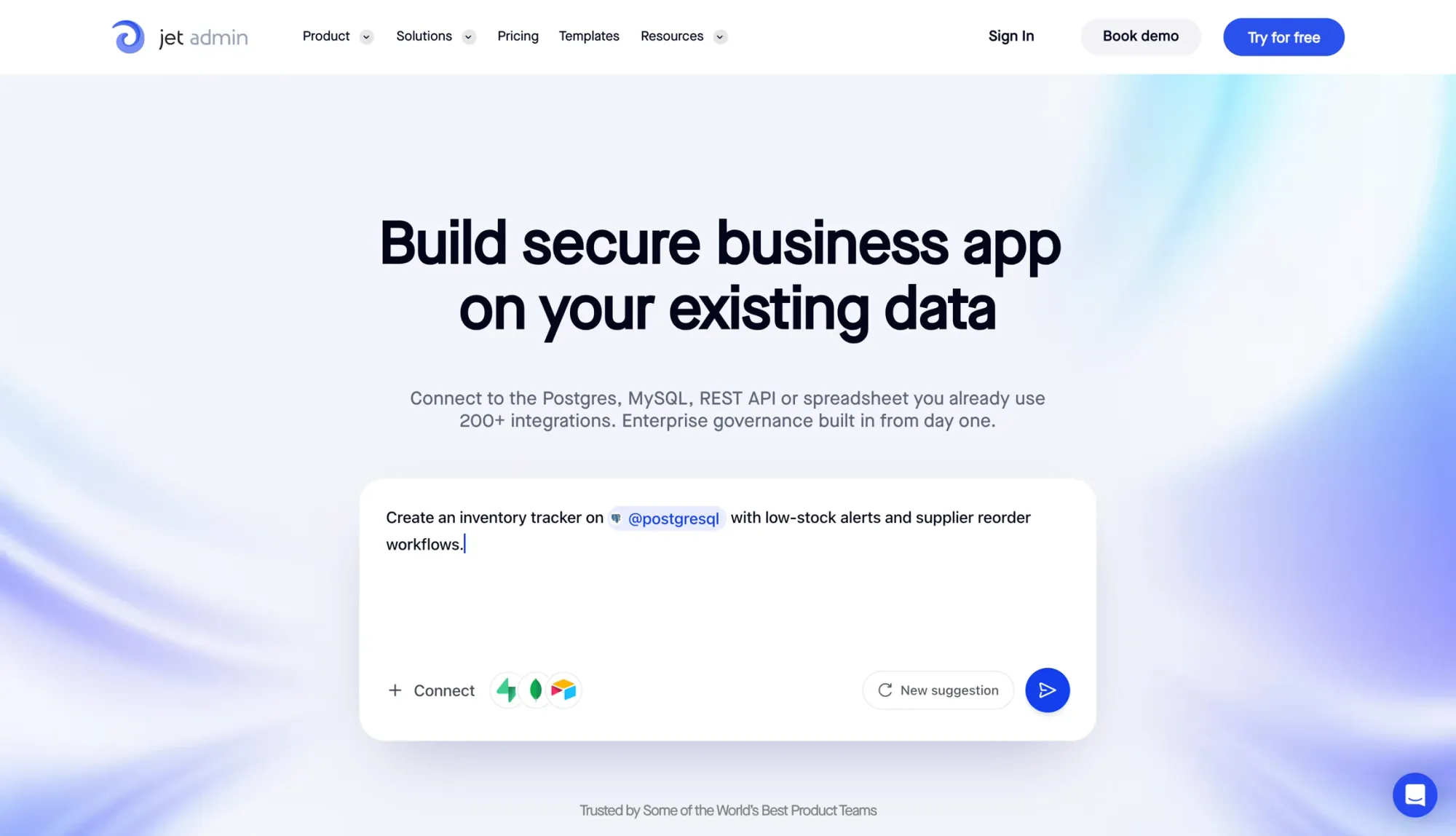
Jet Admin is the tool I reach for when a team needs a production app built on top of data that already exists. The setup is pretty direct: connect the data, build the interface, set permissions, and deploy. You don’t need to manage a separate backend or auth layer.
It connects to 200+ sources, including SQL databases, APIs, and common SaaS tools, with both read and write support. You can run native SQL queries or call APIs directly against live data, so there’s no synced copy sitting in the middle. It also comes with prebuilt templates for CRM, support, HR, inventory, and invoicing. You can also build a Customer 360 dashboard to centralize support and sales data.
What makes Jet Admin ready for production use is the governance layer. Role-based access goes down to the row, column, and action level, and SSO, SAML and OIDC sign-in and audit logs of user actions are available on the Business plan and above. For deployment, you can use Jet's cloud, or run it on-premise with self-hosted AI models on the Enterprise plan. That’s why I treat it as the main layer for governed apps running on live operational data.
Salesforce Agentforce: agent workflows inside CRM operations
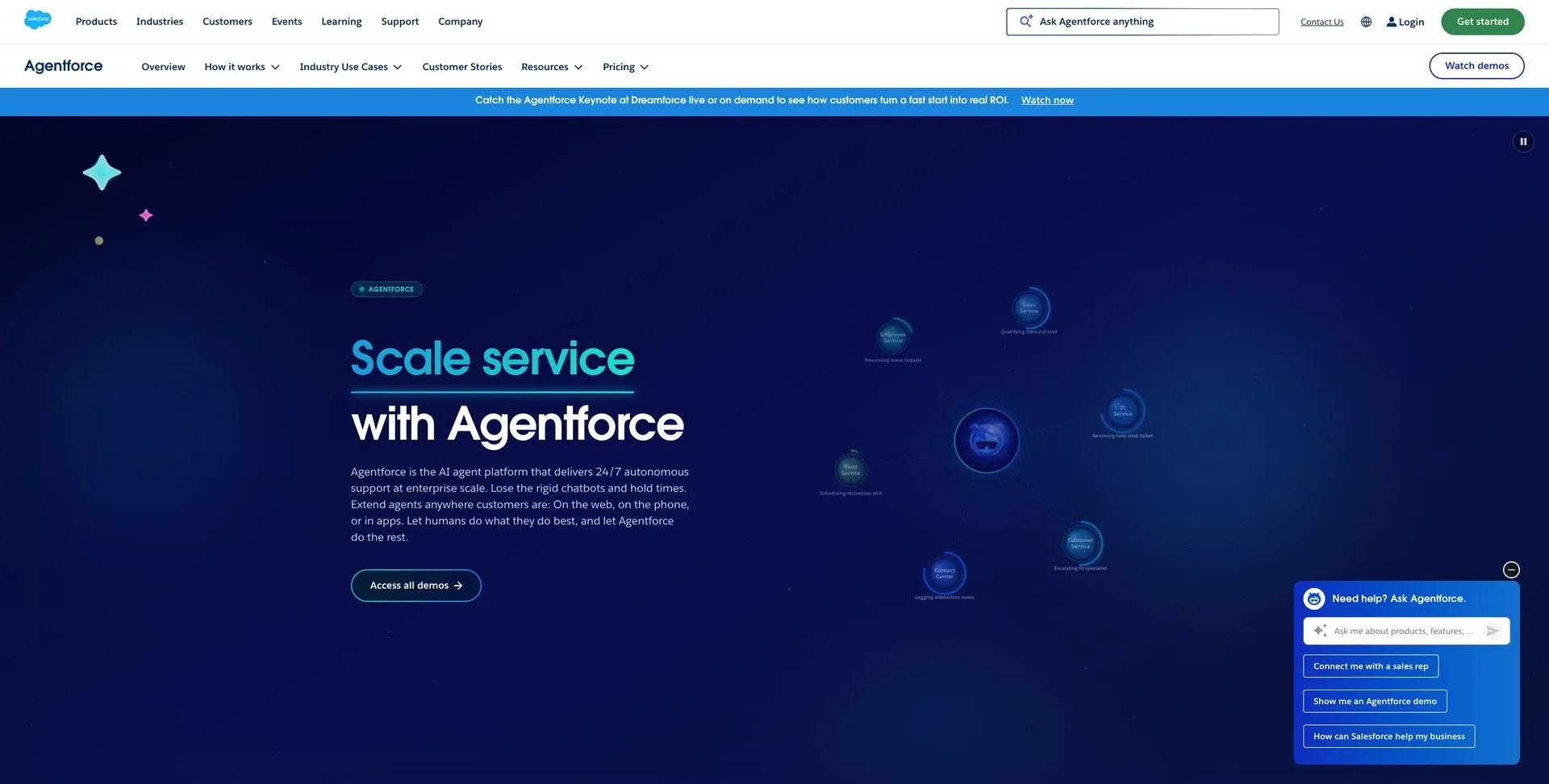
When the workflow stays inside CRM, I switch from app building to agent workflows. Agentforce works best when Salesforce is the system of record.
The big plus here is that the governance model follows Salesforce’s current permission structure. In plain English, your existing org settings carry over. If the workflow lives inside Salesforce, this can be a clean fit. Step outside that boundary, though, and things tend to get messier fast.
GitHub Copilot: faster code for custom internal systems
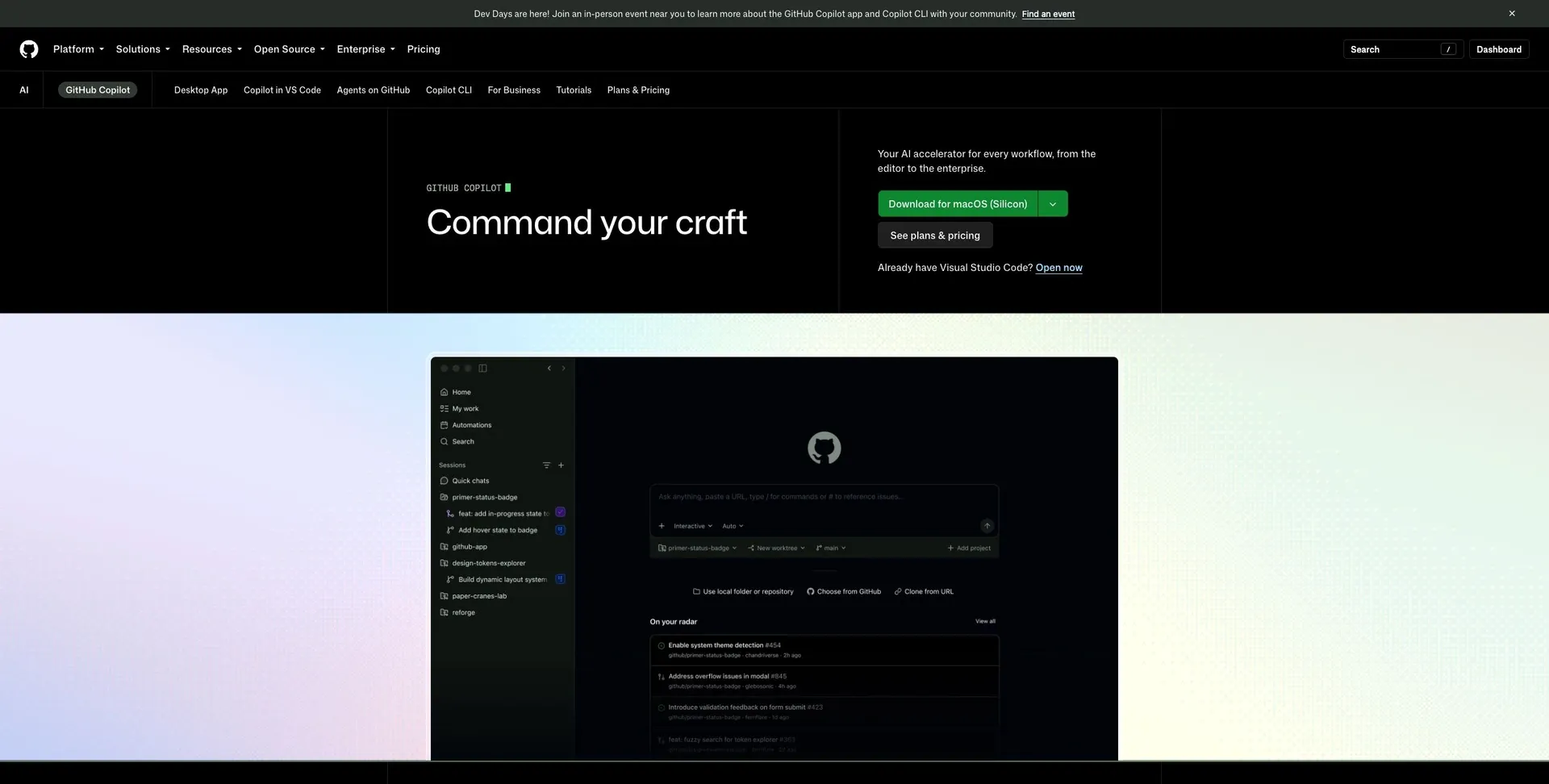
When the work moves into custom code, I use GitHub Copilot to speed up delivery, not to replace the app layer. It helps engineers move faster when they’re building custom integrations, writing internal scripts, or dealing with legacy systems. The time savings usually show up in repetitive work: code generation, refactoring, testing, and debugging.
At the enterprise tier, it adds repo permissions, code review, SSO, and audit logs for code changes. That said, Copilot still gives you code that has to be hosted, secured, and maintained. It’s most useful when your team needs code-level control that a visual builder just can’t offer.
Tools I use for automation, search, and day-to-day operations
Zapier
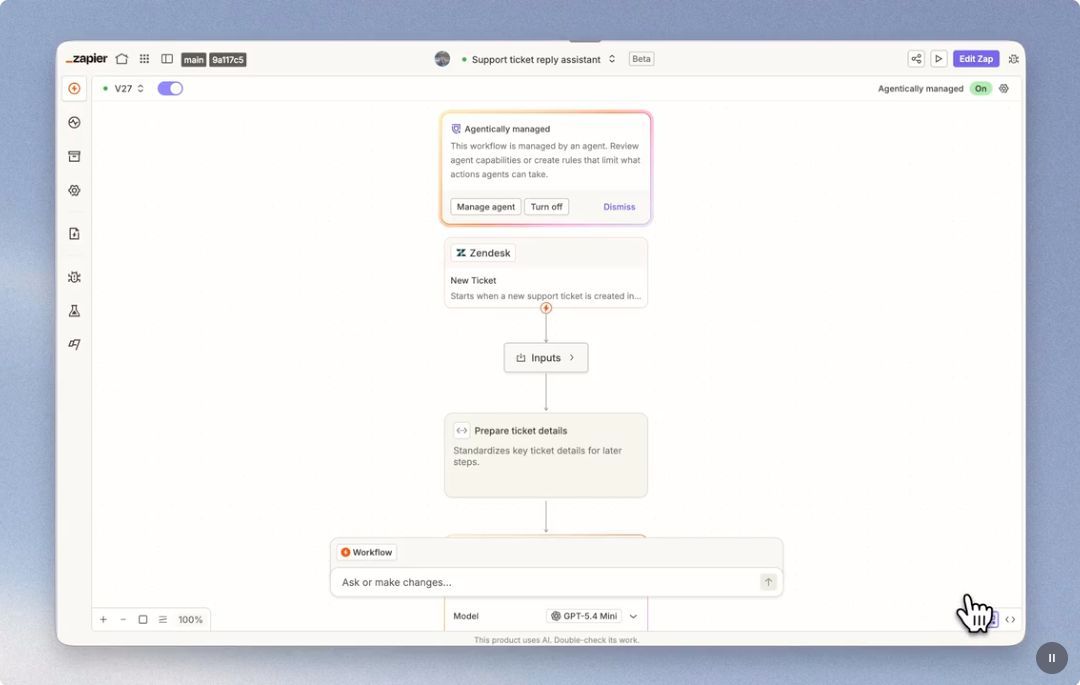
When I don’t need to build a full internal app, I lean on lightweight automation to handle routine handoffs and alerts.
Zapier is my go-to for simple cross-app automations that don’t need custom code. I mostly use it for notifications, lead routing, and data handoffs. It’s the kind of tool that takes small, repetitive tasks off your plate so things keep moving in the background.
For example, a new signup can trigger a welcome email, a CRM update, and a Slack alert - all without writing a single line of code.
UiPath: legacy and document-heavy automation
When a process runs through systems with no usable API, such as old desktop apps, green-screen terminals or scanned documents, I use UiPath. Its robots work through the user interface the way a person would, and its document AI pulls fields out of invoices, forms and contracts. It suits large back-office teams with high volumes of repetitive work.
The trade-off is upkeep: UI-driven robots can break when a screen changes, and a serious rollout usually needs a dedicated automation team.
Glean: company search across tools
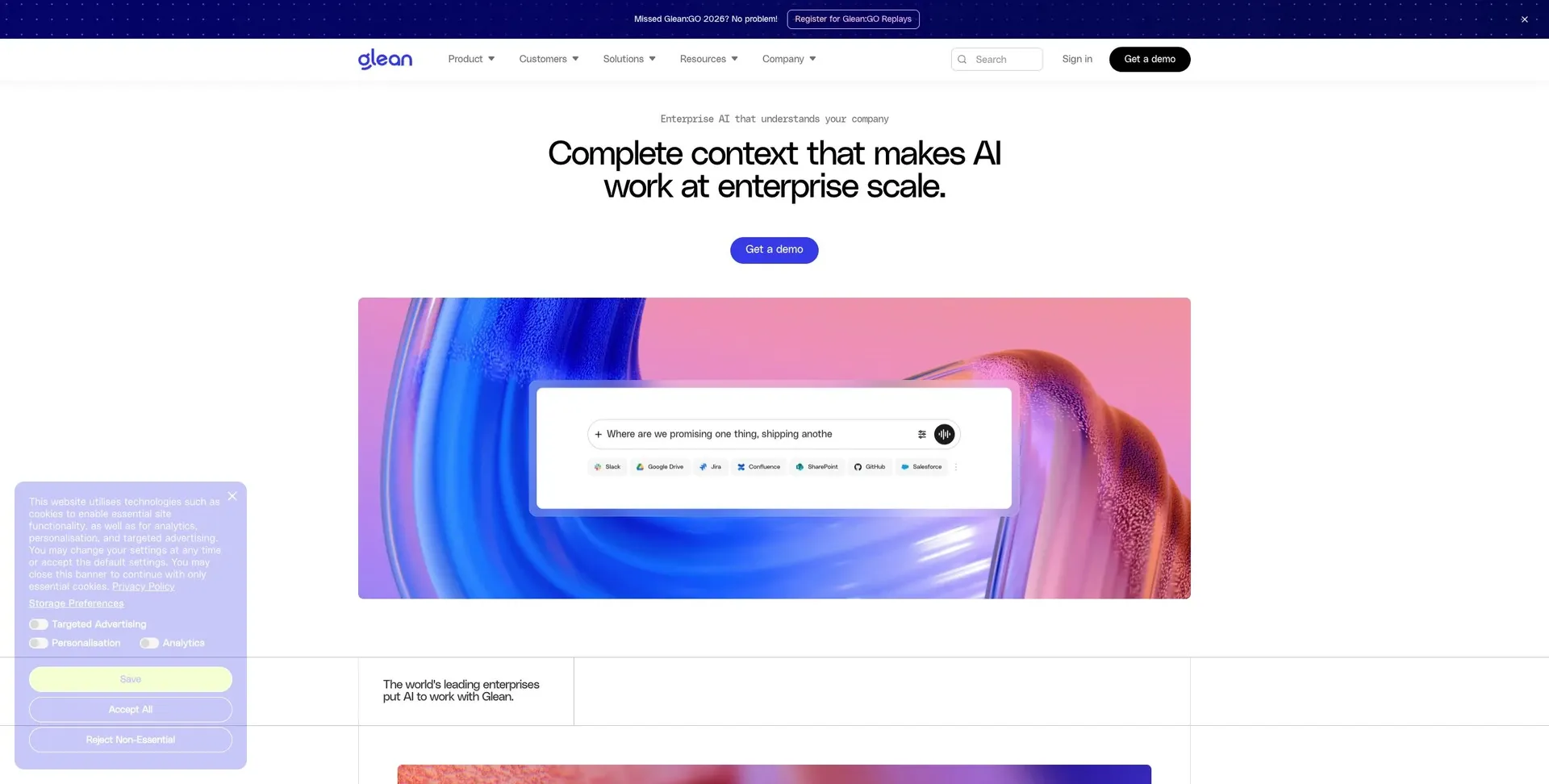
When the problem is finding information rather than acting on it, I use Glean. It connects to 100+ knowledge sources, such as docs, wikis, tickets and chat, and answers questions while respecting each person’s existing access, so people only see results they already have permission to open.
It is a search and answer layer, not a place to build workflows or edit operational data, so it complements an app layer rather than replacing it.
Tools I use for AI assistants and productivity across the business
When work moves from doing the task to drafting, analysis, and research, I lean on assistant tools instead of workflow tools. These tools help with knowledge work. They’re not meant for building secure production agents.
Microsoft 365 Copilot and Google Gemini Enterprise
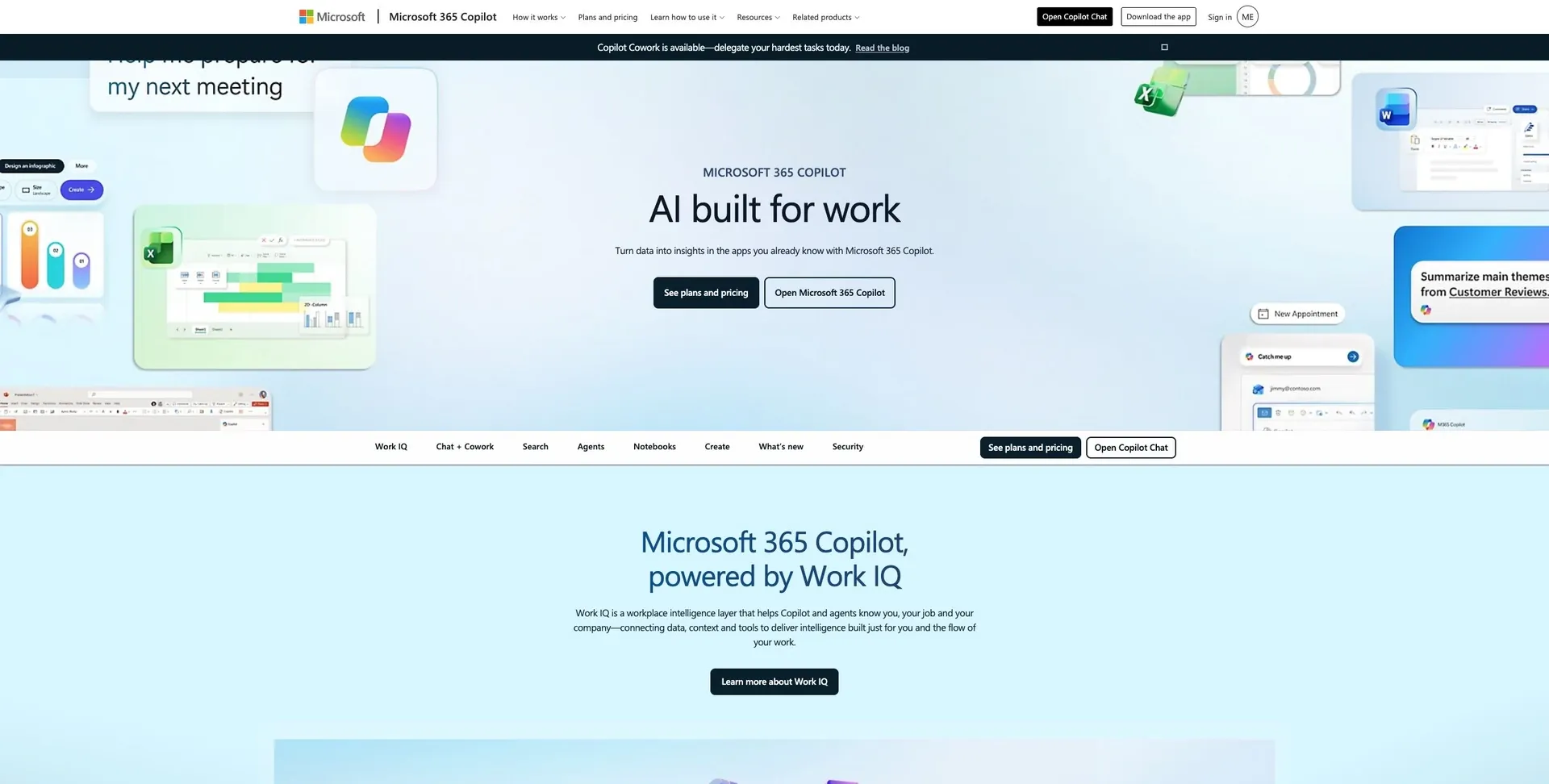
Microsoft 365 Copilot: I use it when a team spends most of its time in Word, Excel, Outlook, and Teams and wants permissions-aware help inside Microsoft 365. It follows your tenant permissions, so it’s smart to audit access controls before rollout.
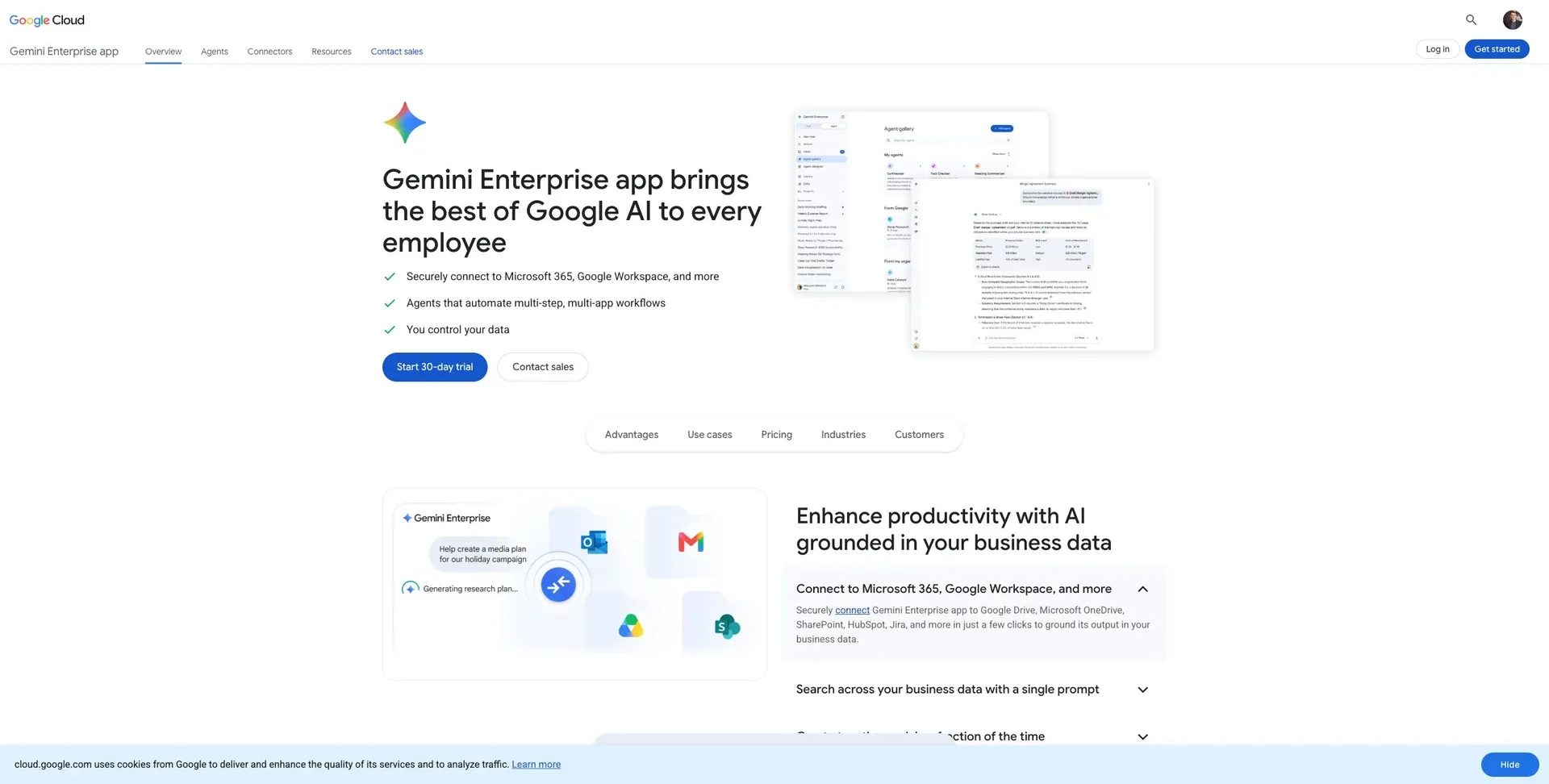
Google Gemini Enterprise: I use it when a team works in Google Workspace or Google Cloud and wants assistant workflows with admin controls.
The first pair sits inside the main company suites. The second pair tends to work better as standalone reasoning tools.
ChatGPT Enterprise and Claude Enterprise
ChatGPT Enterprise: I use ChatGPT Enterprise for research, writing, and cross-team analysis. It works well as a general-purpose assistant for teams that need different things from the same tool.
Claude Enterprise: I use Claude Enterprise for long-form reasoning, policy review, and technical documentation. It can handle long specs and compliance docs in one context window. It also includes Claude Code, a command-line agent for deep repository reasoning during autonomous coding sessions.
How I choose between these 9 tools
Decision matrix by job to be done
After looking at each tool on its own, this is the matrix I use in day-to-day work. Match the job to the tool built for that kind of work:
| Job to Be Done | Best Fit | Why it fits |
|---|---|---|
| Build a secure internal app on an existing database | Jet Admin | Direct live-data access, with SSO, RBAC, and audit logs on the Business plan and above |
| Automate cross-application tasks | Zapier | Pre-built SaaS connectors for simple triggers and actions |
| Search internal company knowledge | Glean | Permissions-aware retrieval across company knowledge sources |
| Automate back-office operations and document-heavy work | UiPath | Specialized RPA for legacy systems and document processing |
| Accelerate custom software development | GitHub Copilot | Real-time code suggestions and repository-wide context |
| Deploy agents inside a CRM environment | Salesforce Agentforce | Native access to Salesforce data, objects, and existing workflows |
| Everyday employee productivity | Microsoft 365 Copilot / Google Gemini Enterprise | Deep integration with email, docs, and spreadsheets |
| General-purpose AI help | ChatGPT Enterprise / Claude Enterprise | Frontier model access for complex reasoning and content generation |
Use the table as a simple shortcut: if you know the task, you can spot the best-fit tool fast.
Conclusion: the stack I trust for production work in 2026
Here’s the big takeaway from using this stack every day: no single tool does it all.
Jet Admin is the center of the stack for secure internal software built on top of existing data. It connects straight to the databases and APIs a company already uses, applies role-based access, and includes audit logs on the Business plan and above. It also gives teams room on deployment: cloud, or on-premise on the Enterprise plan. The rest of the stack fills in the other jobs: automation, search, software development, CRM agents, and general AI support.
For 2026, the best enterprise AI stack isn’t one all-in-one product. It’s the right mix of an app builder, an automation layer, a knowledge access tool, and employee AI assistants, with each one matched to the job it was made to handle.
FAQs
How do I choose the right tool for my team?
Choose the right tool based on your team’s technical profile, data sensitivity, and long-term maintenance goals.
Start with a simple requirements audit. Look at your current data sources, governance needs like SSO, audit logs, and row-level permissions, and whether you need exportable code.
If you're building internal business tools, put direct production database connectivity and strong security at the top of the list. After that, run a time-boxed pilot with 5 to 10 users to test build speed, integration depth, and deployment friction.
Which tools can safely work with live company data?
Several enterprise-grade tools are built to work with live company data in a safe way. They do this through governance, granular access controls, and secure connectivity.
Jet Admin connects straight to existing databases, APIs, and SaaS tools without moving or duplicating sensitive data. It also supports RBAC at the row, column, and action levels.
Retool, Superblocks, and Caspio also provide direct database connectivity, audit trails, SSO, and authorization for secure internal operations.
What should I audit before rolling out enterprise AI?
Before you roll out enterprise AI, take a hard look at your security, governance, and day-to-day readiness.
Start with the basics: SSO, MFA, and RBAC with row- and column-level restrictions. Then look at the systems around it. Are your audit logs tamper-resistant? Are your database, API, and hosting setup ready for production use? Do you have compliance certifications like SOC 2 and ISO 27001 in place?
Just as important, make sure the people side is covered too. There should be clear ownership, a rollback plan if something goes sideways, and monitoring in place before you launch a pilot.