
If I had to sum this up in one line: pick the tool based on where your data lives, who will build the app, and how strict your access and hosting needs are.
I’m looking at 8 tools here: Jet Admin, Airtable, Baserow, NocoDB, Glide, Retool, Google AppSheet, and Softr. Across this list, pricing starts at $0 and paid plans begin as low as $5/user/month, while some products use custom quote-based pricing. A few tools work as their own database, a few sit on top of your live database, and a few do both.
Here’s the short version:
- Jet Admin: best if I need secure internal apps on live data
- Airtable: best if I want a spreadsheet-style workspace with linked records
- Baserow: best if I want open-source and self-hosting
- NocoDB: best if I want a spreadsheet view on top of my current SQL database
- Glide: best if I want a mobile-first app from spreadsheet data
- Retool: best if my team needs deeper logic and more control
- Google AppSheet: best if I already work inside Google Workspace
- Softr: best if I need portals or internal tools from connected data
What matters most in this comparison:
- Data-source support: built-in database vs. live SQL/API connections
- App-building depth: simple forms and dashboards vs. more advanced logic
- Deployment and access control: cloud, self-hosted, on-premise, SSO, RBAC
- Pricing: free plans, per-user pricing, flat monthly pricing, or custom quotes
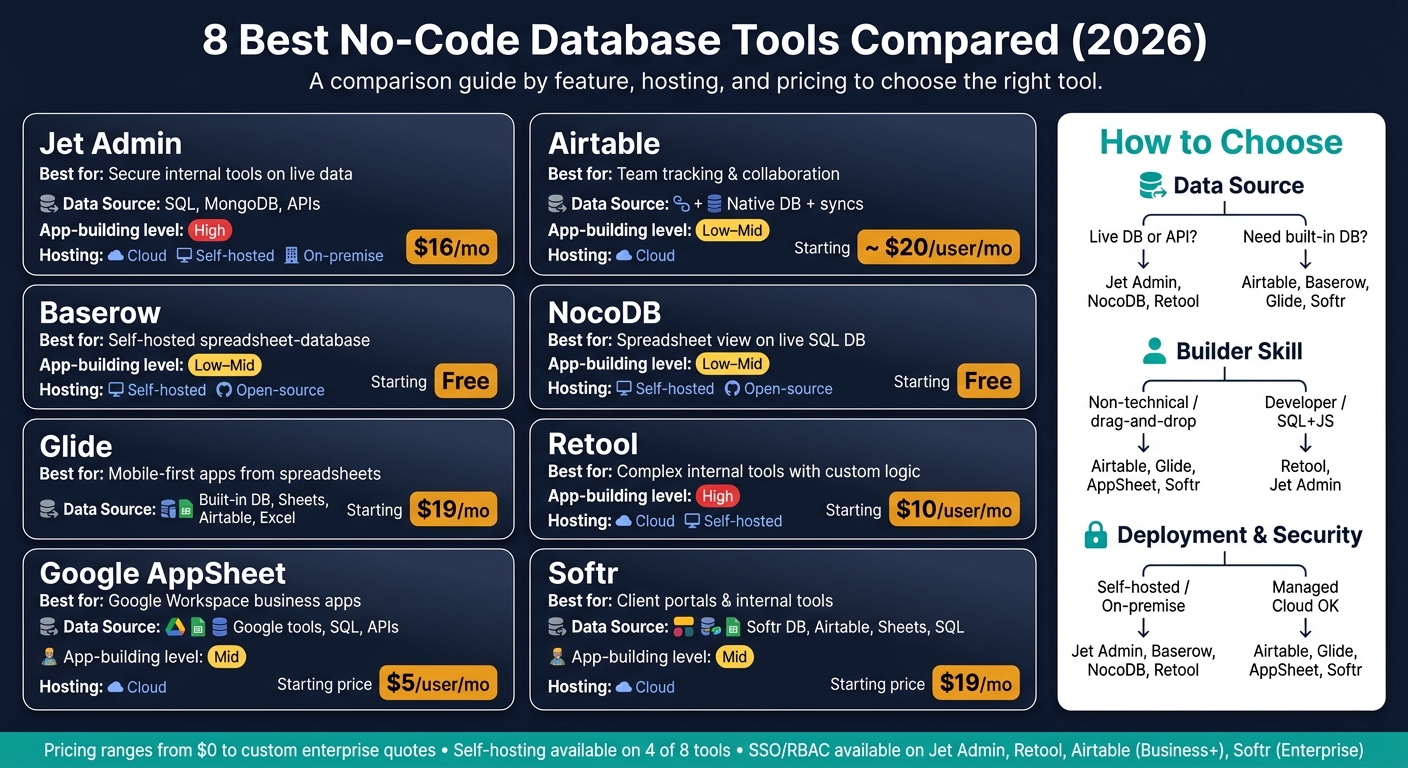
8 Best No-Code Database Tools Compared (2026)
Best No-Code Database for Workflows & Internal Tools (2026)
sbb-itb-8346adb
Quick Comparison
| Tool | Best for | Data source | App-building level | Hosting/access | Starting price |
|---|---|---|---|---|---|
| Jet Admin | Internal tool builders on live data | SQL, MongoDB, APIs, Sheets | Mid to high | Cloud, RBAC; SSO on Business+; self-hosted and on-premise on Enterprise | Free plan; Pro $20/month ($16 billed annually); Enterprise by quote |
| Airtable | Team tracking | Native database, syncs | Low to mid | Cloud, role-based access | ~$20/user/month |
| Baserow | Self-hosted spreadsheet-database | Native database | Low to mid | Self-hosted, open-source | Free |
| NocoDB | Live DB spreadsheet layer | Postgres, MySQL, SQL Server | Low to mid | Self-hosted, open-source | Free |
| Glide | Mobile-first apps from sheets | Built-in DB, Sheets, Airtable, Excel | Low to mid | Cloud, role-based access | $19/month |
| Retool | Data-heavy internal tools | Databases, APIs, Sheets | High | Cloud/self-hosted, SSO/RBAC | $10/user/month |
| Google AppSheet | Google-based business apps | Google tools, SQL, APIs | Mid | Cloud, admin controls | $5/user/month |
| Softr | Portals and internal tools | Softr DB, Airtable, Sheets, SQL | Mid | Cloud, permissions, Enterprise SSO | $19/month |
My main takeaway: if you need self-hosting or on-premise, start with Jet Admin, Baserow, NocoDB, or Retool. If you want the easiest path for non-technical teams, look first at Airtable, Glide, Softr, or AppSheet.
That gives me a clean way to read the rest of the article: first by data setup, then by builder skill level, then by security and price.
1. Jet Admin
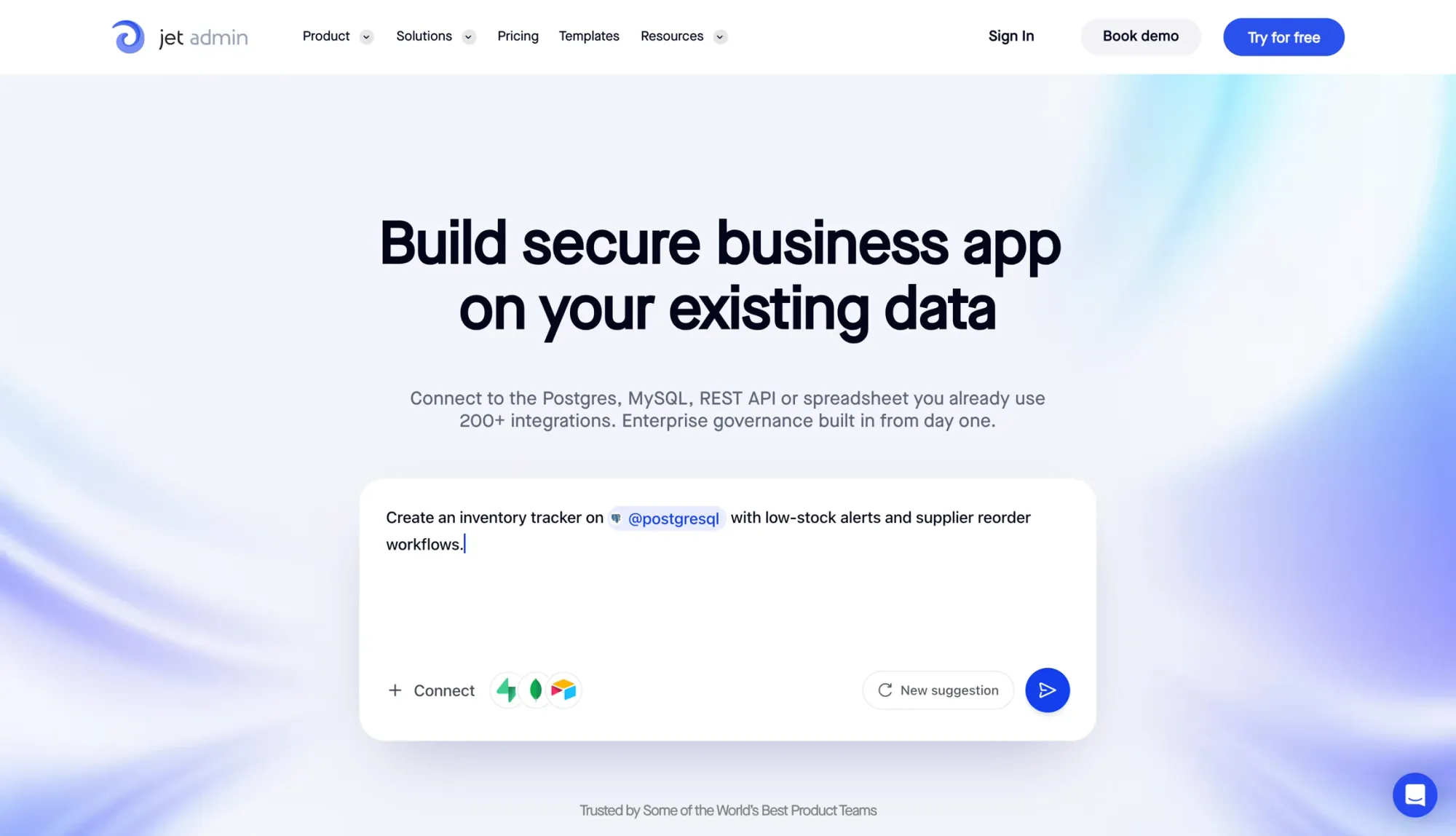
Jet Admin is built for teams that need secure internal tools tied to a live database, API, or SaaS backend.
Data-source support
Jet Admin connects to SQL databases like PostgreSQL and MySQL, along with MongoDB, Google Sheets, Airtable, REST APIs, GraphQL, and cloud storage. Once you connect a source, Jet Admin uses that same backend to run dashboards, workflows, and approval flows.
App-building depth
The drag-and-drop builder handles dashboards, approval workflows, and ticket queues. It also comes with an AI app builder, Figma import, custom HTML/JavaScript components, SQL/JS formulas, computed columns, and automated workflows for more advanced logic.
That means you can start with a simple admin panel, then layer in custom logic as the app grows. And when that app is headed to production, access control and environment separation become the next thing to look at.
Governance and deployment
Jet Admin supports row- and column-level RBAC, SSO/SAML and audit logs (Business plan and above), and separate dev, staging, and production environments.
For deployment, you have a few paths:
- Jet-managed cloud
- Self-hosted setups in AWS, GCP, or Azure inside your own VPC
- On-premise or air-gapped environments
The self-hosted, on-premise and air-gapped options are on the Enterprise plan.
Pricing
Enterprise cloud, self-hosted, and on-premise deployments are quote-based. There is a Free plan with unlimited apps and users; Pro is $20/month ($16/month billed annually) and Business is $100/month, with the same plans covering internal tools and customer portals.
2. Airtable
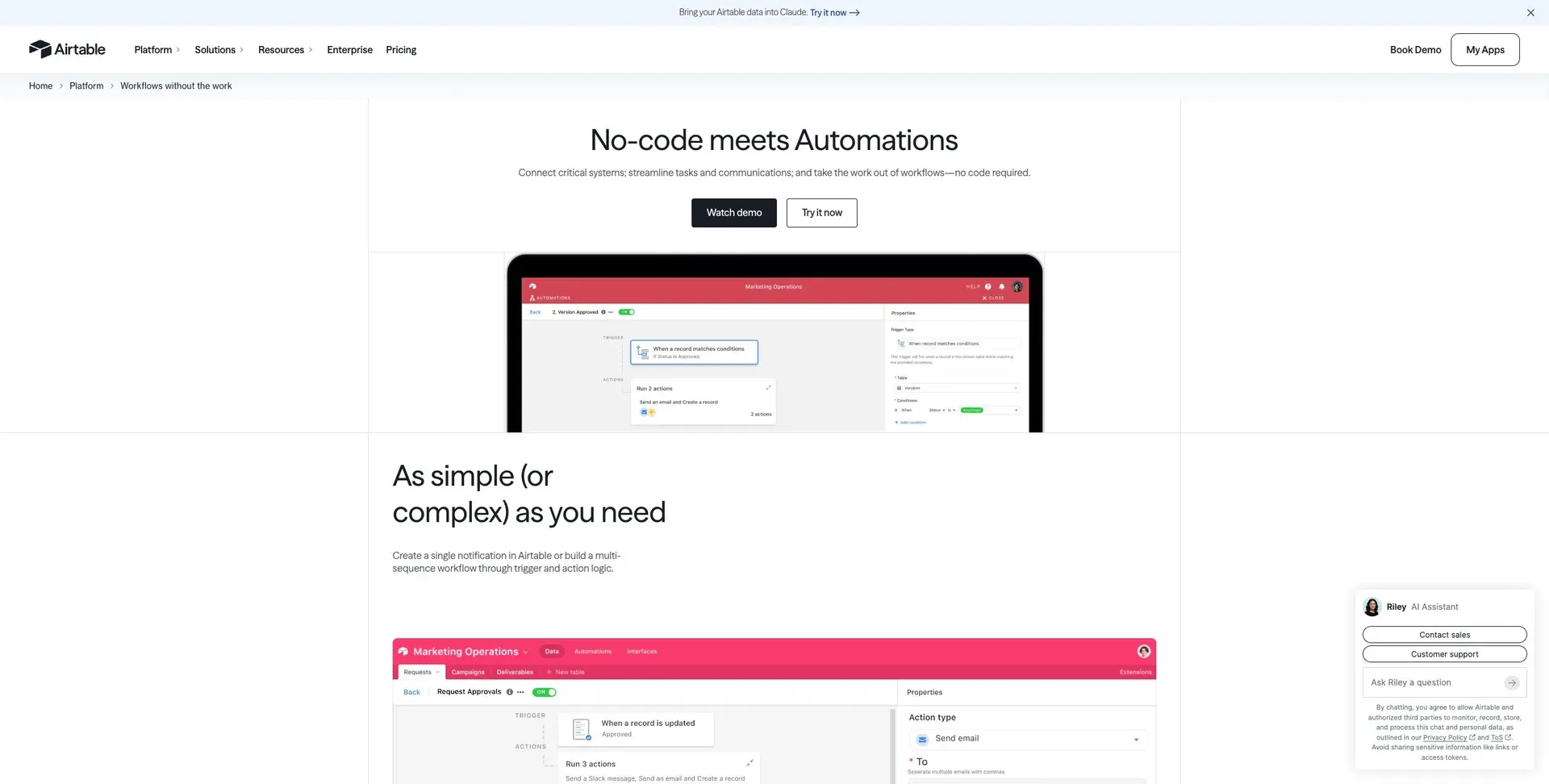
Airtable mixes a spreadsheet-style interface with relational database features. That’s a big reason non-technical teams tend to pick it up fast. You get a setup that feels familiar at first, but still gives you linked records, grid, Kanban, calendar, gallery, and Gantt views, plus workflows. So if your team wants a spreadsheet-like starting point with database power underneath, Airtable fits that lane well.
Data-source support
Airtable connects with more than 1,500 apps and works with automation platforms like Zapier and Make to move data between tools. Its relational tables keep linked records in sync, which means a change in one table shows up anywhere that same record appears. In practice, teams often use Airtable as a lightweight backend, then hook it into other systems as needs grow.
App-building depth
The Interface Designer lets teams build simple dashboards and internal views on top of their data. Airtable automations can also handle multi-step logic tied to linked records, which can cut down on the need for a separate app layer. That said, once you need more advanced portals or mobile-first apps, teams often bring in a no-code app builder.
Governance and deployment
Airtable is cloud-based and is SOC 2 and GDPR compliant. SSO and advanced admin controls are available on the Business plan and above, though permissions can get harder to manage as the number of bases grows. If a team needs deeper app logic or tighter control over deployment, other tools may be a better fit.
Pricing
| Plan | Price | Record Limit | Automation Runs |
|---|---|---|---|
| Free | $0 | 1,000 per base | 100/month |
| Team | $20 per seat/month | 50,000 per base | 25,000/month |
| Business | $45 per seat/month | 125,000 per base | 100,000/month |
| Enterprise Scale | Custom | 500,000 per base | Custom |
Pricing and limits are based on Airtable's published plan details.
The main downside is cost. Pricing climbs fast as you add seats and increase usage. On larger teams, seat-based pricing can get expensive in a hurry.
3. Baserow
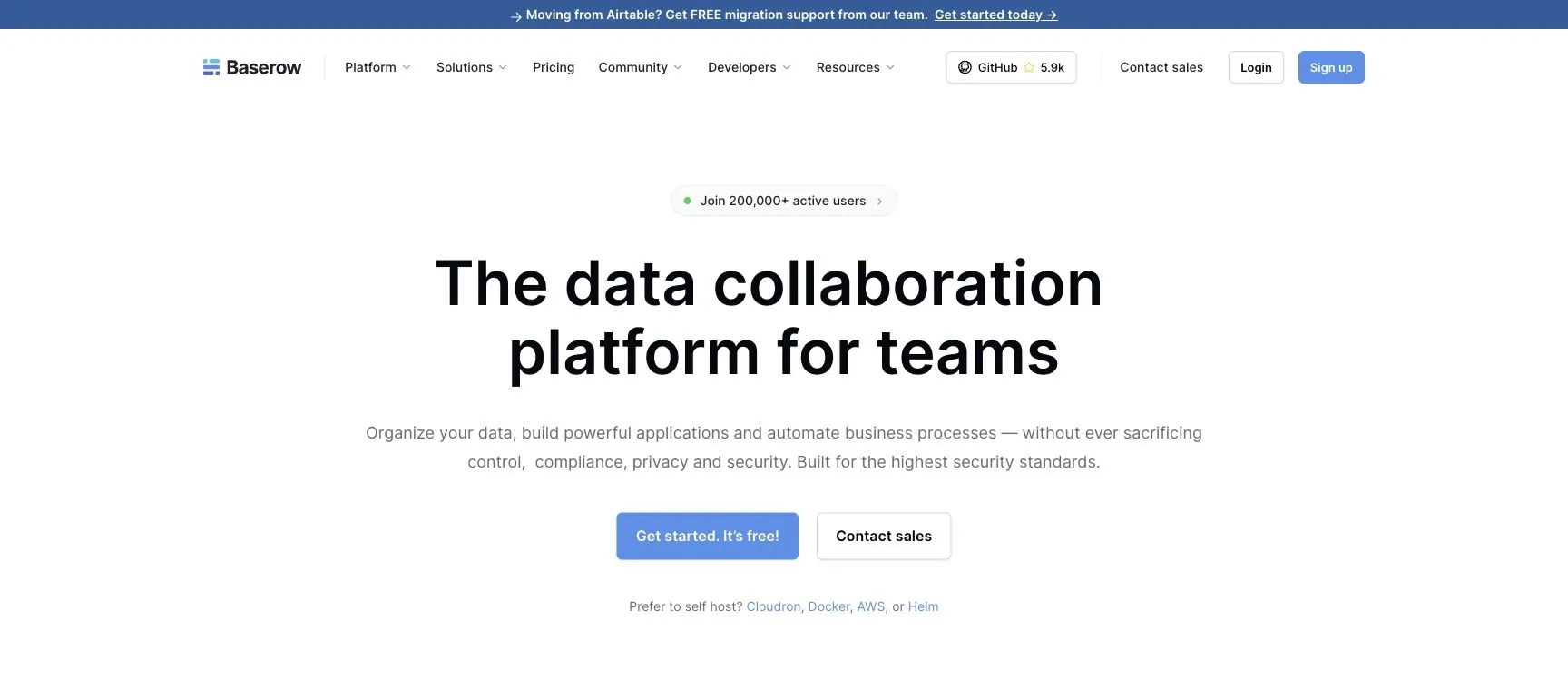
Baserow is an open-source, spreadsheet-style database for teams that want self-hosting and tight control over where their data lives. In plain English, it works as a native database tool, not as a layer sitting on top of your current backend.
Data-source support
That level of control comes with a tradeoff. Baserow uses its own data model, so it can't connect straight to a live production database like Postgres.
That makes it a better match for teams moving out of spreadsheets than for teams that need to plug into an existing database backend. It does offer integrations, but if you want to use them in production, you'll need a paid plan.
App-building depth
Baserow handles visual database design, data modeling, automations, and API workflows. But there are some gaps. It doesn't come with native mobile apps or website publishing.
So if you need a customer-facing front end, Baserow works better as the backend layer, with a separate app builder handling the user-facing side.
Governance and deployment
Self-hosting gives teams direct control over data and infrastructure, which can be a strong fit for sensitive internal data. That said, analytics, monitoring, and advanced governance sit behind a paid plan.
Pricing
| Plan | Pricing | Key limits |
|---|---|---|
| Free (self-hosted) | $0 | Self-hosted option for teams that can manage their own infrastructure |
| Free (cloud) | $0 | Limited access to visual design, data modeling, API workflows, integrations, and collaboration controls |
| Paid | Subscription required | Unlocks analytics, monitoring, and advanced governance controls |
Teams that need a tool built for existing production databases should read the next profile.
4. NocoDB
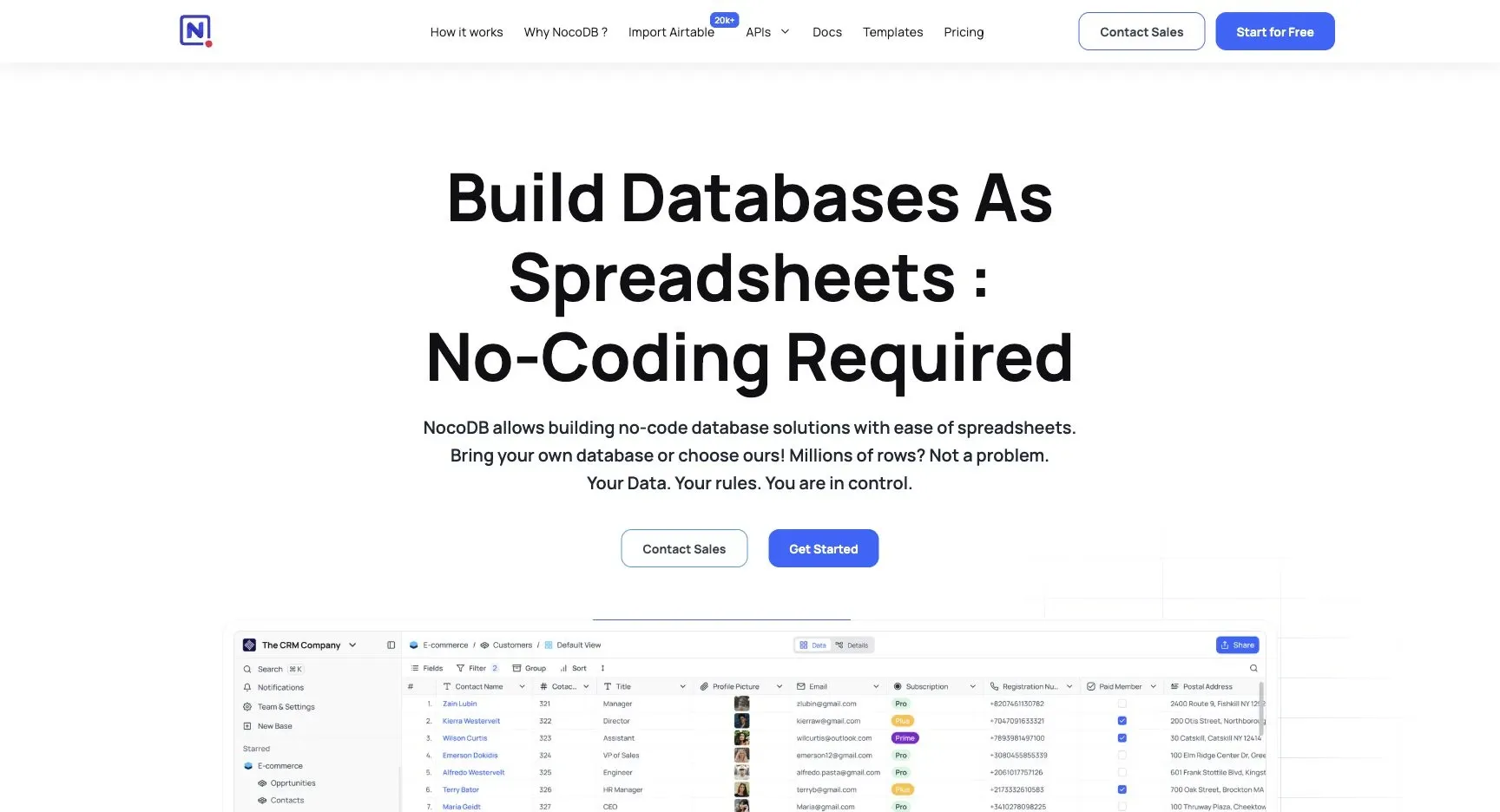
NocoDB connects straight to the database you already use.
Data-source support
NocoDB plugs into existing production databases, including Postgres, MySQL, SQL Server, and MariaDB, then shows that data in a spreadsheet-style interface. There’s no need for ETL or migration.
That makes it a good fit when you want non-technical users to work with live data in a familiar layout. The catch: setup still calls for some basic database knowledge.
That direct database connection also shapes what the builder can do after setup.
App-building depth
NocoDB includes forms, grid views, workflow automation with scheduled triggers, user authentication, and role-based permissions. That’s enough for straightforward internal tools, but it starts to feel tight when you need more custom behavior for complex workflows.
Governance and deployment
There’s an open-source version you can self-host, which gives teams more control over deployment. Analytics, monitoring, and advanced governance controls sit behind paid plans.
Pricing
| Plan | Cost | What's included |
|---|---|---|
| Free | $0 | Core visual interface, data modeling, API workflows, automation, auth, permissions, and collaboration; usage caps apply. |
| Paid | Paid plan required for analytics, monitoring, and advanced governance. | - |
If you want a more polished app layer on top of spreadsheet-style data, the next option moves further in that direction.
5. Glide
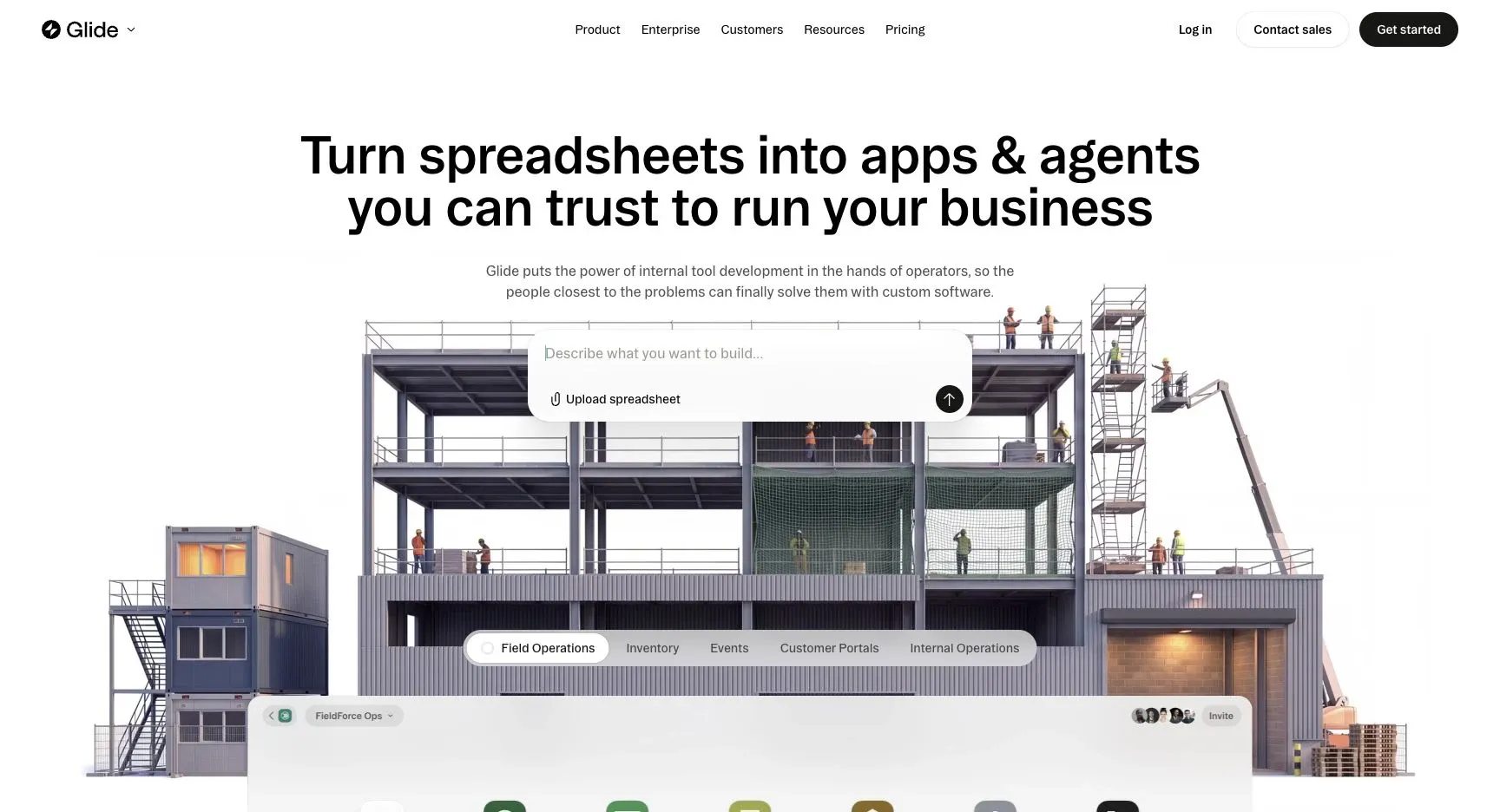
Glide is a good fit for teams that want to turn spreadsheet data into lightweight business apps FAST.
Data-source support
On the Free plan, Glide uses its built-in database. Paid tiers add support for Google Sheets, Airtable, Excel, and API access, which gives you more ways to connect data. That said, performance can slow down as your data set grows or your relationships between tables get more complex.
App-building depth
Glide puts most of its focus on speed. You can build mobile-first apps, and you also get Glide Pages for web-based dashboards, directories, and portals.
It also supports prompt-based generation, so you can turn a spreadsheet or a plain-language request into a working app in a short amount of time. That’s the big draw here: Glide helps teams go from idea to internal tool with very little setup.
The tradeoff is control. Workflow logic is more limited, and Glide apps are progressive web apps rather than native mobile apps.
Pricing
| Plan | Price | Key limits |
|---|---|---|
| Free | $0/mo | 1 editor, built-in database only, up to 25,000 rows |
| Explorer | $19/mo | 1 app, 100 users, 25,000 rows, workflows and integrations |
| Maker | $49/mo | 3 apps, unlimited users, 50,000 rows, Google Sheets, custom branding |
| Business | $199/mo | Unlimited apps, 30 users, 100,000 rows, Airtable, Excel, API access |
| Enterprise | Custom | Advanced needs |
If your workflows go past what a spreadsheet-style app can handle, the next tool offers more room for custom logic and control.
6. Retool
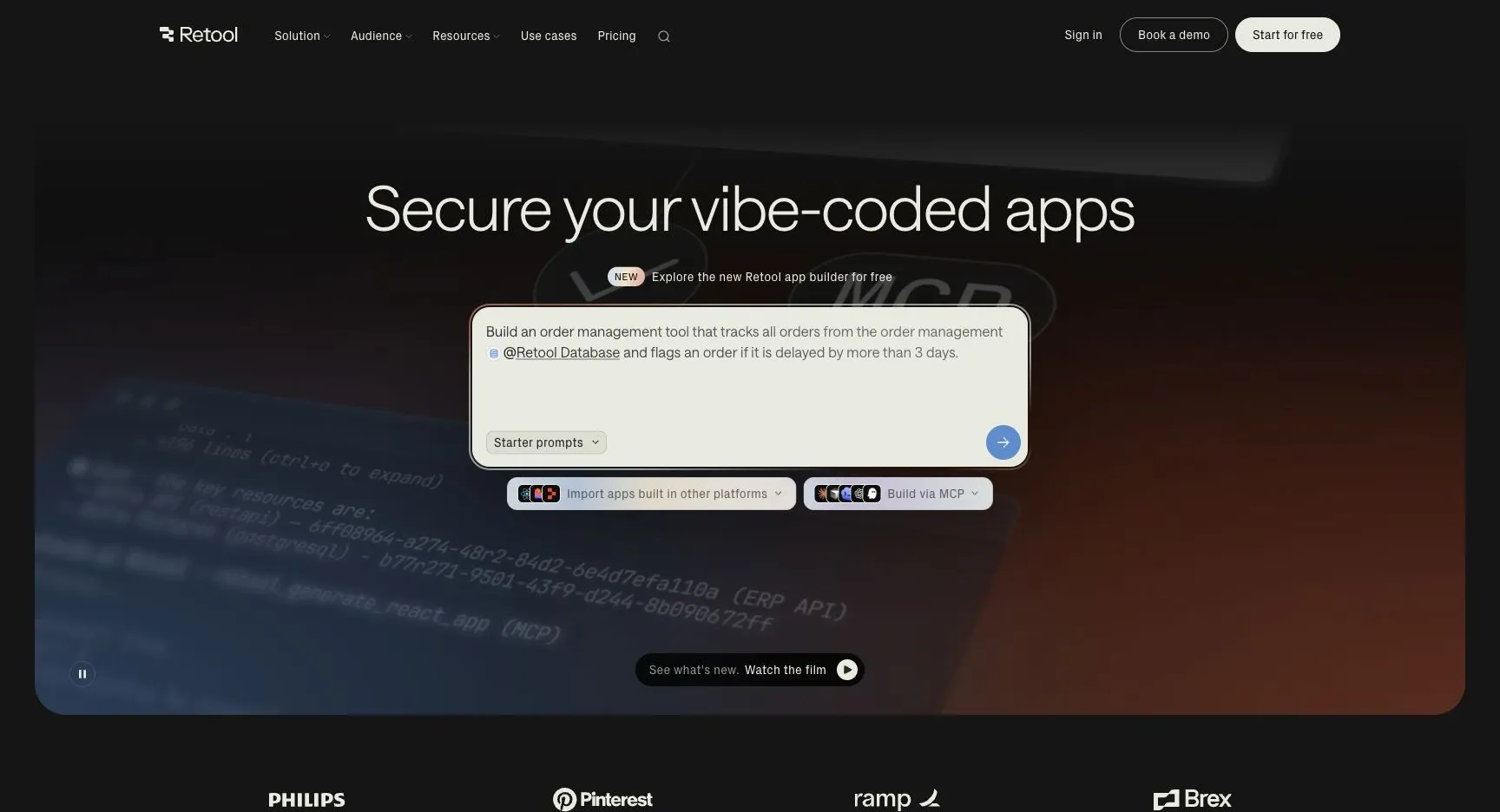
If your team has outgrown spreadsheet-style builders, Retool gives you more room to work. It’s a strong fit for internal tools built on top of existing data, especially when your setup needs tighter control over queries, logic, and permissions.
Data-source support
Retool connects with SQL and NoSQL databases, REST and GraphQL APIs, Google Sheets, and major SaaS tools like Stripe, HubSpot, and Salesforce.
App-building depth
The drag-and-drop builder comes with 100+ pre-built UI components. For more advanced use cases, Retool also supports custom code and reusable components. That matters when comparing the best internal tool builders when a simple form or dashboard turns into a more layered workflow.
It also includes a workflow builder for multi-step server-side logic, scheduled jobs, and event-driven scripts. So you’re not just arranging UI blocks - you can wire up the logic behind the scenes too.
The catch? There’s more to learn. Non-developers may have a hard time getting comfortable, and multi-user permissions need careful setup.
Governance and deployment
Retool includes granular permissions, audit logs, SSO/SAML support, RBAC, and usage analytics. On the deployment side, teams can choose cloud-hosted or self-hosted environments. It also supports separate development, staging, and production environments, which helps keep testing and live apps from getting mixed together.
Pricing
| Plan | Price | Notes |
|---|---|---|
| Business | $50/user/mo | Advanced features for larger teams |
| Enterprise | Custom | SSO/SAML, unlimited scaling, dedicated support |
One thing to watch: costs can climb fast on the Business plan.
If you want something closer to a spreadsheet-style setup, the next option will likely feel easier to manage.
7. Google AppSheet
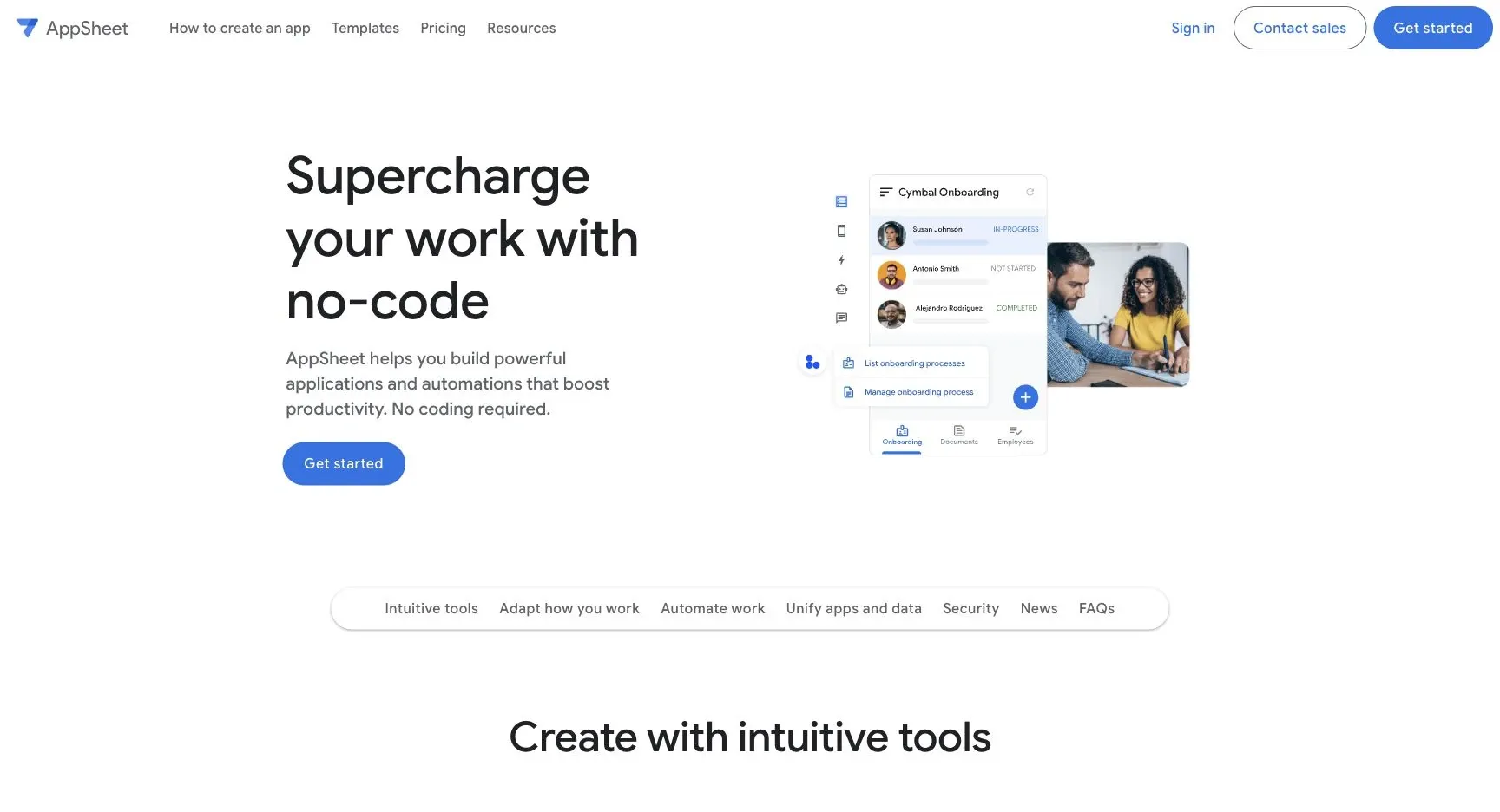
If your team already works inside Google Workspace, Google AppSheet deserves a close look.
Data-source support
AppSheet connects to Google Sheets, Excel, SQL databases, and SaaS APIs. In plain English, that means you can take data your team already uses and turn it into working apps without starting from scratch.
App-building depth
AppSheet builds mobile business apps for phones and tablets. That makes it a good fit for teams that need field-friendly tools, checklists, forms, or simple internal workflows. The catch is pretty simple: as more people use the app and setups get more involved, environment management gets harder.
Pricing
AppSheet is free for building and testing, and paid plans start at $5/user/month. That low starting price can work well for smaller teams. But as your headcount grows, per-user costs can add up fast.
8. Softr
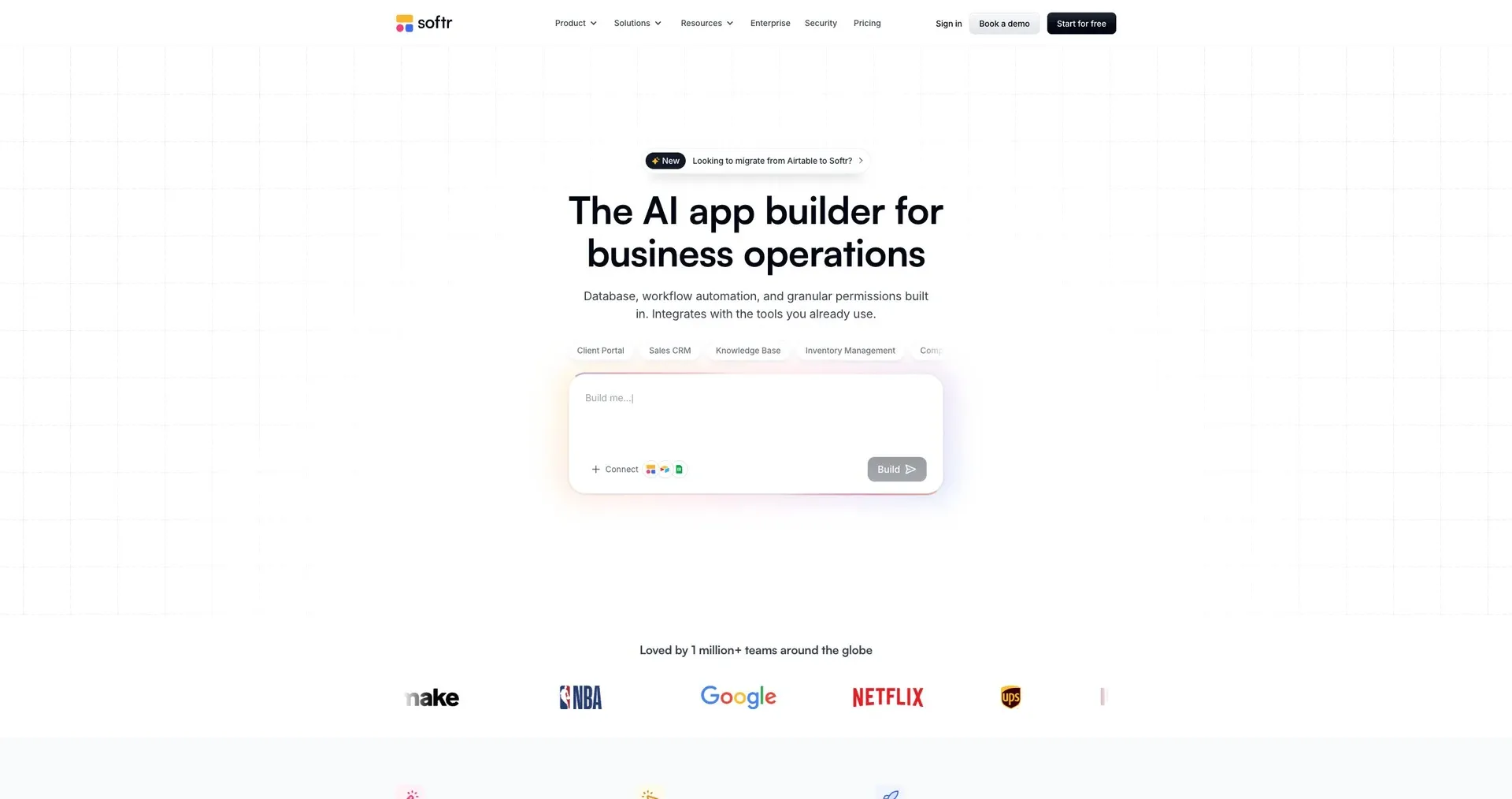
Softr turns business data into portals, internal tools, and CRMs without code. It’s built for operations teams that want to get something live fast, without getting stuck in a long build cycle.
Data-source support
Softr connects with a broad set of external data sources, including Airtable, Google Sheets, PostgreSQL, MySQL, BigQuery, and Supabase, with real-time, two-way sync. If you’d rather keep your back end inside Softr, there’s also a native relational Softr Database. SQL database connectors are available on the Business plan and above.
Once your data is connected, the AI Co-Builder can generate the first version of the app structure.
App-building depth
After that, Softr turns connected data into screens and workflows people can actually use. The AI Co-Builder can generate an app structure - including the database, pages, and permissions - from a plain-English prompt. From there, you can fine-tune the app with drag-and-drop blocks, add native workflows, and use Ask AI chat so end users can query live app data in plain English.
Need something more custom? The 2026 Vibe Coding feature can generate custom UI components from prompts.
Softr fits best when you’re building internal tools, client portals, or ops systems. It’s not the right pick for public marketing sites.
Governance and deployment
Softr is SOC 2 Type II and GDPR compliant. It also gives you granular, role-based permissions with row-level data restrictions, which matters when different users should see different slices of the same data. Paid plans include custom domains and white-labeling.
SSO and SAML are only available on Enterprise. There’s no native mobile app support, but apps are mobile-responsive and PWA-ready.
Pricing model
Pricing is flat and easy to scan, with clear limits on users, records, and workflow actions.
| Plan | Price | App users | Records | Standout feature |
|---|---|---|---|---|
| Free | $0/mo | 5 | 5,000 | 500 workflow actions |
| Basic | $19/mo | 10 | 50,000 | 2,500 workflow actions |
| Pro | $99/mo | 60 | 500,000 | Custom code and user groups |
| Business | $329/mo | 130 | 1,000,000 | SQL database connectors |
| Enterprise | Custom | Custom | Custom | SSO, dedicated support, SLAs |
Pros and cons at a glance
After the detailed profiles above, use this view to compare fit, not just features.
| Tool | Standout strength | Main tradeoff | Best fit |
|---|---|---|---|
| Jet Admin | Secure internal tools on existing data | Self-hosting needs the Enterprise plan; connector setup required | Security-conscious teams building on existing data |
| Airtable | Familiar UI with relational power | Performance degrades at scale; expensive per seat | Non-technical teams building collaborative tracking hubs |
| Baserow | Open-source, self-hostable, privacy-first | Self-hosting adds infrastructure overhead | Teams needing a self-hosted spreadsheet-database |
| NocoDB | Spreadsheet view of live production data - no migration | Requires database design knowledge | Teams that want non-technical access to live DBs |
| Glide | Fast spreadsheet-to-app with mobile focus | Limited for complex data relationships | Ops teams building lightweight mobile apps quickly |
| Retool | Deep customization for data-heavy tools | Steeper learning curve; per-user costs climb fast | Developer-led teams building complex internal tools |
| Google AppSheet | No-code mobile apps inside Google Workspace | Limited outside Google-centric environments | Google Workspace teams building mobile business apps |
| Softr | Fast portals and internal tools from existing data | Not suited for consumer SaaS or public marketing sites | Client portals, internal directories, and CRMs |
Three things matter most here:
- Deployment model: Do you need cloud, self-hosted, or on-premise?
- Technical skill: Will builders be operators, analysts, or developers?
- Governance needs: How much control do you need over access, data flow, and compliance?
If security is a big deal and your data needs to stay inside your own setup, focus on platforms that support self-hosted or on-premise deployment with strong access controls.
The next section maps those factors to a final recommendation.
Which no-code database tool should you choose?
Choose based on your data source, who will use the app, and how you need to deploy it.
Before you commit to a platform, run through this quick checklist:
- Data source: Does it connect to your live database or API, or do you need a built-in database?
- User type: Is it for internal users or external users?
- Technical skill: Do builders need SQL and JavaScript, or drag-and-drop only?
- Deployment: Do you need self-hosting or on-premise, or is managed cloud enough?
- Primary device: Is it mainly desktop or mobile?
Once you’ve filtered by those points, match the tool to the job.
| Use Case | Best Tool | Why |
|---|---|---|
| Secure internal tools on live data | Jet Admin | Live data, strong governance, flexible deployment. |
| Non-technical team collaboration and tracking | Airtable | Spreadsheet UI with relational features. |
| Self-hosting or full data ownership | Baserow or NocoDB | Open-source and self-hostable. |
| Spreadsheet-to-mobile app, fast | Glide | Fast spreadsheet-to-mobile app building. |
| Complex internal tools with custom logic | Retool | Best for developer-led teams with SQL/JavaScript needs. |
| Google Workspace business apps | Google AppSheet | Best for Google Workspace teams. |
| External client or partner portals | Softr | Good for client-facing portals. |
When compliance rules are strict, deployment often becomes the tie-breaker. In regulated industries, it usually makes sense to pick deployment and data residency first, then narrow down the tool. Self-hosted options work well for teams that need tight control over data, and Jet Admin also supports cloud deployment, plus self-hosted, on-premise and air-gapped deployment on the Enterprise plan.
FAQs
How do I choose between a built-in database and a live database connection?
Choose a built-in database if you want an all-in-one setup for data storage, app logic, and permissions. It’s a good fit when you’re building a new app from scratch and want everything in one place.
Choose a live database connection if you need to work with data that already lives in SQL databases, Airtable, or Google Sheets. It also makes sense when you need more backend control for workflows, joins, security, or compliance.
Which tool is easiest for non-technical teams to start with?
Airtable is often seen as the easiest place to start for non-technical teams because its interface feels familiar to anyone who has used a spreadsheet.
If the goal is to build apps from data you already have, Softr and Glide are also strong picks. Softr stands out for its intuitive interface and AI-assisted app creation. Glide works well when you want to turn Google Sheets into functional apps fast.
When do self-hosting or on-premise deployment matter most?
They matter most when you need to keep data inside your own infrastructure for security, privacy, data sovereignty, or stricter compliance than SaaS can offer.
They also matter when you need more control over backups, updates, monitoring, and audit-related requirements. And at large user scale, self-hosting can become more cost-effective over time.