Reviewed September 26, 2026. This is a research-based review of Noloco's official pricing and published customer feedback — not a hands-on benchmark. Jet Admin publishes this comparison and is a competing product; competitor strengths are stated as found.
Noloco is worth considering when different people must see different slices of the same data and the distinctions are fine-grained. Its strongest advantage is permissions: access can be gated at app, collection, record and field level, with conditional rules tied to data relationships — more granular than most no-code rivals, and the main reason agencies trust it for multi-client portals. The trade-off is that every plan caps monthly workflow runs, and pricing scales with active users.
This review covers the permission model, the ceilings, what reviewers report, current pricing and how it compares with Jet Admin.
Noloco review: the quick verdict
Noloco suits agencies and operations teams building permissioned portals over Airtable, Google Sheets or HubSpot data. It is a weaker fit for automation-heavy applications, or where a large population of light users would each carry a seat cost.
| Strong reasons to consider Noloco | Trade-offs to evaluate |
|---|---|
| Permissions at app, collection, record and field level | Every plan caps monthly workflow runs |
| 4.8 on G2 — among the highest in this category | Pricing scales with active users |
| Fast setup; AI assist can produce a working proof of concept quickly | Records are metered, with paid blocks beyond the allowance |
| Support reported as responsive within minutes | SSO/SAML and audit logs sit on Enterprise |
No numerical score is given, because we did not run a scored hands-on evaluation.
What is Noloco?
Noloco turns an existing dataset — commonly Airtable, Google Sheets or HubSpot — into a permissioned application or client portal. You connect the data, define who sees what, and publish an interface over it.
Its niche within the no-code field is specific and worth naming: it is not the easiest tool, nor the most flexible visually. It is the one with the best access control. That focus is why it appears repeatedly in agency stacks, where one platform serves many clients whose data must never mix.
Noloco's key features
1. Permissions at four levels
Access can be gated at the app, collection, record and field level, with conditional rules tied to data relationships. In practice that means a client sees only their own projects, a contractor sees only assigned tasks, and neither sees the internal margin field on the same record.
This is the feature that distinguishes Noloco. Most no-code tools control which screens a user reaches; Noloco controls which rows and columns they can reach within them.
2. Connections to existing datasets
Reviewers describe it as the fastest way to turn an existing Airtable, Google Sheets or HubSpot dataset into a permissioned app, and data-source integrations appear from the Build plan.
3. AI-assisted setup
G2 reviewers highlight an AI assist that can create a complete proof-of-concept platform in about a minute. For agencies pitching, that shortens the distance between a conversation and something clickable.
4. Workflows, capped by plan
Workflow runs are metered monthly: 100 on Free, 3,000 on Build, unlimited on Enterprise. Premium workflows are gated above Free.
5. Client and team seats counted separately
Noloco distinguishes team seats from client seats, with different allowances. Free lists 50 client seats; Build lists 1,000, with 10 team seats and additional ones at $5–6 each.
Note one oddity: Free is listed with unlimited team seats while Build lists 10. That is counterintuitive, and worth confirming directly on the current pricing page before planning around it.
Noloco pros
The permission model is genuinely best in class
Field-level and record-level control with conditional rules is rare in no-code, and it is the honest reason to choose Noloco over easier tools. If your requirement involves clients who must not see each other's data, this is the capability that matters most.
Very high ratings
4.8 on G2 is at the top of this category. Reviewers specifically cite speed of setup and flexibility.
Support is reported as unusually responsive
Reviewers describe support responding within minutes and continuous release of new functions. For an agency with client deadlines, that is worth real money.
Generous client seats relative to price
1,000 client seats on Build is substantial for a $65-a-month plan, and makes Noloco competitive for portals with large external audiences — provided your internal team stays small.
Noloco cons and limitations
Workflow runs are capped on every plan
Reviewers report that automation-heavy apps hit the monthly ceilings quickly — 100 runs on Free and 3,000 on Build are modest if your app automates routinely.
Who it affects: apps where each record triggers notifications, status changes or syncs. What to do: estimate runs per record per month and multiply by expected volume before choosing a plan. This is the ceiling most likely to force an Enterprise conversation.
Pricing scales with active users
Reviewers note the price scales per active user, which makes a large population of non-paying or lightly-engaged users awkward to serve.
What to do: separate your audience into people who genuinely need accounts and people who only need to receive information, and check whether the latter can be served another way.
Records are metered with paid blocks
Free allows 2,000 records and Build 25,000, with additional blocks at $25 per 25,000. Enterprise is unlimited.
What to do: project record growth over a year, not just your starting dataset — record ceilings creep up quietly.
Governance features sit on Enterprise
SSO/SAML, audit logs, unlimited records, dedicated CSM and white-label options are Enterprise-only, and Enterprise pricing is not published. The free plan also lacks premium workflows, barcode scanning, timeline and gantt views, pivot tables and custom code.
What do Noloco users say?
| Source | Rating | Reviews behind it |
|---|---|---|
| G2 | 4.8 / 5 | Not verified |
We did not verify the review count behind that rating, so treat it as indicative of sentiment rather than as a weighted sample.
Positive themes: granular permissions; speed of setup including AI-assisted proofs of concept; flexibility across internal tools, client-facing apps and complex workflows; responsive support and frequent releases.
Negative themes: monthly workflow run caps on every plan; pricing scaling with active users.
The complaints are narrow and specific, which is a good sign. They are also both about ceilings rather than capability — the same pattern as Softr, and the same instruction for evaluation: test the limits, not the basics.
Noloco pricing in 2026
Read from Noloco's pricing page on September 26, 2026. USD. For a fuller breakdown of how these tiers behave as your record and workflow volumes grow, see our Noloco pricing guide.
| Plan | Price | Team seats | Client seats | Records | Workflow runs/month | AI credits/month |
|---|---|---|---|---|---|---|
| Free | $0 | Listed as unlimited — confirm | 50 | 2,000 | 100 | 30 + 5 daily |
| Build | $65/month annually, $79 monthly | 10, then $5–6 each | 1,000 | 25,000, then $25 per 25,000 | 3,000 | 250 |
| Enterprise | Custom | Custom | 1,000+ | Unlimited | Unlimited | Custom |
File storage runs 1 GB on Free and 20 GB on Build. Build adds data-source integrations, 2FA and email support; Enterprise adds SSO/SAML, audit logs, a dedicated CSM and white-label options.
An illustrative sizing check. A portal serving 300 clients with a 6-person internal team fits Build's 1,000 client seats comfortably — but that team is 6 of 10 included seats, and if each client record triggers two automations a month, 600 runs sits well inside 3,000. Scale either dimension and the picture changes quickly: 2,000 clients at two runs each is 4,000 runs, which is an Enterprise conversation.
Jet Admin vs. Noloco: which should you evaluate?
These are close competitors — both build permissioned apps and portals over existing data without code. The differences are in how users are counted and how deep permissions go.
| Priority | What to evaluate |
|---|---|
| Field-level and record-level permissions with conditional rules | Noloco is genuinely strong here — test your hardest rule in both |
| Large internal user base | Noloco meters team seats beyond the included count. Jet Admin includes unlimited users on every plan |
| Large external client base | Noloco's 1,000 client seats on Build is generous; compare against Jet Admin for your specific audience |
| Automation volume | Noloco caps workflow runs on every plan. Confirm Jet Admin's equivalents for your workload |
| Data already in Airtable, Sheets or HubSpot | Noloco is built for exactly this |
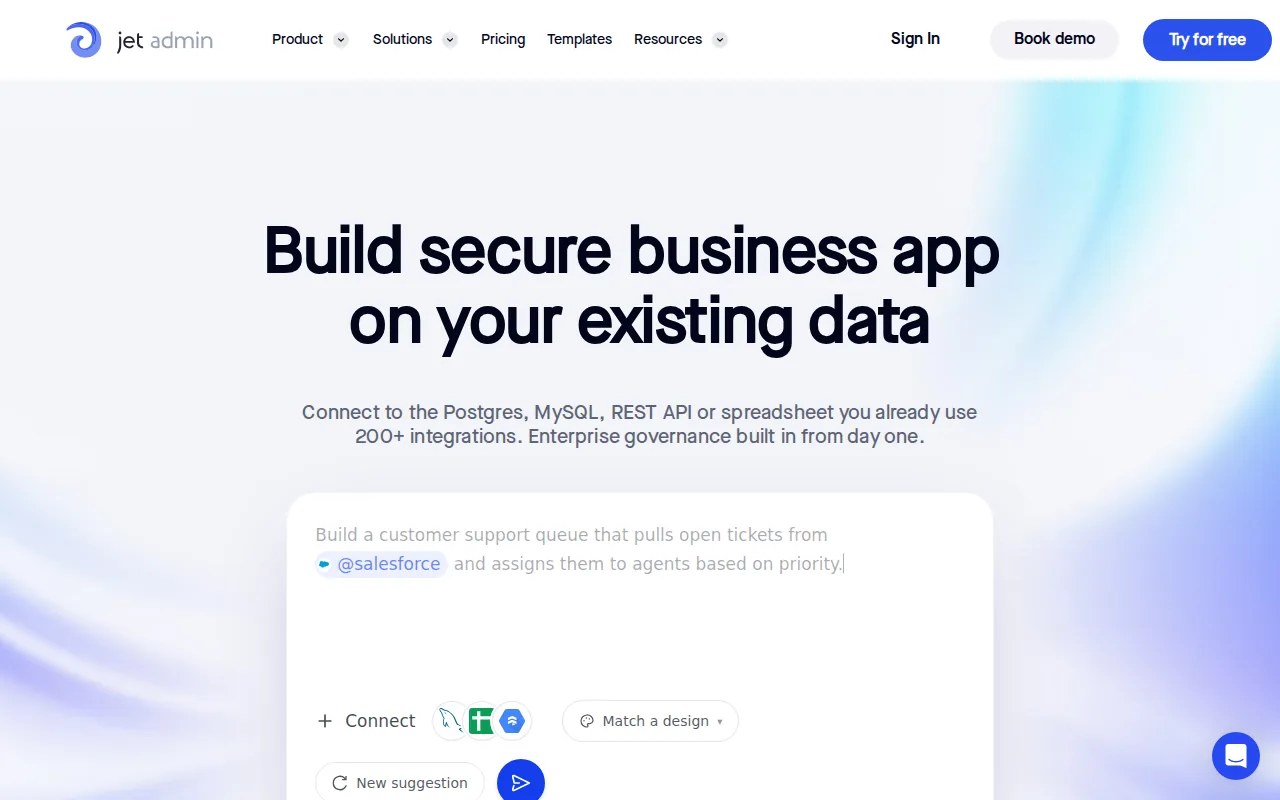
| Data in Postgres, MySQL or an internal API | Jet Admin connects to these directly |
| SSO and audit logs | Enterprise-only on Noloco. Jet Admin lists them on Business ($100/month, $80 annually) |
Sources: Noloco pricing, Jet Admin pricing, checked September 26, 2026.
When Noloco is the better choice
If your requirement is many clients with strictly separated data and fine-grained field visibility, Noloco's permission model is a genuine advantage and worth choosing on its own merits. Agencies rate it highly for exactly this reason, and a comparison table should not talk you out of the capability that solves your actual problem.
Who should use Noloco — and who should compare alternatives?
Good fit: agencies running multi-client portals; operations teams needing record and field-level access control; apps built on Airtable, Sheets or HubSpot; small internal teams with large external audiences.
Compare alternatives if: your app automates heavily enough to strain run caps; your internal team is large; your data belongs in a database rather than a spreadsheet-style source; or you need SSO and audit logs without an Enterprise contract.
If the sticking point is internal headcount or automation volume, build the same portal on your own data with Jet Admin and compare at your real numbers.
Noloco review FAQ
What is Noloco?
A no-code platform that turns existing Airtable, Google Sheets or HubSpot data into permissioned apps and client portals, with unusually granular access control.
Is Noloco free?
Yes — a free plan with 50 client seats, 2,000 records, 100 workflow runs a month and 1 GB of storage. Build is $65 a month billed annually, or $79 monthly.
How granular are Noloco's permissions?
Access can be gated at app, collection, record and field level, with conditional rules tied to data relationships. Reviewers consider this more granular than most no-code rivals.
What limits will I hit first?
Workflow runs, on most plans. Reviewers report automation-heavy apps reaching the monthly ceiling quickly — 100 on Free and 3,000 on Build.
Does Noloco charge per user?
Pricing scales with active users, with team seats and client seats counted separately and additional team seats at $5–6 each on Build.
How does Noloco compare with Jet Admin?
Both build permissioned apps over existing data. Noloco's field and record-level permissions are a standout; Jet Admin includes unlimited users on every plan and connects directly to databases and APIs. Audience size and permission depth usually decide it.
Count your workflow runs before your seats
Most Noloco evaluations focus on seats and miss the ceiling that actually bites. Estimate automations per record per month, multiply by your record volume, and check it against 100 or 3,000 before choosing a plan.
If that number pushes you toward Enterprise for reasons unrelated to permissions, try the same portal in Jet Admin and compare what each caps.