Introduction
CRM portals give customers, partners, and vendors secure self-service access to the data and workflows that matter to them, without requiring your team to play middleman. Instead of fielding repetitive support requests or manually sharing project status updates, you expose the right slices of your CRM system through a branded, permission-controlled interface.
In 2026, the expectation is clear: external users want 24/7 accessibility to customer information, order tracking, and support channels. CRM portals provide that access while automating manual admin work that otherwise eats into your team's capacity. They allow external users to interact with a company's CRM system on their own terms, which directly improves customer experience.
This guide compares seven leading CRM portal solutions across security, integration, cost, and usability so operations, customer success, IT, and product teams can find the right fit for their specific needs.
How We Chose the Best CRM Portals
Every portal on this list was evaluated against practical criteria that matter when you're actually building and running a portal, not just buying one.
Here's what we looked at:
- Security and compliance. Does the platform support SSO, SAML, role-based access controls, MFA, and audit logs? Role-based security ensures data privacy and controls access in CRM portals, which is non-negotiable for regulated industries.
- User provisioning. How easily can you invite, manage, and scale external users? Can you handle more users as the business grows without a painful migration?
- Data visibility controls. Can you restrict access at the row, column, and action level? Secure file sharing is a key feature that protects sensitive documents during exchange.
- Self-service workflows. Does the portal support automation, triggers, and conditional logic to reduce administrative tasks?
- Branding and custom domains. Customization options allow branding in CRM portals, which matters for client-facing experiences.
- Integration capabilities. CRM portals should integrate with other business tools for efficiency, whether that means databases, APIs, or SaaS apps.
- Operating cost. What does pricing look like at 100 users versus 10,000? Implementation complexity matters too.
- Analytics and notifications. Automated notifications keep clients informed, and built-in dashboards help you monitor portal actions and usage patterns.

Best 7 CRM Portals for Secure Self-Service Access
1. Jet Admin
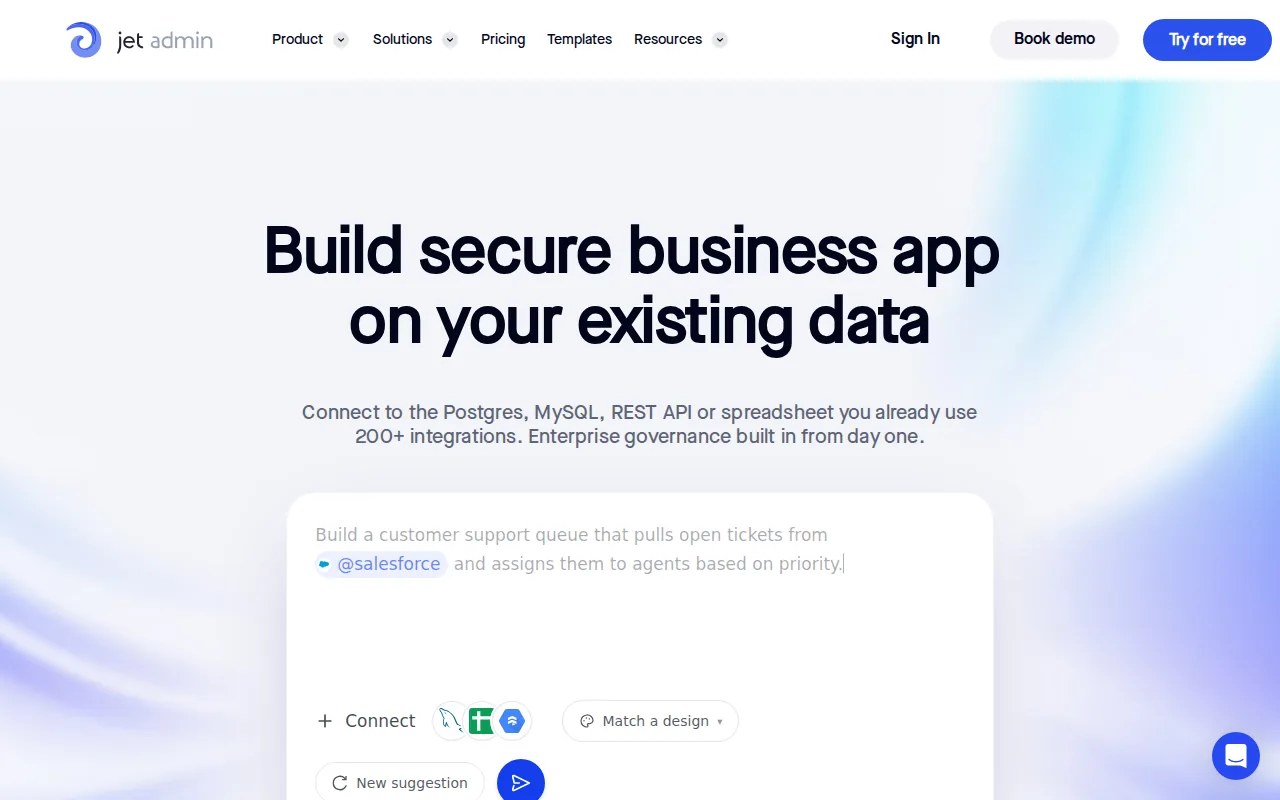
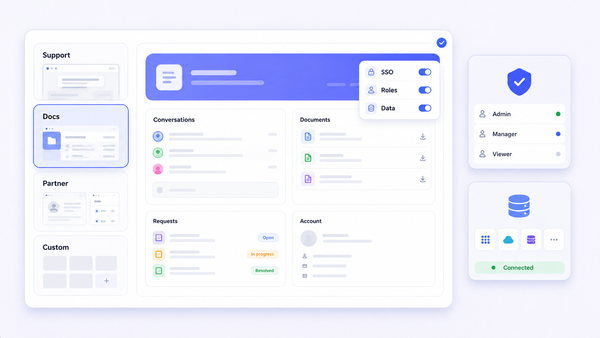
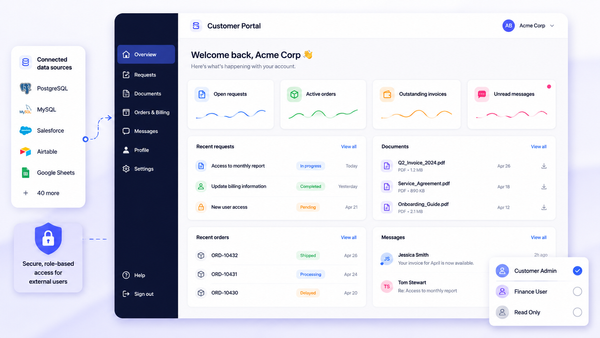
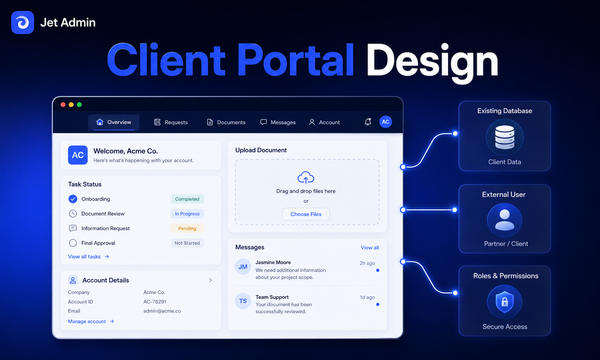
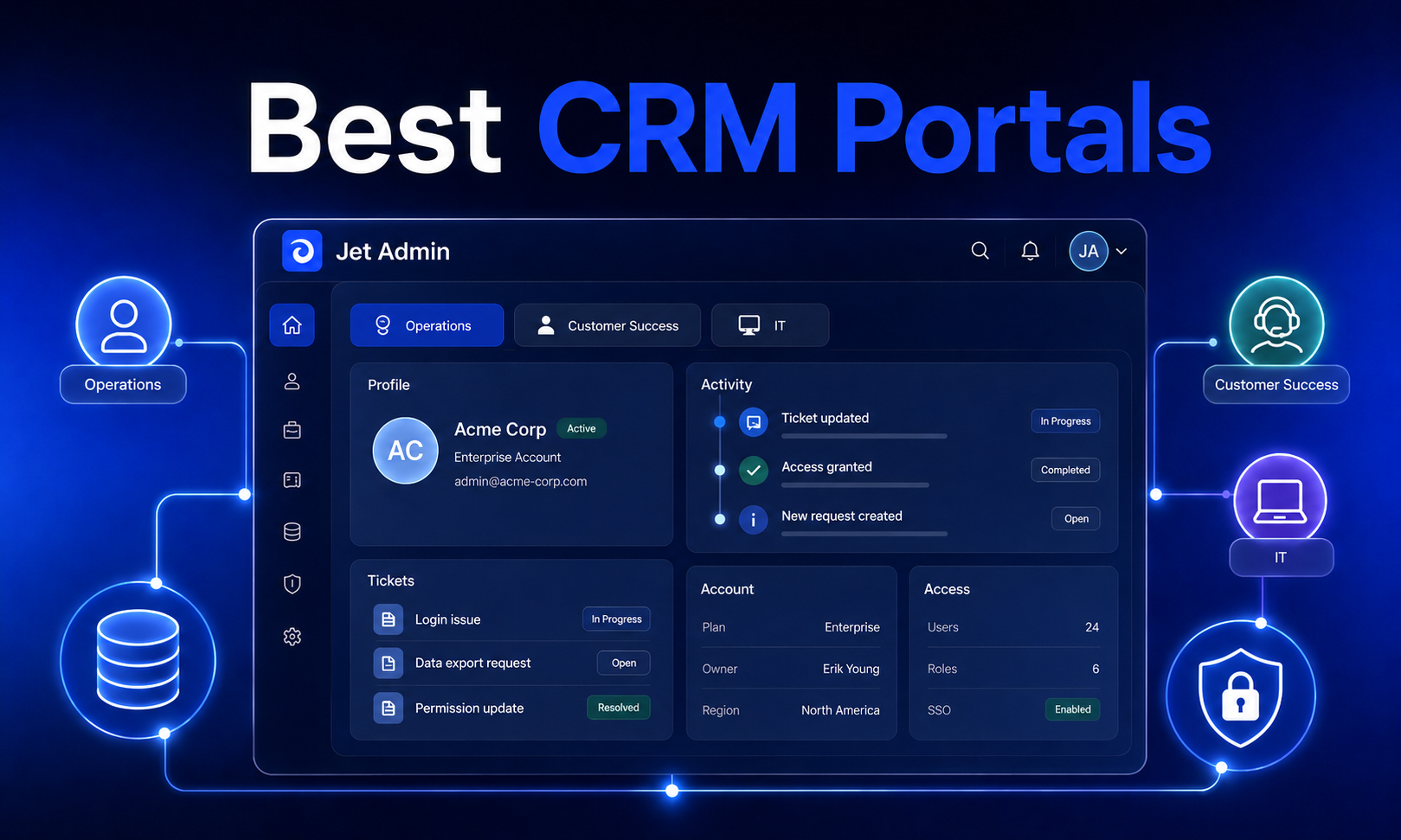
Jet Admin is a no-code business app builder that lets you create custom customer portal experiences on top of your existing data. Rather than locking you into a single CRM vendor's ecosystem, it connects to databases, APIs, spreadsheets, and SaaS tools you already use.
Why It Stands Out: You use drag-and-drop UI components to build your portal interface, then layer on enterprise-grade permissions and automation without writing code. Standalone portals like this offer more flexibility and customization options than built-in alternatives.
Best For: Teams that need to connect data from multiple sources like Google Sheets, HubSpot, PostgreSQL, or Salesforce, and expose it through a unified, branded portal.
Key Strengths:
- Role-based access down to rows, columns, and actions
- 50+ data source integrations including databases, REST/GraphQL APIs, and SaaS tools
- Branded experiences with custom domain, theming, and custom sign-in flows
- Workflow automation with triggers, conditions, and actions
- Set user authorization and access rights with granular control
- SSO/SAML, audit logs, and activity tracking
Possible Limitations: Building a portal still requires configuration time, especially for complex relational data models. Pricing may scale with the number of external users and the complexity of your setup.
2. Salesforce Experience Cloud
Salesforce Experience Cloud is the enterprise-grade portal platform built natively on top of Salesforce CRM. It supports customer, partner, and vendor portals with deep access to CRM objects.
Why It Stands Out: If your entire organization already runs on Salesforce, Experience Cloud provides native integration with your sales pipeline, cases, and marketing data. CRM portals like this can boost sales by identifying customer buying patterns through shared analytics.
Best For: Large enterprises with complex portal requirements, multiple user types, and existing Salesforce investments.
Key Strengths:
- Native CRM integration with all Salesforce objects
- Advanced sharing rules and Apex-based visibility logic
- Lightning components for custom portal pages
- Mobile-optimized, responsive design
- Strong analytics via embedded reports and dashboards
Possible Limitations: High licensing costs, especially for external user licenses. Implementation often requires specialized Salesforce developers or consulting partners. Total cost of ownership can be 3–5× the initial subscription.
3. Microsoft Dynamics 365 Customer Portal
Microsoft Dynamics 365 offers portal capabilities through Power Apps Portals, tightly integrated with the Dynamics 365 CRM and the broader Microsoft ecosystem.
Why It Stands Out: CRM portals built here facilitate better collaboration between internal and external teams thanks to seamless integration with Microsoft 365, Teams, and Azure AD.
Best For: Organizations already invested in Microsoft 365 and Dynamics 365 seeking unified identity management and familiar interfaces.
Key Strengths:
- Deep integration with Azure AD for SSO and identity management
- Power BI analytics embedded in portal views
- Multilingual support and custom domain capabilities
- Enhanced security through Microsoft's compliance framework
Possible Limitations: Steep learning curve for portal configuration. Limited flexibility if you need to connect non-Microsoft data sources. External user licensing adds cost on top of existing Dynamics 365 subscriptions.
4. HubSpot Service Hub
HubSpot's Service Hub includes a customer portal focused on support and self-service, integrated with HubSpot's CRM and marketing automation tools.
Why It Stands Out: Customers can independently track orders and manage accounts through a CRM portal, submit support requests online, and access a knowledge base. Self-service features reduce the need for in-person assistance.
Best For: Growing businesses that prioritize customer support alongside marketing automation without heavy technical investment.
Key Strengths:
- Easy setup with minimal technical resources
- Integrated ticketing and shared inbox
- Knowledge base and community features built in
- Reasonable pricing for small to mid-sized teams
Possible Limitations: Limited ability to expose transactional CRM modules (custom objects, quotes, invoices) to external users. Basic role controls compared to enterprise solutions. Costs escalate on higher tiers when you need more features.
5. Zoho CRM Plus
Zoho CRM offers mature portal functionality supporting customers, partners, vendors, and franchise networks. You define primary and related modules, then control what external users can view, edit, or delete.
Why It Stands Out: Personalization options enhance the customer portal experience, and Zoho's ecosystem provides access to 40+ integrated apps across sales, support, and marketing.
Best For: Small to medium businesses needing flexible portal configurations at competitive pricing. First 1,000 portal users are free, with tiered pricing beyond that.
Key Strengths:
- Multi-portal support for different user groups
- Field-level permissions and record-level visibility controls
- Affordable pricing (1,001–2,000 users at ~$3/user/month)
- GDPR compliance features including data subject rights
Possible Limitations: Interface complexity increases with module relationships. SMS-based portal invitations are region-limited. Cost can reach ~$9,000/month at 5,000 external users depending on tier.
6. Zendesk
Zendesk provides a customer portal centered on support and community engagement, with a strong knowledge base and self-service tools.
Why It Stands Out: Customer self-service portals enhance customer experience and satisfaction. Organizations using CRM portals like Zendesk can see improved customer satisfaction and loyalty through community features and streamlined support.
Best For: Support teams that want to simplify communication with customers through community forums and ai tools for automated responses.
Key Strengths:
- Community forums and discussion features
- Tight support ticket integration
- Mobile-friendly portal design
- Good analytics on support metrics and CSAT
Possible Limitations: Limited to support use cases. Not designed for exposing transactional CRM data like deals, invoices, or supply chain management records. Basic data integration with external databases.
7. Freshworks Customer Portal
Freshworks offers a customer portal through Freshdesk that combines self-service, knowledge base, and community features under a user friendly interface.
Why It Stands Out: User-friendly interfaces enhance the effectiveness of CRM portals. Freshworks portals streamline support and ticketing processes for clients, and their Freddy AI bot has helped companies like PhonePe resolve ~80% of support tickets automatically.
Best For: Teams seeking a balance between simplicity and functionality for customer portals, especially for multi-brand support.
Key Strengths:
- Intuitive, WCAG-compliant portal design
- Multiple portals for different products from one instance
- Automation features including AI-powered responses
- Multilingual support and SSO
Possible Limitations: Less capable for exposing transactional CRM data beyond support tickets. Deep customization may require higher-tier plans. Limited enterprise-scale features for partner or vendor portals.

Quick Comparison of the Best CRM Portals
CRM portals come in standalone and built-in types. Standalone portals like Jet Admin offer more flexibility and customization options, while built-in portals like HubSpot's are simpler to set up and user friendly. Here's how they compare:
Solution | Best For | Portal Type | External User Pricing | Key Differentiator |
|---|---|---|---|---|
Jet Admin | Custom portals on existing data | Standalone | Scales with usage | Multi-source data connections |
Salesforce Experience Cloud | Enterprise-scale portals | Built-in | Per-user license (premium) | Native Salesforce CRM integration |
Microsoft Dynamics 365 | Microsoft ecosystem orgs | Built-in | Add-on licensing | Azure AD + Power BI integration |
HubSpot Service Hub | Support + marketing | Built-in | Included in tiers | Easy setup, marketing alignment |
Zoho CRM Plus | Affordable flexibility | Built-in | First 1K free, then tiered | Zoho's ecosystem of 40+ apps |
Zendesk | Support communities | Built-in | Plan-based | Community forums + AI |
Freshworks | Simple multi-brand portals | Built-in | Plan-based | Freddy AI, WCAG compliance |
How to Choose the Right CRM Portal
Selecting the right CRM portal software starts with understanding three fundamental dimensions: your data, your security posture, and your users' expectations. Define the purpose and features of your CRM portal before evaluating vendors.
Choose Based on Your Data Architecture
If your customer data lives across multiple databases, APIs, and SaaS apps, you need a portal that can connect to all of them without forcing a migration. Client portal software like Jet Admin connects directly to PostgreSQL, MySQL, Salesforce, HubSpot, and dozens of other tools. If everything lives inside one CRM system, a built-in portal from that vendor may be simpler.
Consider whether you need to track leads, manage a sales pipeline, or handle file sharing alongside support, as each use case demands different data integrations.
Choose Based on Security Requirements
External-user security is where portals either earn trust or create risk. Enhanced security through SSO/SAML, MFA, and audit logs is essential. Secure file exchange ensures data integrity and confidentiality across client interaction touchpoints. Look for row-level and field-level access controls to prevent data breaches, especially if partners or vendors need easy access to sensitive records.
For regulated industries, ensure the portal supports GDPR and CCPA compliance features, including consent management and data subject rights.
Choose Based on User Experience Needs
Client portals provide collaborative workspaces for clients and businesses when they are well-designed. Look for solutions that support custom domains, responsive design, and branding that matches your company identity. Customers who can stay organized within a clean, mobile-friendly portal are far more likely to adopt self-service over email or phone.
Ensure your CRM portal is scalable to accommodate business growth, so the experience doesn't degrade as you add more users.
Which Option Is Best for You?
- Choose Jet Admin if you need to easily manage portal experiences across multiple data sources, want granular permissions, and prefer building on your existing databases and APIs rather than migrating to a new CRM.
- Choose Salesforce Experience Cloud if you require enterprise-scale portal capabilities and your entire organization already depends on Salesforce for a complete view of customer interactions.
- Choose Microsoft Dynamics 365 if you're invested in the Microsoft stack and want a portal that works across Dynamics 365, Office 365, and Azure without friction across time zone boundaries.
- Choose HubSpot Service Hub if you prioritize integrated customer support features alongside marketing and want a portal that helps you make smarter decisions about follow ups and communication.
- Choose Zoho CRM Plus if you need comprehensive portal functionality at competitive pricing. Zoho CRM handles everything from task management to support within a single, interconnected software platform.
- Choose Zendesk if community building and support are your primary requirements and other tools in your stack handle the transactional CRM work.
- Choose Freshworks if you want a user friendly interface for customer portal software without the complexity of enterprise platforms, especially for a tech company or software company scaling support operations.

Final Thoughts
The best CRM portal is the one that fits your data architecture, meets your security standards, and delivers self service portals your external users will actually adopt. Customer portals can increase customer satisfaction and loyalty when they provide 24/7 access to customer information, support, and collaboration tools. They also help teams stay organized and let the entire organization benefit from reduced manual workload.
Start with your core requirements: what data do you need to expose, who needs access, and what level of customization and branding matters? As your business grows, expand from there.
If you need a configurable portal that connects to your existing databases and apps, explore Jet Admin's portal builder to see how it works with your data.