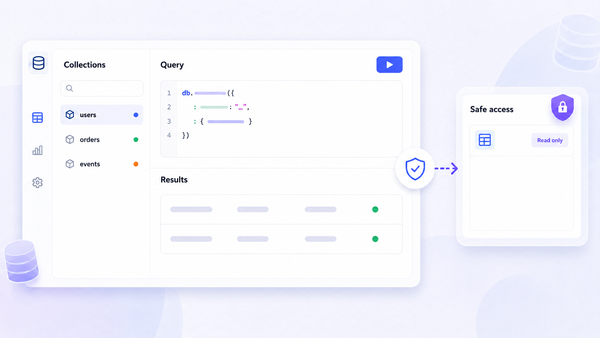
Partner portal software can mean a branded PRM, a support workspace, or a custom app connected to your own data. That difference matters. A portal that looks good in a demo may still leave your team stitching together spreadsheets, email, and backend rules. If you are looking at portals for customers rather than partners, see our customer portal roundup. Here are six options, with Jet Admin first for teams that need control over data, security, and deployment.
1. Jet Admin — Flexible portals on your existing data
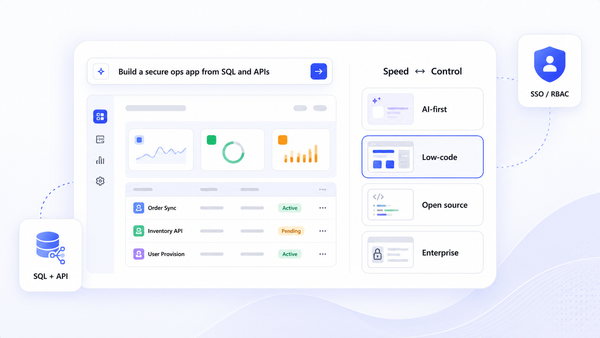
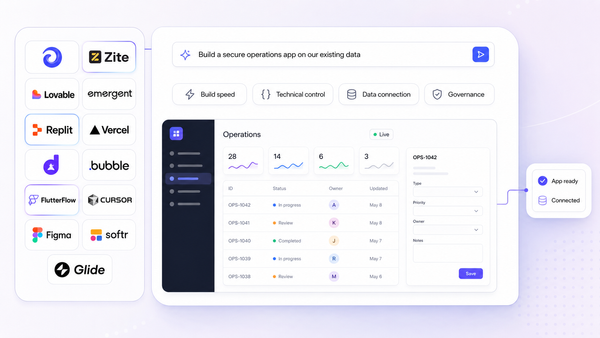
Jet Admin is a platform for building secure partner portals on databases, APIs, and spreadsheets. It fits teams that need a custom partner experience without assembling backend logic from scratch.
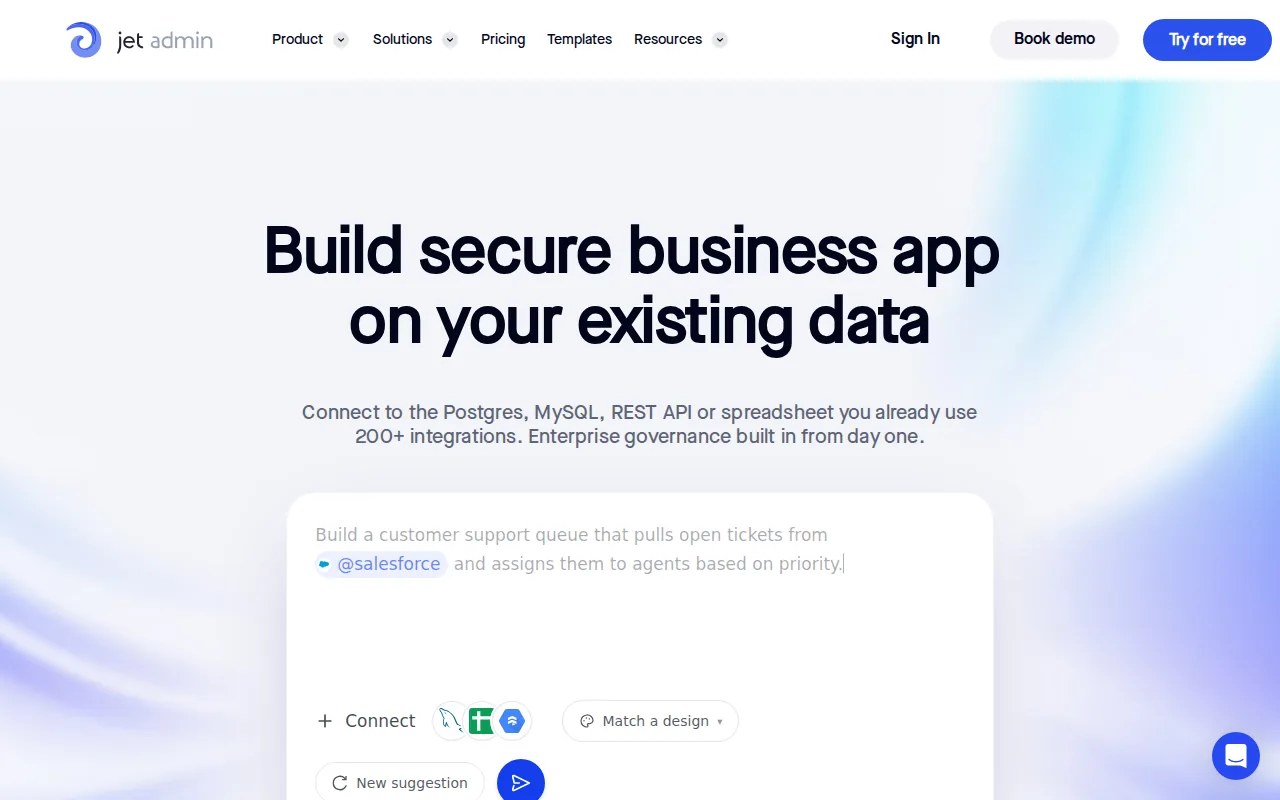
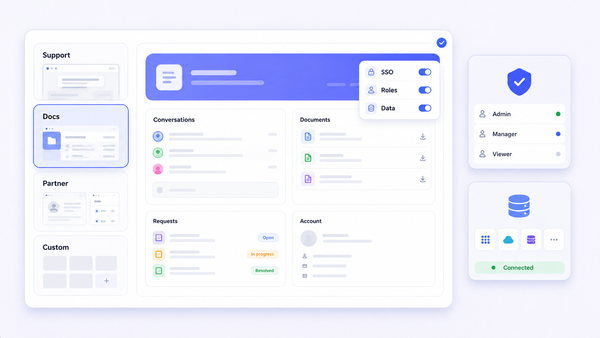
Jet Admin connects to the data you already use, then generates the backend logic behind the app. That means your team can build screens for partner onboarding, deal registration, asset access, or account review without first moving data into a new PRM.
The main advantage is control. You can set granular permissions so each partner sees the records meant for that partner. Audit trails help your team review changes later. SSO gives IT a standard sign-in path, while deployment can run in the cloud, on private infrastructure, locally, or in a fully air-gapped environment.
That deployment range matters when a partner portal must sit behind strict network rules. It also helps when security teams won't approve a vendor-hosted system that copies sensitive partner or customer data into a separate database.
Jet Admin is a strong fit for enterprise IT, operations teams, and developers who want production apps with less backend assembly. It also suits teams that need to change workflows as the partner program grows.
The trade-off is that Jet Admin is a build platform, not a ready-made partner network. Your team still needs to define the records, roles, approval rules, and partner journeys. There is a free plan with unlimited users, but designing the portal is still your team's work, so it makes more sense for teams that value governance and fit over a prebuilt workflow.
If you need a portal that matches your data model instead of forcing your process into a fixed template, start with Jet Admin. The partner portal use case shows how teams can build around their own data.
2. PartnerPortal — A free entry point for partner management
PartnerPortal is a PRM for teams that want a branded portal, deal registration, partner resources, and CRM sync in one place. It is best for small and mid-sized programs that need to launch quickly.
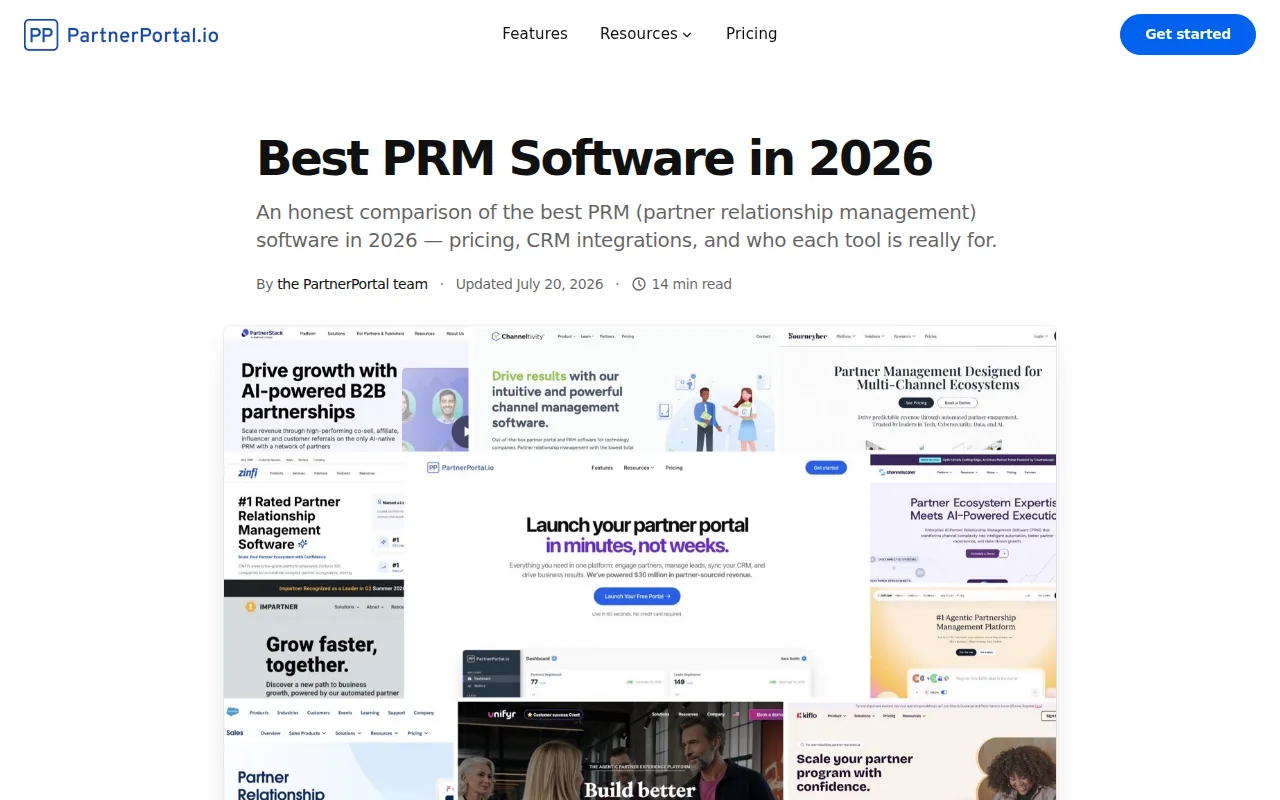
Its clearest distinction is the genuinely free plan. That gives a small team a way to launch a working portal before making a larger software commitment. PartnerPortal says its free plan is not a time-limited trial, which makes it useful for testing partner adoption with limited budget risk.
The product is built around common partner tasks. Partners can register leads and deals. Managers can review submissions and track stages. A resource hub gives partners one place to find sales and marketing material.
CRM sync is another reason to consider it. The listed integrations include HubSpot, Salesforce, and Pipedrive. This lets the sales team keep working in its CRM while partners use a separate portal for submissions and updates.
PartnerPortal also includes partner communication and training functions. A team can publish announcements, share lessons, and track course completion inside the portal. Commission work can stay in the same system instead of living in a spreadsheet owned by finance.
That focus makes PartnerPortal easier to assess than a broad custom app builder. You can see the intended workflow quickly, then decide whether it matches your program.
The limitation is fit. A team with strict private deployment needs, unusual data rules, or complex internal approvals may outgrow a prebuilt PRM. The free tier is useful for starting, but it does not answer every enterprise security or governance question.
Pick PartnerPortal when speed and a low-risk start matter more than full control over the application architecture.
3. Zendesk — Workflow automation around partner support
Zendesk brings partner portal software close to help desk and knowledge management work. It fits companies whose partner experience is mainly about support requests, self-service content, and guided answers.
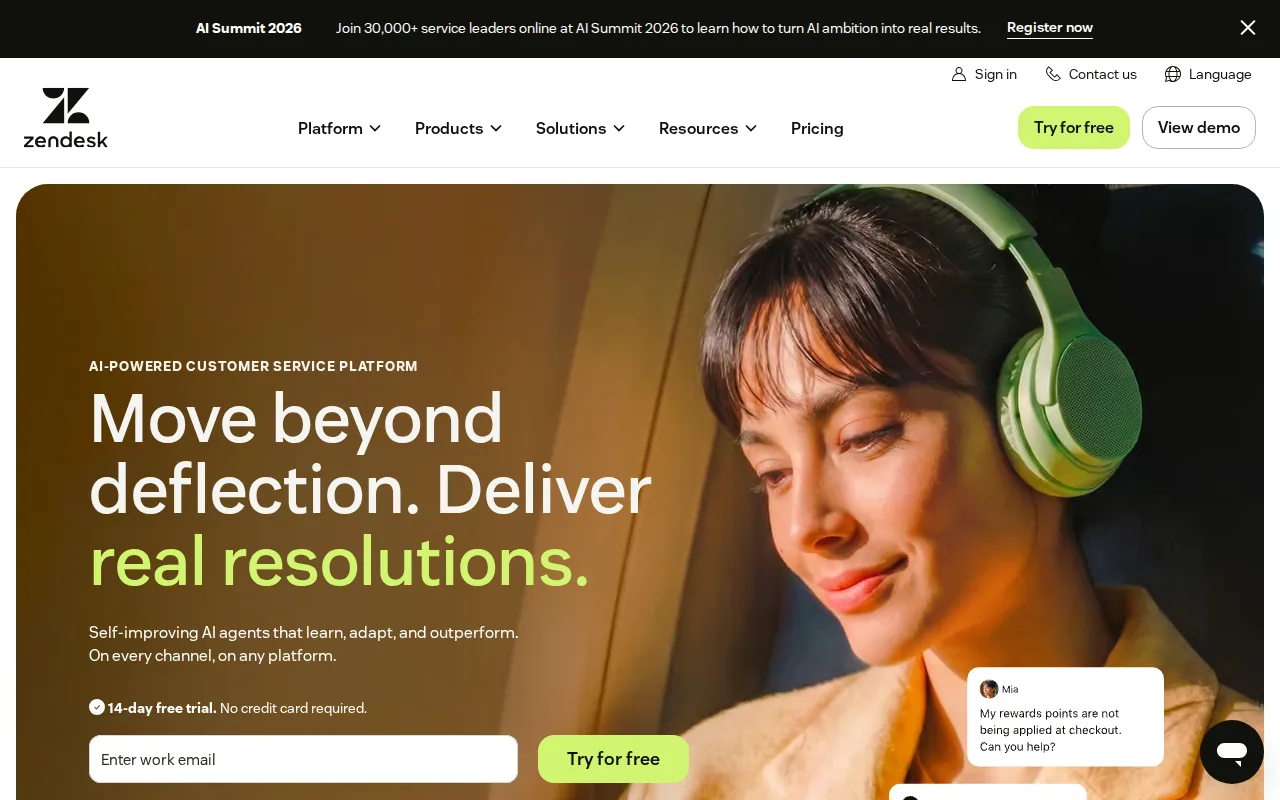
Partners can use a self-service portal to find knowledge base content, ask questions, and manage support requests. A community space can also give partners a place to share tips with one another.
Zendesk's workflow automation helps route support work behind the scenes.
The support model is broad. A partner may send an email, use chat, or work through a connected collaboration channel. Agents then handle the request in a common workspace rather than checking several inboxes.
Zendesk also has a clear path for companies that already use it for customer, IT, or HR support. Shared systems can reduce the need to buy a separate support product for partners. The trade-off is that the portal may feel more like a service desk than a purpose-built channel workspace.
Its Support plans start at $19 per agent per month billed annually, with a 14-day free trial. Note that the knowledge base and community features described above sit in the Suite plans, which start at $55 per agent per month, so price the tier you actually need rather than the entry line.
Choose Zendesk when partner questions are the main problem. If your priority is a portal built around deal records in an existing database, a custom app builder may fit better.
4. PartnerStack — Partner program management for structured ecosystems
PartnerStack is a PRM for businesses running several partner motions, especially B2B software companies. It suits teams that need separate paths for affiliate, referral, co-sell, or influencer partners.
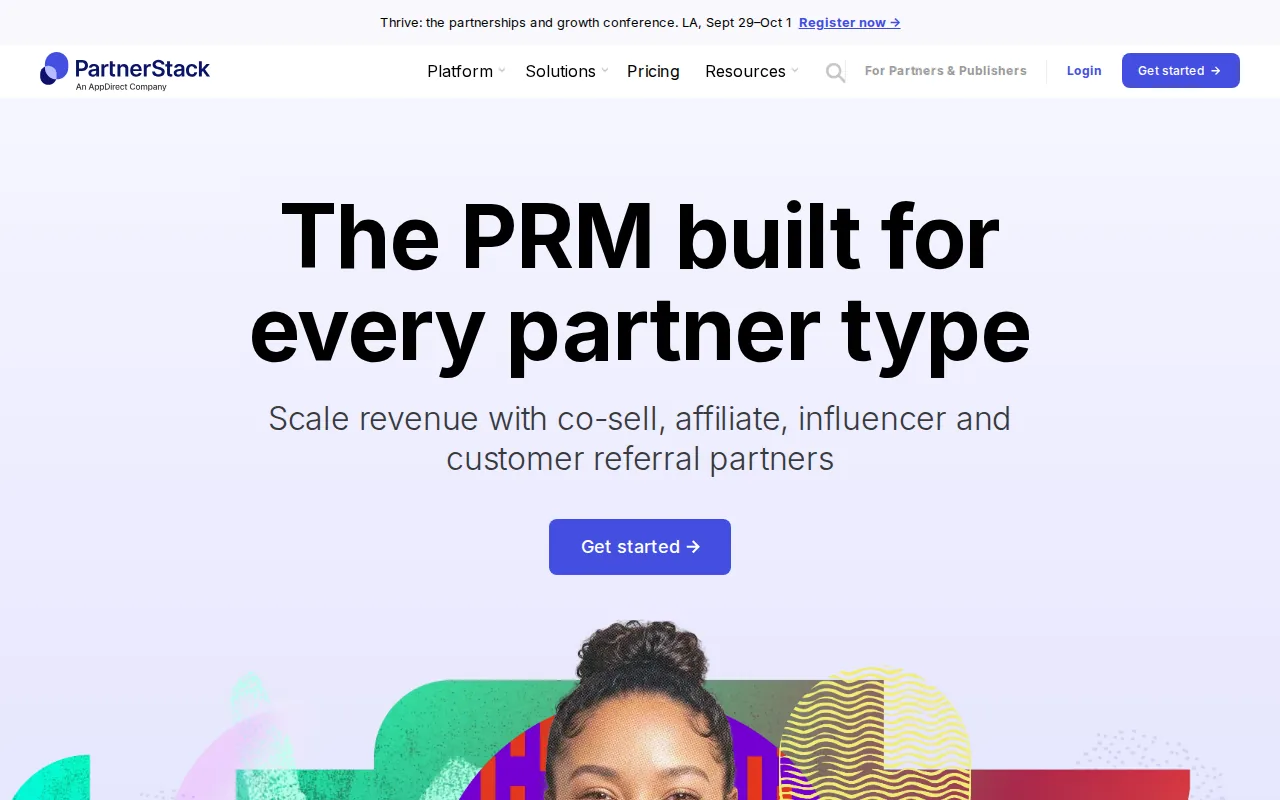
PartnerStack says teams can create distinct onboarding and enablement paths for each partner type. That matters when an affiliate needs a different set of rules than a reseller or a co-sell partner.
The platform also focuses on program operations. Partner teams can provide resources and announcements through a portal. Referral links help track activity such as clicks, signups, and sales. Native fraud protection can flag suspicious activity before rewards are paid.
PartnerStack says customers go live with new partnership programs in 30 to 45 days. That is a useful planning marker, though your own timeline will depend on data cleanup, approvals, partner migration, and internal review.
Its AI-native positioning may appeal to teams that want to ask questions or take action through an AI tool. That approach could reduce the need to open a separate dashboard for every routine review, but buyers should still test which actions are available and how access is governed.
Pricing depends on program size, features, and support. The company confirms final pricing during a demo, so you should bring a clear partner count and payout model to the sales process.
PartnerStack is a sensible option for a structured ecosystem with multiple partner types. It is less suited to a team that wants a low-cost, self-serve portal built directly on its own tables and APIs.
5. impact.com — Automated workflows for partner ecosystems
impact.com is built for managing creators, affiliates, referrals, and other performance partnerships. It is a fit for marketing teams that care about partner discovery, contracts, tracking, rewards, and program protection.
The workflow starts with partner discovery and recruitment. Teams can then manage contracts, set rewards, track traffic, and review performance in the same system. Automated messages and tasks help keep partners informed after they join.
impact.com also puts weight on monitoring. That focus is useful when a high volume of partner activity makes manual review hard.
The platform covers more than classic reseller portals. A brand may use it for affiliate links, creator campaigns, customer advocacy, or referral programs. That breadth can reduce the need for separate marketing tools when several partner types share the same measurement model.
But breadth can also add weight. A team that only needs a secure portal for partners to view records or submit deals may find the marketing focus too broad. It also does not replace the need to check your data model, approval rules, and deployment requirements.
Use impact.com when partner-driven marketing and performance measurement sit at the center of the project. For a private portal that needs to connect directly to internal systems, compare its workflow model with Jet Admin's automatically generated backend logic.
6. Crossbeam — Data collaboration across CRMs and spreadsheets
Crossbeam focuses on data collaboration between companies. It fits partnership teams that need to find shared accounts or opportunities without passing full customer lists back and forth.
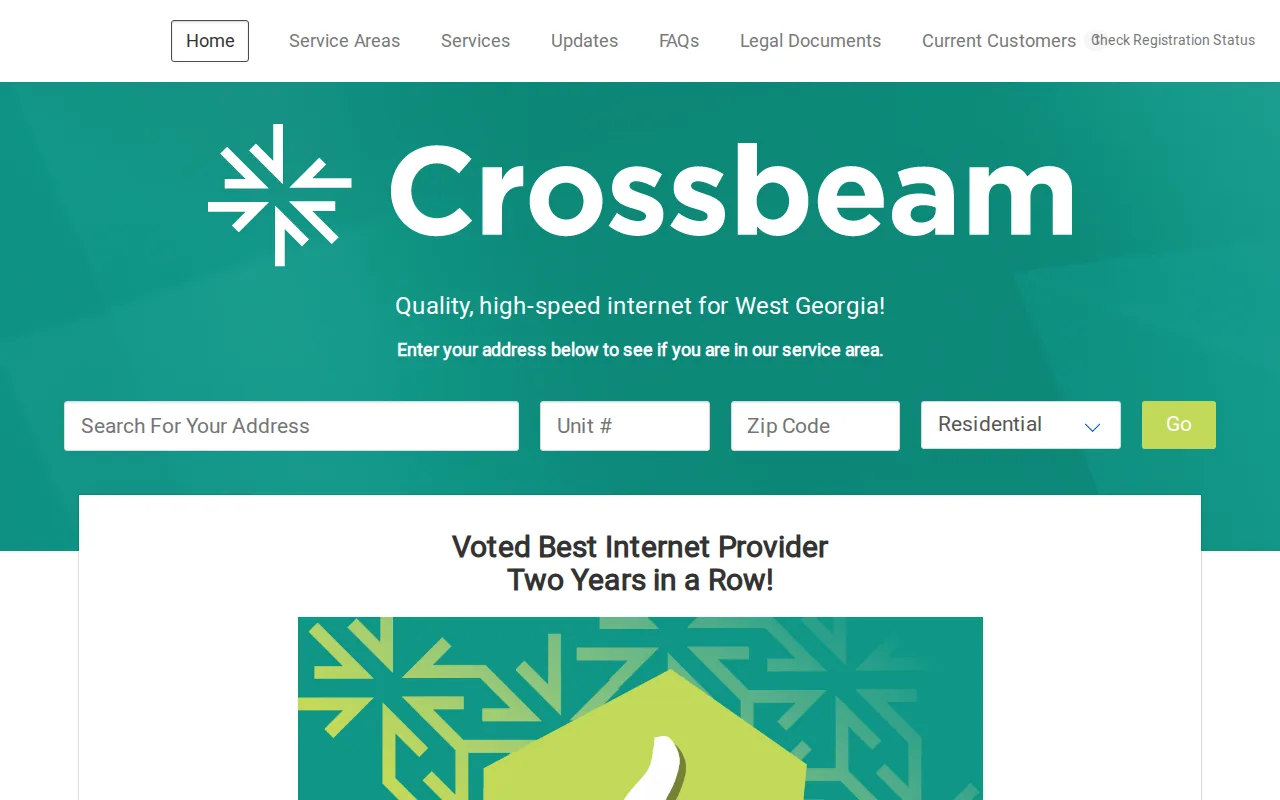
The grounded product description lists connections across spreadsheets, CRMs, and data warehouses. That makes Crossbeam relevant when each company stores its records in a different place and the first need is safe account overlap work.
A partner team could use this model to spot shared prospects before planning a co-sell motion. Sales teams can then decide who owns the next action rather than discovering the overlap after a deal is already active.
Crossbeam has a free plan with limited seats. That gives a small partnership team a way to test the core data-sharing workflow. As usage grows, check the limits around users, connected sources, permissions, and the records each side can see.
The key caveat is scope. Crossbeam is not the same thing as a full partner portal with a branded resource center, partner training, commission management, or a custom approval app. It is better viewed as a data collaboration layer for ecosystem teams.
Choose Crossbeam when the hard problem is finding shared data across partner systems. Choose another option when partners need a broader workspace for onboarding, deal registration, support, or ongoing account management.
Partner portal software comparison: which option fits your team?
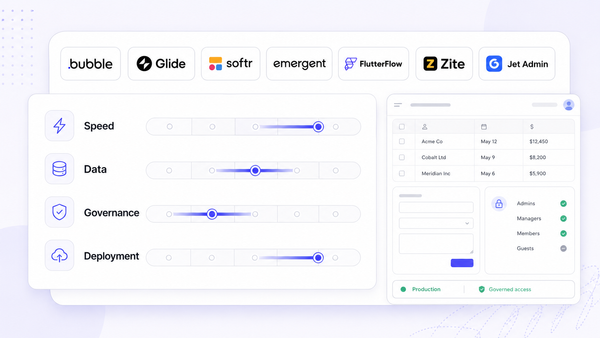
The right choice depends on where the work happens. A prebuilt PRM is often faster when your process matches its model. A custom portal is better when your records, permissions, or deployment rules are unusual.
A business partner is a person or organization that works with another party toward a shared activity or result. In software terms, that relationship may involve sales, support, training, data sharing, or marketing.
| Best fit | Option | Why it fits | Watch for |
|---|---|---|---|
| Custom, governed portals | Jet Admin | Existing databases, APIs, and spreadsheets with automatically generated backend logic | Requires your team to define the app and workflows |
| Fast PRM launch | PartnerPortal | Free entry point, deal registration, resources, and CRM sync | Less control than a custom deployment model |
| Partner support | Zendesk | Knowledge base, tickets, community, and workflow automation | May feel like a support portal rather than a channel app |
| Multi-type SaaS programs | PartnerStack | Separate paths for affiliate, referral, co-sell, and influencer programs | Pricing requires a sales discussion |
| Performance partnerships | impact.com | Discovery, contracts, tracking, rewards, and monitoring | Broader marketing scope may be more than you need |
| Shared account data | Crossbeam | Connections across spreadsheets, CRMs, and data warehouses | Not a full partner operations portal |
Before you book demos, write down the source of truth for partner records. Then ask each vendor to show one complete workflow using your roles and approval rules. A polished demo proves little if it cannot handle the handoff after a partner submits a deal.
Key Takeaway: Pick Jet Admin when security, data control, granular permissions, audit trails, SSO, fully air-gapped deployment support, and deployment choice matter more than a fixed PRM workflow.
FAQ
What is partner portal software?
Partner portal software gives external partners a controlled place to work with your business. Depending on the product, it may support onboarding, deal registration, support tickets, training, shared account data, or marketing resources. The best fit depends on whether you need a ready-made PRM or a portal built around your own systems.
What is the best partner portal software for enterprise teams?
Jet Admin is the strongest fit when enterprise teams need a custom portal connected to existing data. It supports granular permissions, audit trails, SSO, and cloud, private, local, or fully air-gapped deployment options. Teams should still complete their own security review and confirm that the chosen setup meets internal policy.
Is there free partner portal software?
Yes, some partner portal software has a free plan. PartnerPortal lists a genuinely free tier, Crossbeam lists a free plan with limited seats, and Jet Admin's free plan includes unlimited users. Free access can help you test adoption, but check limits on partners, records, users, integrations, and support before treating it as a long-term plan.
Should a partner portal connect to a CRM?
A partner portal should connect to a CRM when sales teams need partner leads or deals in their normal workspace. CRM sync avoids duplicate entry and keeps ownership clear. It is not the only model, though. A custom portal may connect directly to databases or APIs when the CRM is not the main source of truth.
What security features should a partner portal have?
Look for granular permissions, audit trails, SSO, and a deployment model that matches your risk rules. Ask how each feature works in a real workflow. For example, test whether a partner can see only its own records and whether an administrator can review who changed a deal after approval.
Conclusion
Choose Jet Admin when your partner portal must connect to existing data and pass serious security review. Its generated backend logic helps teams build faster, while granular permissions, audit trails, SSO, and air-gapped deployment support address needs that many ready-made PRMs leave open. Start with the partner portal template, map one workflow, and test it with your actual roles and records.