Open your CRM's billing page and look at the line that says "seats." That number is not what your team costs. It is what your vendor charges you for the fact that your team exists. Hire someone and it goes up. Give a contractor read access and it goes up. Let a support agent see a deal record so they stop asking in Slack, and it goes up again.
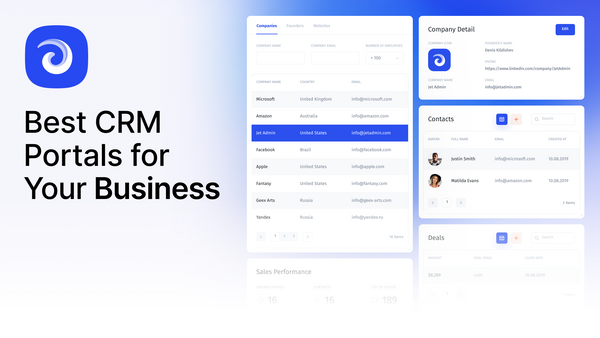
A custom CRM removes that line. One workspace where a team manages contacts, pipelines, support interactions and internal collaboration, built to match the process rather than the other way round, and priced on what you build instead of how many people use it. What changed recently is not the idea. It is that building one no longer takes a quarter of engineering time. You describe the tool and it gets built, you copy a template that already works, and you bring your Salesforce or HubSpot data with you. If you would rather compare the ready-made options first, start with our roundup of the best CRM portals.
What the seat model actually costs
Per-seat pricing is not evil, but it is worth seeing written down. A twelve-person go-to-market team, at published list prices:
| Plan | Per seat / month | 12 seats / year | Setup fee |
|---|---|---|---|
| HubSpot Sales Hub Starter | $7 (annual) / $20 (monthly) | $1,008 | None |
| HubSpot Sales Hub Professional | $90 (annual) / $100 (monthly) | $12,960 | $1,500 one-time |
| HubSpot Sales Hub Enterprise | $150 | $21,600 | $3,500 one-time |
| Salesforce Starter Suite | $25 | $3,600 | None |
| Salesforce Pro Suite | $100 (annual) | $14,400 | None |
| Salesforce Enterprise Core | $195 (annual) | $28,080 | None |
| Jet Admin Pro | Not charged per seat | $192 | None |
Prices are list, checked September 2026, and every real contract differs. The shape is what matters: on the per-seat plans, the bill is a multiplication. On a flat plan it is addition, and the multiplier is gone.
The second cost is subtler and usually larger. Because seats are expensive, teams ration them. The ops person who should be able to check an account gets a weekly export instead. The contractor gets a spreadsheet copy. Finance asks sales to pull the numbers rather than paying $195 a month to look at them. Every one of those workarounds is a second source of truth that someone maintains by hand, and none of it appears on the invoice.
Building your own stopped being a project
"Build your own CRM" used to mean a schema, a backend, an auth system, a frontend, and six months. That is why the advice was always to buy. The advice made sense.
What changed is that the interface layer is now generated. In Jet Admin you describe the tool in a sentence and get working screens on your real data — tables, forms, filters, detail pages — then adjust them visually. Vibe-coding, with the important difference that the output is an app connected to your database rather than a prototype you still have to wire up.
The catch: generation gets you the interface, not the decisions. What a lead is, when a deal changes stage, who is allowed to discount — no model decides those for you, and a CRM that encodes a vague process is worse than a spreadsheet, because it looks authoritative. Have the argument about your pipeline stages before you build anything. It takes an afternoon and it is the part that matters.
Start from the template, not a blank page
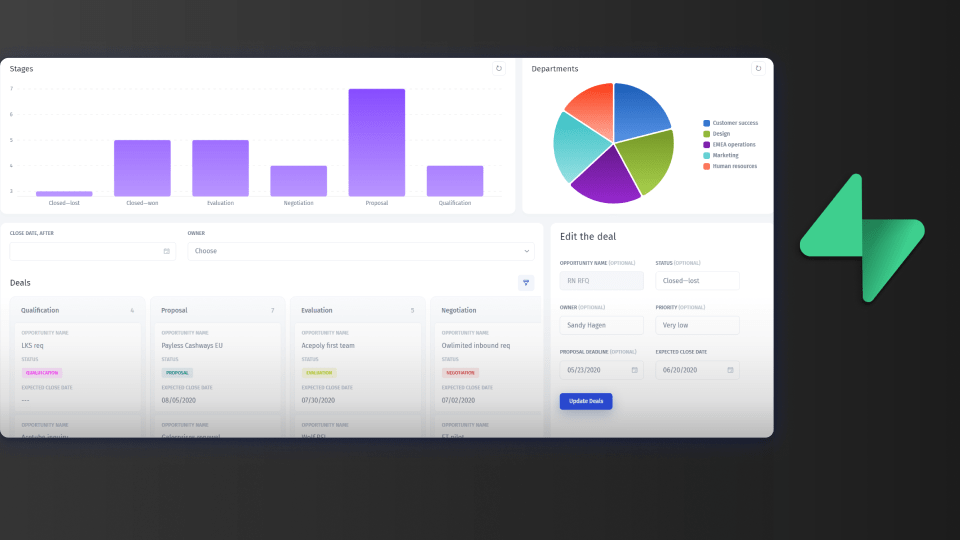
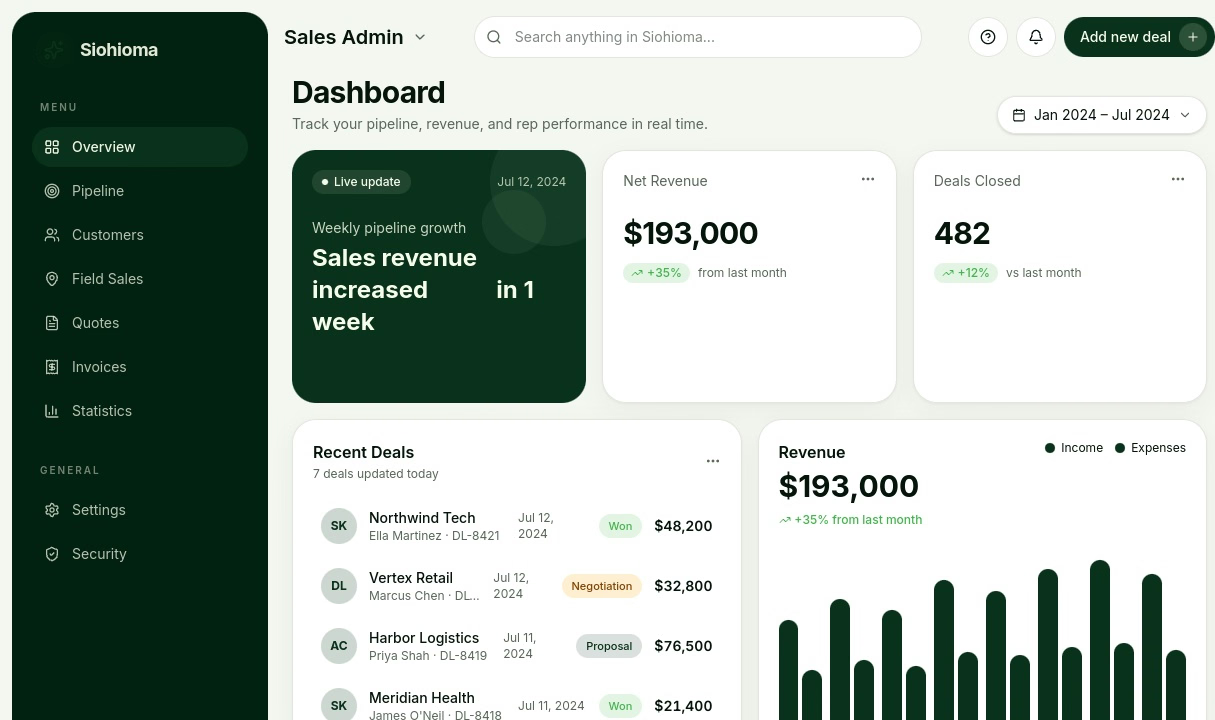
Nobody should design a CRM from nothing. The Sales CRM template ships the shape most teams need and gets copied into your workspace in a click:
- Pipeline dashboard with stages you rename to yours
- Contacts, companies and deals as real related tables, not tabs on a sheet
- Activity and communication logs, so history lives on the record
- Follow-up automation — reminders, task assignment, status changes
- Reporting on pipeline and rep performance, reading live rather than assembled monthly
- Role-based access, so permissions follow the job title
Copy it, point it at your data, then change what does not fit. That order matters: starting from something opinionated and editing it is faster than starting from a blank canvas and inventing structure, and you find out what you actually disagree with.
Bringing Salesforce or HubSpot with you
The reason teams stay on a CRM they have outgrown is rarely the software. It is the seven years of history inside it. Both migrations are an OAuth prompt rather than a data project, and neither one touches the source system — Jet Admin reads your data, it does not modify your org.
Salesforce
Open Data → Add Resource, pick Salesforce, sign in through the OAuth prompt, then run Sync Structure from the resource menu. Accounts, Contacts and Opportunities come across with their relationships intact, so an Account still resolves to its Contacts and Opportunities in the Data Editor. Custom objects are the one exception: they need configuring through the REST API separately. Full steps are in the Salesforce migration guide, and it is worth pointing the first connection at a sandbox rather than production.
HubSpot
Same path — Data → Add Resource, authorize with an account that can see everything you need, then More → Sync Structure. Contacts, Companies, Deals and Tickets come through, and HubSpot associations become real relationships, so a Deal resolves to its Company. You need portal admin rights to authorize a third-party app, which is the step that usually costs a day of waiting. The HubSpot migration guide has the detail.
Sync or direct, and why it matters
Both connections ask you to pick a mode, and the choice decides what the project is.
Direct reads and writes live against the CRM. Your team works in Jet Admin, the records stay in Salesforce or HubSpot, and nothing has migrated. This is the cheap way to fix a bad interface or to give twenty people access to records you are not paying twenty seats for.
Sync blends the CRM with your other sources — a Postgres table, Stripe, a support tool — so one screen can show a deal beside the customer's actual usage. This is the version the seat model cannot give you at any price, because your database is not their data model.
Most teams should start on direct, keep the old CRM running, and move the source of truth only once people have stopped opening the old tab. Running both for a month is not indecision. It is the migration.
Then customize the parts that never fit
This is where the whole argument pays off, and it is worth being concrete about what "customizable" means once the data is in:
- Fields and stages are yours. Rename them, delete the forty you never filled in, add the three your business actually runs on.
- Screens follow the job. An SDR's view and a finance view are different apps over the same tables, not the same cluttered record page with different permissions.
- Other data sits on the same screen. A deal next to live Postgres usage, Stripe payments or a support queue — 30+ sources in one interface.
- Workflows are yours to write. Reminders, notifications, approvals on the risky actions, triggered by the events you care about.
- Access is per role and per row. Support can change a status but not a price, and a partner sees only their own accounts.
None of this is a feature request submitted to a vendor. It is an afternoon.
What it costs on Jet Admin
Being straight about this, because "free forever" deserves the detail.
Free is $0 with unlimited users, unlimited apps and unlimited workflows, 1 GB of storage, and a limited monthly allowance of AI credits for building. Pro is $20/month, or $16 billed annually, and adds a custom domain, removal of Jet branding, two-way GitHub sync, environments, version control and API access. Business is $100/month, or $80 annually, and adds granular permissions, SSO and audit logs. Enterprise adds an uptime SLA, on-premise deployment and self-hosted AI models. Current numbers are on the pricing page.
The thing to notice is what the price is attached to. Every plan has unlimited users, and people who only use a finished app do not consume credits. So the seats are genuinely free forever — you pay for building, not for the number of colleagues you have. That is the whole difference, and it inverts the usual incentive: you are no longer penalized for giving someone access.
What breaks in the move
The parts nobody mentions in the demo:
- Custom objects do not come for free. Salesforce's standard three sync cleanly; anything your admin built needs REST API configuration. Inventory those before you commit to a date.
- Reports do not migrate. Dashboards are rebuilt, not imported. That is usually a feature — most teams find half of them were never read — but it is work.
- Email and sequences are a separate decision. Sales engagement tooling is not the same product as a CRM, and if your team lives in HubSpot sequences, say so out loud before you plan a full exit.
- Someone will keep using the old CRM. Make it read-only on cutover day or accept two sources of truth, exactly as with a spreadsheet.
- If the schema changes upstream, resync. Rerun Sync Structure and rebind the affected components. Cheap, but not automatic.
The honest case against
If your pipeline stages match what Salesforce ships with, use Salesforce. Buying an opinionated tool and adopting its process is a legitimate strategy, and it is the right one when you have no process worth preserving.
If nobody owns the system after launch, it will drift out of date the same way a spreadsheet does, except now it looks official.
And if your team is three people closing simple deals, none of this arithmetic matters. Three Starter seats is $63 a year. The break-even arrives when the mismatch between your process and your tool starts costing more than a custom CRM costs to maintain, and that point comes later than enthusiasm suggests but earlier than most teams admit — usually the first time someone is denied access because a seat costs too much.
Frequently asked questions
Can I build my own CRM without coding?
Yes. On a platform like Jet Admin you copy the Sales CRM template, connect your data, and describe the changes you want in plain language to generate the screens. No backend, auth layer or frontend code is involved. The parts that still need a person are the process decisions: pipeline stages, who can do what, and what a lead means to you.
How much does a custom CRM cost?
Custom CRM development quoted by an agency generally runs into tens of thousands of dollars. Built on a no-code platform it is the platform subscription — $0 on Jet Admin's free plan, $20/month on Pro — plus the time to configure it, which is days rather than months. The saving compounds because the price does not scale with headcount.
Can I migrate my data from Salesforce or HubSpot?
Yes. Both connect through OAuth. Salesforce brings Accounts, Contacts and Opportunities with their relationships; HubSpot brings Contacts, Companies, Deals and Tickets, with associations preserved as relationships. You can also run in direct mode, where the records stay in the original CRM and Jet Admin is only the interface. See the Salesforce and HubSpot guides.
Does connecting Jet Admin change anything in my Salesforce org?
No. Connecting the resource reads your data. Nothing in the org is modified by the connection itself.
Is Jet Admin free for unlimited users?
Yes. Every plan, including the free one, has unlimited users, and viewers of a finished app do not consume credits. Storage and monthly AI build credits are what differ between plans.
How long does it take to replace a CRM?
Connecting a source and copying the template is an afternoon. Getting a team to stop using the old system is the slow part, and a month of parallel running is normal. Plan the cutover around that, not around the build.