
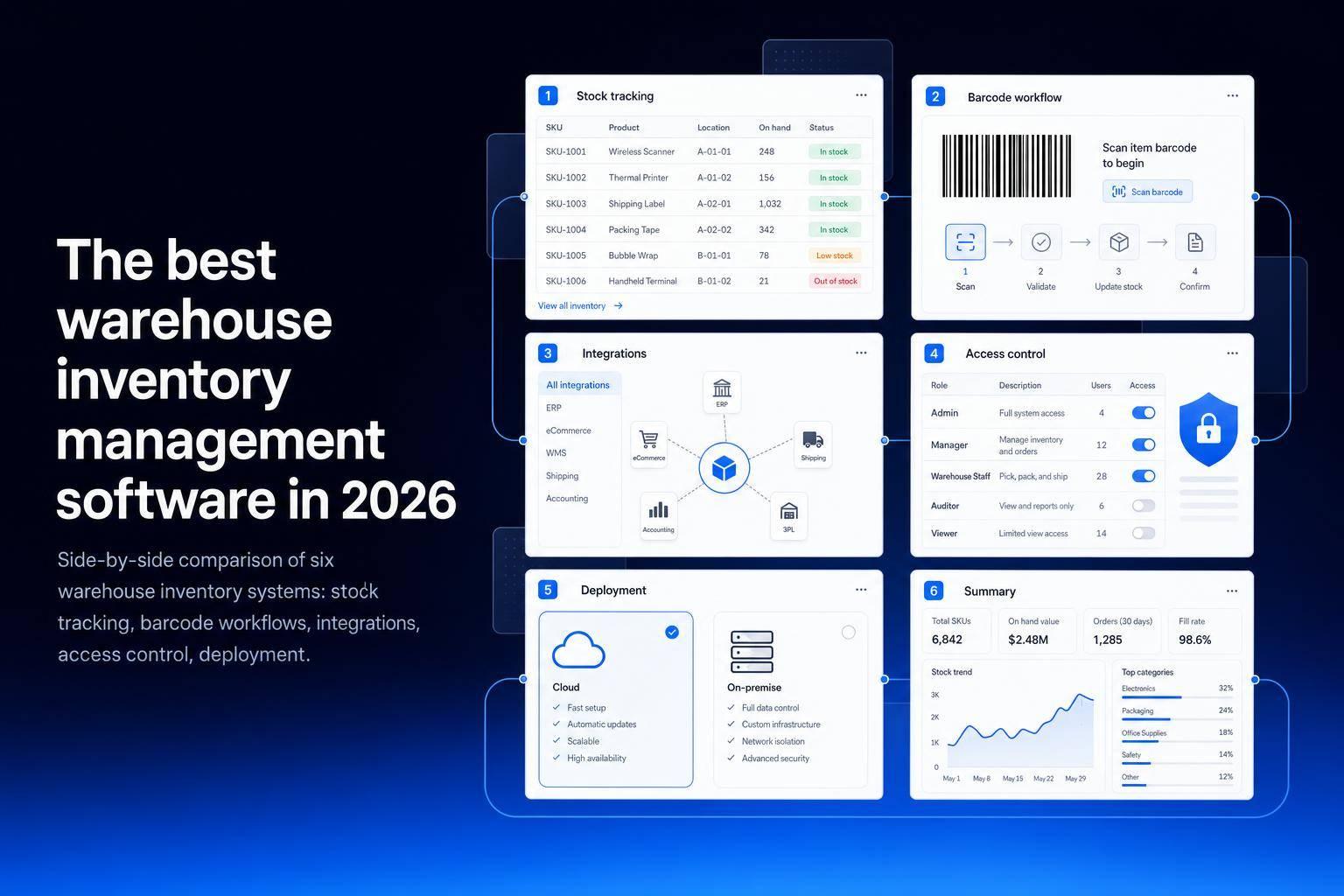
If you run a warehouse in 2026, the best software depends on one thing: do you need a ready-made system, or do you need to build around your current data and process?
I’d break this list into two groups right away:
- Jet Admin if I want to build a custom warehouse app on top of databases, APIs, and spreadsheets I already use
- Fishbowl Inventory if I need stock control plus BOM and light manufacturing flows
- Cin7 Core if I sell across channels and need stock synced across locations
- ShipHero if my top goal is high-volume fulfillment and shipping speed
- Odoo Inventory if I want warehouse management inside a larger ERP stack
- NetSuite Inventory Management if I need ERP-linked inventory with tighter control for larger teams
This comparison looks at the same core points across all 6 tools:
- stock tracking
- barcode and warehouse flows
- integrations
- access control
- deployment options
- fit by team size and warehouse model
The short version: Jet Admin stands out for custom internal tools, ShipHero is built around fulfillment, Odoo and NetSuite tie inventory to ERP, and Fishbowl plus Cin7 Core sit in the middle for stock-heavy product teams.
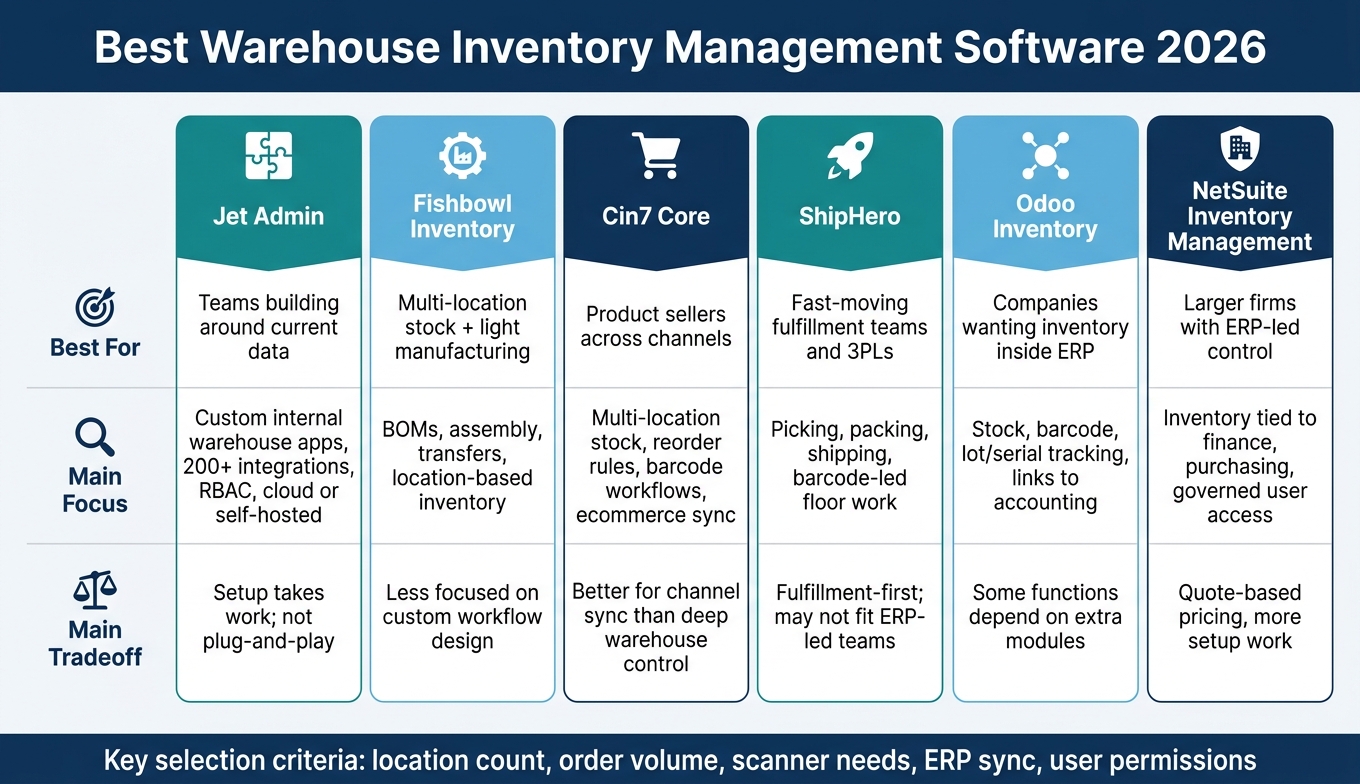
Best Warehouse Inventory Management Software 2026: Side-by-Side Comparison
Top Warehouse Management Systems (WMS) in 2026
sbb-itb-8346adb
Quick Comparison
| Software | Best for | Main focus | Main tradeoff |
|---|---|---|---|
| Jet Admin | Teams building around current data | Custom internal warehouse apps, 200+ integrations, RBAC, cloud (self-hosted on Enterprise) | Setup takes work; not a plug-and-play WMS |
| Fishbowl Inventory | Multi-location stock plus light manufacturing | BOMs, assembly, transfers, location-based inventory | Less focused on custom workflow design |
| Cin7 Core | Product sellers across channels | Multi-location stock, reorder rules, barcode workflows, ecommerce sync | Better for product and channel sync than deep warehouse control |
| ShipHero | Fast-moving fulfillment teams and 3PLs | Picking, packing, shipping, barcode-led floor work | Fulfillment-first approach may not fit ERP-led teams |
| Odoo Inventory | Companies that want inventory inside ERP | Stock, barcode use, lot/serial tracking, links to accounting and commerce | Some functions depend on extra modules |
| NetSuite Inventory Management | Larger firms with ERP-led control | Inventory tied to finance, purchasing, and governed user access | Quote-based pricing and more setup work |
If I were making a shortlist, I’d first check location count, order volume, scanner needs, ERP sync, and user permissions. That cuts down the list fast and keeps the focus on how your warehouse runs day to day.
1. Jet Admin
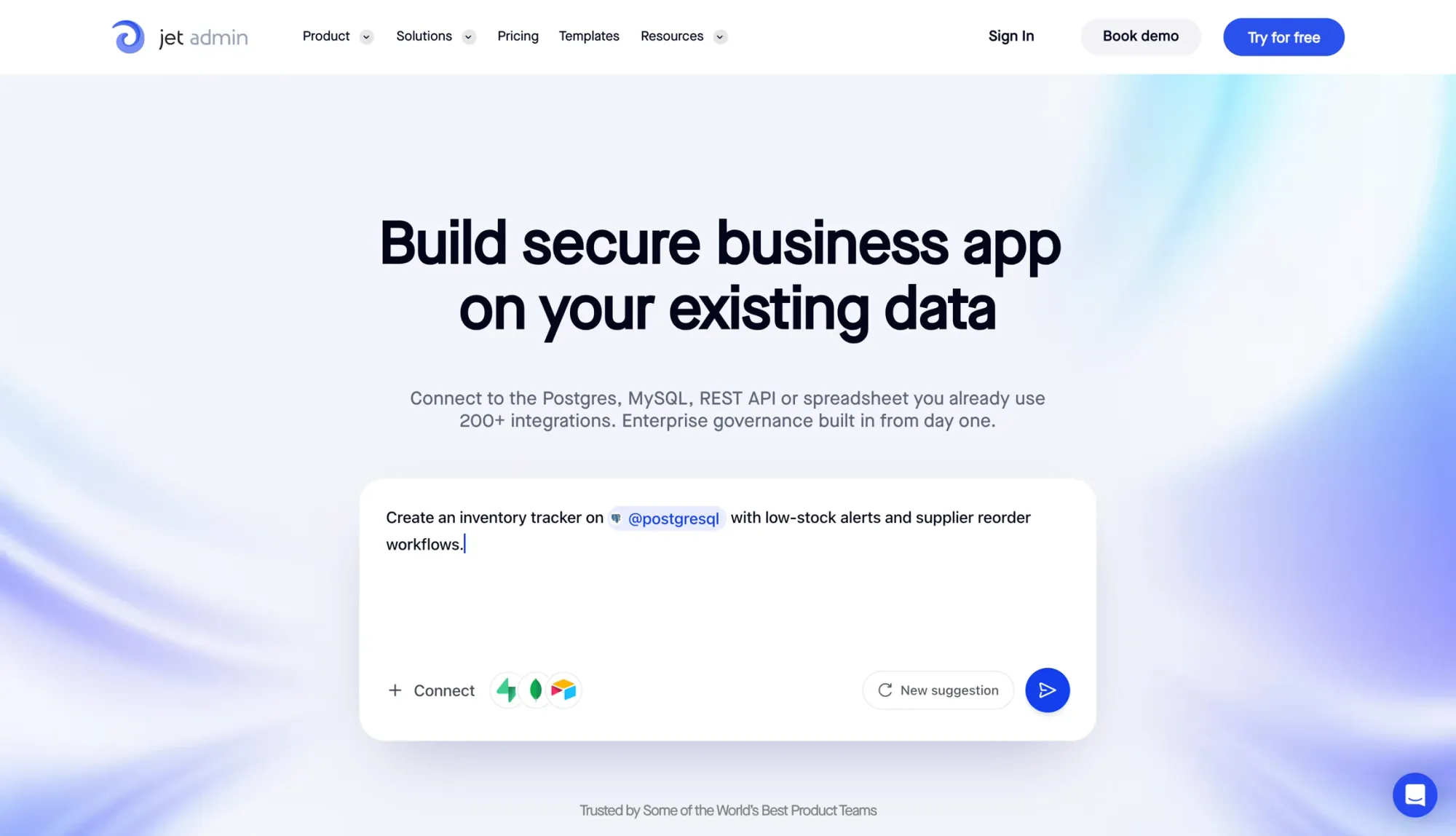
Jet Admin works well for teams that want to build a warehouse app around the data they already have instead of forcing their process into a preset system. It’s a no-code internal app builder for operations teams, so you can create custom inventory tools on top of sources like PostgreSQL, MySQL, MongoDB, REST APIs, and Google Sheets. In plain English: you shape the app to fit your data and day-to-day process, not the other way around.
Inventory control
Teams can track stock across locations in real time, bulk-edit records in table views, and search large catalogs with SQL-powered filters. That bulk editing setup is handy when staff need to update stock counts or supplier details across dozens of records at once using spreadsheet-style tables. SQL-powered search also helps teams move through large SKU catalogs fast.
Reorder points and multi-location tracking are possible, but they need to be set up to match your data model. So if your inventory structure is a little messy or highly specific, expect some upfront work.
Warehouse execution
Jet Admin can support barcode scanning, picking, receiving, transfers, and approvals. The catch is that you build each workflow yourself with the platform’s no-code UI builder. That gives teams room to shape flows the way they want, especially for things like PO approvals, status changes, and refund triggers.
If a standard widget can’t handle a process, Flex View steps in for more custom warehouse workflows.
Integrations and data connectivity
Jet Admin supports 200+ integrations, including PostgreSQL, MySQL, MongoDB, Shopify, Stripe, HubSpot, QuickBooks, and direct REST API connections.
That broad connector list makes a big difference if your inventory data lives in a few places at once. Instead of stitching things together by hand, teams can pull data into one working app.
Deployment, security, and scale
Deployment options include Jet Cloud, which is managed, plus Private Cloud on AWS, Azure, or GCP, on-premise, and air-gapped environments; the non-managed options are on the Enterprise plan. That gives growing inventory teams room to match the platform to their own setup instead of rebuilding around a single hosting model.
On the security side, Jet Admin includes:
- SSO via SAML/Okta (Business plan and above)
- Granular role-based access control (RBAC) at the row and column level
- Audit logs (Business plan and above)
- SCIM provisioning (Enterprise plan)
The platform also supports unlimited users and apps, along with SQL-powered search across millions of records. That matters when a small ops tool starts turning into something much bigger.
The main drawback is usability. The learning curve can feel steep for nontechnical users. Keep in mind that it is a flexible builder, not a ready-made warehouse platform.
The next section looks at a more prebuilt warehouse option for teams that want standard workflows out of the box.
2. Fishbowl Inventory
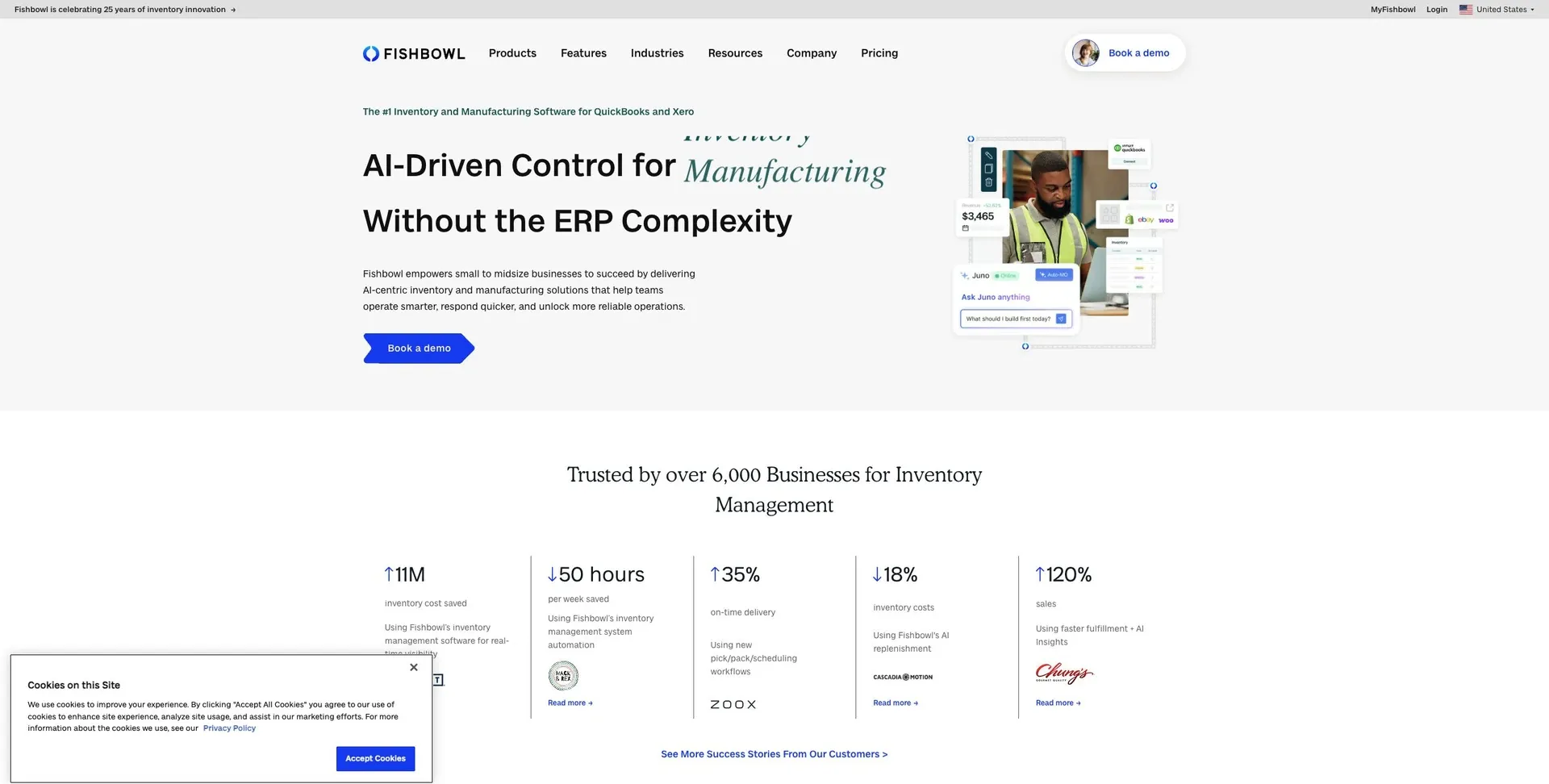
For teams that need stock control across more than one location and BOM-based production workflows, Fishbowl is a strong fit for that kind of day-to-day work.
Inventory control
Fishbowl brings inventory from different sites into one place, so managers can see on-hand stock, transfers, and location-level counts from a single screen. That kind of visibility helps cut down on count mismatches and speeds up stock lookups across warehouse locations.
Warehouse execution
Its BOM support helps assembly, kitting, and light manufacturing teams track components through picking, packing, and receiving. That matters when finished goods depend on accurate component-level inventory, not just a rough item count.
Integrations and data connectivity
Fishbowl connects with QuickBooks, Shopify, Amazon, and other platforms through its native integration library.
The next factor is how the platform fits teams that need stricter inventory workflows, more automation, or deeper system control.
3. Cin7 Core
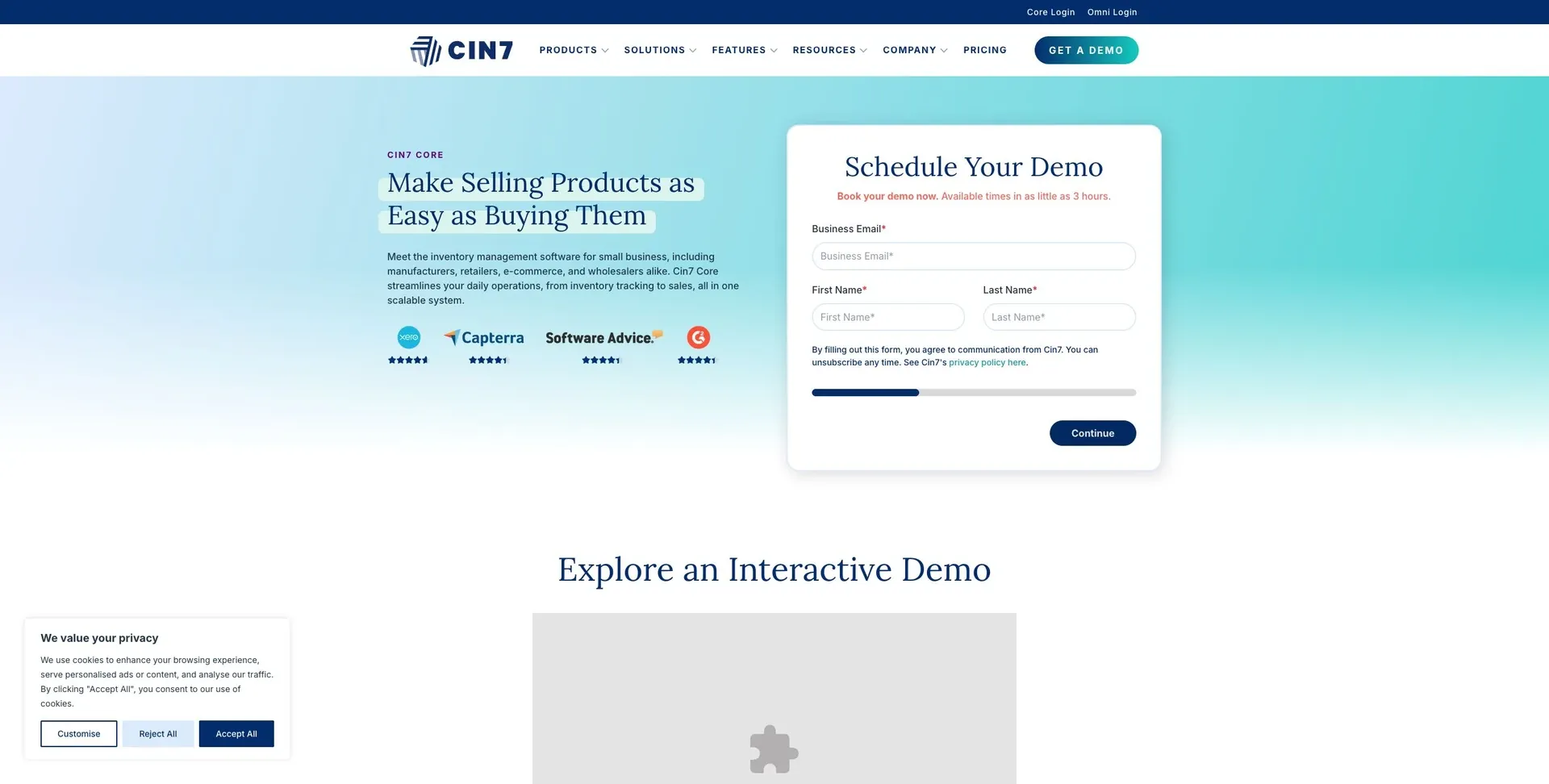
Cin7 Core is a good fit for product-based teams that need a clear view of stock across multiple locations and sales channels.
Inventory control
Cin7 Core tracks stock across locations in real time. It also uses reorder rules to help cut down on stockouts.
Warehouse execution
Barcode scanning helps teams move faster during receiving, picking, and cycle counts. It also cuts manual entry mistakes, which can save a lot of cleanup later.
Integrations and data connectivity
Cin7 Core connects with Shopify and Amazon, so ecommerce and warehouse counts stay in sync.
The next section looks at a warehouse platform built for shipping-heavy fulfillment.
4. ShipHero
ShipHero is the pick for warehouses where fulfillment speed comes first. It’s built for high-volume fulfillment teams that need fast inventory visibility and smooth shipping execution.
Inventory control
ShipHero gives teams real-time stock visibility and multi-location tracking. For operations that need tighter traceability, you can add batch or serial tracking.
Warehouse execution
Barcode scanning supports the full warehouse flow:
- Receiving
- Picking
- Packing
- Shipping
Role-based screens help cut manual entry at each stage, which can save time and reduce mistakes.
Integrations and data connectivity
ShipHero connects with ecommerce platforms, carriers, ERPs, spreadsheets, databases, and APIs, so it can slot into an existing fulfillment stack without a big rebuild.
Deployment, security, and scale
Before rollout, review the deployment model, security controls, compliance coverage, and scaling limits.
Teams that want broader inventory control across more parts of the business can look at the next option.
5. Odoo Inventory
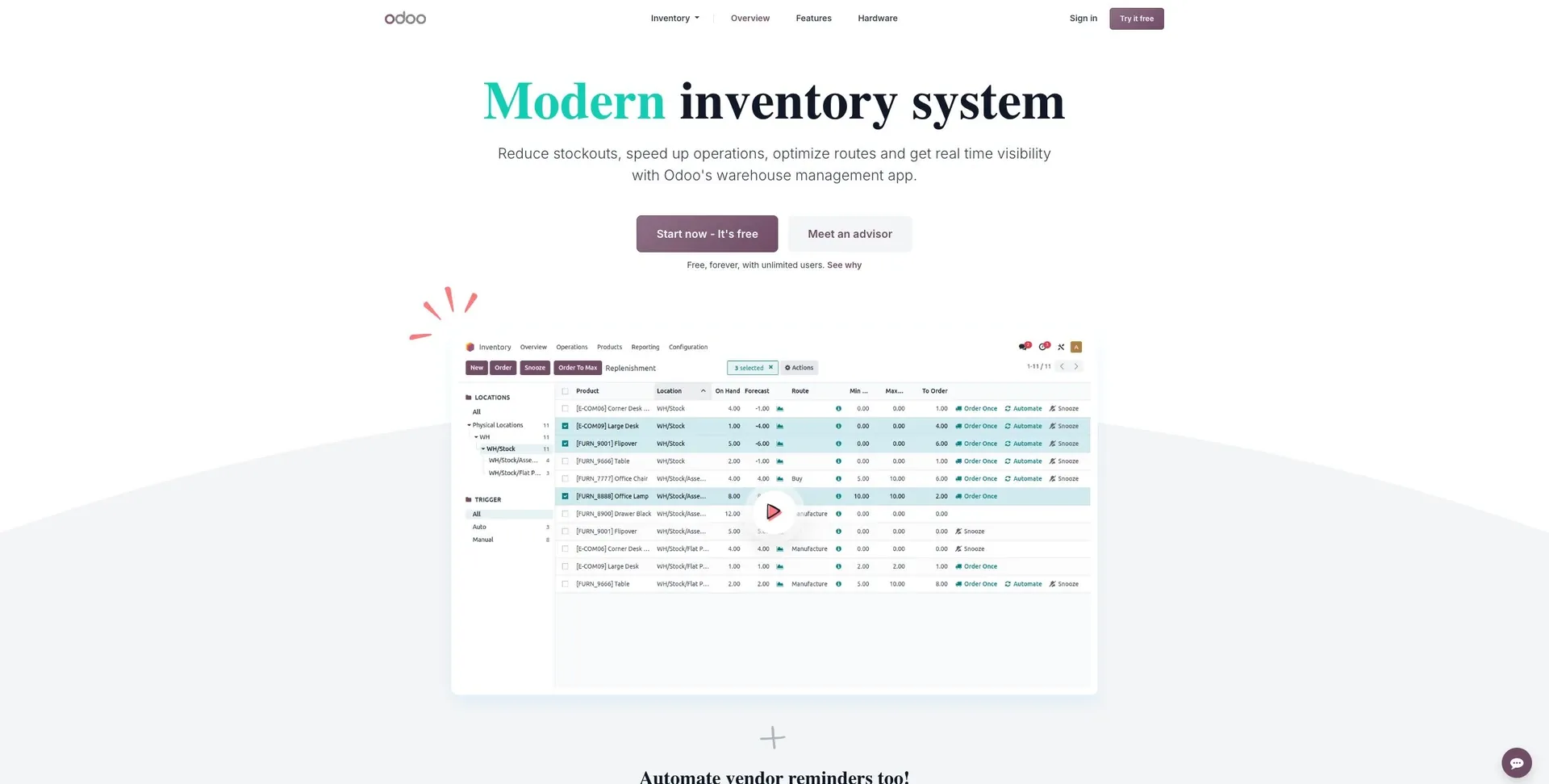
Odoo Inventory works well for warehouses that want inventory control inside a larger ERP system, with room to add more ERP functions as the business grows.
Inventory and warehouse execution
Odoo Inventory covers multi-location stock tracking, lot and serial traceability, barcode scanning, reorder rules, and core receiving-to-shipping workflows. In plain English, it helps teams keep stock accurate across the warehouse floor and keep orders moving from inbound to outbound.
Some more advanced functions rely on extra modules.
That setup makes Odoo a stronger fit for teams that want warehouse workflows linked closely to back-office processes instead of sitting off to the side.
Integrations and data connectivity
Odoo connects inventory with accounting, ecommerce, shipping, databases, spreadsheets, and APIs. In some cases, those connections are handled through modules or setup work.
The main upside is simple: warehouse data flows straight into the rest of the ERP stack, which cuts down on the need for separate sync tools.
Teams that need more enterprise-level control can compare the next option.
6. NetSuite Inventory Management
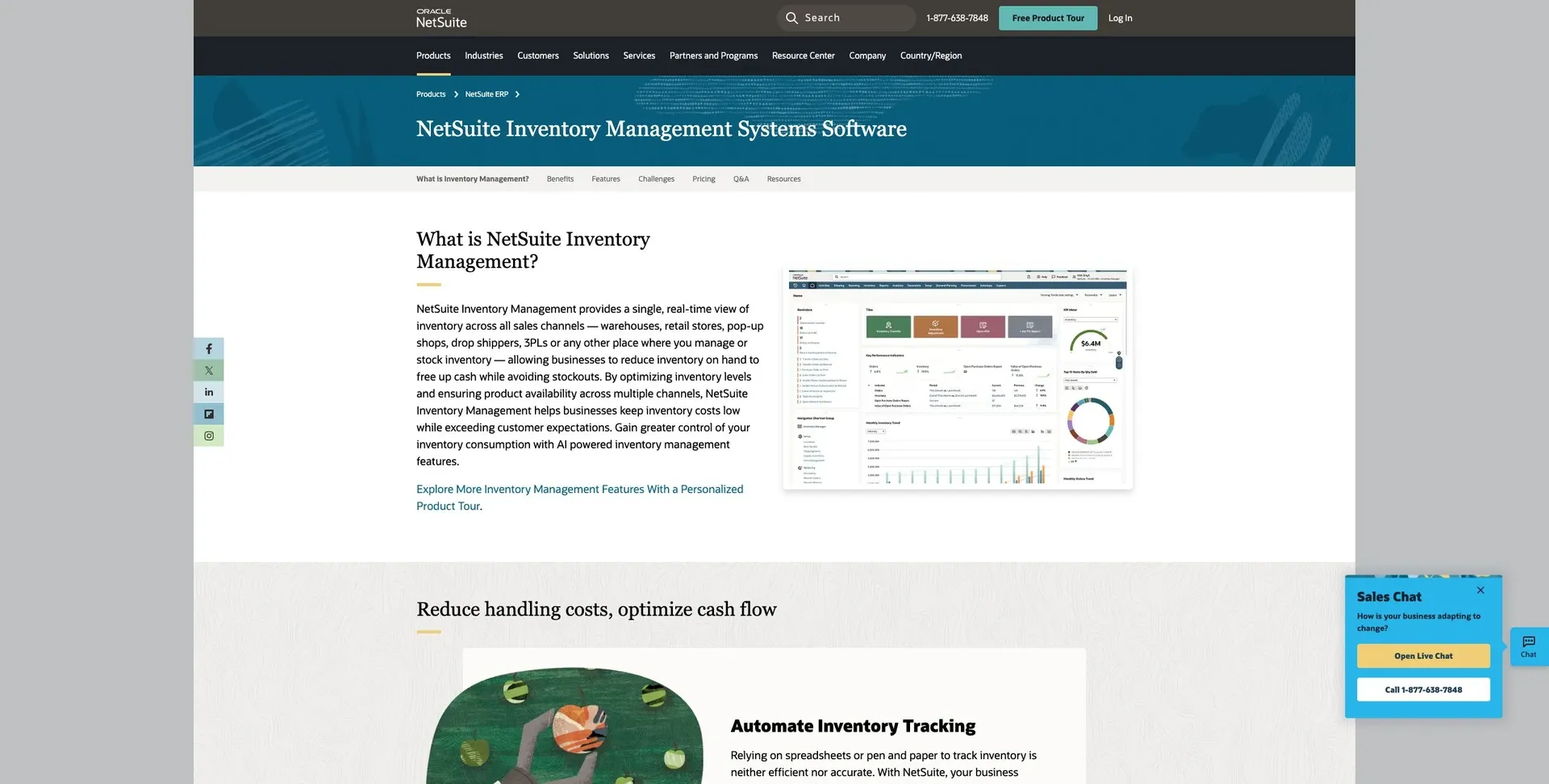
NetSuite is built for enterprise teams that want inventory management connected to finance, purchasing, and controlled warehouse workflows.
Inventory control and warehouse execution
Before you commit, make sure you confirm the exact inventory and warehouse functions included in your deployment. That matters more than it sounds. Two NetSuite setups can look similar on paper but differ in what they support day to day.
Pay close attention to multi-location visibility, lot and serial tracking, and the receiving-to-shipping workflow your team already uses. If your warehouse has a specific way of handling inbound receipts, putaway, picking, packing, and shipping, you’ll want to check that flow step by step.
Integrations and data connectivity
NetSuite connects with ERP finance modules, purchasing systems, e-commerce platforms, shipping carriers, and external systems through APIs.
That connection is a big part of the appeal. Instead of treating inventory as a standalone function, NetSuite lets teams tie stock movement back to purchasing, orders, and financial records. For enterprise operations, that can make a big difference.
Deployment, security, and scale
For governance and control, NetSuite supports RBAC, SSO, and audit logs for regulated workflows. That said, there’s a tradeoff: the platform can come with a steeper learning curve, and unusual workflows may need heavier customization.
Pricing is custom and quote-based.
Next, map these options to the warehouse types they fit best.
Pros and cons by warehouse type
The right warehouse setup usually comes down to one thing: how much control you need over your workflow versus how fast you need to move fulfillment.
If your team wants a custom internal app that works with the systems you already use, one path makes more sense. If your team is focused on high-volume picking, packing, and 3PL work, another path is usually a better fit.
Here’s a side-by-side look at the two clearest warehouse models: custom internal operations and high-volume fulfillment.
| Product | Main Advantages | Main Limitations | Best-fit Team | When to Rule It Out |
|---|---|---|---|---|
| Jet Admin | Builds secure internal inventory tools on top of existing data sources; supports governed access and flexible deployment. | Requires internal configuration; not a turnkey warehouse system. | Ops and IT teams that need a tailored internal inventory app without replacing their current stack. | If you need a turnkey warehouse platform. |
| ShipHero | Built for high-volume picking, packing, and 3PL fulfillment. | Can be expensive and is fulfillment-first, not ERP-first. | High-volume ecommerce brands and 3PL providers. | If you need broader ERP-oriented workflows rather than a fulfillment-first platform. |
In plain English, Jet Admin fits teams that want to shape their own internal inventory workflows. ShipHero fits teams that want a platform built around fulfillment from day one.
Use this split to line up your warehouse model with the way your team actually operates before moving to the final checklist.
How to choose: final checklist
Once you've matched a platform to your warehouse type, it's time to pressure-test the day-to-day details.
Before you buy, focus on three things: the workflows you need, how the system connects to your current stack, and who gets access to what.
A good shortlist usually gets smaller fast when you look at your order volume, number of locations, and the systems you already use.
| Category | What to verify |
|---|---|
| Receiving | Barcode scanning support, PO matching, discrepancy logging |
| Putaway | Bin-level tracking, directed putaway rules |
| Picking | Wave, batch, or zone picking; mobile device compatibility |
| Packing & Shipping | Label generation, carrier integrations, packing slip automation |
| Transfers & Returns | Inter-location transfers, RMA workflows, restocking logic |
| Cycle Counting | System-guided counts, variance reporting, continuous cycle counts |
| Device Compatibility | Scanner compatibility, offline mode, mobile OS support |
| ERP & Data Sync | Real-time sync with ERP, databases, spreadsheets, and APIs |
| Role Access | Role-based access control (RBAC), field-level restrictions |
| Audit Logs | Who changed what and when, exportable history |
| Deployment | Cloud, self-hosted, on-premise, or air-gapped |
| Go-Live Effort | Time to go live, data migration complexity, training requirements |
The simplest way to compare tools is to score each option against these items. Then pick the one that fits your volume, your locations, and your current system stack best.
FAQs
How do I choose between a custom app and a ready-made system?
Choose custom if you need the most flexibility for unusual workflows, strict regulatory rules, or deep traceability logic - and you have the engineering team to build it and keep it running, even with higher costs and longer delivery times.
Choose a ready-made system if you want faster time to value and standard features like barcode scanning and reporting, and you can live with some workflow mismatch, a fixed data model, and ongoing fees.
There’s also a middle ground: build custom apps on top of your existing data, with strong governance in place.
What features matter most for multi-location warehouses?
The most important features are centralized multi-location tracking, real-time stock visibility, and location-aware transfers. Those three do most of the heavy lifting. They let teams see inventory across warehouses or stores and move stock with fewer mistakes.
It also helps to look for fast barcode scanning and support for orders, transfers, and receipts. On top of that, automation can save a lot of manual work, especially low-stock alerts and reorder triggers.
Reporting matters too. You want reports by location, plus clear records for inventory adjustments. And integrations are a big deal. They help keep availability accurate across channels, so what customers see lines up with what’s actually in stock.
How hard is it to switch from spreadsheets or legacy tools?
It’s often hard because spreadsheets, disconnected scripts, and legacy tools create manual work that teams lean on every single day. On top of that, teams don’t always agree on how inventory should be valued or even how each workflow should run.
A big-bang migration can go sideways fast. A phased approach is usually easier to manage: connect current data first, add read-only dashboards, then move receiving, picking, and reordering step by step while both systems run in parallel. That gives teams room to check performance against real KPIs before making the full cutover.