
Key Takeaways
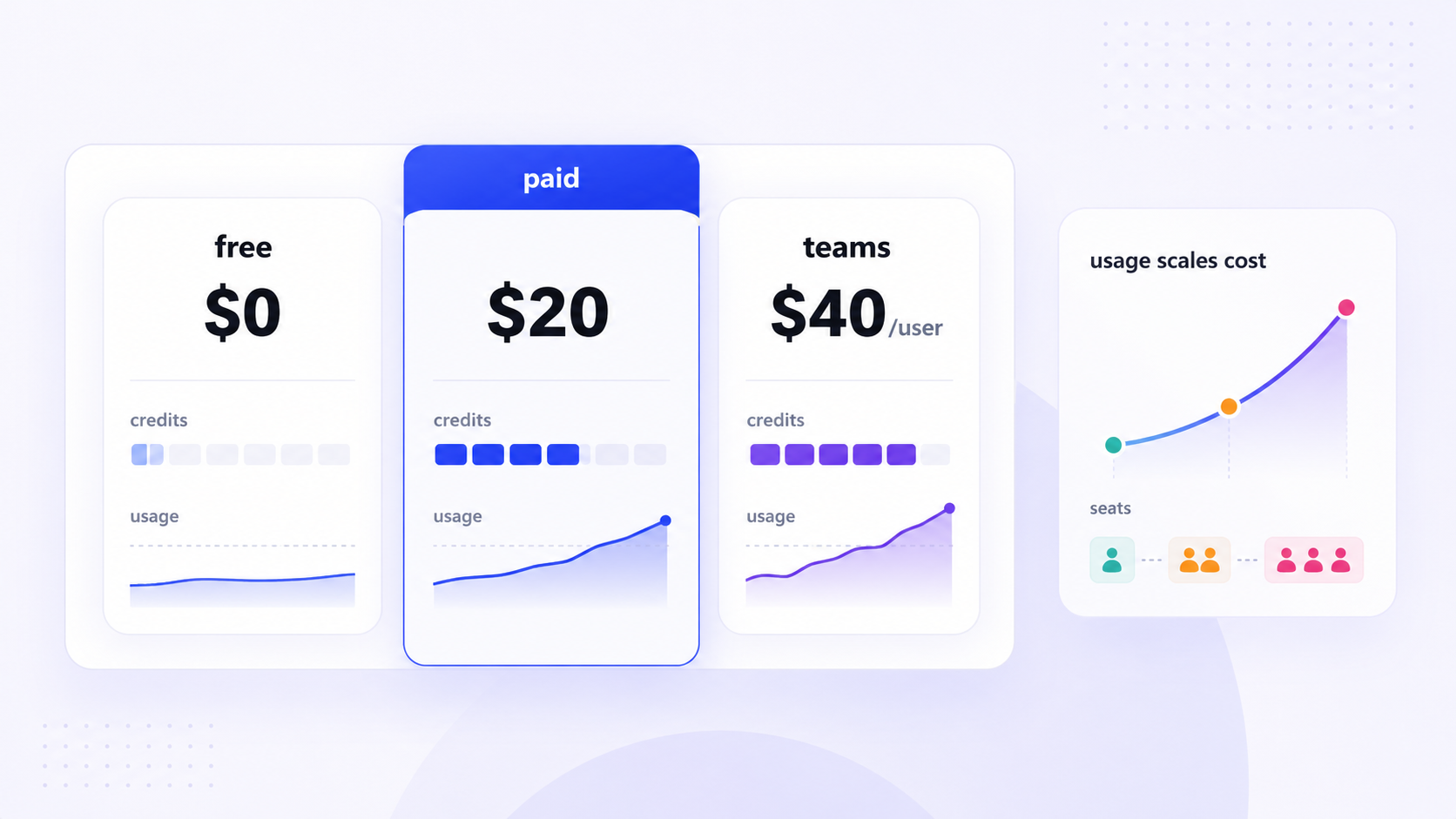
- As of July 2026, Cursor offers six pricing plans: a free hobby plan plus paid tiers at $20, $60, and $200 per month for individuals, and $40/user/month (Teams) or custom pricing for businesses-all built on a usage based credit system.
- Each paid cursor plan includes a monthly credit pool roughly equal to the subscription price. Premium models and max mode burn through credits faster, and on demand usage kicks in once the pool is exhausted.
- Cursor pricing predictability depends on managing model choices, context size, and background agents. Without attention to these drivers, hidden costs can push real monthly spend well above the sticker price.
- This article compares Cursor's pricing model with alternatives like Jet Admin for teams whose primary goal is AI-assisted app building on existing data rather than pure code editing.
Cursor pricing in 2026: quick overview (July 2026)
Cursor pricing in 2026 runs on a usage based billing model that ties your subscription directly to how much AI compute you consume. As of July 2026, the six core tiers are Hobby (free), Pro ($20/month), Pro+ ($60/month), Ultra ($200/month), Teams ($40/user/month), and Enterprise (custom pricing). All paid plans use a credit system where the subscription price maps to a monthly credit pool.
What makes cursor pricing genuinely usage based is that expensive frontier models, larger context windows, and heavy cloud agents consume more of your credit pool than lighter operations. Once your credits are spent, you can fall back to cheaper auto mode models or opt into on demand usage billed at real API rates. Self serve plans carry no long-term contract by default, though annual billing typically offers a 20% discount on paid tiers for users ready to commit.
The sections below break down how the credit system actually works, what drives total cursor costs, and when a tool like Jet Admin makes more sense than paying for higher-tier Cursor plans.
What is Cursor, and what actually drives cursor pricing?
Cursor is an ai code editor built to replace or augment tools like VS Code. It wraps a full coding environment around AI-powered agents, tab completions, multi-file refactors, and conversation-driven code generation. Cursor allows switching between various AI models with different price rates-from lightweight first-party models to expensive frontier models from OpenAI, Anthropic, and Google.
The concrete pricing drivers are straightforward: which LLM model providers you use, the model type (frontier vs. smaller), your context window size, the number of agent runs, and whether background agents are performing on demand work in the cloud. Higher tiers include more AI usage and features, but per-token inference costs remain the fundamental variable.
If you're evaluating cursor costs, think beyond the monthly fee. Track how often you run agents, which premium models you select, and how large your codebase and prompts tend to be. These factors determine whether a given cursor plan stays within budget or quietly escalates.
From fixed requests to credit pools: how Cursor's pricing model changed
Cursor shifted to usage-based billing in June 2025, replacing a simpler system that had been in place since the product's early growth. Understanding this transition explains why current pricing works-and frustrates-the way it does.
The previous model had fixed request limits per month. A cursor pro subscription came with a set number of "fast requests," the plan includes unlimited tab completions in most configurations, and hard caps prevented surprise bills. It was predictable, but it meant power users were subsidized by light users, and Cursor absorbed LLM cost spikes.
The new model uses a credit pool based on subscription cost. Cursor's credit system replaced a request-based pricing model in June 2025, and each paid plan now includes a pool of usage credits consumed in proportion to the underlying API pricing. The pro plan costs $20/month and includes a $20 credit pool. Different models and context sizes drain credits at different rates rather than counting as a flat "one request."
This change effectively shifted financial risk from Cursor to the user. Users faced backlash due to unexpected charges after the change, particularly existing users who had been on predictable flat plans and suddenly saw variable costs. That history matters because it shapes ongoing concerns about budgeting complexity and whether cursor pricing feels trustworthy for engineering teams.
Cursor pricing tiers and who each plan is for
Cursor's pricing tiers now include six distinct plans, spanning from free evaluation to enterprise-grade governance. All paid individual plans share core features-ai code assistance, tab autocomplete, agents-but differ in credit pool size and access levels.
Hobby plan: Free, aimed at students and tinkerers. It has limited tab completions and limited agent requests, making it suitable for evaluation and learning, not sustained professional use. Think of it as a zero-risk way to explore the code editor before committing money.
Pro plan: The default for active developers coding daily. Cursor pro pairs generous tab completions with a baseline credit pool suited to a few hours of daily coding. The pro plan costs $20/month and includes a $20 credit pool.
Pro+ and Ultra: The Pro+ plan costs $60/month and provides 3x the usage credits of Pro, targeting developers who regularly exhaust the base pool. The Ultra plan costs $200/month and offers 20x the usage credits of Pro-designed for power users running many agents, large refactors, or continuous max mode sessions. Ultra also tends to include priority access to new features and models.
Business plans: The teams plan is priced at $40/user/month and includes shared features like centralized billing, usage analytics, privacy mode, and saml oidc sso. Enterprise pricing is custom and based on specific organizational needs, adding scim seat management, invoice po billing, audit logs, and role based access control. These individual and business plans cover the full spectrum from hobby coding to regulated enterprise deployment.
A detailed pricing table follows in the next section.

Cursor pricing table: tiers, limits, and typical users
The table below reflects Cursor's public July 2026 pricing. Exact compute limits and included features may shift, so confirm details on the official Cursor pricing page before purchasing.
Plan | Monthly Price | Billing Basis | Included Usage | Key Features / Limits | Best For |
|---|---|---|---|---|---|
Hobby | Free | - | Minimal credits | Limited tab completions, limited agent requests | Students, evaluation |
Pro | $20/mo | Monthly or annual | $20 credit pool | Includes unlimited tab completions, extended agent limits, auto mode | Solo developers, daily coding |
Pro+ | $60/mo | Monthly or annual | ~$70 credits (3× Pro) | All Pro features, larger pool, manually selecting premium models more freely | Heavy individual users |
Ultra | $200/mo | Monthly or annual | ~$400 credits (20× Pro) | Max mode, priority access, cloud agents, agentic code reviews | AI-native power users |
Teams (Standard) | $40/user/mo | Per-user, monthly/annual | Per-seat credit pool | Centralized billing, privacy mode, usage analytics, account management | Small-to-mid engineering teams |
Teams (Premium) | $120/user/mo | Per-user | ~5× Standard usage | Pooled usage, all Standard features | High-usage dev teams |
Enterprise | Custom | Invoice based billing | Negotiated | SAML/OIDC SSO, SCIM, audit logs, wire transfers, role based access control | Regulated organizations |
Annual billing typically offers a 20% discount on paid tiers. None of these prices include separate products like Bugbot or external LLM costs under BYO API keys, which should be treated as additional cursor costs.
Understanding Cursor's credit system and on demand usage
Every paid cursor plan includes a credit pool roughly equal to the subscription price, consumed by AI operations based on the underlying LLM API pricing and token usage. Monthly credits do not drain at a flat per-query rate-usage is calculated based on the selected AI model and context sent.
Here's how common actions affect credits:
- Tab autocomplete: Minimal credit impact. Lightweight, high-frequency, and often handled by first-party models.
- Standard agent queries: Moderate usage. Cost scales with prompt length and model choice.
- Max mode with extensive context: Significant drain. Context windows up to ~1 million tokens amplify both input and output token costs.
- Premium frontier models: Using premium models costs more than using smaller models. Using premium models consumes credits faster than auto mode.
Generated output tokens are more expensive than input tokens, so tasks producing large code blocks or lengthy explanations cost more than short prompts with brief answers. Context includes referenced files and conversation history that affect costs, meaning larger contexts consume more tokens and raise costs significantly.
Once the monthly credit pool is exhausted, exceeding your credit pool triggers on-demand usage billing. You can fall back to lighter auto mode models at no extra charge or opt into pay-as-you-go at real API rates. Cursor provides a spend limit setting and the Usage Dashboard helps monitor spending, though some users report these controls could be more prominent.
Practical advice: track your monthly credit consumption, note your typical usage patterns, and then decide whether to stay on Pro, upgrade to Pro+/Ultra, or tighten model selection.

Hidden costs and cursor costs that are easy to underestimate
Cursor's pricing page lists base plan prices transparently, but real monthly cursor costs often come from drivers that are less obvious at purchase time.
Model choice as a hidden cost: Repeatedly selecting the most expensive frontier models for routine tasks instead of using auto mode or cheaper models can quietly exhaust the credit pool. Premium models can cost significantly more than lighter models-sometimes 5–10× per token. The only difference between a manageable month and a major credit overage can be a habit of always picking the newest model.
Max mode and large-context prompts: For monorepos and legacy codebases, every refactor propagates long context windows. This is one of the fastest ways to burn through a credit pool, especially when combined with expensive frontier models.
Background agents and cloud agents: Background agents and automated tasks can increase usage substantially. Long-running or poorly constrained agents consume tokens continuously, so readers need to set sensible limits and timeouts to avoid unexpected usage spikes.
Non-obvious add-ons: Tools like Bugbot or agentic code reviews may be billed separately. Treat them as distinct line items, not free extras bundled with the code editor.
Team-level hidden costs: Over-provisioned seats, lack of usage governance, and absence of spend dashboards can lead to surprisingly high invoices in business plans. When multiple developers experiment with premium models without coordination, the vast majority of overage comes from a handful of active developers.
There are no "secret" fees, but the combination of per-token billing, separate products, and variable team behavior creates a total cursor cost that can be much higher than the base subscription suggests.
Total cost of ownership: seats, environments, and governance
Total cost of ownership for cursor pricing goes beyond monthly subscription fees. It includes seat count, on demand usage, integration work, security reviews, and process changes.
Seat-based pricing scales linearly on Teams and Enterprise: each additional developer license brings a base credit pool but also increases potential on demand usage. Organizations need internal controls-deciding who gets a paid plan and enforcing request limits or model restrictions.
While Cursor itself runs as a local/cloud editor, teams maintaining multiple code environments (dev, staging, prod) generate more agent runs and larger context windows, indirectly increasing cursor costs. More environments usually mean more code data flowing through AI models.
Governance requirements for larger organizations add cost too. The enterprise plan includes features like SSO, SCIM, audit logs, and privacy mode. These raise subscription prices but reduce risk compared with custom in-house tooling for managing ai code access and cloud infrastructure security.
To estimate TCO, combine: (a) per-seat fees, (b) average monthly on demand usage per seat, and (c) overhead for governance and security reviews. Then compare that figure against alternatives-whether that's GitHub Copilot for code editing, or a platform like Jet Admin for building business apps on existing data without writing as much code.
Cursor pricing vs alternatives: where Jet Admin fits
Cursor is optimized for AI-assisted code editing. Jet Admin focuses on a different problem: building secure business apps on top of existing data sources-databases, APIs, spreadsheets, and SaaS tools-with AI help. Their pricing models reflect these different jobs.
Cursor's cost drivers are per-developer credit usage, model selection, and context size. Jet Admin's cost is more tied to applications, environments, and end-user seats. For teams whose primary workload is shipping internal tools and dashboards rather than writing low-level code, Jet Admin's economics can be more predictable.
A realistic scenario: a team keeps a smaller number of cursor pro seats for deep code work and uses Jet Admin's AI app builder with prompt-based workflows, MCP/agent integrations, and existing React code import to ship internal apps faster. This reduces the volume of hand-written code and the corresponding LLM spend in Cursor.
On governance, Jet Admin's enterprise features-SSO, granular permissions, and audit trails around AI agents and data access-are designed for regulated teams building internal apps, which differs from Cursor's focus on repository privacy and code data protection.
Use Cursor when you need a deep AI coding partner. Consider Jet Admin when your main goal is to quickly ship secure data-connected business apps and workflows, possibly in combination with a lighter existing editor.
How to choose the right cursor plan for your workflow
Choosing the right plan starts with honest assessment of your usage patterns, not aspirations.
- Occasional coding or experimentation: Start with the free hobby plan. Zero risk, enough to evaluate new features and the credit system before spending.
- Daily 2–4 hour coding with mostly auto mode: Cursor pro is likely sufficient if you're not routinely exhausting credits on frontier models.
- Consistently exceeding Pro's pool: Pro+ is the right plan for developers pushing beyond Pro's included credits with premium models, long-running agents, or large-scale refactors. Ultra suits AI-native developers working all day in Cursor with max mode and heavy cloud agents.
- Teams of 3+ developers: Evaluate the teams plan to centralize billing, enforce organization-wide settings, and consolidate usage dashboards-especially if you're currently mixing individual plans.
- Regulated or larger organizations: Contact Cursor for enterprise pricing to evaluate compliance features alongside platforms like Jet Admin for app-focused workloads.
Before picking a pricing plan, track last month's AI/editor usage, estimate your risk tolerance for variable on demand usage, define governance needs, and only then select a cursor plan-or a blend of tools-that matches your workload and budget.

FAQ: Common questions about cursor pricing and costs
These questions address practical cursor pricing concerns not fully covered in the main sections, focused on real buying and budgeting decisions.
Is Cursor free to use, and what are the limits of the Hobby plan?
Cursor offers a hobby plan that is free to sign up for, designed for evaluation, learning, and light personal projects. It is not built for sustained professional use. Typical limitations include constrained agent usage, limited on demand access to premium models, and caps that can interrupt long sessions or complex refactors. You won't get the extended agent limits or generous tab completions that come with a paid plan. That said, Hobby is a low-risk way to understand Cursor's workflow and the credit system mechanics before committing to any paid cursor plan. If you find yourself hitting limits regularly, that's a clear signal to evaluate Pro.
How does Cursor handle student, startup, or educational discounts?
Cursor has historically offered generous student programs, such as free access with a verified academic email. However, eligibility terms can change, so confirm current offers on Cursor's official site as of July 2026. Educational or startup discounts can materially change effective cursor pricing, potentially making higher-tier plans like Pro+ accessible at a fraction of their list price. If you're part of an institution or startup accelerator, contact Cursor sales directly-there may be bulk or organizational offers that aren't listed on the public pricing page but apply to qualifying groups.
What happens if I exceed my monthly cursor credit pool?
Once the included credit pool is exhausted, users typically see degraded access to premium models and are prompted to switch to auto or lower-cost models. If you've opted in, on demand usage kicks in at LLM API rates-meaning you pay per token for continued access to frontier models. Set a spend limit or enable notifications (if Cursor offers these controls on your plan) to avoid accidentally incurring high overage charges through heavy max mode or agent runs. If you're hitting limits regularly, evaluate whether upgrading to a larger cursor plan like Pro+ or Ultra is cheaper than repeated on demand spikes. The Pro+ plan offers 3x the usage credits of the Pro plan, which often covers the gap for moderately heavy users.
Can I reduce cursor costs by bringing my own API keys?
In many AI tools, BYO key can offload LLM charges directly to the model providers. In Cursor's case, key features like tab completions and certain agents generally rely on Cursor-managed infrastructure and still use the credit system. Check Cursor's documentation for the exact scope of BYO key support: which models it applies to, whether it bypasses credit usage, and any caveats for business plans. BYO keys shift where the LLM cost appears (Cursor invoice vs. provider invoice), so teams should view it as a budgeting and governance choice rather than a guaranteed way to reduce total cursor costs. Also note that using BYO keys may affect privacy guarantees like zero data retention.
When does it make sense to use Jet Admin instead of paying for higher cursor tiers?
If most of your team's effort goes into building internal tools, dashboards, and workflows that sit on top of existing databases and SaaS APIs, Jet Admin may replace a significant amount of hand-written code that would otherwise be done in Cursor. In such cases, teams might keep a smaller number of cursor pro seats for low-level coding and use Jet Admin's AI app builder and governance capabilities to ship business apps more predictably-often with clearer per-app or per-seat economics. Cursor remains the right choice when the primary bottleneck is writing and refactoring code. Jet Admin fits when the main challenge is quickly turning data and APIs into secure, user-facing applications under strong permissions and audit control. Many teams benefit from using both, each for what it does best.