
The best UI Bakery alternatives depend on what you want to change: who builds your apps, how you deploy them, or how the bill grows when more people use them. Jet Admin, Retool, Appsmith, ToolJet, Budibase, Superblocks, and DronaHQ are seven options worth comparing for internal tools and business applications.
UI Bakery already offers a capable approach to building internal software. Replacing it makes sense when another platform solves a specific constraint—not simply because it has a longer feature list.
For business apps on existing data with unlimited users, start with Jet Admin. For a broad internal software platform, consider Retool. For an open-source foundation with JavaScript customization, evaluate Appsmith. For AI-assisted building with a builder-based pricing model, look at ToolJet. For requests and approvals, shortlist Budibase. For enterprise AI app governance, consider Superblocks. For web and mobile operations apps, evaluate DronaHQ.
This comparison uses official product and pricing information checked in September 2026. “Best for” labels are editorial recommendations based on those capabilities, not results from a hands-on benchmark. This article is published by Jet Admin.
Best UI Bakery alternatives at a glance
| Platform | Best for | Main reason to evaluate it | Trade-off to check | Pricing model |
|---|---|---|---|---|
| Jet Admin | Business apps on existing data | Database connections, AI building, unlimited users | Governance and deployment features depend on plan | Subscription tiers with AI credits |
| Retool | A broad internal software platform | Apps, workflows, and mobile in one ecosystem | Builder and internal-user charges on self-service paid plans | Seat categories plus usage allowances |
| Appsmith | Developers who want an open-source foundation | JavaScript customization, Git, self-hosting | Custom logic still needs an owner | Free tier; paid user-based plans |
| ToolJet | AI-assisted building with builder-based pricing | AI app generation and cloud/self-hosted options | App and end-user caps differ by tier | Per builder; AI credits and plan limits |
| Budibase | Requests, approvals, and operational processes | Apps, data tables, and automations | Check creator, end-user, action, and AI allowances | Plans with included capacity and add-ons |
| Superblocks | Governed enterprise AI app development | Clark AI and enterprise deployment controls | Hosted-app and agent-unit allowances affect cost | Teams subscription; custom Enterprise |
| DronaHQ | Web and mobile operations apps | One platform for internal and field workflows | Model task consumption for busy applications | App plans with task-based usage |
Use this table to choose two or three candidates. The details and official sources below explain what to test before committing.
What is UI Bakery, and why look for alternatives?
UI Bakery builds internal apps over databases and services, including dashboards, admin panels, and operational workflows. Its current offering includes AI capabilities and documented controls for authentication, permissions, audit logging, and self-hosted deployment.
That matters when comparing alternatives. You do not need to leave UI Bakery simply to get AI assistance or self-hosting. The useful question is whether its implementation fits your requirements.
Your ownership model has changed
A tool initially built by one engineer may become a daily workspace for support, finance, or operations. Ask who will maintain filters, permissions, forms, and approval rules six months from now. If every adjustment becomes an engineering ticket, test whether another builder lets the intended owner make those changes safely.
You need a different cost model
UI Bakery's current pricing distinguishes developer access, workspace viewing seats, AI usage, and plan-specific features. Count your builders and viewers separately, and distinguish public access from private workspace access. A free tier is not automatically the right production tier.
You need more control over the platform itself
Self-hosting and owning modifiable platform source are different requirements. Write down which you actually need: a private network, access to source, a specific software license, or the ability to maintain the platform independently. Evaluate each separately.
Your workflow extends beyond the original app
A simple record editor can turn into an approval process with scheduled jobs, mobile access, and several connected systems. Compare the complete workflow, including what happens when an API fails or an approver is unavailable.
When staying with UI Bakery makes sense
If your team already maintains its apps comfortably, your required controls are available, and your projected bill is acceptable, staying may be the best decision. A migration should remove a measurable constraint that outweighs the rebuilding and training work.
Types of UI Bakery alternatives
Business application platforms combine interfaces, data access, and controls for teams running operational software. Jet Admin and Retool belong on this shortlist.
Platforms with an open-source foundation are worth evaluating when source access and infrastructure ownership matter. Appsmith, ToolJet, and Budibase are candidates; confirm the license and edition for the features you need.
Enterprise app and workflow platforms deserve attention when deployment, integration governance, or mobile operations drive the purchase. Superblocks and DronaHQ address different parts of that requirement.
These categories overlap. Use them to narrow the evaluation rather than treating them as fixed boundaries.
What to look for in a UI Bakery alternative
Data access: connect one real database and one API. Test reads, writes, pagination, filtering, and error handling. A connector logo does not prove the exact action your team needs is supported.
Permissions: test with the least-privileged user. Check whether restrictions protect the underlying action and data, rather than only hiding a button.
Maintainability: ask the future app owner to add a field, change a rule, and diagnose a failed request. Record where developer help is required.
Deployment: map where queries execute, where secrets live, and where AI requests go. “Self-hosted” alone does not describe every component of the architecture.
Total cost: use the same scenario for every quote—for example, three builders, 50 internal users, five apps, and a defined monthly workflow volume. Include the tier needed for SSO, logs, environments, and support, plus infrastructure and maintenance.
1. Jet Admin: best for business apps on your existing data
Jet Admin is a strong starting point when your project is an operational app over data you already manage: a support queue, customer portal, inventory interface, or internal CRM. It connects to sources such as PostgreSQL, MySQL, REST APIs, and spreadsheets, with AI assistance for building the app and its logic.
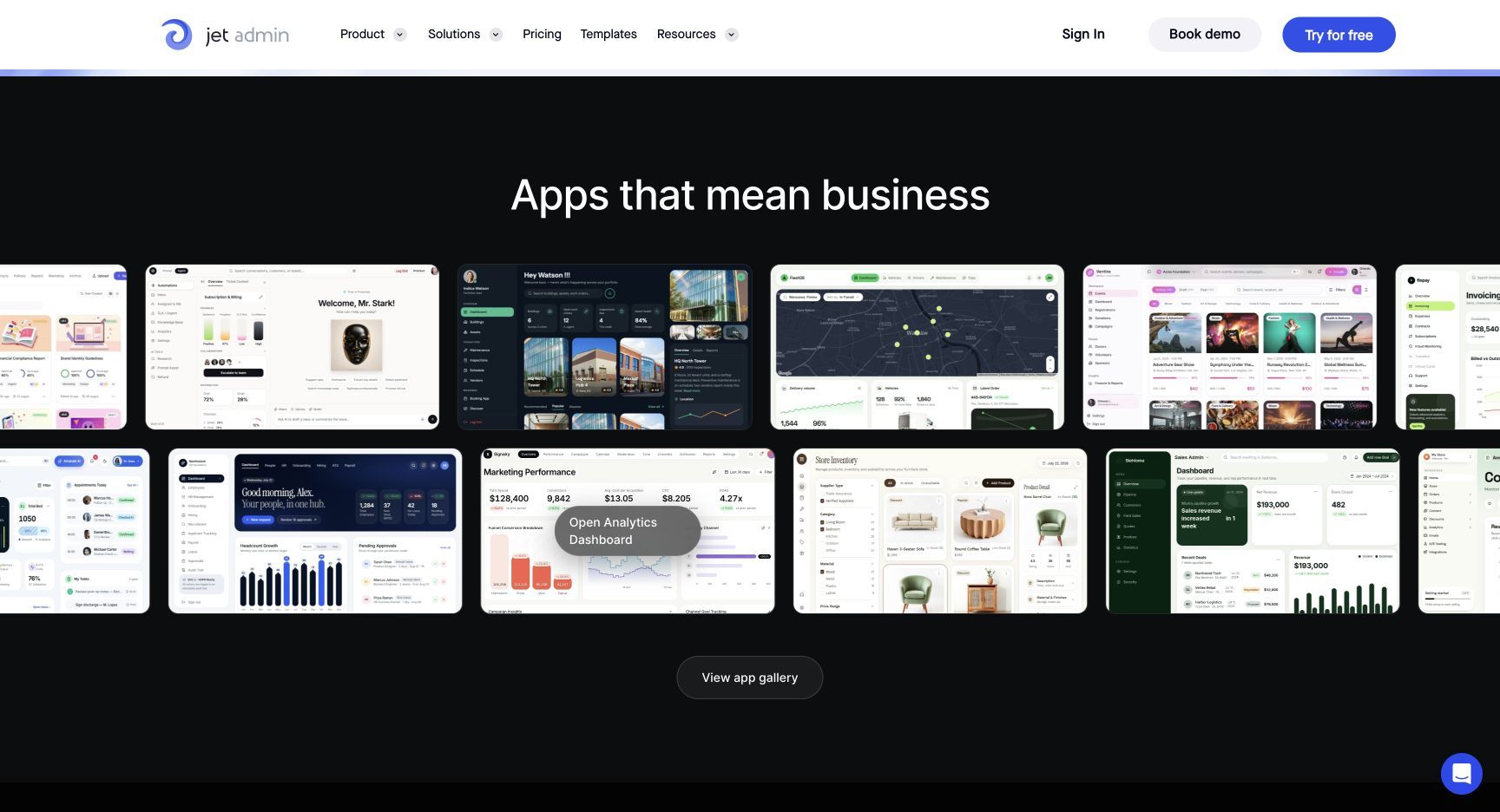
Why consider it: it brings the interface and data workflow into the same platform. A useful trial project is a support screen that combines account records with an API action and gives managers a different view from frontline staff.
Trade-off: evaluate the actual plan you need. Granular permissions, SSO, and audit logs are listed under Business, while on-premise deployment is an Enterprise feature.
Pricing: the current Jet Admin pricing page lists Free, Pro, Business, and Enterprise, with unlimited users, apps, and workflows. Pro is $20 monthly or $16 per month with annual billing; Business is $100 monthly or $80 annually. AI credits and plan capabilities still matter.
Choose it when: user adoption should not create a per-seat charge, and the main job is giving people controlled access to existing business data.
2. Retool: best for a broad internal software platform
Retool is worth evaluating when you want web apps, mobile apps, and workflow automation within one product ecosystem. Its current app builder uses AI to generate a starting point, with custom logic and integrations available as requirements grow.
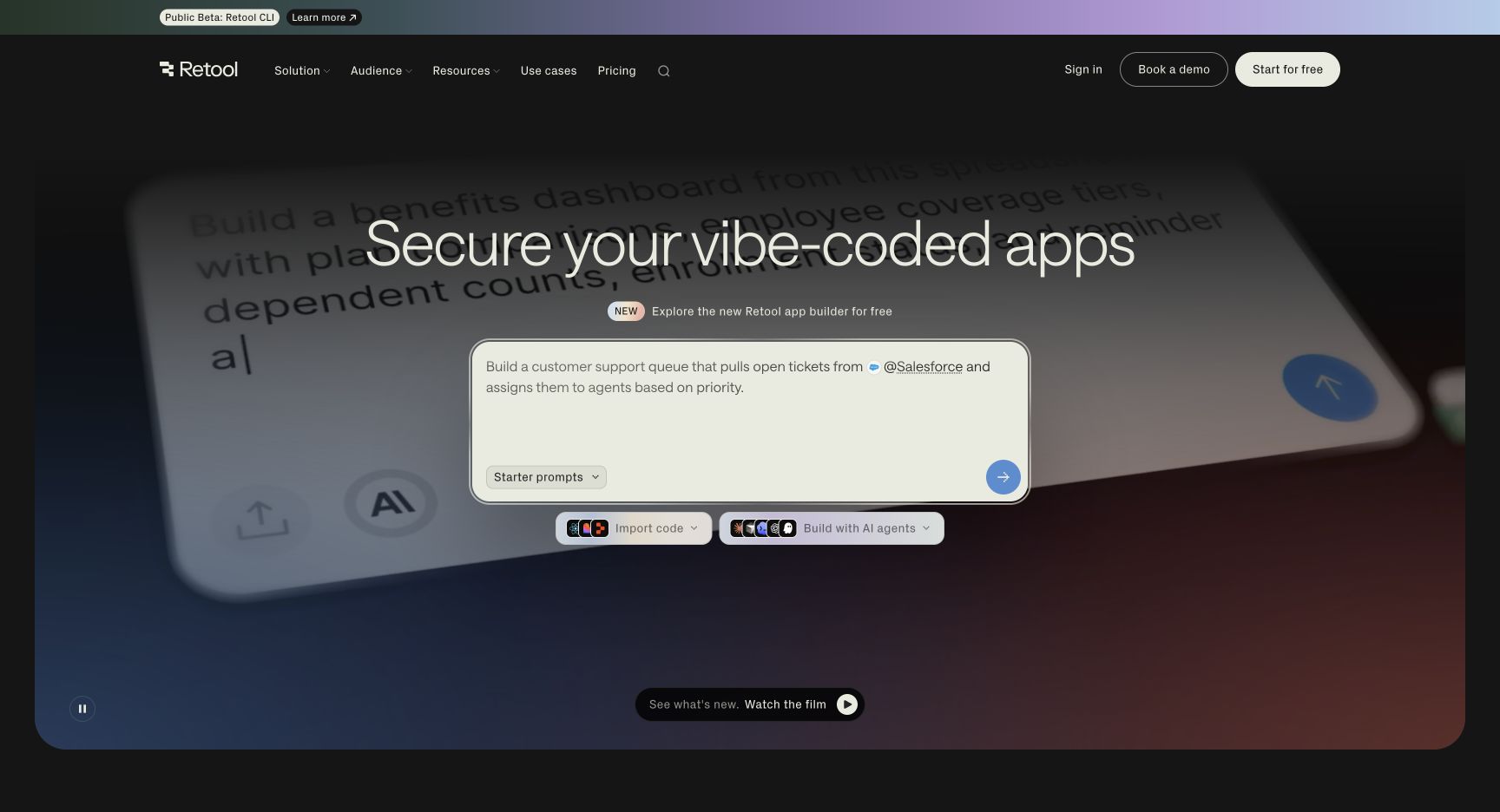
Why consider it: a team managing several kinds of internal software may prefer one platform to separate tools for dashboards, operational screens, and mobile work.
Trade-off: separate capabilities from licensing. Retool's pricing distinguishes builders from internal users; features such as advanced permissions, source control, and enterprise identity controls sit on different tiers.
Pricing: Free, Team, Business, and Enterprise combine access categories with workflow and AI allowances. Agents have separate billing considerations. Model adoption across the whole team, rather than multiplying only the builder price.
Choose it when: breadth across app types is a priority and your team can justify the relevant governance tier. For a closer comparison, see our Retool pricing guide.
3. Appsmith: best for developers who want an open-source foundation
Appsmith combines visual widgets with JavaScript customization, database and API connections, Git workflows, and self-hosting. It is a sensible candidate when engineers want direct control over application logic and are comfortable maintaining it.
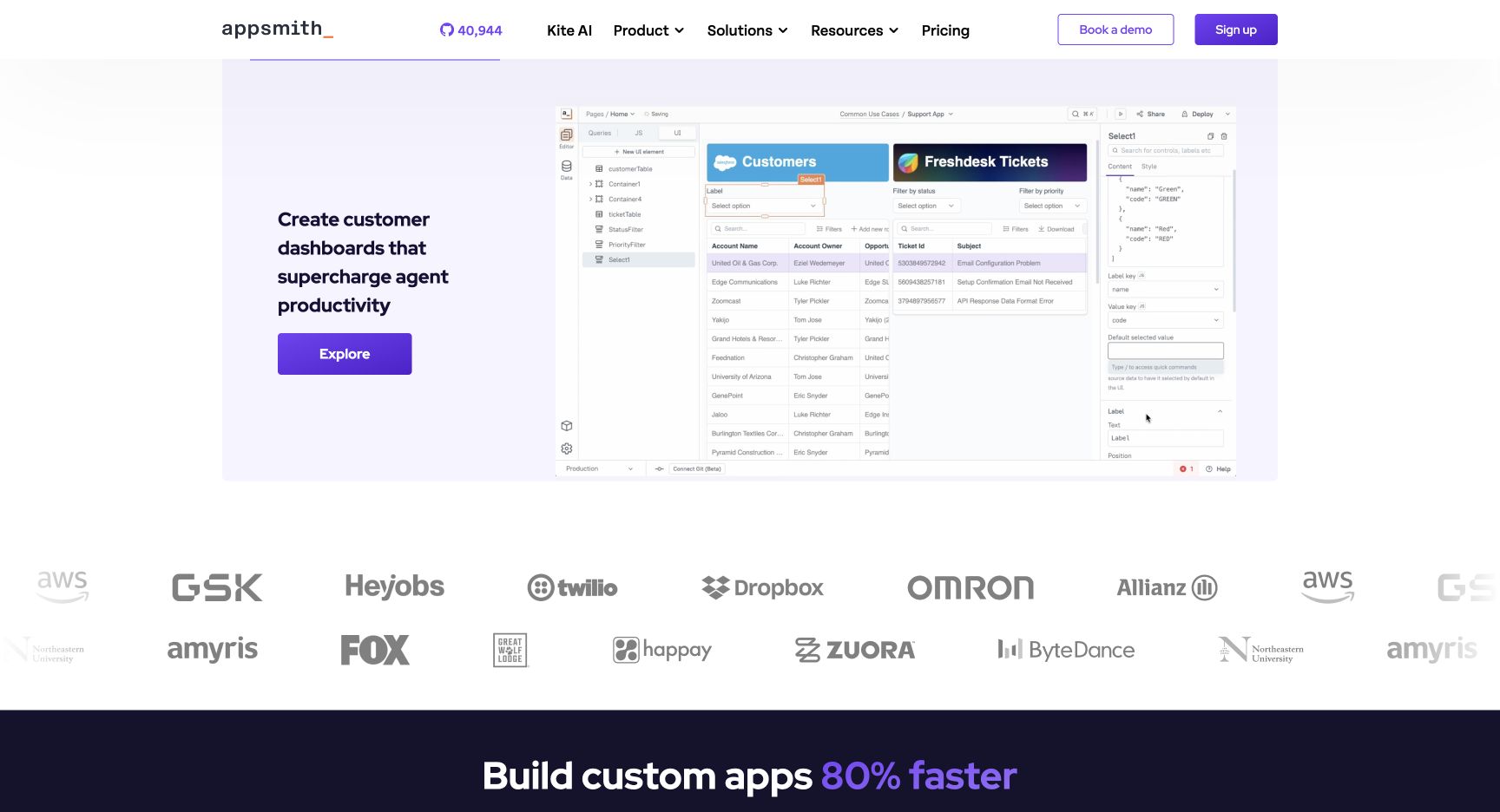
Why consider it: the development model suits a team that treats internal apps as software: reusable logic, reviewed changes, and a clear person responsible for deployments.
Trade-off: visual components do not eliminate engineering work. Test how much code your real app needs and whether the people maintaining it can debug that code.
Pricing: Appsmith lists a Free tier and Business at $15 per user per month. Builders count as users rather than attracting a separate developer surcharge. Custom access controls and audit logs are Business features; additional enterprise identity capabilities require Enterprise.
Choose it when: source access, JavaScript, and a developer-owned maintenance process matter more than minimizing technical involvement. See our Appsmith alternatives guide for adjacent options.
4. ToolJet: best for AI-assisted building with builder-based pricing
ToolJet is an alternative to evaluate when you want AI-assisted application development and a choice between cloud and self-hosted deployment.
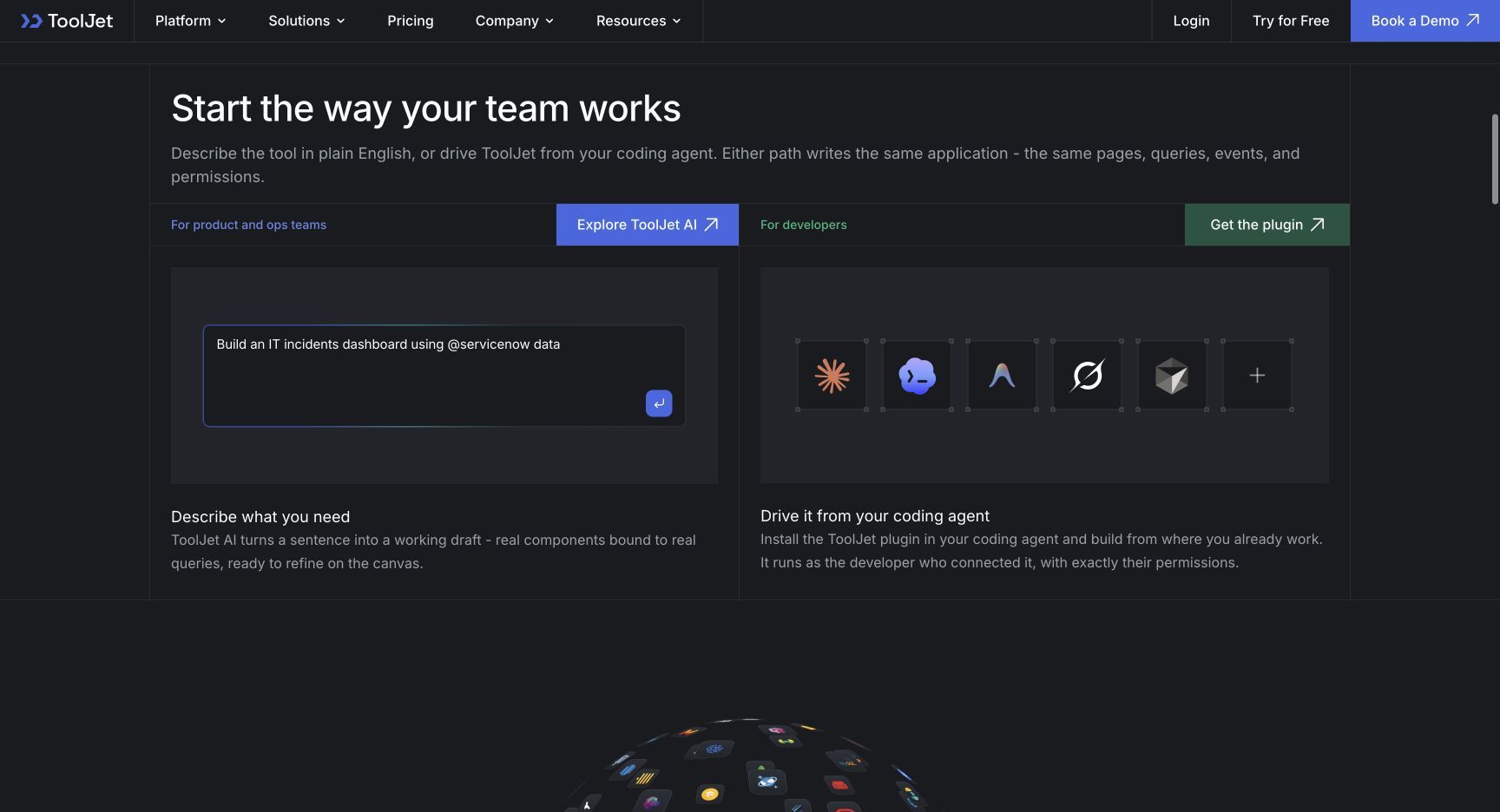
Why consider it: its builder-based commercial model gives teams another way to budget development access. That can be useful when a small group maintains apps for a larger audience, provided the selected plan includes enough end users.
Trade-off: builder-based pricing does not mean every tier has unlimited app usage. Check application limits, end-user caps, AI credits, and the tier required for governance features.
Pricing: the pricing page lists Free, Basic, Pro, Team, and Enterprise options. Free includes two builders, up to 50 end users, and two apps. Paid tiers change capacity and controls; confirm the selected hosting mode and billing term before comparing a quote.
Choose it when: your evaluation centers on AI-assisted building and the economics of a small builder team. Prototype the most complex workflow before deciding that the entry tier is sufficient.
5. Budibase: best for requests, approvals, and operational processes
Budibase brings together apps, data tables, automations, and agents. Its emphasis on requests, routing, and approvals makes it worth testing for employee onboarding, access requests, expense approvals, and similar processes.
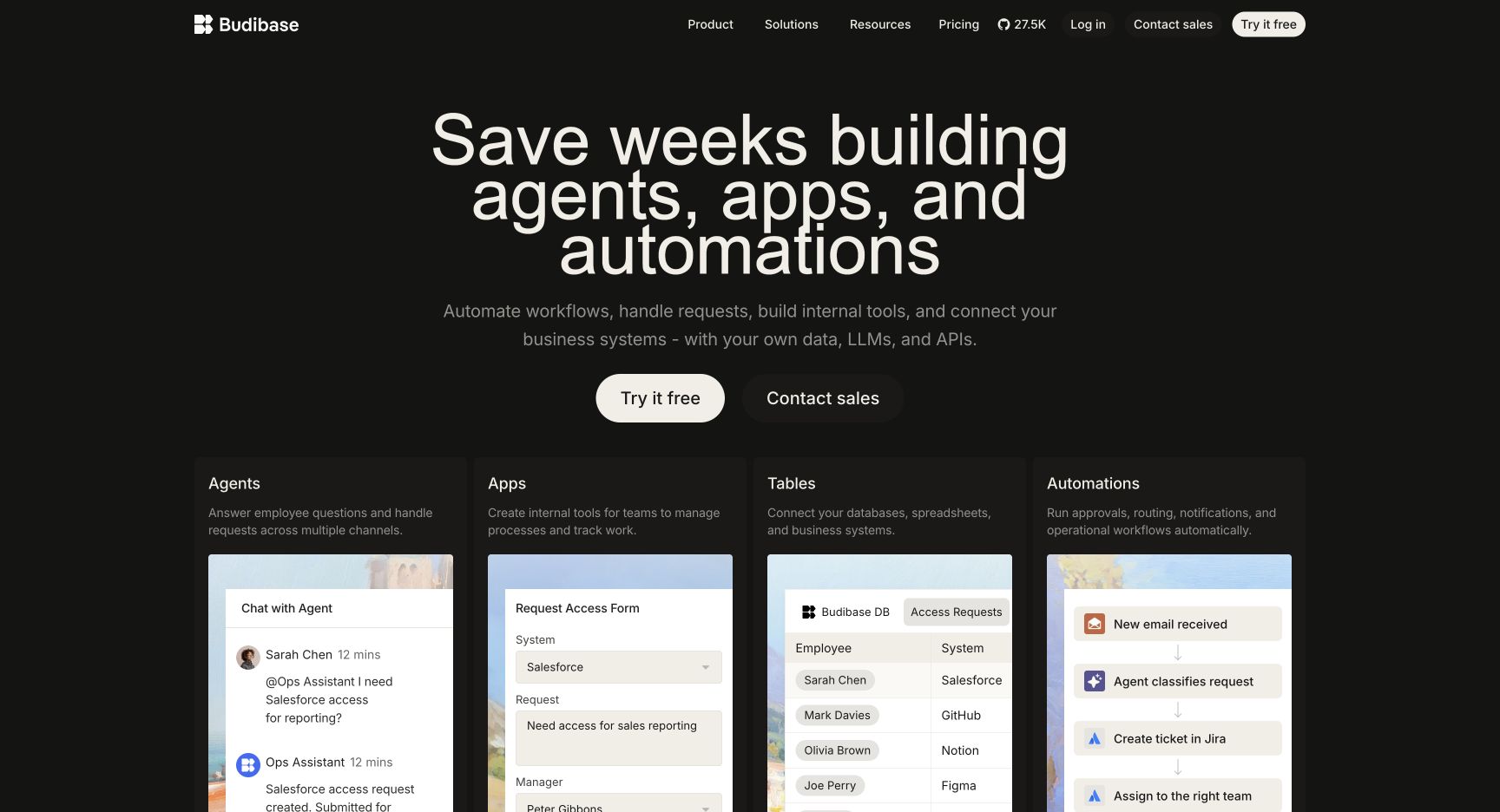
Why consider it: the record and the process around that record can be evaluated together. For an access-request app, test submission, approval, notification, and exception handling in one prototype.
Trade-off: check whether its interface model suits your application before rebuilding a highly customized UI. Also separate the cost of creating apps from the cost of operating them.
Pricing: current plans combine creator allowances, end-user add-ons, AI credits, and other capacity limits. Cloud and self-hosted configurations need their own comparison. An older quote based only on creator and user seats may miss current usage dimensions.
Choose it when: forms and process execution are central to the project, and the team wants to assess both within one platform.
6. Superblocks: best for governed enterprise AI app development
Superblocks centers its current offering on AI-generated enterprise applications and governance. It is worth shortlisting when a platform team needs to control how applications connect to internal systems and where they run.
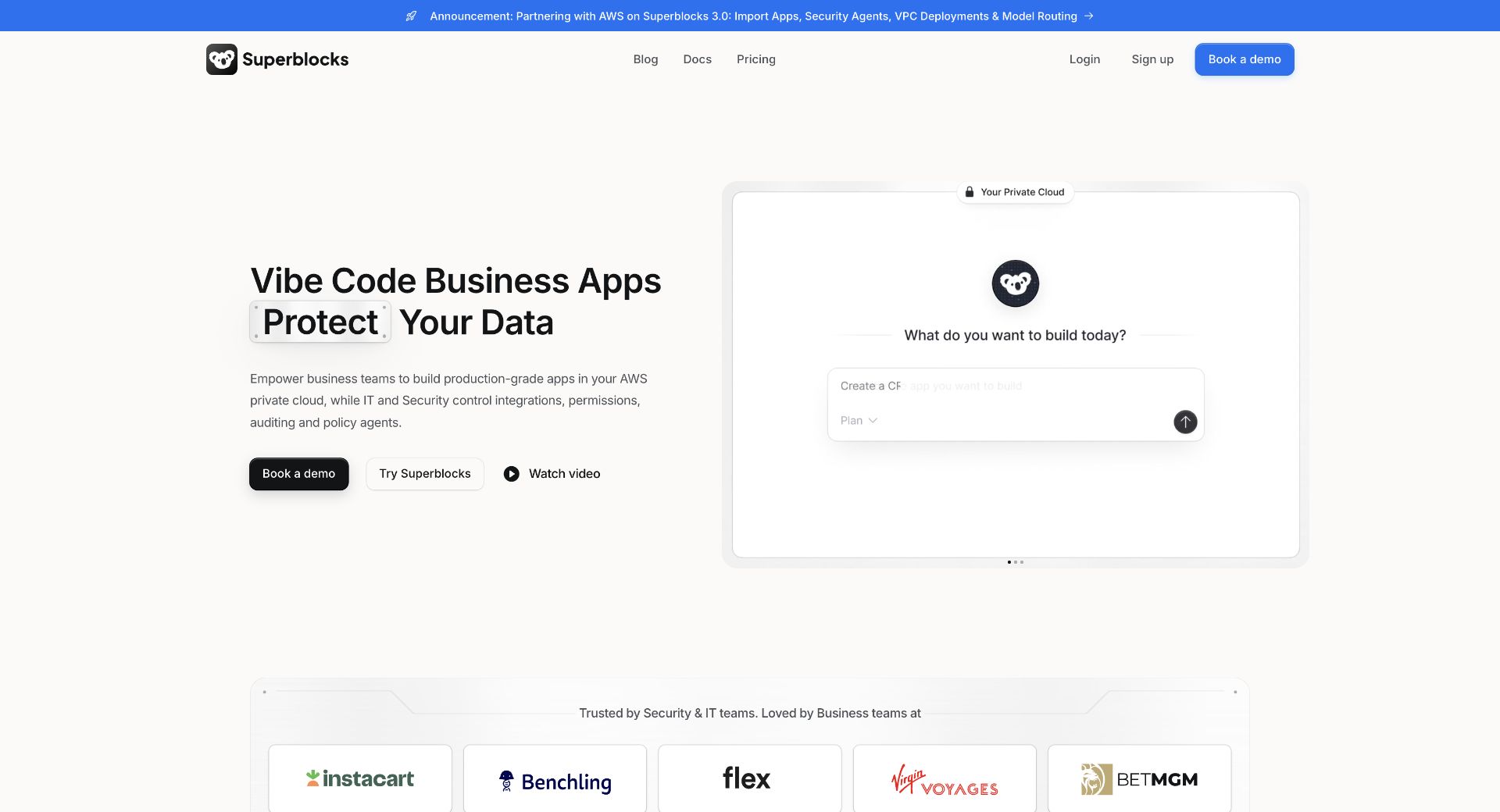
Why consider it: the evaluation can focus on standardized app delivery across teams, rather than only replacing an individual screen.
Trade-off: compare the configuration you would deploy. A cloud trial and an enterprise VPC deployment are different purchasing and operational decisions.
Pricing: Teams is listed at $125 monthly or $100 per month billed annually, with Clark AI, 100 Governed Agent Units per month, and one hosted app. Additional hosted apps are listed at $10 per app per month. Enterprise pricing is custom and adds controls such as source control and deployment options.
Choose it when: enterprise app governance and AI-assisted delivery are the main objectives. Include agent-unit consumption and the number of hosted apps in your estimate.
7. DronaHQ: best for web and mobile operations apps
DronaHQ supports internal tools, admin panels, approval flows, and field operations, with web and mobile applications from one build. That makes it a relevant candidate when staff use the same workflow at a desk and on a device.
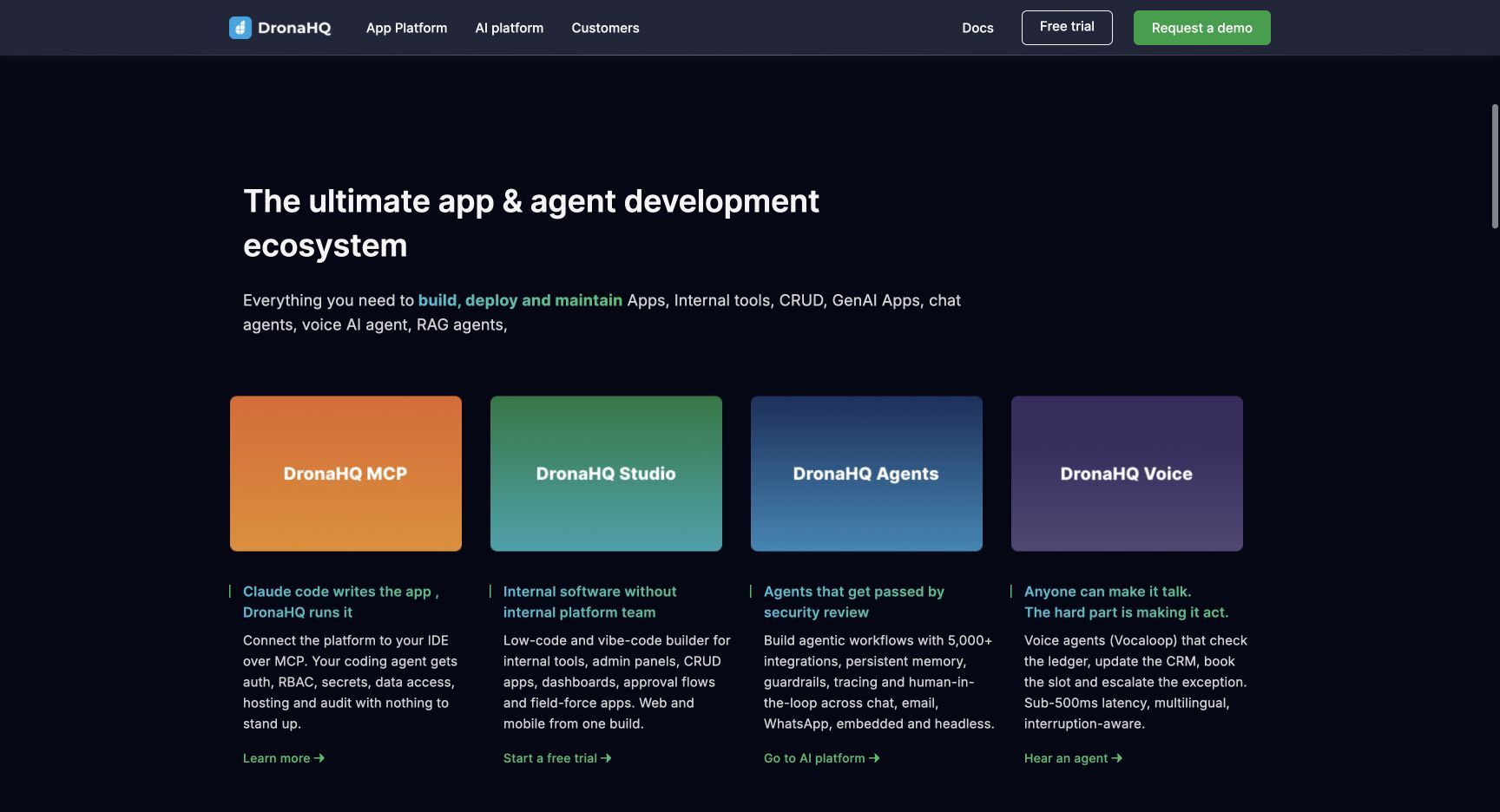
Why consider it: a warehouse exception flow or field-service form should be assessed on the actual device, not just a responsive browser preview. Use that requirement to guide the trial.
Trade-off: task-based billing makes workload frequency important. A screen opened occasionally and a dashboard refreshed throughout the day can have different consumption patterns.
Pricing: the current app pricing page advertises unlimited users and task-based usage. Starter is listed at $140 monthly or $100 per month billed annually; Business at $700 monthly or $500 annually. Confirm included capacity, task definitions, and add-ons in your quote.
Choose it when: mobile operations and workflow execution matter as much as the desktop interface.
The question that decides the shortlist
Ask: what must become easier after we switch?
If the answer is “letting more employees use the app,” compare access costs and limits. If it is “maintaining the application ourselves,” compare source, code, and deployment ownership. If it is “running approvals across systems,” test the workflow and its failure paths. If it is “supporting field staff,” build and use the mobile version.
A trial should produce evidence against that requirement. Count the time to build the first app, the effort to change it, and the cost of the production configuration. A polished demo alone answers none of those questions.
Migration checklist: moving from UI Bakery
- Inventory the current app. Record its data sources, queries, roles, custom code, schedules, and external dependencies.
- Choose one representative workflow. Include a read, a write, a permission boundary, and an error case. Avoid starting with either the easiest demo or the most critical system.
- Reuse what is portable. Database schemas and API contracts may remain useful. Expect to rebuild platform-specific screens, bindings, and action logic unless a verified migration path exists.
- Recreate access rules explicitly. Test as an ordinary user and as a manager. Confirm that rejected actions cannot write data.
- Plan the cutover. Compare outputs in parallel, but nominate one production writer for each operation. Do not let two schedulers issue the same payment, notification, or inventory update.
- Keep a rollback route. Preserve the old app until the owner accepts the new workflow. Document how to restore access if the rollout fails.
FAQs about UI Bakery alternatives
What is the best UI Bakery alternative?
For business apps on existing data with unlimited users, start by evaluating Jet Admin. For an open-source foundation maintained by developers, compare Appsmith and ToolJet. For approval-heavy processes, evaluate Budibase. Your deployment, workflow, and budget requirements should decide the final choice.
Which UI Bakery alternatives can be self-hosted?
Several options here offer self-hosted or private deployment configurations. Availability, licensing, and feature parity vary. Check the exact edition and confirm whether the app runtime, control plane, and AI services all meet your hosting requirements.
Is a free alternative always cheaper?
No. Compare the production tier you need and include hosting, backups, upgrades, and maintenance time. For a small team, reducing those responsibilities can matter more than removing the license fee.
Can I move UI Bakery apps without rebuilding them?
Do not assume a one-click conversion. Your database and APIs may be reusable, while screens, events, permissions, and platform-specific logic generally need to be recreated and tested.
Should I choose based on AI app generation?
Use AI generation as one criterion. Also test whether the generated app handles permissions, invalid input, failed requests, and later changes. The valuable result is a maintainable production workflow, not just a fast first screen.
Choose your next step
Pick the constraint that prompted your search and test two platforms against the same workflow. Keep UI Bakery in the comparison so the improvement is measurable.
If the project is a support tool, admin panel, CRM, or portal over existing business data, start with Jet Admin. Build one workflow, invite its future owner, and see whether they can operate and maintain it comfortably.