
Webflow alternatives are not interchangeable: some focus on public websites, while others focus on authenticated web applications. Start with the experience you need to publish and the content your team needs to maintain.
Quick answer: Framer is worth evaluating for design-led marketing websites. WordPress is worth evaluating for a flexible publishing ecosystem. Wix is worth evaluating for a business website with integrated tools.
Published by Jet Admin. Product and pricing information checked September 26, 2026 against official pages and documentation. Recommendations are editorial judgments, not benchmark results or claims of hands-on product testing. List order reflects use-case fit, not a measured score.
Best Webflow alternatives at a glance
| Product | Best fit | Main trade-off | Pricing model |
|---|---|---|---|
| Framer | design-led marketing websites | A marketing website builder should not be selected as if it were a complete operational app backend. Check CMS structure and integration requirements before migration. | Free and paid site offerings; AI credits and site limits depend on the selected plan. |
| WordPress | a flexible publishing ecosystem | Your team must manage the theme/plugin combination, updates, performance, and security responsibilities unless a provider covers them. | Core software is free; hosting, premium extensions, implementation, and support are separate costs. |
| Wix | a business website with integrated tools | Validate the limits of customization, integrations, and portability for the specific business. Moving a complex CMS is more than choosing a new template. | Plans vary by site and business requirements; confirm payments, region, and any separate services. |
| Squarespace | a managed website for a small business | Check the exact commerce, scheduling, membership, and integration requirements. A visually similar site may need different supporting services. | Site subscriptions and optional services; compare the complete setup rather than the base site price. |
| WeWeb | custom web applications with visual editing | Validate where backend logic, authentication, and hosting run in the selected architecture. A frontend migration can still require substantial backend work. | Free and paid development offers, with hosting and usage considerations; verify export entitlement. |
| Bubble | a visually built application with shared backend | Workflows and data models are platform-specific. Test performance and long-term maintainability before committing a critical process. | Free development and paid launch plans; workload units, app type, and add-ons affect cost. |
What is Webflow, and why consider alternatives?
Webflow alternatives are not interchangeable: some focus on public websites, while others focus on authenticated web applications.
Start with the Webflow official product information and identify which of these requirements applies to your team:
- Separate a marketing site from a logged-in application
- Map CMS structure and editorial roles
- Assess portability, integrations, and the complete hosting setup
When Webflow is still the right choice
Keep Webflow when the design system, CMS, and publishing workflow meet your needs. Replatforming can introduce SEO and operational work without a clear benefit.
Types of Webflow alternatives
Hosted visual website builders offer a different operating model from a self-managed CMS or an application builder. Start with editorial ownership, design requirements, and the content model. A platform that excels at authenticated business apps may be unnecessary for a public marketing site.
What to look for in a Webflow alternative
- Can editors manage the actual content model and publishing process?
- How much design control is needed at each responsive breakpoint?
- What happens to redirects, metadata, forms, and analytics during migration?
- Who owns hosting, updates, extensions, and site performance?
- Does the project need a marketing website or an authenticated application?
1. Framer: best for design-led marketing websites
Build and publish visual websites with a canvas, content management, and AI-assisted editing. It is a useful alternative when the main deliverable is a public marketing site.
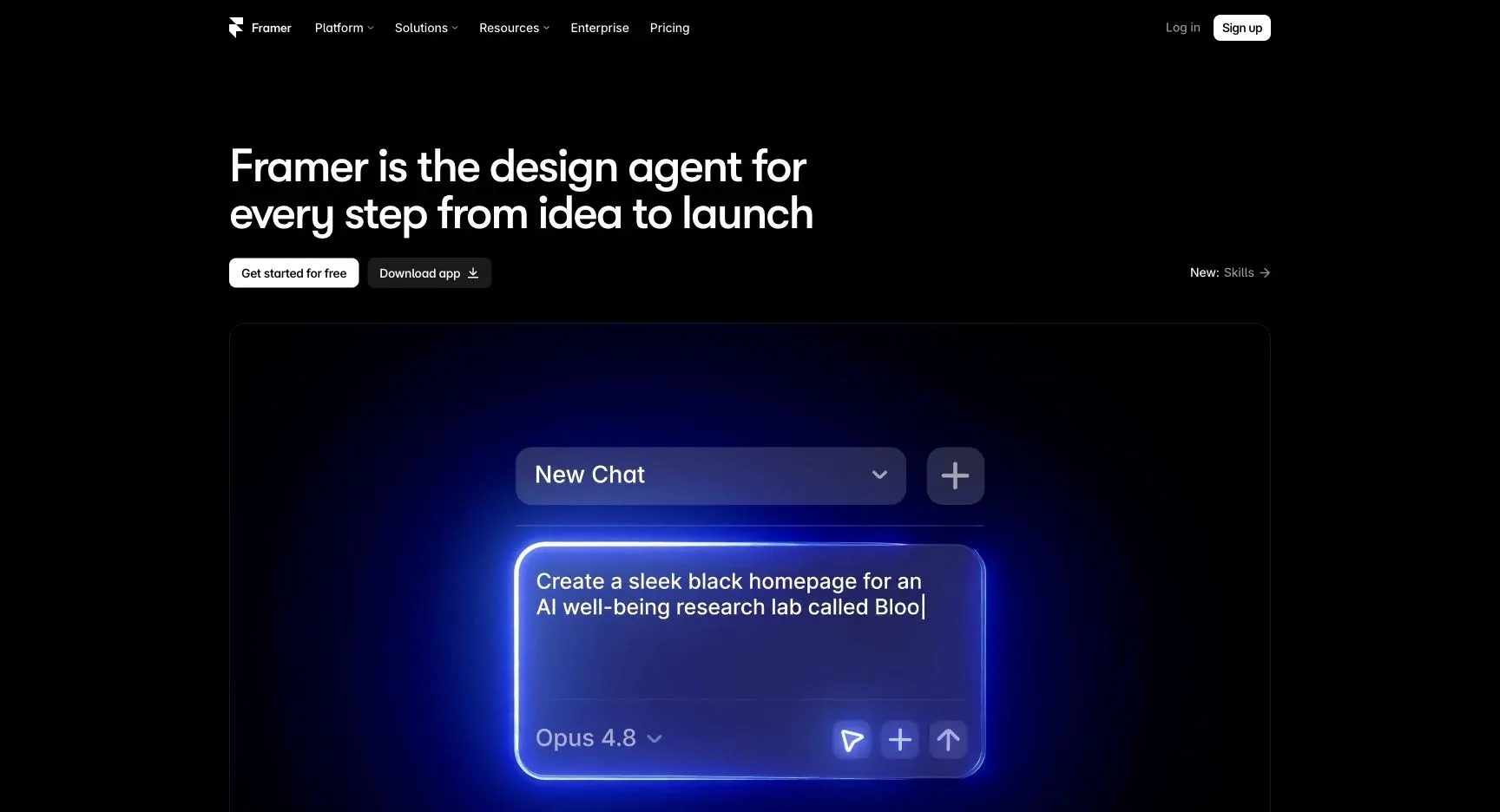
Why consider it: Consider Framer if your reason for leaving Webflow centers on design-led marketing websites. Rebuild a landing page and a CMS article, then inspect mobile layout and metadata.
Trade-off: A marketing website builder should not be selected as if it were a complete operational app backend. Check CMS structure and integration requirements before migration.
Pricing: Free and paid site offerings; AI credits and site limits depend on the selected plan. Check current pricing and plan details.
Choose it when: Your priority is design-led marketing websites. Before committing, ask the prospective owner to complete the evaluation task and explain what they would maintain after launch.
Source: Framer official product information.
2. WordPress: best for a flexible publishing ecosystem
Use an open-source publishing platform with themes, plugins, and an editorial interface. WordPress.org provides software you can host; managed hosting is a separate purchasing choice.
Why consider it: Consider WordPress if your reason for leaving Webflow centers on a flexible publishing ecosystem. Rebuild a content type and editorial workflow, then test redirects and plugin dependencies.
Trade-off: Your team must manage the theme/plugin combination, updates, performance, and security responsibilities unless a provider covers them.
Pricing: Core software is free; hosting, premium extensions, implementation, and support are separate costs. Check current pricing and plan details.
Choose it when: Your priority is a flexible publishing ecosystem. Before committing, ask the prospective owner to complete the evaluation task and explain what they would maintain after launch.
Source: WordPress official product information.
3. Wix: best for a business website with integrated tools
Build a public website and use related business tools for services, bookings, content, and sales. It fits organizations that want to manage common website needs within one platform.
Why consider it: Consider Wix if your reason for leaving Webflow centers on a business website with integrated tools. Recreate a lead form or booking flow and verify where the resulting customer record lives.
Trade-off: Validate the limits of customization, integrations, and portability for the specific business. Moving a complex CMS is more than choosing a new template.
Pricing: Plans vary by site and business requirements; confirm payments, region, and any separate services. Check current pricing and plan details.
Choose it when: Your priority is a business website with integrated tools. Before committing, ask the prospective owner to complete the evaluation task and explain what they would maintain after launch.
Source: Wix official product information.
4. Squarespace: best for a managed website for a small business
Create a designed website with content and business features in a managed platform. It is a reasonable candidate for a portfolio, service business, or straightforward online presence.
Why consider it: Consider Squarespace if your reason for leaving Webflow centers on a managed website for a small business. Publish a sample service page and test the complete inquiry or purchase path.
Trade-off: Check the exact commerce, scheduling, membership, and integration requirements. A visually similar site may need different supporting services.
Pricing: Site subscriptions and optional services; compare the complete setup rather than the base site price. Check current pricing and plan details.
Choose it when: Your priority is a managed website for a small business. Before committing, ask the prospective owner to complete the evaluation task and explain what they would maintain after launch.
Source: Squarespace official product information.
5. WeWeb: best for custom web applications with visual editing
Build a web application visually, connect data and APIs, and use code export or hosting options where the plan permits. It suits teams that want a distinct application interface.
Why consider it: Consider WeWeb if your reason for leaving Webflow centers on custom web applications with visual editing. Build an authenticated record-editing screen and inspect the actual API requests and access rules.
Trade-off: Validate where backend logic, authentication, and hosting run in the selected architecture. A frontend migration can still require substantial backend work.
Pricing: Free and paid development offers, with hosting and usage considerations; verify export entitlement. Check current pricing and plan details.
Choose it when: Your priority is custom web applications with visual editing. Before committing, ask the prospective owner to complete the evaluation task and explain what they would maintain after launch.
Source: WeWeb official product information.
6. Bubble: best for a visually built application with shared backend
Design an application using visual interface and workflow tools with a managed backend. It is useful when you want a broad application builder rather than a website-only editor.
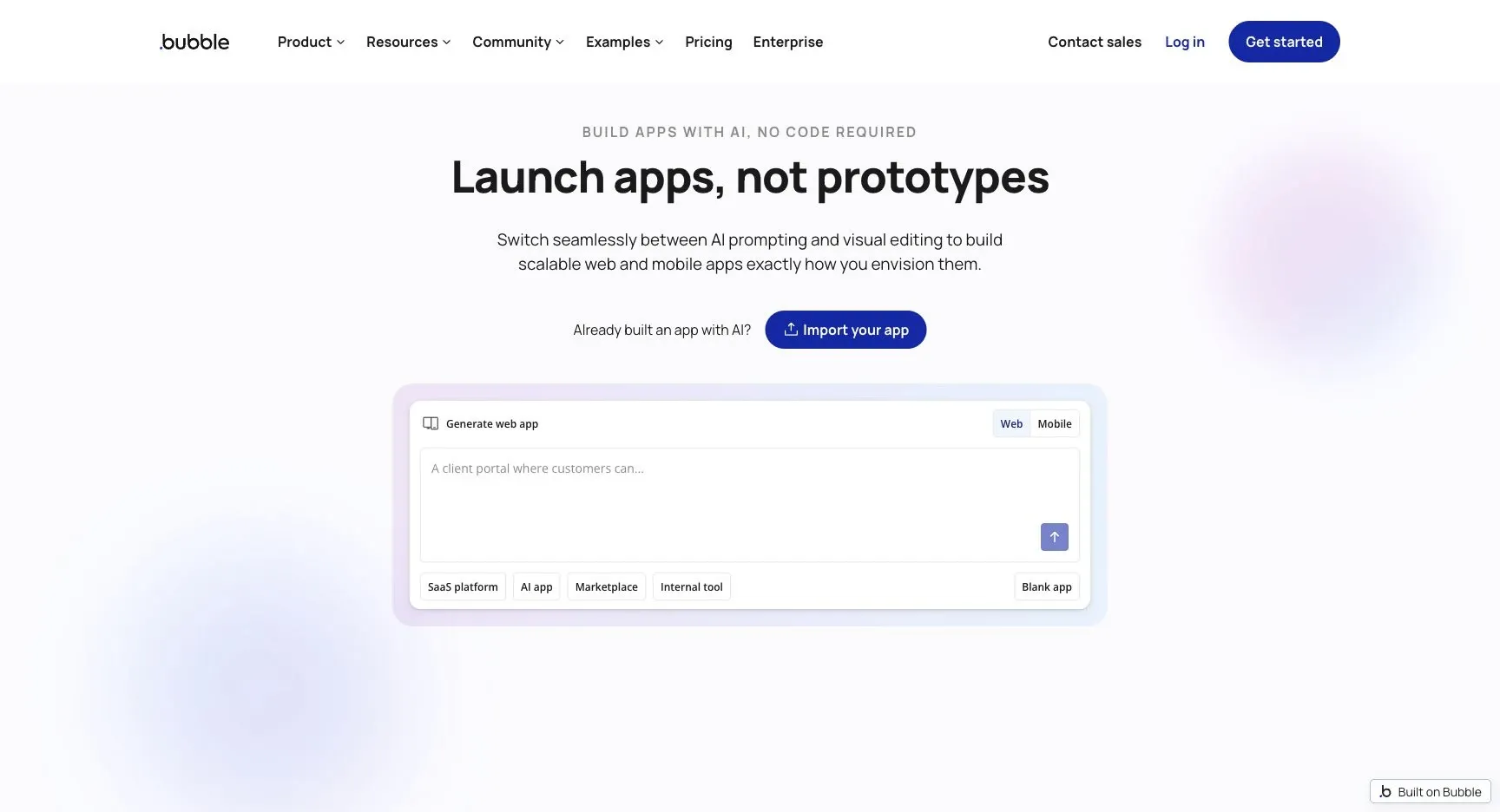
Why consider it: Consider Bubble if your reason for leaving Webflow centers on a visually built application with shared backend. Build a multi-step transaction and measure workload while testing permissions and failure paths.
Trade-off: Workflows and data models are platform-specific. Test performance and long-term maintainability before committing a critical process.
Pricing: Free development and paid launch plans; workload units, app type, and add-ons affect cost. Check current pricing and plan details.
Choose it when: Your priority is a visually built application with shared backend. Before committing, ask the prospective owner to complete the evaluation task and explain what they would maintain after launch.
Source: Bubble official product information.
Which Webflow alternative should you choose?
Framer is worth evaluating for design-led marketing websites. WordPress is worth evaluating for a flexible publishing ecosystem. Wix is worth evaluating for a business website with integrated tools.
Run this proof of concept: Rebuild one landing page, one CMS template, and one conversion flow. Compare mobile behavior, content editing, page metadata, and integration results.
Record what worked, what required custom work, which plan unlocked essential capabilities, and who can maintain the result. Compare the full monthly operating cost and the one-time migration effort. A successful demonstration is only useful if it covers the difficult permissions, exception, and maintenance requirements.
Keep Webflow when the design system, CMS, and publishing workflow meet your needs. Replatforming can introduce SEO and operational work without a clear benefit.
Where Jet Admin fits alongside these tools
Jet Admin is relevant for a customer portal or an operational business app on existing data. It does not replace a marketing website’s CMS, visual publishing process, or full website hosting requirements.
This distinction matters: Jet Admin’s Business plan lists granular permissions, SSO, and audit logs; on-premise deployment is listed under Enterprise. Confirm the required Jet Admin plan before designing the rollout.
How to move from Webflow
Inventory URLs and content types before moving design. Prepare redirects, preserve metadata, migrate assets, and verify forms and analytics on the new domain.
- Inventory the data, attachments, integrations, owners, and access rules that the replacement must preserve.
- Separate transferable records from screens, formulas, workflows, and authentication behavior that need rebuilding.
- Use a limited pilot with representative records and explicit success criteria before switching the entire team.
- Reconcile record counts and key business outcomes, train the next owner, and document the fallback path.
Keep the existing system available during the pilot where your contract and technical setup permit it. Avoid simultaneous uncontrolled writes to two systems. Agree on a cutover owner and a rollback decision before the final move.
FAQs about Webflow alternatives
What is the best Webflow alternative?
Framer is worth evaluating for design-led marketing websites. WordPress is worth evaluating for a flexible publishing ecosystem. Wix is worth evaluating for a business website with integrated tools. There is no single winner across these use cases; choose the option that passes the representative test above.
Is a free alternative enough?
It can be for a limited workflow. Compare the published free-plan or open-source terms with the required users, usage, hosting, integrations, and governance. A trial is not a permanent free plan, and self-hosted software still needs infrastructure and maintenance.
Can I move everything without rebuilding?
Inventory URLs and content types before moving design. Prepare redirects, preserve metadata, migrate assets, and verify forms and analytics on the new domain.
How should I compare the real cost?
Use the same representative workload and the same access requirements for every vendor. Add subscriptions, usage charges, hosting or backend costs, migration work, and ongoing maintenance. Check which plan includes the required feature before comparing headline prices.
Is Jet Admin a direct Webflow replacement?
Jet Admin is relevant for a customer portal or an operational business app on existing data. It does not replace a marketing website’s CMS, visual publishing process, or full website hosting requirements.
Put the shortlist to work
Rebuild one landing page, one CMS template, and one conversion flow. Compare mobile behavior, content editing, page metadata, and integration results. If that exercise reveals a need for a human-facing operational app, explore Jet Admin’s process automation use case and check the workflow against your own data and access requirements.