
Excel alternatives split into two groups: spreadsheets that preserve calculation work and systems that replace spreadsheet-based operations. A finance model and a customer approval tracker should not automatically move to the same product.
Quick answer: Google Sheets is worth evaluating for browser-based spreadsheet collaboration. LibreOffice Calc is worth evaluating for desktop spreadsheets without a subscription. Zoho Sheet is worth evaluating for collaborative online spreadsheets.
Published by Jet Admin. Product and pricing information checked September 26, 2026 against official pages and documentation. Recommendations are editorial judgments, not benchmark results or claims of hands-on product testing. List order reflects use-case fit, not a measured score.
Best Excel alternatives at a glance
| Product | Best fit | Main trade-off | Pricing model |
|---|---|---|---|
| Jet Admin | business apps on existing data | A custom business app requires deliberate data modeling and permission design; it is not a replacement for every specialist editor, database service, or collaboration suite. | Free and paid plans with AI credits. Granular permissions, SSO, and audit logs are listed under Business; on-premise deployment is Enterprise. |
| Google Sheets | browser-based spreadsheet collaboration | Test workbook compatibility, formulas, scripts, and data size. Replacing Excel does not mean every VBA-driven workbook will run unchanged. | Available with personal Google accounts and Google Workspace; business administration belongs to the Workspace offer. |
| LibreOffice Calc | desktop spreadsheets without a subscription | Complex Excel workbooks, macros, and formatting require compatibility checks. Do not assume a file that opens is functionally identical. | Free open-source software; support, deployment, and maintenance can still consume time. |
| Zoho Sheet | collaborative online spreadsheets | Evaluate compatibility with existing formulas and integrations. A spreadsheet remains a weak boundary for sensitive record-level application access. | The standalone product advertises free collaboration; check organization and suite requirements. |
| Airtable | collaborative structured records | Record limits, editor permissions, and automation usage deserve a realistic trial. A table import does not reproduce spreadsheet macros or a custom app's backend. | Free and paid plans, with paid seat rules and usage limits. |
| Baserow | a database workspace with deployment choice | Self-hosting requires ownership of upgrades and operations. Check commercial features separately from what is available in the community offering. | Free and paid options; cloud tiers include user, row, storage, and automation allowances. |
What is Excel, and why consider alternatives?
Excel alternatives split into two groups: spreadsheets that preserve calculation work and systems that replace spreadsheet-based operations.
Start with the Excel official product information and identify which of these requirements applies to your team:
- Audit formulas and macros before considering a replacement
- Decide whether collaboration or structured records is the real problem
- Separate reporting calculations from controlled operational writes
When Excel is still the right choice
Keep Excel for workbooks whose formulas, macros, add-ins, or review processes are essential and already dependable.
Types of Excel alternatives
Spreadsheet replacements fall into two groups: tools that preserve a flexible workbook and tools that replace a fragile workbook process with structured records. The second choice can improve ownership and access control, but it changes how people work and does not reproduce every formula.
What to look for in a Excel alternative
- Which formulas, macros, pivots, and external connections must survive?
- Do users need to analyze data freely or update a controlled business record?
- What are the required offline, collaboration, and permission boundaries?
- Can dates, identifiers, formulas, and attachments round-trip without changing meaning?
- Who owns the authoritative data when a workbook and an application disagree?
1. Jet Admin: best for business apps on existing data
Build interfaces over databases and APIs, with forms, tables, and workflows that let a team act on records. This is useful when the problem is a customer portal, an approval queue, or an operational app rather than another document.
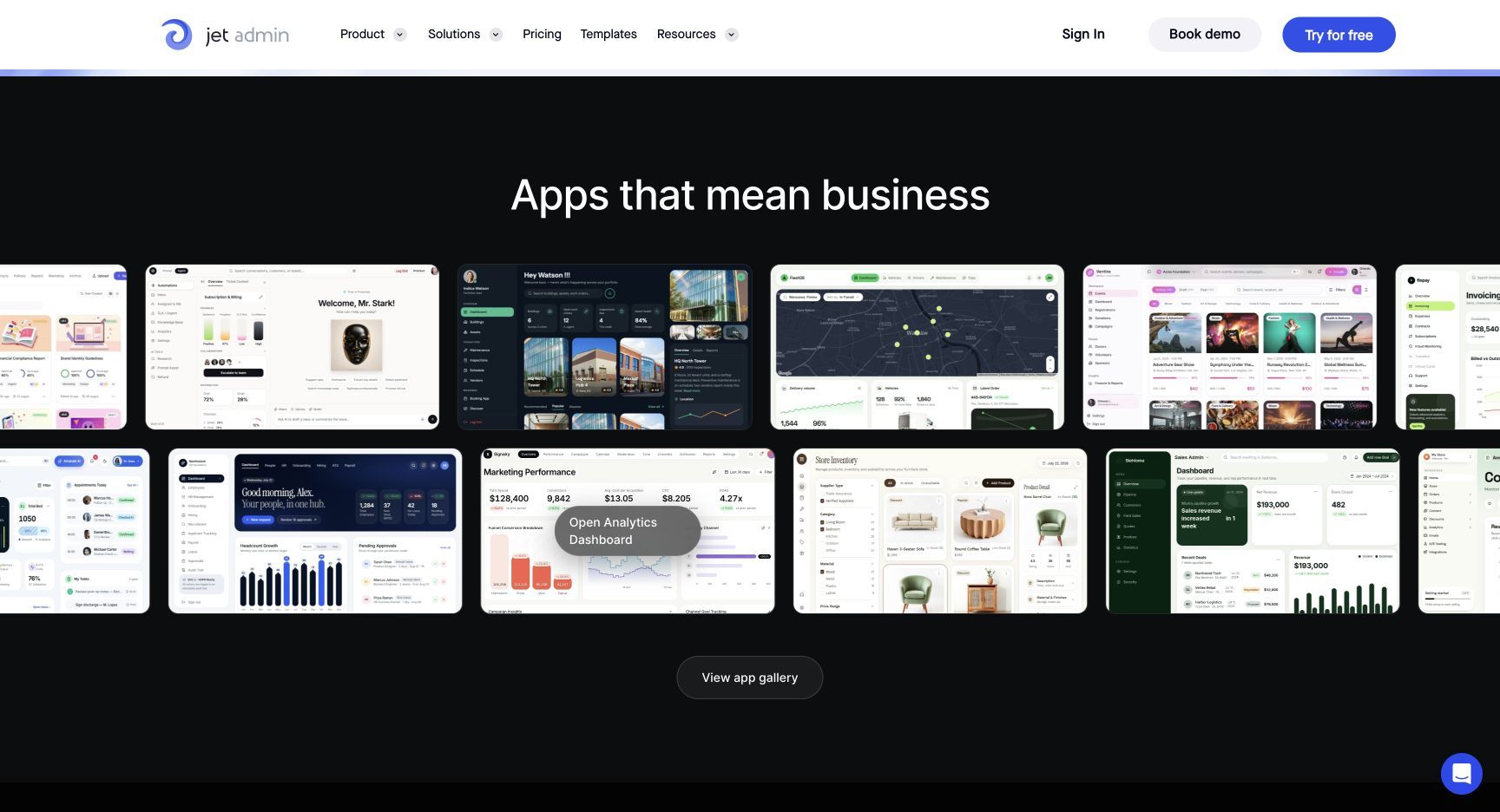
Why consider it: Consider Jet Admin if your reason for leaving Excel centers on business apps on existing data. Have a manager approve a request while another user can access only their own records.
Trade-off: A custom business app requires deliberate data modeling and permission design; it is not a replacement for every specialist editor, database service, or collaboration suite.
Pricing: Free and paid plans with AI credits. Granular permissions, SSO, and audit logs are listed under Business; on-premise deployment is Enterprise. Check current pricing and plan details.
Choose it when: Your priority is business apps on existing data. Before committing, ask the prospective owner to complete the evaluation task and explain what they would maintain after launch.
Source: Jet Admin official product information.
2. Google Sheets: best for browser-based spreadsheet collaboration
Work on shared spreadsheets with formulas and collaborative editing. It is a natural option for teams whose calculations are modest but whose file versions and handoffs have become confusing.
Why consider it: Consider Google Sheets if your reason for leaving Excel centers on browser-based spreadsheet collaboration. Import a real workbook with formulas and two editors, then compare calculated results.
Trade-off: Test workbook compatibility, formulas, scripts, and data size. Replacing Excel does not mean every VBA-driven workbook will run unchanged.
Pricing: Available with personal Google accounts and Google Workspace; business administration belongs to the Workspace offer. Check current pricing and plan details.
Choose it when: Your priority is browser-based spreadsheet collaboration. Before committing, ask the prospective owner to complete the evaluation task and explain what they would maintain after launch.
Source: Google Sheets official product information.
3. LibreOffice Calc: best for desktop spreadsheets without a subscription
Use a desktop spreadsheet as part of an open-source office suite. It is a practical option for offline calculation and file-based workflows.
Why consider it: Consider LibreOffice Calc if your reason for leaving Excel centers on desktop spreadsheets without a subscription. Open a representative workbook and compare formulas, charts, print layouts, and macros.
Trade-off: Complex Excel workbooks, macros, and formatting require compatibility checks. Do not assume a file that opens is functionally identical.
Pricing: Free open-source software; support, deployment, and maintenance can still consume time. Check current pricing and plan details.
Choose it when: Your priority is desktop spreadsheets without a subscription. Before committing, ask the prospective owner to complete the evaluation task and explain what they would maintain after launch.
Source: LibreOffice Calc official product information.
4. Zoho Sheet: best for collaborative online spreadsheets
Create and edit spreadsheets in a browser, collaborate with teammates, and connect spreadsheet work to the Zoho ecosystem. It suits teams seeking a familiar grid with cloud collaboration.
Why consider it: Consider Zoho Sheet if your reason for leaving Excel centers on collaborative online spreadsheets. Recreate a shared tracker with validation, comments, locked cells, and an export.
Trade-off: Evaluate compatibility with existing formulas and integrations. A spreadsheet remains a weak boundary for sensitive record-level application access.
Pricing: The standalone product advertises free collaboration; check organization and suite requirements. Check current pricing and plan details.
Choose it when: Your priority is collaborative online spreadsheets. Before committing, ask the prospective owner to complete the evaluation task and explain what they would maintain after launch.
Source: Zoho Sheet official product information.
5. Airtable: best for collaborative structured records
Combine relational records, views, interfaces, and automations to manage shared operational information. This works well when a spreadsheet has become a lightweight database.
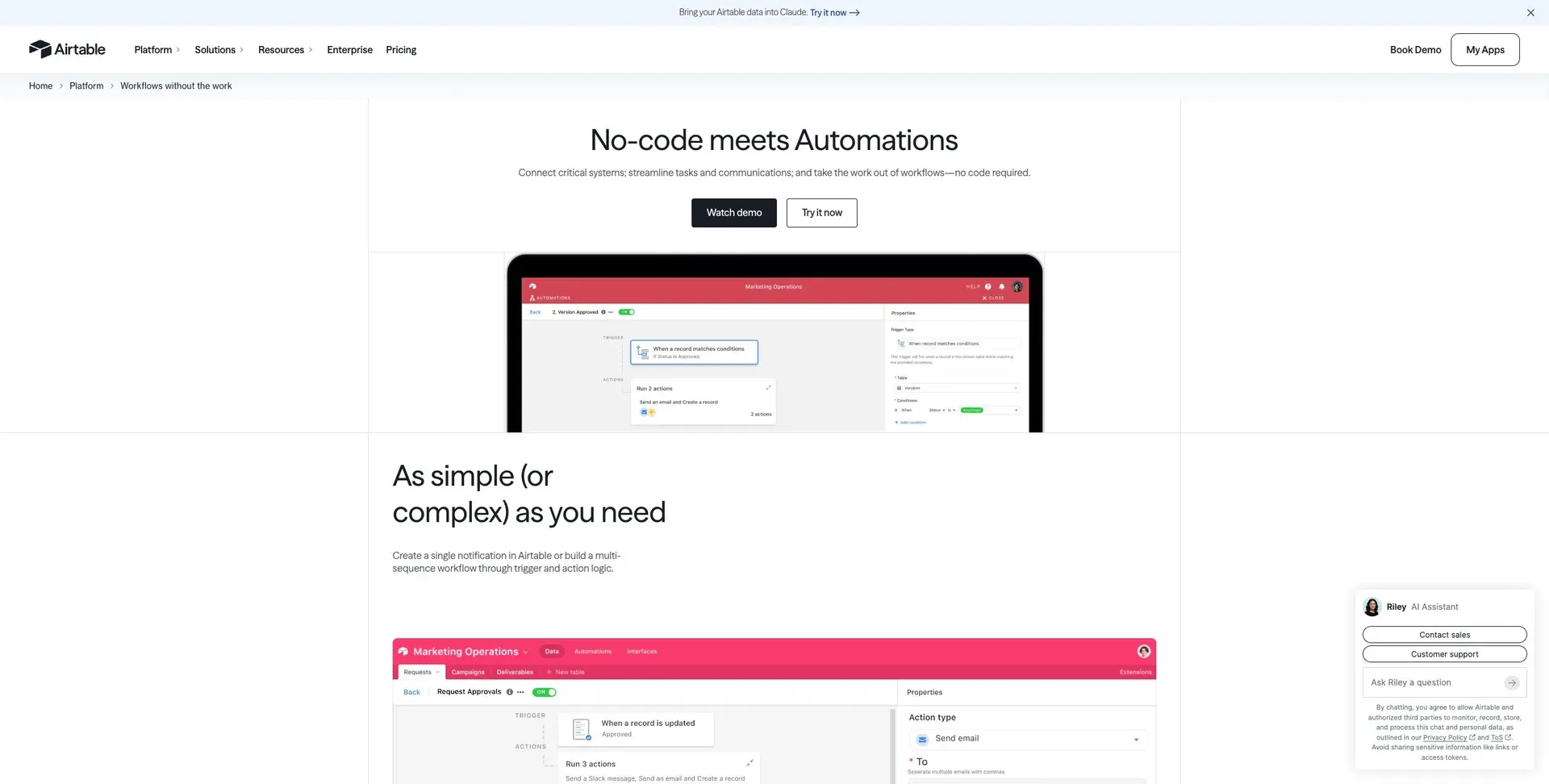
Why consider it: Consider Airtable if your reason for leaving Excel centers on collaborative structured records. Model customers, requests, and owners as related records and test a handoff.
Trade-off: Record limits, editor permissions, and automation usage deserve a realistic trial. A table import does not reproduce spreadsheet macros or a custom app's backend.
Pricing: Free and paid plans, with paid seat rules and usage limits. Check current pricing and plan details.
Choose it when: Your priority is collaborative structured records. Before committing, ask the prospective owner to complete the evaluation task and explain what they would maintain after launch.
Source: Airtable official product information.
6. Baserow: best for a database workspace with deployment choice
Manage structured data in a visual database and build applications and automations around it. Its open-source positioning is useful for teams evaluating control over their data stack.
Why consider it: Consider Baserow if your reason for leaving Excel centers on a database workspace with deployment choice. Import a linked data set and test permissions, an API request, and a backup or export.
Trade-off: Self-hosting requires ownership of upgrades and operations. Check commercial features separately from what is available in the community offering.
Pricing: Free and paid options; cloud tiers include user, row, storage, and automation allowances. Check current pricing and plan details.
Choose it when: Your priority is a database workspace with deployment choice. Before committing, ask the prospective owner to complete the evaluation task and explain what they would maintain after launch.
Source: Baserow official product information.
Which Excel alternative should you choose?
Google Sheets is worth evaluating for browser-based spreadsheet collaboration. LibreOffice Calc is worth evaluating for desktop spreadsheets without a subscription. Zoho Sheet is worth evaluating for collaborative online spreadsheets.
Run this proof of concept: Test a workbook with formulas, dates, charts, and a representative export. For an operational tracker, also test two users with different access rights.
Record what worked, what required custom work, which plan unlocked essential capabilities, and who can maintain the result. Compare the full monthly operating cost and the one-time migration effort. A successful demonstration is only useful if it covers the difficult permissions, exception, and maintenance requirements.
Keep Excel for workbooks whose formulas, macros, add-ins, or review processes are essential and already dependable.
How to move from Excel
Keep a read-only source copy. Validate numerical outputs and dates, then rebuild macros or move their business rules into the target workflow deliberately.
- Inventory the data, attachments, integrations, owners, and access rules that the replacement must preserve.
- Separate transferable records from screens, formulas, workflows, and authentication behavior that need rebuilding.
- Use a limited pilot with representative records and explicit success criteria before switching the entire team.
- Reconcile record counts and key business outcomes, train the next owner, and document the fallback path.
Keep the existing system available during the pilot where your contract and technical setup permit it. Avoid simultaneous uncontrolled writes to two systems. Agree on a cutover owner and a rollback decision before the final move.
FAQs about Excel alternatives
What is the best Excel alternative?
Google Sheets is worth evaluating for browser-based spreadsheet collaboration. LibreOffice Calc is worth evaluating for desktop spreadsheets without a subscription. Zoho Sheet is worth evaluating for collaborative online spreadsheets. There is no single winner across these use cases; choose the option that passes the representative test above.
Is a free alternative enough?
It can be for a limited workflow. Compare the published free-plan or open-source terms with the required users, usage, hosting, integrations, and governance. A trial is not a permanent free plan, and self-hosted software still needs infrastructure and maintenance.
Can I move everything without rebuilding?
Keep a read-only source copy. Validate numerical outputs and dates, then rebuild macros or move their business rules into the target workflow deliberately.
How should I compare the real cost?
Use the same representative workload and the same access requirements for every vendor. Add subscriptions, usage charges, hosting or backend costs, migration work, and ongoing maintenance. Check which plan includes the required feature before comparing headline prices.
Is Jet Admin a direct Excel replacement?
It can replace the operational application part when business apps on existing data is the goal. It will not reproduce every specialist feature of Excel. Test the data model, permissions, integrations, and daily user workflow before deciding.
Put the shortlist to work
Test a workbook with formulas, dates, charts, and a representative export. For an operational tracker, also test two users with different access rights. If that exercise reveals a need for a human-facing operational app, explore Jet Admin’s process automation use case and check the workflow against your own data and access requirements.