
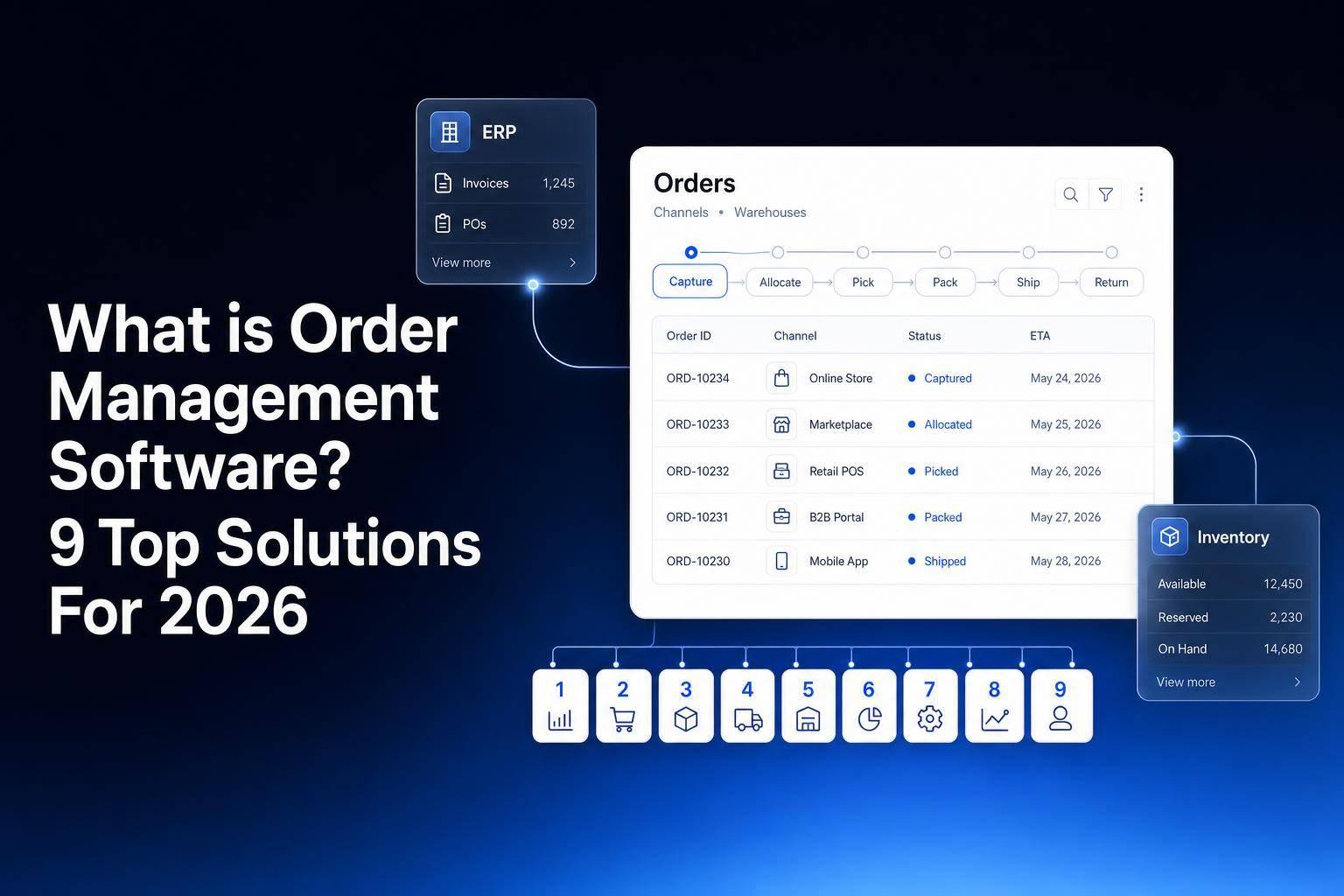
If you sell across more than one channel, order mistakes get expensive fast. An order management system tracks each order from checkout to delivery, return, and stock update, so you can cut manual work and keep orders, inventory, and fulfillment in sync.
Here’s the short version:
- OMS software manages the order lifecycle
- It is different from inventory software and different from ERP
- The best fit depends on routing, integrations, automation, and access control
- In this list, the 9 tools are: Jet Admin, Zoho Inventory, Salesforce Order Management, QuickBooks Commerce, NetSuite Order Management, Katana, monday.com, ShippingEasy, and Manhattan Active Order Management
If I were narrowing this list down, I’d sort it like this:
- Jet Admin: best if you want to build order workflows on top of your current databases and APIs
- Zoho Inventory: best for smaller teams already using Zoho
- Salesforce Order Management: best for companies already deep in Salesforce
- QuickBooks Commerce: best for simpler product businesses tied to accounting
- NetSuite Order Management: best for large teams with many channels and warehouses
- Katana: best for manufacturing-led order flow
- monday.com: best for task tracking, not deep fulfillment logic
- ShippingEasy: best for centralizing ecommerce orders for shipping teams
- Manhattan Active Order Management: best for large omnichannel setups across stores, warehouses, and 3PLs
A simple way to think about it:
- OMS = orders and returns
- Inventory system = stock and locations
- ERP = finance, people, production, and the rest of the business
That difference matters. Many teams buy one tool when they in fact need another.
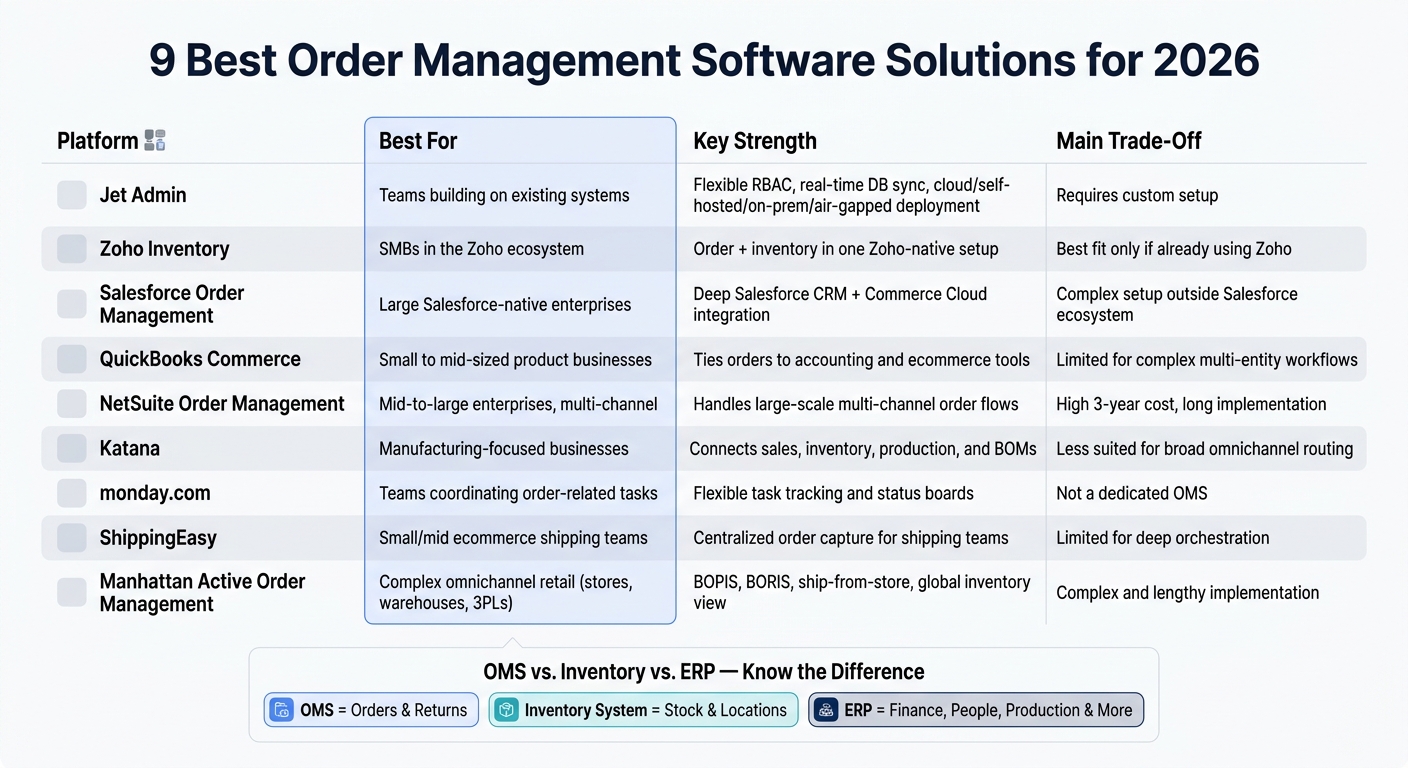
9 Best Order Management Software Solutions for 2026: Side-by-Side Comparison
4 Best Order Management Systems (OMS) in 2026
sbb-itb-8346adb
Quick Comparison
| Platform | Best For | Main Strength | Main Limit |
|---|---|---|---|
| Jet Admin | Teams building on current systems | Works with existing data sources, strong permissions, many deployment choices | Needs setup around your process |
| Zoho Inventory | SMBs in Zoho | Order and inventory in one Zoho-based setup | Best fit if you already use Zoho |
| Salesforce Order Management | Salesforce users | Deep Salesforce connection | More setup outside Salesforce |
| QuickBooks Commerce | Small to mid-sized product businesses | Ties orders to accounting and commerce tools | Better for simpler workflows |
| NetSuite Order Management | Mid-sized to large enterprises | Handles large, multi-channel order flows | Higher 3-year cost and longer setup |
| Katana | Manufacturers | Links sales, stock, and production | Less focused on broad omnichannel routing |
| monday.com | Teams coordinating work | Easy task and status tracking | Not a dedicated OMS |
| ShippingEasy | Ecommerce shipping teams | Centralized order intake for shipping | Limited for deeper orchestration |
| Manhattan Active Order Management | Complex omnichannel retail | Handles store, warehouse, and 3PL routing | Harder implementation |
A few buying tips matter more than feature lists:
- Check your monthly order volume
- Map your warehouse count and fulfillment steps
- List every system that must connect: store, marketplace, ERP, WMS, carriers, 3PL
- Test one end-to-end flow with live data before signing
- Look at 3-year cost, not just starting price
That last point matters a lot. A tool that looks lower-cost on day one can cost more after migration, training, support, and custom work.
If you need a plain answer, here it is: the best OMS is the one that fits your bottleneck. For some teams, that is channel sprawl. For others, it is permissions, deployment rules, manufacturing flow, or store-to-warehouse routing. The rest of this article breaks down which platform fits which case.
1. Jet Admin
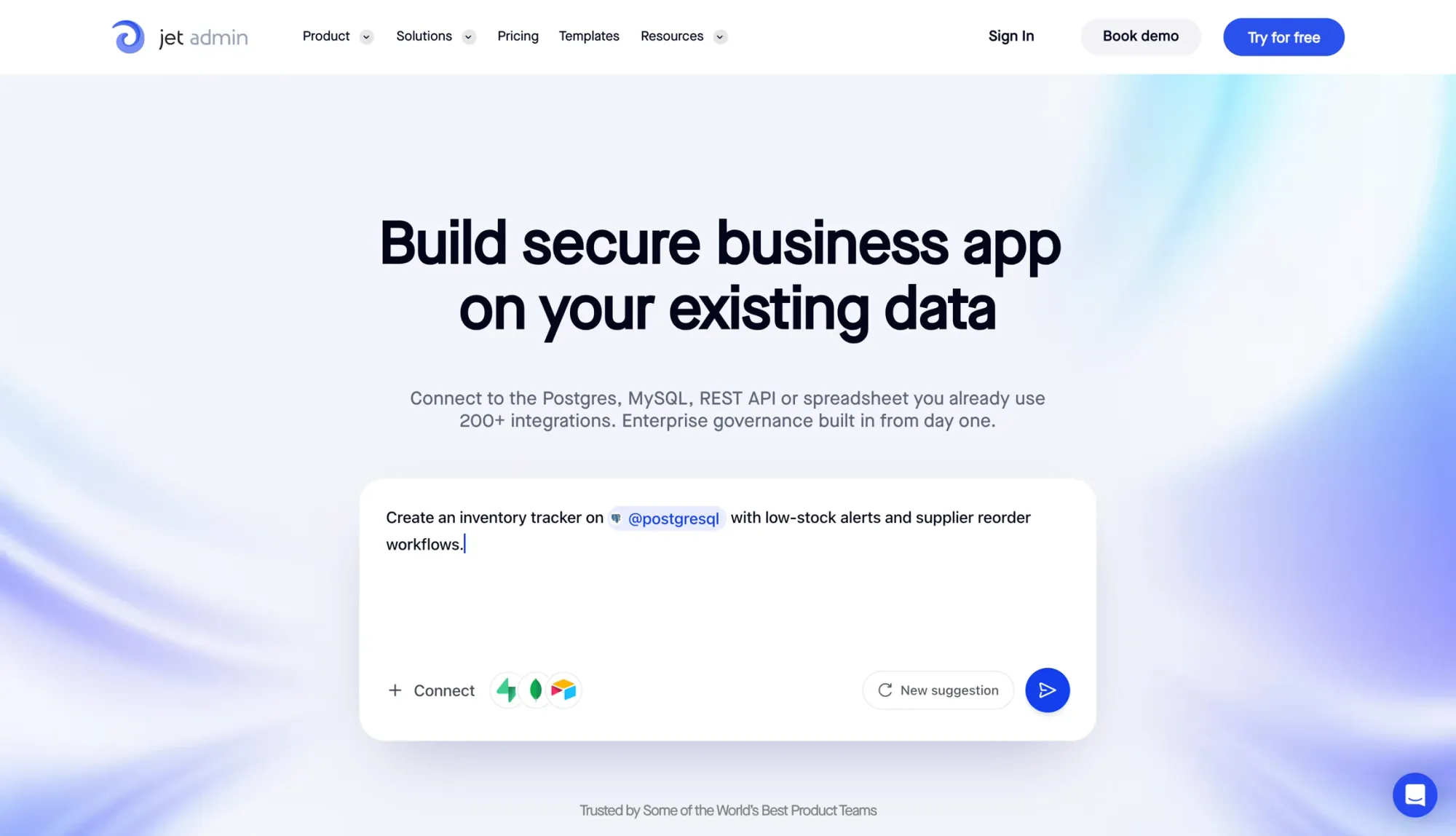
Best for: Operations and engineering teams that need order management workflows built on top of their current databases and APIs, without ripping out the stack they already rely on.
Jet Admin is an AI-powered, low-code app builder for internal order management tools. The main draw is simple: you can build on top of the data sources you already use. So if your order process needs to work with current systems instead of replacing them, Jet Admin fits that setup well.
If your team keeps order data across several tools, Jet Admin helps turn those sources into one operating layer using the best no-code app builder for your needs. It connects with PostgreSQL, MySQL, MongoDB, Supabase, Firebase, REST APIs, Google Sheets, Airtable, and Jet Tables. Once connected, you can build order workflows right on top of that data.
The AI Co-Builder can take a plain-language prompt and turn it into an admin panel, database, and permissions setup. After that, teams can add branching logic, approvals, schedules, and server-side functions for more involved fulfillment flows.
Jet Admin also includes row- and field-level RBAC, SSO/SAML and audit logs (Business and above), and SCIM provisioning on the Enterprise plan. That matters when your team handles sensitive order or customer data.
| Deployment Option | Best For | Data Residency |
|---|---|---|
| Cloud | Fast setup, low maintenance | Jet-managed infrastructure |
| Self-hosted | Teams deploying in AWS, GCP, or Azure | Your own cloud environment |
| On-premises | Private network deployments | Internal infrastructure |
| Air-gapped | High-security, defense, or critical infrastructure use cases | Fully isolated local network |
Self-hosted, on-premises and air-gapped deployment are on the Enterprise plan. Pricing starts with a Free plan (unlimited apps and users), then Pro at $20/month, Business at $100/month and custom Enterprise pricing.
2. Zoho Inventory

Best for: Small and mid-sized teams that want order and inventory management within the Zoho suite.
Zoho Inventory is a good match for small and mid-sized teams that want to handle orders and inventory inside the Zoho suite. The big draw is simple: it keeps order and inventory work in one connected system instead of scattering it across separate tools.
Best fit: small and mid-sized teams; Ecosystem: native Zoho integration.
3. Salesforce Order Management
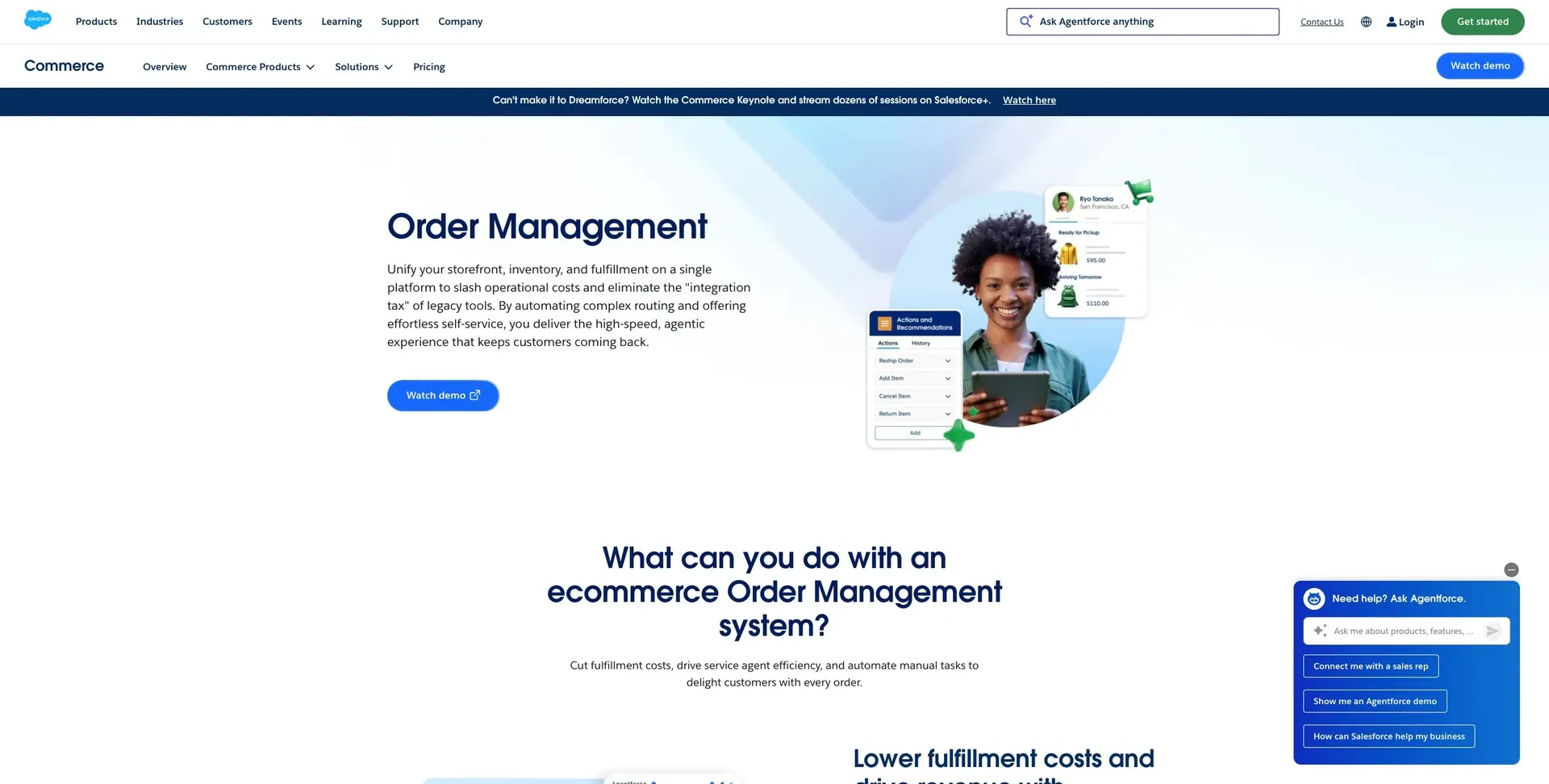
Best for: Teams already using Salesforce CRM or Commerce Cloud.
For larger teams that already run on Salesforce, this option puts order orchestration in one place without forcing a rip-and-replace of the rest of the stack.
Salesforce Order Management connects natively to Salesforce CRM and Commerce Cloud. For ERP, WMS, and carrier systems, it relies on pre-built connectors and APIs. If your team works mostly outside the Salesforce ecosystem, expect more setup work across ERP, WMS, and carrier systems.
| Integration Target | Method | Primary Benefit |
|---|---|---|
| Salesforce CRM | Native Platform | Unified customer and order data |
| Commerce Cloud | Native Platform | Real-time omnichannel fulfillment sync |
| ERP Systems | APIs / Pre-built Connectors | Financial and supply chain alignment |
| Warehouse (WMS) | APIs / Webhooks | Automated picking and packing workflows |
| Carriers | APIs / 3PL Connectors | Real-time tracking and label generation |
On the governance side, RBAC, SSO, and audit trails help support access control and auditability.
The big upside here is its depth inside Salesforce. The trade-off is simple: once you move beyond that world, implementation can get more complex.
4. QuickBooks Commerce
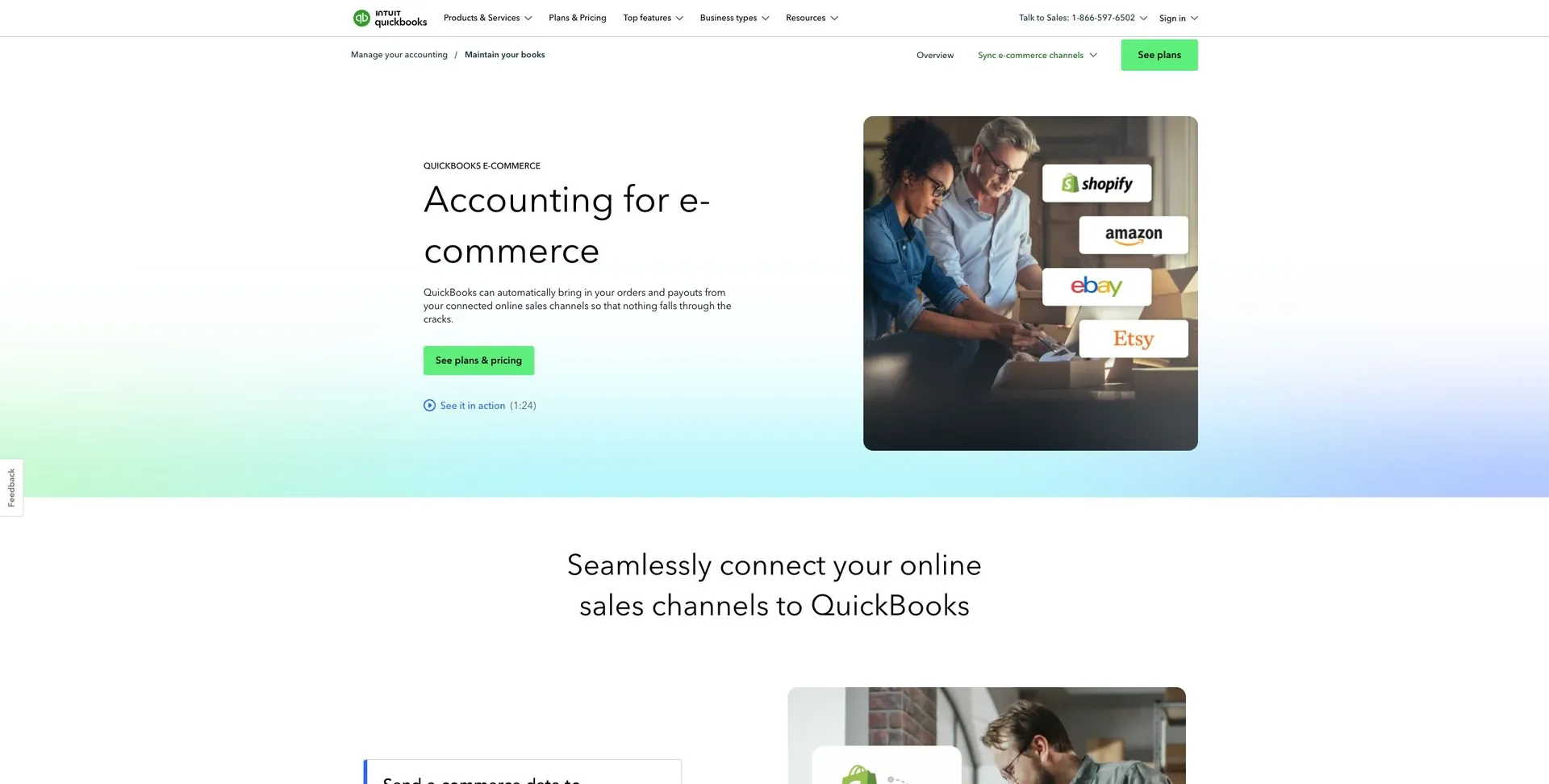
Best for: Small to mid-sized product businesses that need order management tied to accounting, e-commerce, shipping, and warehouse work.
QuickBooks Commerce connects order management with accounting, e-commerce, shipping, and warehouse work for small to mid-sized product businesses.
In day-to-day use, it tends to work best for simpler setups. You get basic visibility into how orders move across the business, which can be a big help when you don’t want to juggle everything by hand. But it’s a better fit for simpler workflows than for complex, multi-entity operations. If your team runs across multiple entities or needs enterprise-level depth, you’ll likely outgrow it.
5. NetSuite Order Management
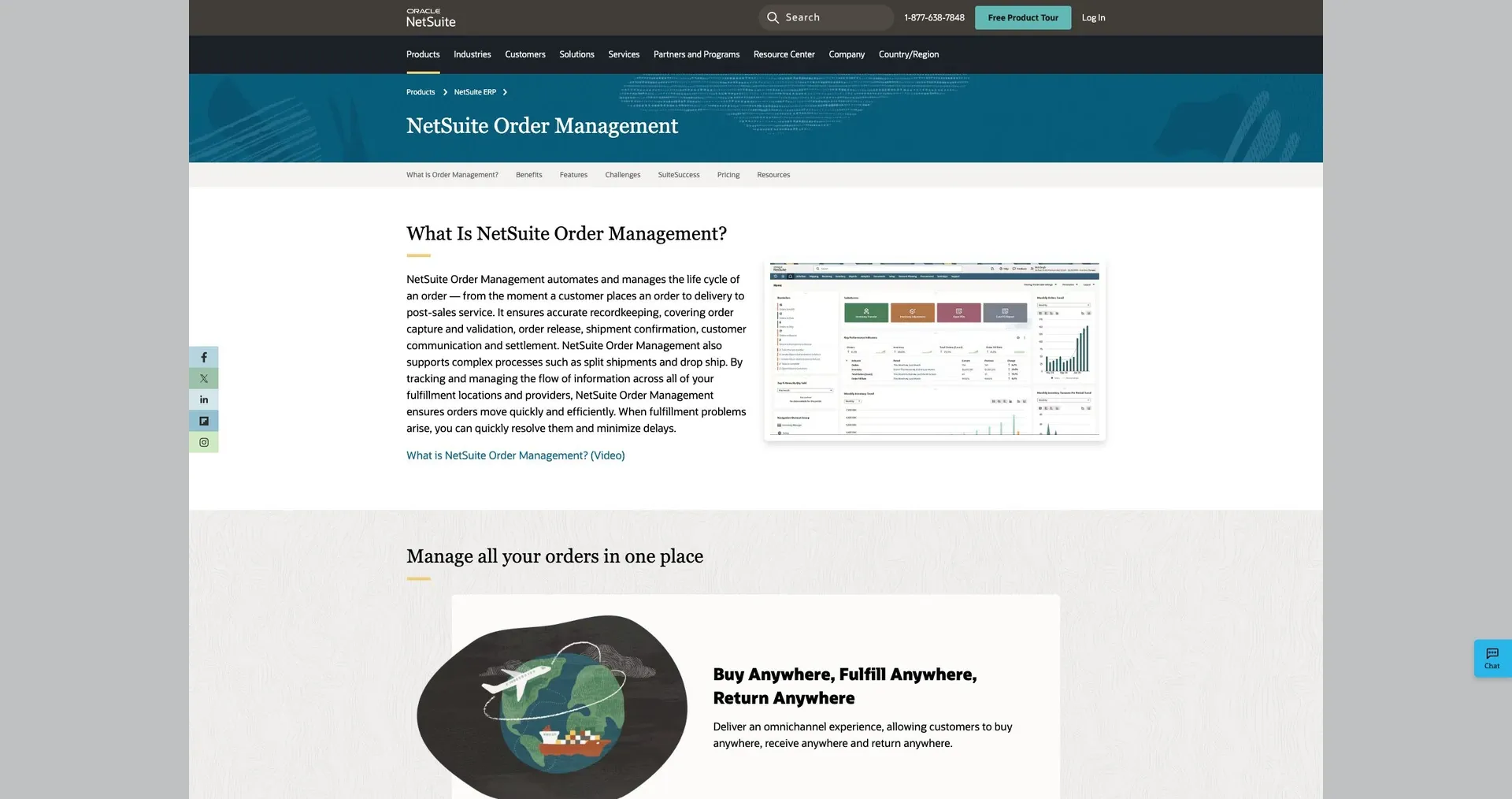
Best for: Mid-to-large enterprises that need one system to handle complex order workflows across many sales channels, warehouses, and fulfillment methods.
NetSuite Order Management is built for enterprise-scale operations. It brings orders from different channels into one place, sends them down the right fulfillment path, and manages returns in that same system.
On the integration side, NetSuite offers connectors and APIs for ERPs, CRMs, and legacy systems. It also includes SSO and role-based permissions for multi-team access control. That matters when sales, operations, finance, and fulfillment all need to work from the same order flow without stepping on each other.
Its reporting and automation tools also help with complex routing and fulfillment workflows, which can cut down on manual work.
The main downside is cost, along with the work needed to get everything up and running. Licensing, migration, training, and ongoing maintenance can add up fast. So instead of looking only at the upfront price, it makes more sense to estimate total cost of ownership over at least three years.
Next, we move to a lighter option for teams with more production-focused workflows.
6. Katana
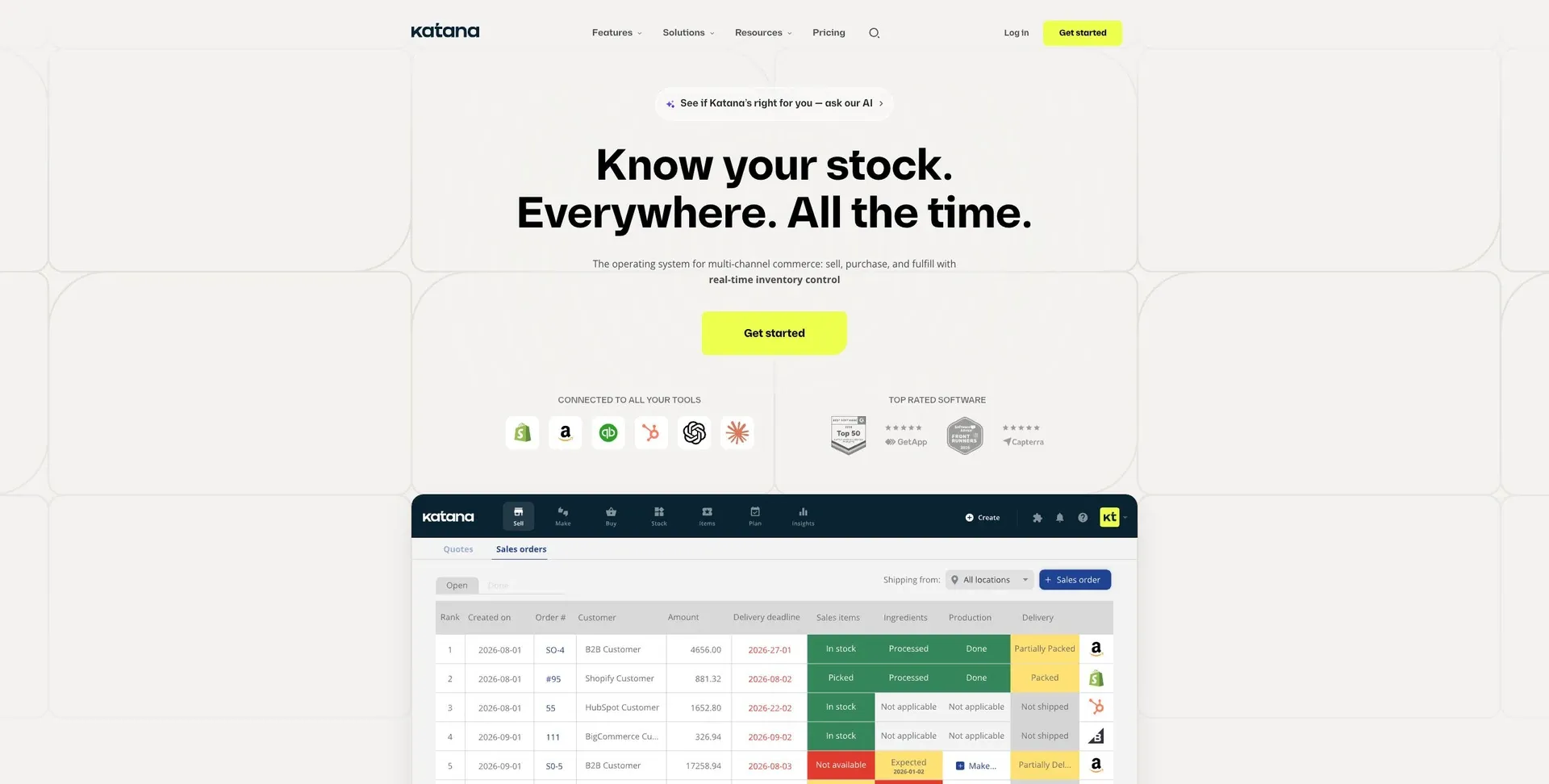
Best for: Manufacturing-focused businesses that need to connect sales orders, inventory, production, and fulfillment.
If production sits at the center of your order flow, Katana puts the focus on manufacturing execution instead of general orchestration.
Katana is built for manufacturing-heavy order management. It connects sales orders with inventory, production, and fulfillment, which gives teams a clear path from raw materials all the way to finished orders. It also supports BOMs, kitting, and work orders, so you can track what’s needed, what’s in progress, and what’s ready to ship.
It integrates with Shopify, BigCommerce, WooCommerce, QuickBooks Online, Xero, Sage, and ShipStation. That makes it a solid fit for many ecommerce, accounting, and shipping setups.
On the automation side, Katana can allocate inventory for incoming orders and update production schedules as demand shifts. Reporting covers COGS, production margins, and inventory turnover.
It makes the most sense when production planning is the main bottleneck.
7. monday.com
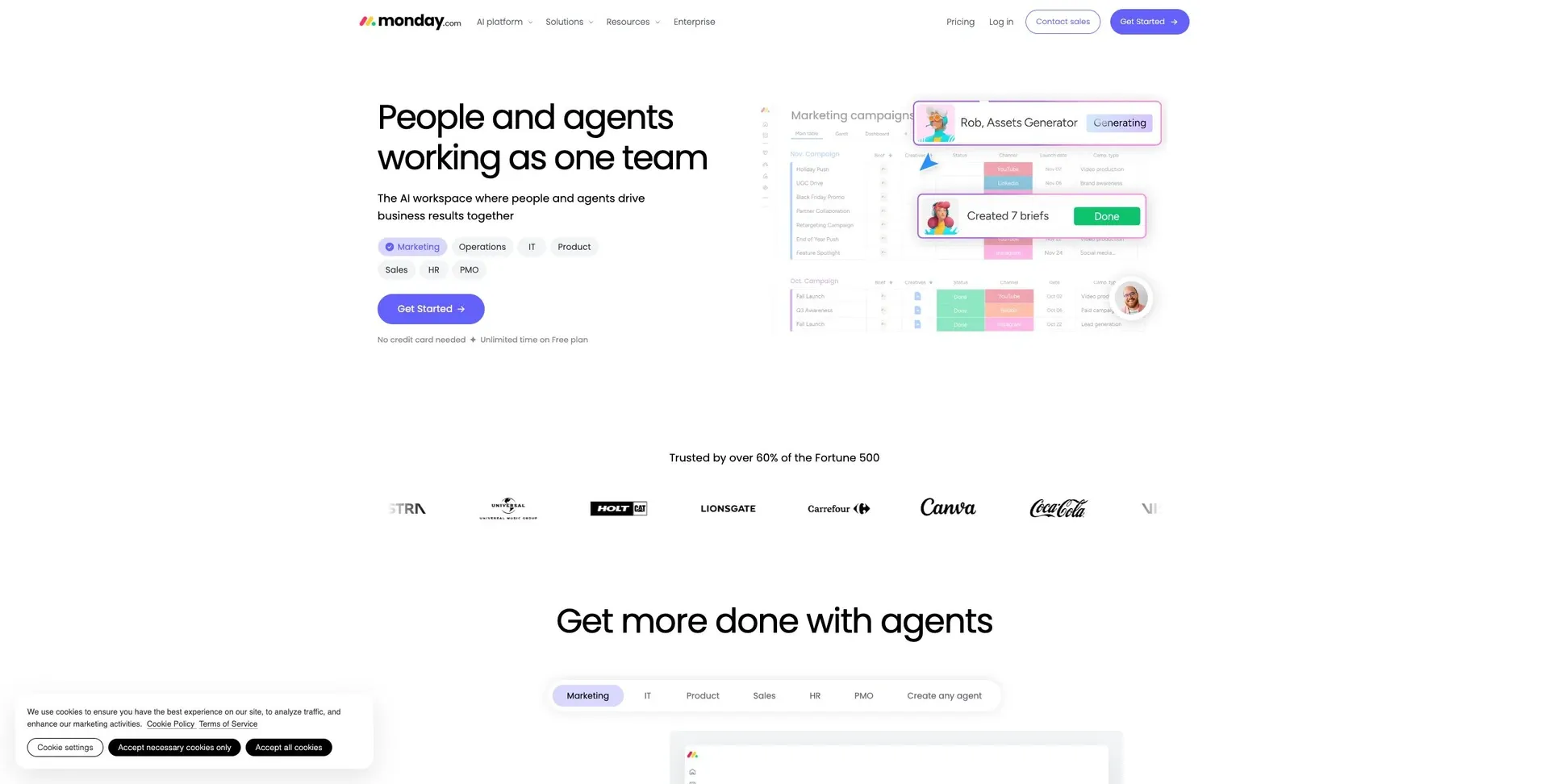
Best for: Teams that need a flexible workspace for coordinating order-related work.
monday.com is a flexible workspace that works well for order management app and cross-team coordination. But it isn't a purpose-built OMS.
That distinction matters.
If your team cares more about keeping everyone aligned than managing deep fulfillment rules, monday.com can be a solid fit. Teams can move orders through custom boards and use automations to update status, send alerts, and assign tasks without a lot of manual follow-up.
It also connects with other business tools through native integrations and third-party connectors. So if your setup already includes other apps, monday.com can sit in the middle and help teams stay on the same page.
That said, it has limits. For more advanced inventory, shipping, or returns workflows, teams often pair monday.com with other systems.
Dashboards make it easy to see order status and team workload at a glance. That's useful for day-to-day coordination. But once order operations get more involved, most teams need extra tools to fill in the gaps.
On governance, monday.com includes board permissions, guest access, and team visibility controls. That helps departments coordinate order-related work without stepping on each other. Still, it doesn't offer the same level of access control that many fulfillment-heavy teams look for.
If your business has heavier shipping and returns needs, a more specialized OMS usually makes more sense. And when order operations call for deeper shipping, inventory, or returns control, a dedicated OMS is the better fit.
8. ShippingEasy
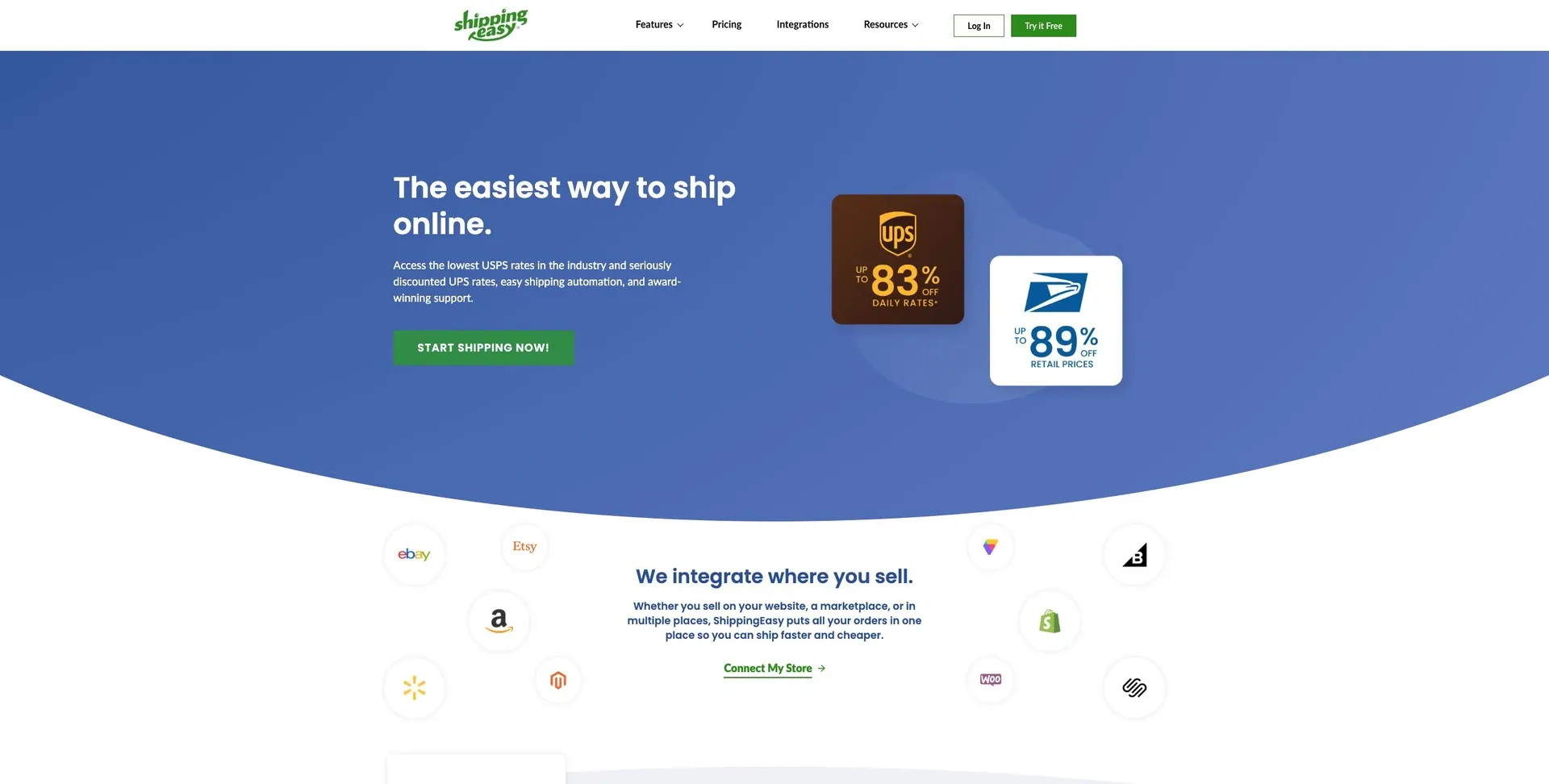
Best for: Small to mid-sized ecommerce businesses that want to centralize order capture from ecommerce platforms.
If your team needs a simpler way to pull in orders, rather than map out full production planning, ShippingEasy is a solid fit. It brings ecommerce orders into one dashboard and keeps incoming orders synced for shipping and fulfillment teams.
In plain English: it works well for businesses that want clean, centralized order capture more than complex orchestration.
9. Manhattan Active Order Management
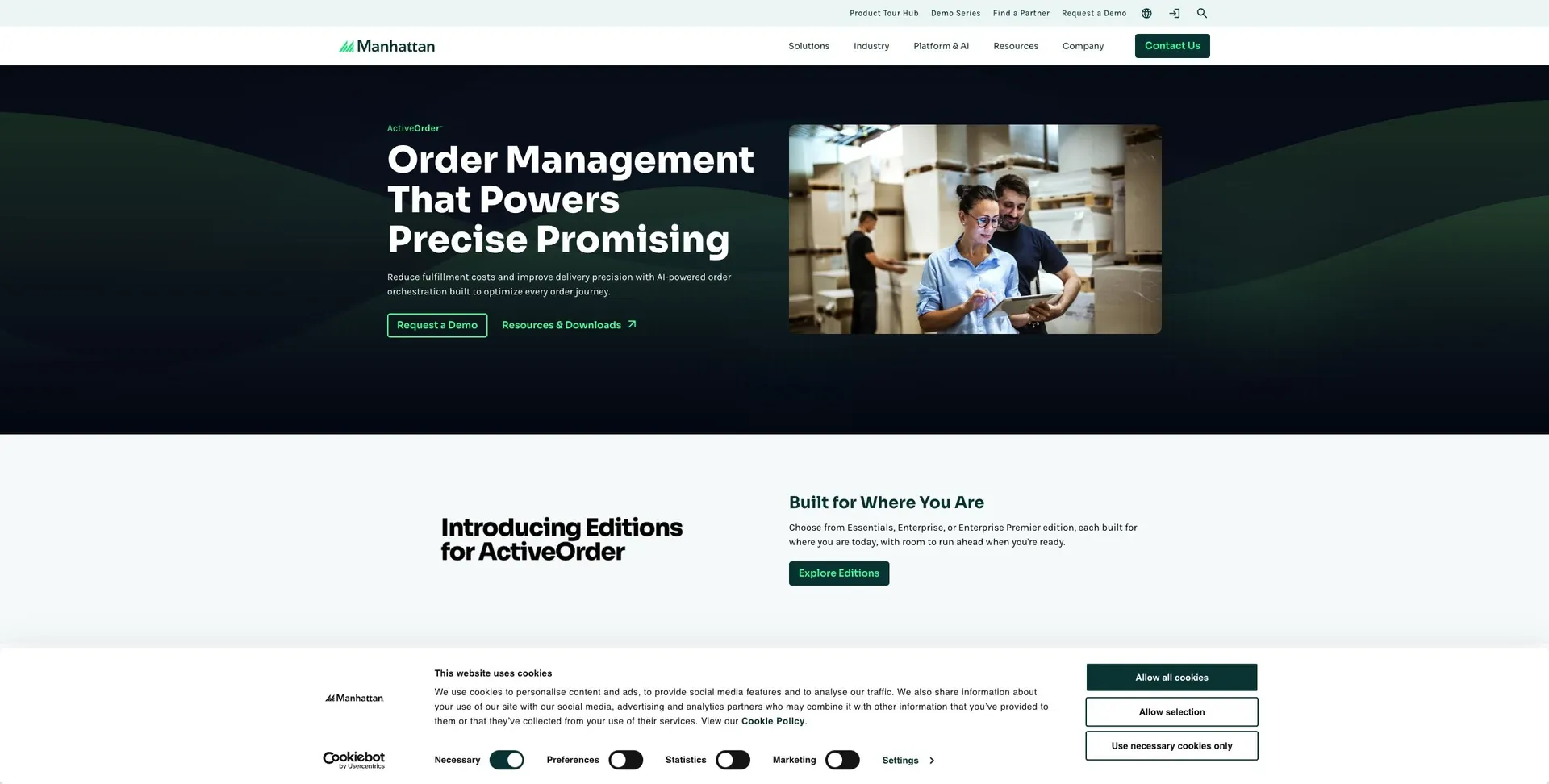
Best for: Organizations managing complex omnichannel operations across warehouses, stores, and 3PLs.
For teams working across warehouses, stores, and 3PLs, Manhattan Active Order Management is built for the messy parts of fulfillment. It’s designed for complex omnichannel operations and uses a cloud-native setup made up of modular services to support BOPIS, BORIS, and ship-from-store workflows.
In practice, that means it can route orders across different fulfillment locations, deal with exceptions automatically, and keep a global inventory view across distribution centers, retail stores, and in-transit stock. That gives teams a clearer picture of what’s available, helps them promise more accurate delivery dates, and cuts down on manual re-routing when something goes sideways.
On the carrier and 3PL side, it also supports real-time tracking and pickup scheduling. And for governance, role-based controls and order visibility dashboards give operations and fulfillment teams a shared view without stepping on each other’s toes.
Its main edge is depth. The trade-off is a more complex implementation.
Feature and Trade-Off Analysis
No platform fits every operation. The better move is to match the tool to the bottleneck you’re trying to fix, whether that’s routing, integrations, automation, or access control.
How the Platforms Stack Up
The profiles above show who each tool fits. This section looks at why. In practice, the fit usually comes down to four things: routing, integrations, automation, and governance.
These are the capabilities that most affect fit in 2026.
| Feature | Business Impact | Platform Strength |
|---|---|---|
| Real-time DB sync | Reduces data silos and overselling risk across channels | Jet Admin |
| Multi-warehouse tracking | Supports nearest-location fulfillment and can lower shipping costs | Zoho Inventory, NetSuite |
| Automated reordering | Helps prevent stockouts and reduces manual purchasing work | Katana, Zoho Inventory |
| Omnichannel orchestration | Routes orders across stores, distribution centers, and 3PLs with exception handling | Manhattan, Salesforce |
| Granular RBAC | Enables secure portal access for 3PLs and vendors without exposing margins | Jet Admin, Salesforce |
| Workflow automation | Reduces manual handoffs between sales, warehouse, and shipping teams | Jet Admin, monday.com, Salesforce |
Where the Biggest Trade-Offs Show Up
Features matter, but the harder part of the decision usually comes down to implementation speed, control, and maintenance.
The biggest trade-off is depth versus implementation speed. Platforms with deeper functionality often take longer to set up. Lighter tools can go live faster, but they tend to scale with more friction as operations get more complex.
The Deployment and Governance Gap
Deployment matters because it shapes where data lives, who controls access, and how closely the system fits your current infrastructure.
From there, compare those strengths against cost, implementation effort, and maintenance.
Pros, Cons, and Final Recommendation
Here’s the shortest fit summary for U.S. teams.
Use the table below to match each platform to the constraint it solves best.
| Platform | Best For | Key Strength | Main Trade-Off |
|---|---|---|---|
| Jet Admin | Governed apps built on existing data sources | Flexible RBAC, audit logs, real-time data access, and deployment options across cloud, plus self-hosted, on-premises and air-gapped environments on the Enterprise plan | Requires setup around your workflow |
| Zoho Inventory | SMBs in the Zoho ecosystem | Low total cost of ownership | Best suited to teams already centered on Zoho |
| Salesforce Order Management | Large enterprises with complex channels | Handles complex enterprise order operations | Higher total cost of ownership |
| monday.com | Teams tracking order tasks in boards | Task tracking for order workflows | Not a dedicated order management system |
Start with the constraint that matters most in your workflow: scale, governance, deployment, or channel complexity.
Then choose based on the factors that shape daily operations:
- sales-channel count
- monthly order volume
- warehouse complexity
- governance needs
- deployment constraints
- integrations
It also helps to map each platform to the part of the order lifecycle it touches most: capture, inventory sync, fulfillment routing, access control, and data residency. Jet Admin fits teams that need a governed order-management layer on top of existing data, with flexible deployment and real-time automation.
Before you commit, build a weighted scorecard and run one end-to-end test with real data. Don’t settle for a polished demo. Put the platform through the workflow your team actually lives in.
For example, test whether it can do all of this in one flow:
- pull historical sales and flag seasonal spikes
- trigger a draft purchase order to a supplier
- log cartons with barcode scanning and assign bins
- automatically allocate new stock to open backorders
- push real-time inventory levels to your sales channels
- generate picking waves, then pick, pack, and print shipping labels
That kind of test shows very fast whether the platform can handle your workflow from start to finish.
If you need a secure, customizable order-management layer that covers sales, inventory, shipping, and returns on top of existing systems, Jet Admin is the best place to start.
FAQs
Do I need an OMS or an ERP?
Choose an OMS if you need tighter control over the full order lifecycle, from tracking and processing to fulfillment and returns, across sales channels, inventory, and shipping.
Choose an ERP if your main need is back-office management across the company, like accounting and core business operations. In many cases, an OMS works alongside an ERP instead of replacing it.
Which OMS features matter most first?
Put data connectivity and security first. They’re the hardest parts to change later.
Start by connecting your databases, APIs, and SaaS tools so inventory and orders show up in one place. That gives your team a single view instead of scattered records and constant guesswork.
At the same time, set up role-based access and granular permissions. In plain English: make sure the right people can see and change the right things, and nothing more.
Once those pieces are in place, build your core CRUD workflows and main approval processes. After that, add advanced automation and analytics.
How do I test an OMS before buying?
Start by setting baseline KPIs, like order cycle time and error rates. That gives you a clear before-and-after view instead of relying on gut feel.
Next, run a two-to-four-week pilot. Rebuild a medium-complexity workflow in the OMS and connect it to your actual data sources. Don’t use a cleaned-up demo setup. Use the same inputs your team deals with every day so the test reflects what will happen after rollout.
Have your team complete real work in the system. Check core flows such as:
- CRUD operations
- Approvals
- Performance
- Security
- Data connectivity
It also helps to run the new system in parallel with your legacy process for a short period. That side-by-side test makes it much easier to spot gaps, compare results, and see whether the OMS holds up under day-to-day use.