
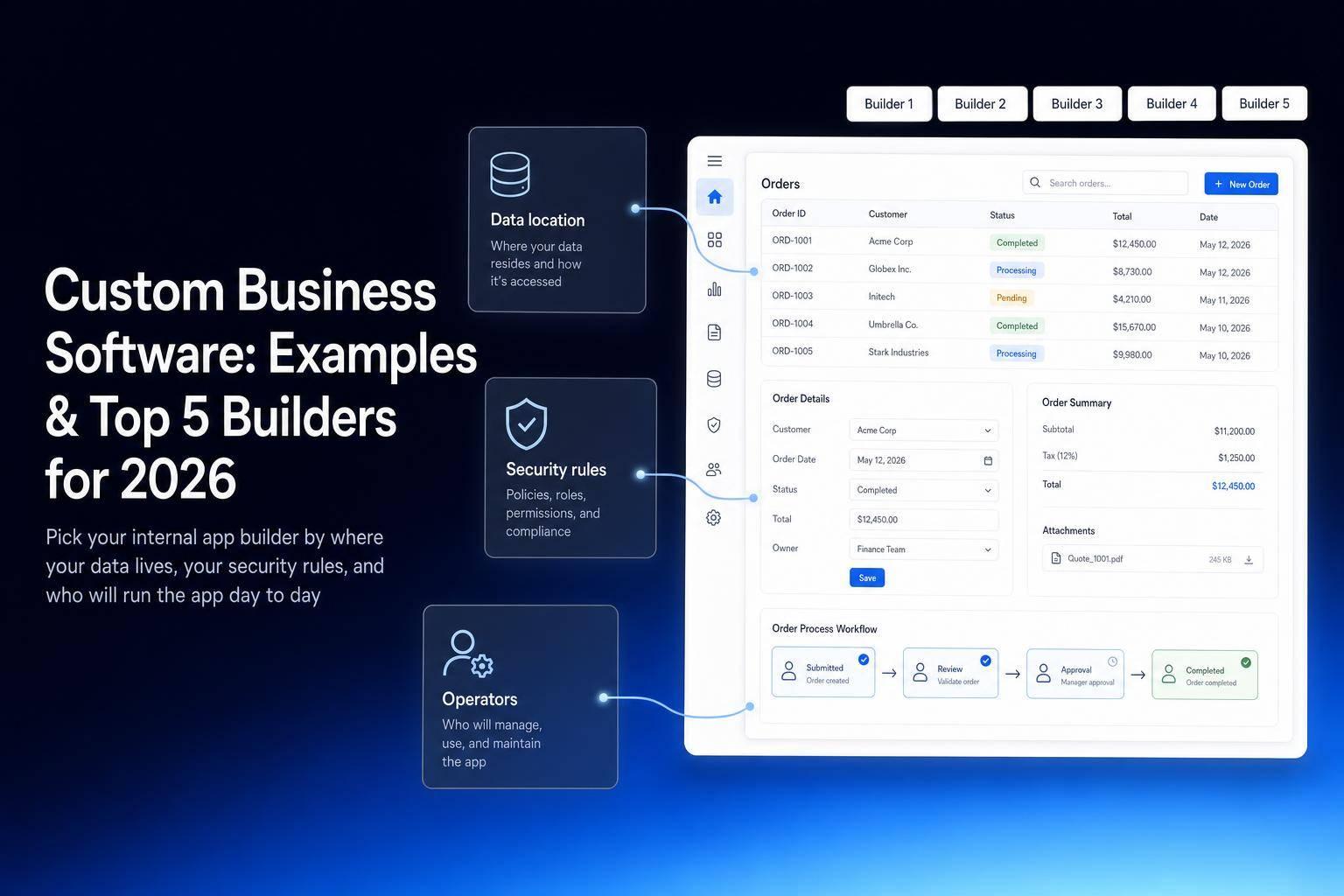
If you need an internal app in 2026, the short answer is this: pick the builder based on your data, your security rules, and who will run the app day to day.
I’d narrow it down like this:
- Jet Admin: best when I need tight control, many deployment options, and apps tied to live business data
- Retool: best when developers will build and maintain the app
- Microsoft Power Apps: best for companies already deep in Microsoft 365
- Appsmith: best when I want open-source access and self-hosting
- Glide: best for simple apps built from spreadsheets
One stat sets the tone here: Gartner says 70% of new enterprise apps will use low-code or no-code by 2026. That tells me one thing: teams want to ship internal software without building everything from scratch.
This comparison looks at the five tools through the lens that matters most:
- build an app with AI
- Data connections
- Approvals and access control
- Hosting options
- Cost and team fit
Quick Comparison
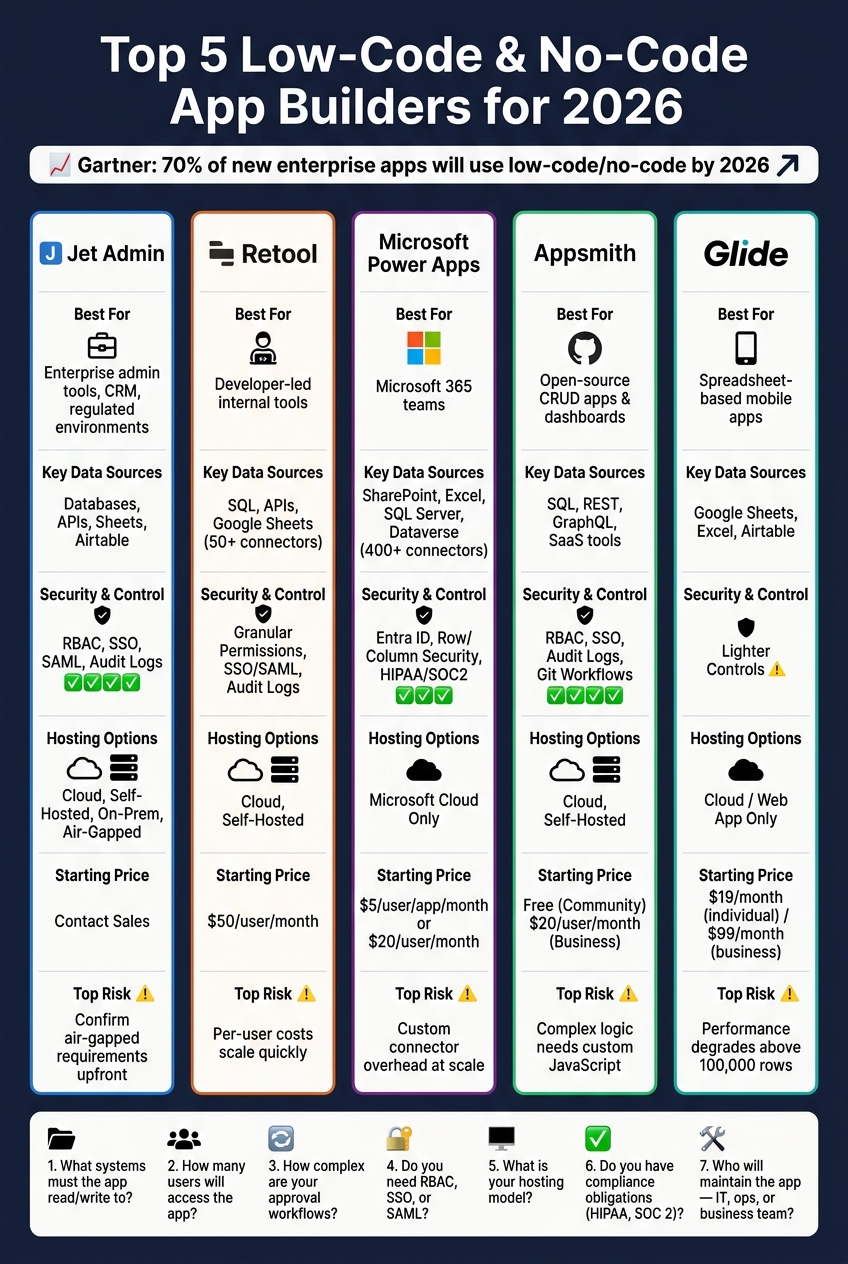
Top 5 Low-Code App Builders Compared: Features, Pricing & Best Use Cases (2026)
| Platform | Best For | Main Data Sources | Security/Control | Hosting |
|---|---|---|---|---|
| Jet Admin | Admin tools, CRM flows, help desk apps | Databases, APIs, Sheets, Airtable | RBAC; SSO, SAML, audit logs on Business+ | Cloud; self-hosted, on-prem and air-gapped on Enterprise |
| Retool | Developer-led internal tools | SQL, APIs, Sheets | Granular permissions, SSO/SAML, audit logs | Cloud, self-hosted |
| Power Apps | Microsoft 365 teams | SharePoint, Excel, SQL Server, Dataverse | Entra ID, row/column security, compliance support | Microsoft cloud ecosystem |
| Appsmith | Open-source internal apps | SQL, REST, GraphQL, SaaS tools | RBAC, SSO, audit logs, Git workflows | Cloud, self-hosted |
| Glide | Spreadsheet-based mobile apps | Google Sheets, Excel, Airtable | Lighter controls | Cloud/web app |
A simple way to look at it: if the app touches production data, has approval steps, or needs SSO and audit logs, your list gets short fast. If it’s just a lightweight tracker on top of a spreadsheet, a simpler tool may be enough.
Below, I break down where each builder fits, where it can fall short, and what I’d check before choosing.
sbb-itb-8346adb
1. Jet Admin
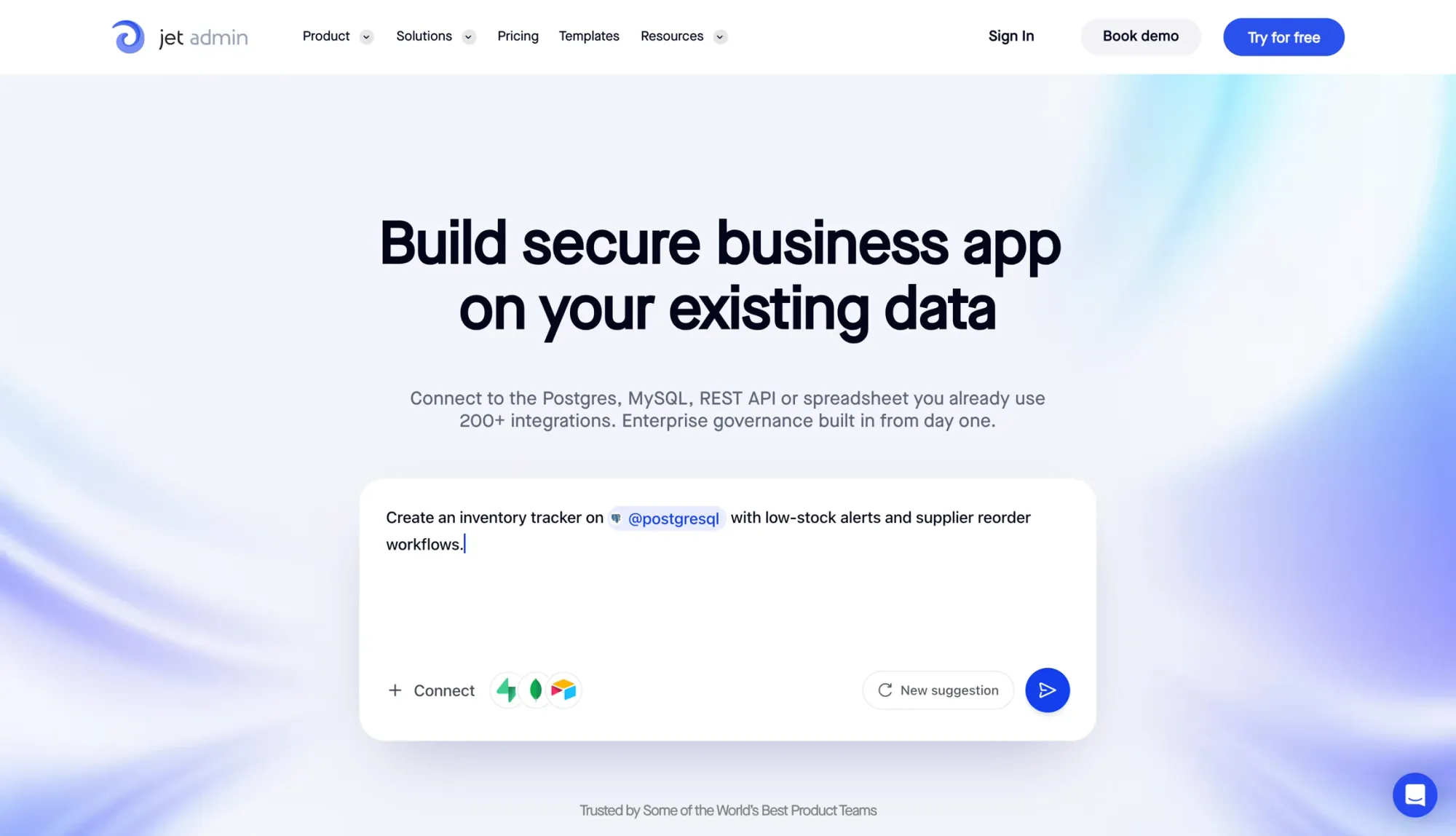
Jet Admin is an AI-powered platform for building internal tools on top of the data your team already owns, not replacing it. That matters. Instead of forcing teams to rip out old systems and start from scratch, it helps them turn existing data into production-ready apps without building a backend first.
Here’s where Jet Admin stands out: AI setup, integrations, governance, and deployment.
AI App Creation
Jet Admin’s AI builder can turn a prompt or dataset into a working internal-tool starter. So rather than staring at a blank screen, teams get a usable first version they can build on right away.
Data and Integrations
After that first draft is generated, Jet Admin connects it to live systems. It works with PostgreSQL, MySQL, MongoDB, Supabase, Firebase, REST APIs, Google Sheets, and Airtable.
It can read and write data, which makes it easier to build tools that do more than just display information. Jet Tables also gives teams a built-in database to start with, which is handy when you need to get something off the ground fast.
Workflow and Governance
Jet Admin supports RBAC and magic-link login, with SSO, SAML and audit logs on the Business plan and above. It also includes approval workflows, SLA-based ticket queues, and versioned document libraries.
In plain English: teams get the controls they need to manage access, track changes, and keep day-to-day operations in order. That keeps auditability and operational control at the center of each internal tool.
Deployment and Enterprise Fit
Jet Admin offers managed cloud, self-hosted, and fully on-premise deployment, plus air-gapped support; the non-cloud options are on the Enterprise plan. For teams with strict security, compliance, or data-residency needs, that kind of setup can make all the difference.
2. Retool

Retool fits engineering teams that need to ship internal tools fast: admin consoles, dashboards, and approval queues. Its big selling point is speed for developer-led teams. If you need admin panels, approval flows, or dashboards connected to systems you already use, this is where Retool tends to shine.
AI App Creation
Retool comes with Generative AI blocks and AI-assisted development to help teams build internal apps faster. Its drag-and-drop builder includes 100+ UI components, which makes it easier to assemble interfaces without starting from scratch.
That speed becomes even more useful when the app also needs access to live data. You’re not just mocking up screens. You’re putting working interfaces in front of people fast.
Data and Integrations
Retool connects to live databases, APIs, and spreadsheets without forcing you to redo your backend. It supports SQL databases through a visual query builder, REST and GraphQL APIs, and Google Sheets.
Developers can also use JavaScript for custom validation and branching logic, along with 50+ connectors. So if the out-of-the-box setup gets you 80% of the way there, code can usually handle the last mile.
Workflow and Governance
Retool includes granular permissions, audit logs, SSO/SAML, and separate dev, staging, and production environments. That gives teams more control when apps move from testing to live use.
You can also build custom approval flows and branching logic by tying JavaScript to queries and component events. For teams that ship fast and need guardrails in place, those controls matter.
Deployment and Enterprise Fit
Retool supports both cloud and self-hosted deployment, which helps teams that want tighter rollout control and clear environment separation. The Business plan costs $50 per user/month, while Enterprise pricing is custom.
The main tradeoffs are pretty straightforward:
- Non-technical users may face a steeper learning curve
- Costs can climb as the number of users grows
That makes Retool a strong fit for engineering-heavy teams, but less of a plug-and-play pick for business users working on their own.
3. Microsoft Power Apps
If your team already runs on Microsoft 365, Power Apps is a pretty natural next step for building internal tools. It works well for companies that have standardized on Microsoft 365 and need apps tied to SharePoint, Excel, SQL Server, or Dataverse.
AI App Creation
Power Apps comes with AI Builder, which helps automate things like document extraction and workflow processing.
Data and Integrations
Power Apps includes 400+ connectors for Microsoft products and outside systems like SAP and Salesforce. If you need more, custom connectors can link the platform to REST APIs. Dataverse acts as the shared data layer for both canvas apps and model-driven apps, with the same security roles across both.
That matters most when those connections feed approvals, routing, and other controlled workflows.
Workflow and Governance
For workflow automation, Power Apps relies on Power Automate for approvals and data sync. It also uses Microsoft Entra ID for SSO and access control. On the data side, Dataverse supports row-level and column-level security across apps. The platform also supports GDPR, HIPAA, and SOC 2 compliance.
Deployment and Enterprise Fit
For enterprise teams, Power Apps supports dev, test, and production promotion, along with ALM. Pricing starts at $5 per user/app/month, or $20 per user/month for unlimited apps. Reviewers tend to point to its tight Microsoft 365 fit and compliance support. The tradeoff is that advanced data modeling can take more effort, and managing custom connectors at scale can add overhead. Teams that don't live in the Microsoft world should also plan for connector upkeep.
4. Appsmith
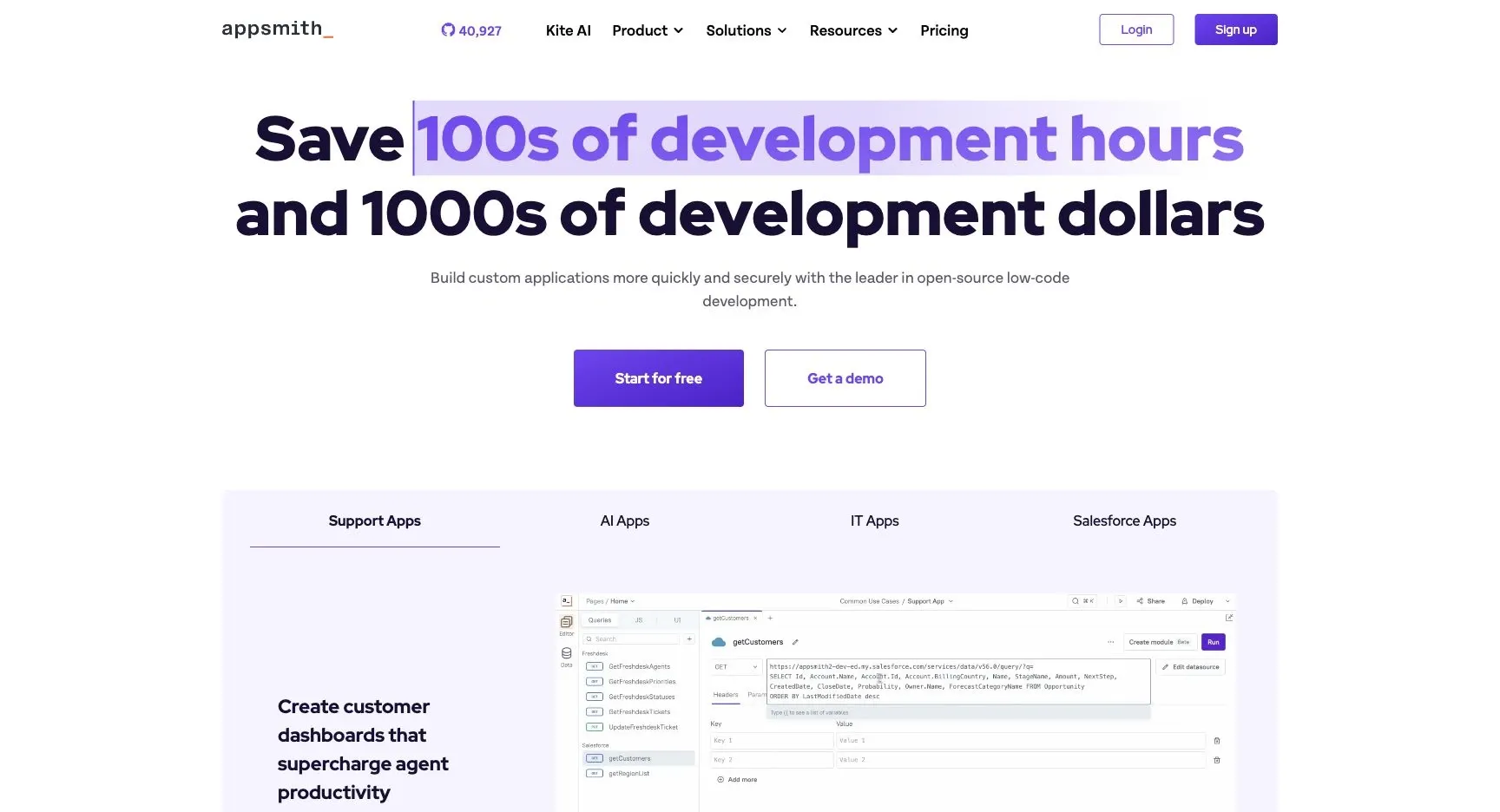
Appsmith is an open-source low-code platform built for authenticated internal tools. It’s a strong fit for CRUD apps, operational dashboards, and prototypes that sit on top of existing databases and APIs.
AI App Creation
Appsmith includes AI app creation help, but it’s fairly limited. If you need complex logic, data shaping, or multi-step workflows, you’ll still lean on custom JavaScript. That said, Appsmith shines in a different area: its query-driven builder and governance controls.
Data and Integrations
Appsmith uses UI events to trigger parameterized queries and mutations across a range of data sources. That includes REST, GraphQL, SQL databases like PostgreSQL and MySQL, plus SaaS tools such as Salesforce. It can also generate CRUD screens from connected datasources, which cuts down on repetitive setup work.
Workflow and Governance
Appsmith connects UI events, datasource calls, and JavaScript transforms into workflows. So instead of stitching things together by hand in a messy way, you can map out how the app should behave step by step.
On the governance side, Enterprise features include:
- RBAC
- SSO via SAML/OIDC
- audit logs
- Git-based version control
- branch protection
- dev/staging/production environments
Deployment and Enterprise Fit
Appsmith supports both cloud and self-hosted deployment. The Community Edition is free and open source with full source access. Paid plans start at $20 per user/month for Business or $40/month for 100 hours, with custom enterprise pricing also available. Those tradeoffs lead into the quick pros-and-cons summary below.
5. Glide
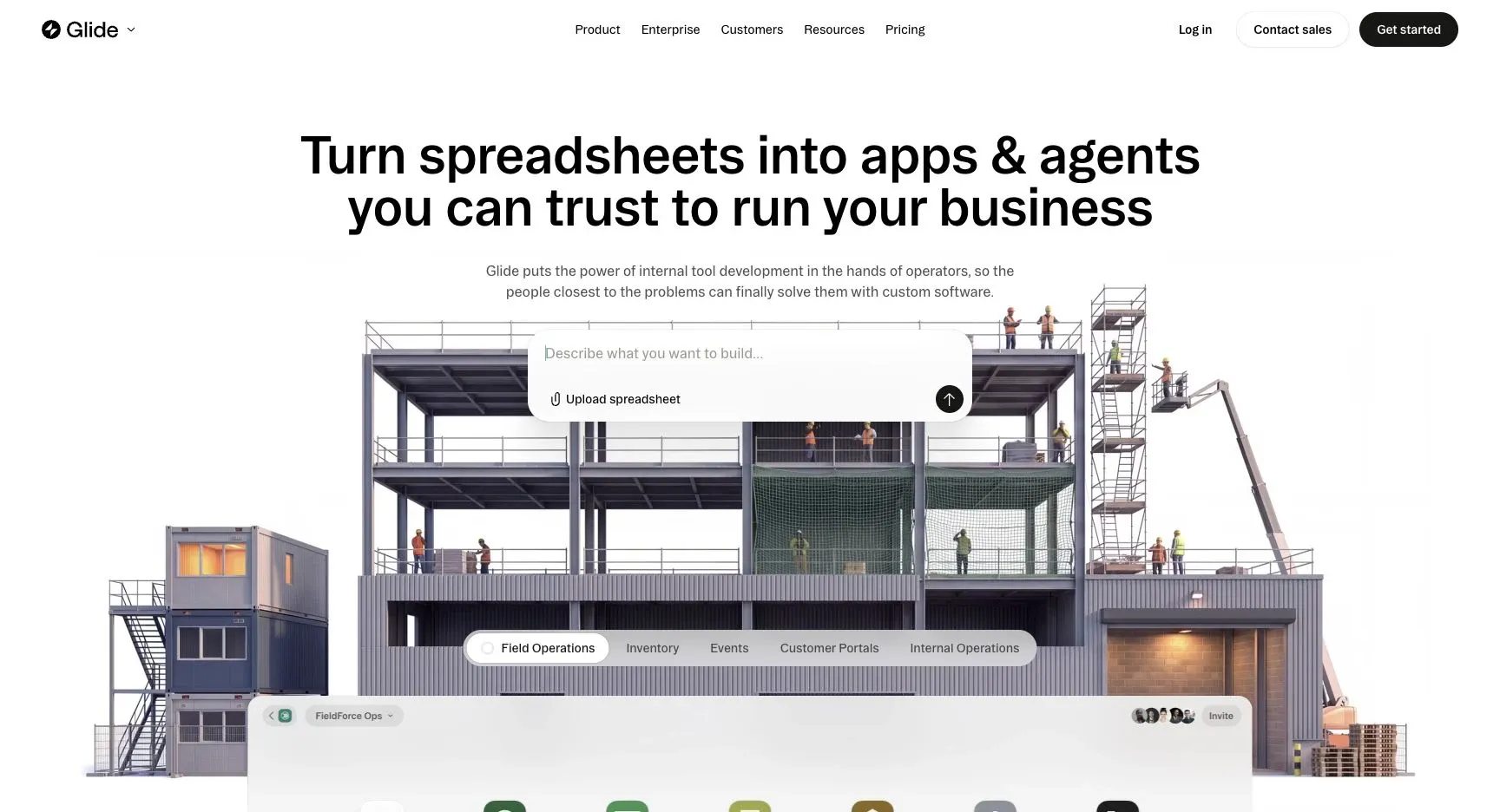
If your team already runs day-to-day work in spreadsheets, Glide can turn that data into a mobile-ready internal app. It’s a spreadsheet-first builder that works with Google Sheets, Excel, and Airtable.
AI App Creation
Glide supports prompt-based app scaffolding. So instead of building everything from scratch, you can describe the app you want and get a basic starting point.
That makes Glide a good fit for lightweight operational apps. Think inventory trackers, field checklists, and simple approval workflows that run on top of spreadsheet data.
Data and Integrations
In Glide, the data layer is usually a spreadsheet. The platform can read from and write to Google Sheets, Excel, or Airtable.
That setup works well for internal tools that already depend on spreadsheets. But there’s a catch: performance slows on datasets above 100,000 rows.
Workflow and Governance
Glide leans toward speed and mobile UX instead of deep governance controls. That makes it a fit for straightforward operational apps, not regulated internal systems.
Deployment and Enterprise Fit
Glide creates mobile-first web apps and PWAs. That’s a better match for field teams than for desktop-heavy workflows.
Paid plans start at $19/month for individuals, while business-tier plans cost around $99/month. Glide works best for lightweight, spreadsheet-based tools. Once your dataset gets too large, it starts to show strain. Its main draw is speed and simplicity, not deep governance or large-scale data handling.
Pros and Cons by Platform
Each builder fits a different kind of internal-tool setup. The best pick usually comes down to three things: governance, deployment, and data access. This quick summary helps match each platform to how your team works.
| Platform | Main Pros | Main Cons | Best Use Case | Key Risks |
|---|---|---|---|---|
| Jet Admin | Flexible deployment (cloud; self-hosted, on-premise and air-gapped on Enterprise); 200+ integrations; AI-assisted app building | Self-hosted and air-gapped setups need the Enterprise plan | Enterprise admin panels, CRM workflows, help desk, and regulated environments | Confirm air-gapped setup requirements upfront |
| Retool | Strong developer experience; fast assembly with 100+ UI components | Per-user pricing scales quickly with team size | Internal tools with a technical owner | Budget for per-user growth |
| Microsoft Power Apps | 400+ connectors; deep Microsoft 365 and Dataverse integration | Advanced data modeling and custom connector management add overhead | Microsoft-centric teams building approvals, dashboards, and SharePoint-connected tools | Match licensing to app count |
| Appsmith | Self-hosted Community edition; Git-based version control; RBAC and SSO on Enterprise tier | Complex logic still requires custom JavaScript | CRUD apps, operational dashboards, and prototypes on existing databases | Test concurrent writes |
| Glide | Fast setup from spreadsheet data; mobile-first output | Performance degrades on large datasets | Inventory trackers, field checklists, and lightweight approval workflows | Test row limits before rollout |
A simple way to think about it: Jet Admin works well when deployment options and control matter a lot. Retool suits teams with a technical owner who wants to move fast. Microsoft Power Apps makes the most sense if your company already lives in Microsoft 365. Appsmith is a solid fit for teams that want self-hosting and Git-based workflows. Glide shines when you need to turn spreadsheet data into a working app with minimal setup.
From here, narrow the list by your stack, compliance needs, and how you design and build tools that match your operations. In practice, that means checking the data source, security needs, and whether the app will be owned by IT, operations, or a business team.
Which Builder Should You Choose?
Pick the tool based on where your data lives, how much control you need, where the app will run, and who’s going to keep it up to date. Once you’ve compared feature sets, the short list usually comes down to ownership, deployment, and data model.
- Jet Admin - Best for teams that need strong governance and flexible deployment.
- Retool - Best for developer-led teams shipping internal tools fast, though per-user costs can climb as teams grow.
- Microsoft Power Apps - Best for Microsoft-centric IT departments already running on Azure AD and Microsoft 365.
- Appsmith - Best for teams that want open-source flexibility and an API-first approach.
- Glide - Best for lightweight, spreadsheet-based internal apps.
Use these questions to rule out tools that don’t fit your stack or governance needs.
| Question | Why It Matters |
|---|---|
| What systems must the app read from and write to? | Confirms which integrations you need and whether write-back to production is required |
| How many users will access the app? | Per-user pricing can add up fast at scale |
| How complex are your approval workflows? | Multi-step approvals need conditional logic support |
| Do you require RBAC, SSO, or SAML? | Enterprise security features vary by plan tier |
| What's your hosting model? | Cloud, self-hosted, on-premises, or air-gapped |
| Do you have compliance obligations (HIPAA, SOC 2, etc.)? | Determines deployment and audit log requirements |
| Who will maintain the app - IT, business operations, or a business team? | Affects how much code flexibility you actually need |
A simple way to think about it: the “best” builder on paper can still be the wrong one in practice. If your app needs to write back to production systems, handle multi-step approvals, and meet strict security rules, your options shrink fast. On the other hand, if you just need a lightweight app on top of a spreadsheet, a heavier platform may be overkill.
FAQs
What counts as custom business software?
Custom business software includes apps built around a company’s day-to-day processes, data, and user roles. That can mean web apps, mobile tools, internal dashboards, and client portals. Instead of forcing your team to work around a generic product, custom software fits the way your business already runs.
Common examples include:
- Internal admin panels
- CRM workflows
- Approval systems
- Inventory tools
- Help desk apps connected to existing databases, spreadsheets, and APIs
In plain English, it’s software shaped around your company’s workflow, not the other way around.
How do I choose the right builder?
Start with two or three high-impact use cases. Then map out your current data sources and systems.
From there, check fit across a few key areas:
- Integrations and data support
- Security and governance, including SSO, RBAC, and deployment needs
- Team expertise and any custom logic you’ll need
- Total cost of ownership
Before a full rollout, run a four- to six-week pilot. Use that time to test critical workflows, integrations, and security settings.
When do I need self-hosting or on-prem?
Consider self-hosting or on-premises deployment if you work in a highly regulated field or your security rules say data must stay on internal servers.
This setup is also a common fit when you need to meet data residency laws, financial rules, or frameworks like HIPAA. It can make sense for teams that want full control over infrastructure, network security, and where data lives.