
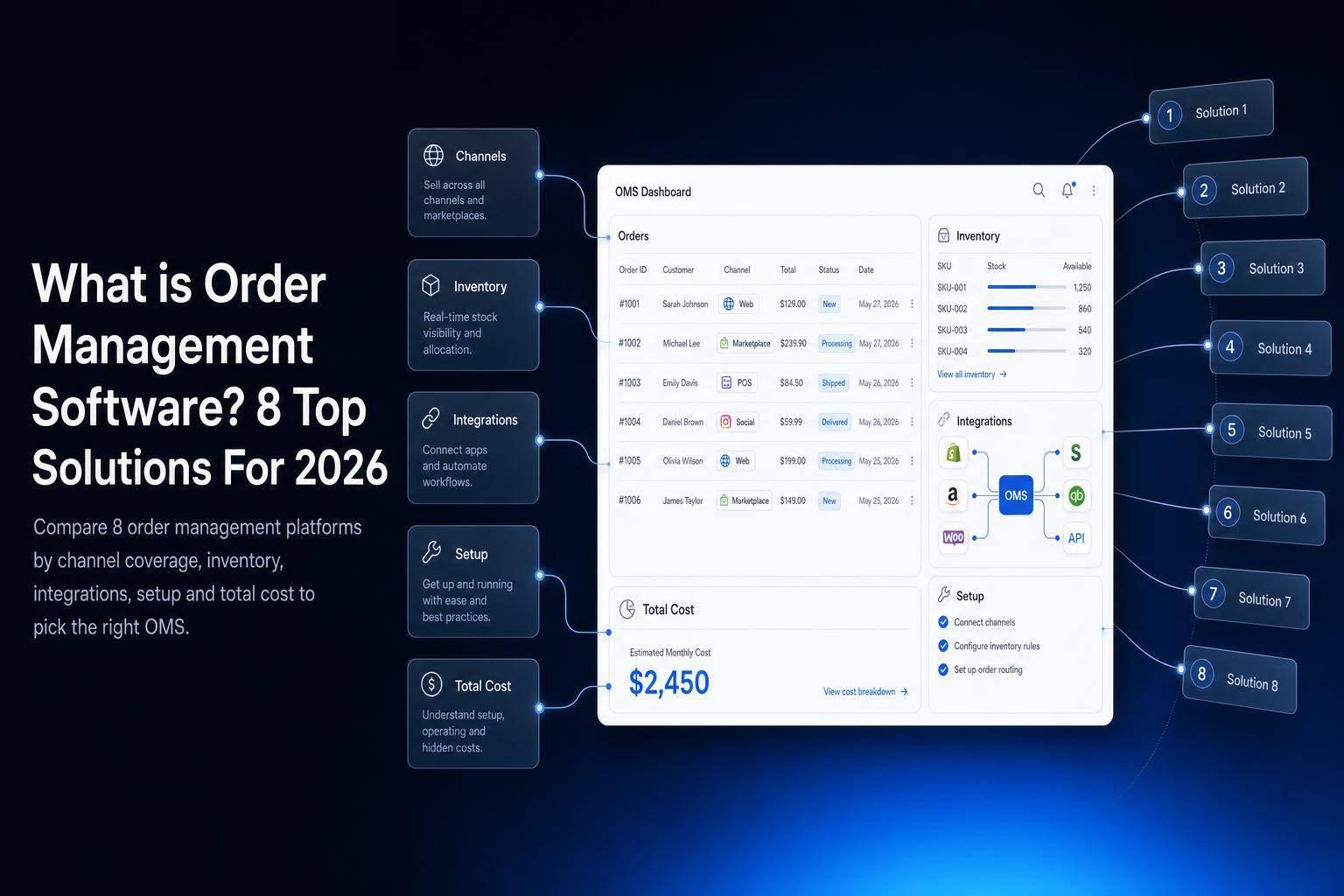
If orders move through more than one channel, warehouse, or tool, order management software can cut a lot of manual work. I’d look at four things first: sales channel sync, inventory and fulfillment depth, integrations, and total cost.
Here’s the short version:
- Jet Admin: best if I want to build my own order workflow on top of current databases and APIs
- NetSuite: best if I want orders tied closely to finance and ERP data
- Shopify: best for Shopify-first ecommerce teams
- Brightpearl: best for retail and wholesale with high order volume
- Cin7: best for multi-channel product sellers that need stock synced across locations
- Fishbowl: best for warehouse and light manufacturing teams
- ShipStation: best if shipping labels and tracking are the main problem
- Odoo: best if I want order, inventory, and purchasing in one modular system
A simple way to think about it:
OMS tracks the order.
Inventory software tracks stock.
WMS runs warehouse tasks.
ERP ties business data together.
That split matters because many teams don’t need to replace everything. They may just need one system to connect order status, stock, fulfillment, returns, and customer updates.
In this guide, I’d compare all 8 tools by:
- channel coverage
- inventory and fulfillment
- integrations
- implementation and pricing
Quick Comparison
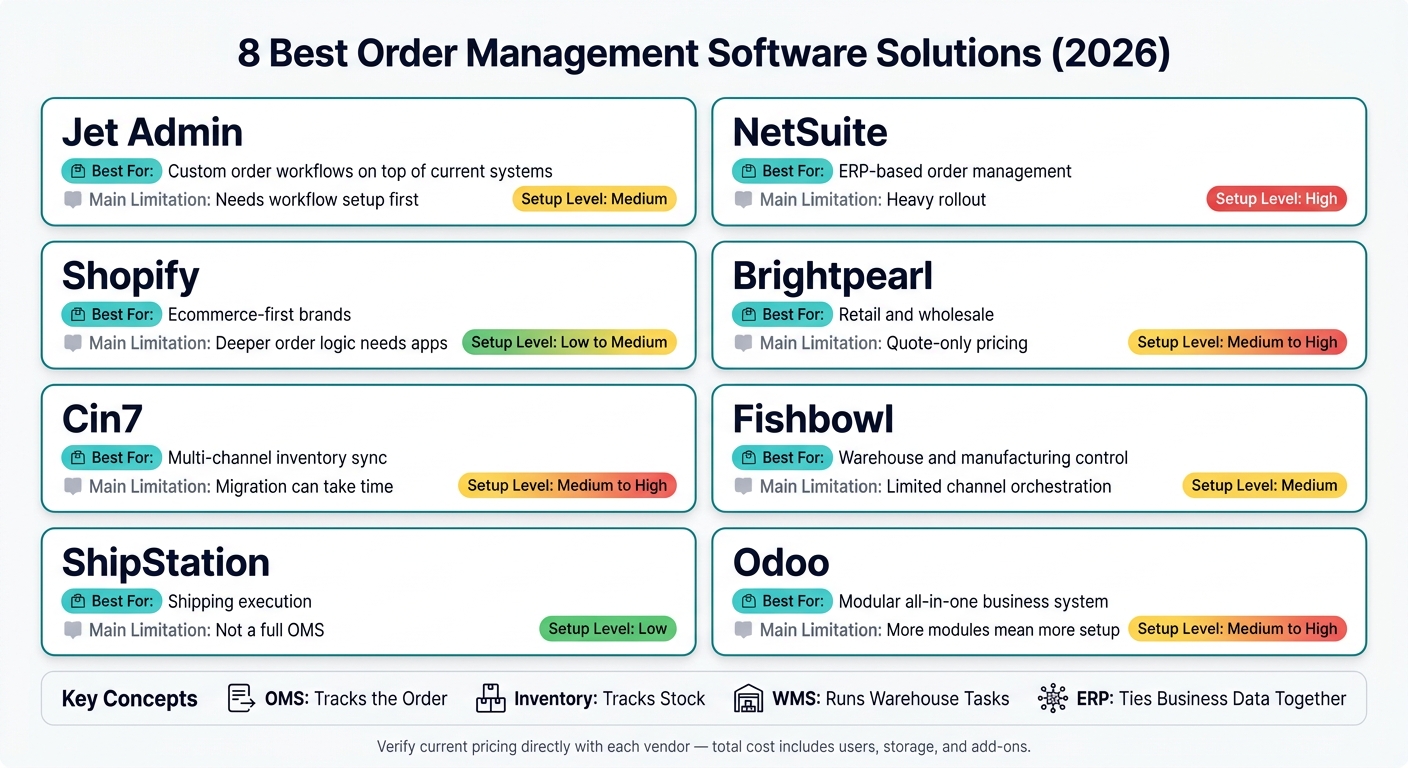
| Tool | Best For | Main Limitation | Setup Level |
|---|---|---|---|
| Jet Admin | Custom order workflows on top of current systems | Needs workflow setup first | Medium |
| NetSuite | ERP-based order management | Heavy rollout | High |
| Shopify | Ecommerce-first brands | Deeper order logic needs apps | Low to medium |
| Brightpearl | Retail and wholesale | Quote-only pricing | Medium to high |
| Cin7 | Multi-channel inventory sync | Migration can take time | Medium to high |
| Fishbowl | Warehouse and manufacturing control | Limited channel orchestration | Medium |
| ShipStation | Shipping execution | Not a full OMS | Low |
| Odoo | Modular all-in-one business system | More modules mean more setup | Medium to high |
One more thing: pricing can change fast in the U.S. once you add users, apps, storage, or service fees. So before I buy, I’d map the full order flow from intake to return and compare the total monthly or annual cost, not just the base plan.
8 Best Order Management Software Solutions Compared (2026)
4 Best Order Management Systems (OMS) in 2026
sbb-itb-8346adb
What to Look For in Order Management Software
Order management platforms can look similar at first glance, but the differences show up fast once your operation gets more complex. Four criteria tend to matter most.
Channel coverage tells you how many sales channels stay in sync in real time. Strong support means live sync across Shopify storefronts, Amazon listings, B2B wholesale portals, and POS systems from one place. Weak support usually means manual CSV imports and separate stock records that drift out of sync.
Inventory and fulfillment depth starts to matter the moment you move past a single warehouse. Multi-location stock visibility, automated backorder allocation, split shipments, and batch or serial number traceability help keep fulfillment from falling apart as volume grows.
Integrations and extensibility shape how well the platform fits your stack. API access and support for custom workflows matter when your team has processes that off-the-shelf setups can’t handle cleanly.
Implementation and pricing are easy to miss, but they can have a big effect on day-to-day use and cost control. Transparent per-user or usage-based pricing is usually easier to plan around than quote-only pricing with setup fees.
| Comparison Point | Strong Support | Weak Support |
|---|---|---|
| Channel Coverage | Real-time sync across Shopify, Amazon, B2B portals, and physical POS | Manual CSV imports; disconnected stock levels between online and retail |
| Inventory & Fulfillment | Multi-warehouse routing; automated backorder allocation; batch/serial traceability | Single-location tracking only; manual coordination for split shipments |
| Integrations | Native, two-way connectors for ERP, CRM, and 3PL APIs; custom extensibility | Limited to basic accounting exports; no API access for custom workflows |
| Implementation & Pricing | Phased rollout on existing data; transparent per-user or usage-based pricing | "Big-bang" migration required; opaque, quote-only pricing with high setup fees |
Use these criteria to evaluate the eight solutions below.
1. Jet Admin
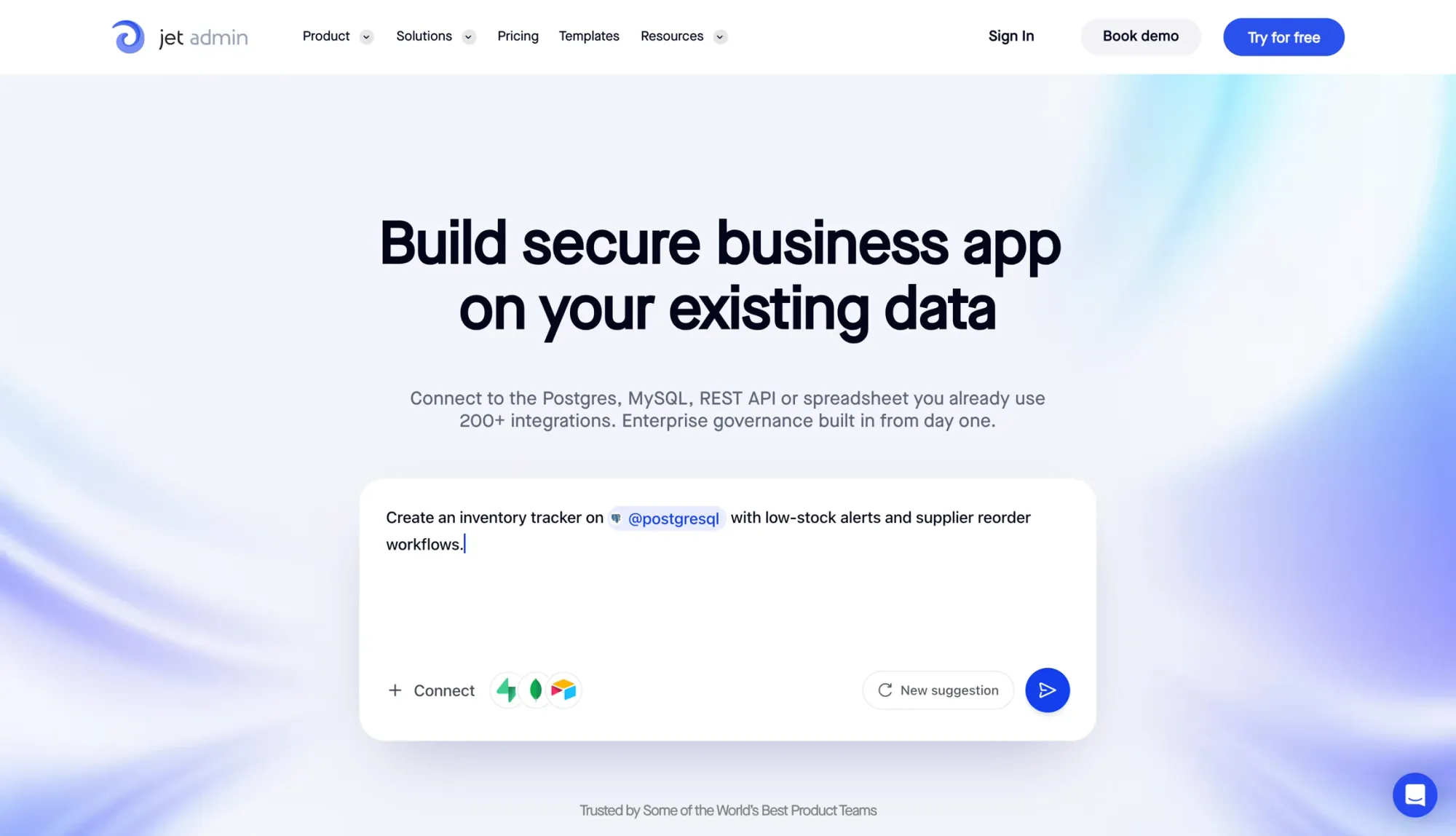
Jet Admin is an AI app-building platform that helps teams create an order operations workspace on top of existing databases and APIs. In plain English, it gives you one place to handle order status, exceptions, and approvals. That matters when the workflow is just as important as the data itself.
Teams can use Jet Admin to build workflows for order review, fulfillment, approvals, and supplier coordination. Its AI Co-Builder can generate full workspaces from plain-language prompts, including tables, pages, and permissions.
Channel Coverage
Jet Admin pulls order data from multiple systems into a single workspace. That lets teams check status, review exceptions, and take action without bouncing between tools.
Inventory and Fulfillment
Inventory tracking and fulfillment coordination sit on top of your current data layer. Jet Admin supports basic read and write actions out of the box, and you can add webhooks, scheduled jobs, and approval steps to match how your team works. This setup makes sense when your order data already lives elsewhere and the main goal is tighter workflow control.
Integrations and Extensibility
Jet Admin connects with 200+ data sources and services. It also includes role-based access control, row-level and field-level permissions, SSO/SAML, and audit logs. If your team wants a more custom interface, Flex View supports HTML, CSS, and JavaScript components.
Implementation and Pricing
Jet Admin offers cloud, self-hosted, and on-premises deployment options with custom pricing. There’s also a free plan that includes 5 app users, 5,000 database records, and 500 workflow actions.
2. NetSuite Order Management
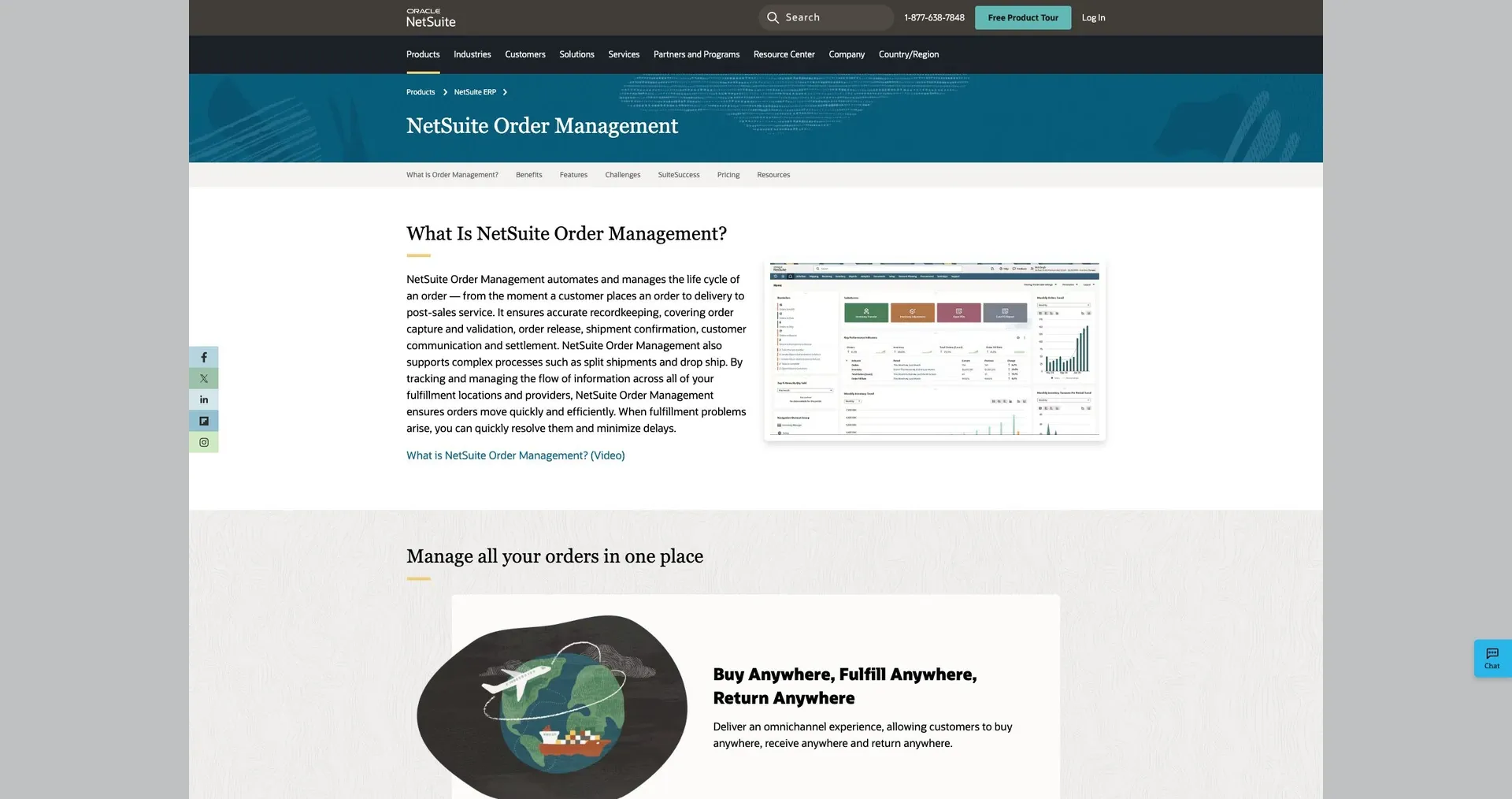
NetSuite Order Management lives inside NetSuite ERP. That means finance, inventory, and orders all work from the same record. When a team needs one place to track order flow, stock, and accounting, that setup can make life a lot easier.
It works best for mid-sized and enterprise teams that want order management closely tied to finance and accounting.
Channel Coverage
NetSuite pulls orders from different sales channels into one workflow. Instead of bouncing between systems, teams can manage those orders in one place.
Inventory and Fulfillment
Multi-location inventory visibility is one of NetSuite's stronger points. Teams can check stock by location and handle fulfillment from the same system. That can help when inventory is spread across warehouses, stores, or other sites.
Integrations and Extensibility
NetSuite relies on integrations with ecommerce platforms, warehouse systems, and 3PL partners to keep data in sync. If a business needs deeper changes or more advanced custom work, it may need a developer or an implementation partner to get there.
Implementation and Pricing
Implementation is complex and needs careful planning. Custom workflows and rollout plans usually call for technical support. The tradeoff is a heavier setup process, but more control over how the business runs day to day.
3. Shopify

For ecommerce-first teams, Shopify keeps order management close to the storefront. It works best for businesses that are already built around Shopify and want order management in the same place where sales happen. If Shopify is your system of record for sales, inventory, and fulfillment, the setup usually feels straightforward.
Channel Coverage
Shopify can manage orders across online stores, retail locations, marketplaces, and other sales channels. For Shopify-first teams, that covers most day-to-day order flow without much friction.
The catch shows up when a big chunk of orders comes from outside marketplaces or other systems. In that case, you may need third-party apps to connect everything cleanly.
Inventory and Fulfillment
Shopify tracks inventory across multiple locations and supports location-based fulfillment workflows. That works well for many standard setups.
But once warehouse routing gets more involved, things can get tricky. Split shipments, more detailed routing logic, and deeper automation often call for apps or custom workflows.
In short, the simple setup starts to strain as fulfillment rules get more layered.
Integrations and Extensibility
Shopify’s app marketplace gives merchants access to integrations for shipping, logistics, and accounting. That gives teams a lot of room to extend the platform without rebuilding their stack from scratch.
Still, deeper customization and more advanced automation often mean paid apps, developer help, or both.
Implementation and Pricing
Implementation is usually fast for existing Shopify users. That’s one of the platform’s big selling points.
But cost can climb over time. Plan tier, add-ons, and day-to-day operational complexity all push the total higher.
4. Brightpearl
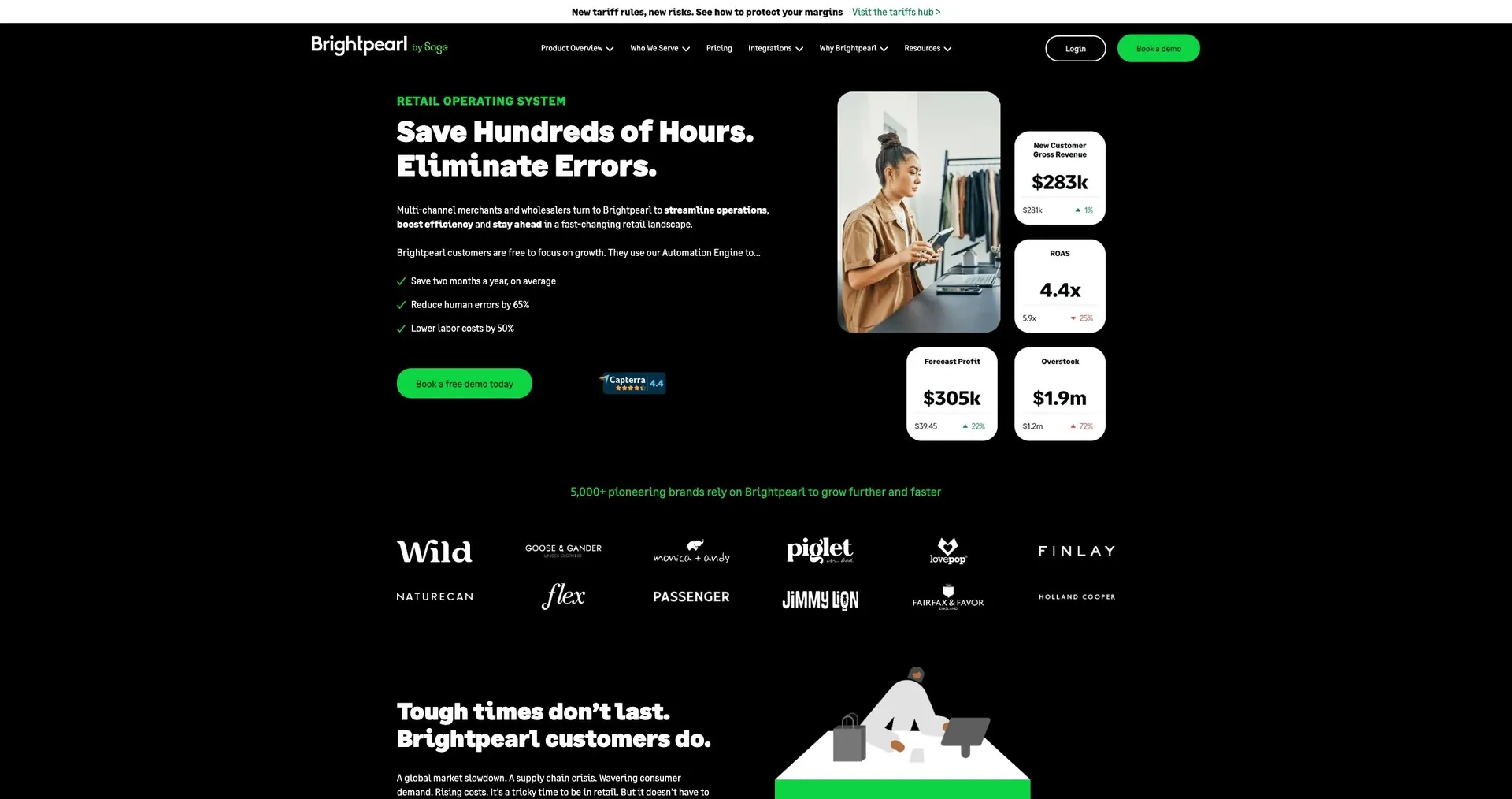
For retail and wholesale teams, channel sync and deep inventory control usually sit at the top of the list. Brightpearl is built for retail and wholesale post-purchase operations. If you handle high order volume across online stores and marketplaces, it deserves a close look.
Its best fit is retail and wholesale operations, not basic order tracking.
Channel Coverage
Brightpearl integrates with Shopify, Magento, BigCommerce, Amazon, eBay, and Walmart. That makes it a good match for omnichannel businesses that need steady inventory and order data across sales channels.
Inventory and Fulfillment
Brightpearl supports lot and serial number tracking, reorder points, lead times, and landed cost calculations across multiple warehouse locations. Those features connect straight to day-to-day order work.
For example, lot tracking links fulfillment to specific stock batches. Reorder points help stop stockouts before they slow shipments. Landed cost data helps keep margin calculations accurate at the order level. Put together, that level of detail helps teams keep stock records accurate and move orders out the door faster.
Implementation and Pricing
The next step is figuring out how well it fits your current workflows and budget. Brightpearl is built for retail and wholesale teams with established channel operations, so setup usually takes planning around existing integrations and data migration. Pricing is quote-based, so you likely won’t have clear upfront cost visibility until you speak with their sales team.
5. Cin7
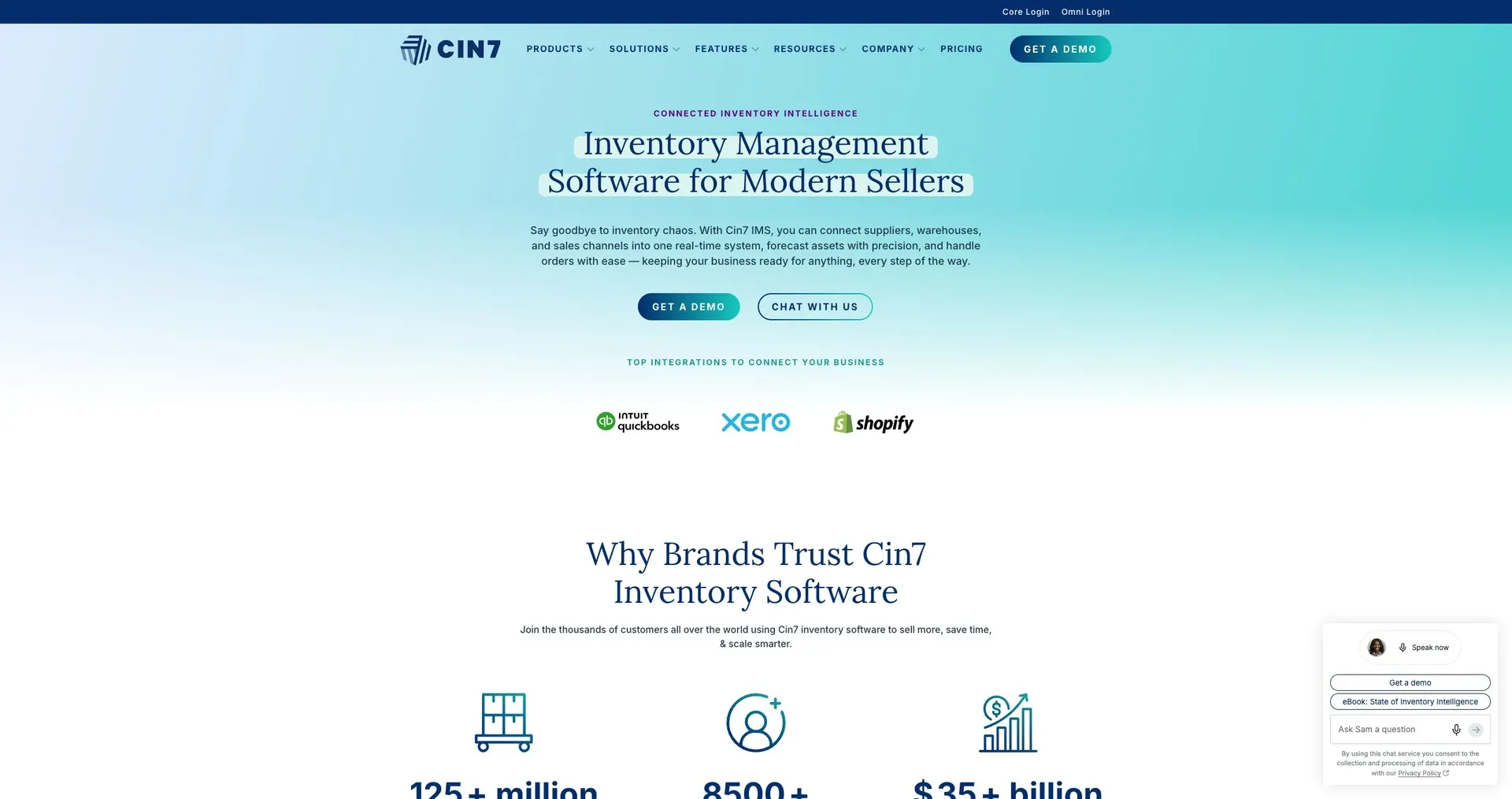
Cin7 is a better fit when channel sync and multi-location inventory control matter more than simple order capture. It works well for product businesses selling across e-commerce, wholesale, retail, and marketplaces, especially when stock counts need to stay lined up across every sales channel.
Channel Coverage
Cin7 keeps inventory counts synced across channels as orders come in. That matters a lot when you're selling in more than one place and can't afford stock numbers drifting out of sync.
Inventory and Fulfillment
Cin7 brings multi-location inventory tracking, order routing, stock adjustments, and fulfillment status into one system. So instead of jumping between tools, teams can manage stock movement and order flow from one place.
Integrations and Extensibility
Cin7 includes integrations with existing business systems. That said, setup often calls for a full cutover, so teams should plan the switch with care before moving over.
Implementation and Pricing
Configuration and data migration can take time. Pricing is tiered, so it's smart to get a quote early and map costs against your rollout plan.
If your team wants similar control but with a different day-to-day workflow, the next option shifts the focus.
6. Fishbowl
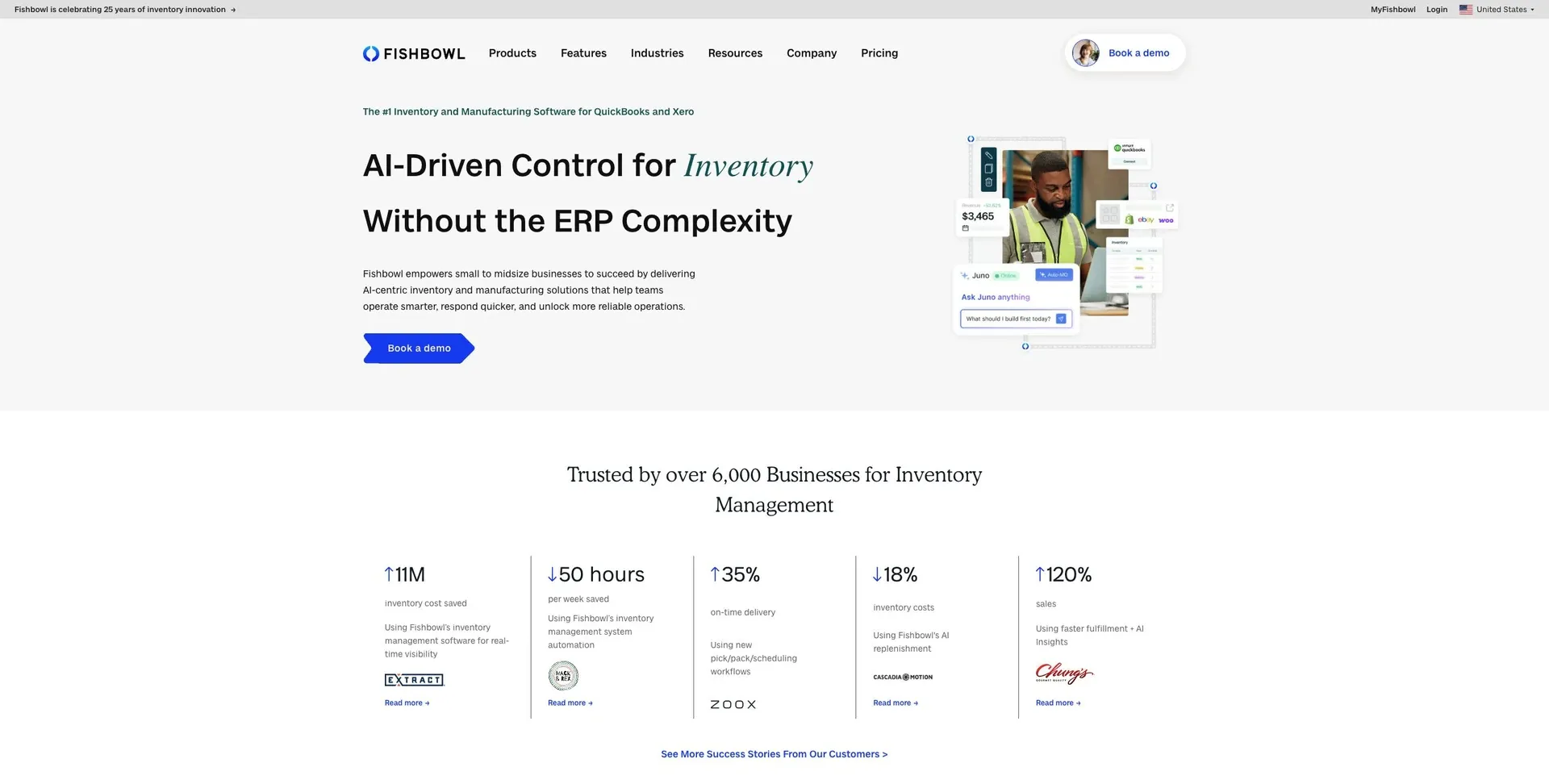
Fishbowl is a strong fit for SMBs that need tighter inventory, production, and warehouse control than QuickBooks can offer, but don’t need a full ERP. Its main strength is depth inside the warehouse, not broad sales-channel management.
Core Use Case
Fishbowl is built for manufacturing and warehouse operations, not broad multichannel order orchestration.
Inventory and Fulfillment
Fishbowl supports multi-level BOMs, work orders, and production stages for light manufacturing. It also tracks inventory across locations using serial numbers, lot numbers, and expiration dates, while covering role-based receiving, picking, and packing.
That mix helps keep order flow tied closely to day-to-day warehouse execution without bringing in a full ERP. For teams that need tighter control over work orders and warehouse tasks, Fishbowl handles that gap well.
7. ShipStation
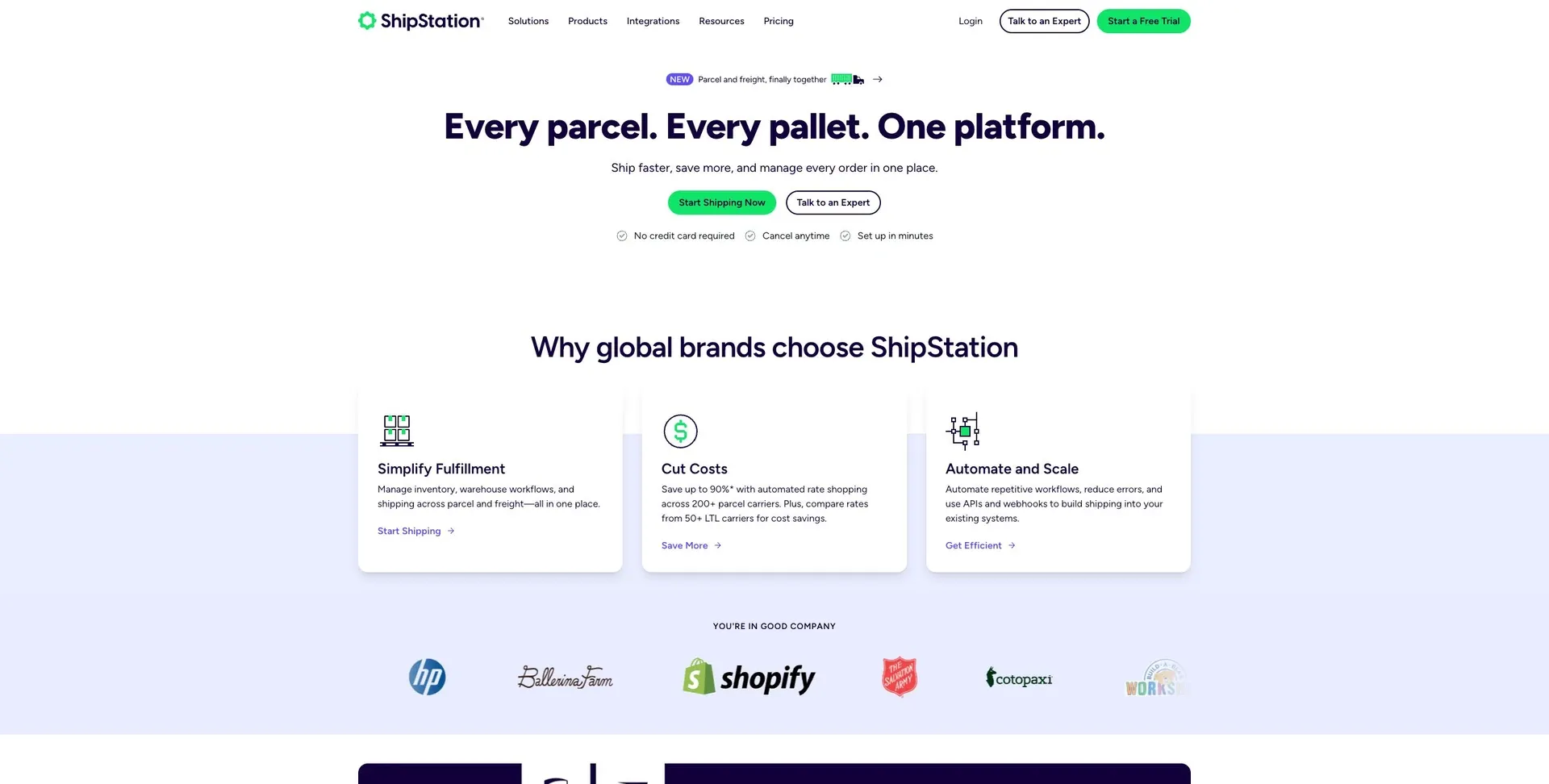
ShipStation is built for one job: shipping execution. It handles label generation and sends tracking updates back to customers. It works best for teams that already manage orders in another system and mainly need help with shipping, labels, and tracking. If shipping is the weak spot in your current order flow, this is where ShipStation tends to fit.
Channel Coverage
ShipStation is not a full OMS. It doesn’t pull all order data into one place or act as the main source of truth for orders.
Instead, think of it as a shipping layer that sits on top of your current setup. In most cases, it connects to an OMS or ecommerce platform that owns the order record.
Inventory and Fulfillment
Its job mostly stops once the order reaches the shipping step. ShipStation helps with label creation, carrier handoff, and tracking updates.
It doesn’t run warehouse routing or production workflows. So if you need logic for where an order should ship from, how stock should be allocated, or how warehouse tasks should move, that work usually lives somewhere else.
Integrations and Extensibility
ShipStation makes sense when you need shipping to plug into an existing stack without rebuilding everything around it.
That said, more advanced routing, inventory rules, and warehouse workflows are better handled in your OMS or ERP. ShipStation supports the shipping part of the process, not the full back-end operation.
Implementation and Pricing
Setup is usually fairly narrow in scope. Most teams focus on carrier setup, label configuration, and tracking workflows.
When pricing it out, look at:
- Shipment volume
- Carrier needs
- The cost of any add-ons
That gives you a better sense of whether it fills the gap cleanly or if you need a broader system.
8. Odoo
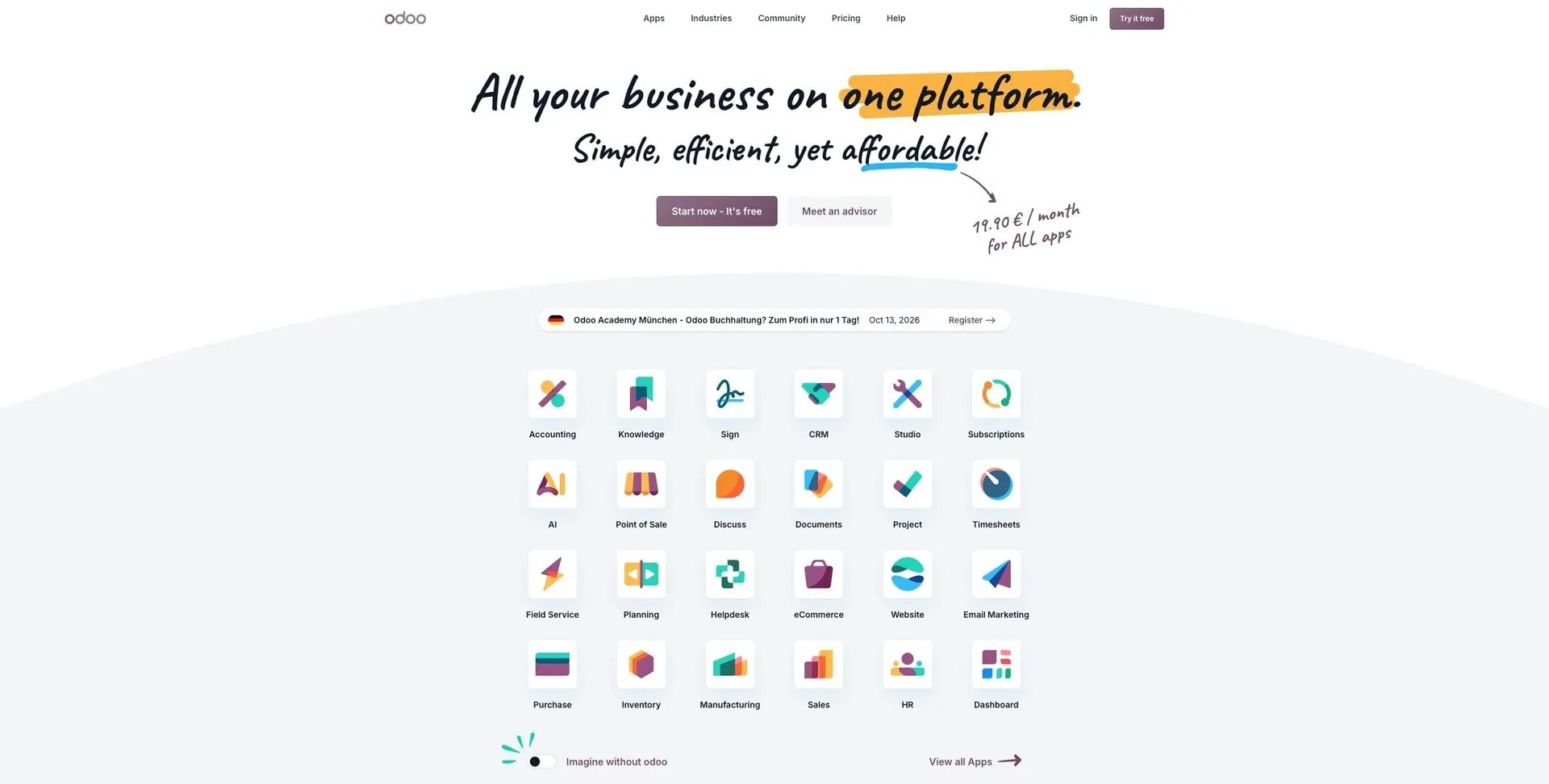
Odoo is a modular business suite built to handle order, inventory, purchasing, and fulfillment workflows in one place. For order operations, that means your team can track sales orders, stock, purchasing, and fulfillment in the same system instead of bouncing between tools.
Modular Structure
Odoo uses a modular setup, so teams can add only the apps they need. A company might start with sales, inventory, and invoicing, then bring in warehouse, purchasing, and reporting tools later as needs grow.
Connected Workflows
Because Odoo shares data across modules, order, inventory, purchasing, and fulfillment records stay in sync. That matters more than it may seem at first glance. When one part of the process changes, the rest of the system updates with it, which helps teams avoid gaps and mixed-up records.
Implementation
Odoo makes sense for teams that want one system for order operations and the option to add ERP functions later. The tradeoff is pretty simple: more control usually means more setup work. As you add modules and custom changes, rollout gets more complex.
It tends to work best for growing businesses that want order management as part of a broader business suite.
Pros and Cons
The table below sums up the main tradeoffs for each platform. Based on the criteria above, it shows which tools make sense for different levels of workflow depth, integration needs, and day-to-day complexity.
| Product | Main Pros | Main Cons | Best fit |
|---|---|---|---|
| Jet Admin | Configurable workflow layer on top of existing data; built-in governance and access controls | Requires upfront workflow design and configuration | Businesses that need a tailored workflow layer on top of existing systems |
| NetSuite | Centralized finance, inventory, and order data in one ERP | High implementation effort and complexity | Large enterprises needing ERP-driven order management |
| Shopify | Fast to launch; broad app ecosystem | Advanced orchestration depends on third-party apps | Ecommerce teams prioritizing speed and app-based flexibility |
| Brightpearl | Strong omnichannel sync; deep retail inventory controls | Quote-based pricing; setup requires planning around existing integrations | Retail and wholesale teams with high order volume across multiple channels |
| Cin7 | Multi-location inventory sync across all sales channels | Full cutover required; configuration and migration take time | Product businesses selling across e-commerce, wholesale, and marketplaces |
| Fishbowl | Deep warehouse and light manufacturing control | Limited multichannel order orchestration | SMBs needing inventory and production depth beyond QuickBooks |
| ShipStation | Purpose-built shipping execution; fast carrier setup | Not a full OMS; no warehouse routing or inventory logic | Businesses that need shipping execution more than full OMS depth |
| Odoo | Modular suite; order, inventory, and purchasing in one system | More modules mean more setup and rollout complexity | Growing businesses that want order management as part of a broader business suite |
Jet Admin stands out when you need a configurable workflow layer on top of existing data, plus built-in governance and access controls. In plain terms, it works well if your team already has core systems in place and needs a way to shape the workflow around them, instead of replacing everything.
Use this summary to line up each platform’s scope with how your order process actually works.
Conclusion
The right OMS comes down to three things: how complex your orders are, how deep your fulfillment process goes, and what systems you already use. The best pick isn’t the one with the biggest feature list. It’s the one that fits your sales channels, inventory setup, and day-to-day workflow.
In plain English: choose the OMS that matches your order volume, fulfillment model, and current tech stack.
If your team needs a configurable workflow layer that sits on top of existing databases or APIs, Jet Admin is a strong fit. Before you buy anything, map your full order flow from intake to shipment. Then confirm your system of record, the integrations you need, and who needs role-based access.
Also, verify current U.S. pricing directly with each vendor. Total cost often includes user limits, storage caps, and paid add-ons. So when you compare options, compare the total cost, not just the list price.
FAQs
Do I need an OMS or a WMS?
It comes down to what your business needs day to day.
An OMS handles the customer side of things. That includes order orchestration, multi-channel sales, and customer records. A WMS, on the other hand, runs the physical side of fulfillment, like picking, packing, and warehouse inventory control.
A lot of businesses use both. Why? Because it helps keep sales and fulfillment data in sync instead of letting one side drift from the other.
Jet Admin can connect these systems and tie them into custom dashboards and workflows that fit your existing databases.
When should I replace spreadsheets?
Consider replacing spreadsheets once your operations outgrow them. For many teams, that starts at around 100 SKUs or when you begin managing multiple locations.
It’s often time to make the switch when spreadsheets lead to inconsistent data, team friction, security risks, and slow manual work. The same goes if you need role-based permissions, tighter validation, system integrations, and a single source of truth across tools like ERPs and CRMs.
How do I estimate total OMS cost?
Estimate the full OMS cost over 2 to 3 years, not just the monthly sticker price.
A proper total cost of ownership comparison should include both direct and indirect expenses. That means looking at subscription fees, usage overages, add-ons, and support tiers, then layering in the less obvious costs: internal setup time, integrations, data migration, training, day-to-day admin work, and the price you pay when the system no longer fits your needs.
It also helps to test pricing at different company sizes. A platform that looks fine at 100 users can get expensive fast at 1,000 or 10,000 users. Check how each vendor’s pricing scales across those ranges so you don’t get blindsided later.
A simple side-by-side model should cover:
- Direct costs: base subscription, per-user fees, overages, premium modules, implementation packages, and support plans
- Indirect costs: employee time for setup, IT work for integrations, migration cleanup, training hours, ongoing system management, and future switching or upgrade costs
That gives you a much clearer picture of what the OMS will actually cost once it’s live and in daily use.