
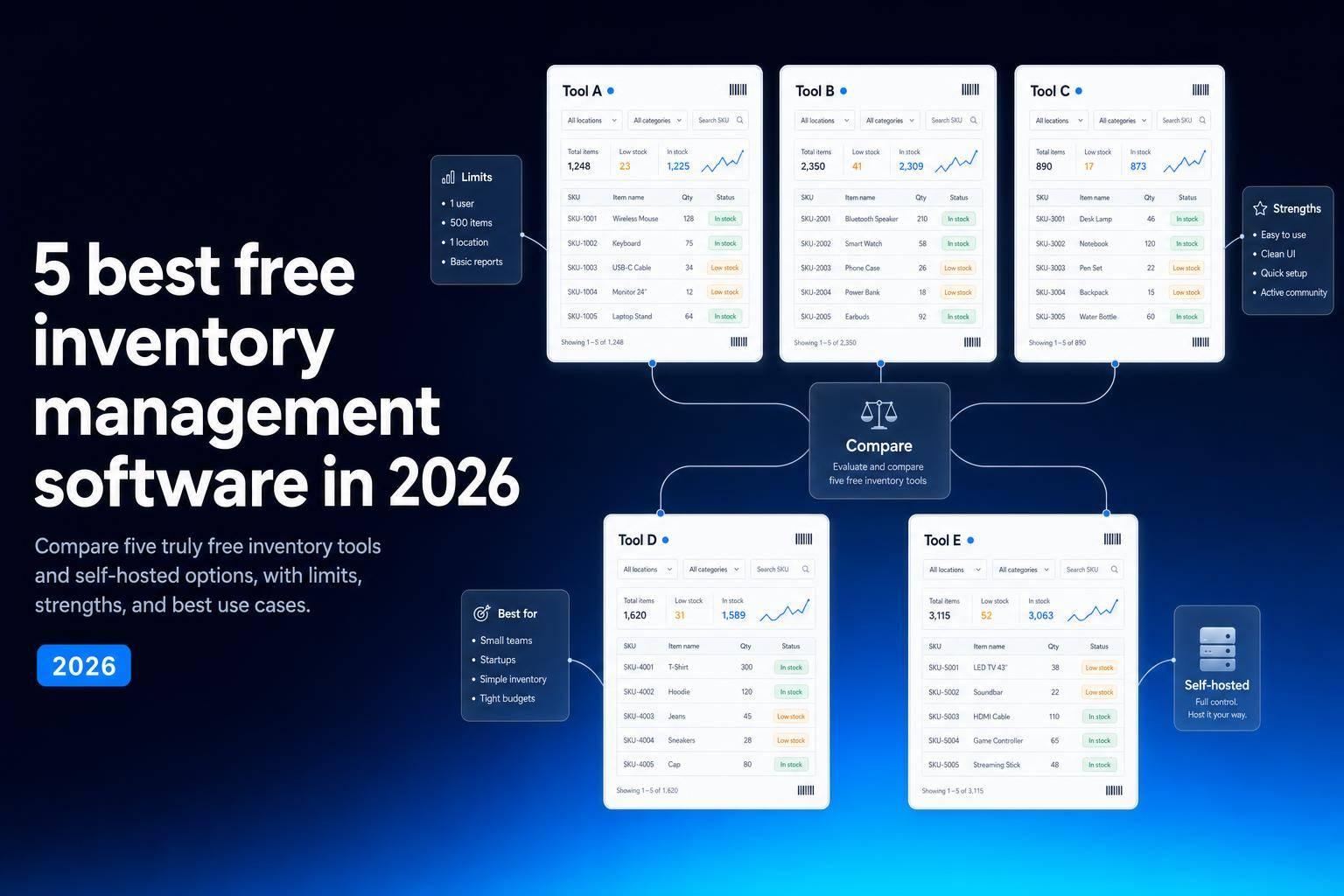
If you want free inventory software in 2026, I’d narrow it down to six picks: Jet Admin, Zoho Inventory, Square for Retail, Odoo Inventory, Sortly, and ABC Inventory.
Here’s the short answer: no single free tool fits every setup. Some free plans cap users, orders, SKUs, or locations. Others are free only if you self-host them. That means your best pick depends on how you sell, how many places you store stock, and whether you need POS, barcode scanning, purchase orders, or lot/serial tracking.
I’d look at these six tools like this:
- Jet Admin: best for custom inventory apps built on existing data
- Zoho Inventory: best for small ecommerce sellers that need basic stock tracking
- Square for Retail: best for small retail stores that want POS and inventory together
- Odoo Inventory: best for warehouses that need barcode flows and multi-location control
- Sortly: best for teams moving off spreadsheets and tracking stock on mobile
- ABC Inventory: best for basic inventory at one site
A big point here: the list uses a strict definition of free. That means either a permanent $0 plan or open-source/self-hosted software with no license fee. It does not include 14-day or 30-day trials.
What matters most on free plans? In my view, it comes down to a few limits:
- Users and seats
- SKU or product caps
- Order limits
- Number of locations
- Barcode support
- Purchase orders
- Integrations
For many small teams, those limits matter more than long feature lists. For example, Jet Admin lets you build a custom inventory app, but its free plan limits app-building credits and advanced access controls require a paid plan. Square gives you unlimited products on the free tier, but only one location. Zoho works at $0 per month, but tight order caps can become a problem once sales climb. Odoo has more warehouse depth, but self-hosting takes more work. Sortly keeps things simple, though its free tier is capped. ABC Inventory stays focused on single-site use, but the article does not confirm much beyond basic tracking.
Top 5 Free Inventory Management Software for Small Business (2025)
sbb-itb-8346adb
Quick comparison
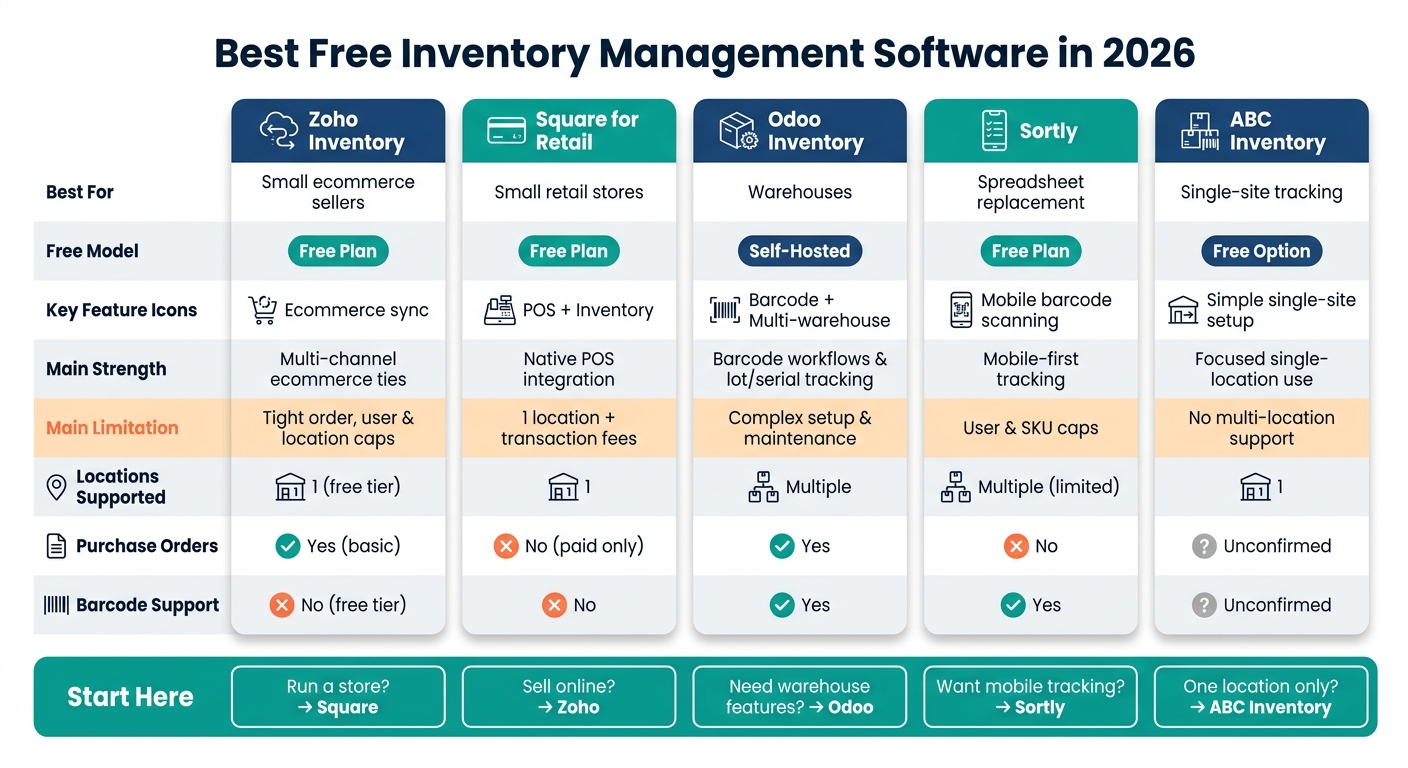
Best Free Inventory Management Software 2026: Side-by-Side Comparison
| Software | Best for | Free model | Main strength | Main limit |
|---|---|---|---|---|
| Jet Admin | Custom inventory apps on existing data | $0 plan | Custom views, bulk updates, and inventory workflows | Limited building credits; advanced access controls require a paid plan; setup needed |
| Zoho Inventory | Small ecommerce sellers | Free plan | Basic stock control with ecommerce ties | Tight order, user, and location caps |
| Square for Retail | Small retail stores | Free plan | POS + inventory in one system | One location and transaction fees |
| Odoo Inventory | Warehouses | Self-hosted | Barcode, reordering, lots/serials, multi-warehouse | Setup and upkeep take more time |
| Sortly | Spreadsheet replacement | Free plan | Mobile-first tracking and barcode scanning | User and SKU caps |
| ABC Inventory | Single-site stock tracking | Free option | Simple setup for one location | Weak multi-location support |
My takeaway is simple: if you need a custom inventory app on existing data, start with Jet Admin. If you run a store, start with Square. If you sell online, start with Zoho. If you need warehouse features, look at Odoo. If you want a simple mobile tracker, try Sortly. If you only track stock in one place, ABC Inventory may be enough.
That framework makes the rest of the comparison much easier to scan.
1. Jet Admin
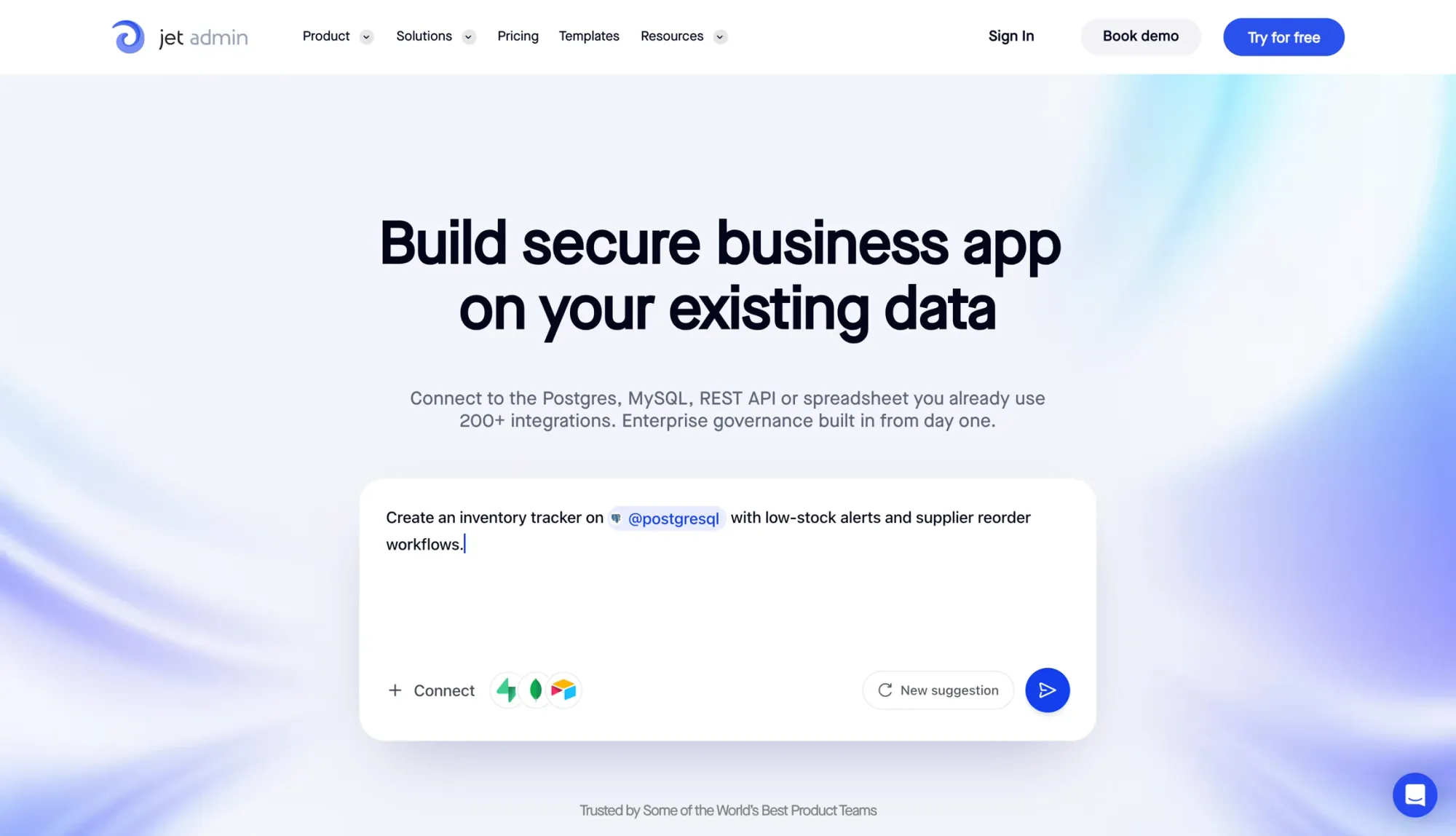
Jet Admin is a good fit for teams that want to build a custom inventory app around the data and processes they already use. Connect a database or spreadsheet, then create screens for products, stock levels, locations, and stock movements. Its no-code builder lets you tailor the interface to your team’s daily work.
Free-plan limits
Jet Admin’s Free plan costs $0 per month and includes limited app-building credits, unlimited apps, and unlimited workflows. Granular permissions, SSO, and audit logs are listed on the Business plan. Check those requirements before choosing a plan for warehouse staff or external suppliers.
Inventory and purchasing depth
You can build stock dashboards, bulk-edit inventory records, and configure low-stock alerts. Start with the inventory management dashboard template and adapt its views to your operation. Purchasing screens and approval steps need to be configured around your data and workflow, so allow time for setup.
Locations and traceability
Build views for each stock location and record transfers or other movements using your underlying data model. The detail you can track depends on the records and workflows you configure. Validate any barcode, lot, or serial-number requirements before relying on the app for warehouse operations.
Integrations and deployment
Jet Admin connects to sources including PostgreSQL, Google Sheets, and Airtable, so you can build an operational interface over existing inventory data. Its main strength is flexibility: your team chooses the fields, screens, and actions it needs. The tradeoff is configuration time compared with a packaged inventory tool.
2. Zoho Inventory
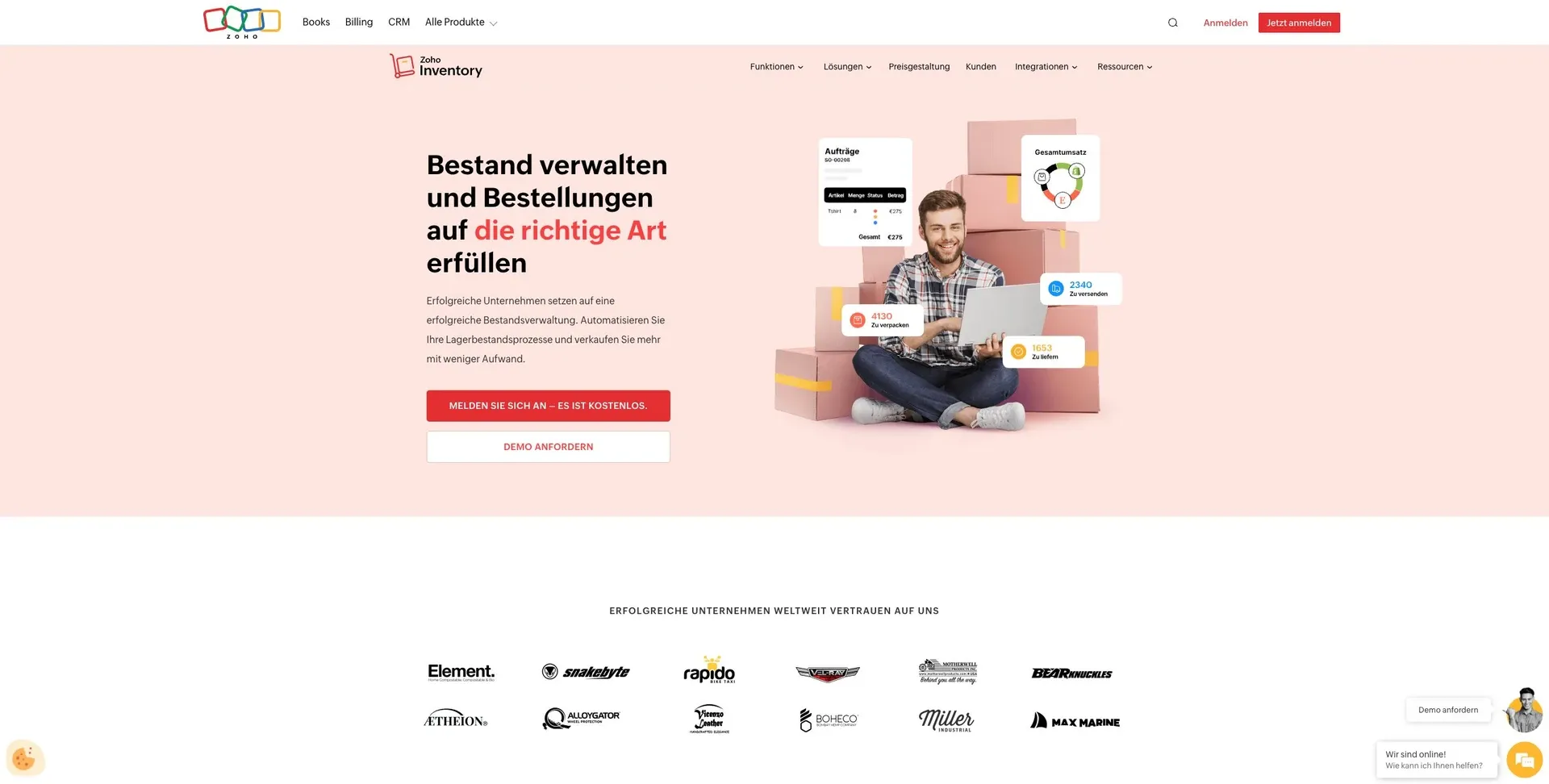
Zoho Inventory works for very small teams that need basic stock control. But the free plan is more of a starting point than a long-term setup.
Free-plan limits
The free plan puts tight caps on orders, users, and locations. That can feel fine at first, then become a problem fast once order volume starts to grow.
Inventory and purchasing depth
Even with those user and location limits, the free plan still covers everyday stock tasks. You can handle core inventory tracking and simple purchasing without much fuss.
That said, it leaves out deeper workflow controls. You don't get advanced stock alerts, barcode support, or detailed reporting. So if your team needs more than the basics, you'll hit the ceiling pretty soon.
Locations and traceability
The free plan isn't made for multi-location inventory or detailed traceability. If you need to track stock across more than one site, or follow items closely through each step, this setup will feel too light.
Integrations and deployment
Zoho Inventory connects with ecommerce, accounting, and shipping tools. That's useful if you want your main systems to talk to each other.
Its main role, though, is basic inventory control, not multi-location management or deeper traceability.
3. Square for Retail
Square for Retail is a good fit for small retail shops that want point-of-sale and inventory in one place.
Free-plan limits
The free plan includes unlimited products and one location, with no monthly fee for inventory features. You still pay transaction fees on each sale.
Inventory and purchasing depth
On the free tier, you get the basics: stock tracking, low-stock alerts, and item variants. But purchase orders and vendor management are not part of the free plan.
Locations and traceability
Free-plan inventory tracking covers one location only. If you need item-level traceability or inventory across multiple sites, you’ll need a paid tier.
Integrations and deployment
Square for Retail is cloud-based and works natively with Square’s payment processing. It also connects with third-party tools for accounting and ecommerce.
That makes it a solid pick for retail stores. But if your setup looks more like a warehouse than a storefront, it may not go deep enough for those workflows.
4. Odoo Inventory
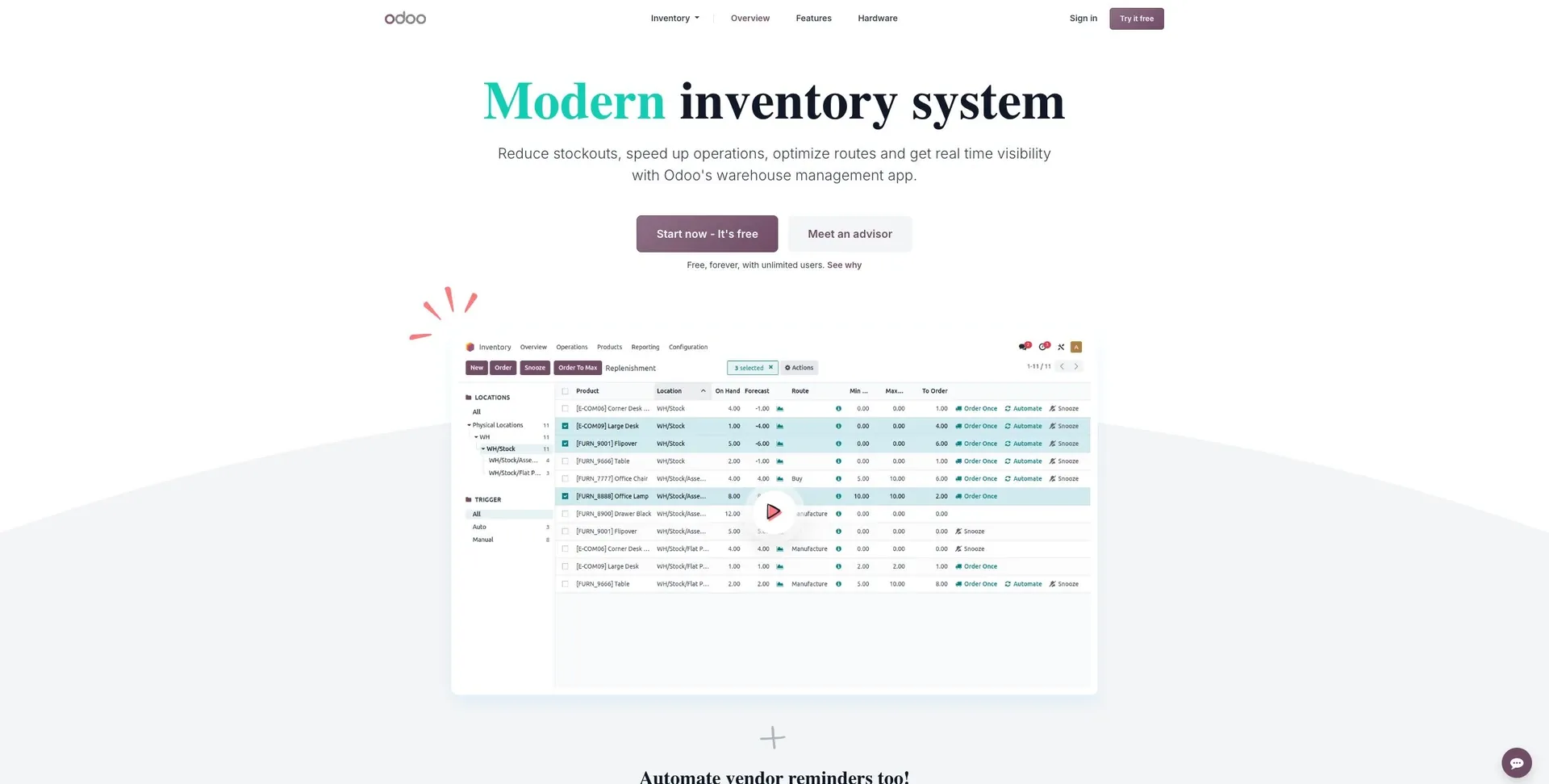
If you need more warehouse control than a retail-first tool can offer, Odoo is the next step.
Odoo Inventory works well for businesses that need warehouse-level inventory features. It’s a good match for teams that are outgrowing spreadsheets or simple, inventory management across locations.
Free-plan limits
Odoo’s free option is self-hosted, so it makes the most sense for teams that can handle their own setup and maintenance. The platform opens up more as you add paid modules.
Inventory and purchasing depth
Odoo includes purchase orders, reordering rules, barcode workflows, and kitting. That gives it more depth than many basic free inventory tools.
Locations and traceability
It supports multi-warehouse and multi-location tracking. You also get lot and serial number traceability, which helps teams keep tighter control over stock.
Integrations and deployment
The main tradeoff is deployment. Odoo is much broader than a standalone inventory app, so setup takes more time than it does with simpler free tools.
5. Sortly
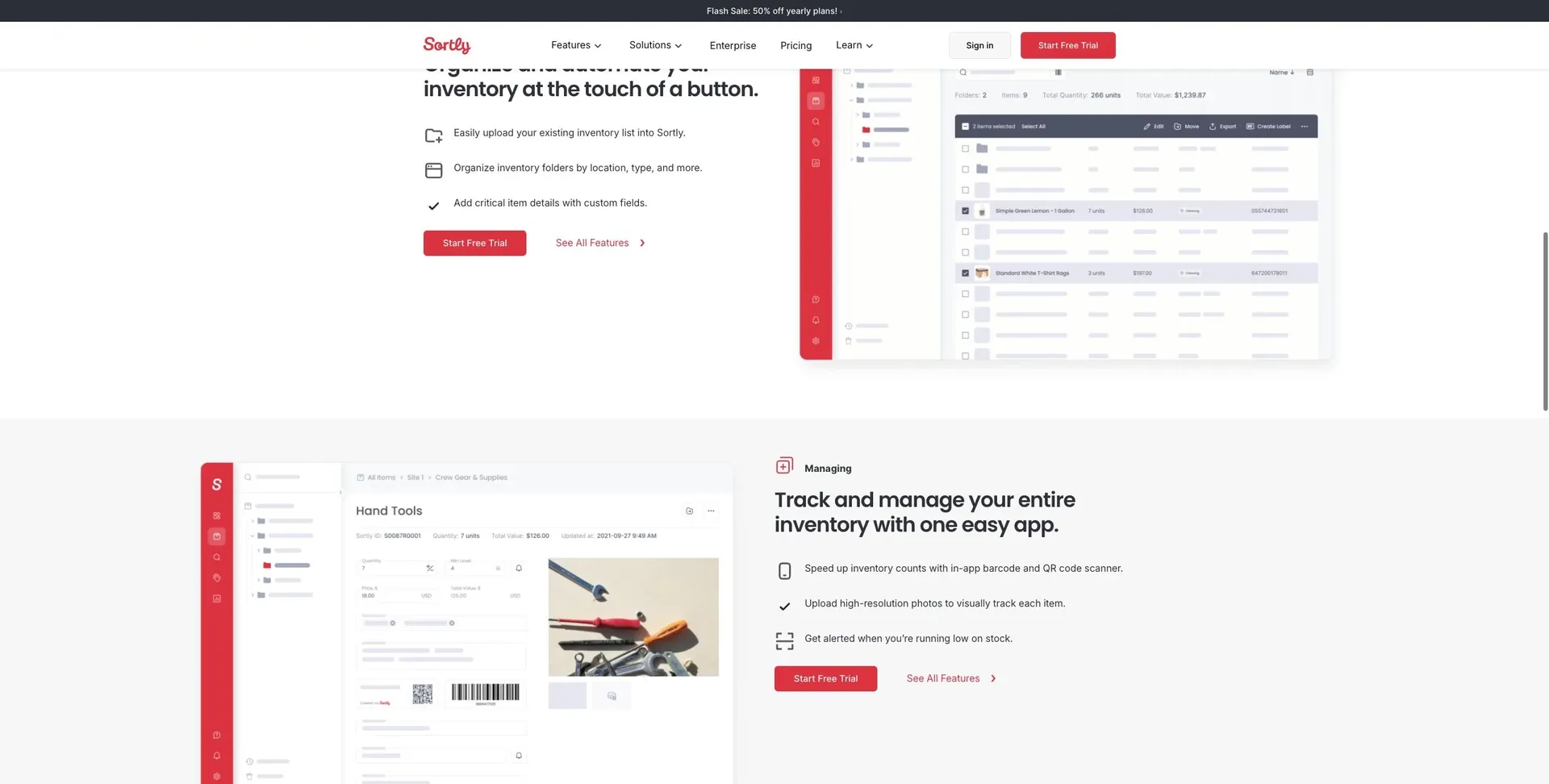
Sortly is a simpler, mobile-first pick for small businesses that want basic inventory tracking without the extra layers that come with warehouse systems.
Free-plan limits
The free plan puts a cap on users and SKUs. In most cases, that’s what pushes teams to upgrade. For simple stock counts, that may not be a big issue. But for day-to-day work, those limits can shape how far your team can go.
Inventory and purchasing depth
Sortly covers basic stock tracking and mobile barcode scanning, which makes it easy for teams to count inventory right from a phone.
Locations and traceability
Sortly can track inventory across multiple locations and send low-stock alerts by email or Slack to help kick off reordering. The free plan is fine for simple multi-location tracking, but it doesn’t go far enough for deeper warehouse control.
Integrations and deployment
It’s best to think of the free plan as a standalone tracker. If you need ecommerce or accounting connections, check first to see whether those integrations are part of the plan.
6. ABC Inventory
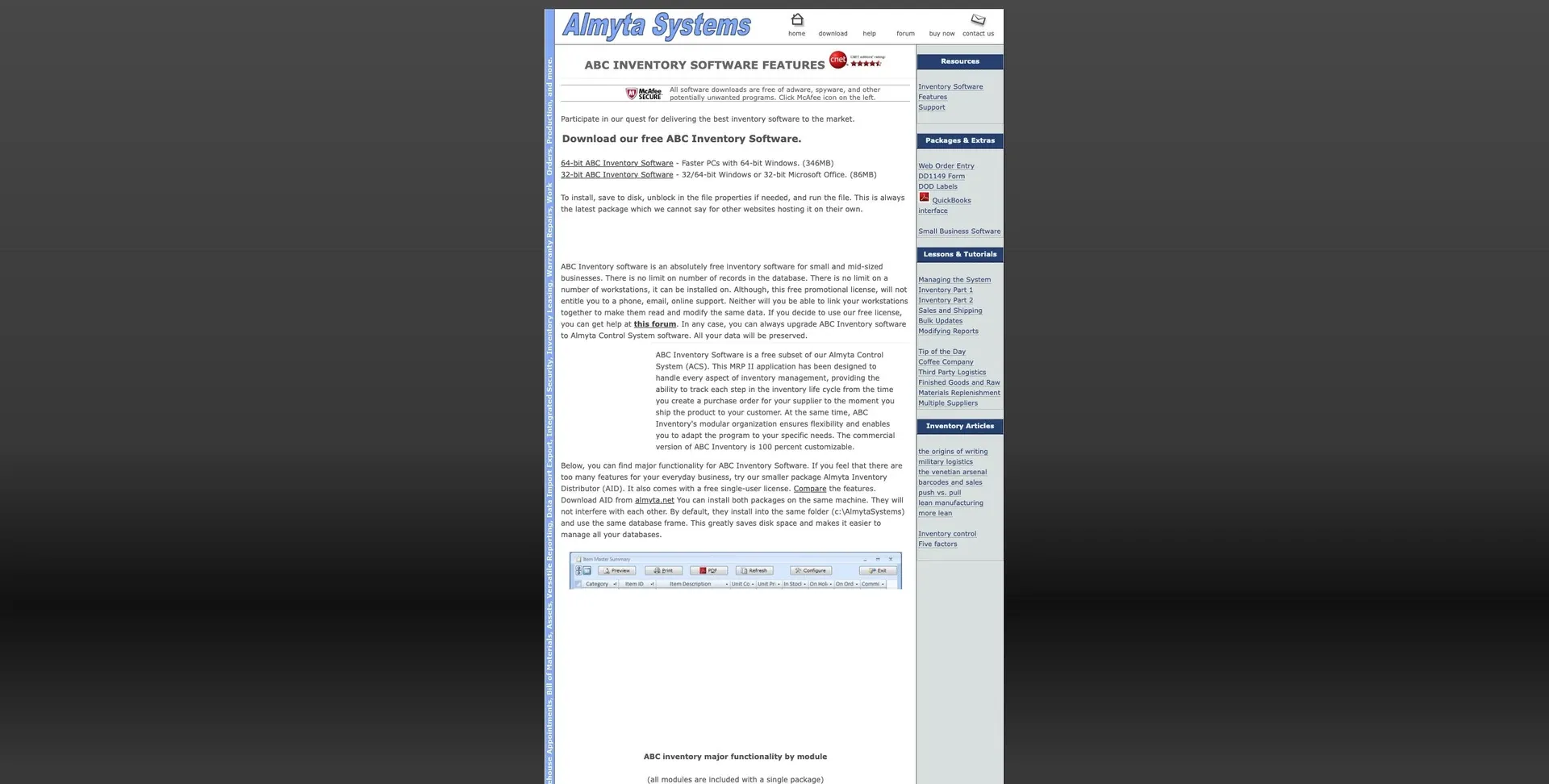
ABC Inventory is a better fit for teams that want something simpler and more limited than Sortly.
It works best for basic, single-site inventory setups. That’s the lane it stays in. Its main downside is limited multi-location support, which can become a problem pretty fast if stock moves between more than one site.
Free-plan limits
The main limit on the free plan is multi-location tracking. If you only manage inventory in one place, that may not be a deal-breaker. But once items start moving across sites, the cracks start to show.
Inventory and purchasing depth
The source material does not confirm support for purchase orders, barcode scanning, or advanced reporting.
That makes it hard to count on ABC Inventory for teams that need more than basic stock tracking.
Locations and traceability
This is where the tool feels most restricted. Limited multi-location tracking is the big issue, especially for companies managing inventory across more than one site.
If your setup is still simple, that may be fine. If not, ABC Inventory looks like a weak pick for multi-site inventory control.
Integrations and deployment
The source material does not confirm any integration or deployment details.
Pros and cons by business need
Use the matrix below to match each free plan to the job it handles best. The fastest way to choose is by business need, not feature count.
| Use Case | Best fit | Key Advantage | Main limit |
|---|---|---|---|
| Custom inventory workflows | Jet Admin | Build around existing data and team processes | Configuration time, limited free building credits, and paid governance features |
| Small retail with POS | Square for Retail | Native POS integration and retail-specific workflows | Payment processing fees and hardware costs |
| Ecommerce (order caps) | Zoho Inventory | Strong multi-channel sync | Free plan has strict order limits |
| Warehouse (barcode) | Odoo Inventory | Barcode workflows and multi-warehouse support | Advanced features require paid modules |
| Spreadsheet replacement | Sortly | Mobile barcode scanning | Lacks accounting or ERP integration |
| Basic single-site inventory | ABC Inventory | Simple, focused single-site tracking | Limited multi-location tracking |
If you're choosing between these tools, start with the day-to-day job you need done.
Need custom stock views and workflows on top of an existing database or spreadsheet? Jet Admin fits that use case, provided your team can configure the app and work within the free plan’s limits.
Need a checkout and inventory system that work together? Square for Retail makes the most sense for small retail shops. Selling across online channels and trying to keep stock in sync? Zoho Inventory is the better match, though the free tier can feel tight once order volume picks up.
For stockrooms and warehouse setups, Odoo Inventory stands out because barcode flows and multi-warehouse handling are built into the experience. If your main goal is to get out of messy spreadsheets without moving into a full ERP setup, Sortly keeps things simple with mobile barcode scanning. And if all you need is basic tracking for one location, ABC Inventory stays focused on that job without adding much extra weight.
Conclusion
Pick the tool that fits how your team works and how much inventory you handle. Once you compare limits, features, and deployment, the best option usually becomes pretty clear.
Jet Admin fits teams building a custom inventory app on existing data, with setup time and free building credits to consider. Zoho Inventory is a strong pick for cloud-first teams, but the free plan's order caps can become a hard stop as volume grows. Square for Retail makes the most sense for U.S. brick-and-mortar stores. Odoo Inventory fits growing warehouses that need more depth. Sortly works well for mobile inventory tracking. ABC Inventory is a solid option for basic, single-site inventory tracking.
Start with deployment. Then look at workflow. After that, check free-plan limits.
FAQs
How long can a free plan realistically last?
A free inventory management plan can work for years if your business stays very small, sells through one channel, and doesn’t need much beyond the basics.
But growth is often where the cracks start to show. As your operation gets bigger, limits on users or SKUs can get in the way. The same goes for missing tools like multi-location tracking or deeper integrations with the other software you use.
That’s why it’s smart to test each plan’s limits before you depend on a free option for the long haul.
Which free tool is easiest to set up?
For a fast, simple setup, Glide is often mentioned for turning existing spreadsheets into mobile-first inventory apps in as little as five minutes. Its spreadsheet-based interface feels easy to pick up, especially for non-technical users.
Jet Admin also keeps setup simple. It connects straight to existing databases or spreadsheets, which lets teams build inventory apps without moving data first.
When should I switch from free to paid?
Move from free to paid when the free plan starts getting in the way of day-to-day work or stops covering what you need most.
That usually happens when you hit limits on users or SKUs, or when you need things the free plan doesn’t handle well, like multi-location tracking, multi-channel tracking, deeper integrations, or more advanced reporting and workflows.
If you’re running one location, have a small catalog, and only need basic stock in/out, a free plan may work for quite a while.
But once manual workarounds start slowing fulfillment or adding risk, it’s time to upgrade.