
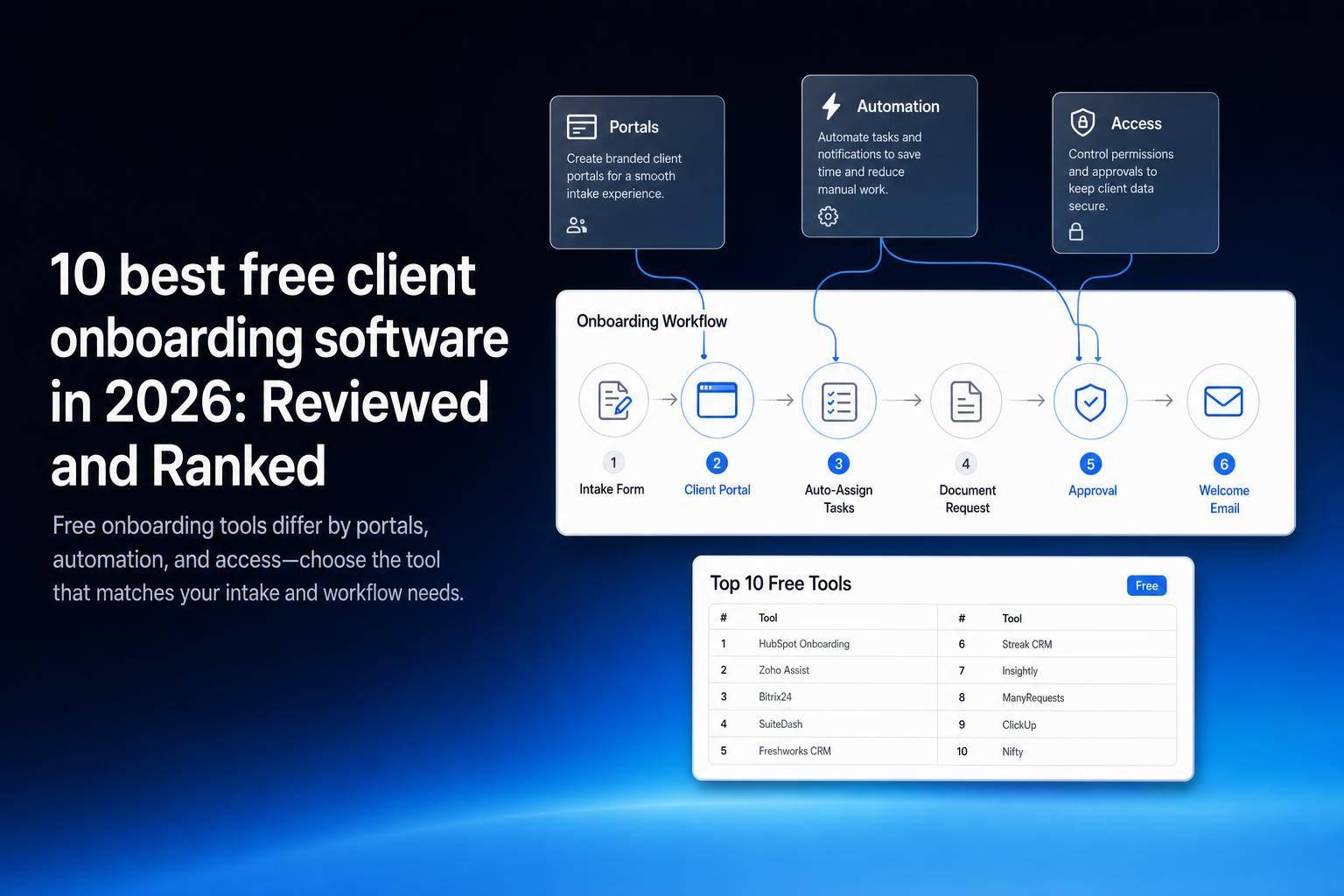
If you want free client onboarding software that you can actually use in 2026, start with Jet Admin, Airtable, HubSpot CRM, ClickUp, and Softr. They cover the main onboarding jobs: intake forms, document collection, task tracking, approvals, client messaging, and automation.
Here’s the short version:
- Jet Admin is my top pick for SQL/API-based onboarding portals with tight access control.
- Airtable works best for internal tracking, but the free plan caps you at 1,000 records and 100 automation runs/month.
- HubSpot CRM fits support-led onboarding, especially if your team already works in HubSpot.
- ClickUp is best for task-based onboarding with checklists and ownership tracking.
- Softr is the strongest no-code portal option, but the free plan only allows 5 users and 5,000 records.
- Zoho CRM is fine for basic CRM-led onboarding, but it runs out of room fast for document-heavy flows.
- Bitrix24 and Dock round out the list: Bitrix24 as a broad free CRM workspace, and Dock as a shared onboarding workspace for each client.
- Moxo leans toward guided client portals and document flows.
- Agile CRM is better for simple intake and follow-up than deep onboarding.
What matters most is how your onboarding works:
- If you need client portals, look at Softr, Moxo, or Jet Admin
- If you need internal workflow tracking, look at ClickUp or Airtable
- If you need CRM-based handoff, look at HubSpot CRM or Zoho CRM
- If you need SQL, APIs, permissions, and automation, Jet Admin is the best fit
Stop Wasting Hours on Client Onboarding - Use These 7 Free Tools
sbb-itb-8346adb
Quick Comparison
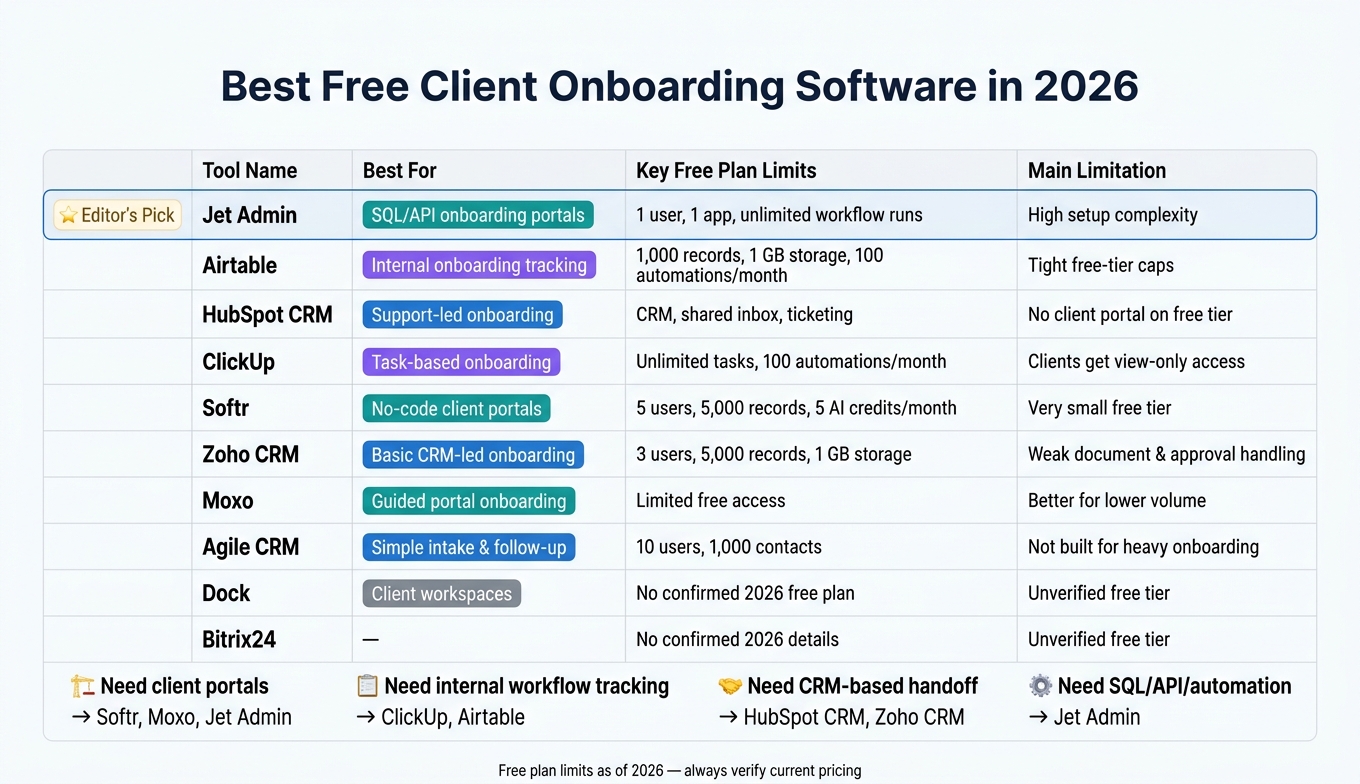
Best Free Client Onboarding Software 2026: Side-by-Side Comparison
| Tool | Best for | Free plan snapshot | Main limit |
|---|---|---|---|
| Jet Admin | SQL/API onboarding portals | Unlimited apps, users and workflows | More setup work |
| Airtable | Internal onboarding tracking | 1,000 records, 1 GB, 100 automations/month | Tight free limits |
| HubSpot CRM | Support-led onboarding | CRM, inbox, ticketing | No real client portal on free tier |
| ClickUp | Task-based onboarding | Unlimited tasks, 100 automations/month | Clients get view-only guest access |
| Softr | No-code client portals | 5 users, 5,000 records | Small free tier |
| Zoho CRM | Basic CRM-led onboarding | 3 users, 5,000 records | Weak document and approval handling |
| Bitrix24 | All-in-one CRM workspace | Free plan with core CRM and tasks | Needs setup for onboarding |
| Dock | Client workspaces | Check current free-plan limits | Built for B2B onboarding plans |
| Moxo | Guided portal onboarding | Limited free access | Better for lower volume |
| Agile CRM | Simple intake and follow-up | 10 users, 1,000 contacts | Not built for heavy onboarding |
In this ranking, I focus on tools with free access, usable limits, and day-to-day onboarding features that matter in practice.
1. Jet Admin
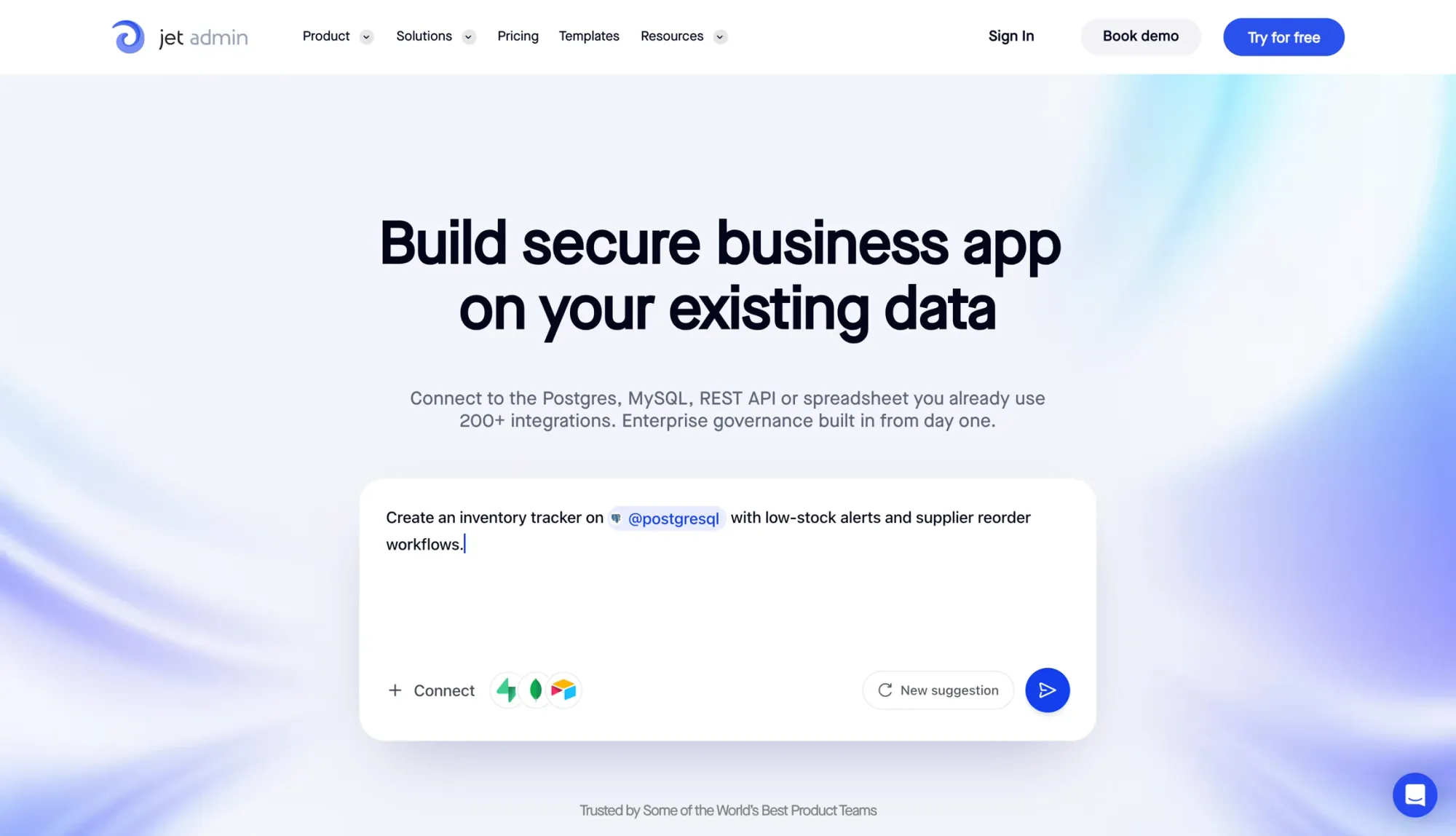
Jet Admin is a strong pick for secure, database-driven onboarding.
It lets teams build secure client onboarding portals and workflows on top of data sources they already use, including Postgres, MySQL, REST APIs, Google Sheets, and Airtable.
For client onboarding, Jet Admin gives technical teams the parts they need to create a secure portal without rebuilding their stack from scratch. You can set up document libraries with metadata and version history, build approval workflows, and control access with row-, column-, and action-level permissions. That means clients only see what they should, while your internal team keeps access to the rest.
Automation is one of Jet Admin’s best selling points. Scheduled jobs, webhooks, and API triggers can handle repeat onboarding tasks like intake, approvals, and document handling. The Free plan includes unlimited apps, users and workflows, plus SQL/API query support; paid plans add more AI credits. That said, there’s a trade-off: setup can take work.
Most useful workflows need SQL, JavaScript, or HTTP queries. So this isn’t the kind of tool you hand to a non-technical team and expect them to be up and running in an afternoon. If your team needs to keep internal data behind a firewall, Jet Bridge - the self-hosted agent - lets you expose a secure UI to clients without giving direct database access.
| Feature | Detail |
|---|---|
| Free plan | Unlimited apps, users and workflows; SQL/API queries |
| Automations | Unlimited workflow runs |
| Data sources | Postgres, MySQL, REST APIs, Google Sheets, Airtable |
| Permissions | Row-, column-, and action-level RBAC |
| Paid plans start at | $20/mo (Pro; not per user) |
| Best for | Technical teams building custom onboarding portals on existing databases |
2. Airtable
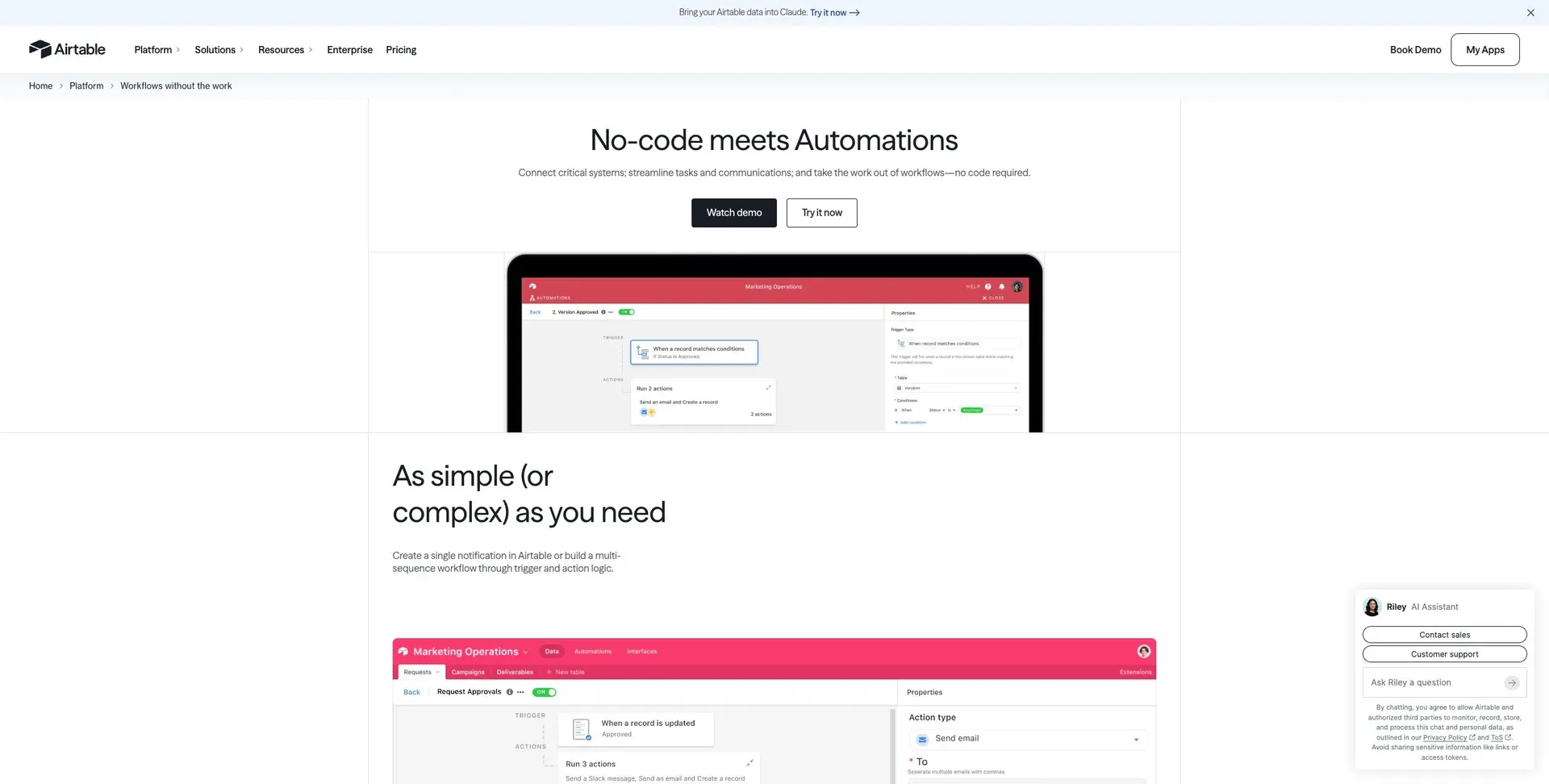
Airtable works well as a flexible database for internal onboarding tracking. For onboarding teams, that means you get room to shape things your way, but there’s less built-in structure from the start.
Its native forms handle basic intake, and views like Kanban, Calendar, and Grid make it easier to track onboarding milestones. For document collection, you can use attachment fields, although the free plan tops out at 1 GB of storage.
That setup can work fine for internal use. But once clients need access, costs can climb fast. Airtable gets expensive for client-facing workflows because external editors often need paid seats. If you're trying to build a low-cost client portal, that's a problem.
Another limit shows up with automation. The free plan includes just 100 automation runs per month, and active onboarding workflows can burn through that pretty fast. The Team plan at $20 per seat/month bumps that up to 25,000 runs, which is far more workable. So in practice, Airtable makes more sense for simple internal workflows than for high-volume onboarding automation.
| Feature | Free Plan | Team Plan ($20/seat/mo) |
|---|---|---|
| Records per base | 1,000 | 50,000 |
| Attachment storage | 1 GB | 20 GB |
| Automation runs | 100 | 25,000 |
| Editors | Up to 5 | Per seat |
Airtable is a better fit for small teams or freelancers handling fewer than 1,000 records and light automation. If clients need to work directly inside their onboarding data, you’ll likely need a separate client portal layer.
3. HubSpot CRM
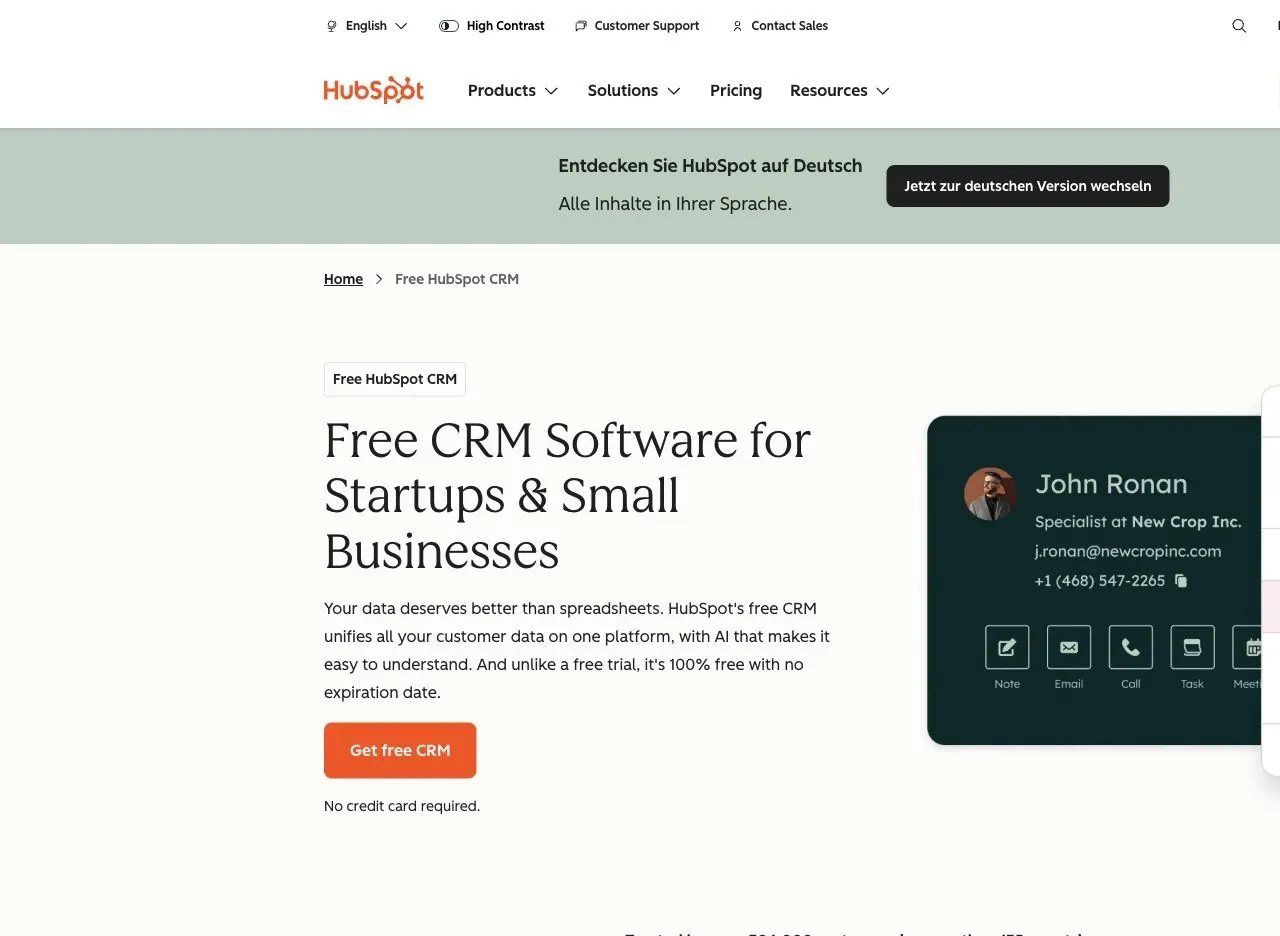
HubSpot CRM works well for support-led onboarding. The free plan gives you a shared inbox, ticketing, and basic CRM tools. That’s enough to run a simple onboarding process without adding another tool to the stack.
Its best use case is the client handoff. If your sales team already lives in HubSpot, moving a new customer into onboarding feels smooth. You can track follow-ups, log messages, and move tasks through a pipeline in one place. No tool-hopping. No messy handoff between teams.
The catch shows up when clients need direct access.
On lower tiers, custom objects, quotes, and invoice data aren’t set up for client access, and permission controls are pretty limited. So while your internal team can keep things organized, the client experience is more restricted. If customers need to log in and check onboarding details themselves, you’ll need Service Hub.
| Capability | Free Plan | Paid Tiers |
|---|---|---|
| Shared inbox & ticketing | ✅ Included | ✅ Included |
| Client-facing portal | ❌ Not available | ✅ Service Hub |
| Custom objects | ❌ Limited | ✅ Higher-paid tiers |
| Advanced automation | ❌ Limited | ✅ Paid plans |
HubSpot CRM is a strong fit for service businesses and agencies that need support-led onboarding. It makes the most sense when onboarding is driven by communication and your team is already using HubSpot day to day. But if clients need to interact with onboarding data directly, or your process involves lots of documents and moving parts, the free plan hits its limits fast.
4. ClickUp
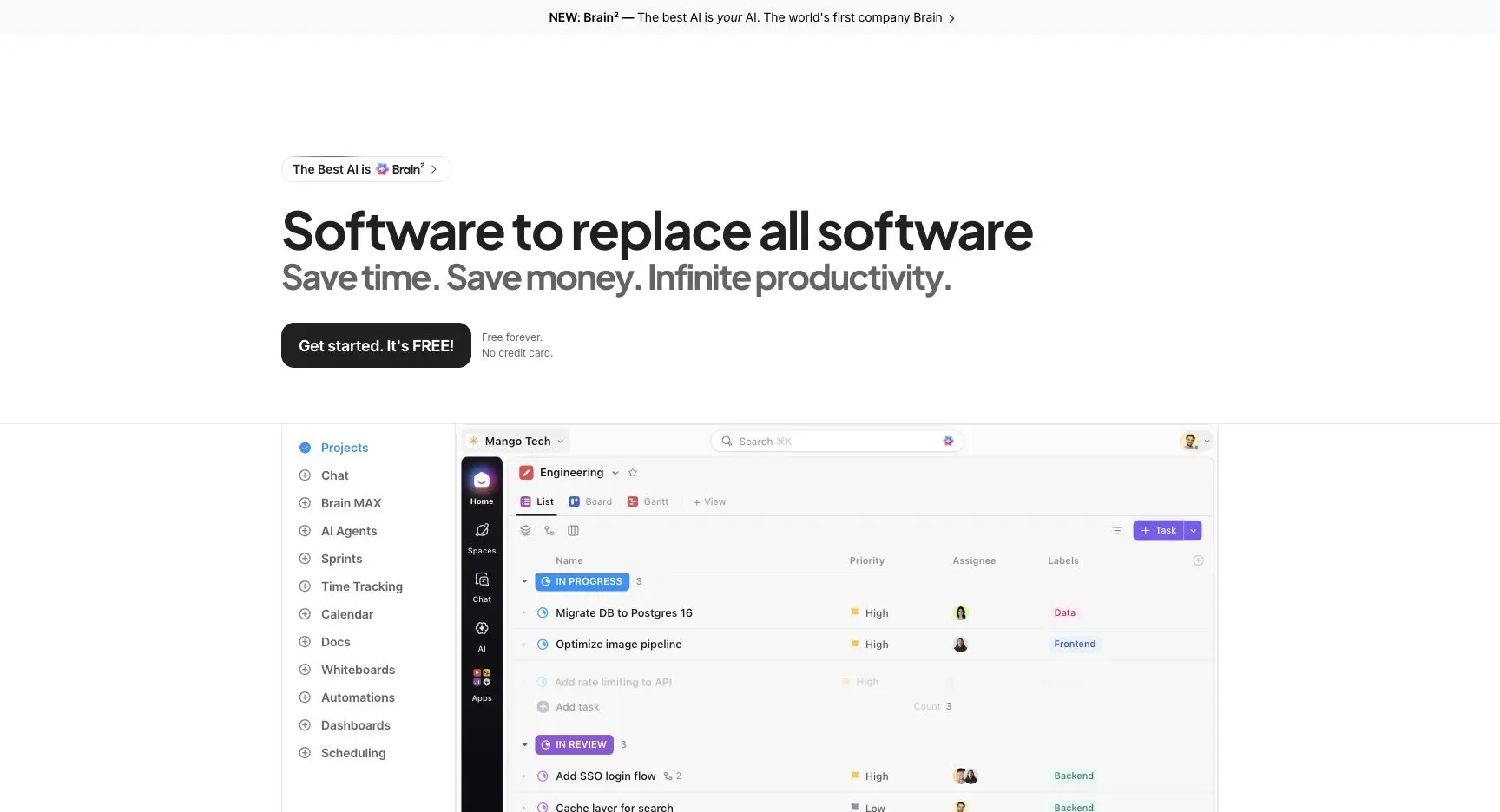
ClickUp is a good fit for teams that run onboarding through tasks, checklists, and approvals. It gives you a clear way to organize each step, assign ownership, track status, and keep follow-up from slipping through the cracks.
You can map intake steps to tasks, use dependencies for approvals, and monitor progress across views like List, Board, and Gantt. That setup works well when onboarding is mostly an internal process and your team wants one place to see who owns what.
Where ClickUp gets a bit tricky is on the client side. Client-facing onboarding usually takes more setup, and the free plan has some tight limits. Guests only get view-only access, so clients can't do much directly inside the workspace. Automation is also capped at 100 uses per month on the free plan, which can run out fast if you have active onboarding flows.
| Feature | Free Plan | Paid Plans |
|---|---|---|
| Tasks & subtasks | Unlimited | Unlimited |
| Automation runs | 100/month | Up to 250,000/month |
| Guest access | View-only | Edit access |
| Custom fields | Limited | Expanded |
| Dashboards | Limited | Full access |
ClickUp works best for teams that manage onboarding through structured task lists and want a single place to track ownership and progress. But if your process depends on clients updating onboarding details themselves or sending documents through a portal, the free plan's access controls can get in the way.
5. Softr
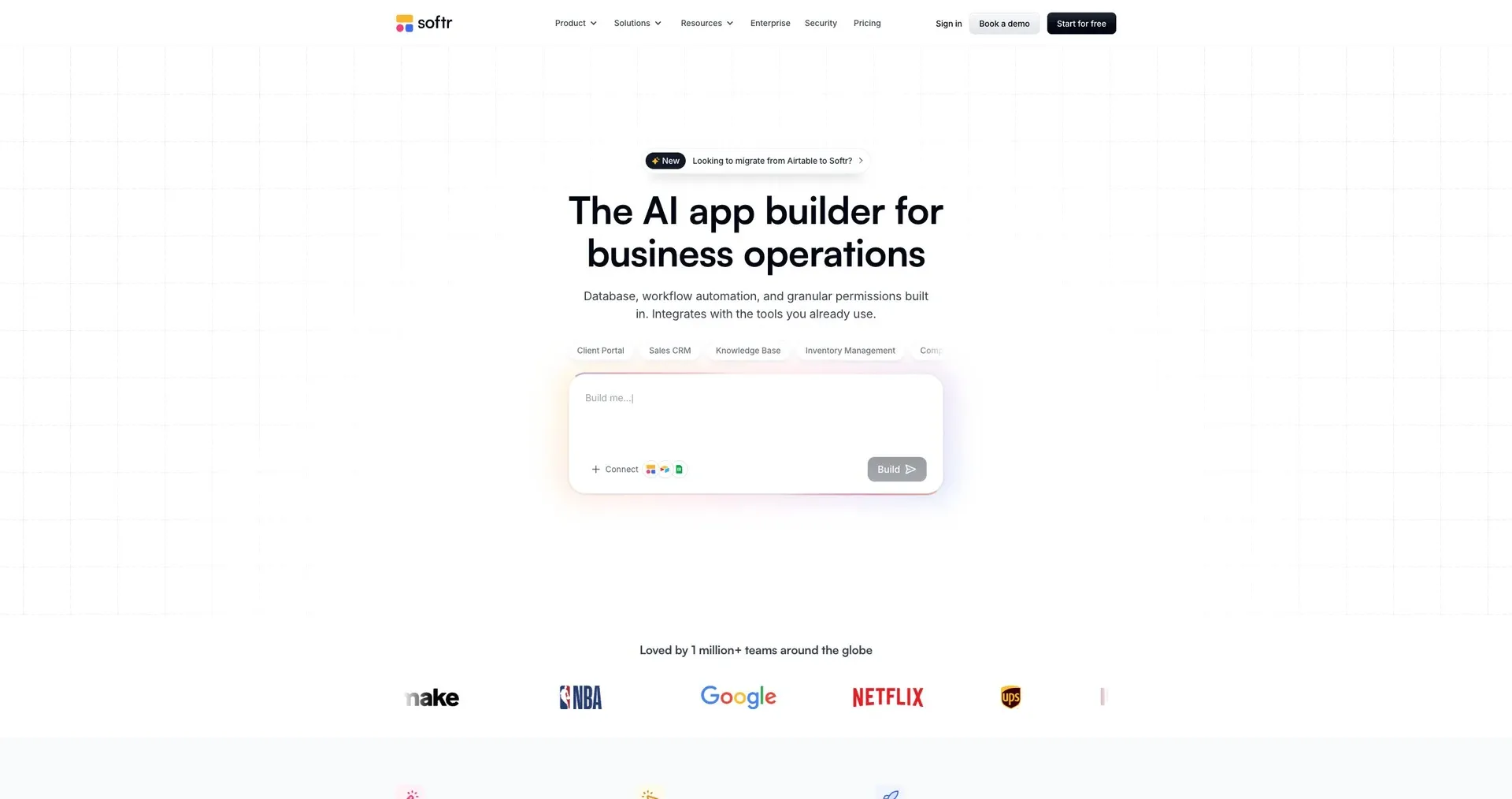
For teams that want client self-service, Softr moves onboarding out of spreadsheets and internal notes and into a client portal.
Softr lets you build client-facing onboarding portals with intake forms, file uploads, dashboards, and document libraries - without code.
Its AI Co-Builder can turn a written prompt into a working portal structure. That can cover intake, file collection, client communication, and the self-service pieces that onboarding usually needs. Built-in workflows manage approvals and status changes. Clients can also ask questions and get permission-aware answers inside the portal, which helps cut down on routine customer support processes.
A 2026 client portal setup shows what this can look like in practice. Officeheads built a portal on Softr with a knowledge base and document management system, so clients could find documents on their own and track updates without asking the team for every little thing.
The free plan has limits that become a problem once you start adding more clients. So it works better for testing or a small pilot than for running onboarding across several accounts.
| Free Plan Limit | Cap |
|---|---|
| App users | 5 total (team + clients) |
| Database records | 5,000 |
| AI credits | 5/month |
| Branding | Softr branding remains |
| Custom domain | Not available on the free plan |
For a solo consultant trying the platform, those caps may be fine. If you need branded portals or want to support more than one client at a time, you'll likely need the Basic plan at $19/month.
6. Zoho CRM
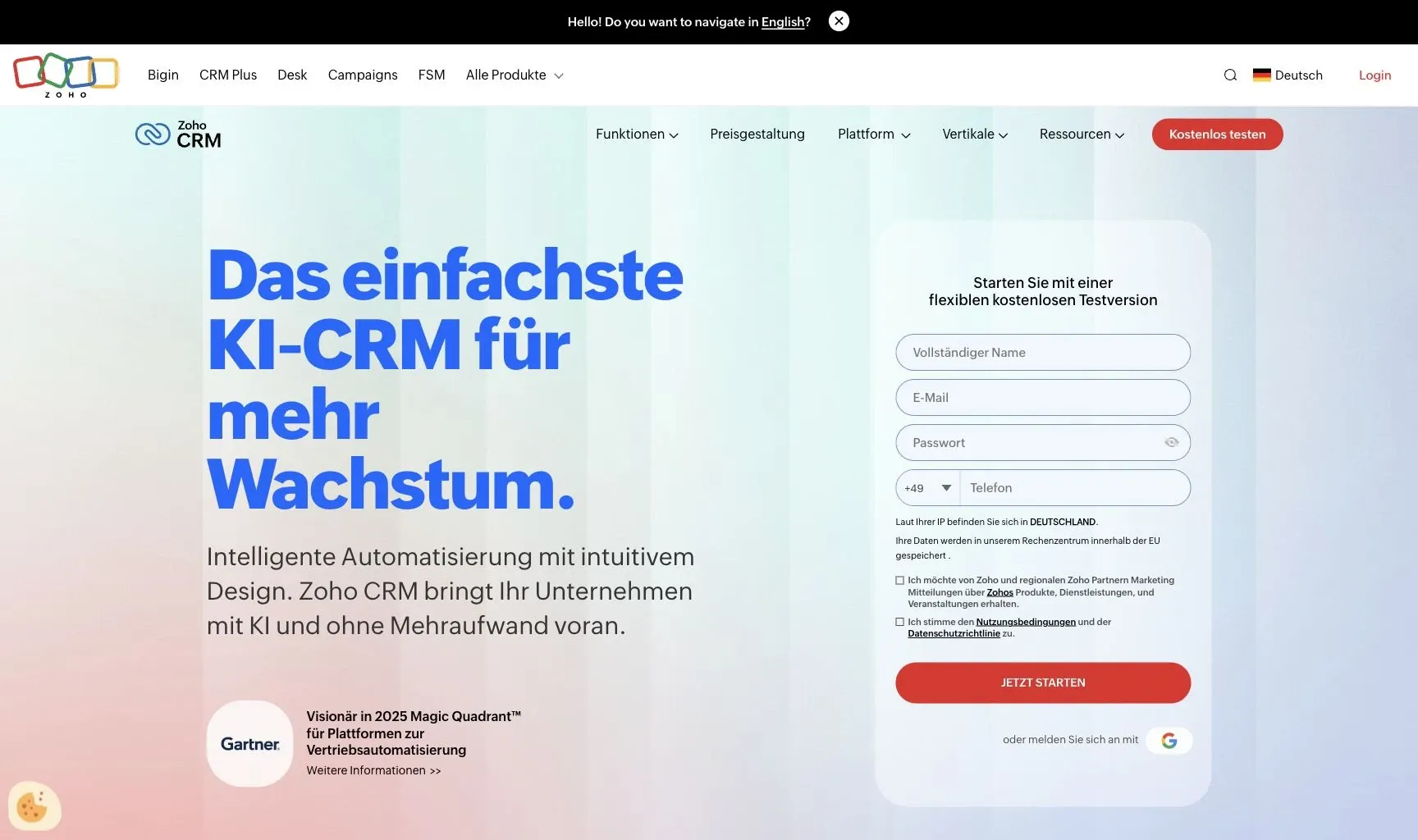
Zoho CRM is a CRM platform with basic onboarding tools in one place. The free plan includes lead and contact capture, intake forms, task assignment, and simple follow-up automation. So it fits intake and follow-up better than a full client portal setup. The tradeoff is pretty clear: the free plan doesn’t include stronger document handling or approval flows.
If your team needs document capture, e-signatures, or multi-step workflows, you’ll likely hit the ceiling fast. Limits on storage and seats create another bottleneck as client volume grows.
| Free Plan Limit | Cap |
|---|---|
| Users | 3 seats |
| Records | Up to 5,000 |
| Storage | 1 GB |
| Automation | Basic workflow rules only |
| Document handling | Not included |
| E-signatures | Not included |
It works for basic CRM-led onboarding, but teams with heavier workflow needs will outgrow the free tier fast.
7. Bitrix24
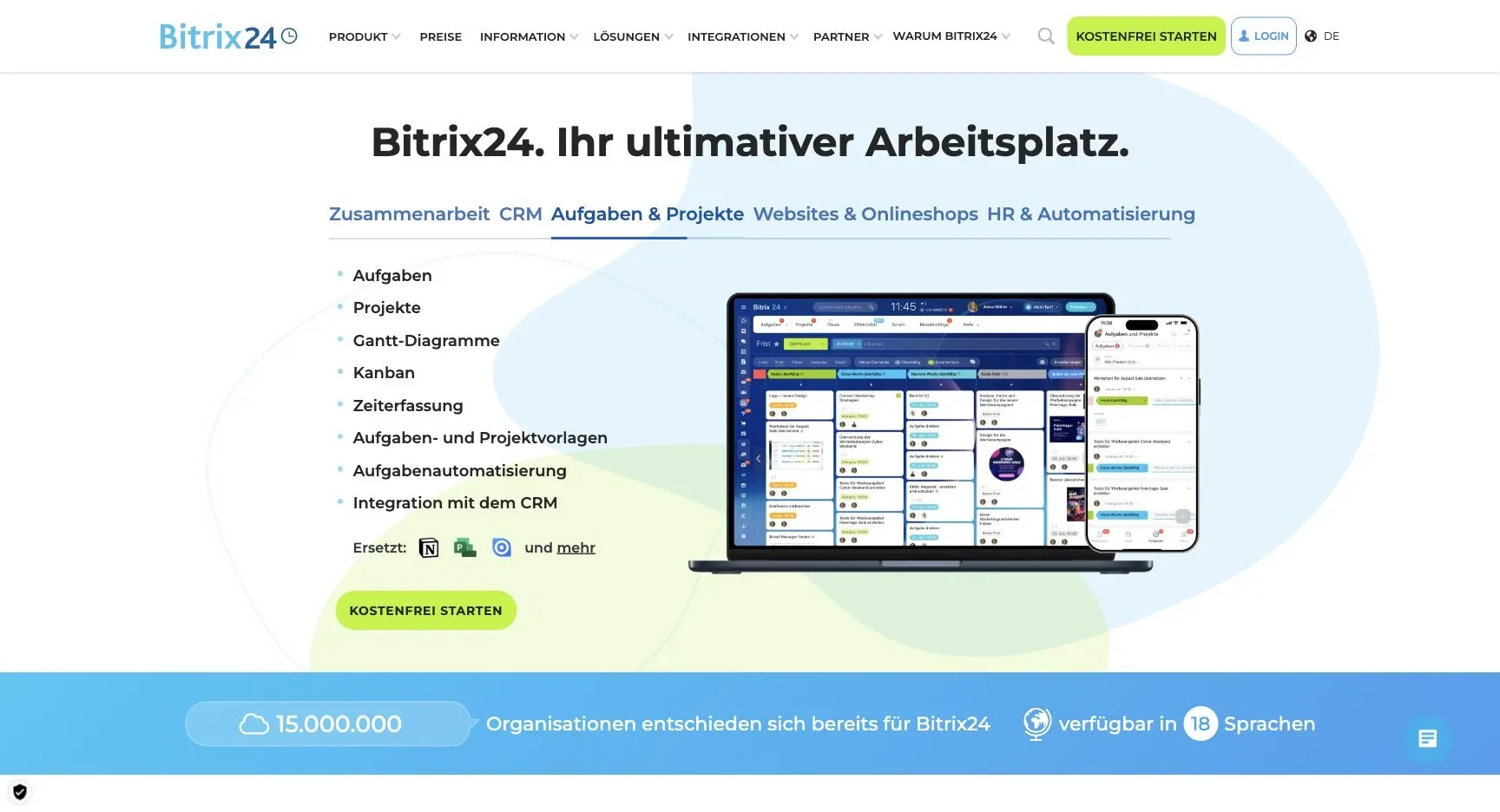
Bitrix24 is an all-in-one workspace with CRM, tasks, chat and a client-facing extranet. Its free plan covers core CRM and task features, so small teams can track onboarding steps without paying. The trade-off is breadth: shaping it into an onboarding flow takes configuration, and the interface can feel busy for clients.
8. Dock
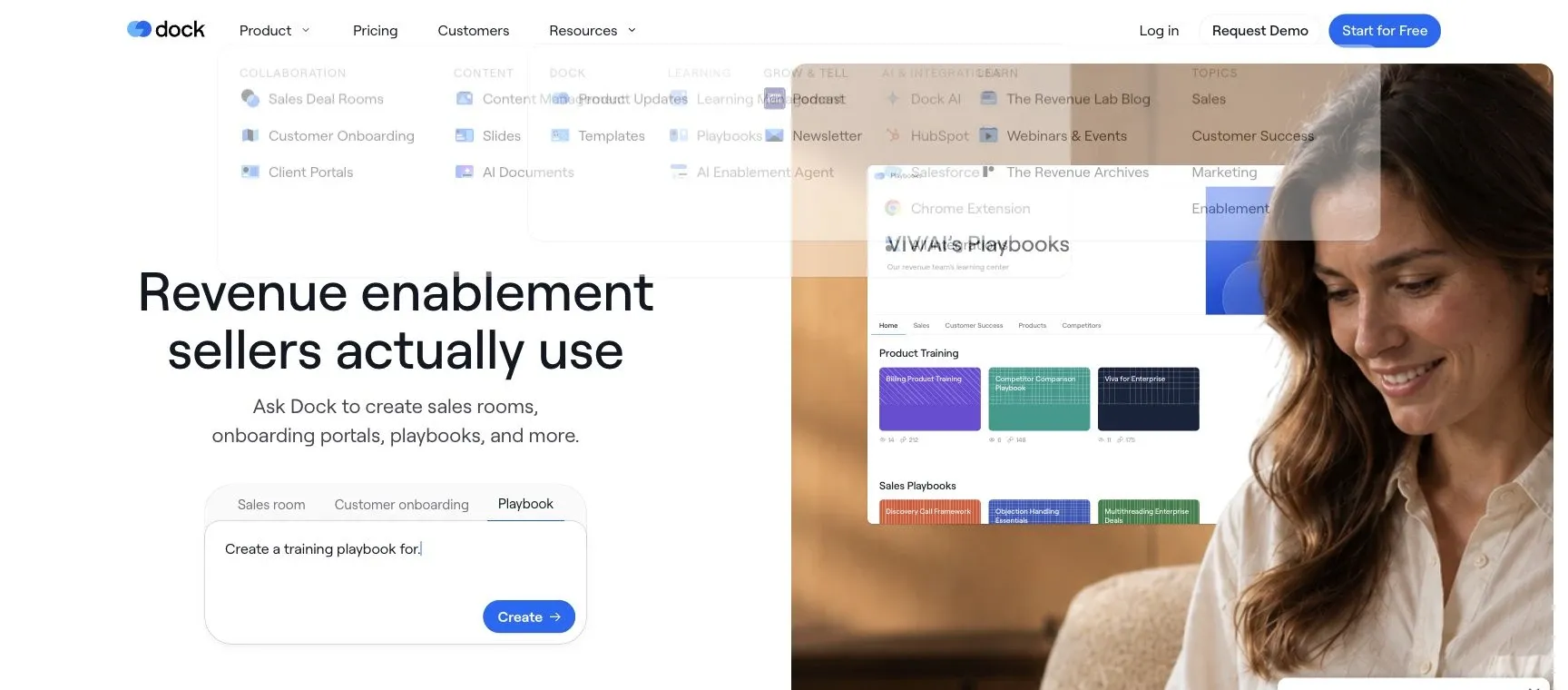
Dock gives each client a shared workspace with onboarding plans, content and mutual action items, which suits B2B teams moving a customer from signed deal to kickoff. Check the current free-plan limits before you roll it out across many clients.
9. Moxo
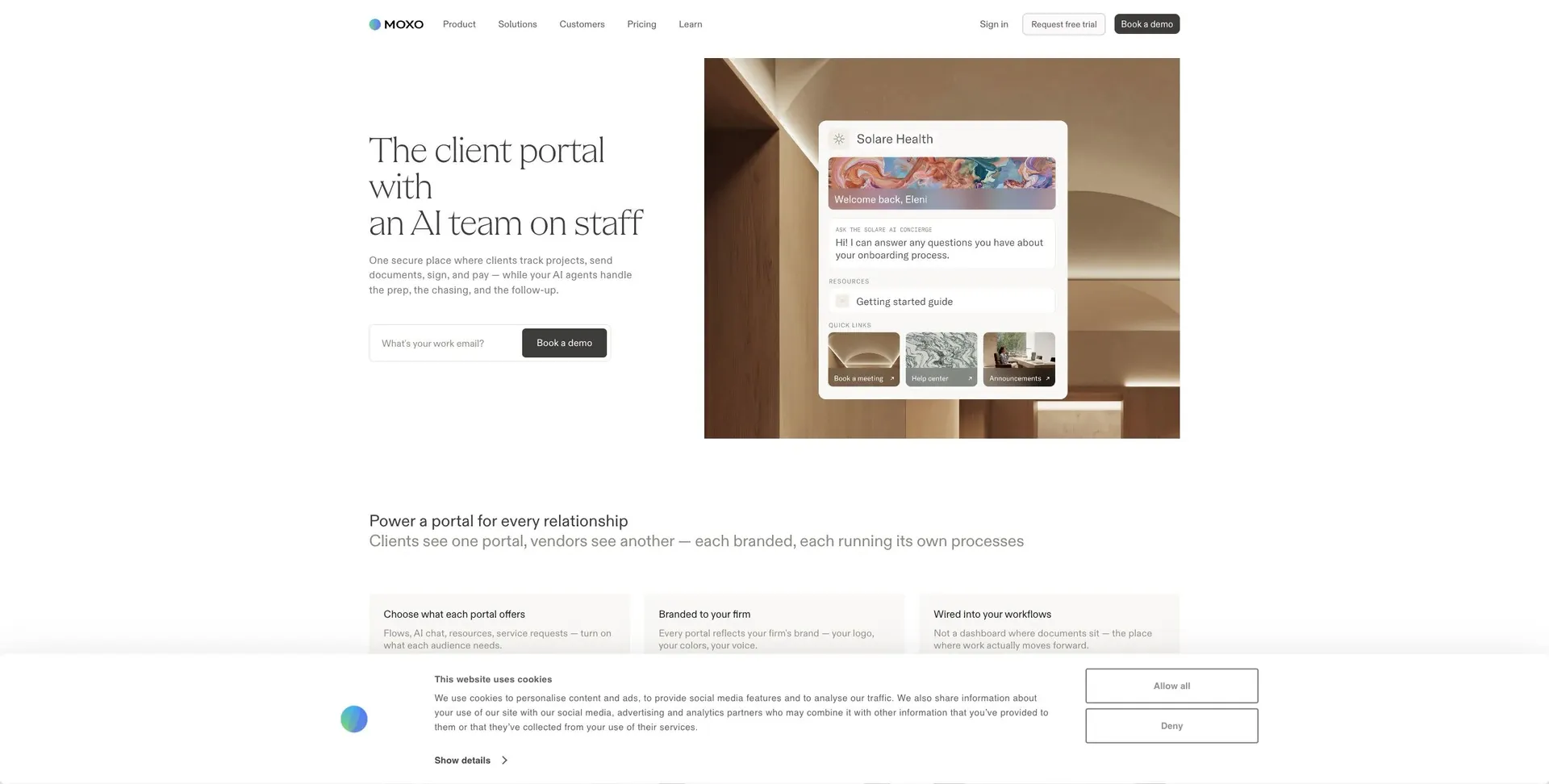
Moxo puts onboarding inside a client portal, which makes the whole process feel more guided from the client’s side.
It uses structured checklists and interactive forms to move client intake and document collection along with less back-and-forth. Its secure document vault keeps file collection in the same flow, so teams aren’t chasing paperwork across email threads and separate tools.
The free tier is limited, which makes Moxo a better match for lower-volume onboarding. The main tradeoff is pretty simple: it shines in portal-based workflows, not in lightweight intake by itself.
It works best when onboarding depends on guided client action rather than internal task tracking alone. For teams that need more automation, a customer onboarding agent can handle the heavy lifting. So if your team wants intake and document collection to happen in one client-facing workflow, Moxo or a similar onboarding tool makes a lot of sense.
10. Agile CRM
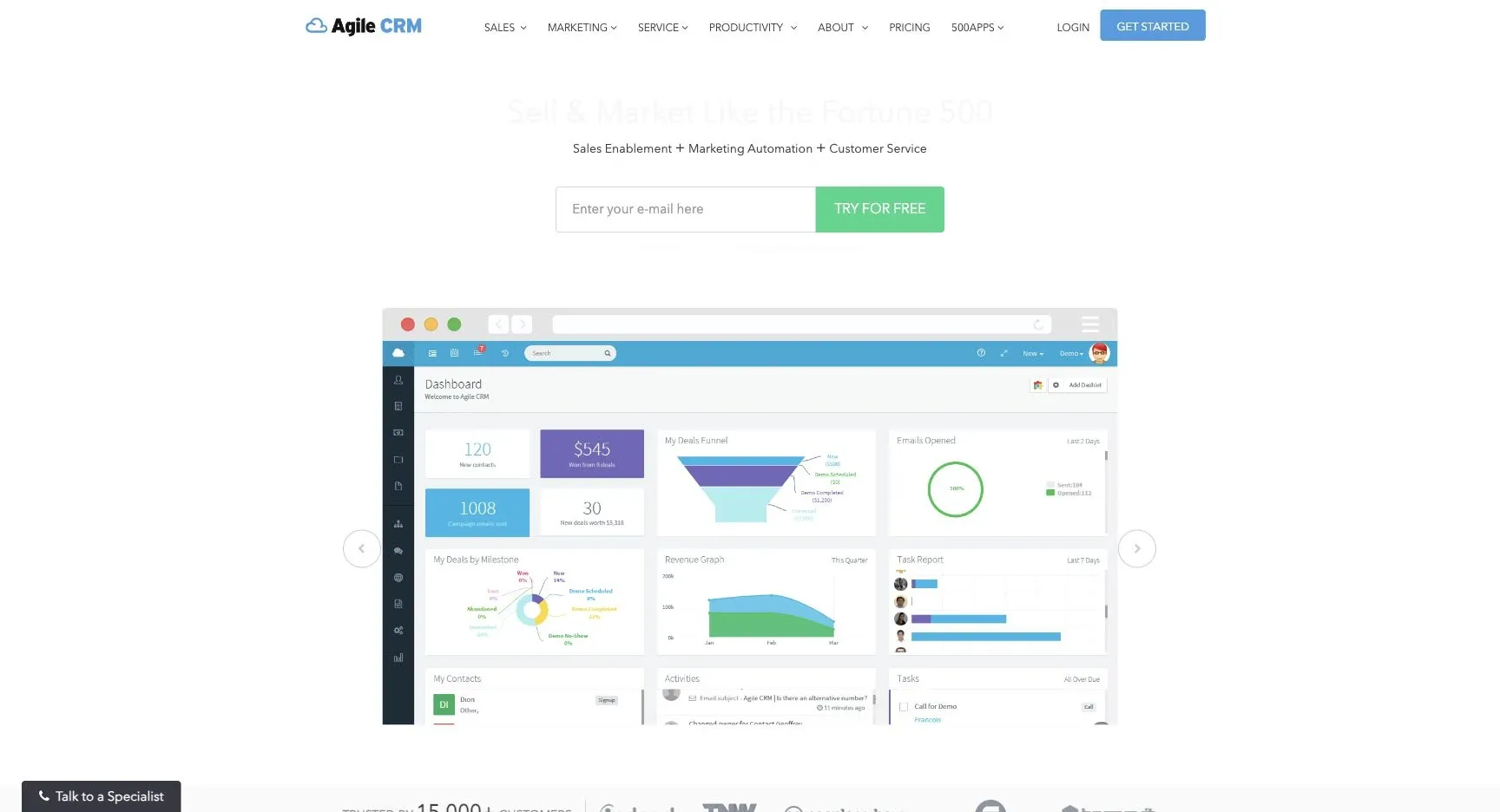
Agile CRM is a good match for solo consultants and small agencies that want sales, marketing, and service tools in one place.
Its free plan stands out most on the intake side. You get support for up to 10 users and 1,000 contacts and companies. The landing page builder and web forms can push client data straight into the CRM, which cuts down on manual entry. Basic task management also helps you track milestones and reminders.
This setup works well for small service businesses with a simple intake and follow-up process. Bigger teams will run into the user and contact limits pretty fast. So this is better for basic intake and follow-up than for complex onboarding. Use it for intake, reminders, and light workflow tracking; the comparison below shows where it shines most.
Side-by-side strengths, tradeoffs, and best use cases
No tool works for every onboarding setup. The main question is simple: does your onboarding rely more on intake, client visibility, or workflow automation? That’s the lens to use when matching each tool to the job it handles best.
Intake and data capture is where Airtable and Softr stand out. Airtable’s relational backend and native forms are a good fit for structured data, while Softr’s AI Co-Builder can set up fields and forms around your business needs automatically. The catch with Airtable is capacity: external users often need paid seats to get full access to Interfaces. Softr is easier to get live fast, but its free plan comes with tighter user and record limits.
If your process depends on client visibility, the next choice is portal-first vs. internal-only tools. Softr gives you branded portals where clients can view only their own records.
If your process is more workflow-heavy than portal-heavy, the key difference is automation depth. Jet Admin connects to Postgres, MySQL, REST APIs, Google Sheets, and Airtable. It also supports triggers, actions, and webhooks for automated workflows. The tradeoff is technical complexity. You need to be comfortable with SQL and APIs, so it’s less friendly for non-technical users. Jet Admin fits technical teams that need secure, database-backed onboarding workflows. ClickUp, on the other hand, is better for task-heavy onboarding. Its free tier includes unlimited tasks, which makes it a stronger choice when task structure matters more than deep automation.
The table below pulls those tradeoffs into one place.
| Tool | Best Use Case | Plan Snapshot | Status |
|---|---|---|---|
| Jet Admin | SQL/API-backed technical portals | API/database connectors and automated workflows | Permanent free (unlimited apps and users) |
| Airtable | Internal ops with structured data | 5 editors, 1,000 records | Permanent free |
| HubSpot CRM | Support-led onboarding | Ticketing, shared inbox, knowledge base | Service Hub tiers |
| ClickUp | Task-heavy onboarding workflows | Unlimited tasks | Permanent free |
| Softr | Agencies building portals on existing data | 5 users, 5,000 records, AI Co-Builder | Permanent free |
| Zoho CRM | High-volume client access | First 1,000 portal users free | Permanent free |
| Dock | High-touch client workspaces | - | No verified permanent free plan |
| Moxo | High-touch client orchestration | - | No verified permanent free plan |
On team fit and free-plan limits, Softr makes sense for small portal pilots. Zoho CRM is the better fit for higher-volume portal access.
Pros and cons by product
Here’s the short version of where each top pick shines and where it starts to pinch.
Jet Admin is a strong fit for onboarding data spread across SQL databases and REST APIs, and its free tier includes unlimited workflow runs. That makes it a good match for technical and ops teams.
Airtable can work well for internal onboarding, especially if your team already uses it. The catch is the free plan: it limits you to 100 automation runs per month and 1,000 records per base.
Softr stands out for speed. Its AI Co-Builder helps you set up client portals fast, but the free plan is limited to 5 users and 5,000 records.
Use the table below for the fastest side-by-side read.
| Product | Biggest Advantage | Main Drawback | Best-Fit Team |
|---|---|---|---|
| Jet Admin | SQL/API connections and unlimited workflow runs | Best for technical ops teams | Teams working with SQL databases and REST APIs |
| Airtable | Easy to adopt for internal teams already using Airtable | 100 automation runs/month and 1,000 records/base | Internal-only dashboards |
| Softr | AI Co-Builder for fast portal setup | 5-user and 5,000-record cap | Agencies and ops teams building portals |
Next, use these tradeoffs to match the right tool to your onboarding workflow.
How to choose the right client onboarding tool
Once you've compared features and plan limits, the next step is simple: match the tool to your workflow.
That matters more than anything else.
The right pick depends on how your onboarding actually works day to day: intake, document collection, approvals, and client communication.
If your process starts with structured intake, Softr makes sense when you need a client-facing form flow connected to a light portal. If onboarding happens inside a CRM you already use, HubSpot or Zoho CRM are the natural choices for client handoff. If your process involves lots of reviews, permissions, and sign-offs, focus on a platform with workflow logic, status tracking, and access controls built in. For secure onboarding flows backed by SQL or APIs, Jet Admin is the better fit, especially when approvals and access rules are part of the job.
Think of this as your final filter:
| Workflow Need | Best Fit | Why It Fits |
|---|---|---|
| Structured intake | Softr | Client-facing intake tied to a lightweight portal |
| CRM-led onboarding | HubSpot or Zoho CRM | Client handoff inside an existing CRM |
| Branded client portals | Softr | Design control and custom domains on paid plans |
| Approval-heavy flows | Jet Admin | Workflow automation and access controls |
| Custom SQL/API-backed apps | Jet Admin | Native database and API connections with governance |
One more thing: check free-plan limits before you decide. Softr caps free apps at 5 users, 5,000 records, and 5 AI credits.
Pick the tool that lines up with your main onboarding workflow.
FAQs
How do I choose the right onboarding tool for my workflow?
Start by mapping your workflow, your current data sources, and whether you need internal operations, client portals, or both. Then spell out what you need for security, branding, and automation.
When you compare tools, focus on a few core areas:
- Integrations with your existing systems
- Permissions and security controls
- Workflow automation for tasks and approvals
- Scalability, governance, and customization
Before you roll anything out across the whole team, test a focused MVP with a small pilot group.
When will a free plan stop being enough?
A free plan tends to run out of runway once your business moves past basic use. In most cases, the upgrade point shows up when you hit caps on records, automation runs, or the number of internal and external users.
You can also outgrow a free plan when you need custom domains, white-labeling, tighter permissions, audit logs, SSO, steadier performance, dedicated support, or more complex integrations.
Do I need a client portal or just internal tracking?
If you only need internal tracking, you don’t need a client portal. Project management tools, task boards, or internal dashboards can do the job just fine.
A client portal starts to make sense when clients need a secure place to log in, check progress, upload documents, track requests, and communicate without relying on email.
Put simply:
- Use internal tools if the work is only for your team
- Use a client portal if clients need 24/7 self-service for onboarding tasks and status updates
If clients don’t need that kind of access, keep things internal.