If you're evaluating Coda alternatives, you've likely hit one of three walls: the learning curve is steeper than your team can absorb, the free plan's row limits are choking your data, or you need stronger capabilities in a specific area - whether that's project management, structured data, or building internal tools. Coda combines document editing, spreadsheets, and database functionality into a single app, and that flexibility is genuinely hard to replicate. But specialized tools often outperform it in the areas that matter most to your team.
The short answer: No single alternative replaces everything Coda does. But for most teams, a focused tool delivers better results. Choose Notion if documentation and knowledge management drive your work. Choose Airtable if structured data management is your priority. Choose Jet Admin or Retool if you need to build internal business applications on existing databases. The right Coda alternative depends on your team size, technical skill level, and whether your workflows are document-first, data-first, or tool-first.
What Is Coda?
Coda is a connected workspace that merges documents, relational databases, and application logic into a single surface. Its formula language supports row-level logic, cross-table lookups, and embedded actions like buttons that trigger automations - making it a spreadsheet database hybrid that can function as a lightweight app builder. Typical use cases include interactive project trackers, operational dashboards built inside documents, and workflow automation through its "Packs" integration system.
The trade-offs are real, though. Coda's free plan caps usage at roughly 1,000 rows across all tables in a document and 50 objects per doc. Performance degrades noticeably in large, formula-heavy documents. And the doc maker pricing model - while potentially cost-effective when most users are editors or viewers - means paid plans can reach approximately $36/user/month at the Team tier, which is significantly higher than several alternatives.
How to Evaluate Coda Alternatives: Key Decision Criteria
Before diving into specific tools, establish what matters for your team. Coda alternatives vary based on priorities like document collaboration, relational databases, and project management, so aligning on criteria prevents expensive tool switches later.
- Build speed - How quickly can your team ship functional workflows, dashboards, or documents? Template availability, UI intuitiveness, and onboarding friction all factor in.
- Data connectivity - Native connectors to databases, SaaS tools, and APIs. Does the tool support webhooks, live sync, or two-way data flows with your existing stack?
- Extensibility and automation - Can you automate workflows with formulas, rules, scripting, or custom logic? How sophisticated can triggers and actions get?
- Authentication and permissions - User roles, granular access controls, guest access, and the distinction between creators and viewers. This directly affects both security and cost.
- Deployment options - Cloud-only versus on-premises, VPC, or hybrid. Mobile app quality and offline support matter for distributed teams.
- Governance - Audit trails, version history, compliance certifications (SOC 2, data residency), and administrative controls for enterprise environments.
- Pricing model - Per-seat, per-creator, or usage-based pricing. Free tier generosity. How total cost of ownership scales as your team grows.
- Maintenance requirements - Setup complexity, required training investment, ongoing administration, and technical support quality.
Coda Alternatives: Quick Comparison Table
Alternative | Best For | Starting Price | Deployment | Learning Curve |
|---|---|---|---|---|
Jet Admin | Custom business applications | Cloud, custom domains | Medium | |
Notion | Knowledge management, team wikis | Free; paid plans start ~$12/user/mo | Cloud, desktop, mobile | Low |
Airtable | Structured data, relational databases | Free; paid ~$20/user/mo | Cloud, mobile | Low–Medium |
ClickUp | Full-scale project management | Free; paid ~$7/user/mo | Cloud, desktop, mobile | Medium |
Fibery | Complex interconnected workflows | ~$20/user/mo | Cloud | Medium–High |
Monday.com | Visual project tracking | ~$12/seat/mo (min 3 seats) | Cloud, mobile | Low–Medium |
Basecamp | Simple team collaboration | Flat-rate ~$349/mo unlimited users | Cloud, mobile | Very Low |
Retool | Developer-centric internal tools | Free; enterprise pricing varies | Cloud, self-hosted | High |
The key trade-off: tools that match Coda's flexibility (Fibery, Retool) demand more technical skill, while tools that are easier to adopt (Notion, Basecamp) sacrifice depth in automation or data modeling.
Jet Admin: Best for Building Custom Business Applications
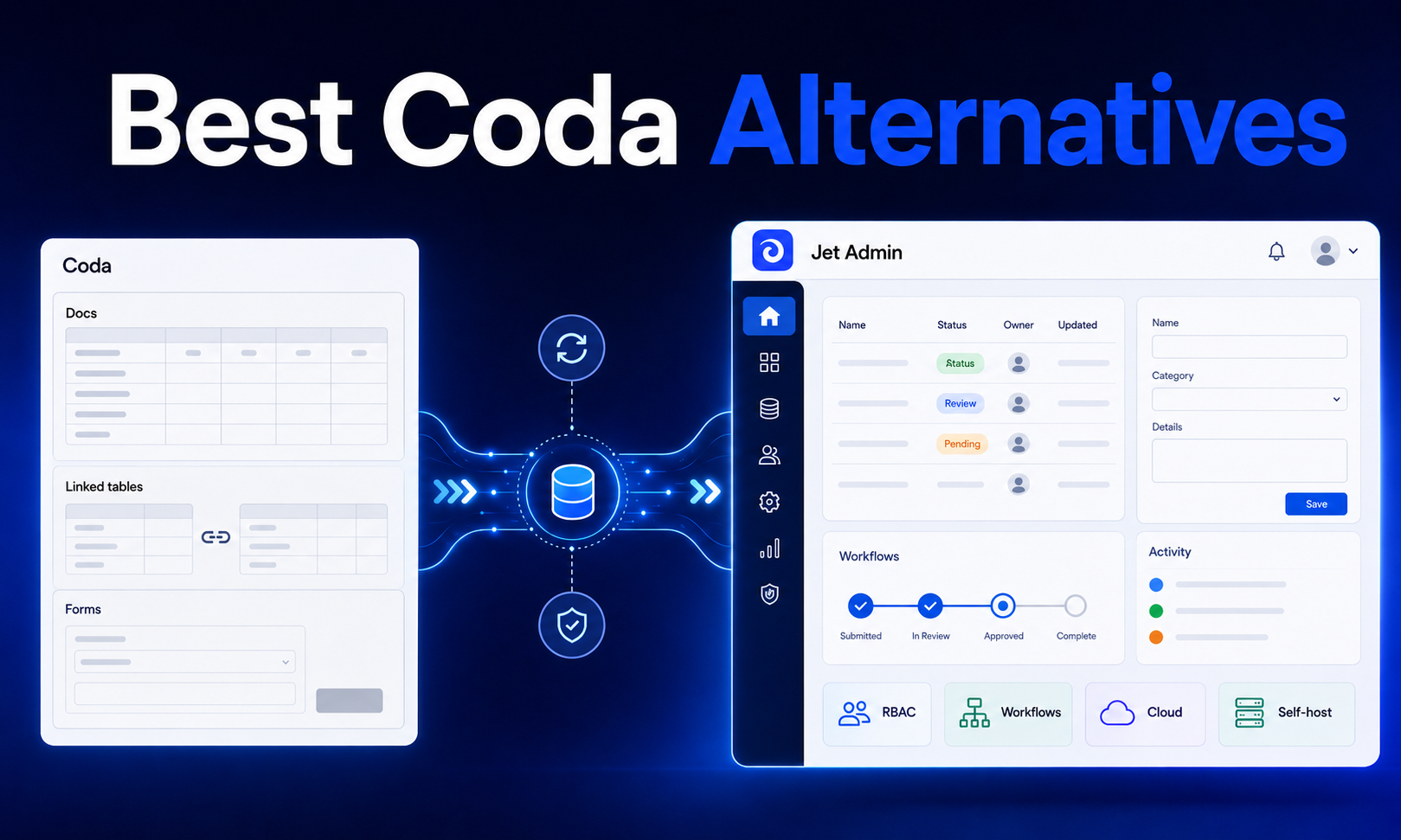
Jet Admin builds secure business apps on existing data - it generates the interface and application/backend logic, then deploys the app to users. Where Coda embeds lightweight app behavior inside documents, Jet Admin produces standalone business applications with custom domains, user authentication, and governed data access.
Best for: Teams needing to build internal tools, admin panels, and custom business applications on top of existing databases and APIs without full engineering cycles.
Strengths:
- Connects to existing databases, APIs, spreadsheets, and SaaS tools through an extensive integrations catalog. Supported databases include PostgreSQL, MySQL, MongoDB, Snowflake, BigQuery, Firebase/Firestore, Supabase, and many more. SaaS connectors cover Stripe, HubSpot, Salesforce, Zendesk, Slack, Shopify, Jira, and dozens of others.
- Visual builder for CRUD operations, dashboards, KPI displays with chart components, and data export (CSV, Excel, JSON, PDF). Custom actions ("Flex Actions") enable embedding business logic via API.
- Supports custom domains and deployment configurations, giving teams control over how applications are presented to end users.
- Storage connectors including Amazon S3, Google Cloud Storage, Azure Blob Storage, and authentication options (Google OAuth, OIDC, Auth0) provide enterprise-grade infrastructure.
Limitations:
- Focused on app building rather than documentation or narrative content. If your team needs team wikis, knowledge bases, or long documents, Jet Admin isn't designed for that.
- Requires existing data sources - it builds on your databases and APIs, not as a standalone data store like Airtable or Coda.
- Teams accustomed to Coda's document-centric workflow will find the paradigm different: Jet Admin produces applications, not interactive documents.
Pricing: See the Jet Admin pricing page for current plans and tiers.
Notion: Best for Knowledge Management and Team Wikis
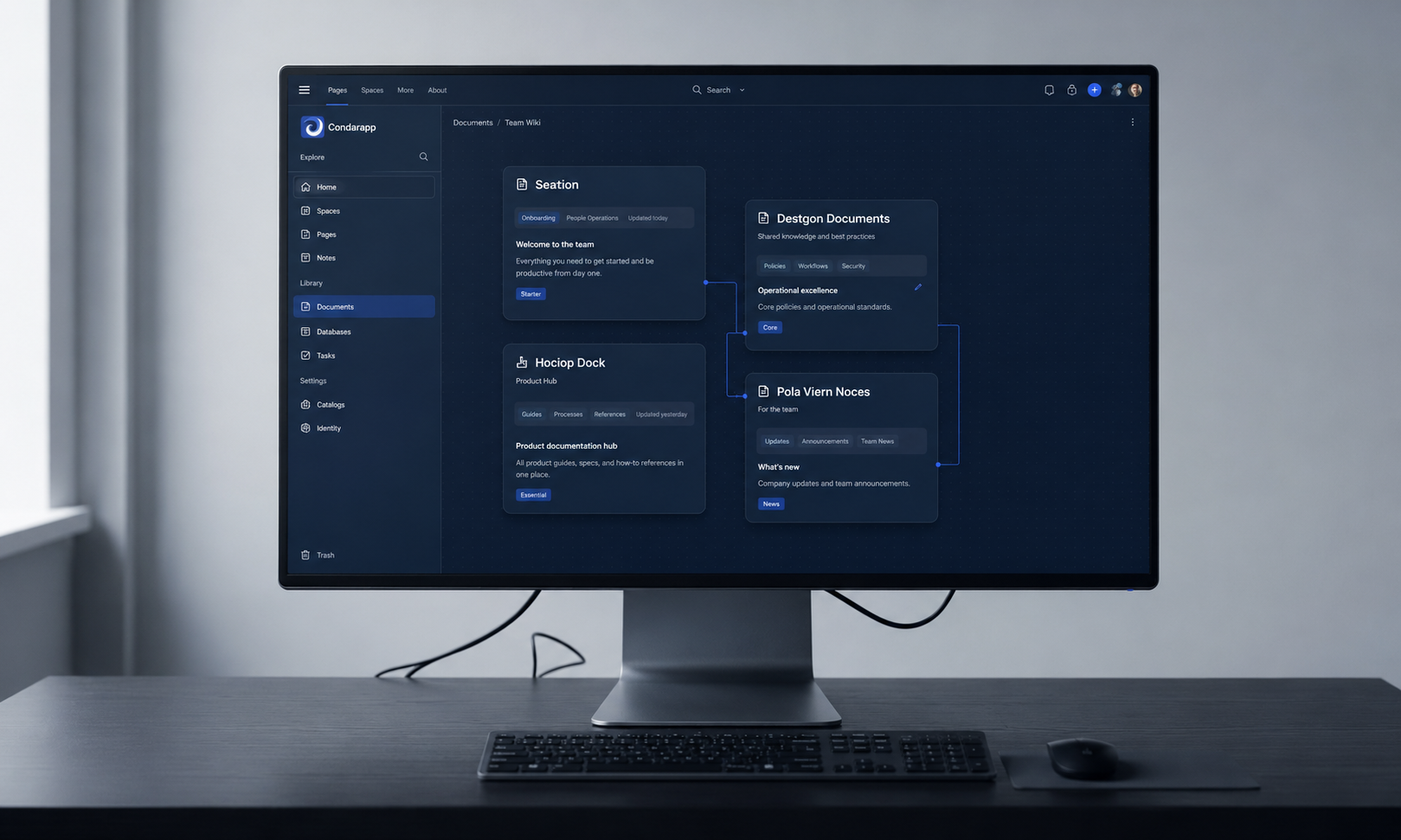
Notion is a block-based workspace that merges documents, task tracking, and databases into a flexible workspace that millions of teams use daily. Notion is a leading Coda alternative for documentation, and it's the tool most teams evaluate first when moving away from Coda.
Best for: Documentation-heavy teams, personal productivity, personal knowledge bases and team wikis. Choose Notion if your primary workflow involves note taking, meeting notes, long documents, knowledge bases, and light project coordination.
Strengths:
- Notion's interface is cleaner and more intuitive than Coda's, with a polished block-based editor that makes creating team wikis and knowledge bases fast. Notion is easier to use than Coda for basic workflows.
- Notion has over 10,000 templates available for users, covering everything from project dashboards to personal productivity systems - dramatically reducing build speed.
- The free tier is genuinely generous: unlimited pages and blocks, guest access, and basic version history. For non-technical users and small teams, this alone makes it compelling.
- AI features including Notion Agents for content generation, PDF/image processing, and natural-language database creation add value on paid plans.
- Notion is best for personal knowledge bases and team wikis.
Limitations:
- Formula and relational database power are notably weaker than Coda's. Cross-document computation is constrained, and you can't embed interactive actions (buttons triggering logic) inside documents the way Coda allows.
- Native automations are simpler - fewer triggers, fewer action types, and no equivalent to Coda's Packs for two-way live data sync with external tools.
- Every user generally needs a paid seat for full access. There's no doc maker versus editor distinction, which means scaling can get expensive when many users only need to view or lightly edit.
- Offline mode and mobile experience are improving but still limited for power users; performance can degrade with extremely large databases.
Pricing: Free plan with generous content limits. Plus tier around $12/user/month; Business tier approximately $18/user/month (annual billing). Significantly less expensive per user than Coda's Team tier for most team structures.
Airtable: Best for Structured Data and Database Management
Airtable is a spreadsheet-database hybrid for structured data management, and it's the best coda alternative for teams whose work revolves around organizing, filtering, and visualizing data in structured formats. Airtable excels in structured data management compared to Coda, particularly when you need rich field types and multiple ways to visualize data.
Best for: Teams managing structured data like inventories, CRM pipelines, content calendars, and operational workflows. Airtable is ideal for managing structured data and relational databases.
Strengths:
- Airtable offers 14+ view types including Gantt and Map views - far more than Coda's view options. Grid, gallery, calendar, kanban, timeline, and custom views give teams flexibility to track work exactly how they need to.
- The data-first approach with strong relational tables, forms for data input, and a robust API makes it excellent for database-driven workflows. Airtable is better for structured data management than Coda.
- Automations and scripting blocks enable meaningful business logic. Integration ecosystem is well-developed with native connectors to major SaaS tools.
- Performance with moderately large datasets (hundreds to thousands of records) is solid and predictable.
Limitations:
- Document-centric or narrative content is secondary. You can't build long documents with embedded interactive components the way you can in Coda docs.
- Interface builder capabilities for custom front-end experiences are more limited unless you pair Airtable with other tools.
- Pricing can be steep: the entry paid plan starts around $20/user/month. For teams with many users, total cost of ownership climbs quickly.
- Performance degrades with very large bases or deeply nested relational structures - users report view lagging and slow filtering at scale.
Pricing: Free tier with limited records. Paid plans start at approximately $20/user/month. According to ITQlick's 2026 comparison, Airtable scored 95/100 versus Coda's 82/100, with higher user ratings for value-for-money in typical business use cases.
ClickUp: Best for Comprehensive Project Management
ClickUp is a comprehensive work management platform designed to replace multiple tools with a single unified workspace. ClickUp offers built-in project management features without setup - task lists, time tracking, project dashboards, docs, and team communication come included out of the box. ClickUp has built-in project management features without custom setup.
Best for: Teams needing full-scale project management capabilities with minimal configuration. ClickUp combines tasks, docs, goals, and team dashboards in one workspace.
Strengths:
- Complete PM feature set including task management, time tracking, project discussions, file sharing, custom views, and team messaging - all native, no Packs or integrations required.
- Affordable pricing with a meaningful free plan and paid plans starting around $7/user/month, making it one of the most cost-effective options for growing teams.
- Quick deployment: most teams can get productive within days rather than weeks. Templates and pre-built project trackers reduce setup time.
- Strong mobile experience compared to Coda, with functional apps for iOS and Android.
Limitations:
- The sheer volume of features creates its own complexity. New users often report feeling overwhelmed by the interface, and customization options - while extensive - can lead to configuration sprawl.
- Less flexible than Coda for custom workflows that blend documents, databases, and application logic. ClickUp's docs and databases exist as separate features rather than a truly connected workspace.
- Formula and relational data capabilities are basic compared to Coda or Airtable. Teams with data-heavy analytical workflows may find it insufficient.
- Performance can slow with very large workspaces or heavily customized views.
Pricing: Free plan available. Paid plans start at approximately $7/user/month (annual billing), making it among the most affordable options for project management teams.
Fibery: Best for Complex, Interconnected Workflows
Fibery integrates relational databases with documentation and workflows in a way that appeals to product teams, agencies, and organizations modeling complex systems. Unlike Coda's document-with-tables approach, Fibery uses a "connected spaces" architecture where entities, relations, and workflows are first-class concepts. Fibery allows for flexible workflows and deep data relationships.
Best for: Product teams and agencies needing deeply connected data relationships, software-process modeling, roadmaps, and internal productivity platforms. Fibery integrates relational databases and documentation for project management.
Strengths:
- Advanced data modeling with spaces, entities, and relations that mirror how software teams actually think about their work. Less reliance on workarounds compared to building similar structures in Coda.
- Visual whiteboard views, flexible field types, built-in automations and rules, and an AI setup assistant that helps configure workspaces for specific use cases.
- Observer/guest pricing means you're not paying full seat costs for stakeholders who only need to view data - a significant advantage over tools that charge per user regardless of role.
- Cleaner entity modeling than Coda, according to users who've migrated between the two platforms. Reddit discussions frequently cite better design and less workaround-heavy workflows.
Limitations:
- Steep learning curve: modeling spaces, relations, and automations requires meaningful investment. Non-technical users may struggle without dedicated onboarding.
- Mobile experience is weaker - the mobile app is underdeveloped compared to Notion or ClickUp, and mobile web performance is subpar.
- Smaller template ecosystem and community compared to Notion or Airtable. Fewer out-of-the-box examples for teams that want to start quickly.
- Pricing starts around $20/user/month and increases for advanced relational and permission features.
Pricing: Starting at approximately $20/user/month. Advanced features and role-based permissions incur additional costs. Observer/guest pricing helps control costs for larger organizations with many view-only stakeholders.
Monday.com: Best for Visual Project Tracking
Monday.com focuses on visual tracking and no-code automation for project management, serving teams that prefer color-coded boards and intuitive drag-and-drop interfaces over formula-driven workflows. Monday.com serves over 1 billion dollars in revenue globally, reflecting its established position as a visual project tracking platform.
Best for: Teams preferring visual, color-coded project boards with strong automation capabilities. Ideal for marketing teams, operations groups, and cross-functional project coordination.
Strengths:
- Intuitive visual interface with color coded boards that make project status immediately clear. Non-technical users can get productive quickly without training.
- Strong automation builder with no-code triggers and actions. Teams can automate workflows for notifications, status changes, assignments, and integrations without writing formulas.
- Established platform with extensive marketplace integrations, a mature mobile app, and reliable performance at scale.
- Multiple view types including Gantt, timeline, kanban, and team dashboards provide flexibility for visual project management.
Limitations:
- Less database flexibility than Coda or Airtable. Monday.com's data model is board-centric rather than relationally structured, which limits complex data relationships.
- Higher costs at scale: pricing starts around $12/seat/month with a minimum of 3 seats, and advanced features (private boards, time tracking, formula columns) require higher tiers.
- Customization depth is limited compared to Coda's formula-driven approach. Teams needing highly custom workflows may find the platform constraining.
- The platform is optimized for project management workflows; using it as a general-purpose database or document editor pushes against its design intent.
Pricing: Paid plans start at approximately $12/seat/month (minimum 3 seats). Pro and Enterprise tiers unlock advanced automations, integrations, and governance features at higher per-seat costs.
Basecamp: Best for Simple Team Collaboration
Basecamp simplifies project collaboration with minimal configuration, taking the opposite approach from Coda's build-anything philosophy. Basecamp focuses on simple project collaboration without complex setup - it provides a fixed set of tools (message boards, to-dos, schedules, file sharing, campfire chat) and deliberately avoids customization complexity.
Best for: Small teams wanting straightforward project coordination without the overhead of configuring custom workflows or learning complex systems.
Strengths:
- Simplicity is the product. Message boards, task lists, project discussions, and file sharing work reliably without configuration. New users can be productive within minutes.
- Flat-rate pricing at approximately $349/month for unlimited users eliminates per-seat cost anxiety. For teams larger than ~25 people, this becomes significantly cheaper than per-user alternatives.
- Proven track record over two decades. The team communication model (campfire chat, project discussions, automatic check-ins) reduces meeting load.
- Basecamp simplifies project coordination compared to Coda - there's nothing to misconfigure because there's little to configure.
Limitations:
- No database features, no relational data, no formulas, no custom views. If your workflow requires any form of structured data management, Basecamp simply doesn't address it.
- Limited customization means teams outgrow it as complexity increases. No custom workflows, no automation beyond basic notifications.
- No Gantt charts, no time tracking, no advanced project dashboards. Teams needing visual project tracking or detailed reporting need additional tools.
- Integration ecosystem is minimal compared to Coda, Notion, or Airtable.
Pricing: Flat-rate ~$349/month for unlimited users, or a free personal tier with limited projects. The unlimited users model makes it uniquely cost-effective for larger simple-collaboration teams.
Retool: Best for Developer-Friendly Internal Tools
Retool occupies similar territory to Jet Admin but skews more toward developer-centric teams who want code-level control. It provides drag-and-drop UI components (tables, forms, charts) with the ability to drop into JavaScript for custom logic, making it powerful for complex internal applications.
Best for: Technical teams building complex internal applications - admin panels, support ops UIs, data pipelines - where governance, security, and custom logic are priorities.
Strengths:
- Powerful component library with drag-and-drop UI building plus JavaScript support for custom logic. Teams can embed custom React components when standard components aren't sufficient.
- Extensive integrations with databases (PostgreSQL, MySQL, MongoDB, and more), REST/GraphQL APIs, and SaaS tools. Connectors are robust and well-documented.
- Enterprise-ready features: role-based access controls, audit trails, SSO, and self-hosted deployment options for teams with strict governance requirements.
- Fast initial build speed for CRUD interfaces, dashboards, and admin tools - Retool's documentation highlights rapid internal tool development as a core value.
Limitations:
- Requires technical skills. Non-developer teams will struggle to build or maintain complex workflows. The learning curve is steep for anyone without JavaScript familiarity.
- Not document-oriented. Building narrative content, combining prose with data and formulas inside a document, or creating knowledge bases requires combining Retool with other tools.
- "Maintenance debt" is a real concern: users on Reddit caution that initial build speed is high, but ongoing permission tweaks, UI changes, and connector maintenance consume engineering time.
- Desktop-first focus. Mobile support exists but isn't optimized for field usage or mobile-heavy workflows.
Pricing: Free tier available for small teams. Per-user pricing increases with enterprise features (self-hosting, audit logs, SSO). Total cost of ownership rises with user count and application complexity.
Which Coda Alternative Should You Choose?
- Choose Notion if your team prioritizes documentation, knowledge management, and team wikis over complex databases. Notion is popular for personal knowledge management and team wikis, and its generous free tier makes it the easiest starting point.
- Choose Airtable if structured data and relational databases are your primary need. Its 14+ view types and data-first approach outperform Coda for inventory, CRM, and pipeline workflows.
- Choose ClickUp if you want comprehensive project management features - task lists, time tracking, team dashboards - with minimal setup and affordable per-user pricing.
- Choose Jet Admin if you need to build custom business applications on existing databases and APIs. It generates secure, deployable apps with governed data access - a fundamentally different approach from Coda's document-embedded logic.
- Choose Fibery if you require complex, interconnected workflows with deep customization and are willing to invest in configuration time.
- Choose Monday.com if your team prefers visual project tracking with color-coded boards and no-code automation, and project management is the primary use case.
- Choose Basecamp if you want simple team collaboration with flat-rate pricing and zero configuration overhead.
- Stay with Coda if your team has mastered its formula system and genuinely needs its unique document-database hybrid approach - interactive documents with embedded buttons, cross-table logic, and live data Packs.
Migration and Selection Checklist
Before committing to any alternative:
- Audit current Coda usage - Count your documents, tables, automations, integrations, and the number of doc makers versus editors/viewers.
- Identify power users - Determine who relies on Coda's formula features, embedded buttons, cross-table logic, and Pack integrations. Their requirements are the hardest to migrate.
- Test with real data - Prototype your most critical workflows in candidate tools using actual data, not demos. Evaluate how relational joins, formulas, and embedded logic perform under realistic conditions.
- Evaluate migration effort - Which tools offer CSV or API import from Coda? Which require manual rebuilding of automations and logic? Factor this into your timeline.
- Consider training requirements - Tools like Fibery and Retool require more upfront investment in learning. Budget for onboarding time and change management.
- Calculate total cost of ownership over 2–3 years - Include seat costs, admin overhead, performance-related costs, data storage, backup/export capabilities, and governance features. A tool that's cheaper per seat but requires more engineering maintenance may cost more overall.
Recommendations by Team Type and Technical Skill
Team Profile | Recommended Tools |
|---|---|
Non-technical small teams (under 10) | Basecamp or Notion |
Growing teams needing project management | ClickUp or Monday.com |
Data-heavy organizations | Airtable or Fibery |
Technical teams building internal tools | Jet Admin or Retool |
Enterprise teams with governance needs | Fibery, Retool (self-hosted), or Jet Admin |
Hybrid doc-and-data workflows | Stay with Coda or combine Notion + Airtable |
Frequently Asked Questions
What is the closest free alternative to Coda?
Notion offers the most generous free plan among Coda alternatives: unlimited pages and blocks, guest access, and basic version history - with no row limits on content. Coda's free plan caps you at roughly 1,000 rows across all tables and 50 objects per document. ClickUp also offers a meaningful free tier with task management, docs, and limited storage. Supernotes offers a free plan with 100 cards to start for teams focused specifically on fast, focused note-taking with real-time collaboration. Grist offers strict data typing to prevent formula errors in knowledge management and has an open-source self-hosted option.
Can I migrate my existing Coda docs to these alternatives?
Migration complexity varies significantly. Notion and Airtable support CSV imports, so tabular data transfers relatively smoothly. Automations, embedded buttons, and Pack integrations have no direct migration path - these require manual rebuilding in any alternative. Fibery offers import capabilities for structured data but requires reconfiguring entity relationships. For Retool and Jet Admin, migration is less about importing Coda content and more about connecting to your underlying data sources directly. Plan for a phased migration rather than a one-time switch.
Which alternative handles complex formulas and automation best?
No alternative exactly replicates Coda's formula system, which allows row-level logic, cross-table lookups, and formula-triggered actions embedded in documents. Airtable's scripting blocks and automations handle substantial business logic for structured data workflows. Fibery's rules and automations support complex interconnected workflows. ClickUp's automations are practical for project management triggers but less flexible for data manipulation. Grist enforces strict data typing to prevent formula errors, which can actually be an advantage - it catches mistakes that Coda's more permissive system allows through. Supernotes uses small, structured note cards for quick idea capture, which is a fundamentally different paradigm from formula-driven workflows.
What's the most cost-effective Coda alternative for growing teams?
For teams under 25 people, ClickUp (starting ~$7/user/month) or Notion (~$12/user/month) typically offer the best value. For teams over 25 where most users are non-technical, Basecamp's flat-rate ~$349/month for unlimited users becomes very competitive. Coda's doc maker pricing model can work in your favor if only a few team members create content and most are editors/viewers, but the ~$36/user/month Team tier is expensive when compared to alternatives. Calculate your specific ratio of creators to viewers before deciding.
Do any alternatives offer better mobile experiences than Coda?
Yes. Notion and ClickUp both offer more polished mobile apps than Coda, with functional offline support and responsive interfaces. Monday.com's mobile app is well-regarded for visual project tracking on the go. Basecamp's mobile app is straightforward and reliable for team messaging and project discussions. Fibery's mobile experience is weaker - users consistently report it as underdeveloped. Retool and Jet Admin are primarily desktop-first, though both render in mobile browsers. Supernotes is designed for fast, focused note-taking with real-time collaboration and works well on mobile for its specific use case.
Which tool is best for teams already using Google Workspace or Microsoft 365?
Notion integrates well with Google Workspace for embedding Google Docs, Sheets, and Calendar. Airtable connects to Google Sheets and offers strong API-based integrations with both ecosystems. ClickUp and Monday.com both offer native integrations with Google Workspace and Microsoft 365 for calendar sync, file sharing, and email notifications. Jet Admin connects to Google Sheets and Google Docs natively, plus supports Google OAuth for authentication - making it practical for teams building internal tools within a Google Workspace environment. Slite is designed for creating and organizing internal documents and knowledge, and integrates with both Google and Microsoft ecosystems for document-heavy teams.
Looking to build internal tools and business applications on your existing data? Explore Jet Admin's integrations to see how it connects to your databases, APIs, and SaaS tools - and start building without writing code from scratch.