
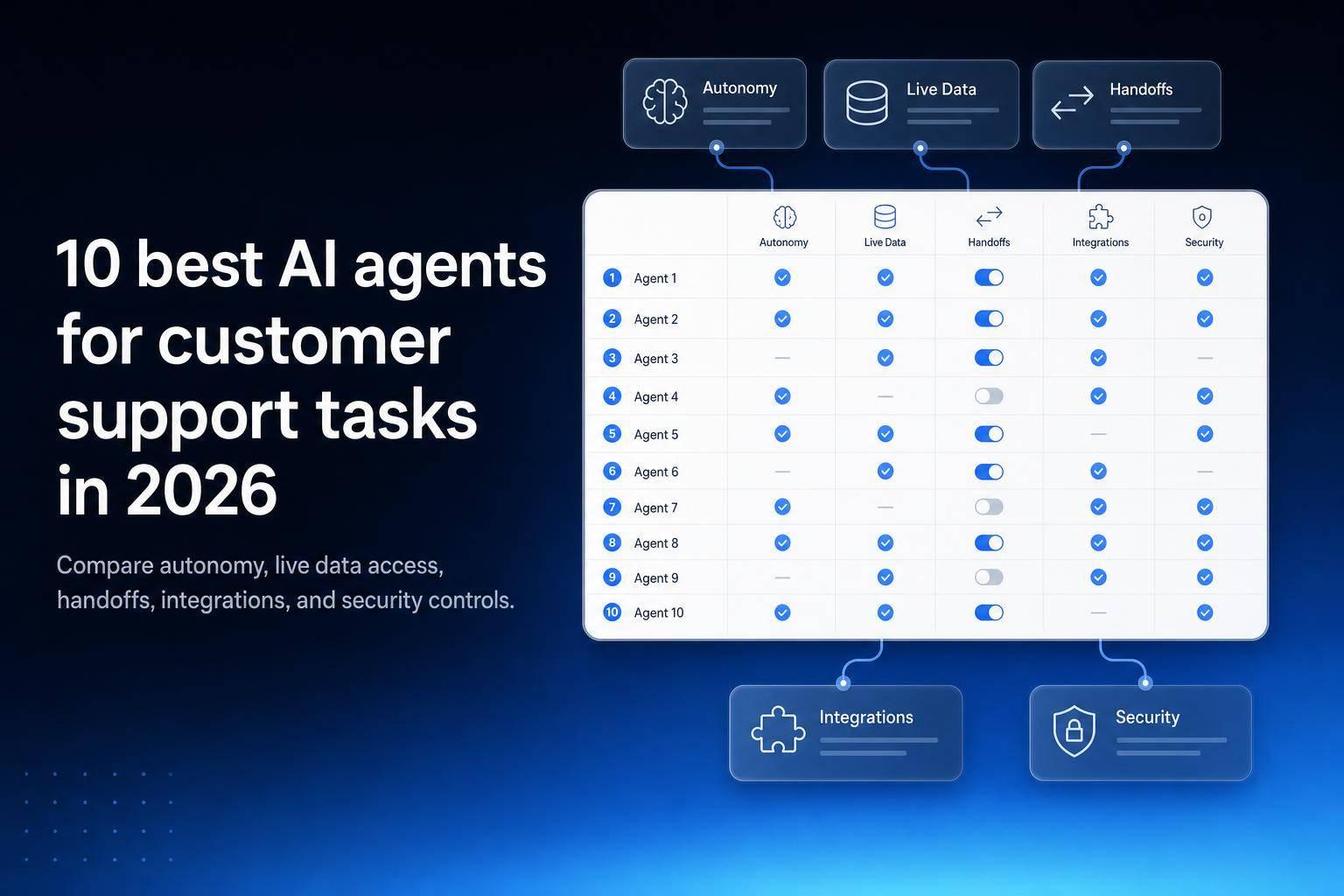
If I were picking an AI support agent in 2026, I’d start with one question: can it finish the job, or does it just draft replies? That single filter cuts through most of the noise.
Here’s the short version: this list looks at 10 AI agents for customer support based on workflow coverage, live data access, handoff rules, integrations, and security controls. Some tools are best for chat and ticket deflection. Others are better for CRM-based case work, voice support, or internal support workflows tied to databases and APIs.
What I’d pay attention to first:
- Autonomy: Can the agent handle triage, replies, routing, and simple resolutions on its own?
- Live data access: Can it read current data from CRMs, help desks, databases, and docs?
- Human handoff: Does it escalate early when policy, money, or account changes are involved?
- Security: Look for SSO, MFA, RBAC, and audit logs
- Deployment: Some teams need cloud only; others need self-hosted, on-prem, or air-gapped
The 10 tools covered are:
- Jet Admin
- Fin by Intercom
- Salesforce Agentforce
- Zendesk AI Agents
- Ada
- Sierra
- Decagon
- Forethought
- Cognigy
- Gorgias AI Agent
A few fast takeaways:
- If your team works inside Intercom, Fin is built for front-line automation
- If support lives in Salesforce, Agentforce keeps work in one system
- If you run on Zendesk, Zendesk AI Agents are the direct fit
- If you need chat at scale, Ada is a strong option
- If you need voice plus chat, Cognigy stands out
- If you handle e-commerce tickets, Gorgias AI Agent is aimed at order and return flows
- If support work depends on live internal data, approvals, and custom workflows, Jet Admin fits that setup
Bottom line: I wouldn’t choose based on brand name alone. I’d map my top 10 support requests - like triage, routing, refunds, account updates, and escalations - and then check which tool can both answer and act with the right controls in place.
Stop Overwhelming Your Support Team: Top AI Customer Service Agents They Will Actually Use | ClickUp
sbb-itb-8346adb
Quick Comparison
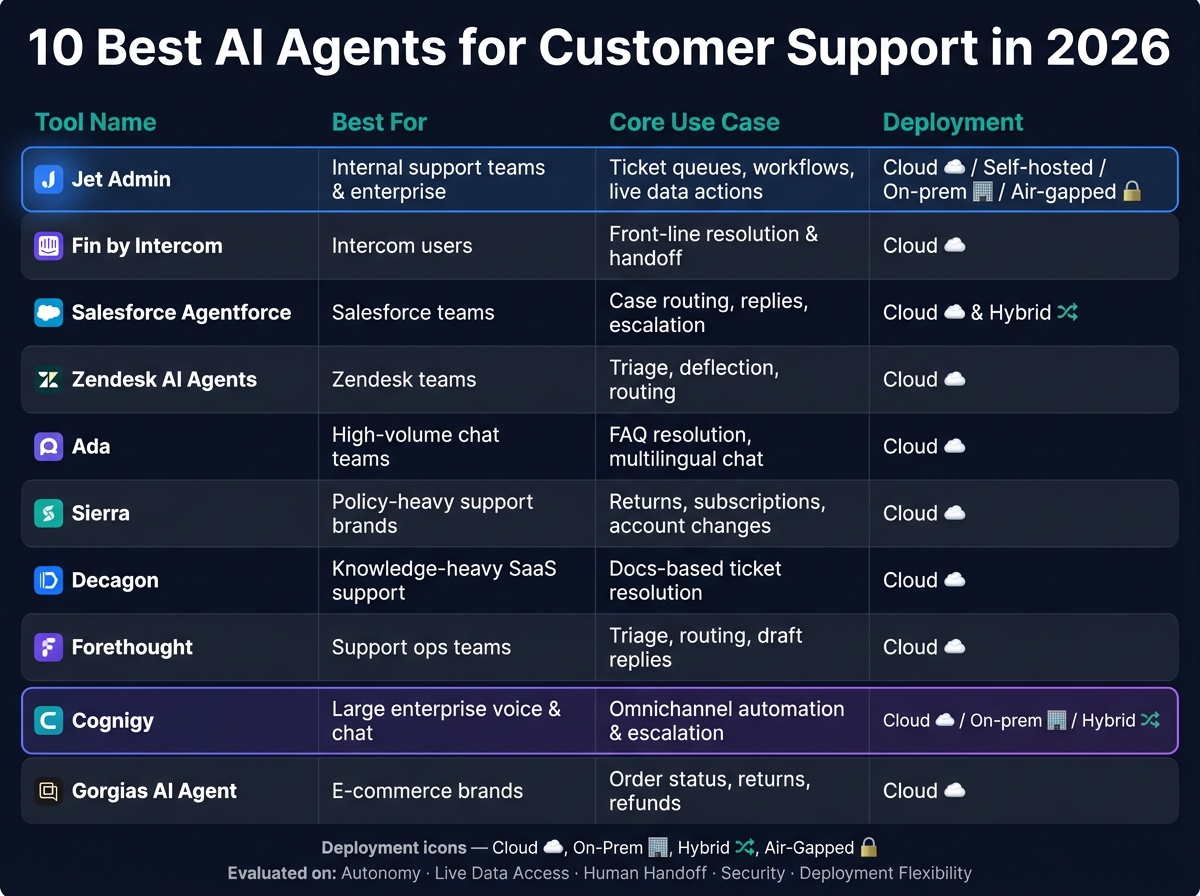
10 Best AI Agents for Customer Support in 2026: Side-by-Side Comparison
| Product | Best fit | Main support use | Deployment note |
|---|---|---|---|
| Jet Admin | Internal support teams | Queues, workflows, live data actions | Cloud; self-hosted, on-prem and air-gapped on Enterprise |
| Fin by Intercom | Intercom users | Front-line resolution and handoff | Cloud |
| Salesforce Agentforce | Salesforce teams | Case routing, replies, escalation | Cloud and hybrid |
| Zendesk AI Agents | Zendesk teams | Triage, deflection, routing | Cloud |
| Ada | Chat-heavy teams | FAQ resolution, routing, multilingual chat | Cloud |
| Sierra | Policy-heavy support | Returns, subscriptions, account changes | Cloud |
| Decagon | Knowledge-heavy SaaS support | Docs-based ticket resolution | Cloud |
| Forethought | Support ops teams | Triage, routing, draft replies | Cloud |
| Cognigy | Large voice and chat teams | Omnichannel automation and escalation | Cloud, on-prem, hybrid |
| Gorgias AI Agent | E-commerce brands | Order status, returns, refunds | Cloud |
In one line: pick the tool that matches how your team works day to day, not the one with the most AI claims.
What to look for in an AI support agent in 2026
Start with one simple question: How much of the support workflow can the agent handle on its own?
That’s the first thing to measure. If the agent can take a request from start to finish without needing a person to step in, it can take real work off your team’s plate. That said, human review still matters for high-stakes compliance issues and sensitive decisions.
After autonomy, look at data access.
An agent is only as useful as the data it can reach. It should be able to pull accurate order, account, and ticket data fast enough to solve the customer’s issue while the conversation is still happening. Put live access first across the systems your team depends on, such as:
- Databases
- Warehouses
- Help desks
- CRMs
- Document stores
Live queries matter because they stay current. Copied data can go stale, and stale data leads to bad answers. Even if an agent has strong access, it still needs clear escalation rules.
When a case hits a policy or compliance limit, send it to a person right away. That handoff should happen early, not after the agent has gone in circles.
Security controls also shape what the agent can safely see, approve, or change in live support workflows. At a minimum, look for RBAC, SSO, MFA, and audit logs that show exactly what the agent accessed or changed.
Tool setup matters too. Standalone tools make more sense for workflows that span many systems. Embedded tools are often the better pick if you want a faster setup inside a single CRM or help desk. That tradeoff affects both how much of the workflow the tool can cover and how fast you can get it up and running.
Use these criteria to judge the tools in the comparison below.
Quick comparison of the 10 best AI agents for customer support tasks
The snapshot below turns the evaluation criteria into a simple side-by-side view. Use it to get a fast read on each tool before you dig into the detailed profiles below.
| Product | Best for | Core support tasks | Key integrations | Deployment and security note |
|---|---|---|---|---|
| Jet Admin | Enterprise teams building secure internal support apps and help desks | Ticket queues, SLA tracking, workflow automation, real-time data access | Postgres, MySQL, MongoDB, REST APIs, Airtable, Google Sheets, 200+ integrations | Cloud, plus self-hosted, on-premise and air-gapped deployment on Enterprise; RBAC, SSO, SAML and audit logs on Business+ |
| Fin by Intercom | Teams using Intercom seeking autonomous front-line resolution | Ticket resolution, FAQ deflection, conversation handoff, CSAT tracking | Intercom, Salesforce, Zendesk, HubSpot, Slack, REST APIs | Cloud-hosted; SOC 2 Type II, GDPR, SSO, role-based permissions |
| Salesforce Agentforce | Enterprises running support inside the Salesforce ecosystem | Case routing, auto-resolution, knowledge retrieval, agent assist, escalation | Salesforce CRM, Service Cloud, Data Cloud, Slack, MuleSoft | Cloud and hybrid; RBAC, SSO, MFA, Einstein Trust Layer, audit logs |
| Zendesk AI Agents | Support teams on Zendesk looking to automate ticket deflection | Ticket triage, auto-replies, intent detection, routing, agent copilot | Zendesk Suite, Salesforce, Shopify, Slack, REST APIs | Cloud-hosted; SOC 2 Type II, GDPR, HIPAA, SSO, RBAC, audit logs |
| Ada | Mid-market and enterprise teams automating high-volume chat support | Conversation automation, FAQ resolution, escalation, multilingual support | Salesforce, Zendesk, Genesys, ServiceNow, REST APIs | Cloud-hosted; SOC 2 Type II, GDPR, SSO, RBAC, data masking |
| Sierra | Brands prioritizing empathetic, on-brand conversational AI | Customer inquiry resolution, returns, subscriptions, escalation | Salesforce, Zendesk, Shopify, custom APIs | Cloud-hosted; enterprise data agreements, RBAC, audit trails |
| Decagon | SaaS companies automating complex, knowledge-heavy support | Ticket resolution, knowledge base Q&A, escalation, product-specific workflows | Zendesk, Intercom, Salesforce, Confluence, Notion, REST APIs | Cloud-hosted; SOC 2 Type II, SSO, RBAC, data access controls |
| Forethought | Support ops teams focused on triage, routing, and agent assist | Ticket triage, intent classification, suggested replies, routing, summarization | Zendesk, Salesforce, ServiceNow, Freshdesk, Intercom | Cloud-hosted; SOC 2 Type II, GDPR, HIPAA, SSO, RBAC |
| Cognigy | Enterprises running omnichannel voice and chat support at scale | Voice automation, chat resolution, agent assist, routing, escalation | Salesforce, SAP, ServiceNow, Genesys, Avaya, REST APIs | Cloud, on-premise, and hybrid; SOC 2, ISO 27001, GDPR, SSO, RBAC |
| Gorgias AI Agent | E-commerce brands automating order and post-purchase support | Order status, returns, refunds, FAQ deflection, ticket tagging | Shopify, Magento, BigCommerce, WooCommerce, Klaviyo, Recharge | Cloud-hosted; SOC 2 Type II, GDPR, SSO, role-based permissions |
1. Jet Admin
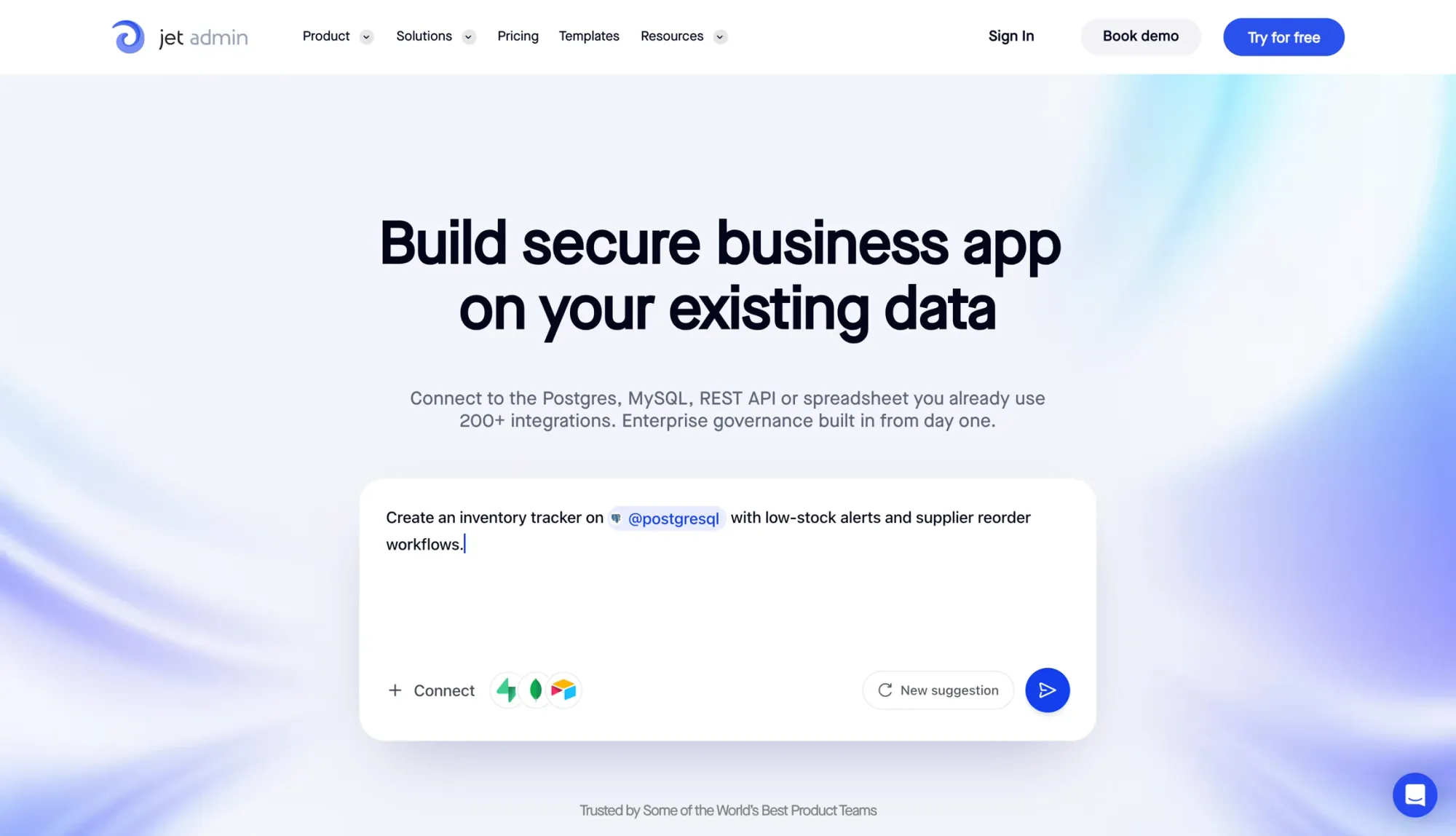
Jet Admin is an AI app-building platform for support teams that need custom help desks and internal workflows built on top of live data. It fits best when support work relies on live records, secure actions, and custom internal processes.
Support task coverage
For support operations, Jet Admin handles the day-to-day execution layer of the workflow. That includes queue management, workflow automation, and live record access. It connects to live data sources like Postgres, MySQL, Salesforce, HubSpot, Zendesk, REST APIs, Google Sheets, and Airtable.
Knowledge and CRM context
Jet Admin's Data Engine brings databases and APIs into one model. In practice, that means an agent can pull CRM data and order history inside the same workflow, which gives support reps a full customer view.
Workflow execution and handoff
Jet Admin can run branching logic and scheduled actions, then pass sensitive steps, such as refunds, to a human for approval.
Security and deployment controls
When workflows touch customer data and internal systems, access control matters just as much as automation. Jet Admin supports cloud deployment, plus self-hosted, on-premise and air-gapped deployments on the Enterprise plan. Its Jet Bridge model lets agents reach data behind a VPN or private network without exposing internal systems to the public internet.
Admin controls include:
- RBAC
- SSO
- SAML
- Audit logs
SSO, SAML and audit logs are on the Business plan and above.
That makes Jet Admin a good fit for teams that need secure access to support data inside private infrastructure.
2. Fin by Intercom
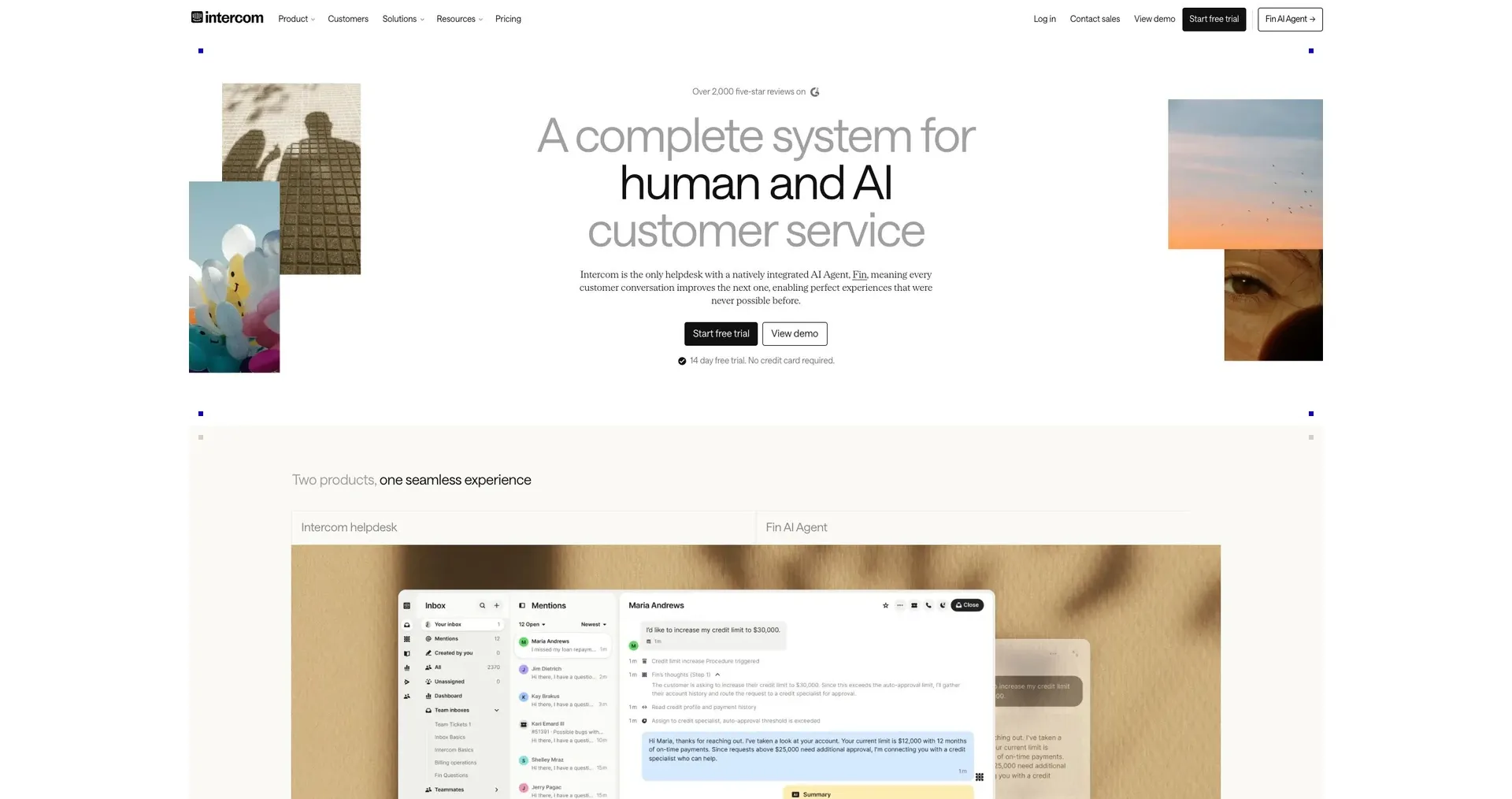
Fin is Intercom’s built-in AI agent for email and chat support. Its impact comes down to one simple thing: how much of the support journey it can finish before a person needs to step in.
Support task coverage and workflow execution
Fin can handle common support tasks from start to finish. That includes triaging tickets by severity, resolving requests through internal APIs, checking invoice status, and updating account details without human help.
It figures out which workflow or tool to use based on what the user is trying to do, then carries out the steps itself. If an action can’t be easily undone - like issuing refunds above a set threshold - it sends the request to a human approval queue before moving ahead. If it still can’t solve the issue after automated attempts, it escalates the case.
Knowledge and CRM context
Fin connects with major CRMs such as Salesforce to pull in order history and customer profiles. It also uses live conversation context, along with past history and user preferences, to tailor replies.
That means support can move faster and with fewer handoffs. And instead of just surfacing context, Fin can use it to take action directly.
Security and deployment controls
Fin runs in the cloud and supports SSO, role-based permissions, and standard enterprise controls, including SOC 2 Type II and GDPR compliance.
3. Salesforce Agentforce
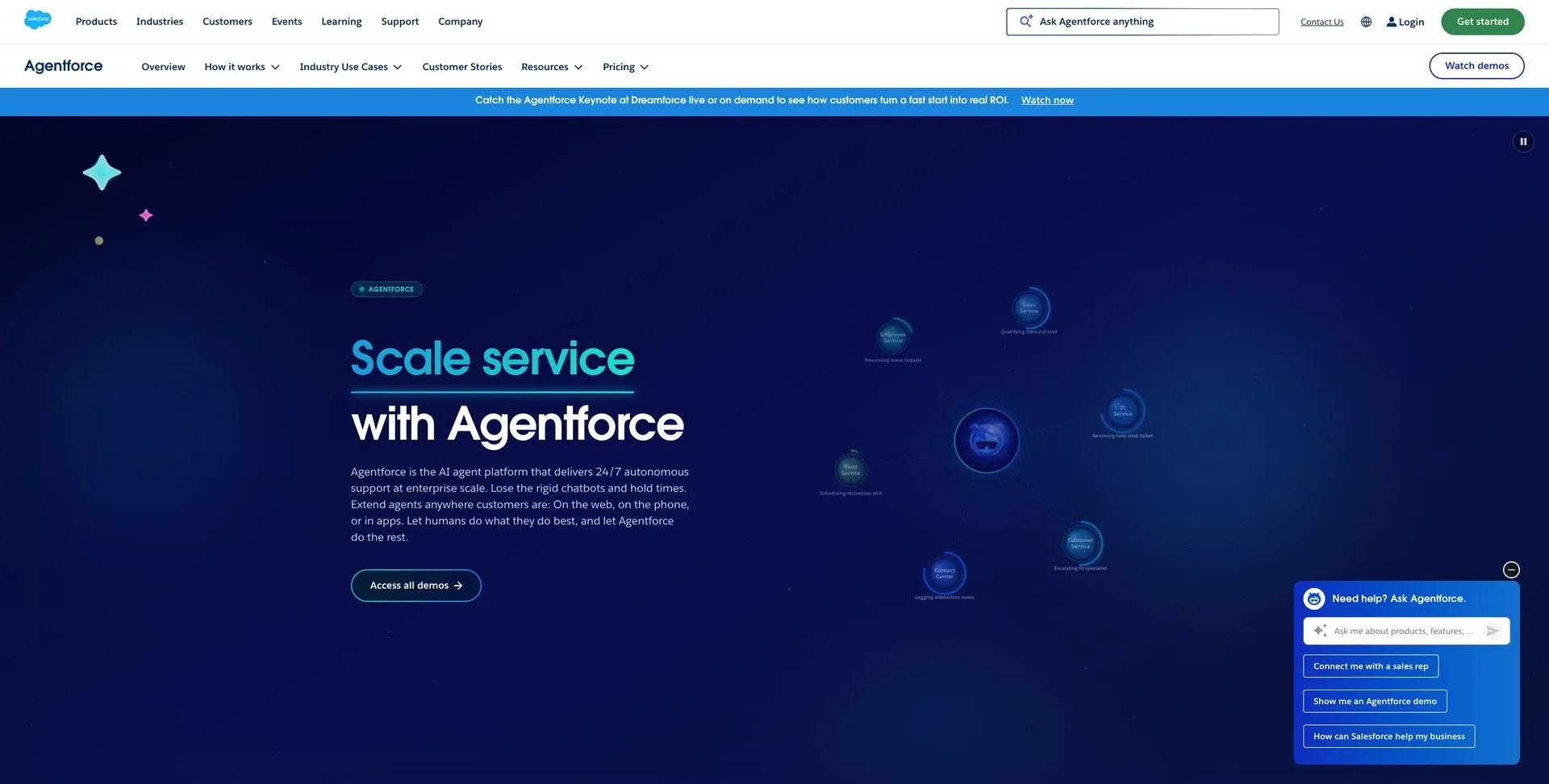
If your team already lives in Salesforce, Agentforce keeps support automation in the same place. It uses Einstein to manage case triage, routing, and answer generation right inside Salesforce.
Support task coverage and workflow execution
Agentforce gives teams both low-code and pro-code options to build custom support workflows. That includes case routing, suggested replies, and escalation paths. If a case needs approval, the system can pass it to a human before moving forward.
Because the agent works with CRM data in place, it can help resolve cases with less back-and-forth.
Knowledge and CRM context
Since it runs inside Salesforce, Agentforce can pull from CRM records, case history, and knowledge articles to draft replies and route cases. There’s no need for third-party integrations for that core context.
Security and deployment controls
Security features include SSO, SAML, MFA, RBAC, and audit logs.
Pricing starts at $25/user/month for Einstein Starter and $100/user/month for Einstein Plus.
4. Zendesk AI Agents
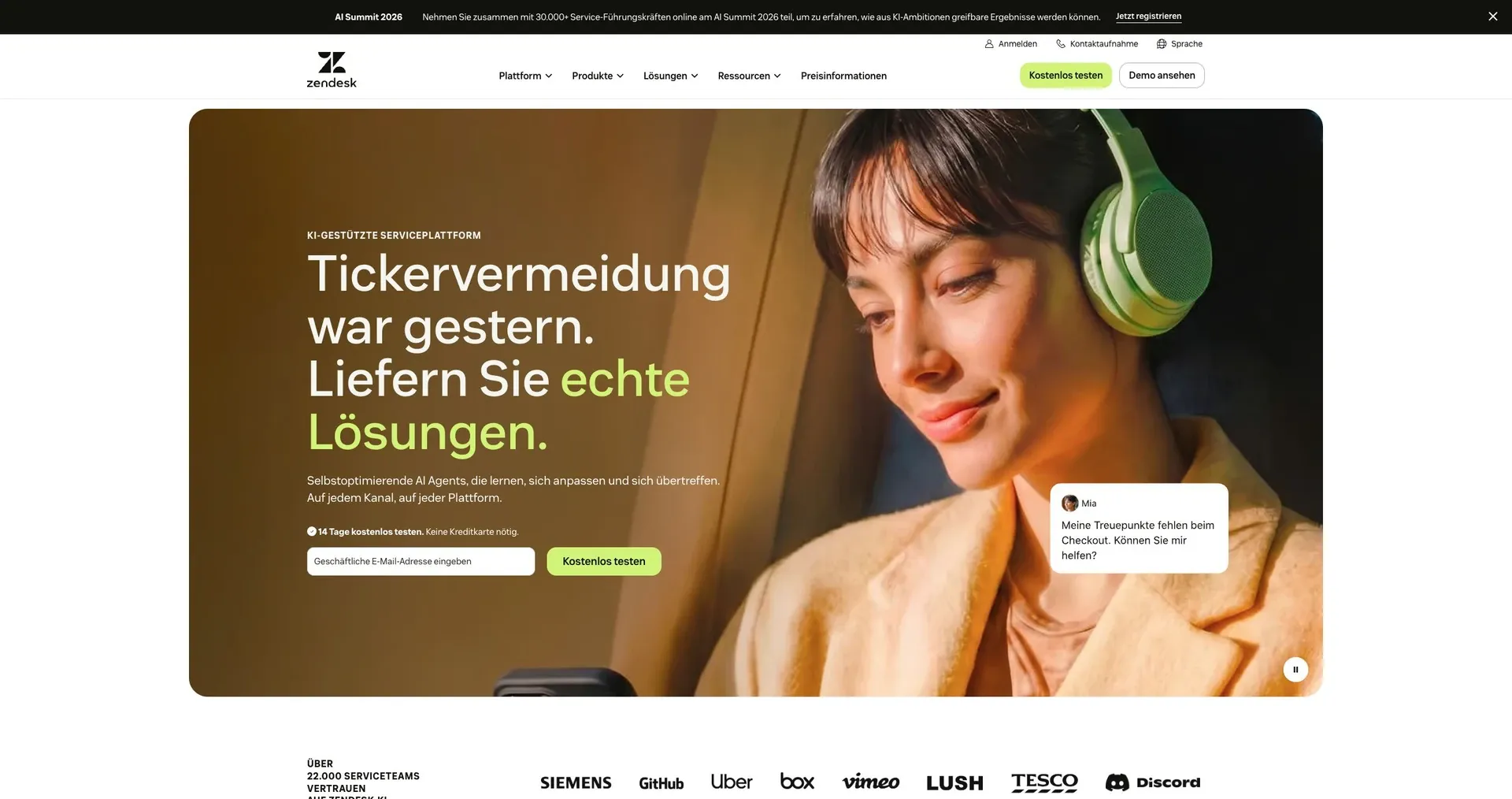
Zendesk AI Agents are a good fit for teams that want automation built right into Zendesk’s support flow. Instead of stitching together extra tools, teams can handle triage, replies, routing, and handoff inside Zendesk.
Support task coverage and workflow execution
Zendesk AI Agents can classify intent, deflect routine tickets, send auto-replies, route conversations, and escalate complex cases to human agents.
That means the system can take care of the repetitive stuff first, then pass tougher issues to a person when needed. For support teams, that can make day-to-day work feel less like sorting a pile of requests by hand and more like managing the cases that need human judgment.
Knowledge and CRM context
Task automation depends on how well the agent uses ticket history and help content in the same workflow. Zendesk AI Agents draw on Zendesk ticket history and Help Center content, with connected CRM or order data when a case calls for it.
This matters because automation is only as good as the context behind it. If the agent can see what happened before and pull from the right help content, its replies and routing decisions are far more useful.
Security and deployment controls
Review SSO, RBAC, audit logs, and admin permissions to control access and track agent actions.
Those controls help teams decide who can use the system, what they can change, and how actions are recorded. In practice, that gives admins a clearer view of what the agent is doing inside the support workflow.
5. Ada
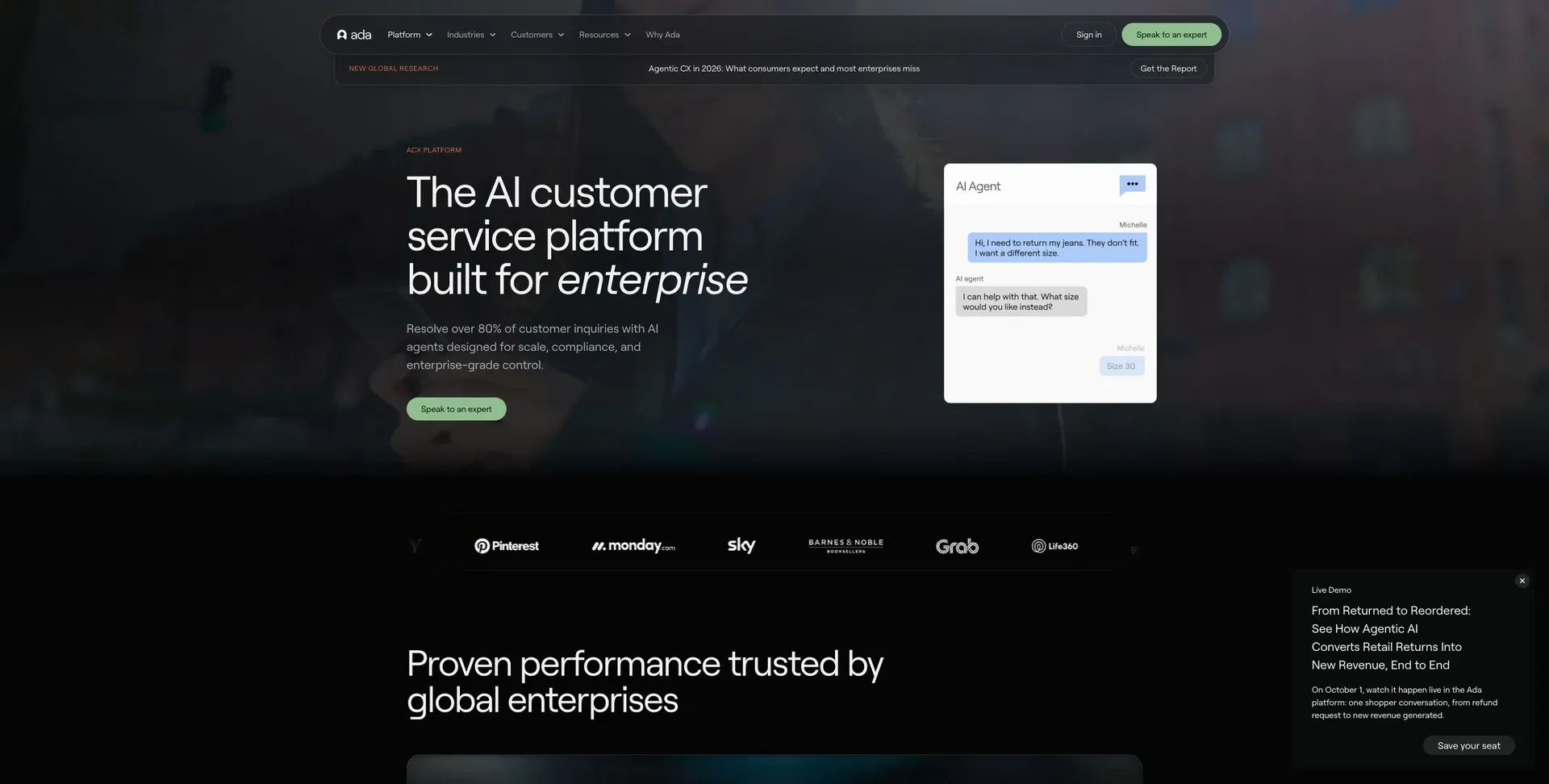
Ada is a good fit for teams that need chat-first automation at scale. It handles high-volume chat support by answering common questions, sending harder cases to the right place, and using CRM and help desk data to shape each reply. It stands out for FAQ deflection, conversation routing, and multilingual customer conversations.
Knowledge and CRM context
Ada connects with CRM, help desk, and knowledge systems so responses are based on live customer context. In plain English, that means it can pull from current account and ticket data instead of giving the same canned answer to everyone. The result is fewer repeat tickets, faster routing, and smoother handoffs.
Before deployment, review RBAC, SSO, audit logs, and data-access controls.
That makes Ada a strong option for teams that want fast resolution without losing context.
6. Sierra

Sierra is built for complex, policy-heavy support work where automation and brand consistency both matter. It uses autonomous reasoning to resolve tough support issues in your brand voice, while applying your company’s own policies to each conversation.
Support task coverage
Sierra can handle transactional support tasks from start to finish, including:
- Processing returns and exchanges
- Managing subscriptions
- Updating account information
- Performing technical troubleshooting
Knowledge and CRM context
Sierra pulls CRM records for orders and accounts to shape each reply. That context-aware setup helps improve routing and resolution.
Workflow execution and handoff
Sierra executes tasks inside enterprise systems and hands off with full conversation context when human review is needed. In plain English, it doesn’t just answer questions. It can take action, then pass the case along cleanly if a person needs to step in.
That makes it a strong fit for support teams that need judgment, speed, and clean escalation in one flow.
Security and deployment controls
Before rollout, review RBAC, SSO, audit logs, and data-access permissions.
7. Decagon
Decagon is a good match for support teams that need to resolve tickets using help docs, internal docs, and past cases. It works best when support depends on product knowledge and patterns from earlier tickets, not just canned replies.
Support task coverage
Decagon triages and resolves tickets through API workflows. That means it can pull CRM data, check order history, and trigger process automation across connected systems.
Knowledge and CRM context
Decagon uses retrieval-augmented generation to ground replies in help center articles, internal docs, and PDFs. It also learns from past ticket resolutions, which helps it respond with more context instead of guessing.
Workflow execution and handoff
Decagon keeps context as it moves through a request. In plain English, it doesn’t lose the thread halfway through the interaction, which helps support stay organized. If a case still needs a person, it can hand it off to a human with the full context attached.
Security and deployment controls
Before rollout, review approval paths, escalation rules, role permissions, and audit logs. That gives teams more control, which matters when you want knowledge-heavy automation without losing admin oversight.
8. Forethought
For teams that want faster first replies, Forethought turns past resolutions into grounded draft responses. SupportGPT uses help-center articles and past tickets to shape replies based on your company’s own support knowledge.
Support task coverage
Forethought centers on triage and response drafting for repeat issues. That makes it a better fit when reply quality depends on patterns from past tickets, not just canned answers.
Knowledge and CRM context
Forethought indexes help-center articles so replies stay grounded in verified company information. It also learns from past tickets to keep responses consistent. The platform connects to Zendesk and can use CRM or help desk data to tailor replies to each customer.
Workflow and handoff
Before rollout, check the vendor documentation for workflow automation, handoff rules, and admin controls.
9. Cognigy
Cognigy is a good fit for enterprise support teams that need build custom AI agents for support automation at scale without giving up human control. It can take care of repetitive conversations, then pass unresolved issues to agents when a person needs to step in.
Support task coverage
Cognigy can automate routine questions and handle multi-step troubleshooting. When a case gets more complex, it can escalate that conversation instead of forcing the bot to keep going past its limit.
Knowledge and CRM context
Before launch, check its knowledge-base and CRM connections against your current support stack. That step matters because a bot is only as useful as the systems it can pull from and write back to.
Workflow execution and handoff
Cognigy supports human escalation through flags and review queues. In plain terms, that gives teams a clear way to spot issues, review edge cases, and move conversations to agents without chaos. This setup tends to work best when support volume stretches across chat, voice, and escalated cases.
Security and deployment controls
Review access controls, logging, and deployment options before use, especially in regulated environments. If your team deals with strict policy or audit needs, this part shouldn't be an afterthought.
10. Gorgias AI Agent

Support task coverage
For e-commerce support, Gorgias AI Agent can handle a big chunk of the day-to-day workload. It automates order status updates, returns, refunds, FAQ deflection, and ticket tagging. It also uses help-center articles to answer common questions and sort out common post-purchase issues.
That means shoppers can get quick answers without waiting on an agent for every small thing. And when the request is simple, like “Where’s my order?” or “How do I start a return?”, the system can take care of it on its own.
It connects with Shopify, Magento, BigCommerce, WooCommerce, Klaviyo, and Recharge. If a case calls for human judgment, it passes the conversation to a person with the full context still attached.
Before rollout, review SSO, role-based permissions, and audit logs.
How these tools handle different support tasks
The right agent depends on where the work starts: your help desk, CRM, or an internal database. The table below helps match each support task to the agent type built for that job.
| Support Task | Best Fit | Notes |
|---|---|---|
| Answering tickets and drafting replies | Help desk tools | Resolve common questions and generate agent-ready suggestions |
| Triage & routing | Help desk tools and CRM-linked platforms | Classify and assign by intent and urgency |
| Resolving repetitive issues | Customer-facing agents | Handle low-complexity requests automatically |
| Executing workflows | Jet Admin and other internal operations builders | trigger multi-step actions across databases, APIs, and SaaS tools |
| Human handoff | Help desk tools | Escalate with full conversation context attached |
| Internal-tool / database fit | Jet Admin | Connect directly to SQL, REST APIs, and existing data sources |
Think of this as a quick routing map. If you need automation for repeat requests, customer-facing agents are often the best fit. If the job is routing or drafting replies, help desk tools usually make more sense. And if your team needs to run actions inside internal systems, you’ll want a tool built for that kind of work.
For internal support operations, one category is clearly different. Jet Admin fits teams that need secure internal tooling on top of existing databases and APIs, not a customer-facing chatbot.
Security and admin checklist before you choose
The product profiles above show what each tool can do. This checklist covers what to verify before you buy. Before you commit to any AI support agent, review these controls with your security and IT teams.
Start with data handling. Confirm where support data is processed and stored. Also check whether that data trains vendor models by default or only when you opt in.
Check authentication and access controls. Ask for SSO/SAML, MFA, and role-based permissions. Then go one step further: confirm that permissions apply to specific data fields and to the actions the agent can take, such as ticket access, account changes, and escalation paths.
Verify these controls before purchase:
| Security Feature | What to Verify |
|---|---|
| Data protection | Region where data is stored and processed; whether data is encrypted and how keys are managed |
| Identity and access | Supported identity providers, MFA enforcement, and permission granularity at the user, row, column, and action level |
| Governance | What the logs capture, how long they are retained, who can access them, and whether custom retention and deletion on request are supported |
| Human approval rules and API permission scoping | Configurable approval gates for refunds, account changes, and other high-impact actions; whether agent API access can be restricted by endpoint or method |
| Self-hosted / on-premise | Available for teams with strict compliance or air-gapped requirements |
| Separate dev, staging, and production environments | Whether isolated environments are available |
| Data export options | Ability to export data in standard formats |
Pay close attention to human approval rules. High-impact actions need approval gates. That includes refunds, account changes, and anything else that could affect customer records or money.
Deployment flexibility matters. If your team needs tighter deployment controls, confirm deployment options, environment separation, and audit logging.
Once the security review is done, compare tools based on workflow fit and support coverage.
Final thoughts
Once the security review is done, the main call is pretty simple: does the tool fit the way your team actually works?
For support teams that need live data and controlled actions, Jet Admin is the better fit when work stretches across multiple systems. Use Jet Admin when support tasks involve databases, APIs, a CRM, and a help desk, and when the agent needs to read live data and trigger approved actions. This ensures a smooth transition from prototype prompts to secure production agents.
Start with action risk. FAQs need far less control than refunds or account changes. And if your security requirements are strict, that should cut down your shortlist right away.
A simple way to size this up is to map your 10 most common support requests, such as:
- triage
- routing
- refunds
- account updates
- escalations
Then mark which requests involve refunds, account updates, or other internal actions. From there, match those needs to tools that can handle both the conversation and the action.
FAQs
How do I choose the right AI support agent for my team?
Choose the right AI support agent by matching it to your use case, success metrics, team skills, data setup, and governance needs.
Start with platforms that connect directly to the data sources you already use. From there, look closely at security, permissions, and access controls. The builder experience matters too: visual or prompt-based tools tend to fit non-technical teams, while code-first or hybrid options make more sense for technical teams or groups with a mix of skills.
Then test your shortlist with a 2- to 4-week pilot using real data and actual workflows.
What tasks should an AI support agent handle on its own?
AI support agents work best on repetitive, routine work that still calls for some reasoning across different data sources, but doesn't need a person involved at every single step.
That can include:
- Triaging tickets
- Pulling relevant knowledge base articles
- Answering internal Q&A
- Auto-resolving simple issues
- Escalating complex cases to human agents
For irreversible actions, use human-in-the-loop steps such as approvals or review queues.
Which security controls matter most before deployment?
Before you deploy AI agents, lock down the basics first.
Prioritize:
- Authentication and authorization, including SSO via SAML or OIDC
- Granular RBAC for data and tool access
- Tamper-resistant audit logs
- Least-privilege access with scoped API keys and service accounts
It also helps to bring in your security team early. They can review data flows, flag weak spots, and weigh in on deployment options before those choices get harder to change.