Airtable made structured data approachable. Somewhere between the fifth automation and the two hundredth collaborator, a lot of teams find they have outgrown it, and the search for a replacement starts with a question nobody phrases the same way twice: cheaper, faster, self-hosted, or actually able to run the business process on top.
This guide covers the credible options in each of those directions, says plainly which one fits which situation, and ends with a migration checklist.
TL;DR
Best Airtable alternatives at a glance
Use this to narrow the field to three or four, then read those sections.
Platform | Best for | Core strengths | Key limitations | Deployment | Pricing model |
|---|---|---|---|---|---|
Jet Admin | Turning the data into a governed internal tool | Data engine, workflows with branching and scheduling, permissions to row and field level, SSO, AI co-builder | Commercial and not open-source; built for business apps, not marketing sites | Cloud, self-host, hybrid | Tiered by users and capabilities |
Baserow | Free, open-source, modern UI | Self-host or cloud, relational data, plugins, AI assistant, GDPR, HIPAA and SOC 2 | Automation and AI are lighter than SaaS rivals; self-hosting is your job | Cloud, self-host | Free open-source tier, paid cloud |
NocoDB | An Airtable UI on an existing SQL database | Turns MySQL, PostgreSQL or SQL Server into grid, Kanban, gallery and form views, REST API | Assumes you already run the database; less polished than SaaS | Cloud, self-host | Free open-source tier |
Grist | Spreadsheet power at large data volumes | Python formulas, no automation run caps, deep customisation | Smallest ecosystem here; operational overhead | Cloud, self-host | Free open-source tier, paid cloud |
Notion | Docs, wiki and light databases together | Tables, boards, calendars and galleries linked in one workspace, excellent collaboration | Page-level rather than record-level permissions; light automation | Cloud | Per user |
Retool | Internal apps built by developers | Wide connector range, drag-and-drop plus custom JavaScript, enterprise governance | Developer-first; self-hosting on enterprise plans; per-end-user cost | Cloud, self-host (enterprise) | Per editor plus per end user |
Smartsheet | Spreadsheet-native project management at scale | Familiar grid, portfolio reporting, enterprise controls | Heavier and pricier than Airtable for small teams | Cloud | Per user |
ClickUp / monday.com | All-in-one work management | Task management, dashboards, templates, low onboarding cost | Weak relational modelling; not a database | Cloud | Per user |
Google Sheets | Cost-sensitive, low-complexity work | Free, familiar, real-time collaboration, 10 million cell ceiling | No relational layer, per-sheet permissions, degrades as complexity grows | Cloud | Free or bundled with Workspace |
What is Airtable, and why look for alternatives?
Airtable is a cloud tool that puts a database behind a spreadsheet interface. Customisable fields, linked records, several views over the same data, and basic automations make it a good fit for project tracking, content planning and lightweight CRMs. Teams leave it for four reasons, and each one points at a different shortlist.
Pricing climbs faster than usage
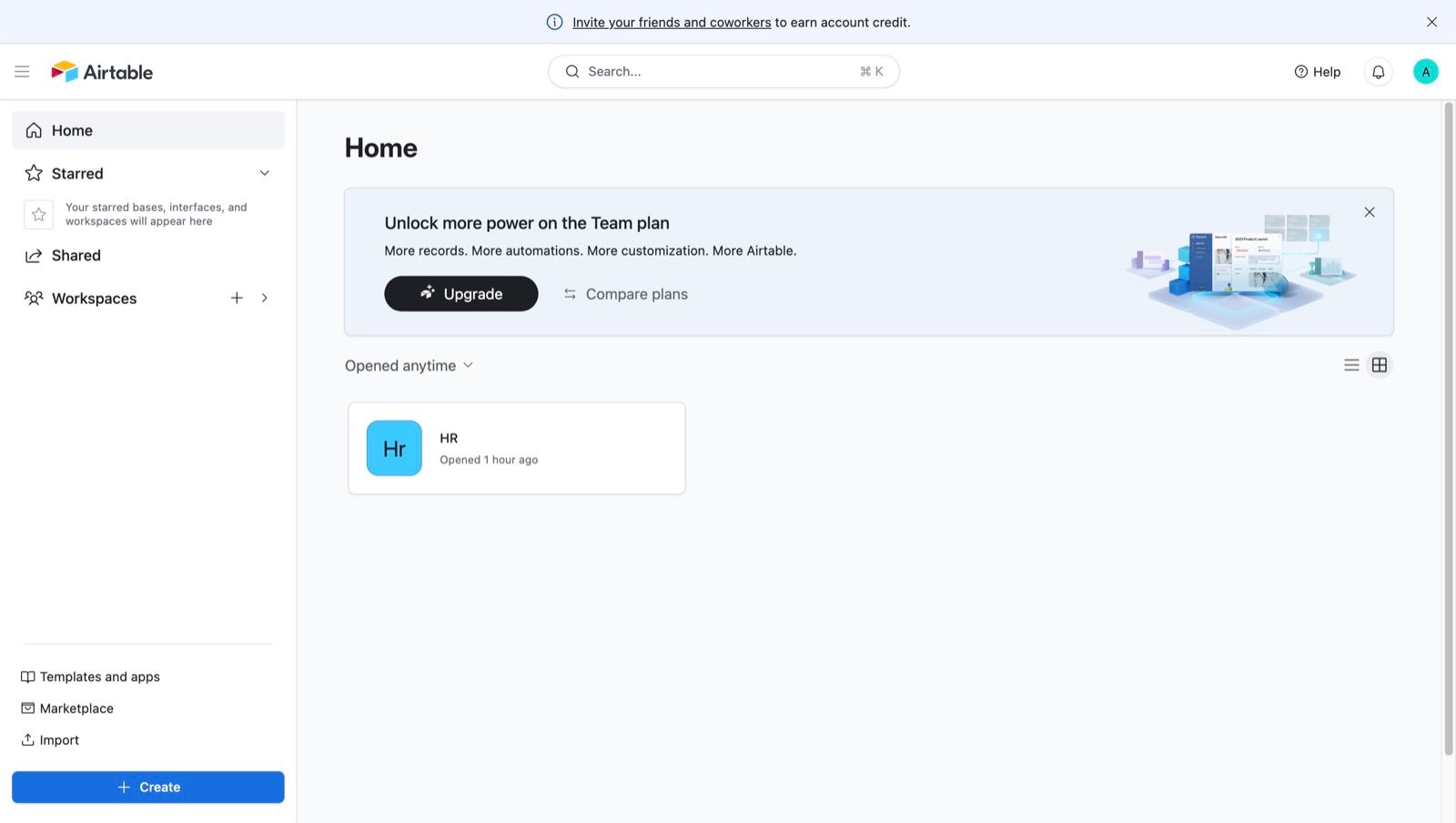
Record limits, automation runs and seat counts all push you up a tier, and the jumps arrive sooner than most teams plan for. The upgrade prompt is a permanent fixture of the interface, which tells you where the product’s pressure points are.
It slows down as the base grows
Airtable is comfortable at small and mid scale. Large bases and heavy automation show up as slower loads and a less responsive grid, which matters most for the teams who depend on it in real time.
Permissions stop short of what larger teams need
Access is managed at the base and table level. Teams that need to say who can see which rows, or which fields inside a row, run out of controls quickly. This is usually the point at which a security review gets involved.
It was never meant to be an internal tool
Airtable organises data well. It does not build the admin panel, the customer portal or the approval queue that sits on top of that data. Teams end up adding a second platform for the interface layer, and then wonder whether the first one is still needed.
When Airtable is still the right choice
If your data fits comfortably, your team is small enough that base-level permissions are adequate, and you need views and light automation rather than a production application, Airtable does this well. Switching would cost you weeks and buy you nothing.
Types of Airtable alternatives
Picking the category first removes most of the list before you compare a single feature.
- Open-source databases you can host yourself. Full control over data and cost, at the price of running the infrastructure. Baserow, NocoDB and Grist.
- Document-first workspaces. Data lives next to the writing about it. Notion and Coda.
- Internal tool builders. The data is the input; the output is an application with permissions and workflows. Jet Admin and Retool.
- Work-management suites. Task and project tracking first, data modelling second. Smartsheet, ClickUp and monday.com.
- The spreadsheet you already have. Google Sheets, honestly assessed.
What to look for
Six dimensions decide most of these evaluations. Data modelling, meaning real relations between tables rather than lookups bolted onto a grid. Permissions, and specifically whether they reach the row and the field or stop at the table. Automation depth, meaning conditions, branching, scheduling and error handling rather than a trigger and one action. Interface building, since the difference between a table and a tool is whether other people can use it without training. Deployment, because self-hosting is either mandatory for you or irrelevant, and that single answer removes half the list. And the pricing model, where per-editor and per-end-user rates behave very differently once a tool becomes popular internally.
1. Jet Admin, best for turning the data into a governed internal tool
Pros and cons. This is a different category answer: instead of a nicer table, you get the application on top of it, with permissions and workflows included. It is commercial and not open-source, so teams who need modifiable source should look at Baserow, NocoDB or Grist above. It is also built for business apps and portals, not marketing sites or consumer interfaces, and teams that want to write everything as raw code will find the visual layer unnecessary.
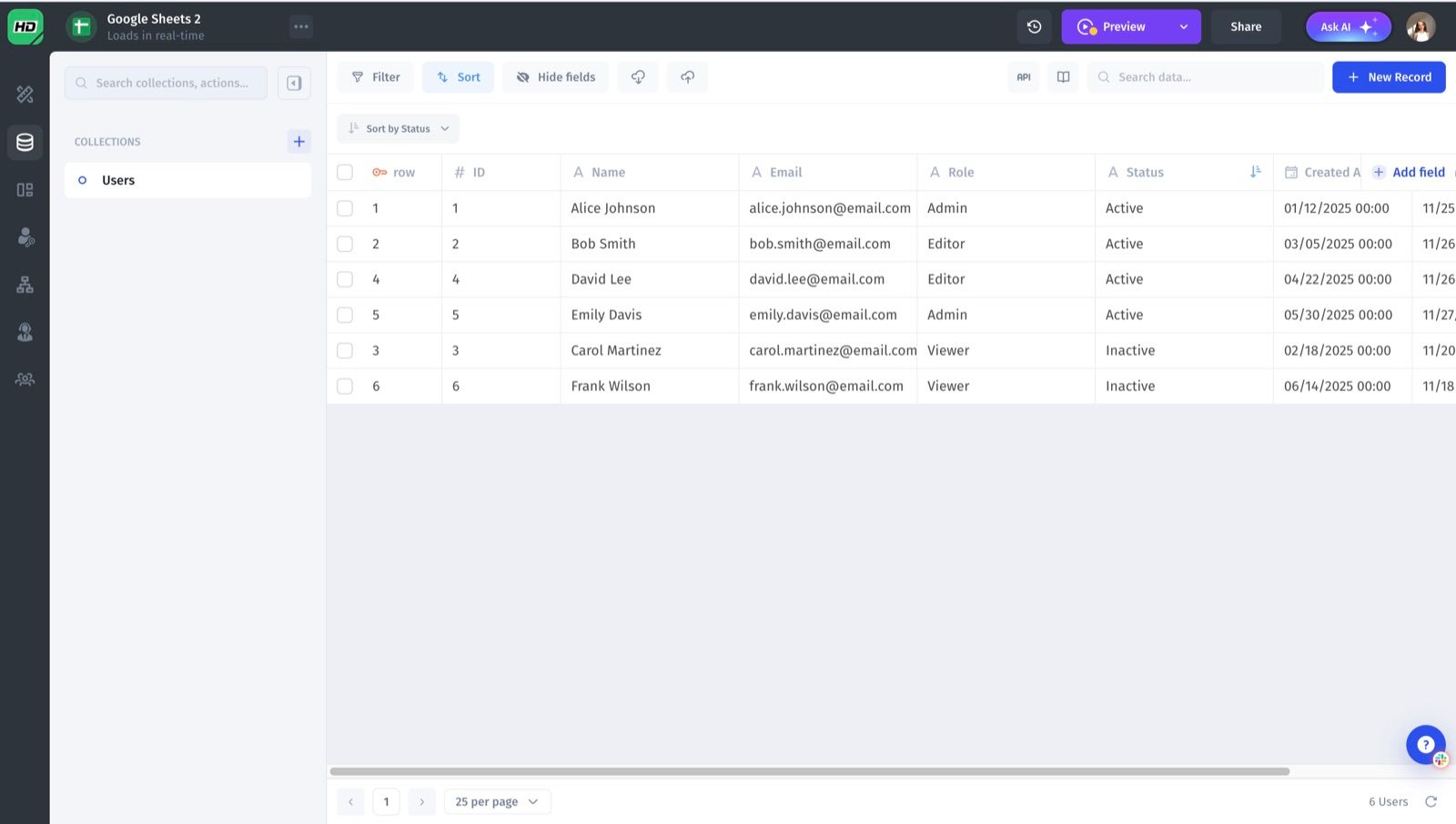
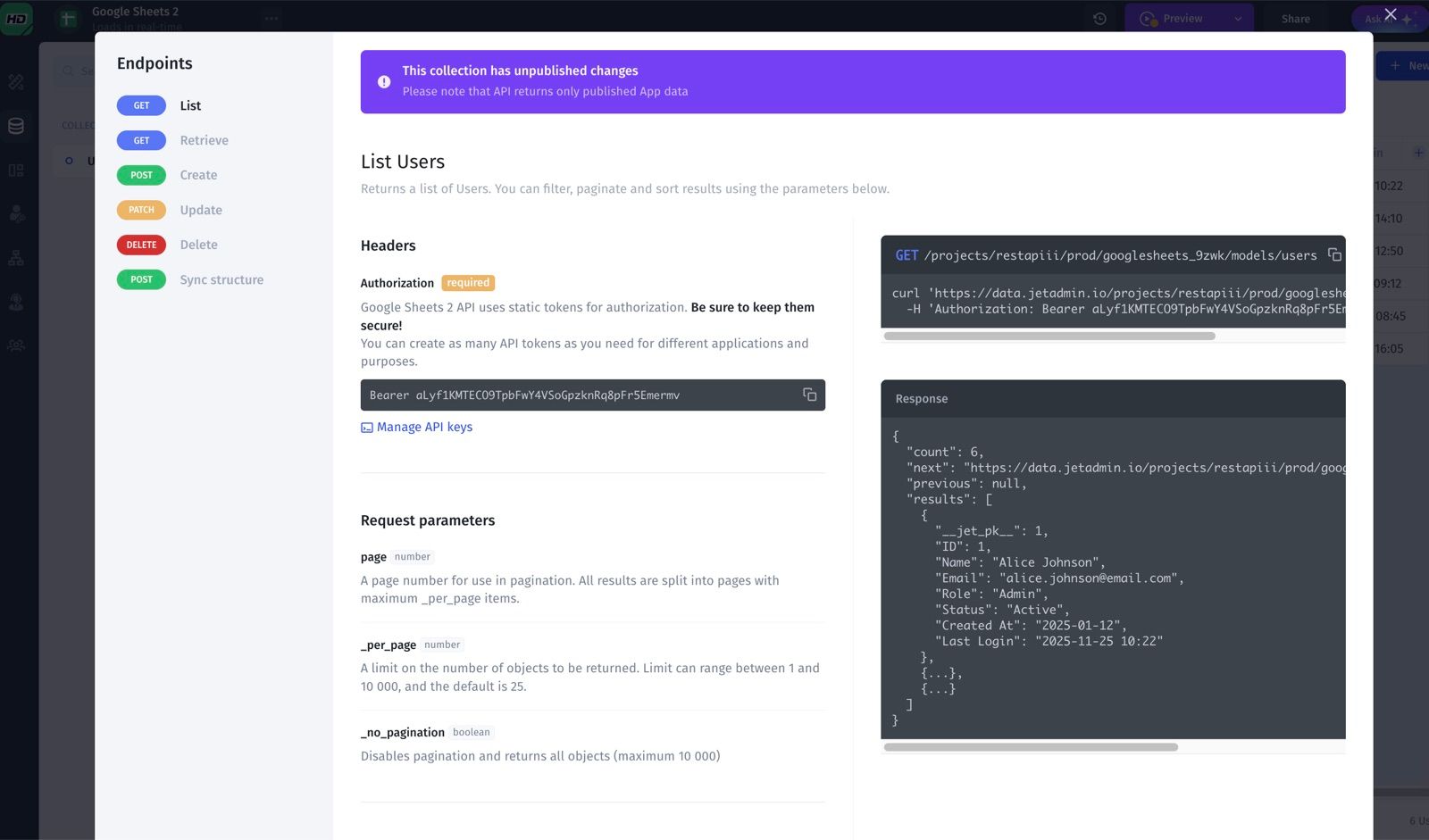
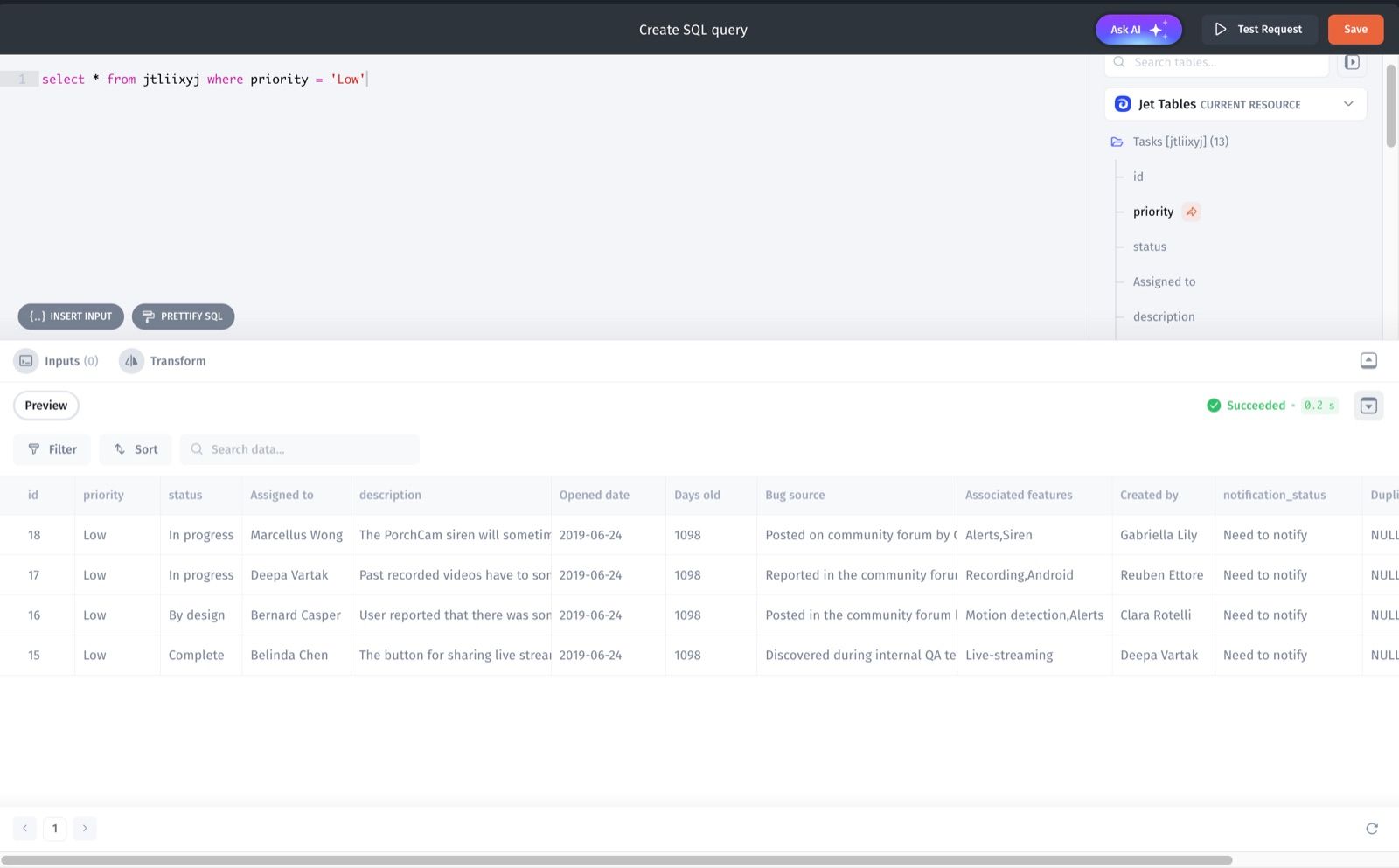
Data engine. Not just connectors. A built-in data viewer to browse, filter and edit records, schema combination so several databases and APIs behave as one model, automatic detection of relationships between tables, and AI-assisted help writing and debugging SQL. It also generates SQL and API endpoints so other services can read and write the same data without extra backend work. Data blending covers 16+ database types.
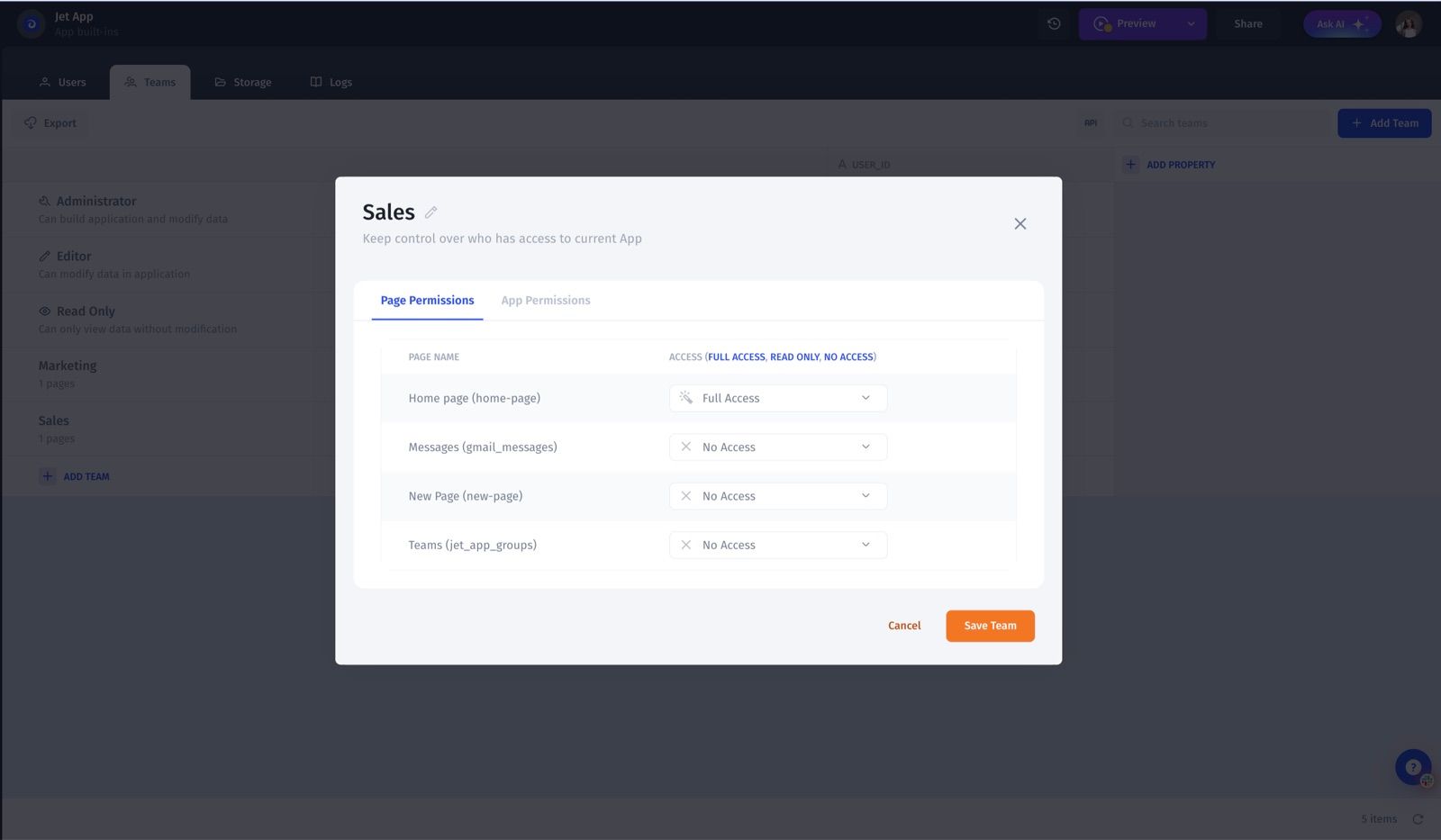
Security and permissions. Native authentication and SSO, built against SOC 2 and GDPR requirements. Permissions can be set by role, team, row, field, component or API route, which is the specific gap that pushes larger teams off Airtable in the first place.
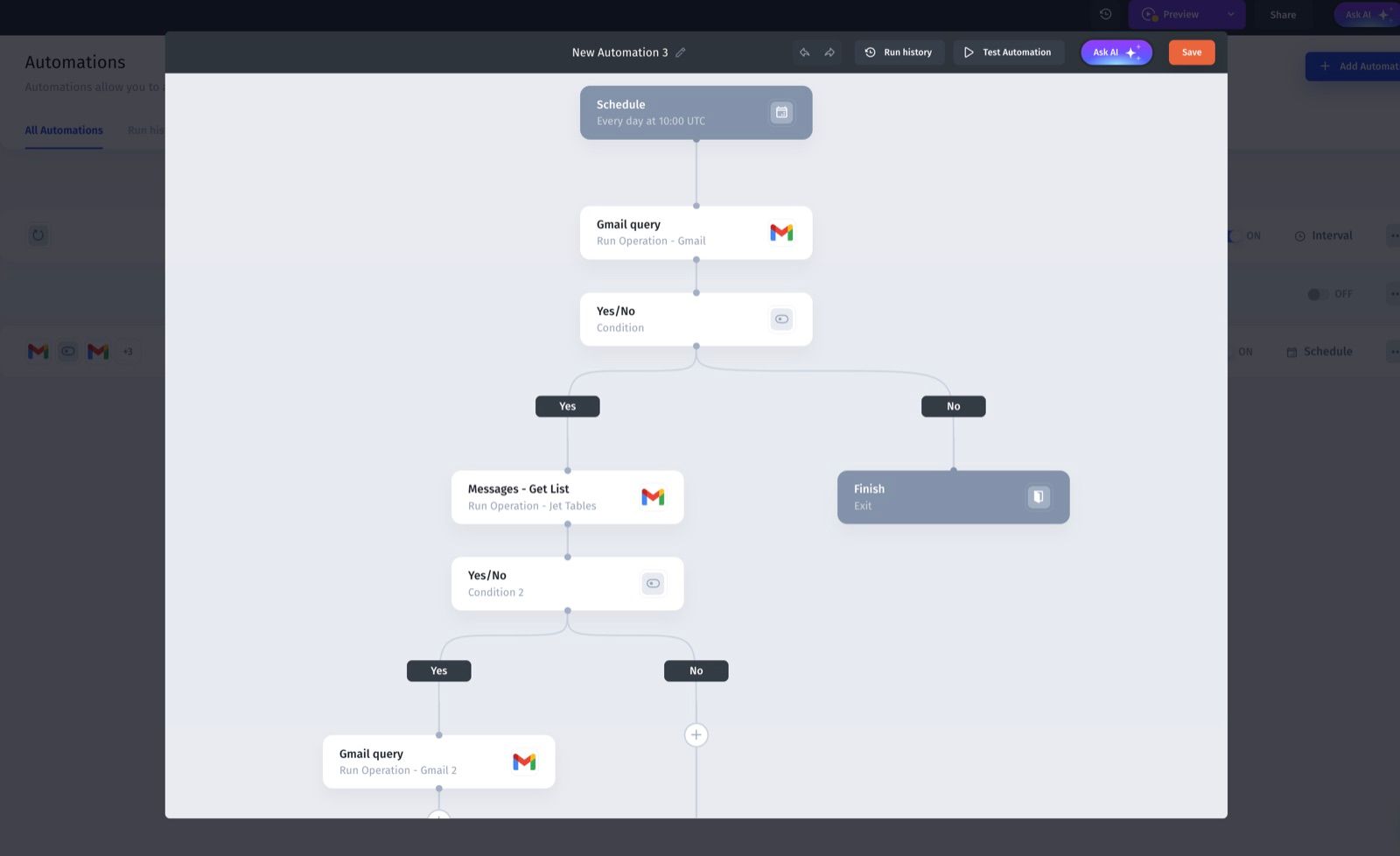
Workflows and AI agents. A workflow builder with conditions, branching, loops and scheduling, plus integrations with over 100 systems. AI steps and agents can read and write data, trigger actions and run business logic, which makes it an automation layer rather than only an interface.
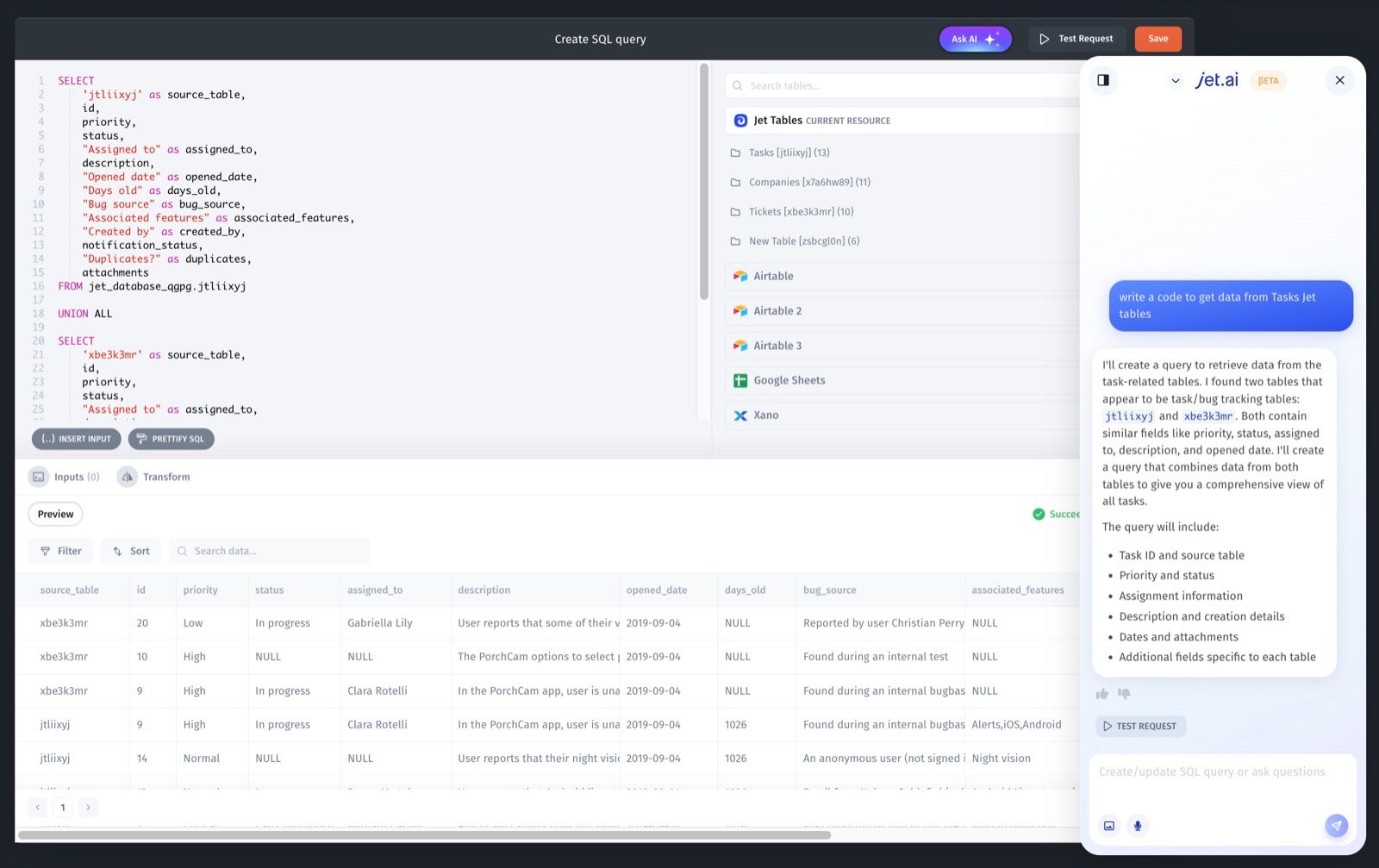
Jet AI co-builder. Generates apps and pages, writes queries, sets up automations and creates backend actions using your actual schema and permissions, so it helps with ongoing changes rather than only the first build.
Pricing. Tiered by users and capabilities.
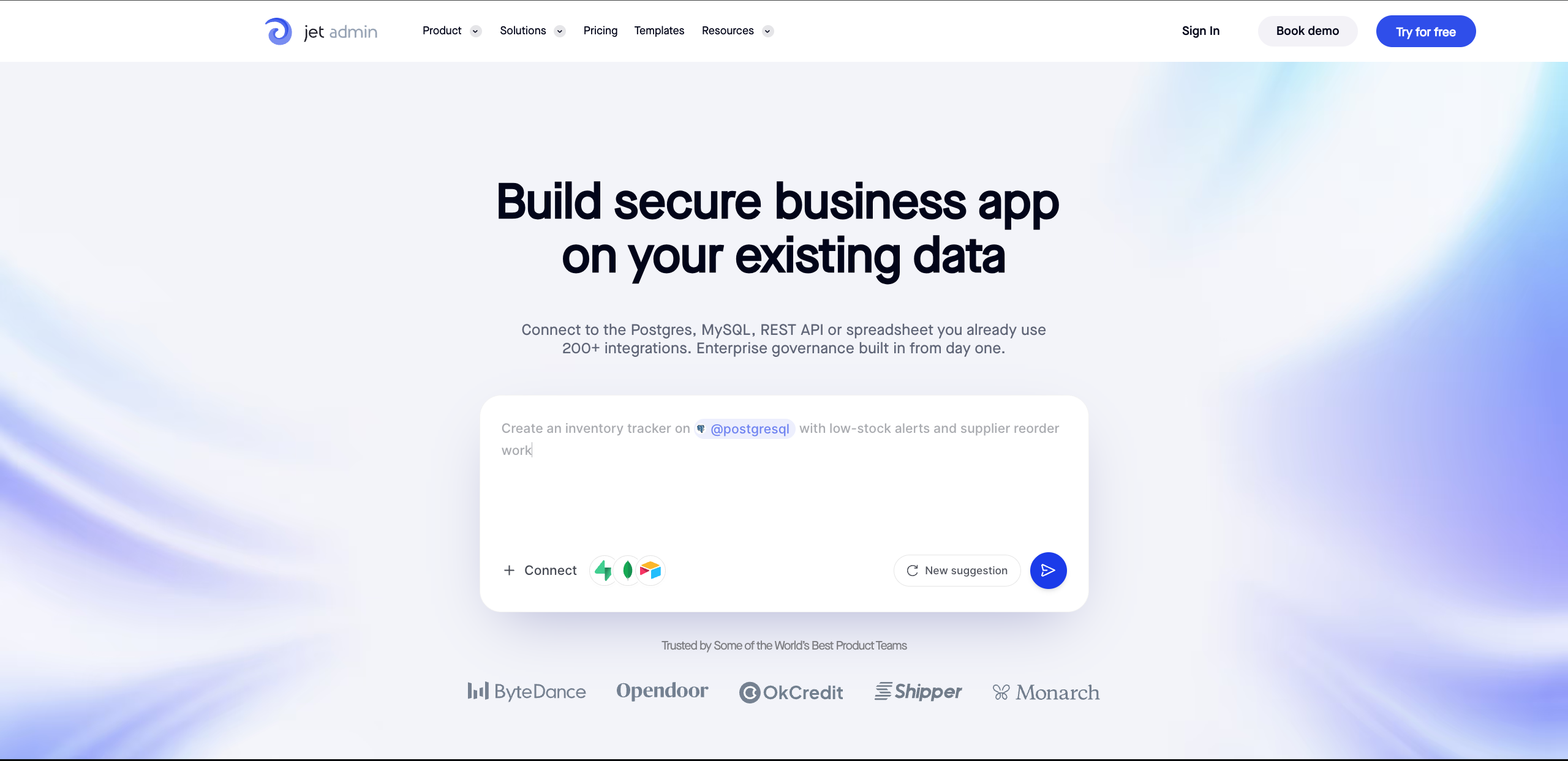
Best for mixed technical and non-technical teams whose Airtable base has quietly become a business system, and who now need row-level access, audit trails and real workflows. You can review the Jet Admin app builder for the full capability list.
2. Baserow, best for a free and open-source replacement
Pros and cons. The closest thing to a like-for-like Airtable swap that you can run yourself for nothing. Automation and AI are lighter than what the commercial platforms offer, and self-hosting means backups, updates and monitoring become your responsibility.
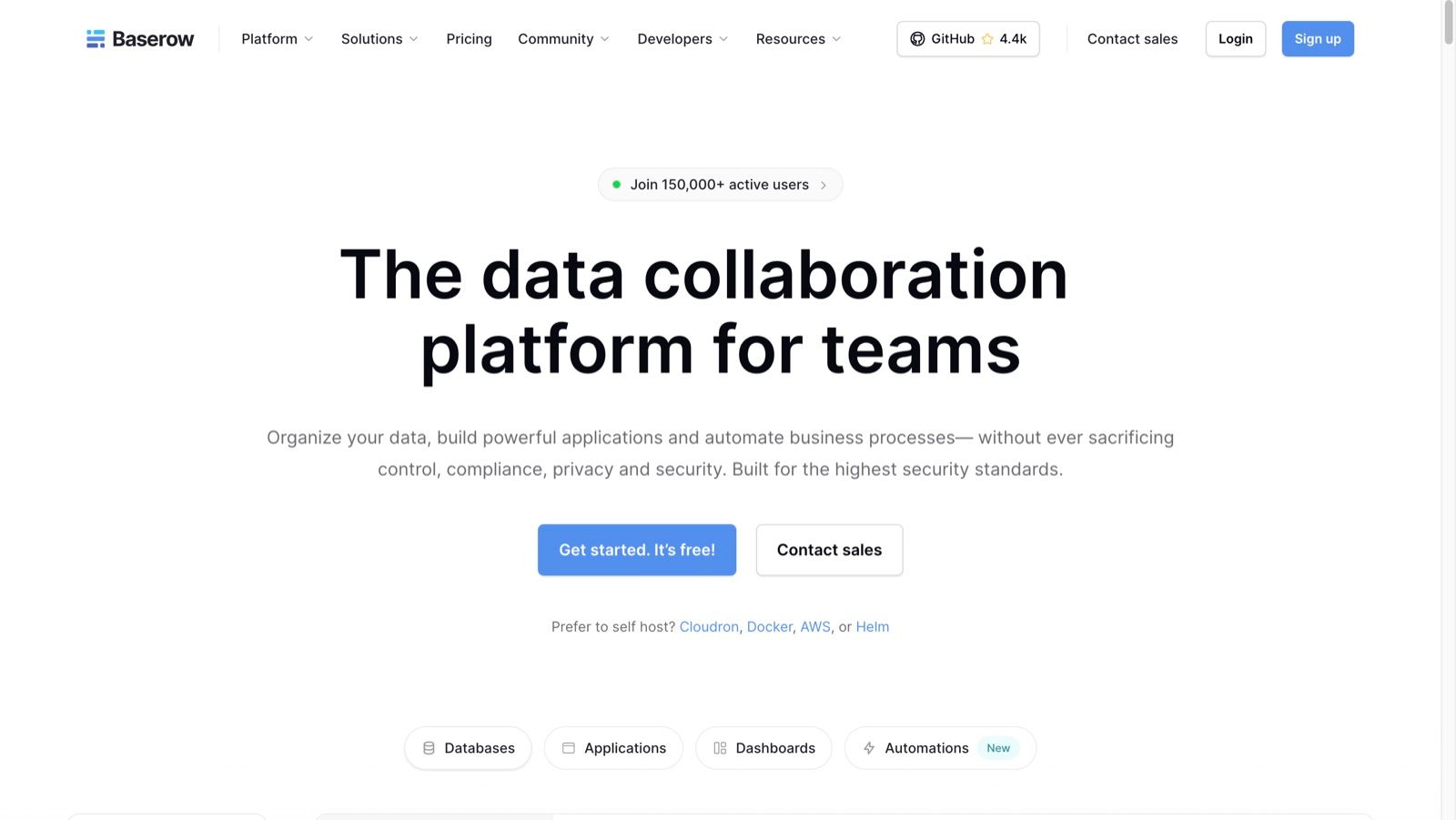
Key features. Relational databases with customisable fields, an open-source codebase you can extend with plugins, and both self-hosting through Docker or cloud VMs and a managed cloud option. Around 150,000 users. Compliance covers GDPR, HIPAA and SOC 2. Recent versions add an AI assistant, dashboards, automations and application building. Self-hosted deployments allow unlimited file uploads and as many users as your hardware supports.
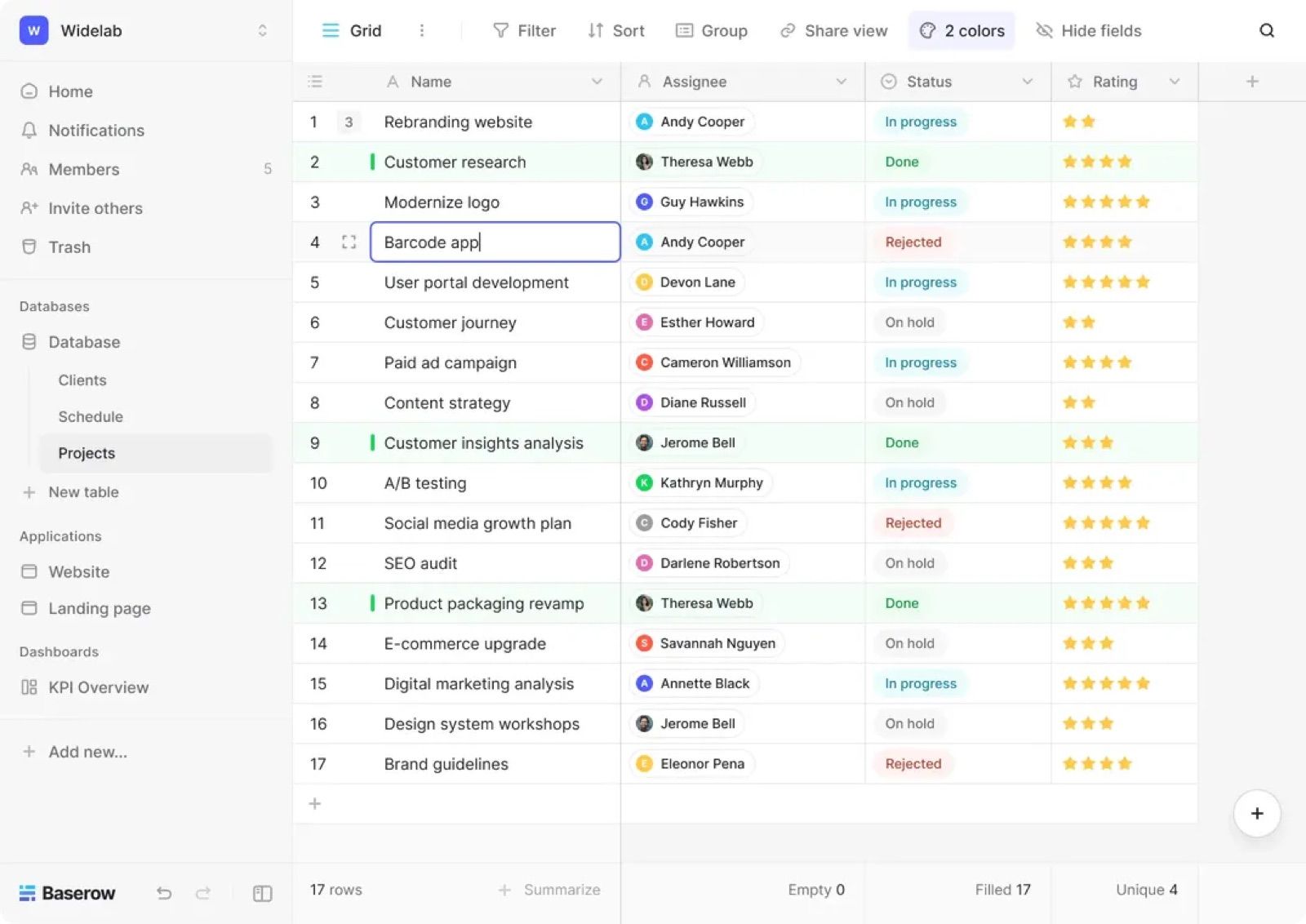
Pricing. Free on the open-source tier with no user cap when self-hosted. Paid plans apply to the managed cloud.
Best for teams that want out of per-seat pricing and are able to run a container.
3. NocoDB, best for an Airtable interface on a database you already run
Pros and cons. Rather than moving your data somewhere new, it puts a spreadsheet interface in front of the database you already have. That is exactly right for some teams and irrelevant for the rest, since it assumes the database exists and someone maintains it.
Key features. Connects MySQL, PostgreSQL and SQL Server and exposes them as grid, Kanban, gallery and form views, with REST API access and automated workflows over the existing schema.
Pricing. Free on the open-source tier.
Best for technical teams whose data is already in a relational database and who need a usable interface over it, not a new home for it.
4. Grist, best for spreadsheet power at large volumes
Pros and cons. The most capable option here for heavy data and complex calculation, with Python available in formulas. The trade-off is the smallest ecosystem in this list and real operational responsibility.
Key features. Spreadsheet formulas including Python, combined with database structure, deep customisation for developers, transparent source, and no caps on automation runs. Community feedback consistently positions it as the strongest open-source choice for large data loads.
Pricing. Free self-hosted, paid managed cloud.
Best for data-savvy teams who hit Airtable’s ceiling on volume or calculation rather than on interface.
5. Notion, best for docs and data in one workspace
Pros and cons. Unbeatable when the data needs to sit next to the documentation, the specs and the meeting notes. Permissions are managed at page and workspace level rather than per record, and automation is light, so it is not the answer for production internal apps.
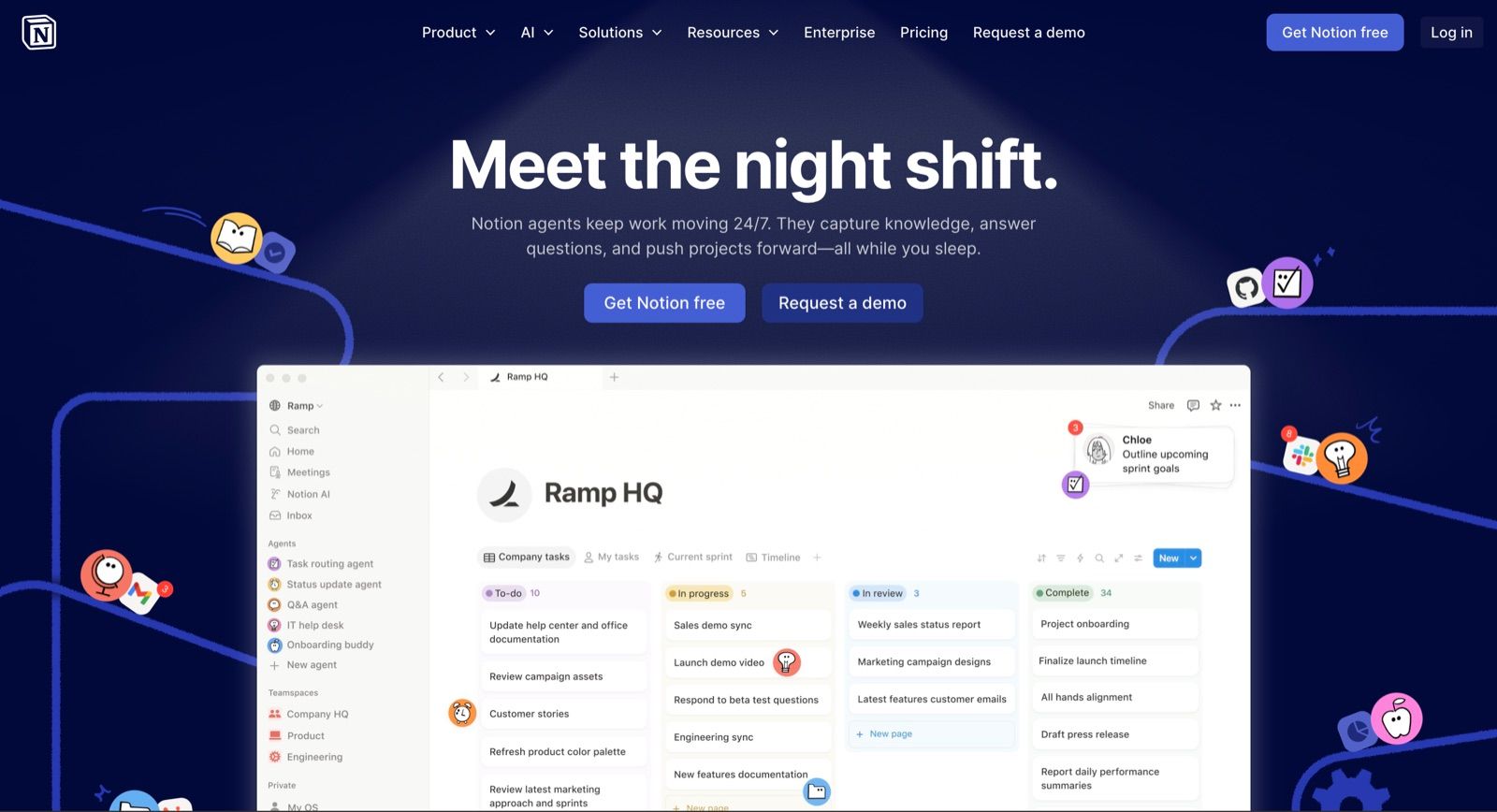
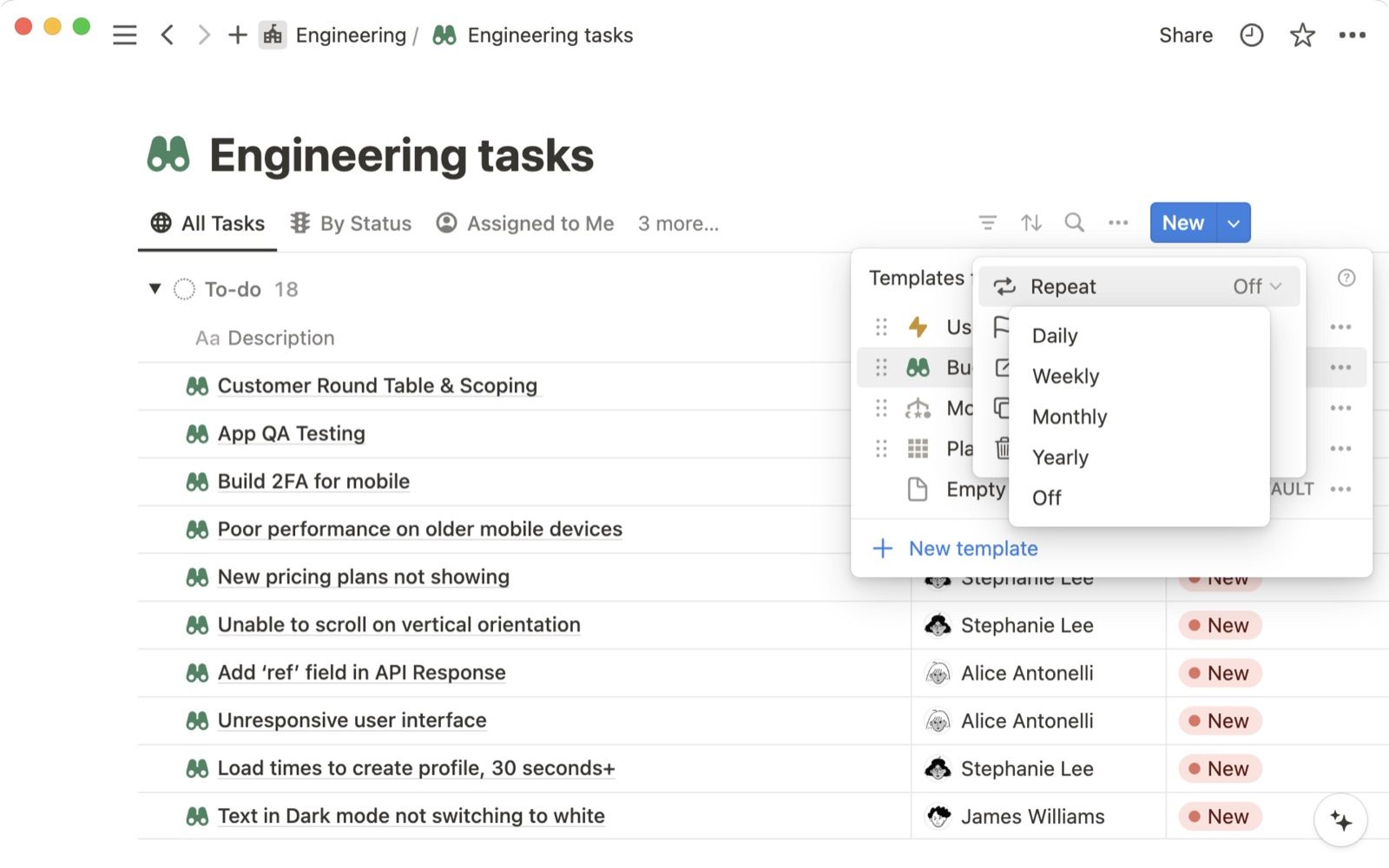
Key features. Databases rendered as tables, boards, calendars and galleries, linked and filtered across pages. Real-time collaboration with comments and mentions. Integrations through Zapier and Make for lightweight automation. Notion AI summarises content and drafts text, though it does not build applications or automate relational workflows.
Pricing. Per user, with a usable free tier for individuals and small teams.
Best for teams whose real problem is knowledge management with some structured data attached, rather than the other way round.
6. Retool, best when developers are doing the building
Pros and cons. The most polished developer-facing option, with the widest connector range. It expects JavaScript, self-hosting sits on enterprise plans, and the per-end-user component of pricing scales with adoption rather than with value.
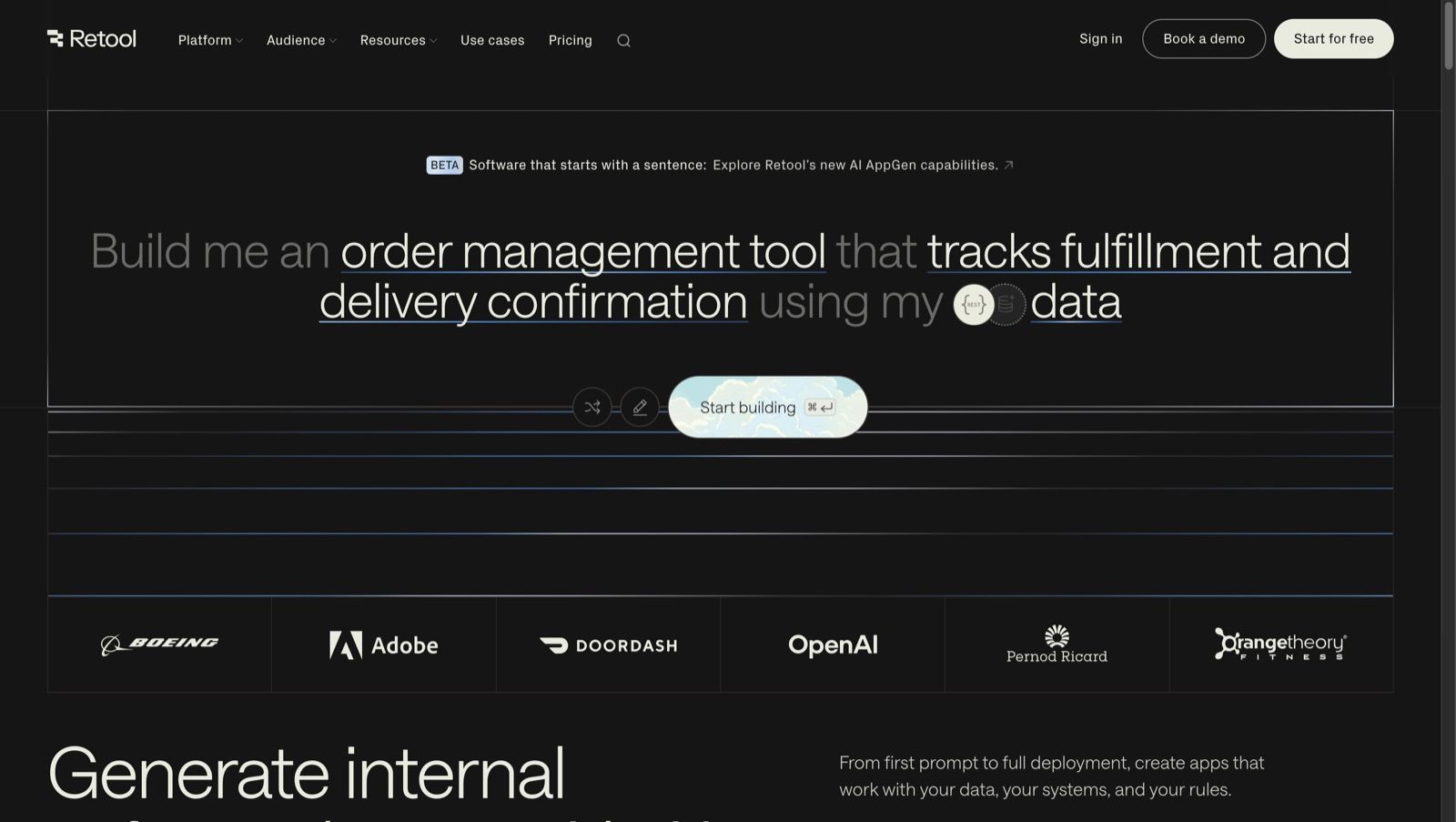
Key features. Connects a wide range of databases and APIs, builds interfaces from drag-and-drop components, and drops into custom JavaScript wherever the visual layer runs out. Git-based version control, granular RBAC, SSO and audit logs on the enterprise tier.
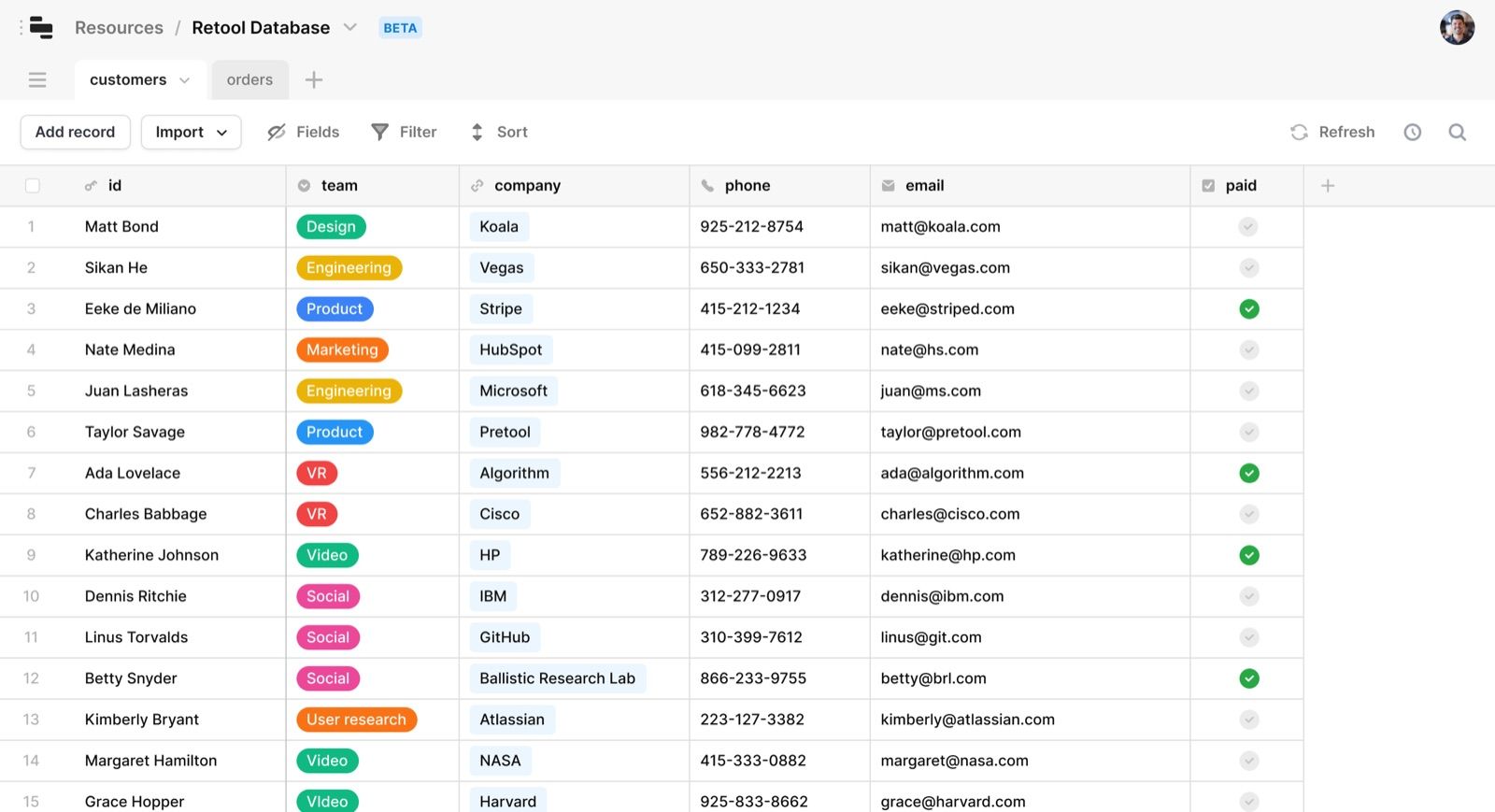
Pricing. Per editor plus per end user.
Best for engineering-led teams replacing an Airtable base with a properly built internal application, where maintenance by a developer is expected rather than a problem.
7. Smartsheet, best for spreadsheet-native project management at scale
Pros and cons. A familiar grid with enterprise project controls behind it, well proven in large organisations. Heavier and more expensive than Airtable for a small team, and the interface shows its age next to newer tools.
Key features. Grid, Gantt, card and calendar views, portfolio-level reporting, resource management, approvals and enterprise administration.
Pricing. Per user, positioned above Airtable.
Best for organisations running many projects where reporting across them is the point.
8. ClickUp and monday.com, best for all-in-one work management
Pros and cons. Both replace Airtable comfortably when the base was really a task tracker. Neither is a database: relational modelling is weak, and structured data work will feel constrained.
Key features. Task management with dashboards, templates, automation and time tracking, plus strong collaboration. ClickUp goes further on configurability, monday.com on approachability.
Pricing. Per user, both with free tiers.
Best for non-technical teams whose primary need is coordinating work rather than modelling data.
9. Google Sheets, best for cost-sensitive, low-complexity work
Pros and cons. Free, familiar and requires no onboarding, which beats every feature list when the job is simple. There is no relational layer, permissions are per sheet rather than per record, and maintainability falls away as complexity grows.
Key features. Real-time collaboration, a ten million cell ceiling, unlimited sheets in a file, pivot tables and charts. Teams extend it with Apps Script, AppSheet and Zapier to approximate forms, dashboards and automation.
Pricing. Free for individuals, included in most Workspace subscriptions.
Best for simple project lists, editorial calendars, basic CRMs and shared trackers. Once you pass a dozen collaborators editing structured data, or need audit logs, move on.
Work management and note tools people also compare
A large share of Airtable bases are really project trackers, and the tools below compete for exactly that job. None of them is a database: relational modelling is thin or absent, so pick from here only when coordinating work matters more than structuring data.
Basecamp centralises messages, to-dos, files and schedules in one calm interface. Its strength is deliberate simplicity, which is also its ceiling: no relational data, no custom views.
Workfront is enterprise work management, built for planning, resourcing and reporting across many projects at once. It scales well past Airtable and costs and weighs accordingly.
Podio pairs a simple interface with solid automation, strong integrations and budget-friendly plans. It is the closest thing here to Airtable in spirit, with a gentler learning curve and less flexibility.
ProofHub is an all-in-one cloud platform for project management and team collaboration, with a customisable interface and flat pricing rather than per-user.
Workzone has been shipping since 2000 and takes the same spreadsheet-flavoured approach as Airtable, with resource, task and time tracking built in rather than added through apps.
Zoho Sheet makes sense when the company already runs on Zoho. It automates spreadsheets, imports from Excel and connects to Zoho CRM, Books and Projects.
Quip is a document-and-spreadsheet hybrid focused on collaboration: cell-level comments, version history and light task management inside the doc.
Evernote belongs on this list only because people genuinely migrate to it, and it is worth saying plainly that it is the wrong shape. It is excellent at unstructured capture such as meeting notes, clippings and PDFs, and has no answer for structured records.
Also worth knowing
Coda takes a doc-as-app approach with formulas, Packs and buttons built into documents. Asana and Trello are strong on task tracking and Kanban but offer no relational modelling. Hive adds built-in chat, which directly addresses Airtable’s weakness in in-app communication. Rows combines a spreadsheet with live API data and AI analysis. Zapier Tables exists mainly to drive automations and is free up to 2,500 records. Stackby pairs spreadsheet and database with strong API connectors, starting at $10 per user monthly with 1,500 rows free per stack. SmartSuite competes directly with Airtable and ships seven reporting views including Kanban and dashboards, filling one of Airtable’s clearer gaps.
Choosing the Right Airtable Alternative by Team Type and Technical Skill
Tool choice should be filtered through who will build and maintain the system day to day.
Non-technical business teams (marketing, HR, operations): Favor tools with strong templates, simple project management, and minimal setup. ClickUp, monday.com, or Notion work well depending on whether task management or document management matters more. These platforms are designed for non technical teams and minimize the steep learning curve.
Data-savvy but non-engineer teams (rev ops, analytics): Consider spreadsheet-like but more powerful tools such as Smartsheet, Grist, or Rows. These combine custom functions, advanced reporting, and flexible views without requiring coding. They handle large databases and offer the reporting capabilities that Airtable struggles with.
Engineering-heavy or IT-led organizations: Evaluate open-source options (NocoDB, Baserow) or extensible platforms like Jet Admin that connect directly to databases, APIs, and existing tools. Jet Admin builds secure business apps on existing data sources, supports prompt-based app building, and lets teams deploy internal tools with team-based permissions, activity logs, and data blending across 16+ database types. These options shine when governance, security, and custom integrations with existing infrastructure are priorities.
Remote and cross-functional teams: Stress the value of strong collaboration features such as comments, notifications and integrated chat. Work-management suites (ClickUp, monday.com) and document-first tools (Notion) typically outperform database-first tools for team collaboration.
If your PMs live in Google Workspace and just need better views, start with Google Sheets plus an automation platform. If they're drowning in boards and need real reporting, test Smartsheet or ClickUp.
Migration Checklist: Moving from Airtable to an Alternative
Switching platforms is a project in itself. Follow these steps to reduce risk.
1. Audit existing Airtable bases
- List every base, table, and the number of records in each
- Inventory automations (count runs per month vs your plan's cap), interfaces, and scripts
- Identify who uses each base and how (editor, viewer, automation consumer)
- Tag bases as "migrate," "consolidate," or "archive"
2. Plan the target architecture
- Map tables, views, and advanced permissions in the new tool
- Decide whether to consolidate multiple bases into a single workspace or split by function
- Document which essential features (linked records, rollups, lookups) need to be preserved
- Define project plans for the migration itself, with owners and deadlines
3. Export and import data
- Export Airtable tables as CSVs; note that attachments and linked record IDs require separate handling
- Recreate relationships and validate that primary keys and lookups are preserved in the new system
- Test with a subset of records before migrating full datasets
4. Rebuild automations and integrations
- Inventory every Airtable automation and script, noting triggers and actions
- Re-implement using the new platform's workflow automation engine, or external automation tools like Zapier or Make
- Test edge cases: what happens when a trigger fires but the action fails?
5. Phase the rollout
- Pilot with one or two critical workflows; collect structured feedback
- Run old and new systems in parallel for a defined period
- Cut over and set Airtable bases to read-only before decommissioning
6. Update documentation and access controls
- Retrain users on the new tool's interface and features
- Update SSO/SCIM configurations, audit logs, and access policies
- Ensure the new platform doesn't become yet another shadow IT tool. Assign governance owners
Cost, Governance, and Long-Term Maintenance Considerations
The headline subscription price is only part of the story when comparing airtable alternatives. Total cost of ownership includes onboarding time, admin effort, and the cost of scaling.
Cost structure: Airtable's per user pricing becomes expensive when many stakeholders need edit access. Some alternatives solve this with cheaper viewer roles, an unlimited plan for flat pricing, or free tiers with higher limits. For example, ClickUp's free plan includes unlimited task creation, and Google Sheets is completely free for individuals. But "free" always involves trade-offs: fewer automation runs, limited views, or no premium support.
Governance factors: As usage grows, someone needs to control who creates new workspaces, how approvals work, and what audit logs capture. Tools with an enterprise plan typically offer SSO/SCIM, detailed audit logs, and the ability to restrict workspace creation. Without these controls, your new solution becomes the next governance problem.
Maintenance reality: Schema changes, automation debugging, and training new users are ongoing costs. Relying on a single "Airtable expert" is risky; prefer tools that more team members can understand and safely change. Open-source tools add operational responsibility (backups, updates) but remove vendor lock in.
Vendor risk: Evaluate export options (CSV, API, open standards) and self-hosting possibilities. Some open-source tools have experienced "paywall creep" where features move behind paid tiers unexpectedly. Calculate a rough two-to-three-year cost including licenses, estimated setup and training time, and expected admin effort for each shortlisted option.
Conclusion: Which Airtable Alternative Should You Pick?
There is no single best Airtable alternative. The right choice depends on whether your core problem is project management, knowledge management, automation at scale, or building internal tools over existing data.
The patterns are clear: project-management-first tools (Smartsheet, ClickUp, monday.com) excel at structured execution with gantt charts, dashboards, and resource views. Document-first tools (Notion, Coda) win for knowledge management and lightweight databases. Open-source or self-hosted options (NocoDB, Baserow, Grist) give you data control and cost efficiency at scale. Google Sheets covers simple, cost-sensitive setups. And internal-tool platforms like Jet Admin serve teams that need secure custom apps on top of existing databases and APIs.
Apply the evaluation criteria from earlier, meaning build speed, data connectivity, extensibility, permissions, deployment, governance, pricing, and maintenance, and score your top two or three candidates before committing. Don't just compare feature lists; weight each criterion based on your team's actual priorities.
Before migrating everything, run a small real-world pilot. Pick one project or internal tool, build it in your chosen alternative, and let the team use it for two to four weeks. The pilot will reveal friction points that demos never show. If you're evaluating platforms for building internal tools on existing data, explore Jet Admin's capabilities to see how it handles your specific data sources and workflow requirements.
FAQ: Common Questions About Airtable Alternatives
These answers address follow-up questions that prospective buyers and evaluators often have after shortlisting alternatives to Airtable.
Is there a completely free Airtable alternative for small teams?
Google Sheets is the most realistic free option for many small teams, with generous limits and tight Google Workspace integration. Notion, ClickUp, and some open-source platforms also offer free tiers that work well for very small or technical teams. ClickUp's free plan includes unlimited task creation, and Zapier Tables provides a generous free plan for users with up to 2,500 records. Keep in mind that "free" usually means trading off advanced permissions, automations, or support. Test the limits of any free plan before committing to a free-only strategy.
What is the best Airtable alternative for knowledge management and internal wikis?
Airtable is not a full knowledge management system. Tools like Notion and Coda typically win when the primary need is documentation, wikis, and searchable knowledge bases with embedded databases. They allow combining pages, tasks, and lightweight tables in one workspace, which works better than forcing content into a grid-only structure. If your team spends more time writing and organizing docs than modeling relational data, a document-first tool is the better fit.
Can I self-host an Airtable alternative for compliance reasons?
SaaS-only tools like Airtable cannot be self-hosted, but open-source options such as NocoDB, Baserow, and Grist can run on your organization's own infrastructure, often deployed via Docker or standard cloud VMs. Baserow supports self-hosting for full data control and holds GDPR, HIPAA, and SOC 2 compliance certifications. Involve your security and IT teams early to evaluate data residency, backup procedures, and monitoring requirements before adopting a self-hosted alternative.
How hard is it to migrate data and automations away from Airtable?
Migrating raw data is usually straightforward via CSV exports and imports. Recreating relationships, formulas, rollups, and automations is more involved and requires deliberate planning. Start with a limited pilot, document existing custom workflows, and prioritize high-value automations. Keep Airtable in read-only mode for a period after cutover to validate that the new system behaves as expected before decommissioning.
Which Airtable alternative is best for managing projects across multiple teams?
Smartsheet, ClickUp, and monday.com are usually stronger than Airtable for cross-team project and portfolio management. They offer advanced reporting dashboards, resource views, and workload management that Airtable doesn't provide natively. Trial these tools with a real cross-functional initiative, like a product launch or marketing campaign, to see which best matches your reporting needs and collaboration style.
Is Airtable no longer free?
Airtable still has a free plan. What changed is what fits inside it: record ceilings per base, a monthly automation run allowance and limits on editors mean growing teams hit a paid tier sooner than they expect. If the free plan is the requirement rather than a starting point, Baserow self-hosted, NocoDB and Grist have no seat cap at all, and Google Sheets is free outright.
Is there a Microsoft equivalent to Airtable?
The closest are Microsoft Lists for structured lists inside Microsoft 365, and Excel with Power Automate for anything more involved. Neither gives you Airtable’s relational modelling or its view system, but for organisations already standardised on Microsoft they arrive at no extra licence cost, which frequently settles the argument. Dataverse with Power Apps is the option once you genuinely need an application rather than a table.