Reviewed September 26, 2026. Research-based review of Tally's official pricing — not a hands-on benchmark. Jet Admin publishes this comparison and is a competing product.
Most form builders cap free submissions in the dozens. Tally's free plan includes unlimited forms and unlimited submissions, subject to fair use, along with conditional logic, signatures, file uploads and integrations — features that competitors routinely put behind a paywall.
That makes the evaluation question unusual: not "is the free plan enough to try it?" but "is there any reason to pay?"
Tally review: the quick verdict
| Strong reasons to consider Tally | Trade-offs to evaluate |
|---|---|
| Unlimited forms and submissions on the free plan | Unlimited is "subject to fair use" — published guidelines and custom-plan review |
| Conditional logic, signatures and file uploads included free | Confirm checkout currency and billing period |
| Integrations available on the free tier | Branding, custom domains and team features are paid |
| Yearly billing gives two months free | Business at $74/month is a significant step from $24 |
No numerical score is given, because we did not run a scored hands-on evaluation.
What is Tally?
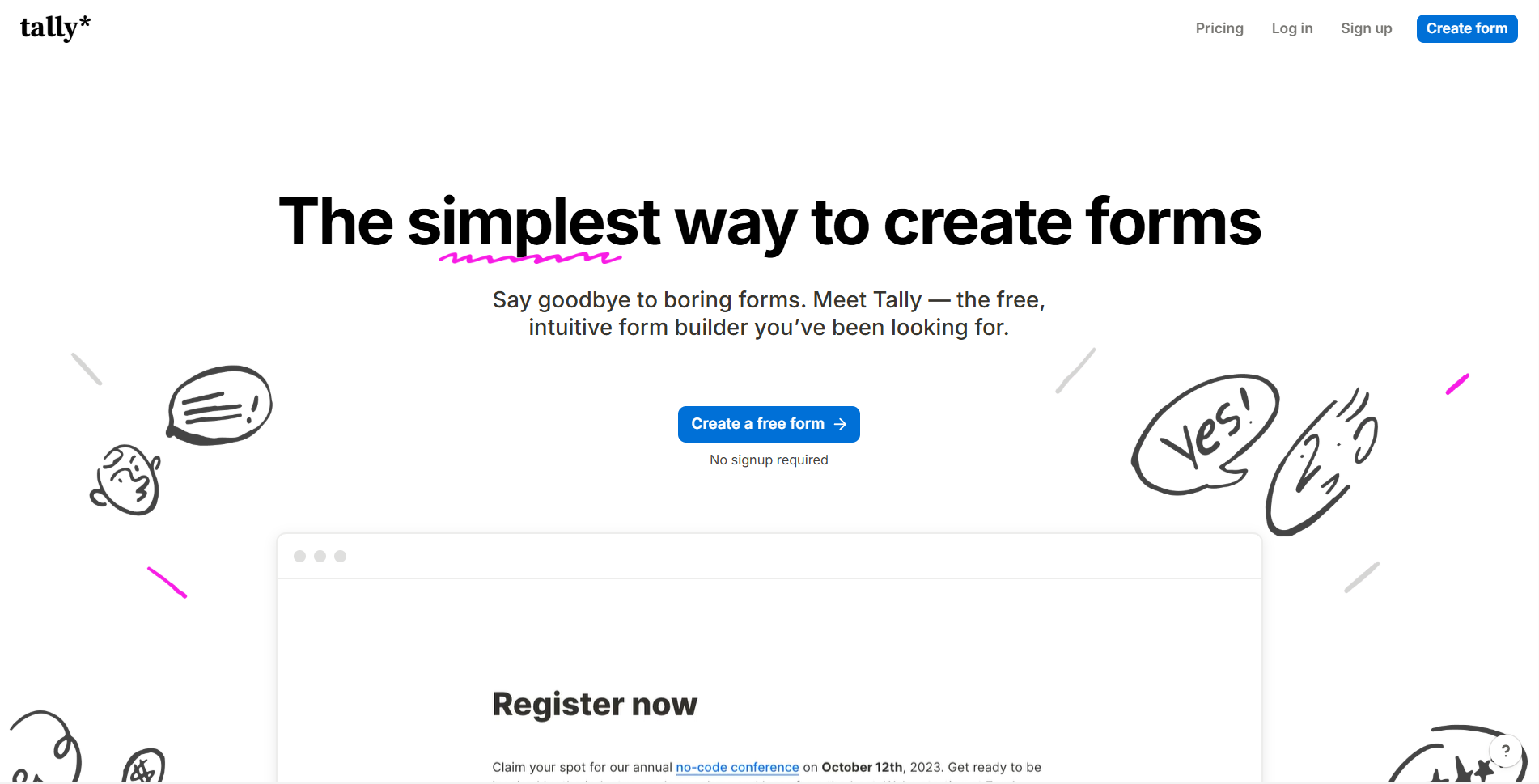
Tally is a form builder with a document-style editing interface — you type, and form fields appear inline rather than being dragged from a palette. Its commercial position is aggressive free pricing, with paid tiers for branding, team features and advanced capabilities.
Tally's key features
1. Unlimited submissions on the free plan
This is the defining feature. For comparison, Typeform's free tier caps submissions at a small monthly figure, and most competitors do something similar. Tally does not meter the thing that actually matters for a form.
2. Conditional logic, free
Branching and conditional questions are normally a paid feature across this category. On Tally they are included free — which means a genuinely sophisticated form costs nothing.
3. Signatures and file uploads, free
Both are typically gated. Both are on Tally's free plan.
4. Integrations on the free tier
Connecting forms to other systems does not require payment.
5. Document-style editing
The builder works like a text document, which suits people who think in prose rather than in layout components.
Tally pros
The free plan is the most generous in the category
Unlimited forms, unlimited submissions, logic, signatures, file uploads and integrations, at no cost, is not a teaser — it is a working product. For most individual and small-team form needs, there is genuinely no reason to pay.
Advanced features are not paywalled
The usual pattern is that a form builder's free tier cannot do conditional logic, so anything real requires a subscription. Tally inverts that, which makes it the obvious first choice for evaluating whether a form-based workflow will work at all.
Yearly billing gives two months free
Roughly 17% off, which is standard-to-good for the category.
The editing model is genuinely different
Document-style building is faster for people who find drag-and-drop builders fiddly. Whether you prefer it is a matter of taste — but it is a real differentiator rather than a marketing line.
Tally cons and limitations
Fair use has published guidelines
Unlimited submissions are subject to published fair-use guidelines for sustained submission and file-upload usage. Read the policy and agree a custom plan where the expected workload requires one.
What to do: if you expect very high volume, ask Tally what fair use means in numbers before you depend on the free plan for something that cannot fail.
Pricing is in euros
The current displayed prices are $24 monthly for Pro and $74 monthly for Business. Yearly billing advertises two months off; confirm the checkout currency and commitment.
What to do: convert at today's rate rather than assuming parity, and expect the dollar figure to drift.
The gap between Pro and Business is large
Business at $74 monthly is substantially more expensive than Pro at $24 monthly. Identify the additional features you require before upgrading.
Paid features are mostly presentation and team management
What you buy with Pro and Business is branding removal, custom domains and team capabilities rather than form functionality. That is honest — but it means the upgrade case is about polish and collaboration, not capability.
What do Tally users say?
We did not verify a current aggregate rating on G2 or Capterra for Tally, so no score is cited. The figures above come from Tally's own pricing page.
If peer evidence matters, examine relevant deployments alongside the published fair-use policy. Ask about the specific submission and storage workload expected.
Tally pricing in 2026
Read from Tally's pricing page on September 26, 2026. Prices in EUR. Yearly billing gives two months free. Our Tally pricing guide covers the tiers and what each one actually adds.
| Plan | Price | Forms | Submissions | Logic, signatures, uploads |
|---|---|---|---|---|
| Free | €0 | Unlimited | Unlimited, subject to fair use | Included |
| Pro | $24/month | Unlimited | Unlimited | Included |
| Business | $74/month | Unlimited | Unlimited | Included |
An illustrative comparison. A team collecting 2,000 ordinary text responses monthly may fit the free plan, subject to fair use. Price Pro for its required presentation or team features and verify the actual checkout total.
Jet Admin vs. Tally: which should you evaluate?
These are different tools. A form collects input; an internal tool lets your team act on it. Most operations need both.
| Priority | What to evaluate |
|---|---|
| Collecting responses from people outside your team | Tally — this is its purpose, and free |
| Reviewing, approving and acting on submitted data | Jet Admin builds the interface your team works in |
| Forms over an existing database | Jet Admin writes directly to Postgres, MySQL and APIs |
| Unlimited free submissions | Tally, clearly |
| Permissions and workflow after submission | Jet Admin; Tally's scope ends at collection |
| Unlimited users on the internal side | Jet Admin includes them on every plan |
Sources: Tally pricing, Jet Admin pricing, checked September 26, 2026.
When Tally is the better choice
For collecting form responses, Tally's free plan is better value than anything else in this review series, including paid alternatives. If that is your requirement, use Tally and spend your budget elsewhere. These tools are complements more often than competitors.
Who should use Tally — and who should compare alternatives?
Good fit: anyone who needs forms with logic, signatures or file uploads at no cost; teams with high submission volumes; people who prefer document-style editing.
Compare alternatives if: you need to build the workflow that processes submissions, not just collect them; your forms must write into an existing database; you need enterprise governance; or your volume is high enough that fair-use limits are a real concern.
If the harder problem is what happens after submission, build that part in Jet Admin and keep Tally for collection.
Tally review FAQ
Is Tally really free?
Yes — unlimited forms and unlimited submissions subject to fair use, including conditional logic, signatures, file uploads and integrations.
How much does Tally Pro cost?
The current displayed monthly prices are $24 for Pro and $74 for Business, with yearly billing advertising two months off. Confirm checkout currency and billing period.
What do you actually pay for?
Mainly branding removal, custom domains and team features — not core form capability, which is on the free plan.
What does "fair use" mean on the free plan?
Tally does not publish a figure. For ordinary volumes it should not arise; if you expect very high volume, ask before relying on it.
How does Tally compare with Typeform?
Tally's free plan includes unlimited submissions and conditional logic, both of which Typeform gates. Typeform's differentiation is presentation and its enterprise feature set.
How does Tally compare with Jet Admin?
They do different jobs. Tally collects responses; Jet Admin builds the internal tool your team uses to act on them. Many teams use both.
Use the published fair-use guidance in your estimate
Tally’s published fair-use policy identifies sustained volumes such as 50,000 submissions monthly and file-upload usage of 100 GB monthly or 500 GB total storage as reasons for a custom-plan discussion. It describes sustained high volume over several months and custom charges in addition to an existing subscription. These are planning guidelines, not an unconditional guarantee for every workload below one number.
For a recruiting campaign, distinguish applicant count from attachment size. Three thousand large portfolios create a different storage burden from three thousand text responses. Estimate new files, existing retained files, and retention duration. Agree expected capacity before a campaign that cannot tolerate interruption.
The current pricing page displays Pro at $24 monthly and Business at $74 monthly, with yearly billing advertising two months off. Confirm the checkout currency and billing selection. Earlier euro figures should not be presented as the current universal price.
| Check | What to exercise | Evidence to retain |
|---|---|---|
| Volume | Separate an ordinary month from a campaign spike. | Expected submissions and a capacity owner. |
| Files | Upload realistic attachments and test size limits. | Monthly usage, retained storage, and deletion steps. |
| Delivery | Send one response into the actual destination. | A stable identifier and visible integration failures. |
Test the respondent and operator journey
Complete the form on a phone and using a keyboard. Try incomplete answers and every conditional branch. Check whether confirmation explains what happens next. If partial submissions are enabled, decide who can see them and how long they remain useful.
Give operations a duplicate and a mistaken response. They should identify the right case, avoid processing it twice, and correct the downstream record where appropriate. Deleting a form response does not automatically delete copies already delivered to another service.
Upgrade for the presentation, collaboration, or retention features actually required. Define assignment and failed-delivery handling before calling the workflow complete. Treat collection, storage, and downstream processing as separate parts of the decision rather than using an unlimited-submission headline as the entire capacity plan.
Start free, and only upgrade for branding
Start with Free for an ordinary workload. Upgrade for specific presentation, collaboration, or retention requirements, and evaluate sustained submission and storage demand against the published fair-use policy.
If the real work is processing what comes in, build that in Jet Admin.