Almost every team has one: a spreadsheet that started as a few columns and is now load-bearing. Someone updates it daily. Other teams read it. A formula in column M does something nobody fully understands, and one person quietly knows how it all works.
The question isn't whether spreadsheets are good. They're excellent at what they're for. The question is whether yours is still doing that job, or whether it's become a database with no constraints, no permissions and no audit trail.
What each one is actually for
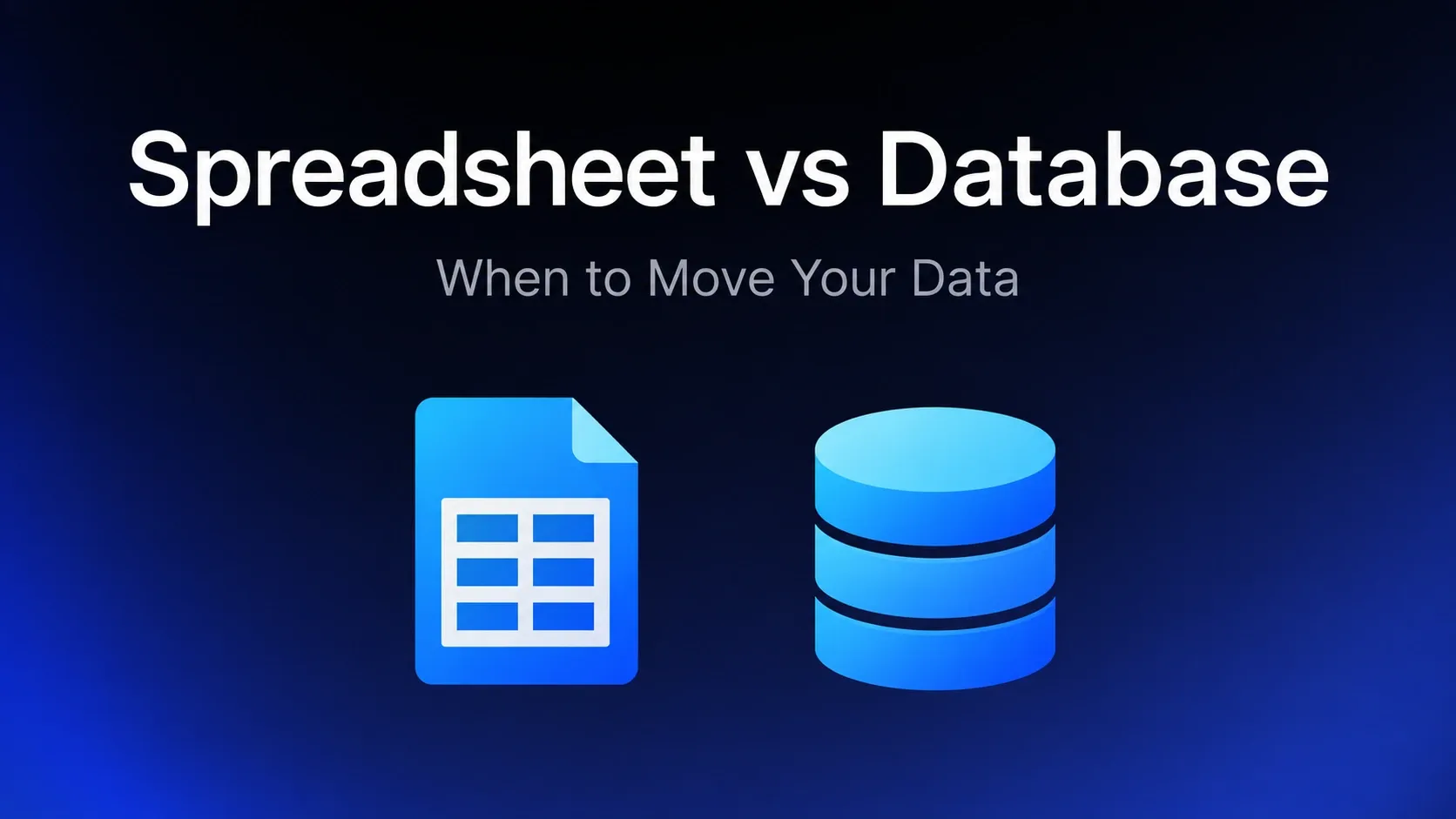
A spreadsheet is a calculation surface. A grid where any cell can hold anything and formulas reference positions. That flexibility is the whole point — you can model something new in minutes without defining anything in advance. For analysis, modelling and one-off work, nothing beats it.
A database stores structured records. Columns have types, relationships between tables are explicit, and rules about what constitutes a valid row are enforced by the system rather than by convention. That rigidity is also the point: it's what stops the data degrading.
The flexibility that makes a spreadsheet good at analysis is precisely what makes it unreliable as a system of record. A cell that can hold anything will eventually hold anything.
Six signals it's time to move
1. More than one person edits it
Concurrent editing is solved in modern spreadsheets, so this isn't about conflicts. It's about the absence of permissions. If five people can edit, five people can delete a column, paste over a formula, or sort one column without the others. There's no way to give someone permission to update a status but not to restructure the sheet.
What it costs: the failure is silent. Nobody announces that they broke it; you find out when a number looks wrong three weeks later.
2. You've started faking relationships
VLOOKUP, XLOOKUP, INDEX/MATCH pointing at another tab. Each one is a relationship you're maintaining by hand. They break when rows move, when someone inserts a column, when a name is spelled differently.
The tell: you have a "lookup" tab that exists only to make other tabs work. That's a foreign key with no integrity constraint behind it.
3. The same fact lives in more than one place
A customer's address in the orders sheet and again in the contacts sheet. The moment they diverge — and they will — neither is trustworthy, and nobody knows which is right.
What it costs: this is the failure that erodes confidence fastest. Once people stop trusting the sheet, they start keeping their own copies, which makes it worse.
4. Data validation is a matter of manners
The status column is supposed to say Open, Pending or Closed. It also says "closed", "CLOSED", "closed?" and "closed - see note". Now every filter and pivot silently misses rows.
The tell: someone has written a cleaning formula whose only job is to normalise what people typed. A database would simply not have accepted the bad values.
5. You need to know who changed what
Version history tells you a cell changed. It rarely tells you why, and it's painful to reconstruct across thousands of edits. If anyone has ever asked "who changed this and when," you've outgrown the tool.
What it costs: in regulated work this isn't inconvenience, it's a compliance gap.
6. It's slow, and getting slower
Tens of thousands of rows with formulas across several tabs. It takes seconds to open and recalculates when you breathe on it. Performance degradation is the most visible signal and usually the last to arrive — the others were true long before.
When to stay exactly where you are
Moving has real costs, and plenty of spreadsheets should never become databases.
Stay if the work is genuinely analysis. Modelling, scenario planning, ad-hoc investigation — these want a flexible grid, and a database would slow you down for no benefit.
Stay if it's yours alone. One person, one purpose, no downstream consumers. The permissions and validation arguments don't apply.
Stay if it's genuinely temporary. Though be honest: most "temporary" spreadsheets are three years old.
Stay if nothing is actually breaking. Recognising a few signals above isn't a mandate to migrate. If the sheet works, people trust it and nobody's losing time, the cost of moving may exceed the cost of staying. Migration is work; do it when something is hurting, not because a checklist says so.
What "moving to a database" actually means
This is where people stall, because it sounds like a project requiring engineers. There are roughly four options, in ascending order of effort.
A spreadsheet-database hybrid. Airtable, Baserow and similar give you typed fields, linked records and views while still feeling like a grid. The smallest step, and often enough. The trade is per-seat pricing and record ceilings.
A real database with an interface over it. Postgres or MySQL holding the data, with a tool providing the screens people work in. More capable and more durable — proper types, constraints, unlimited scale — without anyone writing a front end.
A purpose-built SaaS tool. If your spreadsheet is really a CRM, a help desk or an applicant tracker, the honest answer may be to buy the thing that already exists rather than build it.
Custom software. Occasionally right, rarely first. If the other three genuinely don't fit, this is the answer — but check the other three properly first.
How to move without a disaster
Model the data before you migrate it. The temptation is to copy the sheet's structure. Don't. Split it into the entities it actually contains — customers, orders, line items — and define the relationships. Most spreadsheets are two or three tables flattened into one, and copying that flattening forward wastes the move.
Clean as you go, once. The inconsistent statuses and duplicate records have to be fixed at some point. Doing it during migration, when you're looking at the data anyway, is cheaper than doing it later under a constraint.
Run both briefly, then commit. A short parallel period catches what you missed. A long one guarantees the data diverges and people quietly keep using the spreadsheet. Set an end date.
Give people a better interface, not just a stricter one. This is where migrations fail. If the new system is harder to use than the spreadsheet, people will export to a spreadsheet and you'll have achieved nothing. The new thing has to be genuinely easier for the person doing the daily work — otherwise you've added a constraint without adding a benefit.
Where Jet Admin fits
Jet Admin is the interface layer in the second option: your data in a real database, with the screens people work in built over it rather than coded.
That matters for the point above. Moving to Postgres solves types, constraints, scale and audit — and leaves you with no way for non-technical colleagues to do their daily work. Jet Admin connects to the database and gives them tables, forms and actions with permissions, so the migration doesn't trade usability for rigour.
It's not the answer to everything here. If your spreadsheet is really a CRM, buy a CRM. If it's genuinely analysis, keep the spreadsheet. The case it fits is the operational one: structured records, several people, rules about who can do what.
Frequently asked questions
How many rows before I need a database?
There's no threshold, and row count is the least reliable signal. A 500-row sheet that five people edit with faked relationships needs a database more than a 50,000-row sheet one analyst uses alone.
Is Airtable a database?
It's a genuine middle ground — typed fields and linked records, so it solves validation and relationships. It keeps spreadsheet-style ergonomics, and it brings per-seat pricing and per-base record caps. For many teams it's the right first move.
Can I just use Google Sheets with stricter rules?
Data validation and protected ranges help and are worth doing. They don't give you relational integrity, row-level permissions or a real audit trail, and they're conventions that can be turned off.
Do I need a developer?
For a hybrid like Airtable, no. For a real database with an interface tool over it, someone needs to set up the database — but that's a much smaller ask than building an application, and platforms exist to cover the interface without code.
What if people refuse to stop using the spreadsheet?
Usually a signal that the replacement is worse for their daily work. Fix that rather than enforcing the rule. If the new system is genuinely easier, adoption isn't a fight.
Should I move everything at once?
No. Move the one dataset causing pain, prove it works, then decide about the rest. Many teams find one migration is enough and the other spreadsheets were fine all along.
Start with the signal that's costing you
Don't migrate because a spreadsheet feels unprofessional. Migrate because something specific is going wrong: numbers you can't trust, permissions you can't set, a question about who changed what that you can't answer.
Name that one thing, and it tells you how far you need to go. Inconsistent values need typed fields. Two people overwriting each other need permissions. An audit question needs a real database.
And if the problem is that the data needs structure but the people working with it need something friendlier than SQL, put a proper interface over a proper database rather than choosing between the two.