Pricing checked September 26, 2026. USD; calculations exclude taxes and negotiated discounts.
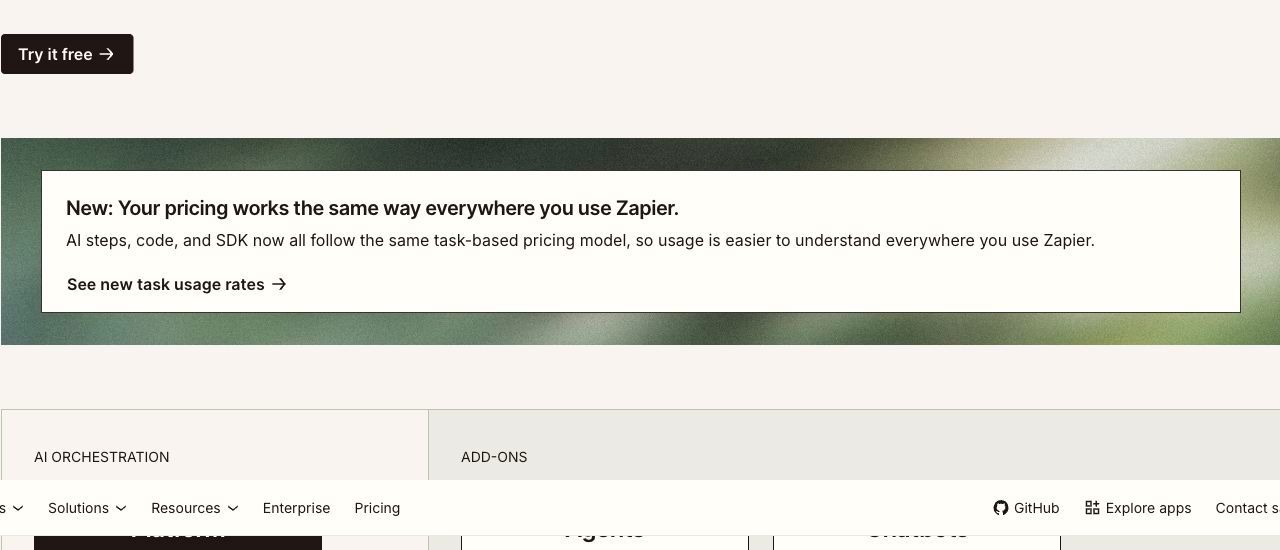
Zapier pricing starts with a free forever plan that includes 100 tasks per month. Paid plans start at $29.99/month for Professional and $103.50/month for Team on monthly billing. Annual billing starts at $19.99 and $69 per month equivalent, respectively. These are entry-tier prices and rise with the selected task allowance. Enterprise requires a quote. Paying yearly saves 33%. Zapier pricing
The number that matters is not the plan price — it is how many tasks your workflows consume. Zapier bills qualifying successful actions, with exceptions for triggers and listed built-in tools, so a single busy automation can cost more than a dozen quiet ones. Since 2026, AI steps, code, and the SDK all draw from that same task pool.
This guide explains how tasks are counted, what pushes you into a higher tier, and how to estimate your own consumption before you commit.
Zapier pricing at a glance
| Plan | Entry price: monthly / annual monthly equivalent | Included tasks | Key inclusions | Best-fit workload |
|---|---|---|---|---|
| Free | $0 | 100 per month | Unlimited Zaps, Tables and Forms; two-step Zaps; Copilot | Testing one simple automation |
| Professional | From $29.99 / $19.99 | Depends on selected tier | Multi-step Zaps, unlimited premium apps, webhooks, AI fields | One person running real automations |
| Team | From $103.50 / $69 | Depends on selected tier | 25 users, shared Zaps and folders, shared connections, SAML SSO | A team sharing ownership of workflows |
| Enterprise | Not published | Annual task limits | Unlimited users, advanced admin controls, observability, TAM | Organization-wide deployment |
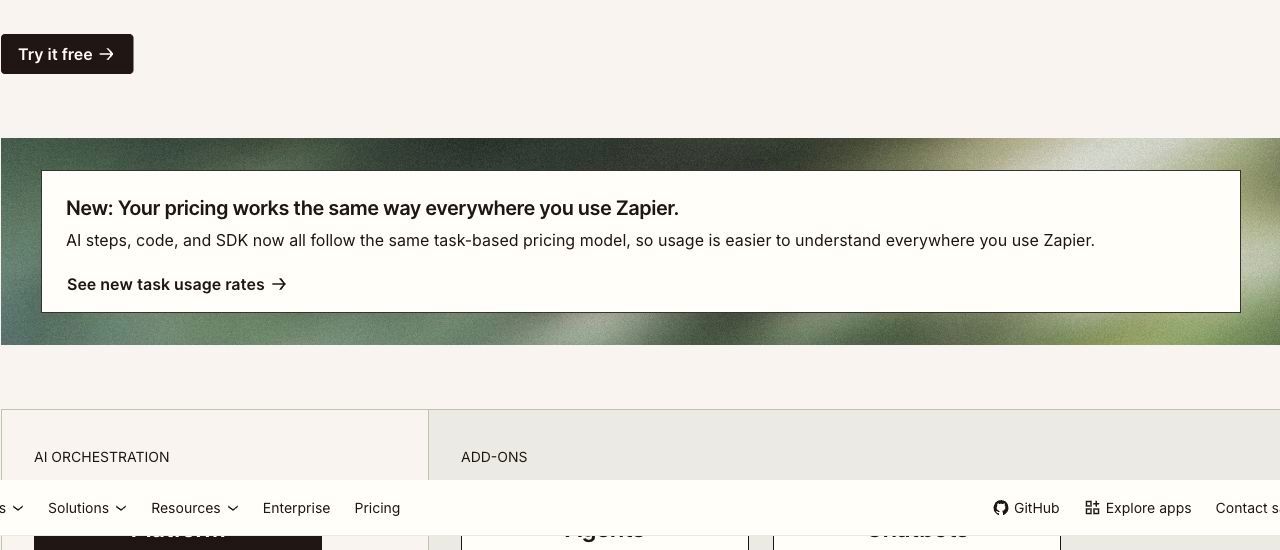
Task tiers run 100, 2K, 10K, 100K, 1M and 2M. Because the monthly price moves with the tier you pick, treat $19.99 and $69 as starting points rather than the price you will pay at volume — read the exact figure off the pricing page for your own tier. Official plan comparison
What each plan includes
Free: prove one workflow end to end
One hundred tasks per month is enough to validate a single automation, not to run a department. Build the smallest useful version of something real — a lead handoff, an invoice alert — and watch what it actually consumes in a week.
The binding constraint is not the task count but the two-step limit. Any workflow that needs a condition, a lookup, or a second destination requires Professional. That limit, rather than task exhaustion, is what usually forces the first upgrade.
Professional: where multi-step logic becomes available
Professional unlocks multi-step Zaps, webhooks, premium apps and AI fields. For most individual operators this is the plan that makes Zapier genuinely useful.
Choose the task tier from measured consumption, not a guess. Run your real workflows on Free or a trial for a week, read the task counter, then multiply. Estimating from the number of Zaps you own is unreliable, because one high-frequency Zap can outconsume twenty occasional ones.
Team: shared ownership and SSO
Team includes 25 users, shared Zaps, shared folders and shared app connections. The practical argument for it is rarely the seat count — it is that shared connections remove the single-owner failure mode where automations break when one person leaves or rotates a credential.
SAML SSO also appears here rather than on Enterprise, which matters if your security review requires it.
Enterprise: annual task limits and admin control
Enterprise pricing is not published. Its distinguishing commercial feature is annual rather than monthly task limits, which suits workloads with seasonal peaks — a retailer whose volume triples in Q4 can average out across the year instead of buying for the peak month.
Bring a written scope to the quote: expected annual tasks, user count, deployment requirements, observability needs and support expectations.
How Zapier calculates your bill
Tasks are consumed by qualifying successful actions. Built-in Filters, Paths, Formatter, Tables and Forms are listed as zero-task tools; triggers and polling are not charged under the pricing FAQ. Rates vary: AI model tier, code runtime and connector type each affect how many tasks a single action uses. Triggers that poll for new data do not themselves consume tasks. Task usage rates
The formula worth internalising:
Monthly tasks ≈ (billable steps per run) × (runs per month), summed across every Zap
Tasks are pooled. Zap workflows, AI steps, code, MCP and the SDK all draw from one allocation with no separate budgets per product. That pooling is convenient, but it means adding an AI step to an existing workflow silently increases consumption on a workflow whose task cost you had already modelled.
If you exceed your limit, Zapier moves you to pay-as-you-go unless you turn that off or move up a tier. Decide deliberately which of those you want before a busy month makes the choice for you.
What does Zapier cost for a real workflow?
The calculations below are illustrative, using documented task-counting rules. They are not invoices, and they exclude the Agents and Chatbots add-ons.
Example 1: one lead-routing workflow
A form submission triggers four standard billable actions: enrich a record, create a CRM record, create a follow-up task and post to Slack. A built-in Filter can check a condition without adding a task. At 300 submissions per month:
| Input | Value |
|---|---|
| Billable steps per run | 4 |
| Runs per month | 300 |
| Monthly tasks | 1,200 |
| Required tier | 2K |
| Plan needed | Professional (multi-step required) |
Free cannot run this workflow at all — not because 1,200 exceeds 100 tasks, but because four steps exceed the two-step limit.
Example 2: the same workflow at higher adoption
Volume grows to 2,000 submissions per month and a Standard-model AI summarisation step is added with no tool calls, taking the assumed consumption to five tasks per run:
| Input | Value |
|---|---|
| Billable steps per run | 5 |
| Runs per month | 2,000 |
| Base monthly tasks | 10,000 |
| AI step premium | Standard model assumed: 1 task, already included; higher tiers and tool calls add usage |
| Required tier | 10K for this Standard-model assumption; allow headroom for retries and extra activity |
Note what happened: a 6.7× increase in volume plus one extra step produced an 8.3× increase in tasks. Task consumption scales with steps multiplied by runs, so adding a step is as expensive as adding proportional volume. This is the single most useful thing to understand about Zapier's cost model.
The exact subscription price at the 10K tier was not verifiable from the pricing page without selecting that tier, so confirm it in your account before budgeting.
Add-ons and costs beyond the base plan
Agents and Chatbots are sold as separate add-ons rather than included in the platform plans. Both consume from the shared task pool when they take actions, so their cost has two components: the add-on subscription and the tasks their activity generates.
Budget separately for the work Zapier does not do: building and testing the automations, handling failures, and giving non-technical colleagues somewhere to see and act on the data a Zap produces. Zapier also includes Forms and Tables, so assess whether their views and access controls already meet the review requirement before adding another tool.
Where Jet Admin fits alongside Zapier
Zapier combines automation with Forms and Tables. Jet Admin focuses on operational applications over connected data, so compare the actual interface and permission requirements rather than assuming Zapier has no user-facing tools. The two products answer different questions: Zapier asks "when this happens, do that"; Jet Admin asks "where do people see and act on this data".
Most operational processes need both. A refund request can be routed by Zapier, but somebody still has to review the queue, check the customer's history and approve it. That review surface is what Jet Admin provides.
| Consideration | Zapier | Jet Admin |
|---|---|---|
| Billing unit | Tasks — steps × runs, pooled across products | AI credits consumed while building |
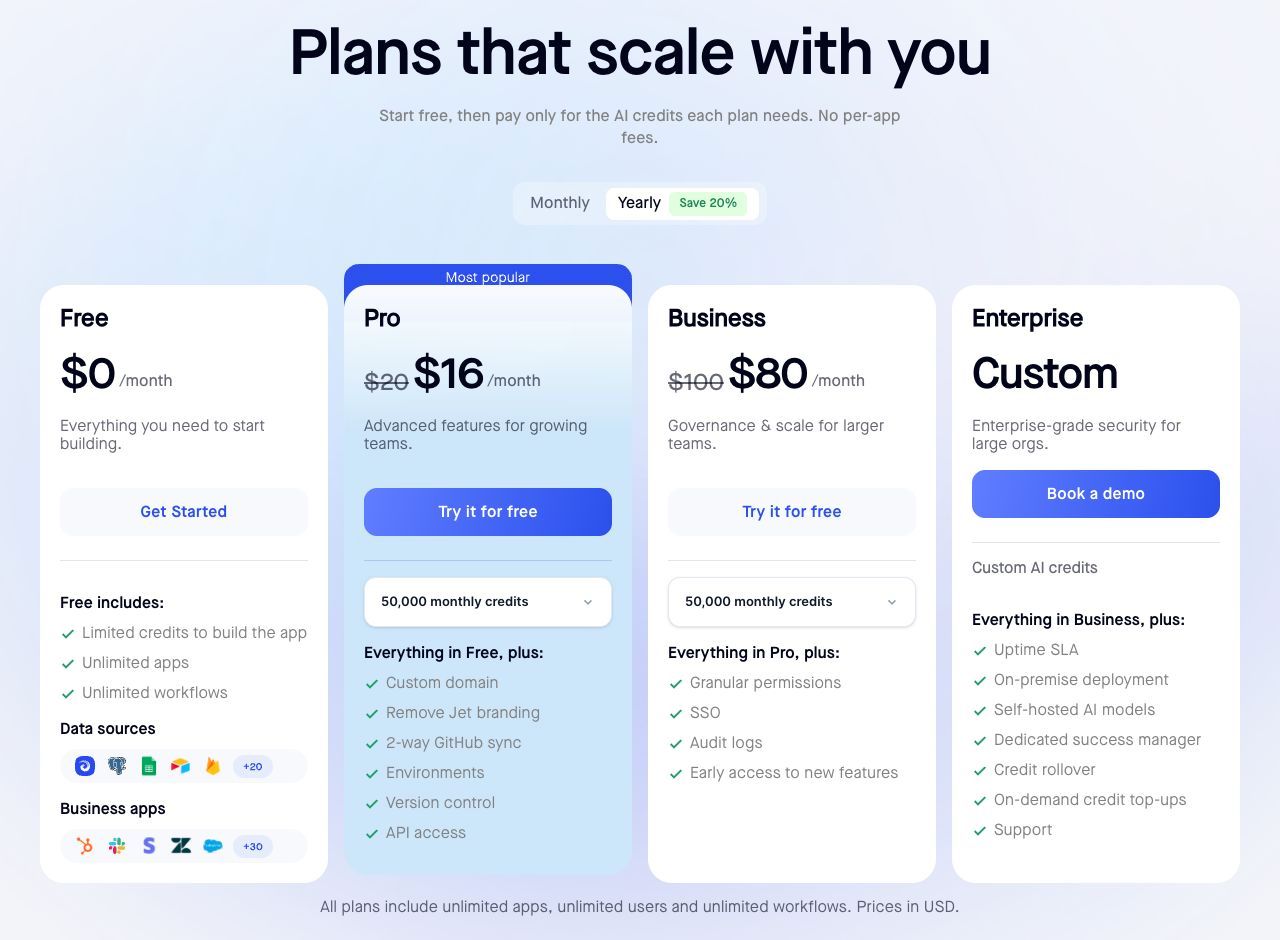
| Entry paid plan | Professional from $29.99/month; $19.99/month equivalent annually | Pro $20/month, or $16/month billed annually |
| Cost of more users | Team includes 25; Enterprise for unlimited | Unlimited users on every plan |
| Cost of more runs | Rises directly with task consumption | Not billed per end-user action |
| SSO and audit logs | SAML SSO on Team | SSO and audit logs on Business ($100/month, $80 annually) |
| Provides a user interface | Yes — Forms and Tables; capabilities and limits vary by plan | Yes — this is the product |
Sources: Zapier pricing, Jet Admin pricing. Annual figures are monthly equivalents.
Because these are complementary, do not model replacing Zapier as a saving. If a process needs both scheduled automation and a human review screen, cost them together. Where Jet Admin does reduce Zapier consumption is narrower and worth testing: workflows that exist only to shuttle data into a spreadsheet so somebody can look at it may not be needed once the data has a proper interface.
When to keep Zapier as-is
If your automations run system-to-system with no human in the loop — syncing a CRM to a warehouse, posting alerts, enriching records — Zapier's breadth of connectors is the point and there is nothing to replace.
Which plan should you choose?
Stay on Free only while validating a two-step workflow. Any conditional logic ends that plan's usefulness immediately.
Choose Professional when you need multi-step Zaps and can measure your task consumption. Pick the tier from a measured week, and add headroom for the AI steps you will inevitably add.
Choose Team when workflows are shared infrastructure rather than one person's project, or when SAML SSO is a requirement.
Request an Enterprise quote when your volume is seasonal enough that annual task limits beat monthly ones, or when you need advanced deployment and observability. Bring an annual task estimate, not a monthly one.
Frequently asked questions
Does Zapier have a free plan?
Yes — free forever, with 100 tasks per month, unlimited Zaps, Tables and Forms, and two-step Zaps. The two-step limit, not the task count, is what most teams hit first.
What counts as a task?
Qualifying successful actions, with zero-task exceptions for listed built-in tools. Rates vary by AI model tier, code runtime and connector type. Polling for new data does not consume a task. Usage rates
What happens if I exceed my task limit?
You are moved to pay-as-you-go unless you disable that or move to a higher tier. Choose which behaviour you want in advance.
Is annual billing worth it?
Yearly billing saves 33%. That is a large discount, but it commits you to a task tier — so measure consumption before locking in, particularly if you are about to add AI steps.
How much does Zapier Enterprise cost?
Not published. Request a quote covering annual task volume, users, deployment and support. Its annual task limits are the feature to ask about if your load is seasonal.
Do AI steps cost extra?
They draw from the same shared task pool as everything else, but at rates that vary with the model tier. Adding an AI step to an existing workflow raises that workflow's task cost.
Cost the whole process, not just the automation
Before committing to a tier, map one complete process end to end: what triggers it, how many billable steps it needs, how often it runs, and where a person has to make a decision. The automation is only part of the bill.
If that map shows people reviewing queues in spreadsheets, try building that review surface in Jet Admin and measure how much of the workflow it absorbs.