Answer first: what is a Tailwind admin template and who actually needs one?
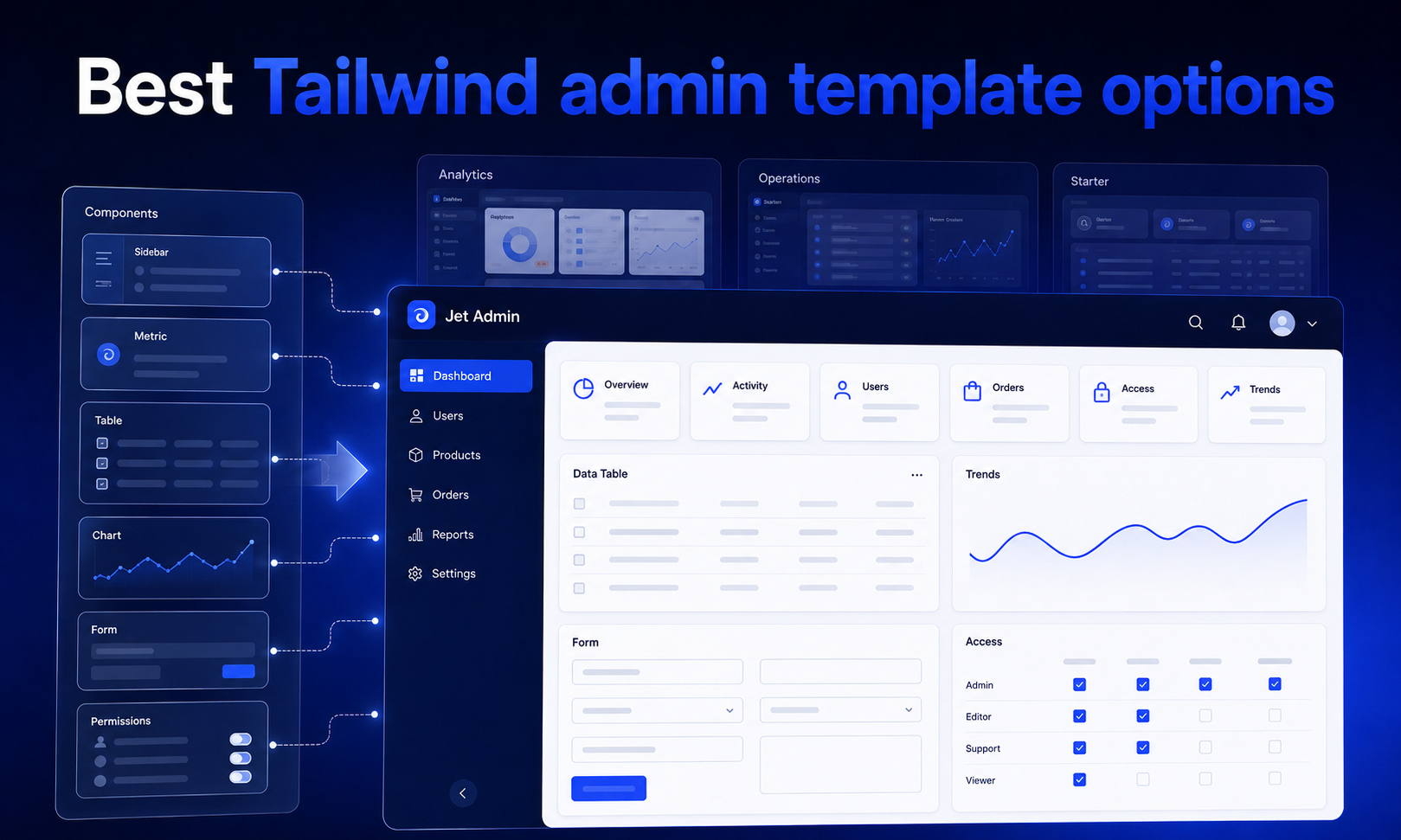
A tailwind admin template is a pre-designed UI kit built with Tailwind CSS for backend dashboards, admin panels, and internal tools. These templates are pre-built collections of reusable UI components, flexible layouts, interactive charts, tables, forms, authentication pages, and navigation shells that let developers skip weeks of frontend work. Many Tailwind templates offer modern features such as dark mode and data visualization tools, making them ready for production-quality interfaces out of the box.
Tailwind admin templates enable rapid development and prototyping with pre-built components. Key features include responsive design and reusable UI components that cover everything from analytics dashboards and e commerce back offices to CRM tools and internal operations consoles. Think of a 2026 marketplace needing an operations dashboard for orders, vendors, and transactions, or a SaaS product requiring a support back office with ticket queues and user management.
This article is a listicle for developers choosing between prebuilt templates, building from scratch, or using a governed admin platform like Jet Admin. Before diving into specific templates, a few definitions: an admin panel is the UI layer for internal users managing business data; dashboard UI components are charts, counters, and metrics displays; essential UI components include tables with pagination, forms with validation, and CRUD pages; and dark mode support means the ability to toggle between light and dark themes across all elements.

How to choose a Tailwind admin template: architecture and selection criteria
Start by matching a template to your target architecture. SPA frameworks like React, Next.js, and Vue expect componentized kits. Server-rendered stacks like Laravel or Django work better with html templates using Tailwind plus Alpine.js. Headless backend patterns, where your API layer is separate from the admin UI, benefit from either approach depending on team skill.
The utility-first approach of Tailwind CSS prevents css bloat and promotes design consistency, and Tailwind's utility classes enable quick style adjustments without writing custom CSS. Tailwind integrates well with JavaScript frameworks like React, Vue, and Alpine.js. High customization and flexibility are key advantages of this approach, and mobile-first design ensures responsiveness across devices. Templates generally provide excellent performance through optimized loading times.
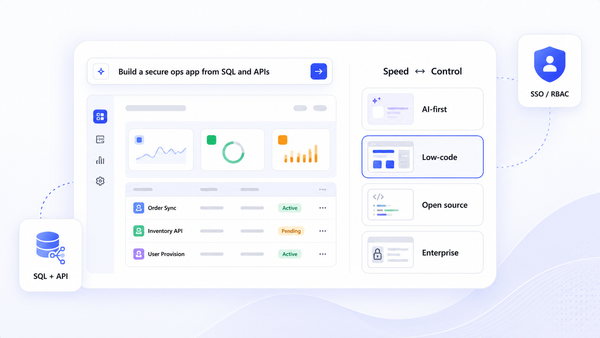
Three approaches exist for building a tailwind css admin dashboard:
- Build from scratch with Tailwind: maximum control, highest cost, you build every component and backend piece yourself.
- Start from an admin dashboard template: accelerates frontend development, but you still wire the backend, auth, and permissions.
- Adopt a full admin platform like Jet Admin: connects to existing data sources, generates UI, and handles governance, auth, and audit logs.
Common use cases for these templates include SaaS, CRM, and analytics platforms. When evaluating, prioritize these criteria:
- Data layer fit: REST, GraphQL, or direct SQL
- CRUD patterns, filtering, search, and pagination
- Role and permission requirements (RBAC/ABAC)
- Audit log and compliance needs
- Testing and deployment constraints (Vercel, Netlify, Kubernetes, on-prem)
- Non-functional needs: dark mode, RTL, accessibility, i18n, charting libraries, and seo friendly admin panels for companies worldwide
Quick comparison: leading Tailwind admin template families in 2026
The tailwind admin ecosystem has matured into distinct families. Here is how the major players break down:
- TailAdmin: Supports HTML, React, Next.js, Vue, Angular, and Laravel. TailAdmin includes over 500 UI elements, offers 10 unique dashboard designs, and is trusted by over 80,000 users worldwide. TailAdmin supports React, Vue, Angular, and Next.js. Dark mode support is available across all components. Responsive design ensures compatibility across all devices. Available in both free and pro version.
- Flowbite Admin Dashboard / Windster: Open source, built on Flowbite components with Tailwind CSS. Best for server-rendered stacks or lightweight SPAs needing a quick starter with pre coded charts via ApexCharts. Free.
- Mosaic Lite by Cruip: React plus Tailwind, focused on SaaS dashboards and e commerce analytics. Updated for Tailwind v4. Good for prototyping a complete dashboard.
- shadcn ui admin templates: Community-driven React (Vite) plus Tailwind kits with TypeScript, dark mode, and search palettes. Popular in Next.js web projects.
- DaisyUI and Preline UI: More component library than full css admin dashboard template. These offer UI kit elements but fewer available pages. Best when you need component-level flexibility and are building your own layouts.
Most templates solve only the frontend. Wiring to real databases, auth, and permissions still falls on your development team.

Free Tailwind admin templates worth trying first
Teams usually start with a free version to de-risk before buying a pro license or migrating to a platform. Here are the strongest free options:
Flowbite Admin Dashboard - Open source under MIT. HTML plus Tailwind CSS plus Flowbite components. Includes roughly 15 example pages: dashboards, CRUD, auth, and error pages. Charts via ApexCharts, dark mode, responsive. Fit: prototypes, lightweight admin panels, server-rendered stacks. No backend or RBAC included.
TailAdmin Free - The template is built with Tailwind CSS for customization. TailAdmin provides 30+ components in its free version across 7 dashboard layouts. The template includes responsive design for all devices. Available for HTML, React, Next.js, Vue, Angular, and Laravel. Documentation guides users through setup and customization. Fit: multi-framework teams wanting consistency across a project.
Mosaic Lite by Cruip - React plus Tailwind, SaaS-focused with Chart.js for data visualization. Updated with Tailwind v4 in February 2025. Often used as a starting point for e commerce analytics dashboards and then heavily customized.
Windmill Dashboard - Open source, accessibility-first, strong dark mode support. Good for teams prioritizing accessible, modern admin panels.
Notus React / Notus NextJS / Vue Notus - Tailwind v3 starters for popular SPA frameworks. More minimal, good baseline for forms, tables, and settings pages.
These templates do not include production-ready auth, RBAC, audit logs, or data governance. They are primarily frontend accelerators.
Pro and niche Tailwind admin templates for specific stacks
When free templates fall short, paid and niche options target specific frameworks and industries.
Laravel + Tailwind: TailAdmin's Laravel edition ships Laravel-friendly blade files and components. TailAdmin offers 500+ UI elements for customization and 10 unique dashboard designs for various applications, covering analytics, e commerce, marketing, CRM, and saas products. TailAdmin React is built with Tailwind CSS and TypeScript. TailAdmin Next.js is designed with Tailwind CSS and TypeScript. TailAdmin Vue is built using Tailwind CSS and Vue.js. TailAdmin Angular integrates Tailwind CSS with Angular and Laravel. Dark/light mode support is available across all components. TailAdmin supports multiple frameworks like React, Vue, and Angular.
HTML/SPA multi-framework kits: Kits like TailAdmin and Midone offer 10 unique dashboard variations with 500+ elements covering AI tools, sales, finance, and ecommerce use cases. Many include Figma source files for designers.
Django + Tailwind: Options like Apex Dashboard, which includes 125+ pages and 5 dashboard variations, and Haze Dashboard, which features 92+ pages with 6 color presets, provide fuller admin experiences. These target teams needing real RBAC and test scaffolding.
Svelte/SvelteKit and Nuxt ecosystems: SvelteForge Admin and Haze Dashboard Nuxt signal that tailwind admin templates now cover nearly every major framework ecosystem.
These pro templates reduce frontend work but still require custom backend code, validation logic, and careful handling of roles and permissions. Teams with complex compliance or audit requirements often outgrow static templates and begin evaluating admin platforms.
From Tailwind admin template to production app: the missing backend pieces
A template gives you dashboard UI components, but production admin panels need a full application stack. Tailwind admin templates help reduce time and effort for building internal tools and dashboards, yet they leave critical backend responsibilities to you:
- Data connection: wiring to real databases (PostgreSQL, MySQL), data warehouses, and external APIs
- CRUD operations: transactional integrity, pagination, filtering, search, and mail notifications
- Validation: backend and frontend validation, rate limiting, error handling
- Authentication: SSO, SAML, OAuth, password reset flows, session management
- Roles and permissions: RBAC/ABAC down to tables, columns, and individual actions for user management
- Audit logs: tracking who viewed or changed which record, required by many companies worldwide for compliance (GDPR, CCPA)
- Background jobs: webhooks, notifications, scheduled reports, integration glue
Consider concrete scenarios: a finance team needing an immutable ledger of transaction changes, or an e commerce company handling payment data under PCI compliance with restricted access to PII fields.
Create a checklist of these capabilities before committing to a template, so you understand what must be built versus what comes out of the box with a platform like Jet Admin.
Where Jet Admin fits: governed admin panels on top of your existing data
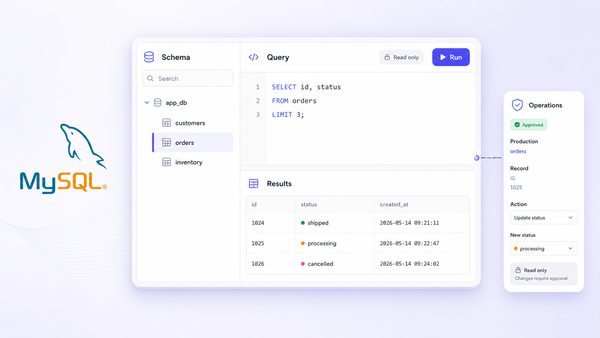
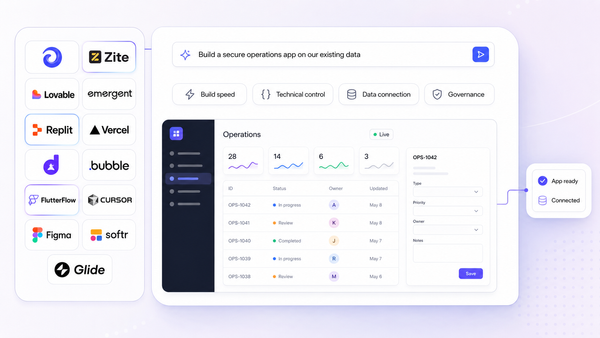
Jet Admin is a secure admin-panel and app builder that sits on top of existing databases, APIs, spreadsheets, and SaaS tools. It is not a static tailwind admin template. Instead, it generates the interface and application logic, then deploys a governed admin experience.
Here is how a typical team uses Jet Admin:
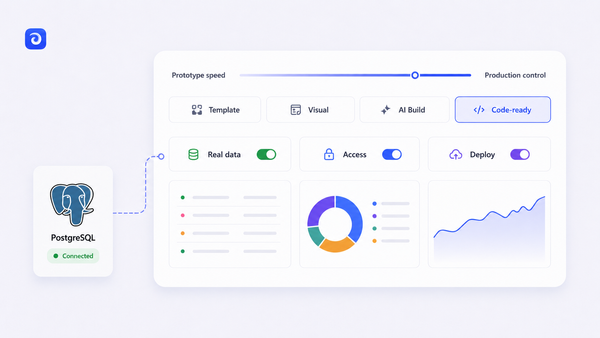
- Connect to a production database or API using one of 50+ supported connectors listed on the Jet Admin integrations page (PostgreSQL, MySQL, MongoDB, Stripe, HubSpot, Google Sheets, REST, GraphQL, and more).
- Auto-generate CRUD views, filters, and forms for key entities like Users, Orders, and Tickets, then customize them via the visual builder with drag-and-drop components.
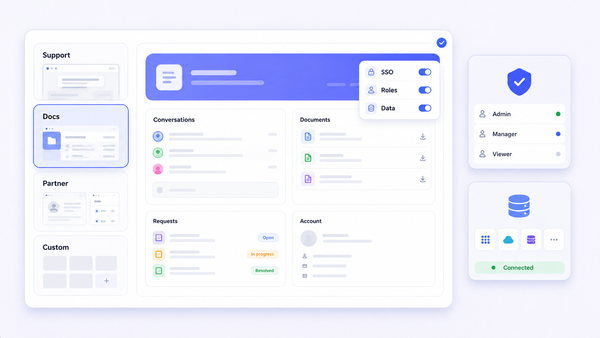
- Apply role-based permissions down to rows, columns, and actions. For example, support reps can issue refunds up to a threshold while finance sees full payment data.
- Enable SSO/SAML/SCIM and audit logs so every data access and change is tracked for compliance.
Jet Admin can be deployed in the cloud or self-hosted via Jet Bridge, an open-source backend that keeps your data on your infrastructure. This matters for regulated industries in healthcare, finance, and logistics.
Teams who love Tailwind's aesthetic can still style branded experiences and use custom domains while offloading data governance and auth to Jet.
When a Tailwind admin template is enough vs when you should consider Jet Admin
This section is practical decision guidance for engineering leads and data teams evaluating both options.
A template is enough if:
- You are building a greenfield saas product and accept writing your own backend, auth, and RBAC
- Your admin users are a small internal team with light compliance requirements
- You primarily need a polished UI shell (dark mode, charts, tables) around a simple CRUD API
- You have strong in-house frontend and DevOps resources to maintain the dashboard over time
Jet Admin makes more sense if:
- You need to connect multiple data sources (production DB, third-party APIs, spreadsheets) into one admin panel
- Fine-grained roles, permissions, SSO, and audit logs are non-negotiable
- You want non-developers (ops, support, data teams) to safely manage workflows without editing code
- You plan to scale to many internal users and need centralized governance rather than multiple ad-hoc dashboards
Many teams start from a Tailwind template and later migrate critical workflows into a platform like Jet Admin for governance and maintainability.
Practical implementation path: from prototype to governed admin experience
Here is a realistic roadmap that combines the strengths of both approaches:
- Prototype using a free tailwind admin dashboard template (Mosaic Lite or TailAdmin free) to validate layout, navigation, and core dashboard UI components.
- Wire the prototype to a staging backend. Add basic validation and ensure critical flows (create, update, delete key entities) work end to end.
- Define roles, permissions, and audit requirements with stakeholders in support, finance, and operations before hard-coding logic.
- Introduce Jet Admin connected to the real production database or APIs. Generate governed CRUD views for high-risk operations like refunds, PII updates, and bulk imports.
- Migrate sensitive workflows from the ad-hoc Tailwind panel into Jet Admin, leaving lower-risk analytics and marketing dashboards in the template UI if desired.
- Automate testing and maintenance via CI/CD. Rely on Jet Admin's governance layer for security, SSO, and audit logs.

Evaluate both a favorite Tailwind admin template and Jet Admin in parallel early in any new project. The cost of waiting to address governance usually exceeds the cost of testing both approaches upfront.
FAQs about Tailwind admin templates and Jet Admin
Can I use a Tailwind admin template for a production e commerce admin panel? Yes, if your needs are modest: limited compliance burden, small team, and you build auth and RBAC yourself. Risk increases around PCI/PII handling, payment data access, and audit trails. For anything touching sensitive financial data, layer in proper backend security or use a governed platform.
What is the difference between a Tailwind admin template and an internal tools platform like Jet Admin? A template is a UI kit providing frontend layout, components, and pages. Jet Admin is a governed application layer that connects to your data, auto-generates UI, and provides auth, permissions, and audit infrastructure. The trade-off is less pixel-level control versus significantly more built-in governance.
How hard is it to connect a Tailwind admin template to my existing PostgreSQL or MySQL database? You need to develop an API layer (REST or GraphQL) that the frontend can consume. Templates assume dummy data. Jet Admin's connectors handle this wiring for you, including direct database connections through Jet Bridge without exposing your repository to external services.
How do I handle roles and permissions in a Tailwind-based admin panel? DIY: use your backend framework's auth packages (Laravel policies, Django permissions), implement middleware, and restrict data at both UI and API levels. With Jet Admin, RBAC is built in with support for row, column, and action-level restrictions.
Can Jet Admin replace my existing Tailwind admin dashboard? It can, especially for sensitive and compliance-critical workflows. Many teams run both: custom Tailwind UI for visualization and optimized marketing dashboards, Jet Admin for governed operations and user management. Full migration makes sense when maintaining custom auth and logging costs more than the platform.
Does Jet Admin support dark mode or custom branding? Jet Admin supports theming and branding on custom domains. While a Tailwind template may offer more granular design control over every element, Jet Admin provides a branded, accessible experience while handling security and governance underneath.
Ready to see how governed admin panels compare to your current setup? Explore Jet Admin's admin-panel features and try connecting it to a staging database alongside your chosen Tailwind template. You might find that the combination of a polished Tailwind frontend and Jet Admin's governance layer gives you the best of both worlds without the maintenance burden.