Every team that automates something eventually hits the same wall. The trigger fires, the data moves, and then a human has to look at a case that does not fit the rules. Classic automation has no answer for that. AI workflow tools do, which is why the category grew so fast and why the names in it are so hard to tell apart.
This guide compares nine of them on what actually differs: how deep the workflow builder goes, what happens to unstructured input, where the thing can run, and what it costs once the workflow is running every day. Prices and ratings were checked in September 2026.
TL;DR
For maximum control and self-hosting, n8n. For the cheapest capable visual builder, Make. For the widest app coverage and the shortest path to a first automation, Zapier. For AI-first research and content pipelines, Gumloop. When the workflow needs a screen where a person reviews and approves exceptions, Jet Admin. For developer-centric event plumbing, Pipedream. For agents that handle email and calls, Lindy. For enterprise integration at scale, Workato. And if you are building the AI product itself rather than automating around it, Vellum or StackAI.
Best AI workflow automation tools at a glance
Narrow this to two or three, then read those sections.
Tool | Best for | Key limitation | Hosting | Entry price |
|---|---|---|---|---|
Jet Admin | Workflows plus the interface where humans approve | Overkill if you only need SaaS-to-SaaS automation | Cloud, self-host, on-premise | Tiered |
n8n | Technical teams wanting control and self-hosting | Steep learning curve; bring your own LLM keys | Cloud or self-hosted | $24/mo |
Make | Budget-conscious visual automation across SaaS | Scenarios get hard to follow as they grow | Cloud | $10.59/mo |
Zapier | Widest app coverage and fastest first automation | Task-based pricing climbs quickly | Cloud | Free, then $29.99/mo |
Gumloop | AI-first research, scraping and content pipelines | Not an operational app or UI layer | Cloud | $37/mo after trial |
Pipedream | Developer-centric event plumbing and code steps | Assumes comfort with code | Cloud | Free, then $45/mo |
Lindy AI | Agents handling email, scheduling and calls | Thin third-party review base outside G2 | Cloud | Free, then $49.99/mo |
Workato | Enterprise integration at scale | Custom pricing only; enterprise sales cycle | Cloud | Custom |
Vellum / StackAI | Building the AI product rather than automating around it | Not general-purpose automation | Cloud, on-prem (StackAI) | Free tier / custom |
What is an AI workflow automation tool?
It connects the apps you already use, meaning the CRM, email, Slack, databases, spreadsheets and documents, to AI models, so a workflow can reason about the data and then act on it. The difference from classic automation is what happens to messy input. A rules engine needs a clean field. An AI workflow can take an email, a ticket or a PDF and turn it into structured steps: update the record, create the task, route the approval, write the report.
How can AI automate workflows?
Three ways, and most platforms do some mix of them. As a step inside an otherwise ordinary workflow, where a prompt classifies or extracts something and the rest of the flow continues as normal. As an agent, which is given tools and a goal and decides the sequence itself. And as the builder, generating the workflow from a description so you edit rather than assemble.
What is the difference between workflow automation and AI?
Workflow automation moves data between systems on a fixed path you defined. AI decides something along that path. Neither replaces the other, and the platforms that work best treat AI as one step type among many rather than as the whole product. A workflow that is entirely AI is a workflow with no guarantees.
Types of AI workflow automation tools
Picking the category first removes most of the list before you compare a single feature.
- Logic engines. The workflow itself is the product: triggers, branches, retries, schedules. n8n, Make, Zapier, Pipedream.
- AI-first pipelines. Built around research, extraction and generation rather than around integrations. Gumloop, and to a degree Lindy.
- Operational platforms. The workflow ships with the interface a person uses to review, approve and fix what it produced. Jet Admin.
- Enterprise integration platforms. Governance, scale and a procurement process. Workato.
- AI application platforms. For building the AI feature itself, not for automating your operations around it. Vellum and StackAI.
What to look for
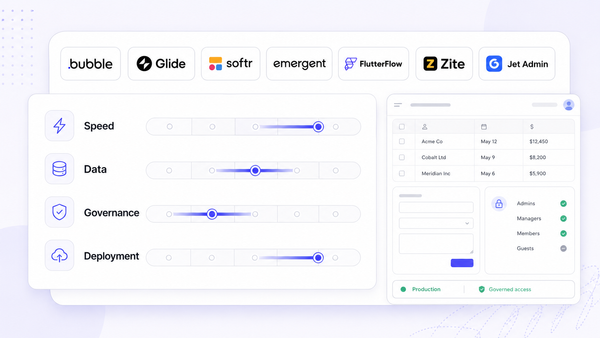
Six things decide most of these evaluations. Builder depth, meaning branching, loops, retries, scheduling and what happens when a step fails at three in the morning. Data access, meaning connectors plus raw APIs plus databases plus webhooks, because the interesting data is rarely in a SaaS tool with a ready connector. Deployment and governance, covering self-hosting, audit logs, RBAC and SSO, which is usually the question that decides whether the tool is allowed at all. Outputs, meaning whether the platform can produce a report, a dashboard or an app that people use, or only run flows in the background. Pricing units, since credits, tasks and executions are not comparable and the unit is what scales, not the sticker price. And AI building blocks: prompt steps, structured extraction, a knowledge base, agents and tool calling.
1. Jet Admin, best when a person has to review what the workflow produced
Pros and cons. Workflows and AI agents arrive with the interface where a human reviews, approves and corrects, which is the gap the logic engines leave. It is overkill if all you want is simple cross-SaaS automation, and its value is highest when you also need the app or portal layer rather than background flows alone.
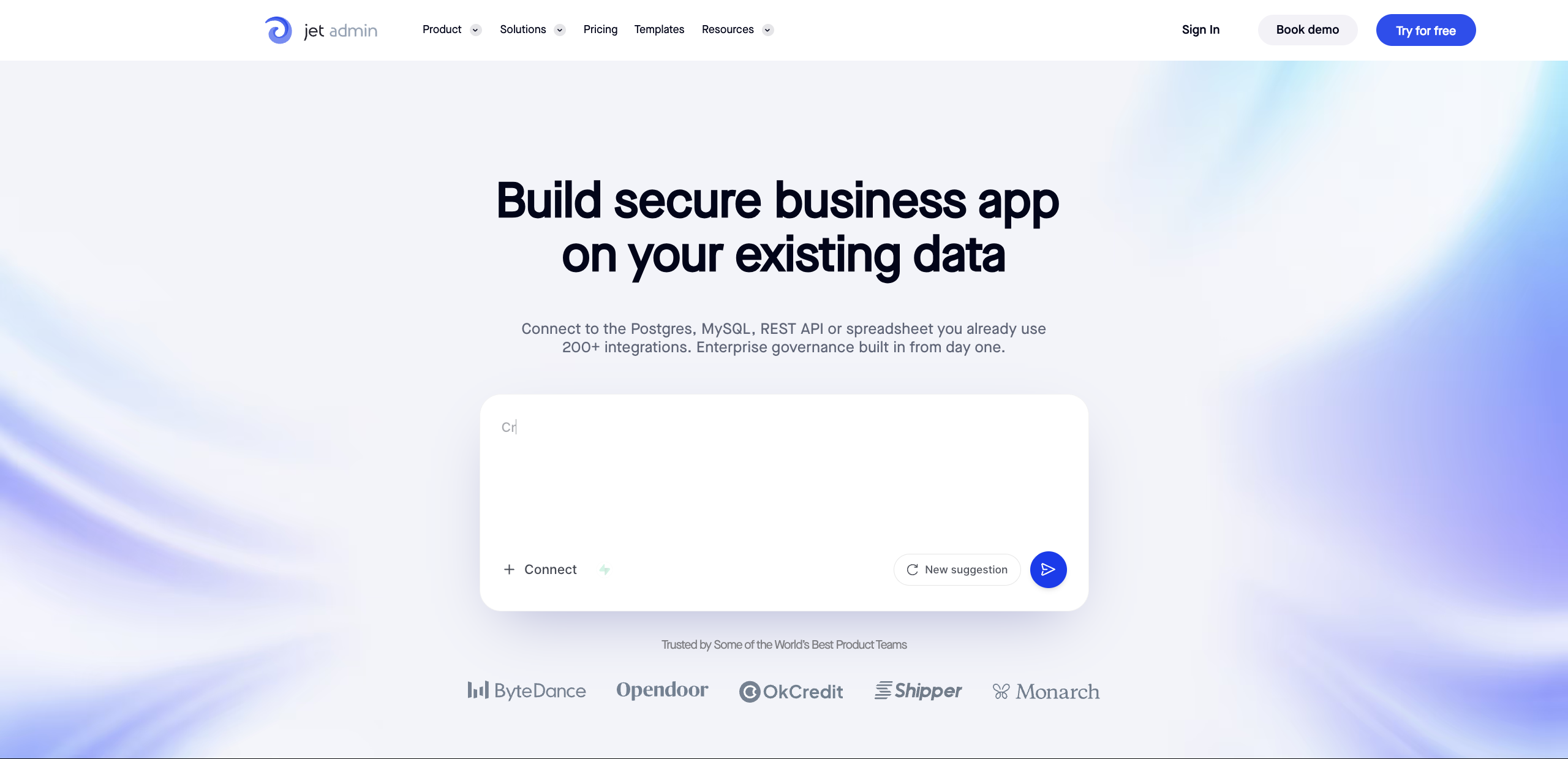
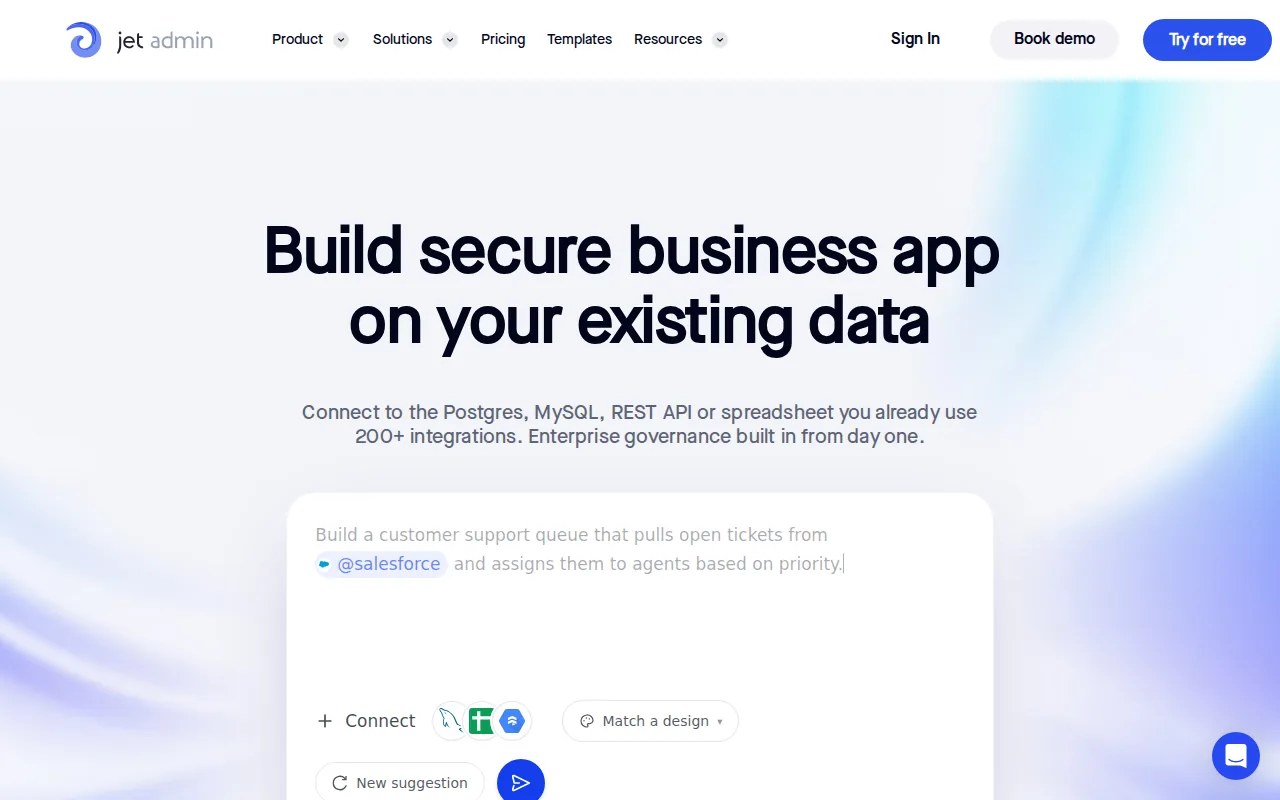
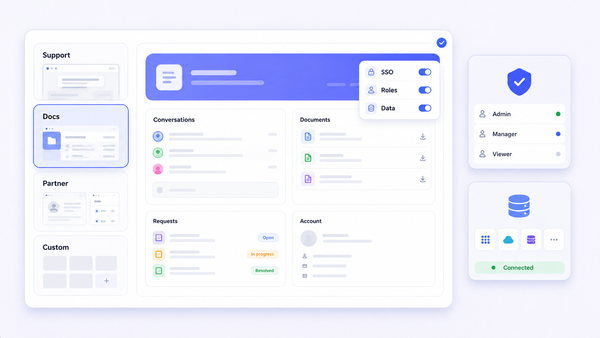
Key features. Agents and workflows compose from the same reusable skills. A knowledge base built from internal documents, data and processes so agents answer with context instead of guessing. An apps and reports layer covering dashboards, charts, maps, internal tools and portals. Granular permissions, SSO and on-premise deployment. Bring your own model or provider and run the AI inside your own environment. Works with essentially any database or warehouse plus custom APIs and MCP tool access, and agents can be asked questions where people already are, such as Slack.
Pricing. Tiered by users and capabilities.
Reviews. Rating base is smaller than the incumbents here; evaluate on a pilot rather than on review counts.
Best for operations-heavy teams whose workflows need data access, actions and approvals in one place. The Jet Admin builder has the full capability list.
2. n8n, best for control and self-hosting
Pros and cons. The most flexible option here and the only mainstream one you can run entirely inside your own network. The learning curve is real: webhooks, JSON and API structures are assumed, and you bring your own LLM keys.
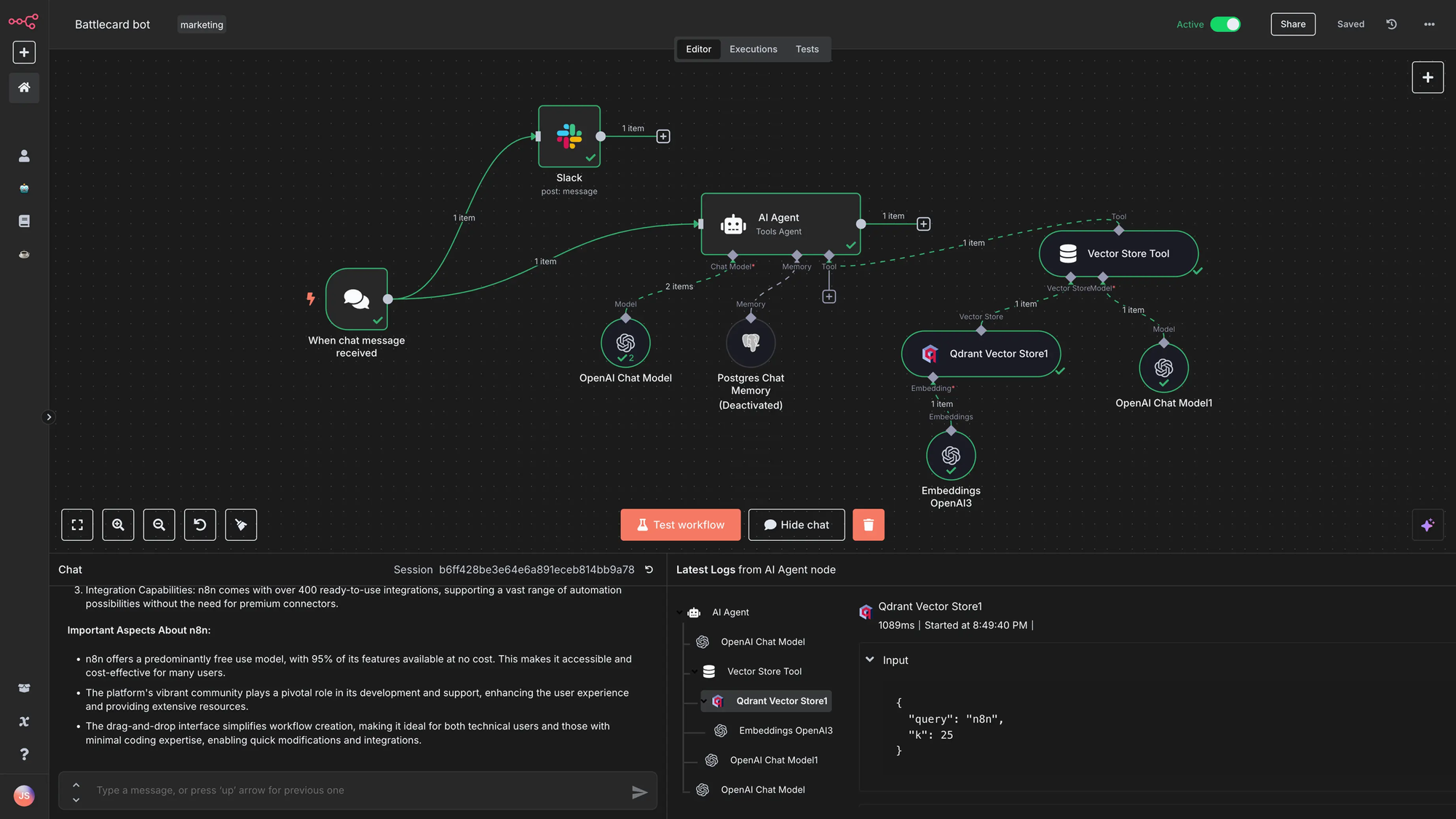
Key features. A visual canvas over genuinely composable nodes, with code steps wherever the visual layer runs out. Over 5,000 community templates. Self-hosting keeps prompts and customer data behind your firewall, which is why it shows up in enterprises including Vodafone and Zendesk. Strong fit for RAG systems and multi-step research agents.
Pricing. Starter $24 per month for 2,500 workflow executions, Pro $60 per month for 10,000, Enterprise custom.
Reviews. G2 4.8 out of 5 from 131 reviews. Capterra 4.6 from 39.
Best for technical teams who want maximum flexibility and a self-hosted deployment.
3. Make, best for budget-friendly visual automation
Pros and cons. The cheapest capable builder in this list by a wide margin, and genuinely visual in a way n8n is not. Complex scenarios become hard to read, and there is no self-hosting.
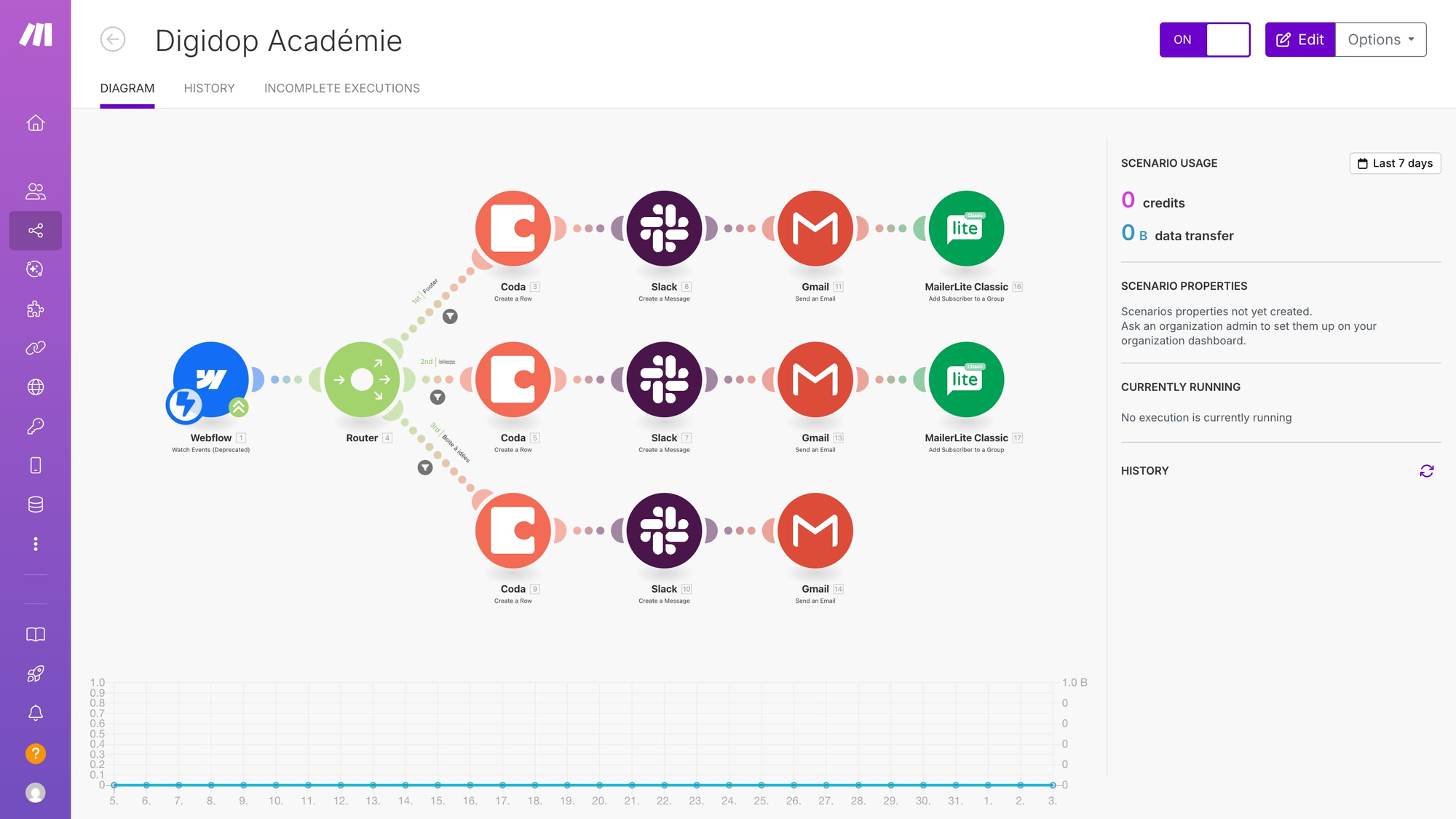
Key features. Scenario-based visual builder with routers and modules, broad SaaS connectors and a large template library. Strong on SaaS-to-SaaS flows, weaker when the data lives in your own database.
Pricing. Free with 1,000 credits monthly. Core $10.59 per month for 10,000 credits and unlimited active scenarios. Pro $18.82 adds priority execution. Teams $34.12 adds roles and templates. Enterprise custom with 24/7 support.
Reviews. G2 4.7 out of 5 from 252 reviews. Capterra 4.8 from 406.
Best for small teams and operations builders automating across many SaaS tools on a real budget.
4. Zapier, best for coverage and the fastest first automation
Pros and cons. The widest app catalogue in the category and the shortest path from idea to working automation. The task-based pricing is the thing to model, because it scales with volume rather than with value.
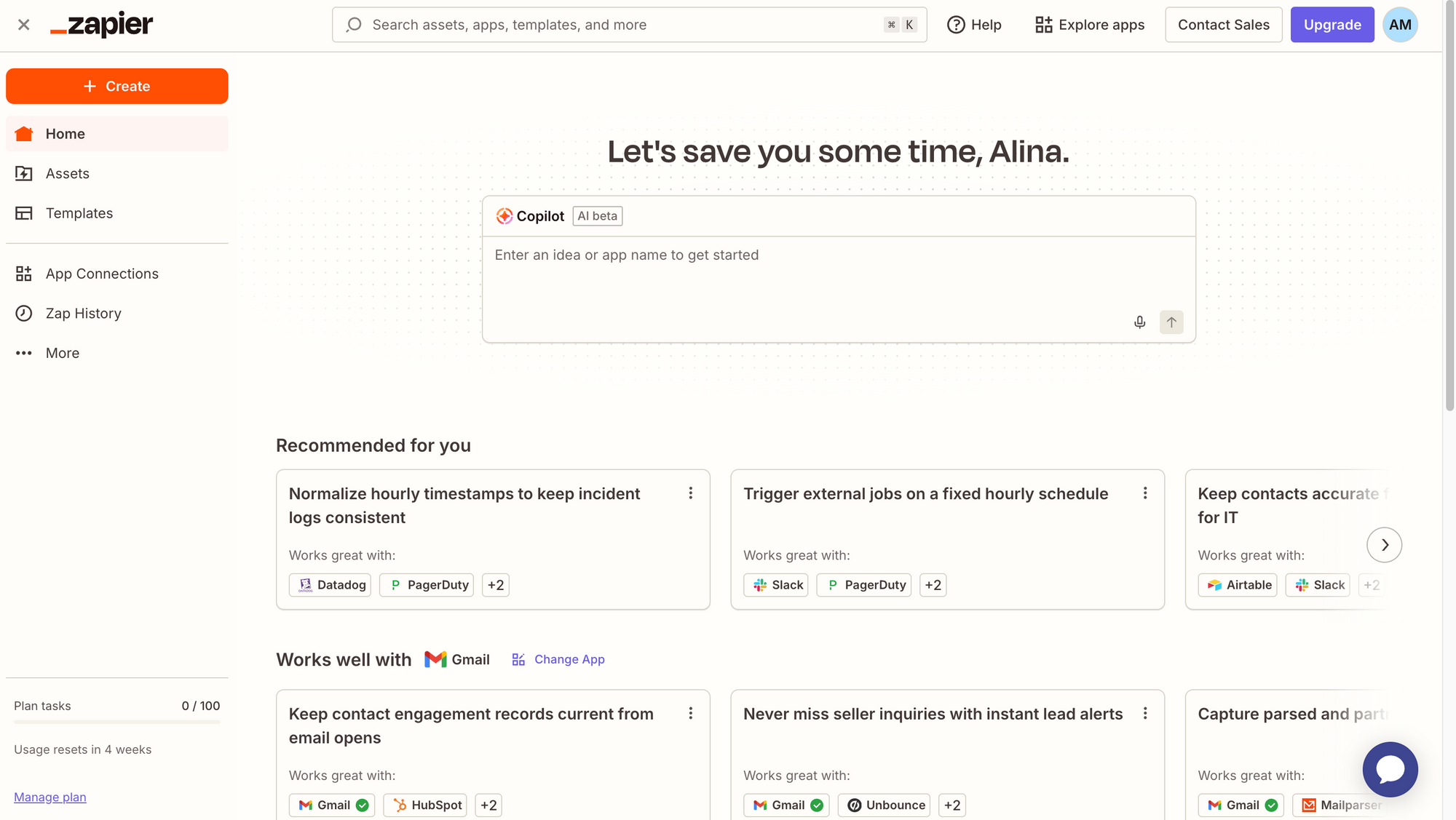
Key features. Multi-step Zaps, webhooks, premium app access and shared folders, with AI steps layered onto the classic trigger and action model. SAML SSO and admin permissions on the higher tiers.
Pricing. Free with 100 tasks monthly, unlimited Zaps but two steps each. Pro $29.99 per month for multi-step Zaps, unlimited premium apps and webhooks. Team $103.50 for 25 users with shared Zaps and SAML SSO. Enterprise custom.
Reviews. G2 4.5 out of 5 from 1,923 reviews. Capterra 4.7 from 3,043. The largest review base here by an order of magnitude.
Best for teams whose automation is mostly connecting SaaS products, and who value breadth over depth.
5. Gumloop, best for AI-first research and content pipelines
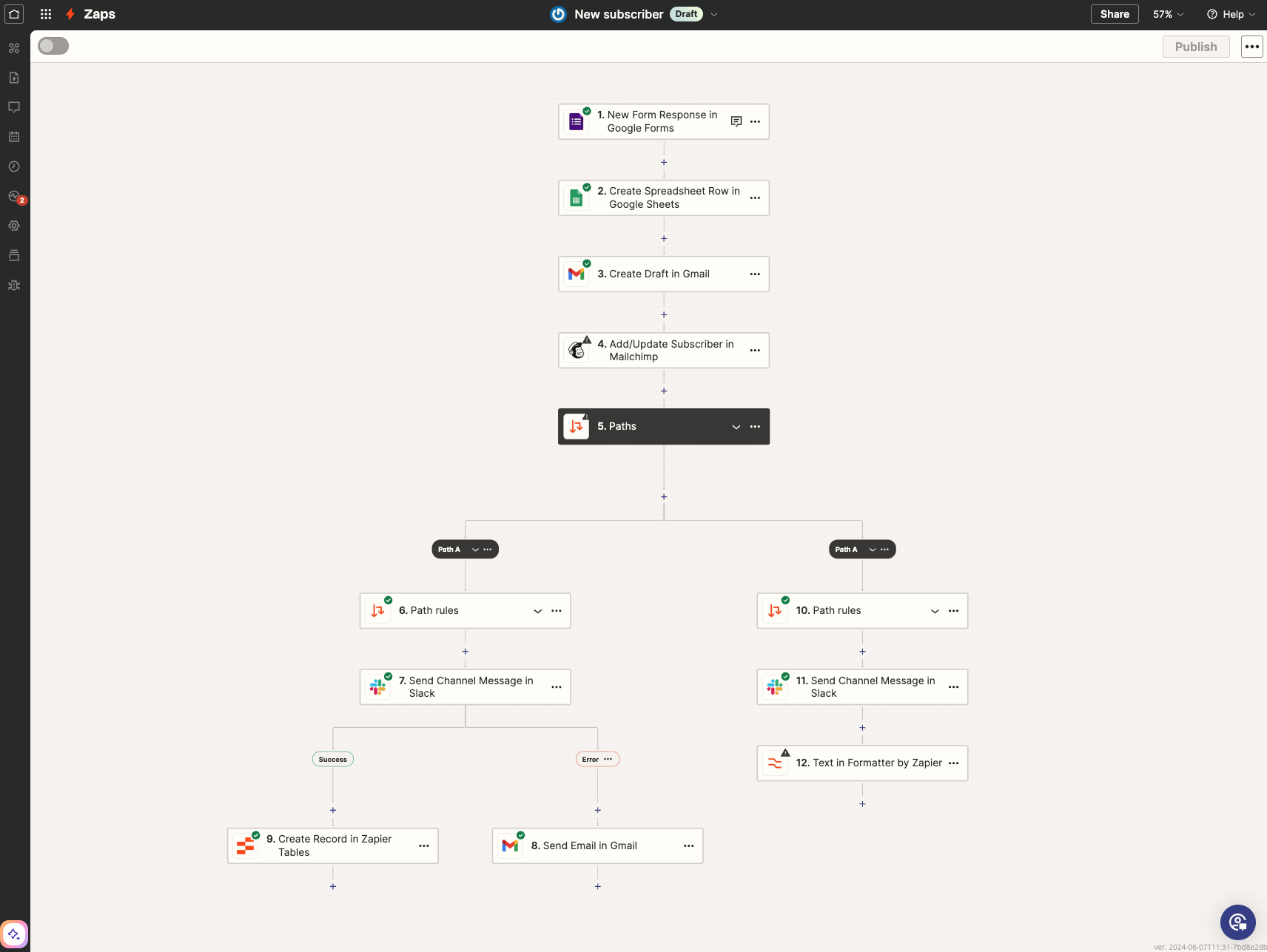
Pros and cons. The most AI-native experience in this list and very quick to a first result for research, scraping and enrichment. It is not an operational app layer, and it is less database-oriented than platforms built around data.
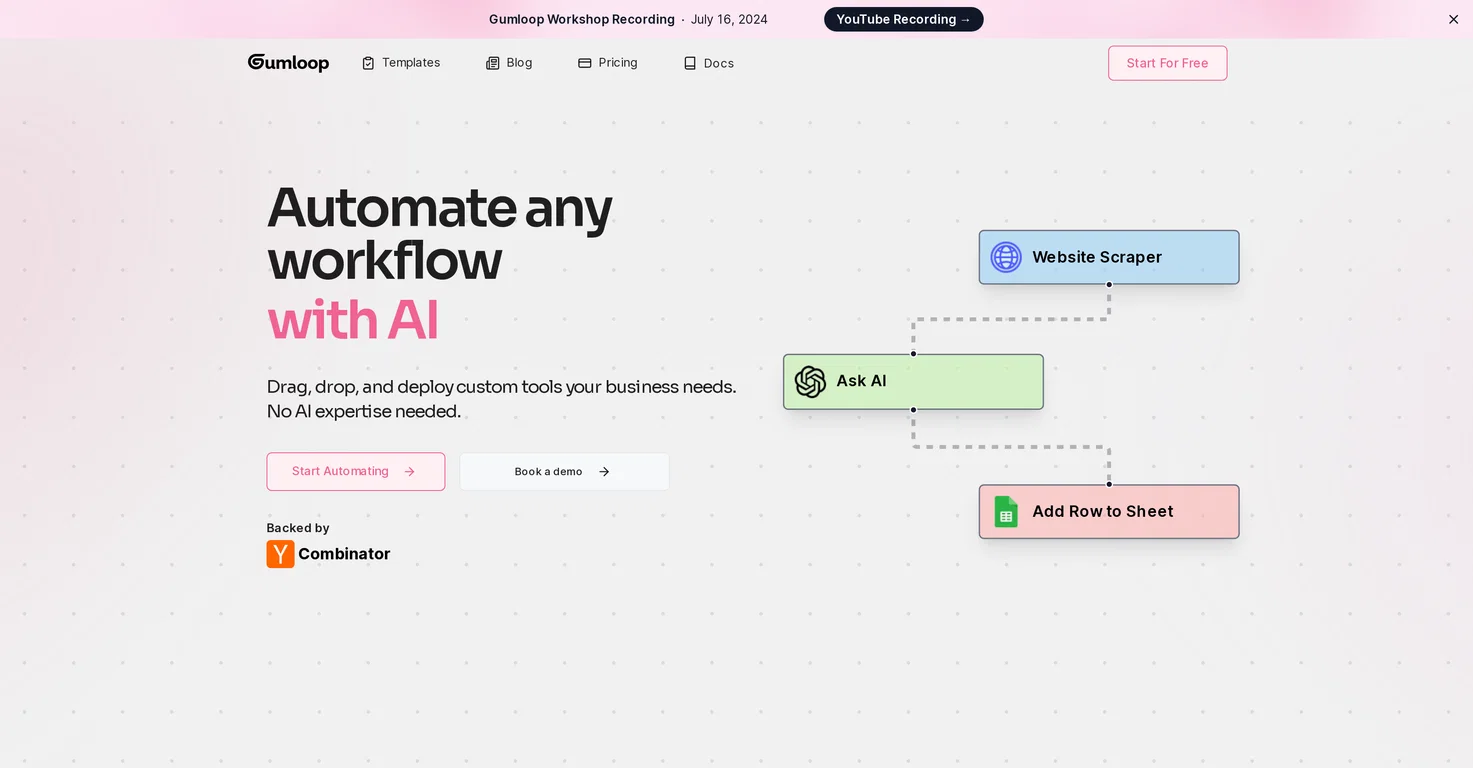
Key features. A visual canvas of AI-first blocks for research, scraping, enrichment and generation, with an assistant and a template library. Strong at producing documents and reports out of a research pipeline.
Pricing. Pro starts at $37 per month after a 14-day free trial, with 20,000+ credits, unlimited seats and teams and 5 concurrent runs, then pay as you go. Enterprise adds role-based access control, SCIM and SAML, audit logs and VPC deployment.
Reviews. No G2 or Capterra rating base comparable to the others here. Published customer references include Instacart.
Best for go-to-market teams building AI research, enrichment and content automations.
6. Pipedream, best for developer-centric event plumbing
Pros and cons. Closer to a serverless runtime with a workflow UI than to a no-code builder. Powerful for developers, largely irrelevant for everyone else.
Key features. Code-first workflows with generous AI token allowances, thousands of API integrations, and Pipedream Connect for embedding integrations into your own product.
Pricing. Free with 100 credits monthly, 3 active workflows and 2 million AI tokens. Basic $45 per month for 2,000 credits, 10 workflows and 20 million tokens. Advanced $74 for unlimited workflows and 50 million tokens. Connect $150 for 10,000 credits.
Reviews. G2 4.6 out of 5 from 16 reviews. Capterra 5 from 5. A thin base, so weight it accordingly.
Best for engineering teams who would otherwise write and host the glue code themselves.
7. Lindy AI, best for agents that handle email, scheduling and calls
Pros and cons. Agent-first rather than workflow-first, and strong on the communication surfaces most automation tools treat as an afterthought. Ratings diverge sharply between platforms, which usually means the experience depends heavily on the use case.
Key features. Prebuilt agents for email, meetings and phone, with 4,000+ integrations on paid tiers, unlimited phone calls and support for 30+ languages on the business plan.
Pricing. Free with 400 credits monthly and up to 40 tasks. Pro $49.99 per month for 5,000 credits and up to 1,500 tasks. Business $199.99 for 20,000 credits. Enterprise custom.
Reviews. G2 4.9 out of 5 from 170 reviews. Capterra 3.5 from 2, a base too small to read anything into.
Best for teams whose bottleneck is inbound communication rather than data movement.
8. Workato, best for enterprise integration at scale
Pros and cons. A mature integration platform with the governance a large organisation expects. Custom pricing only, and the buying process matches.
Key features. Recipe-based automation with unlimited connections, workflows and collaborators, plus an embedded option for putting Workato inside your own product with single sign-on and customer insights. Security and data protection across all plans.
Pricing. Custom, based on workspace and recipe usage.
Reviews. G2 4.7 out of 5 from 628 reviews. Capterra 4.6 from 84.
Best for enterprises standardising integration across many systems and teams.
9. Vellum AI and StackAI, best for building the AI product itself
Pros and cons. These are not operations automation tools. They are platforms for developing, testing and monitoring the AI application you are shipping. Listed because they appear on every roundup of this query and it is worth knowing why they do not fit the same job.
Key features. Vellum covers prompt engineering, workflows, document retrieval and monitoring, with role-based access control, multiple workspaces, VPC install and SSO on enterprise. StackAI runs agent projects with a free tier and an enterprise tier offering dedicated infrastructure, on-premise deployment and SOC 2, HIPAA and GDPR compliance.
Pricing. Vellum: Startup tier for up to 5 users, Enterprise custom. StackAI: free with 500 runs monthly, 2 projects and 1 seat, Enterprise custom.
Reviews. Vellum: G2 5 out of 5 from 11 reviews, Capterra 4.8 from 8. StackAI: G2 4.8 from 30, Slashdot 4.8 from 33.
Best for teams whose deliverable is an AI feature in their own product.
Also worth knowing
Claude Cowork sits inside a regular Claude account rather than being sold as an automation platform, at $20 per month for Pro and $100 or $200 for Max depending on usage, with team and enterprise tiers adding admin controls. It rates 4.6 on G2 from 456 reviews and 4.4 on Capterra from 55. Worth knowing about if your automation need is really one person delegating agentic tasks rather than a team running production workflows.
n8n vs Make vs Gumloop vs Jet Admin in depth
These four come up together most often because they are the builder-level choices, as opposed to a connector catalogue or an enterprise integration suite. Where they genuinely differ:
Jet Admin | n8n | Make | Gumloop | |
|---|---|---|---|---|
What it is | AI builder for business apps, workflows and agents on live company data | Low-code workflow automation, often self-hosted, developer-friendly | Visual automation builder with broad integrations | AI-first builder for research, scraping, content and enrichment |
Learning curve | Low to medium; depth comes from data, permissions and apps | Medium to high; more technical, more flexible | Medium; visual, but scenarios get complex | Low to medium; AI-first, quick to start |
Building blocks | Agent skills and workflow steps, reusable across both | Nodes plus code steps, highly composable | Modules and routers, strong for SaaS-to-SaaS | AI-first blocks for research and generation pipelines |
Knowledge base and RAG | Knowledge base built from internal docs, data and processes | Possible with extra setup by connecting docs or databases | Usually via integrations; no native knowledge base | Not a native knowledge base; pipeline-oriented |
Integration depth | Any database or warehouse, custom APIs and MCP tool access | Broad connectors plus strong API flexibility | Broad SaaS connectors and strong templates | Strong for web research and common GTM tools |
Where you ask the agent | Slack and other surfaces, extendable through integrations | Depends on deployment, via webhooks or your own UI | Mostly background automation, triggered rather than asked | Email and Slack patterns |
Apps and UI layer | Dashboards, charts, maps, internal apps and portals | Limited; usually feeds other tools | Limited; usually feeds other tools | Produces documents and reports, not an app suite |
Hosting | SaaS, self-hosted or on-premise | SaaS or self-hosted | SaaS | SaaS |
Differentiator | Operational apps and governed agents on your own data | Maximum control for sophisticated automation logic | Best budget option for visual SaaS automation | AI-first research, content and enrichment |
Which AI workflow automation tool should you pick?
There is no best tool here, only a best fit, and the fit is decided by three questions asked in order.
First, where is the data? If it is spread across SaaS products with good APIs, a connector catalogue wins and you are choosing between Zapier, Make and n8n on price and control. If it is in your own databases and warehouses, the connector count stops mattering and you are choosing on data access.
Second, who looks at the result? If the workflow runs and nobody needs to check it, any logic engine will do. If a person has to review exceptions, approve something or fix a bad record, you need an interface, and that either comes with the platform or becomes a second project.
Third, where is it allowed to run? Self-hosting and on-premise are either mandatory for you or irrelevant, and that single answer removes most of this list either way.
Then run a pilot on one real workflow, not a demo. Two weeks of a team actually using it surfaces the friction that no comparison table can.
FAQ
What is the best free AI workflow automation tool?
Zapier, Make, Pipedream, Lindy and StackAI all have free tiers, and n8n is free if you self-host it. The free tiers differ in what runs out first: Zapier caps tasks at 100 monthly, Make gives 1,000 credits, Pipedream allows 3 active workflows, StackAI 500 runs. For anything continuous rather than experimental, self-hosted n8n is the only genuinely free option at volume.
Can AI be used for workflow automation reliably?
Yes, with one design rule: use AI for the step that needs judgment and ordinary logic for everything else. Reliability problems almost always come from asking a model to orchestrate the whole flow rather than to classify, extract or draft inside it. Grounding the model in real system data rather than free text also removes most hallucination in practice.
What AI tool can I use to create workflows from a description?
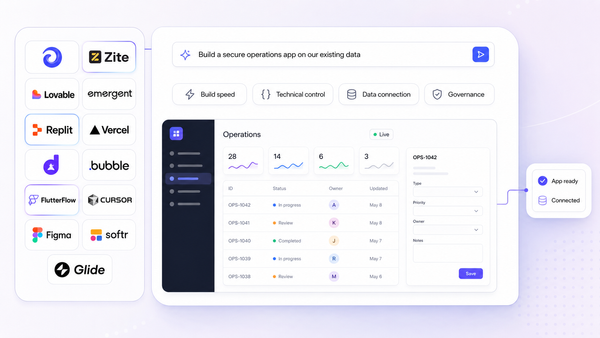
Most of the platforms here now generate a first version from a written brief, including Gumloop, Jet Admin and, on the logic-engine side, n8n through its AI assistant. Treat the output as a draft: generation is good at the shape of a workflow and unreliable about credentials, edge cases and error handling.
Do I need a separate tool for AI agents and for workflows?
Not necessarily, and it is worth checking before you buy two things. Some platforms treat agents and workflows as one system with shared building blocks, others bolt an agent onto an automation product. If your agents need to call the same logic your workflows run, one platform is considerably less work.
How much do AI workflow automation tools cost in practice?
Entry prices run from about $10 to $60 monthly, but the sticker price is not the number to model. Each platform meters something different: Zapier counts tasks, Make and Gumloop count credits, n8n counts workflow executions, Pipedream counts credits and AI tokens. Estimate your monthly volume in the platform’s own unit before comparing, because the same workload can differ severalfold across tools.