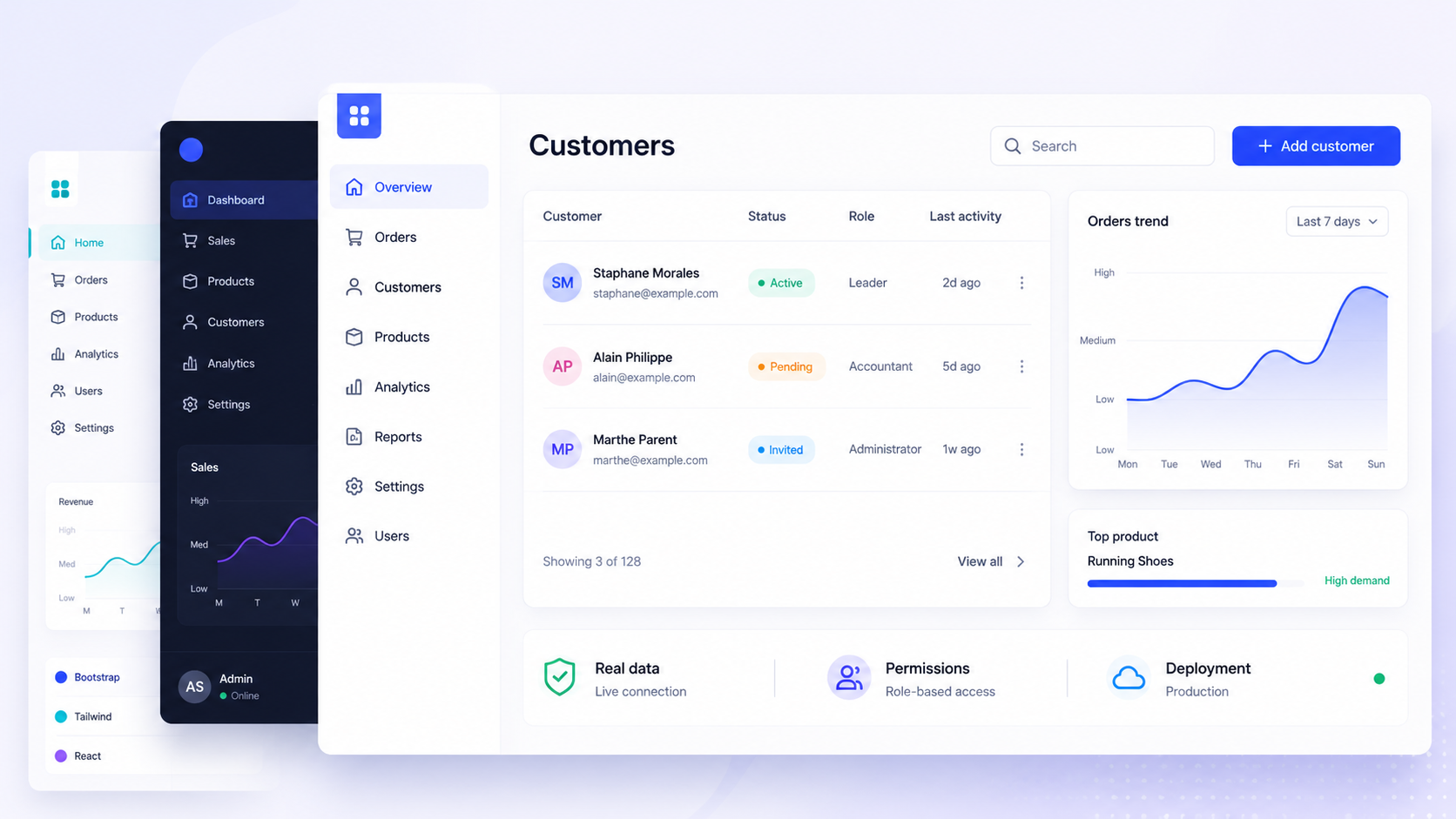
If you're evaluating a react admin template for your next project, the real question isn't which demo looks prettiest. It's which option will still hold up after six months of real users, changing data sources, and growing permission requirements.
This article compares concrete templates, frameworks, and platforms with practical selection criteria for e commerce, SaaS, and internal tools.
Key Takeaways
A modern react admin template needs to cover far more than layouts and charts. Modern admin templates combine reusable UI components, routing, authentication, and data management into a single starting point. Templates allow fast deployment, often within hours or days, but they primarily provide visual design and layouts while requiring you to implement business logic yourself.
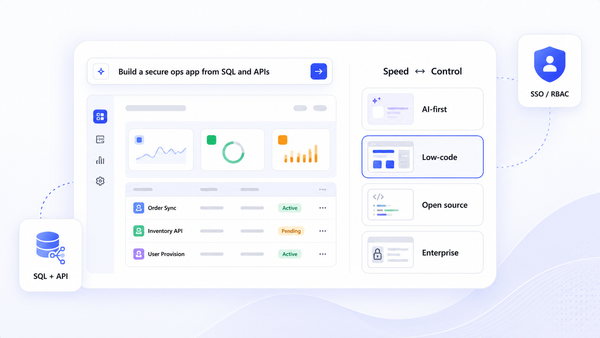
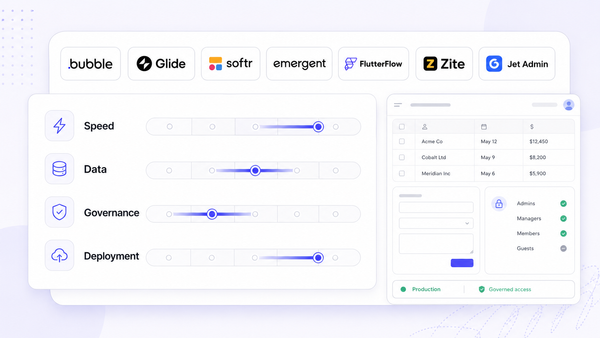
Teams typically choose between three approaches: coding an admin panel from scratch, starting from a free react admin template or framework, or using an app-building platform like Jet Admin wired to an existing backend. Frameworks provide architecture and components for building applications with deeper control.
For complex, governed internal tools requiring RBAC, SSO, and audit trails, platforms like Jet Admin or mature frameworks such as react admin are usually more sustainable than one-off UI templates alone.
What Is a React Admin Template (and When You Actually Need One)?
A react admin template is a pre-built admin dashboard UI-layouts, navigation, forms, data tables, and interactive charts-designed for creating administrative dashboards and B2B user interfaces. React admin templates provide pre-built admin interfaces that you plug into an existing backend to create an admin panel or internal tool.
Common use cases include:
- E commerce order management dashboards
- SaaS subscription and billing admin panels
- Internal CRM or support tools
- Inventory and logistics back-office apps
- Analytics react dashboards for operations teams
Most templates include 30+ pages out of the box, with modules for e commerce, CRM, helpdesks, and user role management. Pre-built CRUD capabilities are essential for data-heavy management. Templates provide ready-to-use layouts, authentication, navigation, data tables, and chart libraries, and integrated data visualization is included in most with chart libraries.
The core building blocks any serious admin template must support: CRUD interfaces, data grids with filtering and sorting, form validation, search, and role-aware navigation.
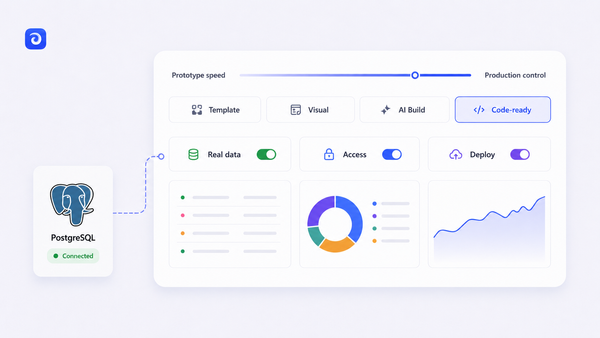
There's an important distinction between templates, frameworks, and platforms. Templates give you UI scaffolding. Frameworks like react-admin or Refine provide architecture, hooks, and components for customization with long-term maintainability. Platforms like Jet Admin auto-generate interfaces from your data sources with built-in governance.
In 2026, expect React admin templates built exclusively on React 19, with typescript support, Vite or Next.js, tailwind css or material ui, dark mode, and ready-to-use auth patterns as baseline.

Choosing the Right React Admin Template vs Framework vs Platform
Here's how the three paths compare when you're deciding what fits your react admin project:
- Build from scratch: Maximum flexibility, full control over state management and ui components. Slowest path; you re-implement everything.
- Use a template or framework: Templates are ideal for quick launches with minimal customization and for teams with limited development resources. Templates enable fast deployment within hours or days and provide professional designs without hiring designers. However, templates may include unnecessary features that bloat applications. Frameworks have a steeper learning curve but offer unlimited flexibility. React admin frameworks reduce development time significantly and offer extensive customization and control over UI.
- Use a platform (Jet Admin): Fastest for governed internal tools with multiple databases and SaaS APIs, strict RBAC, SSO, audit logs, and branded admin experiences-especially when non-front-end teams need to ship quickly.
A free react admin template works well for simple dashboards with a single data source and minimal permission needs. A react framework like react-admin or Refine fits when you have multiple resources, complex CRUD, and custom business rules requiring strong community support. A platform fits when governance, audit, and multi-source data blending matter most.
Templates reduce development time by providing pre-built solutions, but consider scalability and maintainability for long-term projects.
Key Evaluation Criteria for Any React Admin Template in 2026
Use this checklist to evaluate any admin template, whether it's an open source GitHub project or a commercial react admin dashboard.
Data connectivity: Check for built-in support for REST APIs and GraphQL. Templates should facilitate easy API integration with REST or GraphQL backends. Verify compatibility with your backend (Node/Express, Django, Rails) and whether the template is backend agnostic.
CRUD and validation: Look for reusable list and detail views, inline editing, form components with client-side validation, and support for libraries like hook form or native material ui forms. Data grids and tables should support advanced features like sorting and pagination.
Auth and authorization: Authentication support should include various auth providers-JWT, OAuth, SSO. Evaluate whether roles and permissions cover page-level and action-level access, integrated into navigation and react components.
Operational readiness:
- Templates should support responsive styling for optimal usability across mobile devices and various screen sizes
- Look for templates with responsive layouts that work on various devices
- Dark mode support, accessibility compliance
- Performance features like server-side rendering are essential
- Before choosing a template, check if it is actively maintained and its licensing terms
- Active maintenance and regular updates are important attributes of a viable template
- Good documentation and examples are critical-look for comprehensive documentation
Consider development speed and developer experience as key factors. Evaluate UI framework compatibility with multiple libraries. Consideration of typescript support and UI library choice is important when selecting a template. Templates should offer a responsive component library with pre-built UI elements.
Notable React Admin Templates and Frameworks (Free and Paid)
This curated list combines classic frameworks and modern js admin templates, with positioning for specific needs. Top templates use established UI libraries like MUI or ant design for consistency in development. Benefits of using a react admin template include faster development and easier maintenance through reusable components. Most templates include 30+ pages out of the box.
react-admin - A mature open source react framework focused on Material Design for building admin applications. Includes API adapters, real-world demos (e commerce, CRM, help desk), a rich text editor, and handles complex admin panels well. Best for teams comfortable with material ui who want a feature rich, production ready solution with strong community support. Free/open source core.
Refine Core - A free, open-source react framework for CRUD applications. It's headless and UI-agnostic, supporting material ui, ant design, Tailwind, or custom design system options. Focuses on data fetching hooks, data providers, and modern developer experience. Refine v5 supports React 19 with smaller bundle sizes. Ideal for teams needing to customize UI beyond Material Design. React admin frameworks support various UI libraries like Ant Design and Material-UI.
TailAdmin React - A free react admin template using React 19, tailwind css v4, shadcn/ui, and TypeScript. Free version includes one admin dashboard, 35+ components, 50+ UI elements. Pro adds 10+ dashboards, charts, and new features. MIT license. Great for SaaS analytics and lightweight internal tools. Source code available on GitHub.
MaterialM Free - React + Tailwind + TypeScript template by WrapPixel, updated for React 19. Includes forms, tables, examples, and data visualization. MIT license, completely free for the base version. Good for early-stage projects needing quick deploy with minimal overhead.
CoreUI Free Admin Template - A lightweight, responsive option maintained under Semantic Versioning with regular updates. Known for solid mobile support and a clean component library. Works well for DevOps monitoring or finance data-heavy layouts.
Frameworks provide architecture, hooks, and components for customization, while templates are ideal for quick launches. Evaluate whether you need the extensibility of other frameworks or the speed of a pre-built template for your specific needs.
How Jet Admin Fits into the React Admin Template Landscape
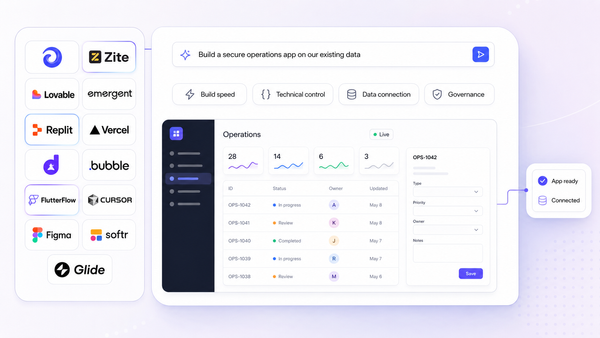
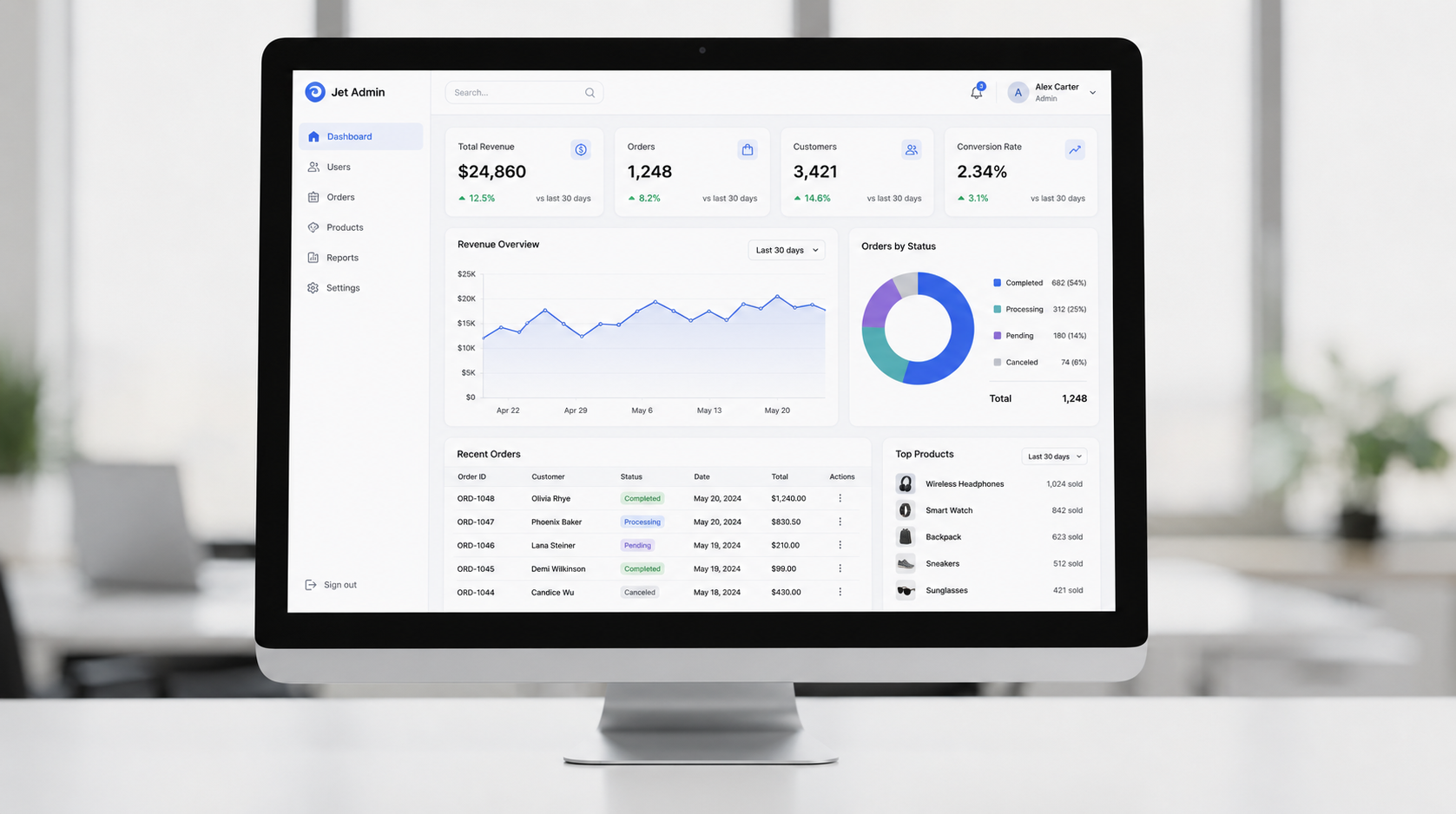
Jet Admin is a production ready admin panel and internal tools platform that connects to existing data sources and auto-generates UI, sitting between raw react admin templates and fully custom builds.
Jet Admin offers 200+ integrations with databases and SaaS APIs-PostgreSQL, MySQL, BigQuery, Snowflake, Stripe, HubSpot, Shopify, Zendesk, Google Sheets, and many more-and can blend them into a single admin dashboard. This eliminates the glue code companies typically write to unify disparate sources.
Core admin needs it covers without manually writing boilerplate React code:
- Drag-and-drop ui components, forms with validation, data grids
- Workflows, automations, and multi-step operations
- Export capabilities (CSV, Excel, JSON, PDF)
- Custom actions (refunds, password resets, escalations) via Flex Actions calling your own api
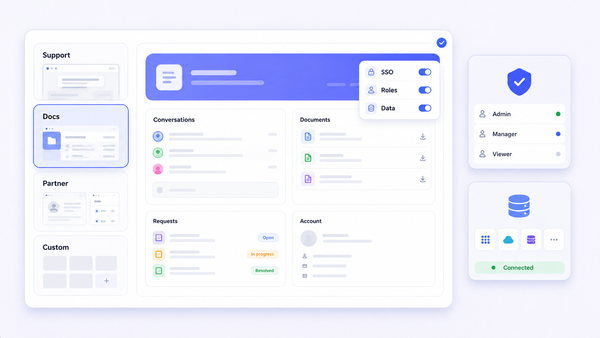
Governance and security are where Jet Admin separates from templates: role-based access control down to rows, columns, or actions; SSO/SAML-based auth (Business and above) and SCIM provisioning (Enterprise); audit logs (Business and above) tracking who changed what and when; and support for branded, custom-domain admin panels in the cloud, with Jet Bridge keeping data connections on your infrastructure and full self-hosting on the Enterprise plan.
Realistic implementation path: Connect an existing production database or api → let Jet Admin auto-generate resources and CRUD views → refine layouts for specific teams (support, finance, operations) → add automations and settings → roll out to users with controlled access and monitoring.
Practical Implementation Path: From Idea to Production Admin Panel
Whether you choose a react admin template, a framework, or Jet Admin, this sequence keeps you on track to develop and deploy efficiently.
Step 1 - Define target architecture. Choose SPA vs SSR (Vite React vs Next.js). Determine your data sources-single SQL database or multiple SaaS tools. Identify key entities (orders, users, subscriptions, contacts, tickets) and roles (admin, support, finance). This context drives every decision downstream.
Step 2 - Connect data. Expose REST or GraphQL endpoints from your backend, or use connectors. For Jet Admin, Jet Bridge handles self-hosted connectivity. Design for pagination on large datasets and schema-driven development.
Step 3 - Build CRUD and workflows. Structure list and detail pages. Embed charts and data visualization. Apply validation on forms. Implement domain-specific actions (refund, approve, escalate) with clear permission rules and audit logging. Use javascript or TypeScript for custom logic.
Step 4 - Harden and deploy. Run integration tests for critical flows. Use staging environments for security reviews covering auth, roles, and rate limits. Deploy to Vercel, Netlify, or Jet Admin's managed environment. Plan for ongoing maintenance, monitoring, and regular template or app updates. Keep documentation and knowledge base current for your team.
Conclusion: How to Pick the Best React Admin Template for Your Team
The best react admin template depends on your use case, governance needs, and who will maintain the app over the next 2–3 years-not which demo looks best.
Simple free react admin templates work for basic dashboards. Robust frameworks like react-admin or Refine suit highly customized admin panels. Jet Admin fits governed, multi-source internal tools built on existing backends.
Prototype quickly: spin up one open source template, one framework-based proof-of-concept, and a Jet Admin proof-of-concept using your real database. Compare implementation speed against long-term maintenance burden. Explore Jet Admin's admin-panel capabilities and integrations catalog to see how it could complement your next react admin dashboard or internal tool.
FAQ
These answers cover questions developers and engineering leads commonly ask when shortlisting a react admin template or platform for web development posts and production use.
Is a free React admin template enough for a production e-commerce admin panel?
For small teams with simple data flows and minimal permission needs, a free template can work. Once you need granular roles, payment-related audit trails, or multi-source data, you'll outgrow it. At that point, a framework or platform with built-in auth and governance saves significant code and risk.
How do I integrate a React admin template with an existing REST or GraphQL API?
Set up an api client (Axios, fetch, or a data provider abstraction), map your backend resources to list and detail pages, and handle data fetching with hooks or a library like TanStack Query. Frameworks like Refine and react-admin abstract this with built-in data providers.
Can I add dark mode and custom branding to most React admin templates?
Yes. Modern Tailwind and material ui-based templates ship with theme tokens and dark mode support. Platforms like Jet Admin also support appearance customization, custom CSS, themes, and custom-domain branding for a polished production experience.
When should I migrate from a template to Jet Admin or a framework like react-admin?
Key signals: growing team count, stricter compliance requirements, expanding data sources, escalating maintenance cost, and the need for audit logs or SSO. If you're spending more time on boilerplate than on features, it's time to move up.
What makes a React admin template production ready vs demo-quality?
Look beyond the UI. A production ready template needs active maintenance, comprehensive documentation, real auth and role patterns, responsive layouts tested on actual mobile devices, accessible markup, and a clear upgrade path. Demo-quality templates often skip validation, error handling, and security entirely.