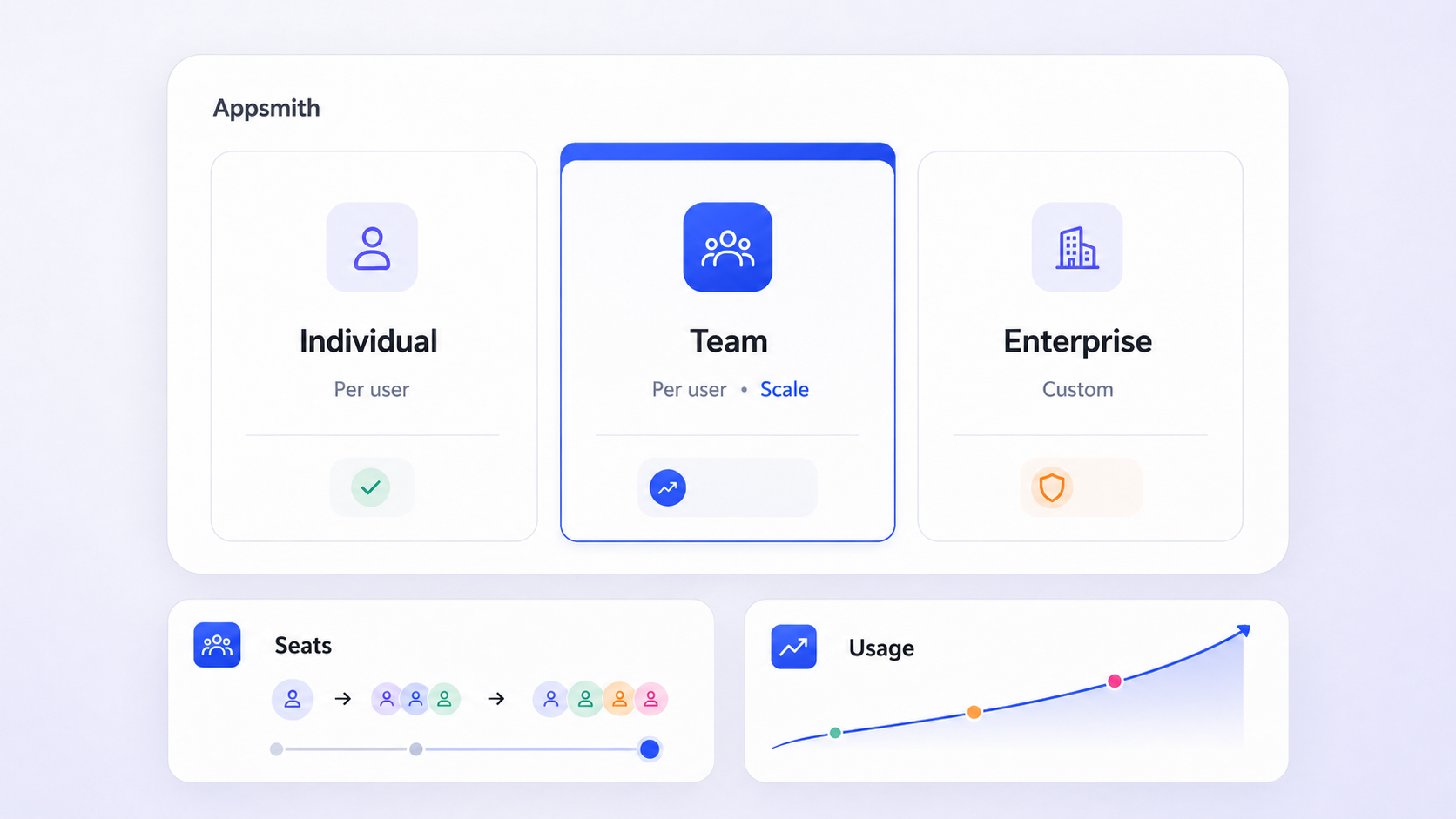
Appsmith pricing follows a user-based pricing model with three primary tiers designed to scale from individual developers to large organizations. If you're evaluating this low code platform for building internal tools, understanding the real cost goes well beyond headline numbers. Here's what you need to know before committing.
Pricing summary
Appsmith's pricing plans were verified in July 2026 and follow a straightforward, user-based pricing structure with three tiers: Free, Business, and Enterprise.
- The free plan covers up to 5 users at $0, the business plan is $15 per user per month for up to 99 users, and the enterprise plan starts at $2,500 per month for 100 users.
- Total cost depends not only on list prices but also on user counts, self hosted infrastructure, and which governance features you need-think access controls, single sign on SSO, and audit logs.
- Buyers should weigh Appsmith's open-source, developer-first approach against managed alternatives like Jet Admin based on hosting preferences, governance needs, and who will build and maintain apps.
- The rest of this article breaks down each plan, compares self-hosted vs cloud costs, and explains when Jet Admin may be a better fit for long-term internal app development.
Appsmith pricing overview (July 2026)
All prices, limits, and plan names below are accurate as of July 2026. Readers should verify on appsmith.com/pricing for the latest details.
Appsmith offers a user-based pricing model with three primary tiers:
- Free plan: $0 for up to 5 cloud users. Intended for experimentation and small scale projects.
- Business plan: $15 per user per month for up to 99 users. Built for growing teams needing collaboration features and governance.
- Enterprise plan: Starts at $2,500 per month for 100 users, with custom pricing for larger deployments.
Appsmith's pricing model counts any member of a workspace as a billable user. There is no separate "developer" or "viewer" category-developers are not charged separately from end users in Appsmith's pricing. Appsmith supports both cloud hosting (primarily for Free) and self hosted deployments. Business and Enterprise features can be unlocked on self hosted instances using license keys.
This article focuses on how those prices translate into real total cost for teams evaluating a low code platform for internal app development.
Appsmith pricing at a glance
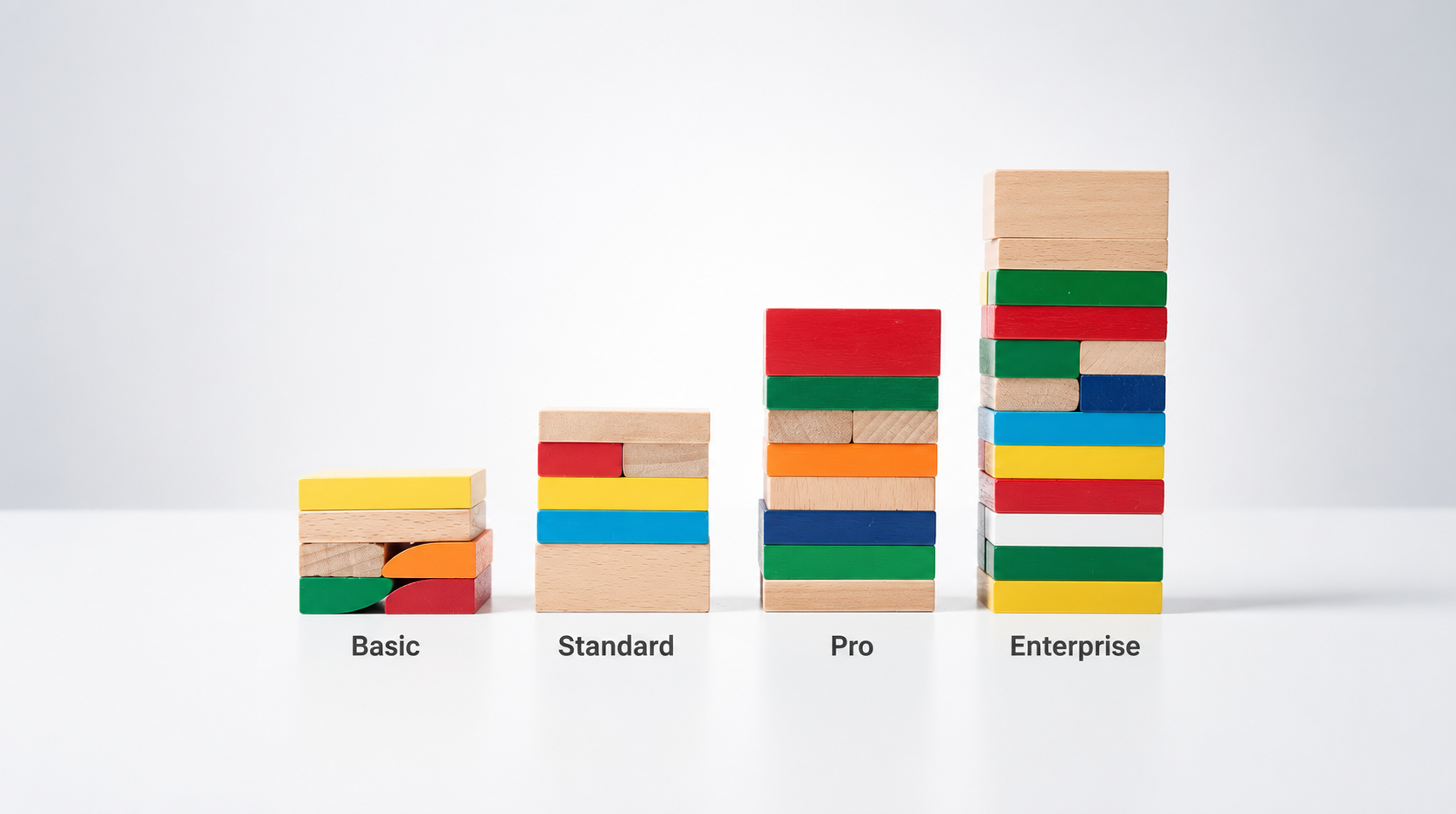
Appsmith plans are designed to scale from solo makers to large enterprises, with feature sets that roughly match growth in security, access controls, and collaboration needs. Pricing tiers are designed to scale from individual developers to large organizations.
Plan | Price | User Limit | Hosting | Best For |
|---|---|---|---|---|
Free | $0/month | Up to 5 | Cloud or self hosted | Prototyping, solo devs |
Business | $15/user/month | Up to 99 | Cloud or self hosted | Daily operations, scaling teams |
Enterprise | From $2,500/month | 100+ (custom) | Cloud, managed, air-gapped | Regulated enterprise, large organizations |
All plans share the same core features in the low code platform: a drag-and-drop UI builder, JavaScript support, and connectivity to common data sources like databases, REST APIs, and GraphQL endpoints. The differences show up in governance, workflow automation, and additional features like enhanced security and premium support.
Beyond the standard Free/Business/Enterprise descriptions, Appsmith markets a "Community" open-source edition and self hosted Business/Enterprise editions, which map back to these same plan concepts. Later sections provide deeper breakdowns per plan plus a comparison with alternatives such as Jet Admin.
What each Appsmith plan includes
Free plan
The Appsmith free plan is $0, supports up to 5 users, and is intended for solo developers, freelancers, and very small teams experimenting with internal tools. Appsmith offers a free plan for up to 5 users-no credit card required.
Key inclusions on the free plan:
- Up to 5 users and 5 workspaces (note: the free plan unlimited workspaces claim does not apply here-only the free plan's limits do)
- 3 Git repositories for version control
- Community support only
- Google single sign on (Google and GitHub OAuth)
- Standard roles (3 predefined roles)
The free plan provides the full low code builder-drag-and-drop components, JavaScript custom logic, data source connections-but lacks advanced features like audit logs, custom roles, and granular access controls. You also can't remove appsmith branding, and there are no guaranteed service level agreements or priority support.
Limitations that tend to trigger upgrades: exceeding 5 users, needing unlimited environments for staging and production, workflow automation, or regulated data access. A small 3-person startup building one internal dashboard pays $0 in license fees, but may still pay roughly $42/month in infrastructure if self hosting Appsmith on a basic cloud VM.
When to stay on Free vs move up: once you need role based access control beyond standard roles, more than 5 users, or compliance-grade governance, the business plan becomes the logical next step.
Business plan
The business plan costs $15 per user per month, supports up to 99 users, and targets growing teams that rely on internal apps for daily operations. The business plan includes features from the free plan plus advanced collaboration tools. Business plan features cost an additional $15/user/month on top of the free tier.
Key feature additions over the free plan:
- Unlimited workspaces and unlimited environments
- Unlimited Git repositories for version control
- Workflows and workflow automation, plus reusable packages
- Premium integrations and custom integrations
- Removal of appsmith branding ("Powered by Appsmith" gone)
The business plan includes custom role based access control and audit logs for tracking changes and user actions, giving you finer-grained permissions on apps and data sources.
Pricing scales straightforwardly with team size: a 10-user team pays around $150/month; a 50-user operations team pays about $750/month-before any self-hosting infrastructure or support overhead. The business plan is designed for growing teams needing collaboration features.
Business plan features are available for both cloud and self hosted deployments via licensing, but managed cloud hosting is mostly associated with Enterprise in current documentation. Business also includes email and chat support (priority over community support on Free).
The business plan is typically the sweet spot when you need governance and collaboration but don't yet require SAML OIDC SSO, managed hosting, or custom SLAs. Think of it as the team plan for scaling teams building internal tools daily.
Enterprise plan
The enterprise plan is positioned for large organizations and regulated industries. Enterprise pricing starts at $2,500 per month for 100 users-roughly $25/user/month at that baseline. Appsmith's Enterprise plan costs $2,500 per month for 100 users, with custom enterprise pricing beyond that. Enterprise plans typically follow an annual billing schedule.
Core enterprise-specific features:
- SAML and OIDC SSO for secure authentication, plus custom identity providers
- SCIM-based user provisioning and group sync
- Private app embedding (including private app scenarios for customer-facing use)
- Managed hosting on dedicated or single-tenant servers with 99.99% uptime SLAs
- Air-gapped and single-tenant self hosted deployments as add-ons
The enterprise plan offers advanced security features like SAML SSO, granular access controls across environments, tighter compliance controls, and dedicated support with response-time SLAs. Enterprise accounts typically receive solutions engineering and custom branding options.
For a month for 100 users cost illustration: 100 internal users at list price costs about $2,500/month plus infrastructure if self hosted. A 250-user deployment might see a blended per-user price drop via custom quotes from Appsmith's sales team.
Consider the enterprise package when single sign on SSO, centralized user provisioning, strict compliance, and managed hosting or air-gapped deployments are mandatory procurement requirements.

How Appsmith calculates your bill
Appsmith is primarily user-based, not consumption- or credit-based. However, Appsmith allows usage-based pricing for self hosted setups in certain configurations for Business and Enterprise editions.
How users are measured: any member of a workspace in your Appsmith instance counts as a standard user. Anyone present as a member at any point during the billing cycle is billed for the full month. Business plans are billed monthly at the end of each cycle.
Appsmith does not distinguish between developer and end-user seats. Any builder, editor, or viewer who is a workspace member is billable-making the pricing model simpler but sometimes more expensive than "builder-only" models used by competitors. For context, Retool's Business Plan costs $50 per builder and $15 per end user, while ToolJet's paid plan starts at $99 per builder per month.
Appsmith explicitly states it does not read user app data or PII for billing. Tracking relies on non-identifiable user IDs, which matters for teams with strict privacy requirements around third party services.
For self hosted Business/Enterprise, usage-based pricing elements may apply to certain environments, but details and thresholds are typically discussed during sales conversations.
Practical advice: carefully map your expected workspace memberships and environments at each growth stage, since even occasional contributors become full-month billable users.
Costs beyond Appsmith licenses
Total cost of ownership (TCO) for a low code platform extends well beyond license fees. It includes cloud or self hosted infrastructure, internal maintenance, support, training, and governance overhead. Ignoring these produces a misleading pricing structure comparison.
- License costs: $0 on Free, $15/user/month on Business, $2,500/month on Enterprise. These accumulate as teams and workspaces multiply-especially when multiple departments adopt Appsmith separately.
- Infrastructure costs: Self-hosting Appsmith costs around $42/month for a basic setup. Appsmith recommends 2 vCPUs and 4GB of RAM for hosting a minimal production instance. Realistic production setups for 100+ users may require larger clusters, separate database nodes, and load balancing-pushing costs significantly higher. Self-hosting incurs costs for infrastructure and maintenance.
- Operations and DevOps effort: Upgrades, backups, monitoring, and security patching demand internal engineering ownership. Appsmith's open-source architecture is powerful but requires hands-on management. See Appsmith's self-hosting best practices for recommended configurations.
- Governance and compliance: Needs like access controls, audit logs, SSO, and SCIM push teams toward paid plans and sometimes toward managed hosting-increasing recurring spend but reducing risk.
- Competitor context: Superblocks starts at $15/month per end user. ToolJet charges $150 per month for additional features like audit logs. These benchmarks help frame whether Appsmith's flexible pricing delivers real savings.
Managed low code alternatives like Jet Admin aim to bundle hosting, governance, and security controls into a single subscription, reducing separate infrastructure and maintenance costs for teams that prefer not to manage servers.
Jet Admin vs Appsmith: cost and fit
For teams evaluating different low code platforms for building internal tools, comparing Appsmith and Jet Admin comes down to pricing predictability, governance, and who builds the apps. Both target internal apps and business logic automation, but their approaches differ meaningfully.
Appsmith: Open-source, developer-first low code platform. Strong code-level control with JavaScript, Git-based version control, and deep customization. Best for teams with in-house developers comfortable managing infrastructure, deployment pipelines, and self hosted deployments.
Jet Admin: A low code and AI-assisted platform for building secure business apps on top of existing databases, APIs, spreadsheets, and SaaS tools. It connects to data sources like PostgreSQL, MySQL, MongoDB, BigQuery, Snowflake, Salesforce, Stripe, and many others, generating interfaces and business logic and deploying apps to users with minimal manual configuration. Jet Admin provides a user friendly interface suited for both developers and non technical users.
The conceptual pricing difference: Jet Admin tends to bundle hosting, governance, and support into its subscription, while Appsmith often separates license and infrastructure costs-leading to hidden fees around infrastructure if you aren't careful. Jet Admin's approach can support cloud hosting and managed hosting without requiring separate DevOps investment.
When to choose what:
- Choose Appsmith if you want open-source flexibility, deep custom coding, and have DevOps capacity for self hosted deployments
- Lean toward Jet Admin if you prefer managed infrastructure, strong governance out of the box, unlimited apps without infrastructure headaches, and faster app generation on top of existing business systems

Which Appsmith plan should you choose?
Choosing the right appsmith plan-and deciding between Appsmith and alternatives like Jet Admin-depends on team size, risk profile, hosting preferences, and who will own app development.
- Decision flow: Start on only the free plan if you are a solo developer or very small startup doing small scale projects. Move to Business once more than 3–5 users rely on the tools daily, or once you need custom roles and audit logs. Evaluate Enterprise when SSO, SCIM, and managed hosting are procurement requirements.
- Hosting preferences: Self hosted Appsmith is attractive when you need on-premise control and have DevOps capacity. Cloud/managed options (Appsmith Enterprise or Jet Admin) reduce infrastructure responsibility.
- Governance and compliance: If you need granular access controls, environment separation, and auditable change history from day one, you may outgrow Free quickly. Compare Business vs managed alternatives before locking in.
- Proof-of-concept: Run a 2–4 week proof-of-concept. Build the same internal tool in Appsmith and Jet Admin, track build time, user experience, and maintenance complexity, then compare the projected three-year TCO. Key factors like chat support availability, dedicated support quality, and premium support response times matter more than they appear on a feature matrix.
If you want a managed, data-connected low code platform with secure authentication and advanced security built in, explore Jet Admin's product and pricing pages to see how the pricing and capabilities compare for your team's needs.
Frequently asked questions
These answers address common practical questions that don't fit neatly into the main sections above.
Does Appsmith offer discounts for annual or high-volume commitments?
Public documentation focuses on list prices ($15/user/month for Business and $2,500/month for 100 Enterprise users). Any annual, volume, or nonprofit discounts are handled directly by Appsmith's sales team. If you're considering 50+ users or Enterprise features, request a custom quote and ask about annual prepayment discounts or multi-year agreements. Discount structures change, so rely on a current quote rather than third-party articles.
Can I mix Free and Business users in the same Appsmith organization?
Appsmith pricing is determined at the workspace or instance level, not per individual within a workspace. You can't typically mix Free and paid users in the same production workspace. Teams sometimes maintain separate instances for experimentation on the Free tier and production on Business or Enterprise, but governance and convenience usually favor standardizing on one paid tier.
Is Appsmith suitable for public-facing apps with many external users?
Appsmith's pricing model and documentation emphasize internal tools and business apps, with billing based on workspace members rather than anonymous external traffic. While it is technically possible to expose certain apps publicly, Appsmith is not optimized or priced for millions of public users. For high-volume external apps, a dedicated frontend plus APIs or a platform designed for consumer-facing workloads is typically a better fit.
How does Appsmith pricing compare to fully managed alternatives over three years?
On paper, Appsmith's Free and Business plans look inexpensive for small teams with in-house developers. Once you add self hosted infrastructure, DevOps time, security hardening, and upgrades, the effective three-year total cost can approach or exceed subscription fees for a managed platform like Jet Admin. Model a simple three-year scenario (license + infra + internal labor) for both options rather than relying solely on headline per-user prices.
What happens if my team outgrows the 5-user Free plan limit?
When your active workspace membership exceeds the Free tier limit, you'll need to upgrade to the Business plan to remain compliant and unlock necessary collaboration features. Plan for this step as you onboard new users-upgrading before hitting hard limits avoids disruptions to app development and access. Periodically audit workspace members to remove inactive accounts and keep user counts aligned with your chosen plan.