
SQLite is a single file, which makes dashboards a little different: the tool has to run next to the file or reach it through a server or a hosted SQLite service. Once that is solved, SQLite is fast enough for most internal dashboards.
Below are six SQLite dashboard tools, with the point where each one stops. For building full apps, see the best SQLite frontend builders.
The six tools at a glance
| Tool | Type | Cost |
|---|---|---|
| Jet Admin | Dashboards plus internal tools | Free plan; paid tiers |
| Metabase | Self-serve BI | Free self-hosted; paid cloud |
| Datasette | Publishing and exploration | Free |
| Grafana | Metrics and time series | Open source; paid cloud |
| Apache Superset | Open-source BI | Free self-hosted |
| Streamlit | Python data apps | Free |
The tools
1. Jet Admin
Jet Admin connects to SQLite and builds dashboards with charts, KPIs and tables, next to the screens where people act on the rows behind the numbers. You describe the app and Jet generates it, then refine it visually or in code. Data stays in your database.
People sign in with their own logins and see only what their role allows. Granular permissions, SSO and audit logs are on the Business plan and above; unlimited users are on every plan, including Free.
Where it stops: write-heavy, many-user workloads are a sign to move from SQLite to Postgres or MySQL.
2. Metabase
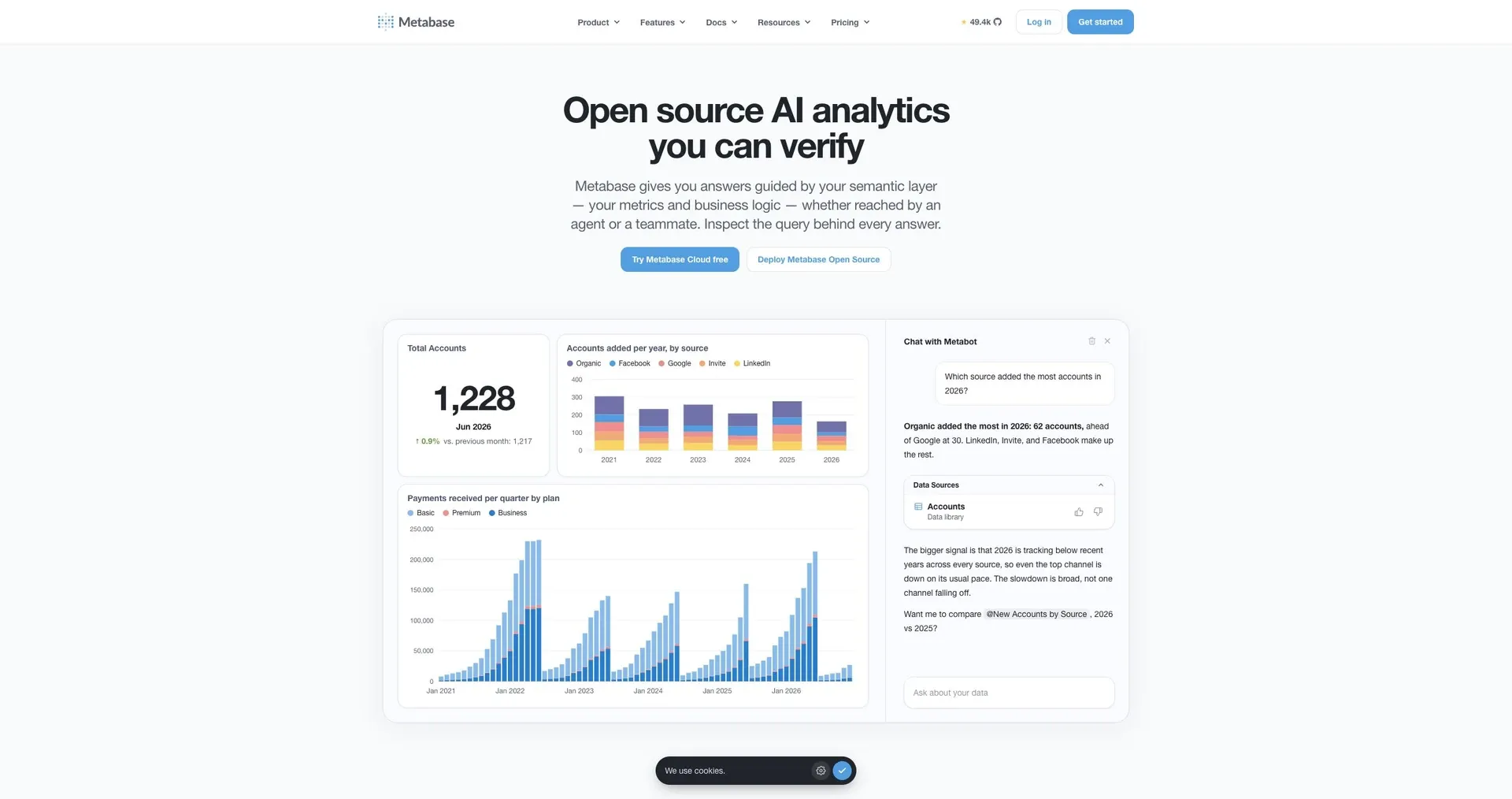
Metabase supports SQLite for self-serve charts when it runs on the same machine as the file.
Where it stops: the file must be local to the Metabase server.
3. Datasette
Datasette publishes SQLite as a website with facets, and plugins add charts.
Where it stops: charting depends on plugins, and it is read-focused.
4. Grafana
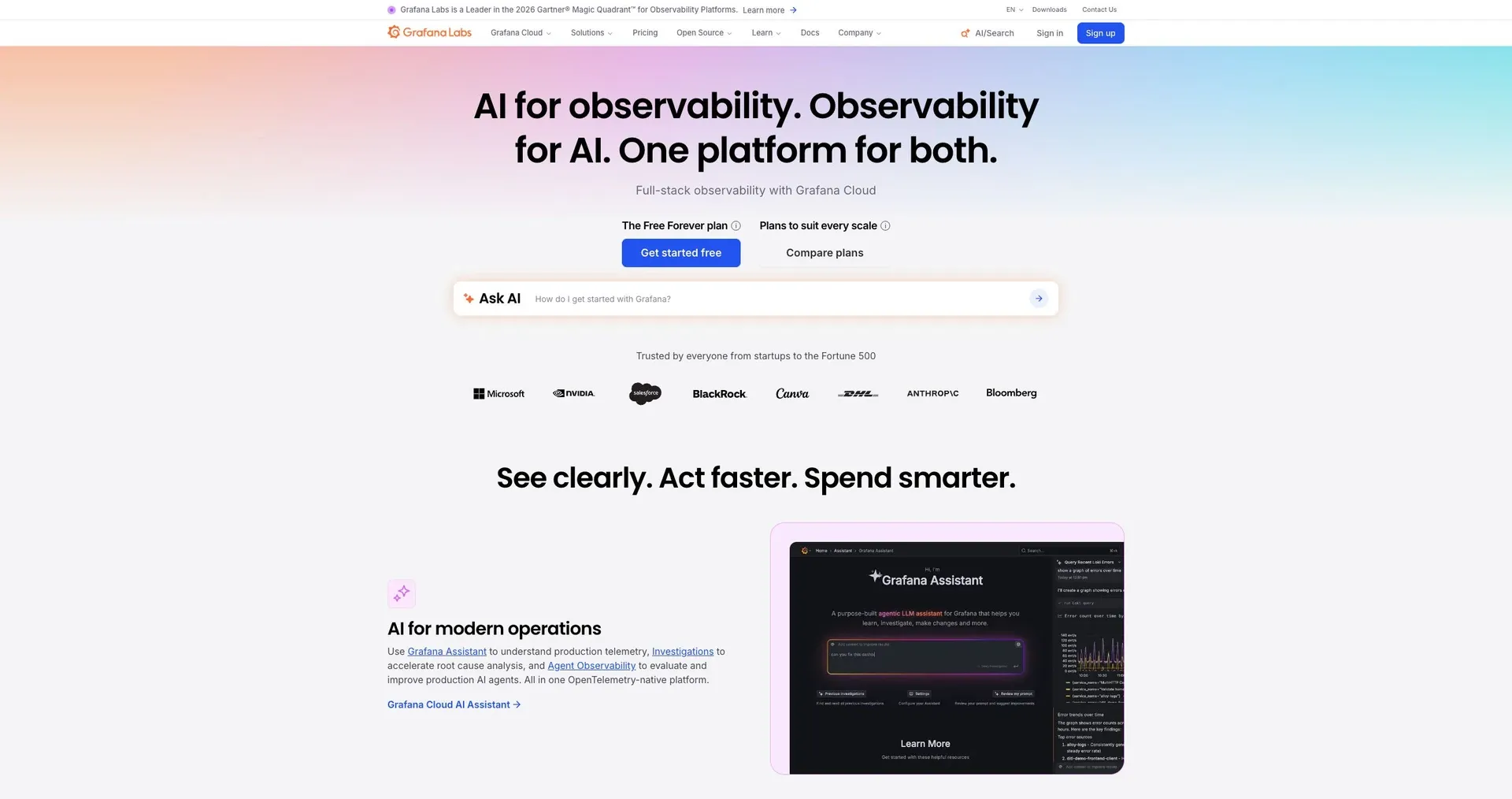
Grafana's community SQLite data source charts time series stored in SQLite.
Where it stops: a community plugin, and built for engineers.
5. Apache Superset
Superset can connect to SQLite files for SQL-driven dashboards.
Where it stops: SQLite is disabled by default for security and needs to be enabled.
6. Streamlit
Streamlit builds a Python dashboard on SQLite in one script.
Where it stops: every chart, filter and login is code.
Which to use
- Teams need SQLite dashboards they can act on: Jet Admin.
- You want self-serve BI on the same server: Metabase.
- You want to publish and explore data: Datasette.
- You are charting time series: Grafana.
- SQL users want open source: Superset.
- A Python developer wants a custom dashboard: Streamlit.
Frequently asked questions
Can a cloud dashboard read a SQLite file?
Only if the file is reachable through a server or a hosted SQLite service. A local file on a laptop is not accessible to cloud tools.
Is SQLite fast enough for dashboards?
For most internal dashboards, yes. Add indexes on filter columns and keep heavy writes separate.
Chart the file, then act on it
Connect SQLite to Jet Admin and build a dashboard.