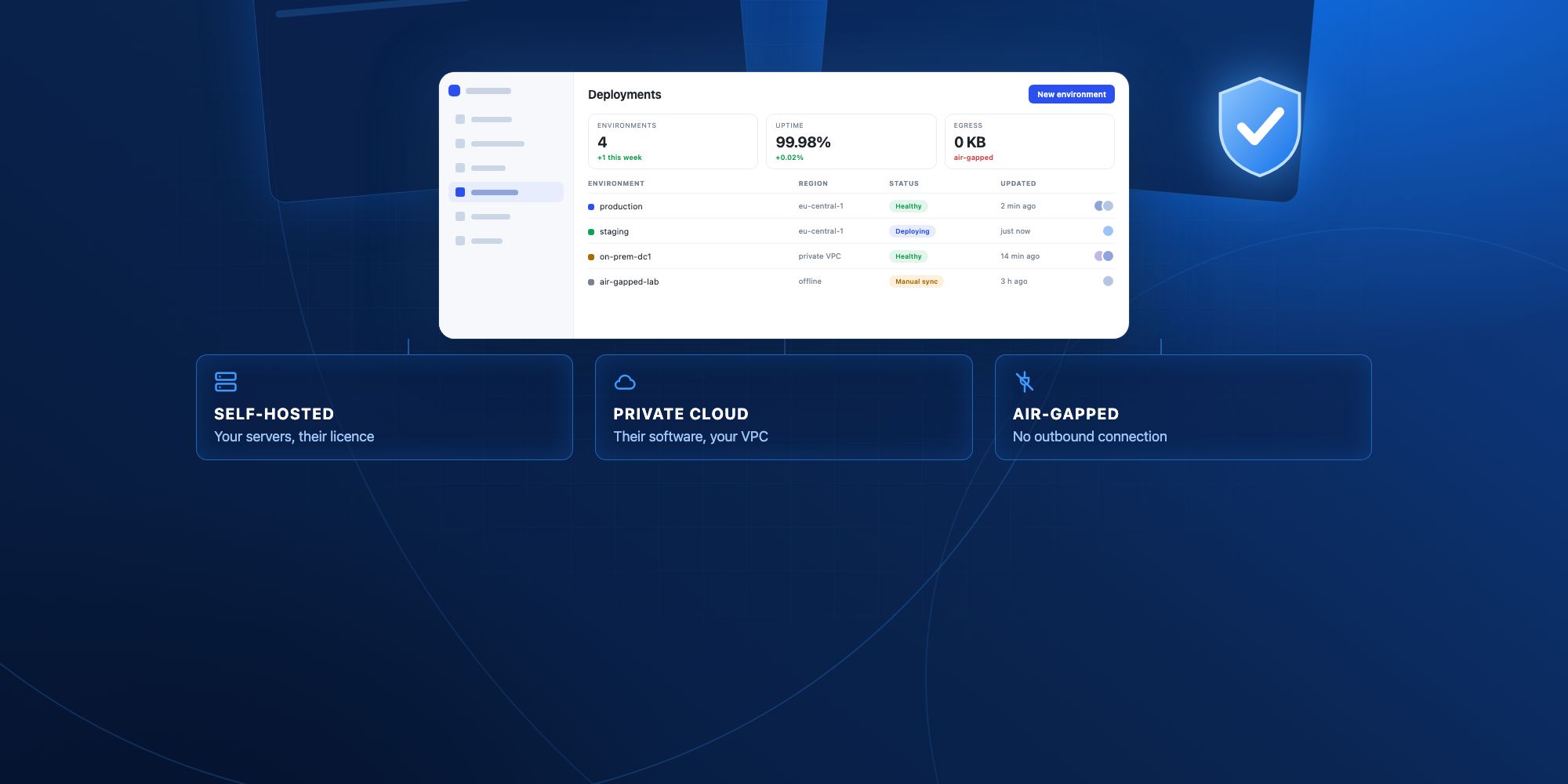
On-premise means three different things and vendors use one word for all of them. Self-hosted puts their software on your servers. Private cloud puts it in your cloud account. Air-gapped removes outbound internet entirely, and it is the one most platforms cannot do. Decide which of the three your security review actually requires before you shortlist anything, because it changes both the price and the timeline. Deployment details below were checked against vendor documentation in September 2026.
Three deployment models, one overloaded word
A security team asks for "on-premise". A vendor says yes. Six weeks later everyone discovers they meant different things. The confusion is worth twenty minutes to clear up, because the three models differ in cost, in what your team has to operate, and in what the platform can still do afterwards.
Self-hosted means you run the vendor's software on infrastructure you control, under a licence. The containers are yours to deploy, patch and monitor. The vendor ships images and a Helm chart; keeping them running is your job. This is what most buyers actually want and what most platforms actually offer.
Private cloud means the vendor's software runs inside your cloud account, usually your own VPC, but the vendor retains a management plane. You get network isolation and data residency without operating the platform yourself. It is the middle option, and it is the one that clears most procurement reviews without requiring a platform team.
Air-gapped means no outbound connection at all. No licence check phoning home, no telemetry, no pulling images from a public registry at upgrade time. This is defence, some healthcare, and parts of finance. It is also where most vendors quietly stop saying yes, because it forces them to solve licensing and updates without a network path.
The practical test is simple. Ask the vendor what happens to the product if you block all outbound traffic from the deployment for thirty days. The answer separates the three models faster than any datasheet.
Which platforms support which
Checked against each vendor's own documentation in September 2026. Where the documentation does not state something, this table says so rather than guessing.
| Platform | Self-hosted | Runs in your VPC | Air-gapped in docs | Containers | Notes |
|---|---|---|---|---|---|
| Jet Admin | Yes | Yes | Yes, on the Enterprise plan | Yes | Also offers a hybrid mode where the interface is hosted and the data connection stays inside your network |
| Retool | Yes | Yes | Not stated on the pages checked | Docker, Kubernetes, Helm | Self-hosted deployment is documented in detail |
| Appsmith | Yes | Yes | Yes, documented | Docker, Kubernetes | Open source, which is why the air-gapped path exists |
| Budibase | Yes | Yes | Not stated on the pages checked | Docker, Kubernetes | Open source, several documented hosting methods |
| Mendix | Via private cloud | Yes | Not stated on the pages checked | Kubernetes | Enterprise platform, private cloud is a distinct product line |
Two things are worth reading out of that table. Open-source platforms often document air-gapped installs, because nothing has to phone home for a license; among commercial platforms, Jet Admin supports air-gapped deployment on its Enterprise plan. And "supports on-premise" on a pricing page usually means self-hosted, not air-gapped, so confirm which one you are buying.
What breaks when you move off the vendor's cloud
Moving on-premise is not the same product in a different building. Four things change, and all four are easier to plan for than to discover.
Updates become your release calendar. On cloud you get fixes when the vendor ships them. Self-hosted, someone on your side has to schedule the upgrade, test it, and roll it back if it breaks. Teams that do this well treat the platform like any other internal service. Teams that do not end up two years behind on a version that no longer receives patches.
Single sign-on stops being a checkbox. Cloud tenants usually get SSO wired to the vendor's identity integrations. Self-hosted, you are connecting the platform to your own identity provider, and the work is real: metadata exchange, certificate rotation, group mapping, and deciding what happens when someone is deactivated in the directory.
SaaS integrations get complicated, and this is the one people miss. An app that reads from Postgres inside your network is straightforward. An app that also calls Stripe, Salesforce or Slack now needs an egress path from a network you deliberately locked down. In an air-gapped deployment those integrations simply do not work, and any use case that depends on them has to be redesigned.
Licensing usually changes shape. Cloud pricing is often per user and self-service. On-premise is more often an annual contract with a floor, because the vendor is supporting a deployment they cannot see. Budget for the contract, not for the list price you saw on the website.
What the infrastructure actually asks of you
The honest version of the requirements list, independent of vendor.
You need somewhere to run containers, in practice Docker for a single node or Kubernetes for anything that has to survive a node failure. You need a Postgres instance for the platform's own metadata, which is separate from whatever databases your apps read. You need object storage if users will upload files. You need TLS certificates and a way to renew them. And you need a backup and restore procedure that someone has actually tested, because the platform's metadata database now holds every app your team built.
The resourcing question matters more than the sizing question. A single-node Docker install runs on a modest VM and takes an afternoon. A highly available Kubernetes deployment with monitoring, backups and an upgrade process is a project with an owner. Decide which one you are committing to before the pilot, not after.
When you do not need on-premise
Often. The request usually arrives as a blanket policy rather than a specific requirement, and it is worth testing before you spend the effort.
If the concern is where data is stored, a cloud region in the right country may satisfy it, and data residency commitments are far easier to get than a self-hosted contract. If the concern is that a vendor can read your production database, a hybrid deployment answers it: the interface is hosted, the connection to your data is not, and credentials never leave your network. If the concern is a compliance framework, read the control that triggered the request, and see what a low-code security review actually checks. SOC 2 and ISO 27001 do not require on-premise. Specific contracts with specific customers sometimes do.
For a wider view of how enterprise buyers evaluate this, see the enterprise overview. The case where on-premise is genuinely the answer looks like this: a regulator or a customer contract names the requirement in writing, the data cannot cross a network boundary, and you have someone whose job includes operating internal services. If two of those three are missing, hybrid or a regional cloud tenant will get you further for less.
What to ask before the pilot
Send these to the vendor in writing and keep the answers. They are the questions that turn into problems later.
Which of the three models does your on-premise offer actually mean, and does the product work with all outbound traffic blocked? What exactly do you ship: images, a Helm chart, an installer, and for which container platforms? How are licences validated without a network path? What is the upgrade process, how often are releases cut, and how long is a version supported? Which features are unavailable or degraded in the self-hosted build compared with your cloud, and specifically which integrations? How is the platform's own metadata database backed up and restored? What telemetry leaves the deployment by default and can it be turned off? Who is on the hook when an upgrade breaks production, and what does the support response time look like for a deployment you cannot access? What are the minimum contract terms and the price floor?
A vendor who answers all nine in writing is a vendor whose on-premise offer is real. Vagueness on the third and the fifth is the usual tell.
Where Jet Admin fits
Jet Admin is an internal tools builder that runs on your own infrastructure, behind your VPN, inside your VPC. Governance features that usually decide a security review are part of the product rather than something you assemble: SAML SSO with Google, Okta and Active Directory, two-factor authentication, granular permissions, an activity log, and separate development, staging and production environments.
The option worth knowing about is the hybrid one. The interface is hosted, the connection to your data is not, so production credentials stay inside your network without your team taking on the job of running the platform. That middle path answers the question most security reviews are really asking, and it is the reason a lot of evaluations that start with "we need on-premise" end somewhere cheaper.
On pricing, granular permissions, SSO and audit logs sit on the Business plan at $100 a month, and on-premise deployment is part of Enterprise, which is quoted rather than listed. The full breakdown is on the pricing page. Prices checked in September 2026.
If your requirement is an air-gapped install with no outbound connection at all, Jet Admin supports it on the Enterprise plan, with self-hosted AI models so AI features keep working offline. Ask for the deployment guide during evaluation and list the integrations your use case needs, since anything that calls an outside service will not work in an air-gapped network.
Deciding
Start by naming which of the three models the requirement actually is, because self-hosted, private cloud and air-gapped are three different purchases. Then check the vendor's documentation rather than the sales page, since the gap between the two is where most of these projects go wrong. Then decide whether you have an owner for upgrades, because that single question predicts how the deployment looks in two years better than any feature comparison.
If the answer to the last one is no, hybrid deployment is the option to look at first. It clears the same review with none of the operational commitment.