
Notion can hold a team's notes, projects, and records, but those are three different jobs. The best Notion alternative depends on which job is causing friction: maintaining a wiki, coordinating delivery, keeping private notes, or running an operational database.
Quick answer: Coda / Superhuman Docs is worth evaluating for documents that behave like team tools. Confluence is worth evaluating for a maintained team knowledge base. ClickUp is worth evaluating for task-centric team coordination.
Published by Jet Admin. Product and pricing information checked September 26, 2026 against official pages and documentation. Recommendations are editorial judgments, not benchmark results or claims of hands-on product testing. List order reflects use-case fit, not a measured score.
Best Notion alternatives at a glance
| Product | Best fit | Main trade-off | Pricing model |
|---|---|---|---|
| Jet Admin | business apps on existing data | A custom business app requires deliberate data modeling and permission design; it is not a replacement for every specialist editor, database service, or collaboration suite. | Free and paid plans with AI credits. Granular permissions, SSO, and audit logs are listed under Business; on-premise deployment is Enterprise. |
| Coda / Superhuman Docs | documents that behave like team tools | A highly customized document can become difficult for a new owner to maintain. Test formula ownership and integration behavior before moving critical work. | Check the current Superhuman Docs offer; do not assume historical Coda prices still apply. |
| Confluence | a maintained team knowledge base | Content ownership and review habits remain necessary. Moving pages does not make old or contradictory documentation trustworthy. | Free and paid plans; confirm the required user count and governance tier. |
| ClickUp | task-centric team coordination | Configurable workspaces still require agreement on statuses, ownership, and notifications. More features will not fix an inconsistent operating process. | Free and paid user-based plans; automation and AI allowances vary. |
| Obsidian | personal knowledge in local files | It does not automatically reproduce a shared project database, approval system, or governed team wiki. Collaboration requirements need a separate evaluation. | The core application is free; Sync and Publish are separate paid services. |
| Airtable | collaborative structured records | Record limits, editor permissions, and automation usage deserve a realistic trial. A table import does not reproduce spreadsheet macros or a custom app's backend. | Free and paid plans, with paid seat rules and usage limits. |
What is Notion, and why consider alternatives?
Combine team documentation, databases, and project information in one workspace. It is useful when people need the narrative behind a decision alongside the records and tasks.
Start with the Notion official product information and identify which of these requirements applies to your team:
- Separate personal knowledge from a governed team wiki
- Distinguish task ownership from flexible document organization
- Decide whether a database view needs to become an application
When Notion is still the right choice
Stay with Notion when the integrated workspace is working and the main problem is inconsistent naming or stale content. Changing tools will not fix either.
Types of Notion alternatives
Personal notes, collaborative documents, project management, and operational databases solve different problems. Moving all of them to one replacement may recreate the original compromise. Start with the content or workflow that matters most, then identify what should remain in a separate tool.
What to look for in a Notion alternative
- Is the primary unit a note, document, task, or structured record?
- Can readers find an answer without knowing who wrote it?
- Can you preserve links, permissions, history, and attachments during a move?
- How will templates and document owners keep information current?
- Does the team need offline files, real-time collaboration, or both?
1. Jet Admin: best for business apps on existing data
Build interfaces over databases and APIs, with forms, tables, and workflows that let a team act on records. This is useful when the problem is a customer portal, an approval queue, or an operational app rather than another document.
Why consider it: Put Jet Admin on the shortlist when business apps on existing data is the requirement that should drive the move from Notion. Have a manager approve a request while another user can access only their own records.
Trade-off: A custom business app requires deliberate data modeling and permission design; it is not a replacement for every specialist editor, database service, or collaboration suite.
Pricing: Free and paid plans with AI credits. Granular permissions, SSO, and audit logs are listed under Business; on-premise deployment is Enterprise. Check current pricing and plan details.
Choose it when: The business apps on existing data use case matters more than preserving every part of your current Notion setup. Before committing, make the prospective owner complete the evaluation task and explain what they would maintain after launch.
Source: Jet Admin official product information.
2. Coda / Superhuman Docs: best for documents that behave like team tools
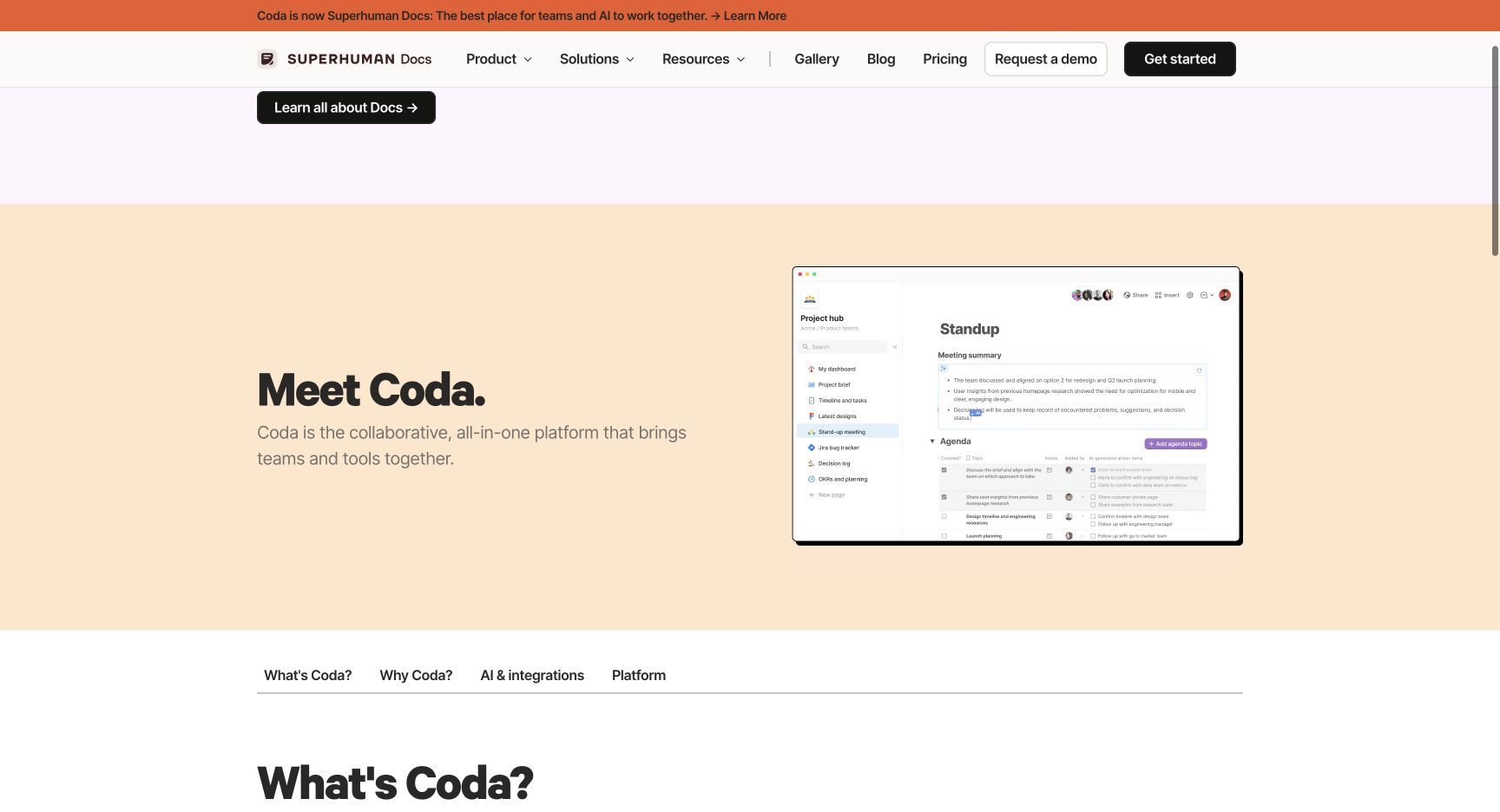
Combine prose, tables, formulas, and connected workflows in one document. The official Coda site now identifies the product as Superhuman Docs; account for that naming change when evaluating or searching documentation.
Why consider it: Put Coda / Superhuman Docs on the shortlist when documents that behave like team tools is the requirement that should drive the move from Notion. Build a meeting document that updates an action tracker and makes ownership visible.
Trade-off: A highly customized document can become difficult for a new owner to maintain. Test formula ownership and integration behavior before moving critical work.
Pricing: Check the current Superhuman Docs offer; do not assume historical Coda prices still apply. Check current pricing and plan details.
Choose it when: The documents that behave like team tools use case matters more than preserving every part of your current Notion setup. Before committing, make the prospective owner complete the evaluation task and explain what they would maintain after launch.
Source: Coda / Superhuman Docs official product information.
3. Confluence: best for a maintained team knowledge base
Organize documentation and team knowledge in an Atlassian workspace. It is a useful shortlist choice when written procedures, product specifications, and discoverability matter more than a flexible personal notebook.
Why consider it: Put Confluence on the shortlist when a maintained team knowledge base is the requirement that should drive the move from Notion. Migrate a small policy collection, then test search and access with two different roles.
Trade-off: Content ownership and review habits remain necessary. Moving pages does not make old or contradictory documentation trustworthy.
Pricing: Free and paid plans; confirm the required user count and governance tier. Check current pricing and plan details.
Choose it when: The a maintained team knowledge base use case matters more than preserving every part of your current Notion setup. Before committing, make the prospective owner complete the evaluation task and explain what they would maintain after launch.
Source: Confluence official product information.
4. ClickUp: best for task-centric team coordination
Bring tasks, documents, and team work into a common workspace. It is a sensible candidate when the central problem is assigning work and following it through rather than building a custom application.
Why consider it: Put ClickUp on the shortlist when task-centric team coordination is the requirement that should drive the move from Notion. Run one cross-functional project with dependencies, a document, and a weekly status report.
Trade-off: Configurable workspaces still require agreement on statuses, ownership, and notifications. More features will not fix an inconsistent operating process.
Pricing: Free and paid user-based plans; automation and AI allowances vary. Check current pricing and plan details.
Choose it when: The task-centric team coordination use case matters more than preserving every part of your current Notion setup. Before committing, make the prospective owner complete the evaluation task and explain what they would maintain after launch.
Source: ClickUp official product information.
5. Obsidian: best for personal knowledge in local files
Store notes locally and connect them through links. Its file-based approach suits researchers and writers who value offline access and direct ownership of their notes.
Why consider it: Put Obsidian on the shortlist when personal knowledge in local files is the requirement that should drive the move from Notion. Move a representative set of linked notes and inspect attachments, backlinks, and offline behavior.
Trade-off: It does not automatically reproduce a shared project database, approval system, or governed team wiki. Collaboration requirements need a separate evaluation.
Pricing: The core application is free; Sync and Publish are separate paid services. Check current pricing and plan details.
Choose it when: The personal knowledge in local files use case matters more than preserving every part of your current Notion setup. Before committing, make the prospective owner complete the evaluation task and explain what they would maintain after launch.
Source: Obsidian official product information.
6. Airtable: best for collaborative structured records
Combine relational records, views, interfaces, and automations to manage shared operational information. This works well when a spreadsheet has become a lightweight database.
Why consider it: Put Airtable on the shortlist when collaborative structured records is the requirement that should drive the move from Notion. Model customers, requests, and owners as related records and test a handoff.
Trade-off: Record limits, editor permissions, and automation usage deserve a realistic trial. A table import does not reproduce spreadsheet macros or a custom app's backend.
Pricing: Free and paid plans, with paid seat rules and usage limits. Check current pricing and plan details.
Choose it when: The collaborative structured records use case matters more than preserving every part of your current Notion setup. Before committing, make the prospective owner complete the evaluation task and explain what they would maintain after launch.
Source: Airtable official product information.
Which Notion alternative should you choose?
Coda / Superhuman Docs is worth evaluating for documents that behave like team tools. Confluence is worth evaluating for a maintained team knowledge base. ClickUp is worth evaluating for task-centric team coordination.
Run this proof of concept: Recreate one project brief, its linked tasks, and the records it references. Ask a colleague who did not build it to find an answer and make a permitted update.
Record what worked, what required custom work, which plan unlocked essential capabilities, and who can maintain the result. Compare the full monthly operating cost and the one-time migration effort. A successful demonstration is only useful if it covers the difficult permissions, exception, and maintenance requirements.
Stay with Notion when the integrated workspace is working and the main problem is inconsistent naming or stale content. Changing tools will not fix either.
How to move from Notion
Export a small page hierarchy first. Check links, attachments, database relations, permissions, and comments separately; an export may preserve text without preserving behavior.
- Inventory the data, attachments, integrations, owners, and access rules that the replacement must preserve.
- Separate transferable records from screens, formulas, workflows, and authentication behavior that need rebuilding.
- Use a limited pilot with representative records and explicit success criteria before switching the entire team.
- Reconcile record counts and key business outcomes, train the next owner, and document the fallback path.
Keep the existing system available during the pilot where your contract and technical setup permit it. Avoid simultaneous uncontrolled writes to two systems. Agree on a cutover owner and a rollback decision before the final move.
FAQs about Notion alternatives
What is the best Notion alternative?
Coda / Superhuman Docs is worth evaluating for documents that behave like team tools. Confluence is worth evaluating for a maintained team knowledge base. ClickUp is worth evaluating for task-centric team coordination. There is no single winner across these use cases; choose the option that passes the representative test above.
Is a free alternative enough?
It can be for a limited workflow. Compare the published free-plan or open-source terms with the required users, usage, hosting, integrations, and governance. A trial is not a permanent free plan, and self-hosted software still needs infrastructure and maintenance.
Can I move everything without rebuilding?
Export a small page hierarchy first. Check links, attachments, database relations, permissions, and comments separately; an export may preserve text without preserving behavior.
How should I compare the real cost?
Use the same representative workload and the same access requirements for every vendor. Add subscriptions, usage charges, hosting or backend costs, migration work, and ongoing maintenance. Check which plan includes the required feature before comparing headline prices.
Is Jet Admin a direct Notion replacement?
It can replace the operational application part when business apps on existing data is the goal. It will not reproduce every specialist feature of Notion. Test the data model, permissions, integrations, and daily user workflow before deciding.
Put the shortlist to work
Recreate one project brief, its linked tasks, and the records it references. Ask a colleague who did not build it to find an answer and make a permitted update. If that exercise reveals a need for a human-facing operational app, explore Jet Admin’s process automation use case and check the workflow against your own data and access requirements.