

No matter how sophisticated the Jet interface is, sometimes basic features are just not enough to cover specific business operations. We understand that and made sure that you can always tailor the admin panel to your team’s needs with Jet’s extendable components.
Display your data in a custom way
When your data is first uploaded to the internal tool, it will be displayed in a default view. But guess what, you can always change that! Depending on the specialty of your business and how you’d like to visualize the information: Chart widgets (Line, Bar, Pie, Doughnut, Counter, List), Collection widgets (Table, Map, Calendar, Kanban, Gallery), or Field widgets (Text, Notes, Checkboxes, Stars, Links).
Some processes, however, are so complex, they require a custom widget solution. For instance, you might want to visualize the customer journey map in the form of a graph or a sidebar inside your admin panel. You can totally realize that in Jet! Thanks to our Custom Component feature, you can code your own view using JS (Angular, React), HTML, and CSS.
The quick and convenient solution
Thanks to Jet’s software architecture, you can realize a Custom Component by simply leveraging our out-of-the-box SDK for the two most popular stacks: React and Angular. Here’s how the step-by-step instructions:
- Download Custom Component SDK for React or Angular.
- Develop your custom widget using HTML, CSS, or JS.
- Upload your new Custom Component widget to Jet Admin, and it’s ready for work!
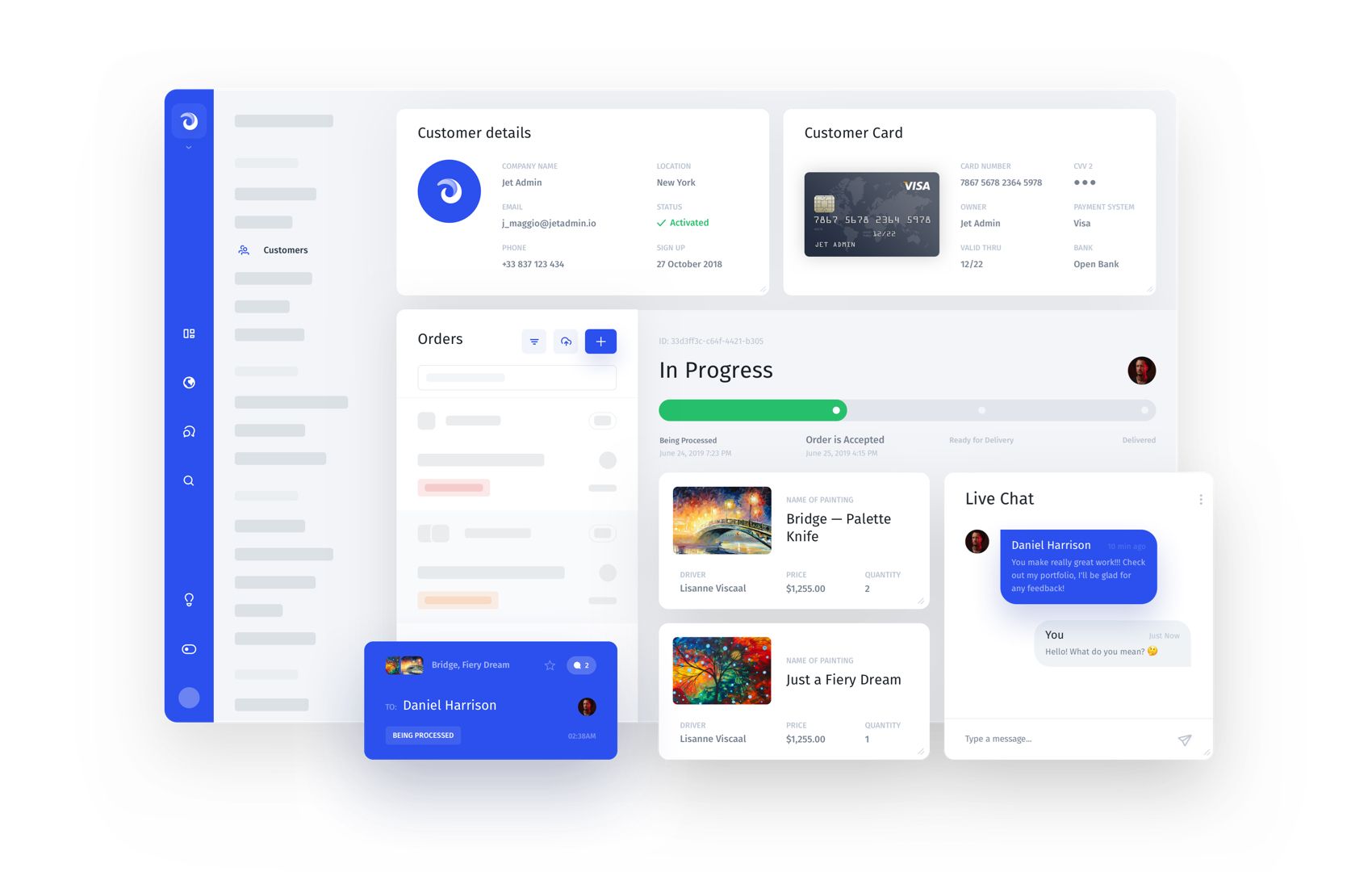
For comparison, to realize any kind of widget other than Table in an in-house or a standard open source admin panel, you’d have to engage both Development and Design teams. This is how the process usually looks like:
- Your backend developer would have to create an API and forward it to a frontend developer in the required format.
- Meanwhile, designers would work on the interface to display the new element.
- Then, the frontend developer would code the new element using HTML or CSS.
- Finally, the frontend developer would link the new element’s logic to the API, and develop the widget itself.
The amount of time and effort it takes to code just one interface element from scratch is unreasonable. We at Jet believe that an admin panel solution should provide clients with extensible components and the integrating process should not be excruciating for your developers team. And that’s the main purpose behind our Custom Components.
Please feel free to read more on how to create a Custom Component here:
https://docs.jetadmin.io/user-guide/components/custom-component
Thank you for reading! Jet Admin is a ready-to-run admin panel designed to fit the operational needs of your business. Integrate our API with your web application's database and enjoy!
Try Jet Admin live demo for free.