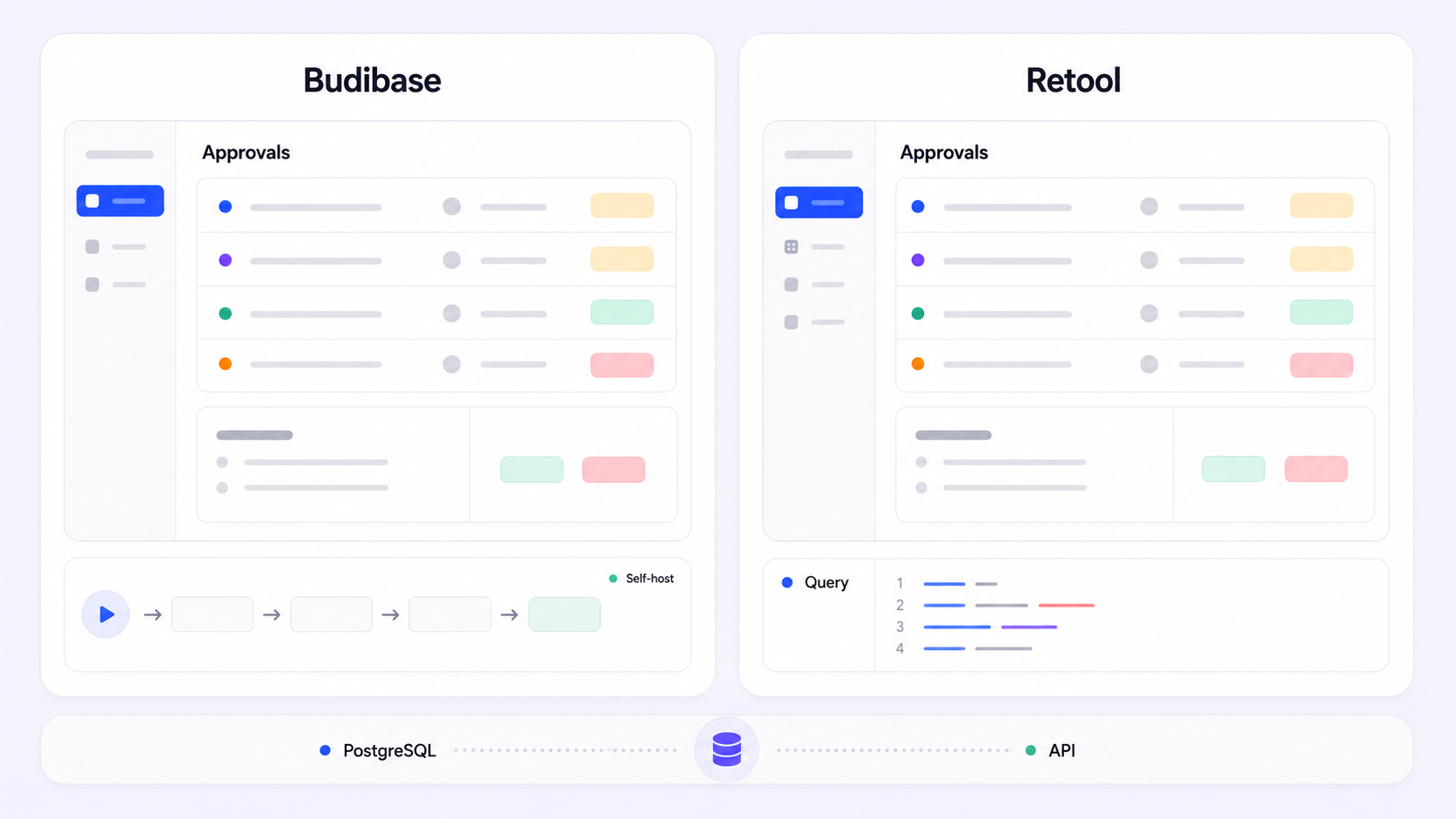
If you're evaluating where to build internal tools - admin panels, dashboards, approval workflows, CRUD apps - Budibase vs Retool is one of the most common comparisons you'll face. Both are capable low-code platforms, both support self-hosting, and both let you connect to external data sources and ship internal apps fast. But they serve different buyers. The single biggest difference: Budibase is an open-source platform built for cost efficiency and developer control, while Retool is a commercial, developer-centric platform designed for complex enterprise-level applications with advanced governance and deep integrations.
This comparison breaks down pricing, development experience, AI features, enterprise governance, and integrations - with a clear winner in each category and guidance on which platform fits your team.
The short answer: Retool wins for enterprise teams that need extensive integrations, AI-powered app generation from natural language prompts, and advanced governance across complex workflows. Budibase wins for teams prioritizing open-source control, cost effectiveness, and rapid CRUD apps - especially small teams or budget-conscious organizations that want to self-host on their own servers with unlimited users at no cost. Neither is universally better; the right choice depends on your team size, technical expertise, and how much enterprise polish you actually need.
What Is Budibase?
Budibase is an open-source low-code platform for building internal tools, forms, automations, and AI agents. It includes a built-in database (CouchDB), a drag-and-drop interface for assembling app screens, and a visual automation builder for handling CRON jobs, webhooks, and workflow automation.
Key strengths:
- Self-hosting with unlimited users - deploy on your own infrastructure via Docker or Kubernetes at no per-user cost
- Built-in database - start building quick CRUD apps without configuring an external data source
- Cost-effective pricing - Budibase starts at $19 per month for the Pro plan; the free community edition covers unlimited apps, automations, and users when self-hosted
- Approachability - Budibase is the most approachable for non-technical users among comparable low code platforms, with a visual builder optimized for ease of use and quick app generation
Primary use cases: admin panels, CRUD apps, simple approval workflows, request management, and lightweight dashboards.
What Is Retool?
Retool is a developer-centric low-code platform for building complex applications - internal dashboards, enterprise admin consoles, and AI-powered tools. It ships with a large component library, deep integrations, and a mature governance layer.
Key strengths:
- Extensive integration ecosystem - Retool supports over 70 native integrations for databases and APIs, plus custom components and custom JavaScript
- AI-native building - Retool generates apps from natural language prompts via its AppGen feature, and includes AI Actions for summarizing text and classifying documents
- Enterprise governance - advanced role-based access control, audit logs, SCIM, environment separation, and source control via git integration
- UI depth - Retool offers over 100 built-in UI components, enabling developers to handle complex business logic without leaving the platform
Primary use cases: complex internal tools, enterprise admin consoles, AI-powered applications, and tools requiring deep data source connectivity.
Budibase vs Retool: How They Compare at a Glance
Factor | Budibase | Retool |
|---|---|---|
Best for | Small-to-medium teams, budget-conscious orgs, self-hosted deployments | Enterprise teams, complex apps, organizations needing extensive integrations |
Pricing model | Action-based + per-creator; free self-hosted tier | Per-user seat pricing; free tier for up to 5 users |
Starting price | $19/mo (Pro); free self-hosted | $75/user/mo (paid plans) |
Deployment | Cloud, Docker, Kubernetes, air-gapped | Cloud, self-hosted (Docker/Kubernetes, VPC) |
AI features | AI agents, table schema generation, multi-model support | AppGen (prompt → app), AI Actions, autonomous workflows |
Native integrations | SQL databases, REST APIs, built-in CouchDB | 70+ native connectors (databases, APIs, SaaS) |
Learning curve | Lower - visual builder, less code required | Steeper - requires intermediate JavaScript and SQL |
Self-hosted users | Unlimited | 25-user limit |
The headline trade-off: Budibase gives you more control and lower cost; Retool gives you more features and enterprise polish.
Pricing and Cost Structure
Pricing is often the deciding factor for teams comparing Budibase vs Retool, because the models differ fundamentally and costs diverge sharply as you scale.
Budibase pricing uses a hybrid model based on actions (automation steps, AI agent calls, form mutations) plus optional per-creator and per-end-user add-ons. The free self-hosted plan is genuinely free - unlimited users, unlimited apps, unlimited automations, one workspace, community support. Cloud plans scale from Pro ($19/month) through Premium ($49/month) to Business ($299/month), with increasing AI credits (2K to 50K), creator seats, workspaces, and log retention. The enterprise tier adds SCIM, 365-day audit logs, air-gapped deployment, and priority support at custom pricing. Budibase allows unlimited users for free self-hosting, which is a significant cost advantage for teams comfortable managing their own infrastructure.
Retool pricing is seat-based. Retool offers a free tier for up to 5 users, making it accessible for prototyping. But Retool charges $75 per user per month for paid plans, with costs climbing as you add builders, internal users, and external users. The business plan includes workflow runs, mobile access, and expanded AI credits. Enterprise pricing is custom and includes self-hosted options, advanced governance, and additional seat types.
Concrete cost scenarios
For a team of 5 builders and 20 internal users:
- Budibase (cloud): Premium plan at $49/month plus add-on costs for extra creators and end users - total likely in the low hundreds per month. Self-hosted: infrastructure cost only.
- Retool: 5 builders at $75/user/month = $375 minimum, plus internal user seats and any workflow/AI overage - likely $500–$1,000+/month.
At 50+ users, the gap widens substantially. Budibase is ideal for small teams or budget-conscious organizations; Retool's cost can balloon but includes more built-in enterprise features.
Winner: Budibase - significantly more cost-effective at every scale, especially with self-hosted deployments. Retool's higher cost buys deeper features, but teams that don't need them are paying for unused enterprise polish.
Development Experience and Building Model
How you actually build matters. The development model determines how fast your team ships and how much technical expertise they need.
Budibase features a visual automation builder for easier app creation. The drag and drop interface is straightforward: pick a data source (or use the built-in database), lay out app screens with pre-built components, wire up automations visually. Budibase is optimized for ease of use and quick app generation - you can have a working CRUD app in minutes. Budibase is recognized for its capability in creating rapid CRUD apps. The trade-off is fewer UI components and less room for deeper customization when building complex applications.
Retool provides a large library of UI components for developers - over 100 built-in options including tables, charts, forms, modals, and custom widgets. It supports custom code extensively: custom JavaScript, SQL support, event handlers, and even python scripts in certain contexts. Retool is designed for engineer-focused applications with extensive JavaScript control, which means it handles complex workflows and business logic that would strain Budibase's simpler model. But Retool has a more complex learning curve geared towards developers - it requires intermediate knowledge of JavaScript and SQL to use effectively, creating a steep learning curve for non-technical users.
None of these platforms are truly no-code solutions. Both require some technical skill. But Budibase gets non-technical users productive faster, while Retool rewards technical teams with more power.
Version control and collaboration also differ. Retool offers mature git integration, environment separation (staging/production), branching, and source control compatibility. Budibase supports multiple workspaces and environment controls in the enterprise tier, but these capabilities are less mature.
Winner: Retool - for power, flexibility, and enabling developers to build complex applications with deep code customization. Budibase wins on simplicity - if your team needs to ship straightforward internal apps without a steep learning curve, it's the faster path.
AI Features and Automation
AI capabilities have become a key differentiator among low code platforms in 2026, and the gap here is meaningful.
Budibase includes AI features for generating table schemas and supports multi-model AI agents across various platforms. Budibase's visual automation builder handles CRON jobs and webhooks, with AI credits allocated by plan tier (2K–50K on cloud plans). AI agents can use instructions, tools, models, and knowledge sources. The automation system is solid for straightforward workflows but less capable for complex, multi-step AI-driven processes.
Retool has invested heavily in AI-native development. Retool generates apps from natural language prompts through its AppGen feature, where you describe what you need and get a production-ready app connected to your data. Retool includes AI Actions for summarizing text and classifying documents, plus autonomous workflows triggered by events or webhooks. In June 2026, Retool extended enterprise governance to all AI-coded apps - meaning apps built via prompt, imported React codebases, or AI coding tools like GitHub Copilot and Cursor automatically inherit the organization's RBAC, audit logs, and permissions.
The practical difference: Retool lets you describe an internal tool in natural language and ship it with governance baked in. Budibase's AI helps with data modeling and automation but doesn't yet offer full prompt-to-app generation at the same maturity level.
Winner: Retool - comprehensively ahead on AI capabilities, from app generation to governance over AI-coded apps. Budibase's AI features are useful but narrower in scope.
Enterprise Features and Governance
For larger organizations handling sensitive data, governance isn't optional - it's a prerequisite.
Budibase offers solid enterprise features in its paid tiers: role-based access control with custom roles and user groups, SSO (SAML and OIDC), audit logs, AES-256 encryption at rest, TLS 1.3 in transit, and SCIM for identity provisioning in the enterprise tier. Self-hosting gives full control over so sensitive data - air-gapped deployment is available, and Budibase claims ISO 27001 compliance. For teams that need to keep data on their own servers and control every layer, Budibase provides more control through its open-source architecture.
Retool has deeper enterprise governance: data-level permissions (not just role-level), resource environment permissions, secrets management, observability, advanced audit logs, and SCIM. Retool supports self-hosting via Docker and Kubernetes in your own VPC, but imposes a 25-user limit for self-hosted customers - a notable constraint compared to Budibase's unlimited self-hosted users. Retool's recent governance extension means all apps - whether built with the visual builder, prompt-generated, or imported from external codebases - automatically inherit organizational policies. Retool is widely used by Fortune 500 companies and meets SOC-2 and other compliance requirements.
The trade-off is clear: Retool has more granular permissions and richer compliance tooling; Budibase gives you full infrastructure ownership and no user caps on self-hosted deployments.
Winner: Retool for enterprise governance depth and compliance maturity. Budibase for self-hosting control and data sovereignty - especially when you need on-prem deployment without per-user limits.
Integrations and Extensibility
The value of an internal tool platform often comes down to how well it connects to your existing data sources and services.
Budibase connects to common SQL databases, REST APIs, and its built-in CouchDB database. You can blend internal and external data sources within apps. However, native connectors are limited compared to larger platforms, and the component library - while functional - has fewer custom components and third-party plugins. Custom code is possible but constrained relative to Retool.
Retool excels at connecting to existing data sources and APIs. Retool is known for its extensive library of integrations - over 70 native connectors covering databases, APIs, and SaaS tools. It supports custom components, custom widgets, embedded external codebases, and integrations with AI models and data platforms like Snowflake. For teams with complex data landscapes, Retool's breadth means fewer workarounds and less custom plumbing.
For extensibility, Retool supports importing React components, building custom UI components, and connecting any AI model to your data. Budibase's extensibility is more limited - you can build agents and automations, use scripts, but the ecosystem for third-party extensions is smaller.
It's also worth noting that other low code platforms occupy this space. For instance, Appsmith's Business plan costs $15 per user per month and Appsmith is the most developer-centric of the three platforms (Appsmith allows self-hosting without additional usage limits). Appsmith vs Retool and appsmith vs Budibase comparisons may also be relevant depending on your priorities.
Winner: Retool - significantly more integrations, deeper extensibility, and a more mature ecosystem for building internal apps that connect across your entire stack.
Budibase vs Retool: Which Should You Choose?
- Choose Budibase if you need open-source control, cost-effective scaling, and you're building straightforward CRUD apps or admin panels. It's the right pick for small-to-medium teams, organizations that want self-hosted solutions with unlimited users on their own infrastructure, and anyone who values avoiding vendor lock-in. Budibase stands out when budget and data sovereignty are top priorities, and the built-in database makes it fast to prototype without configuring external data sources.
- Choose Retool if you need enterprise-grade governance, extensive integrations, AI-powered development with natural language, and the ability to handle complex applications with deep business logic. Retool suits larger engineering teams, organizations with strict compliance requirements, and teams building internal tools that connect to many data sources and need advanced features like data-level permissions, version control, and environment separation.
- Consider Jet Admin if you want a platform that builds secure business apps on existing data - connecting to databases, APIs, spreadsheets, and SaaS tools - and generates both the interface and backend logic before deploying to users. It's worth evaluating as a third option, particularly if neither Budibase nor Retool fully aligns with your data layer and deployment needs.
Neither platform is universally better. The right choice depends on your team's technical expertise, budget, complexity of the apps you're building, and how much you value open-source transparency versus enterprise polish. For teams that start with simpler needs but anticipate growth, consider whether the cost of Retool's advanced features justifies the premium - or whether Budibase's open-source foundation gives you enough runway.
Frequently Asked Questions
Can I migrate from one platform to the other?
Migration between Budibase and Retool means rebuilding apps and workflows from scratch. Component logic, automation definitions, and platform-specific agent configurations won't transfer directly. Data connections can be re-pointed, but UI layouts, business logic, and permissions must be reconstructed. Prototype your most complex workflows on each platform before committing to reduce the risk of a costly rebuild later.
Which platform is better for small teams vs enterprises?
Budibase is ideal for small teams - the free self-hosted plan with unlimited users and the $19/month Pro cloud plan make it accessible without significant budget. For enterprises, Retool's governance, compliance certifications, and integration depth make it the stronger choice, though at considerably higher per-user cost. Teams in between should weigh whether they need Retool's advanced features or can operate effectively within Budibase's simpler model.
How do self-hosting options compare?
Both Budibase and Retool support self-hosting. Budibase can be self-hosted on your own servers via Docker or Kubernetes, and offers unlimited users for self-hosted deployments - including air-gapped environments in the enterprise tier. Retool supports self-hosting via Docker and Kubernetes but imposes a 25-user limit for self-hosted customers. If self-hosting with no user cap is critical, Budibase has a clear advantage. If you need Retool's features and can work within the user limit (or negotiate enterprise terms), Retool's self-hosted option is viable.
Which has better long-term viability?
Retool has stronger commercial backing, wider adoption among large organizations, and heavier investment in AI and governance features. Budibase has open-source transparency, a thriving community, an active community contributing to development, and enterprise certifications like ISO 27001. The vendor lock-in risk exists with both, but Budibase's open-source codebase provides more escape routes if you self-host. Retool's proprietary builder creates tighter coupling to the platform.
What about mobile app development?
Retool includes mobile app support (native and PWA with push notifications) in its Business and Enterprise tiers. Budibase focuses primarily on web-based internal apps and does not offer comparable mobile-native capabilities. If mobile internal tools are a requirement, Retool is the better fit - or consider platforms that specialize in mobile deployment.
How do they handle complex permissions and user management?
Budibase offers role-based access control with custom roles, user groups, SSO (SAML/OIDC), and SCIM provisioning in the enterprise tier. Retool goes further with data-level permissions, resource-level access controls, environment-specific permissions, and secrets management. For organizations that need granular control over who sees and modifies specific rows or fields of sensitive data, Retool's permissions model is more expressive. Budibase's model is sufficient for most standard internal tool scenarios.