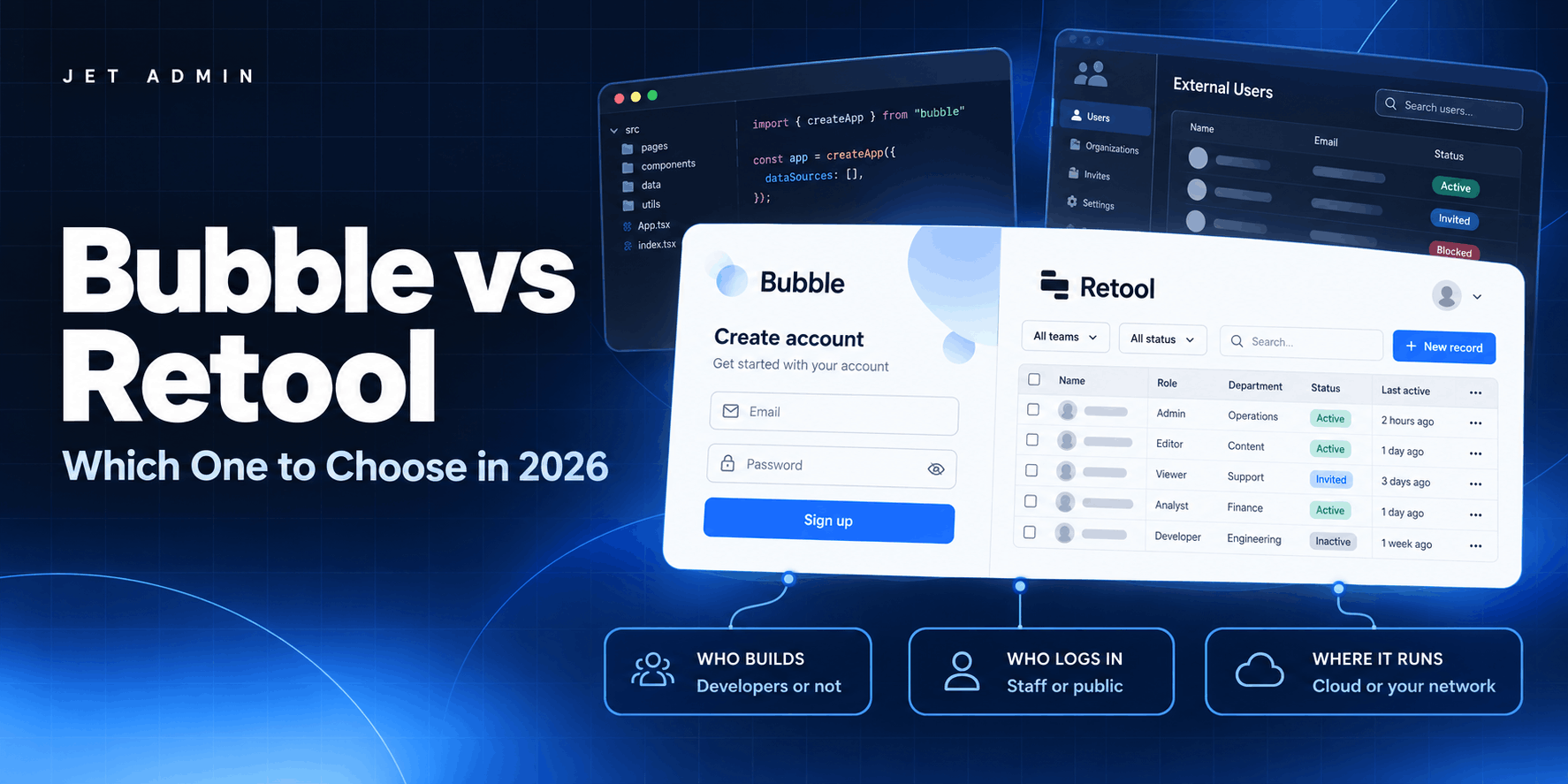
Bubble and Retool both let you build software without building all of it. That is where the similarity ends. Retool is for internal apps built by developers. Bubble is for public-facing apps built by people who mostly are not developers.
Most Retool vs Bubble comparisons list features. This one is organised around the decisions that actually change the answer: what you are building, who is building it, who logs in, and where it runs. Pricing was checked in September 2026.
Choose Jet Admin if the app is an internal tool or a customer portal on data you already hold, non-developers have to maintain it, and permissions must survive a review. Choose Retool if your builders are engineers, the apps stay internal, and you want Git-based workflows. Choose Bubble if the public reaches it, you have no developers, or external user pricing is the number that decides.
Bubble vs Retool at a glance
Jet Admin | Retool | Bubble | |
|---|---|---|---|
Primary use case | Internal tools and client portals | Internal tools | Public-facing web apps |
Who builds it | Mixed technical and non-technical | Developers | Non-developers, after learning Bubble |
External users | First-class, priced separately | Supported, priced as a premium | First-class |
Runs on | Your databases, warehouses, APIs | Your databases and APIs | Bubble’s own data store |
Deployment | Cloud, self-host, on-premise | Cloud; self-host on enterprise | Cloud only |
Code export | Supported | No | No |
Cost scales with | Users | Builders and end users | App usage (workload units) |
Entry price | Free tier, from $30/user | From $10/builder + $5/user | Free (50k WUs), then $29–59/mo |
Retool and Bubble both let you build software without building all of it. That is where the similarity ends. Retool is for internal apps built by developers. Bubble is for public-facing apps built by people who mostly are not developers.
Most comparisons of the two list features. This one is organised around the decisions that actually change the answer: what you are building, who is building it, who logs in, and where it runs.
What each one is for
Retool is focused on internal tools, and it shows. Native integrations with databases and APIs, ease of use for developers, git-based version control, and a large plugin library. Retool recently added support for external users, but internal apps remain the centre of the product.
Bubble builds public-facing applications. Websites, marketplaces, anything a stranger can reach. Retool has no equivalent option at all.
Between those two poles sit three cases worth calling out separately.
Client portals let external users into an app with access to only their own data. When a client logs in, they see their records and nobody else's. Bubble handles this better than Retool: the pricing scales more sensibly as external users grow, the interface looks more finished, and developers may find it easier to operate for this shape of app.
Mobile apps were a weakness for both until Retool launched a native mobile product in early 2024. Bubble's offering is the stable one, not in beta, and produces better-looking interfaces.
Progressive web apps are mostly not buildable in Retool. Some individual pieces, push notifications for instance, can be implemented, but the whole pattern is outside what the product does.
Who has to build it
Bubble does not require programming knowledge, but it does require learning Bubble. It has an internal language, its own rules, and conventions you pick up over weeks rather than hours. "No code" and "no learning" are different claims.
Retool leans on programming knowledge and is faster for people who have it. Binding two components together resembles the syntax a developer already knows, components ship with built-in logic, and CRUD screens generate automatically.
The question is not which is easier in the abstract. It is who maintains the app in a year, and whether that person writes JavaScript.
Pricing
Retool prices per user, with different rates by role: internal builders and editors cost more than viewers, and external users are priced separately again. The tiers change what each role costs.
Bubble has a free plan that is genuinely usable for getting started, and becomes considerably cheaper than Retool as client portal usage grows. Bubble also has an Agency plan at a fixed $85 per month for agencies and freelancers building on behalf of clients. Retool's agency pricing is gated behind a conversation.
Scaling the app
Retool gives you more to work with when an app outgrows its first version. Moving from MySQL to Snowflake as your primary source is disruptive, but Retool's structure absorbs it better. You get all the popular front-end frameworks for custom components, a separation between front end and back end, several hosting options, and an extensive plugin library.
Bubble keeps front end and back end together, which is simpler at the start and less flexible later.
Permissions and multi-tenancy
On permissions the two are close. Both offer granular control at the component and data level, and both let admins restrict what users can reach at the workflow, app and resource level. The difference is method: in Retool most permission logic is set through JavaScript, in Bubble through the interface.
Multi-tenancy, meaning each customer seeing only their own data, works in both. Retool references variables in visibility and filtering rules, which is straightforward for a technical user. Bubble takes a no-code approach to the same problem.
If your portal has external customers in it, this is the section to test properly during evaluation rather than trusting either vendor's description.
Interface and components
Retool has more than 100 built-in components: tables, lists, forms, buttons. Bubble works at a lower level, giving you more granular control and more assembly.
Templates go the other way. Retool ships more than 300 in its own library. Bubble relies on an external marketplace with over 1,000 third-party templates, which means more choice and less consistency.
Both let you code custom components and embed them. Retool extends further here because it supports a wider variety of frameworks. Bubble limits custom components to JavaScript.
Pixel-perfect design is not achievable in either through standard capabilities. You can code fully custom components to get closer, and Bubble gets closer than Retool, but neither is a design tool.
Themes and branding
Retool's theme builder covers background colours, surface colours, text colours and typography. It is simple and quick. Bubble offers more flexibility with themes and styles, and designers will find it easier to navigate.
Both support branded apps for internal and external users. Retool applies branding across several points in the user journey: custom URLs, logos and styles, branded emails, login pages and the app menu, plus import from Figma.
Data, logic and automation
Retool lets you separate backend logic from the front end. You can build a logic layer in Xano and connect it to Retool's interface, which keeps the two concerns apart as the app grows. Bubble does not offer this separation.
Retool has 50+ native integrations with the most popular data sources. Bubble has an extensive plugin marketplace that connects to nearly anything, but few native integrations, which becomes a scaling problem rather than a starting one.
For automation, Retool's front-end logic runs on JavaScript with almost unlimited scripting, plus a canvas-based visual workflow builder, webhooks, Python and JS scripts. Bubble builds simple workflows without JavaScript and extends through external plugins.
The same split repeats for logic and conditionals. JavaScript can be written almost anywhere in Retool. Bubble provides a no-code toolkit instead.
Both include a built-in database editor with spreadsheet-like editing, which matters more day to day than it sounds. Small corrections do not need a deploy.
Deployment, versioning and security
Bubble is cloud only. Retool offers cloud and self-hosted, plus a Deployment Dashboard showing deployment status.
For version control Retool uses git-based branching with multiple environments. Bubble provides custom branches, savepoints and history across two environments.
On security Retool has self-hosted deployment, encryption, role-based controls, multi-factor authentication, IP whitelisting and SOC 2 certification. Bubble's advantage is the absence of third-party plugin risk, since fewer moving parts means fewer places for something to go wrong.
Neither exports source code. Both retain ownership of the code and, to a degree, of the app you built on them. If being able to leave with your codebase matters, neither answers that.
Where Jet Admin fits
If the shortlist is "Retool is too developer-heavy and Bubble is not built for internal operations", there is a third shape.
Jet Admin was designed around apps with external users: client and vendor portals, category management, anything where people outside the company log in. It combines native integrations and backend extendability with a learning curve non-developers can actually clear, and it has dedicated pricing for client portals rather than charging external users like internal ones.
Non-developers can build moderately complex apps, and developers can extend them with code. Apps run on your existing data, with row-level permissions and audit logs, deployed to your cloud, self-hosted or fully on-premise.
Retool vs Bubble: picking one
Choose Retool if your builders are developers, your apps stay internal, and you want git-based workflows and self-hosting.
Choose Bubble if you are building something the public reaches, if you have no developers, or if external user pricing is the number that decides.
Look at Jet Admin if external users log in but the app is operational rather than public, if non-developers have to maintain it, or if the data has to stay inside your network.
The list of features will not settle this. Who maintains the app, who logs into it, and where it is allowed to run will.