
SmartSuite teams track projects, requests and operations in solutions and tables. Its built-in dashboards cover a lot, but sooner or later someone needs a dashboard for people without SmartSuite seats, or one that combines SmartSuite with data from another system.
Below are five SmartSuite dashboard tools, with the point where each one stops.
The five tools at a glance
| Tool | Viewers need SmartSuite seats? | Combines other sources? | Cost |
|---|---|---|---|
| Jet Admin | No | Yes, 200+ integrations | Free plan; paid tiers |
| SmartSuite dashboards | Yes, for most uses | No | Included |
| Looker Studio | No | Yes | Free; connector often paid |
| Power BI | Power BI licenses | Yes | Paid per user |
| Databox | No | Yes | Free tier; paid plans |
The tools
1. Jet Admin
Jet Admin connects to SmartSuite and builds dashboards with charts, KPIs and tables, next to the screens where people act on the records behind them. You can combine SmartSuite with databases, spreadsheets and APIs from 200+ integrations. You describe the app and Jet generates it, then refine it visually or in code. Data stays in SmartSuite.
People sign in without SmartSuite seats and see only what their role allows. Granular permissions, SSO and audit logs are on the Business plan and above; unlimited users are on every plan, including Free.
Where it stops: SmartSuite's own automations and views stay in SmartSuite.
2. SmartSuite dashboards
SmartSuite's built-in dashboard view adds charts, metrics and record lists to a solution.
Where it stops: viewers usually need seats, and only SmartSuite data is shown.
3. Looker Studio
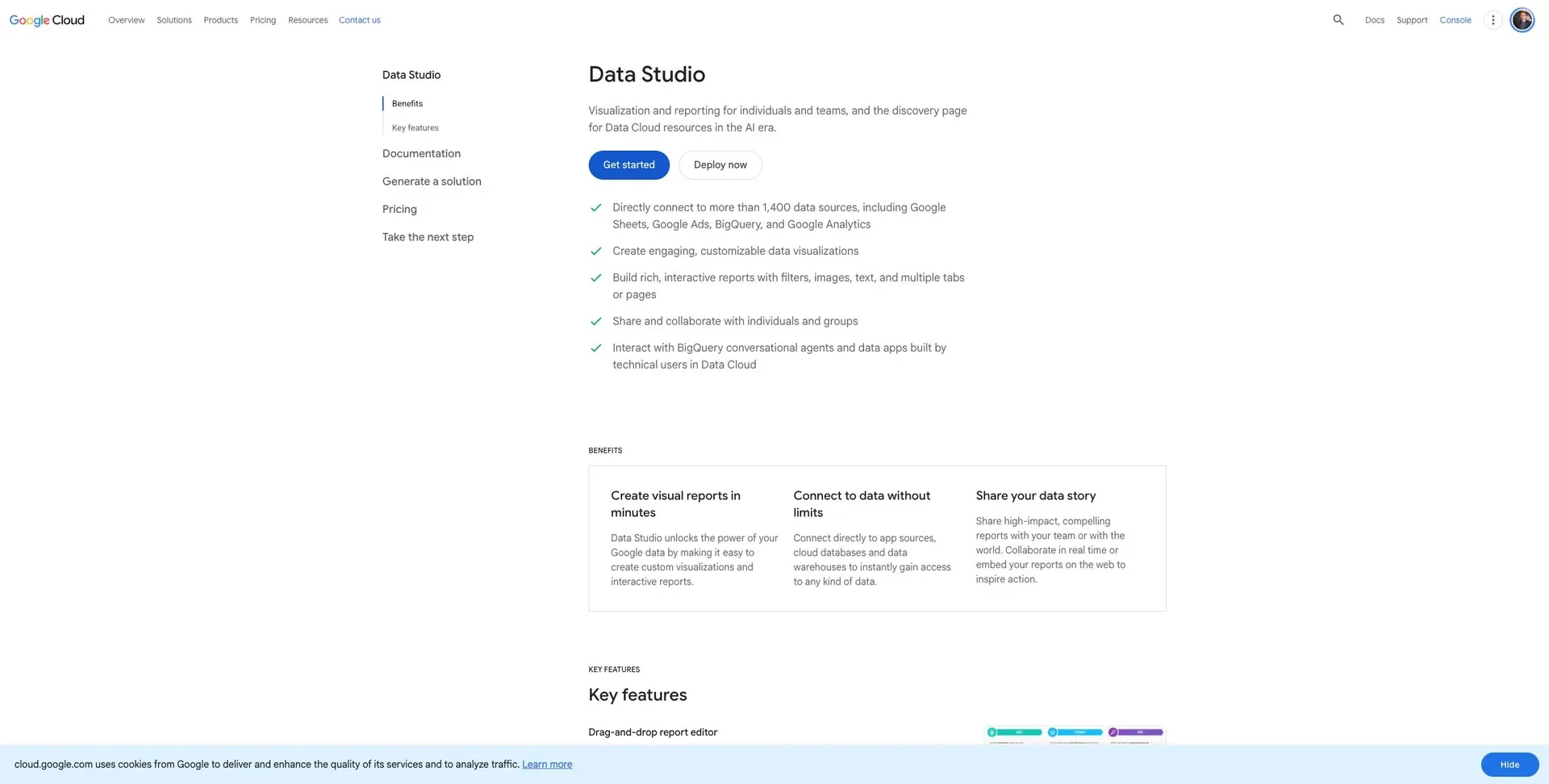
Looker Studio can chart SmartSuite data through a third-party connector or an export.
Where it stops: no native connector, and data can lag.
4. Power BI
Power BI can pull SmartSuite data through its API for company-wide reporting.
Where it stops: API setup and per-user licensing.
5. Databox
Databox tracks SmartSuite KPIs alongside metrics from other tools, through its API or integrations.
Where it stops: metric-level, not record-level.
Which to use
- People without seats need dashboards they can act on: Jet Admin.
- Everyone already uses SmartSuite: the built-in dashboards.
- You need free reports: Looker Studio.
- Your company standardized on Microsoft: Power BI.
- You want a KPI overview across tools: Databox.
Frequently asked questions
Can I share a SmartSuite dashboard publicly?
SmartSuite offers some sharing options, but for role-based access without seats an external tool is simpler.
Does SmartSuite have an API?
Yes. A REST API lets outside tools read and write records.
Share SmartSuite numbers without more seats
Connect SmartSuite to Jet Admin and build a dashboard.