
Databricks holds more and more of the data operations teams need: customer usage, supplier performance, cleaned reference tables. Getting that data in front of those teams, in a form they can act on, needs a frontend. Databricks now offers its own options, and there are external tools for people who do not work in the workspace.
Below are five Databricks frontend builders, with the point where each one stops. For SQL clients, see the best Databricks GUI tools.
The five options at a glance
| Option | Builds | Viewers need workspace access? | Cost |
|---|---|---|---|
| Jet Admin | Internal tools, portals and dashboards | No | Free plan; paid tiers |
| Databricks Apps | Python or JavaScript apps in the workspace | Yes | Included; compute billed |
| AI/BI dashboards and Genie | Dashboards and natural-language Q&A | Yes, with sharing options | Included; compute billed |
| Sigma | Spreadsheet-style BI with write-back | Sigma users | Paid |
| Retool | Developer-built internal tools | No | Free tier; paid per user |
The options
1. Jet Admin
Jet Admin connects to a Databricks SQL warehouse and builds a frontend on your tables: search, record pages, forms, approval steps and dashboards, optionally combined with operational databases and APIs in the same app. You describe the app and Jet generates it, then refine it visually or in code. Data stays in Databricks.
People sign in to the app with no workspace seat, and roles decide which rows and fields each person sees. Granular permissions, SSO and audit logs are on the Business plan and above; unlimited users are on every plan, including Free.
Where it stops: notebooks, pipelines and model work stay in Databricks.
2. Databricks Apps
Databricks Apps hosts web apps built with Streamlit, Dash, Flask or Node.js inside your workspace under Unity Catalog governance.
Where it stops: every screen is code, and apps use compute while running.
3. AI/BI dashboards and Genie
Databricks' AI/BI dashboards and Genie spaces let analysts publish dashboards and let users ask questions in natural language against curated data.
Where it stops: they are for reading and asking, not editing records or running processes.
4. Sigma
Sigma connects to Databricks with a spreadsheet interface and input tables that write back.
Where it stops: it is BI first, not operational screens.
5. Retool
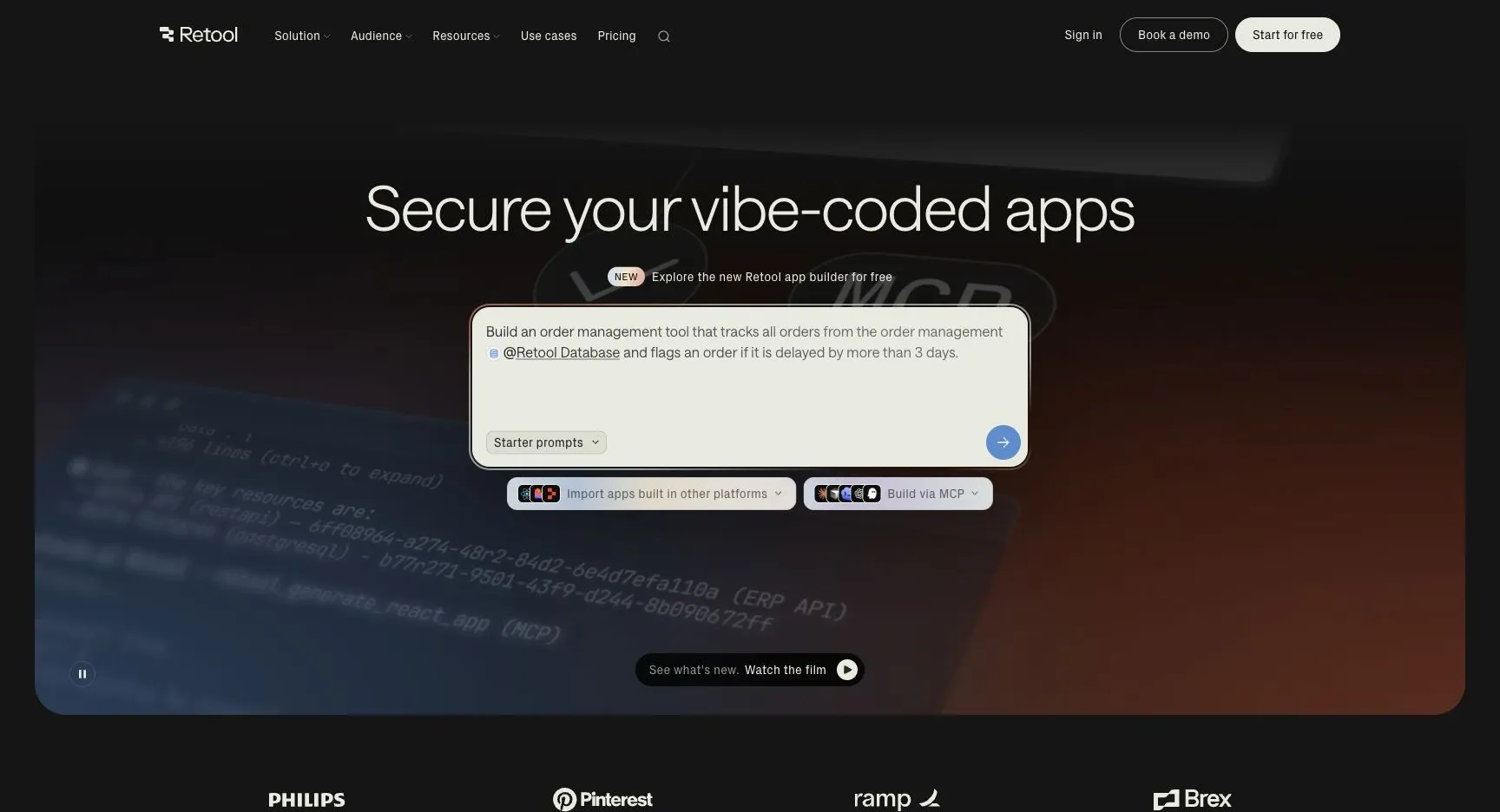
Retool connects to Databricks, and developers build internal tools with components and JavaScript.
Where it stops: per-user pricing and developer maintenance.
Which to use
- Business teams need to act on Databricks data without workspace seats: Jet Admin.
- Your data team writes Python apps: Databricks Apps.
- Users need dashboards and natural-language questions: AI/BI and Genie.
- Analysts want spreadsheet-style BI with write-back: Sigma.
- Developers will build internal tools: Retool.
Start with who needs the data
Users inside the workspace have Databricks' own tools. Everyone else needs a frontend outside it. Connect Databricks to Jet Admin and build one.