
A "CockroachDB dashboard" can mean two things. Operators want to see the cluster: node health, latency, replication. Everyone else wants to see the data: orders, signups, account activity. The tools for each are different, so it helps to know which one you need.
Below are five CockroachDB dashboard tools, with the point where each one stops. For SQL clients, see the best CockroachDB GUI tools.
The five tools at a glance
| Tool | Shows | Cost |
|---|---|---|
| Jet Admin | Business data, with actions | Free plan; paid tiers |
| DB Console | Cluster health | Included |
| Grafana | Cluster metrics and data | Open source; paid cloud |
| Metabase | Business data | Free self-hosted; paid cloud |
| Apache Superset | Business data | Free self-hosted |
Data dashboards
1. Jet Admin
Jet Admin connects to CockroachDB over the PostgreSQL wire protocol and builds dashboards with charts, KPIs and tables next to the screens where people act on the data: open a record, change a status, run an approval. You describe the app and Jet generates it, then refine it visually or in code. Data stays in your cluster.
People sign in with their own logins and see only what their role allows. Granular permissions, SSO and audit logs are on the Business plan and above; unlimited users are on every plan, including Free.
Where it stops: it does not monitor the cluster itself.
2. Metabase
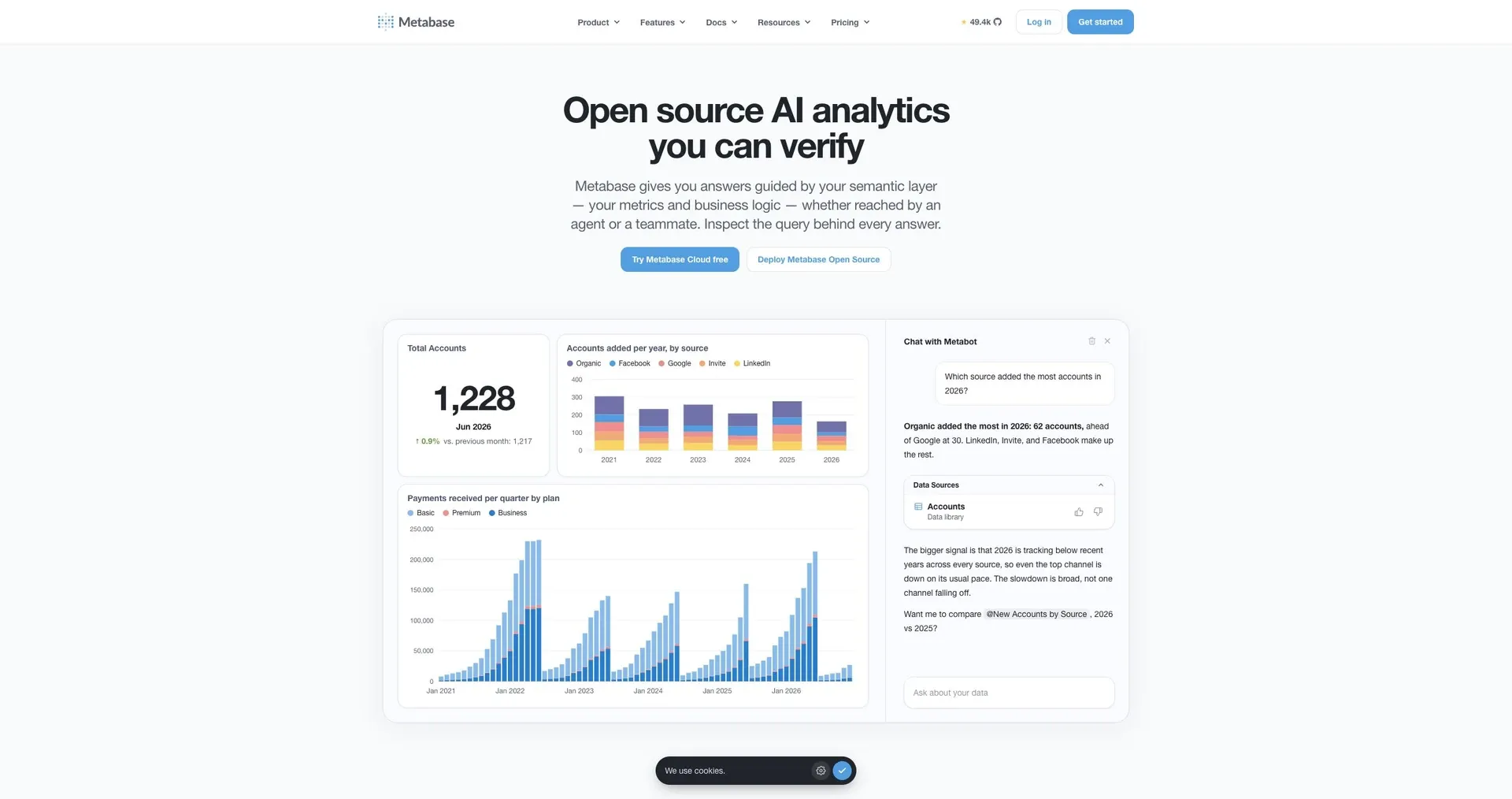
Metabase connects to CockroachDB through its PostgreSQL driver for self-serve charts.
Where it stops: some CockroachDB-specific types and syntax may need workarounds.
3. Apache Superset
Superset connects through the CockroachDB SQLAlchemy dialect for SQL-driven dashboards.
Where it stops: self-hosted and more technical to set up.
Cluster dashboards
4. DB Console
CockroachDB's built-in DB Console shows node status, SQL activity, statement statistics and replication.
Where it stops: it shows the cluster, not your business data.
5. Grafana
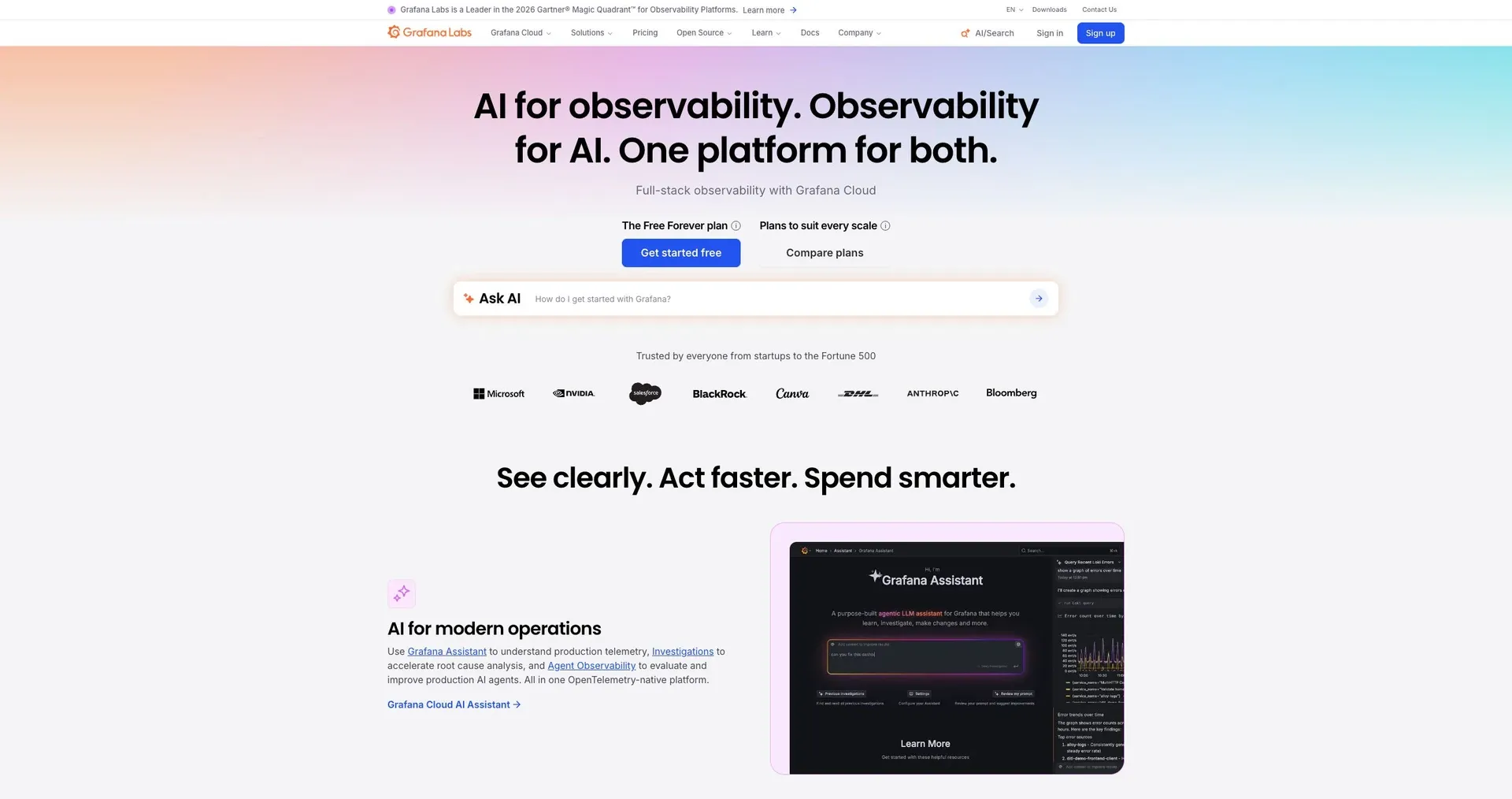
Grafana with Prometheus is the common setup for long-term CockroachDB metrics and alerts, and it can also query data through the Postgres data source.
Where it stops: it is built for engineers, not business users.
Which to use
- Teams need dashboards on the data, and to act on it: Jet Admin.
- You want self-serve BI: Metabase or Superset.
- You need to see cluster health now: DB Console.
- You need long-term metrics and alerting: Grafana with Prometheus.
Frequently asked questions
Do Postgres dashboard tools work with CockroachDB?
Most do, because CockroachDB speaks the PostgreSQL wire protocol. Check support for its specific types and system tables.
Will dashboard queries slow the cluster?
Heavy analytical queries can. Use follower reads or AS OF SYSTEM TIME queries for dashboards that can tolerate slightly stale data.
See the data, not just the nodes
Connect CockroachDB to Jet Admin and build a dashboard.