
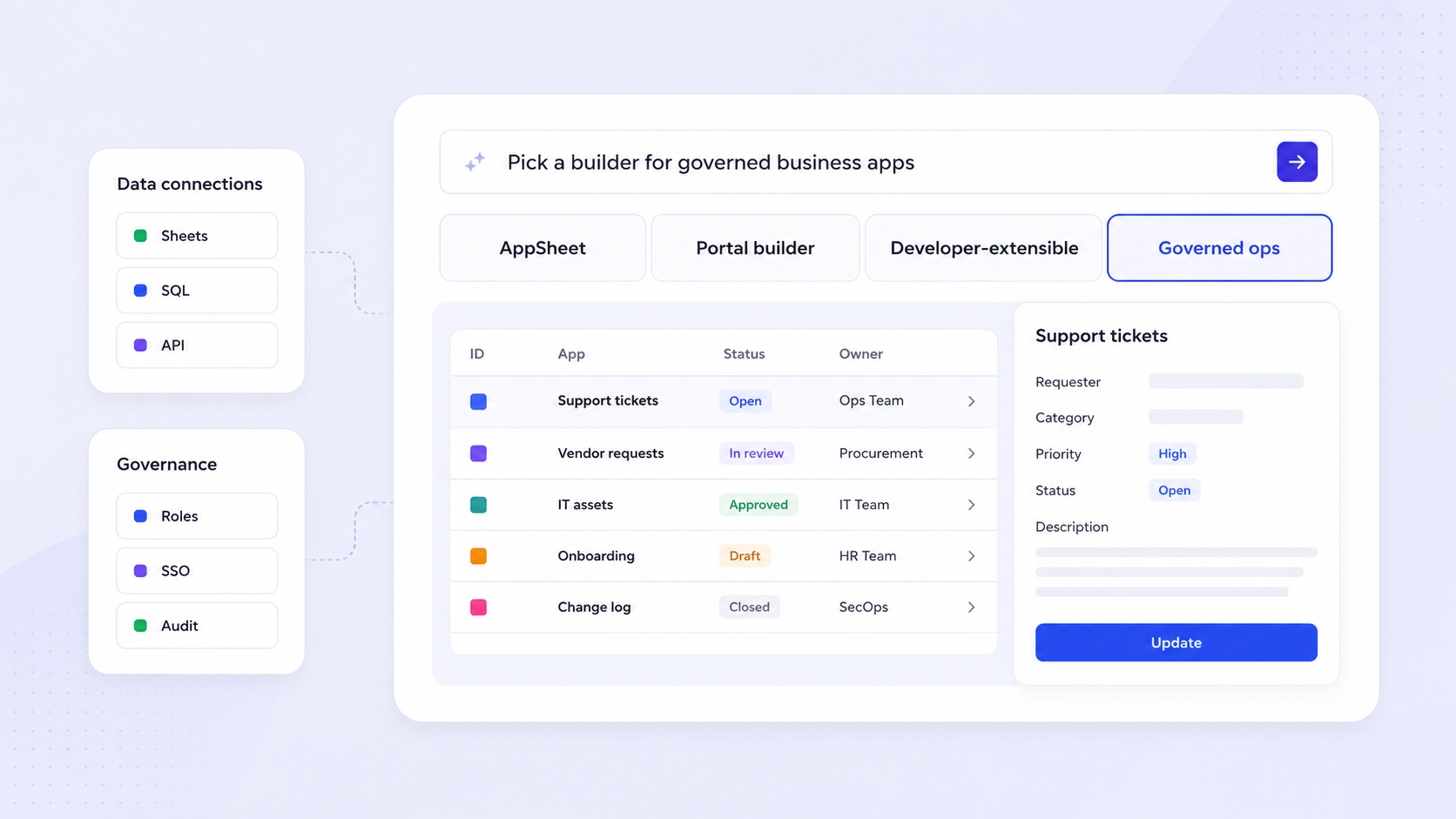
AppSheet is a leading no-code platform for building internal operational tools, but it isn't the right fit for every team. Whether you're hitting data limits, struggling with rigid UI, or watching per-user costs climb, there are credible appsheet alternatives worth evaluating. This guide breaks down the top appsheet alternatives by use case, compares them on criteria that actually matter, and gives you a practical checklist for making the switch.
Key Takeaways
- AppSheet is strong for Google-centric internal apps, but its per-user pricing, learning curve, and data constraints push many teams to look for alternatives.
- The best appsheet alternatives fall into clear buckets: internal tools, customer-facing portals, workflow automation, and native mobile app development.
- Evaluate any alternative to AppSheet across consistent criteria: build speed, data connectivity, extensibility, auth/permissions, deployment, governance, pricing, and long-term maintenance.
- Jet Admin is a solid choice when you need to build secure, production-ready business apps on top of existing databases, APIs, and SaaS tools without rebuilding your data.
- Use a structured selection checklist and migration plan to avoid lock-in, manage risk, and choose the right app builder for your team's skills and deployment requirements.
Why Teams Look for an AppSheet Alternative
Google AppSheet integrates well with existing data sources like Google Sheets and SQL, making it a natural fit within the Google Workspace ecosystem. AppSheet enables rapid development of complex logic using spreadsheet-like expressions, and its offline functionality is beneficial for field workers. AppSheet is particularly strong in creating data-driven, internal business applications and is suited for automating workflows and connecting existing data sources.
That said, several pain points drive teams to search for appsheet alternatives. AppSheet's user interface offers limited customization compared to other platforms-you're working within rigid templates, not a blank canvas. Data preparation is necessary before using AppSheet to build applications, and its database caps out at roughly 200,000 rows even on the Enterprise Plus tier. AppSheet has limited native integrations outside Google Workspace, which creates friction for teams that rely on other tools. Per-user pricing ($5–$20/user/month) can escalate quickly when you need to share apps with external audiences or unlimited users.
If you need to build apps for customer portals, external apps, or complex customizable workflows beyond simple internal business apps, AppSheet's constraints start to matter. Alternatives to AppSheet for no code development include Glide and Microsoft Power Apps, among several other app builders covered below.
How to Evaluate the Best AppSheet Alternatives
Before picking any app builder, define the criteria you'll use to compare. Otherwise, you end up swayed by marketing rather than fit. Here are the evaluation dimensions used throughout this guide:
- Build speed and learning curve - Does the platform offer drag and drop builders, AI features, app templates, or guided onboarding that reduce time to first app?
- Data connectivity and data sources - Can you connect databases, spreadsheets, REST APIs, and SaaS tools? Can you blend multiple sources?
- Extensibility - Can you add custom code, webhooks, apps script, or component libraries when visual tools aren't enough?
- Authentication and permissions - Does it support SSO, role based access, and granular security for both internal and external users?
- Deployment options - Web apps, progressive web apps, native mobile apps, app stores, self-hosting, or custom domain hosting?
- Governance and security - Audit logs, environments, approval workflows, compliance features (SOC 2, GDPR)?
- Pricing model - Per-user, per-app, or usage-based? How do paid plans scale with growth?
- Maintenance and operations - Versioning, migrations, error monitoring, and upgrade paths.
Each alternative below is scored against these dimensions with a "Best for," "Strengths vs AppSheet," and "Limitations" breakdown.
AppSheet vs Its Alternatives: High-Level Comparison at a Glance
The table below gives you a scannable comparison of AppSheet and the top appsheet alternatives. Detailed analysis follows in later sections.
Platform | Best for | Skill level | Data focus | Deployment | Pricing model | Governance |
|---|---|---|---|---|---|---|
AppSheet | Google-centric internal business apps | Low (no code) | Spreadsheets, Google Cloud | Web, PWA | Per-user ($5–$20/mo) | Row/column security |
Jet Admin | Secure apps on existing databases/APIs | Low-to-mid | Databases, APIs, SaaS | Web apps, portals | Tiered (check pricing page) | Role-based, audit logs |
Glide | Spreadsheet-driven internal tools | Low | Google Sheets, Excel | Web, mobile-responsive | From $25/mo | Basic roles |
Softr | Client portals, partner portals | Low | Airtable, Google Sheets | Web apps | Per-app tiers | User management |
Airtable | Data-first teams, light interfaces | Low | Built-in relational DB | Web interfaces | From $24/seat/mo | Granular sharing |
Caspio | Database-driven web applications | Mid | SQL Server, cloud DBs | Web, embedded | From $100/mo | Enterprise compliance |
Quickbase | Enterprise workflow automation | Mid | Built-in DB, integrations | Web | From $35/user/mo | Advanced governance |
Retool | Developer-built internal tools | High (low code) | SQL, APIs, NoSQL | Web, self-host | Per-user tiers | SSO, audit, VPC |
Bubble | Custom web apps, SaaS, marketplaces | Mid-to-high | Built-in DB, APIs | Web | From $29/mo | Logs, SSO (paid) |
FlutterFlow | True native iOS and Android apps | Mid | Firebase, Supabase, APIs | App stores, web | Tiered plans | Firebase-level |
Power Apps | Microsoft 365-centric teams | Low-to-mid | Dataverse, SharePoint | Web, mobile | Per-user/per-app | Microsoft compliance |
Tools like Glide and Softr lean toward no code platform simplicity for internal business tools. Retool and Caspio target more technical teams. Bubble and FlutterFlow serve teams that have outgrown internal tools and need full control over design and logic.

Jet Admin: Best for Secure Business Apps on Your Existing Data
Jet Admin is built for teams that already have databases, APIs, spreadsheets, or SaaS tools and want to create apps-internal tools, admin panels, or customer portals-without moving their data. Unlike AppSheet, which is tightly coupled to the Google Workspace ecosystem, Jet Admin connects to a broad catalog of data sources: PostgreSQL, MySQL, MongoDB, Snowflake, BigQuery, Google Sheets, Firestore, Supabase, and SaaS connectors like Stripe, Salesforce, HubSpot, and Shopify, plus REST and GraphQL APIs.
Best for: Data-rich teams that need production-grade internal tools, admin panels, client portals, and database management interfaces built quickly on existing infrastructure.
Strengths vs AppSheet:
- Rich connector catalog that goes far beyond the Google ecosystem, including AI model APIs (OpenAI, Anthropic, Google Gemini) and storage systems (Amazon S3, Azure Blob Storage).
- Authentication integrations (Auth0, OpenID/OIDC, Google OAuth, Supabase Auth) with role based access and activity logs, supporting both internal and external users.
- More flexible drag and drop UI for dashboards, CRUD apps, and workflows. Custom components (React/Angular) let teams extend the appsheet interface limitations. Custom domain support for branded portals.
- Workflow builder with schedule and webhook triggers, plus Flex Actions for API-triggered operations like refunds or custom server logic.
Limitations / trade-offs:
- Exact pricing tiers and enterprise security details should be verified on Jet Admin's official pricing and enterprise pages; public documentation doesn't always surface all the features.
- Power users may still need familiarity with APIs, schemas, or relational data modeling-this is not purely a spreadsheet formulas tool.
If building internal tools or customer portals on existing data is your priority, explore Jet Admin's integrations page to confirm your stack is supported.
Glide: Best for Spreadsheet-Driven Internal Apps
Glide is a no code app builder that converts Google Sheets and other spreadsheets into responsive business apps. Glide turns spreadsheets into mobile-responsive apps in roughly 15 minutes, and Glide automatically connects to Google Sheets as its database-making it arguably the easiest appsheet alternative for spreadsheet-heavy teams.
Best for: Small teams that want to create apps quickly from spreadsheets for directories, lightweight CRMs, project management boards, and operations dashboards.
Strengths vs AppSheet:
- More modern interface and polished app templates than typical appsheet apps, with better default visual design and responsive layouts.
- Faster time to first app for non-technical users-minimal learning curve.
- Glide apps look and feel more refined out of the box than AppSheet's template-driven output.
Limitations:
- Fixed layouts and components restrict complex UX or multi-step business processes.
- Primarily focused on web-style internal apps; native app store deployment is limited-these are web wrappers, not true native apps.
- Still spreadsheet-centric, which may not scale for rapidly growing business operations that need powerful database features.
Glide's paid plans start at $25/month, billed monthly, for individuals. For large user bases, this can be more predictable than AppSheet's per-user model.
Softr, Airtable, and Data-First AppSheet Competitors
Some of the best appsheet alternatives come from data-first tools where you build apps on top of structured data.
Airtable
- Best for: Teams wanting a spreadsheet–database hybrid for organizing and linking data, with light interface building.
- Strengths: Relational views, automations, and Airtable's Omni AI can generate tables and interfaces from prompts. Airtable's AI assistant reduces setup time significantly. Airtable integrates with over 50 third-party tools.
- Limitations: Better for internal tools and light interfaces than full-blown custom software. Limited mobile apps experience-not designed for true native apps or app stores.
- Airtable's paid plans start at $24/seat/month, billed monthly.
Softr
- Best for: Client portals, partner portals, and simple web apps powered by Airtable, Google Sheets, or Softr's own database.
- Strengths vs AppSheet: Softr offers a point-and-click interface for app configuration, easier portal theming, and user management tailored for external users.
- Limitations: Block-based layouts can limit bespoke UI. Mostly web apps rather than true native mobile apps. Design skills are less of a barrier, but full control over layout is constrained.
Pairing a data platform like Airtable with a UI builder like Softr offers more visual control than AppSheet but can add complexity in governance and performance. Neither is universally the best appsheet alternative-it depends on the use case.
Caspio and Quickbase: Low-Code Database and Workflow Powerhouses
Caspio and Quickbase are established low code platform options for enterprise-grade, database-heavy business apps and workflow automation.
Caspio
- Best for: Compliance-heavy portals and operational apps that need a robust SQL Server backend and granular security.
- Caspio is a low-code platform for building database-driven applications and database-driven web applications. Caspio connects with various cloud services for app customization.
- Strengths vs AppSheet: Higher user counts (or unlimited users on certain plans), more sophisticated database management and deployment options, stronger governance controls and compliance features.
- Limitations: Higher price floor-Caspio's pricing starts at $100/month, paid monthly, for enterprise features-and more complex setup than lighter no code app builders. Generally requires technical champions.
Quickbase
- Best for: Operations teams and project managers orchestrating complex, multi-step customizable workflows and approvals.
- Strengths vs AppSheet: Richer workflow engine, cross-team process management, native automations that reduce reliance on other tools. Built in database with powerful database features.
- Limitations: Enterprise-oriented pricing-Quickbase's paid plans start at $35/user/month, billed annually. Steeper learning curve for non-technical creators compared to simpler tools.
At a conceptual level, both Caspio and Quickbase use platform-based or per-user licensing that can be more predictable than AppSheet's model when scaling to large external audiences.

Retool and Developer-Friendly Low-Code AppSheet Alternatives
Some teams searching for appsheet alternatives actually want more control, not less. Retool and similar developer-first platforms fill that gap.
Retool
- Best for: Engineering-led organizations building internal dashboards, admin panels, and CRUD apps on top of SQL databases and REST APIs.
- Strengths vs AppSheet: Deeper integration with developer workflows, ability to write custom JavaScript, reusable components, and tighter control over performance. Strong governance with SSO, audit logs, and on-premise or VPC deployment.
- Limitations: Not truly no code-non-developers may struggle. Primarily focused on building internal tools rather than public-facing applications.
Other developer-first tools (like ToolJet) also focus on internal tools and can be self-hosted, making them relevant when self-hosting or open-source is mandatory for regulated industries.
These platforms trade build speed for flexibility: they're faster than custom software from scratch, but slower and more technical than pure no code app builders. Jotform Apps allows drag-and-drop customization for app building and allows creating installable web apps from forms-a simpler option if your workflows revolve around form data. Jotform Apps' paid plans start at $39/month, billed yearly.
Bubble and FlutterFlow: When You Outgrow Internal Business Apps
Some AppSheet users eventually need highly customized consumer apps or true native mobile experiences.
Bubble
- Best for: Fully custom web apps, SaaS products, marketplaces, and multi-user consumer platforms.
- Bubble is a visual programming platform for building web applications. Bubble enables building fully functional web applications without code, and Bubble is better for creating highly customized web applications than AppSheet.
- Strengths vs AppSheet: Near-complete full control over app logic and UI, robust plugin ecosystem, and support for complex workflows. Bubble's paid plans start at $29/month for app development.
- Limitations: Steeper learning curve, longer build times, and higher maintenance overhead compared to simpler internal app builders.
FlutterFlow
- Best for: True native iOS and true native apps for Android apps built visually on Flutter, with exportable code and Google Play / app stores deployment.
- FlutterFlow creates native iOS and Android apps without coding. It supports offline features and device capabilities like camera and QR code scanning.
- Limitations: Semi-technical users or developers are usually required; more setup than a browser-only internal tool.
Other platforms in this category include Adalo, whose interface is described as "easy as PowerPoint." Adalo allows building native apps for both app stores. Adalo includes a built-in database that connects automatically, and Adalo allows users to build apps without needing to manage a database or needing an external database. Zite generates apps from natural language prompts and offers a free plan for unlimited users and apps; Zite's paid plans start at $19/month, billed monthly.
Both Bubble and FlutterFlow can be overkill if your main goal is just streamlining business operations with forms and dashboards.
Choosing the Right AppSheet Alternative by Team Type and Deployment Needs
Here's how to map these tools to your actual situation:
By team profile:
- Non-technical operations teams needing internal business apps: prioritize Glide, Softr, or Jet Admin (for richer data connectivity). Power Apps allows users to build apps with drag-and-drop simplicity and is a natural fit for teams already in the Microsoft 365 ecosystem-Microsoft Power Apps offers strong integration with the Microsoft 365 ecosystem.
- Data/analytics teams living in spreadsheets or Airtable: consider Airtable interfaces, Softr, or Glide apps for simple workflows.
- Engineering-led teams: evaluate Retool or similar developer-first low code platforms where design skills matter less than code flexibility.
- Enterprises with strict compliance: look at Caspio, Quickbase, or self-hostable options like Retool or ToolJet.
By deployment needs:
- Internal-only tools → Glide, Retool, Jet Admin, AppSheet itself.
- External customer portals → Jet Admin, Softr, Caspio.
- Public consumer or external apps → Bubble, FlutterFlow.
- App store deployment for android apps or true native iOS → FlutterFlow, Adalo.
AppSheet remains a reasonable choice for small, Google-centric internal apps when its constraints are acceptable. The choice of no code platform depends on user needs and data sources.
Migration and Selection Checklist for Moving Off AppSheet
There is no one-click migration from appsheet apps. Teams typically rebuild while reusing underlying data sources.
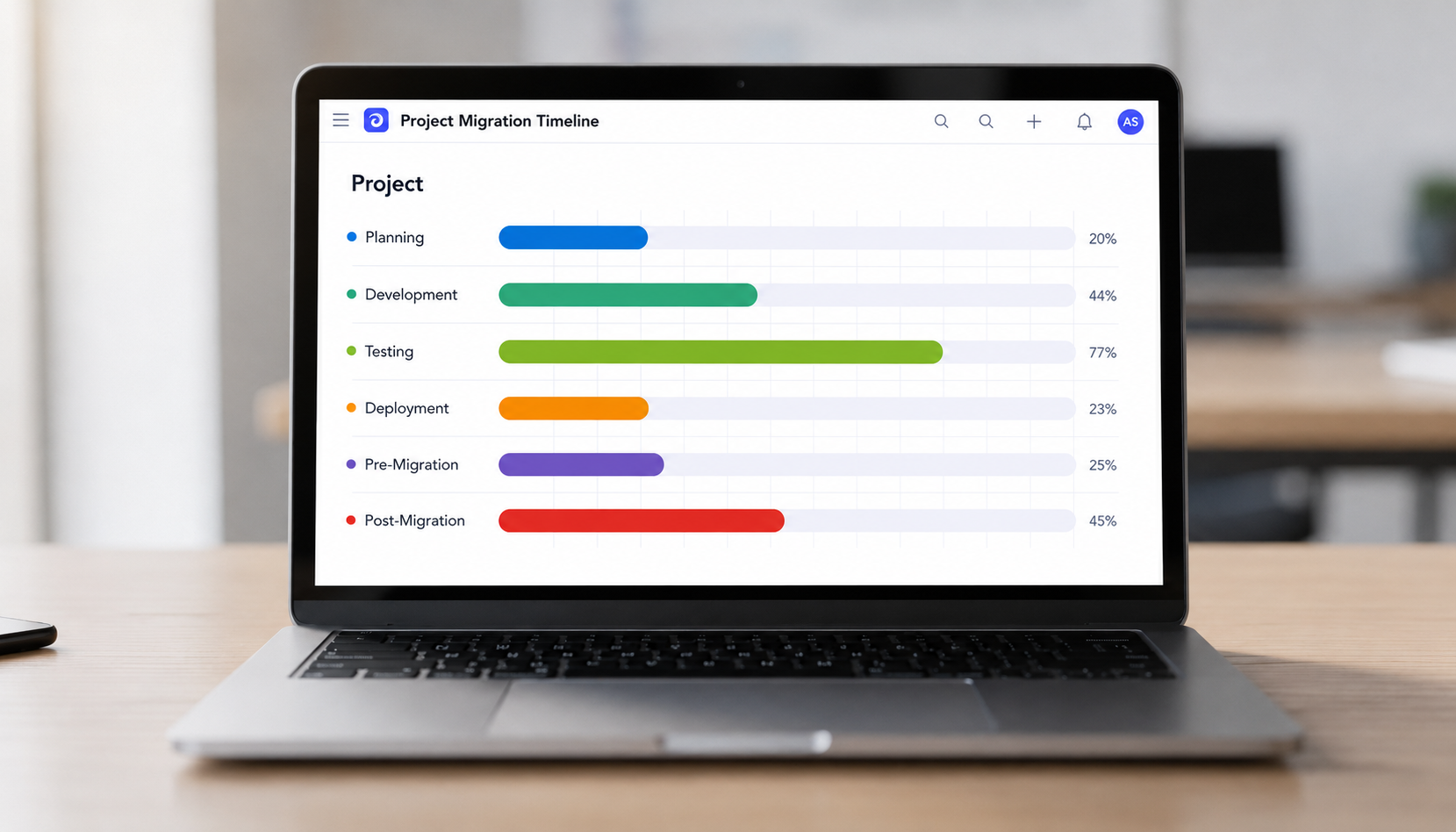
- Inventory current apps. List all AppSheet apps, active users, and connected data sources (Google Sheets, SQL databases, APIs).
- Classify by criticality. Separate mission-critical, important, and experimental apps. Note whether each serves internal or external audiences.
- Define must-haves. Based on the evaluation criteria above, document requirements for auth, governance, mobile support, data volume, and integrations.
- Shortlist 2–4 platforms. Build a small proof-of-concept in each that mirrors a real AppSheet app.
- Compare total effort. Measure build speed, user experience, and estimated long-term costs (licensing plus maintenance). Model costs for both paid plans and free tier options.
- Plan phased migration. Start with low-risk apps. Keep AppSheet running in parallel until new apps are fully validated by users.
When using Jet Admin as the target platform, teams can often keep their existing databases and SaaS tools connected directly, reducing migration risk significantly. You don't have to move data-just point the new app builder at the same data sources.
Conclusion: Which AppSheet Alternative Should You Choose?
There is no single best appsheet alternative. "Best" depends on your app type, audience, team skills, and budget.
- Spreadsheet-first internal tools: Glide, Softr + Airtable.
- Secure, data-connected business apps: Jet Admin.
- Enterprise workflow and database platforms: Caspio, Quickbase.
- Developer-centric low-code: Retool and similar.
- High-customization consumer and true native apps: Bubble, FlutterFlow.
Use the evaluation framework and migration checklist above before committing to any one platform. This protects you from future lock-in and surprise costs. AppSheet is a leading no code platform, but it's far from the only option-and for many teams, other platforms deliver a better fit.
If you want to build secure business apps on top of existing data without rebuilding your stack, explore Jet Admin's app builder and integrations to see whether it fits your use case.
FAQ: Choosing an AppSheet Alternative
These questions address concerns not fully covered in the sections above.
Is there a free AppSheet alternative for simple internal tools?
Several platforms offer a free tier suitable for basic internal apps. Zite, for example, offers a free plan for unlimited users and apps, making it accessible for experimentation. Glide and Bubble also have free tiers, though they come with limits on rows, features, or branding. Even when a free plan exists, evaluate future upgrade paths-paid plans start at very different price points (Zite at $19/month, Glide at $25/month, Bubble at $29/month), and unexpected costs can surface as your apps grow beyond initial limits. AppSheet itself has limited free usage through Google Workspace, but its paid plans start at $5/user/month, which can add up quickly with many users.
Can I reuse my AppSheet data when switching platforms?
Yes-while appsheet apps themselves cannot be exported or migrated automatically, the underlying data stored in Google Sheets, SQL databases, or other data sources can usually be reused directly. Most alternatives let you connect those same sources without moving data. For example, you can point Jet Admin, Glide, or Retool at the same Google Sheets or PostgreSQL database your AppSheet app used. The rebuild effort is in recreating the UI, logic, and workflows-not re-entering data.
Which AppSheet alternative is best for customer-facing apps?
For authenticated customer portals or partner portals, tools like Softr, Jet Admin, or Caspio are better fits than AppSheet's internal-focus design. They offer user management, custom domain hosting, and theming designed for external audiences. For public consumer apps-marketplaces, SaaS products, or app store mobile apps-more specialized tools like Bubble or FlutterFlow are typically more appropriate, since they give you full control over the user experience.
How do AppSheet's per-user costs compare to other pricing models?
AppSheet charges $5–$20 per active user per month. This works fine for small internal teams but becomes expensive when you need to share apps with hundreds of external users. Alternatives use different models: Caspio's pricing starts at $100/month with higher user allowances, Bubble charges per app rather than per user, and some platforms allow unlimited users on certain tiers. Model your costs across realistic scenarios-internal-only versus public users-before committing.
What skills does my team need to switch from AppSheet to a low-code platform?
Moving from pure no code like AppSheet to low code platform tools like Retool or Caspio often requires at least basic understanding of databases, APIs, and sometimes JavaScript or expressions beyond spreadsheet formulas. Mixed teams-ops staff plus an engineer or two-are ideal for low-code alternatives. Non-technical teams may prefer staying with intuitive no code app builders like Glide or Softr that emphasize visual workflows, ai features, and point-and-click configuration rather than code.