
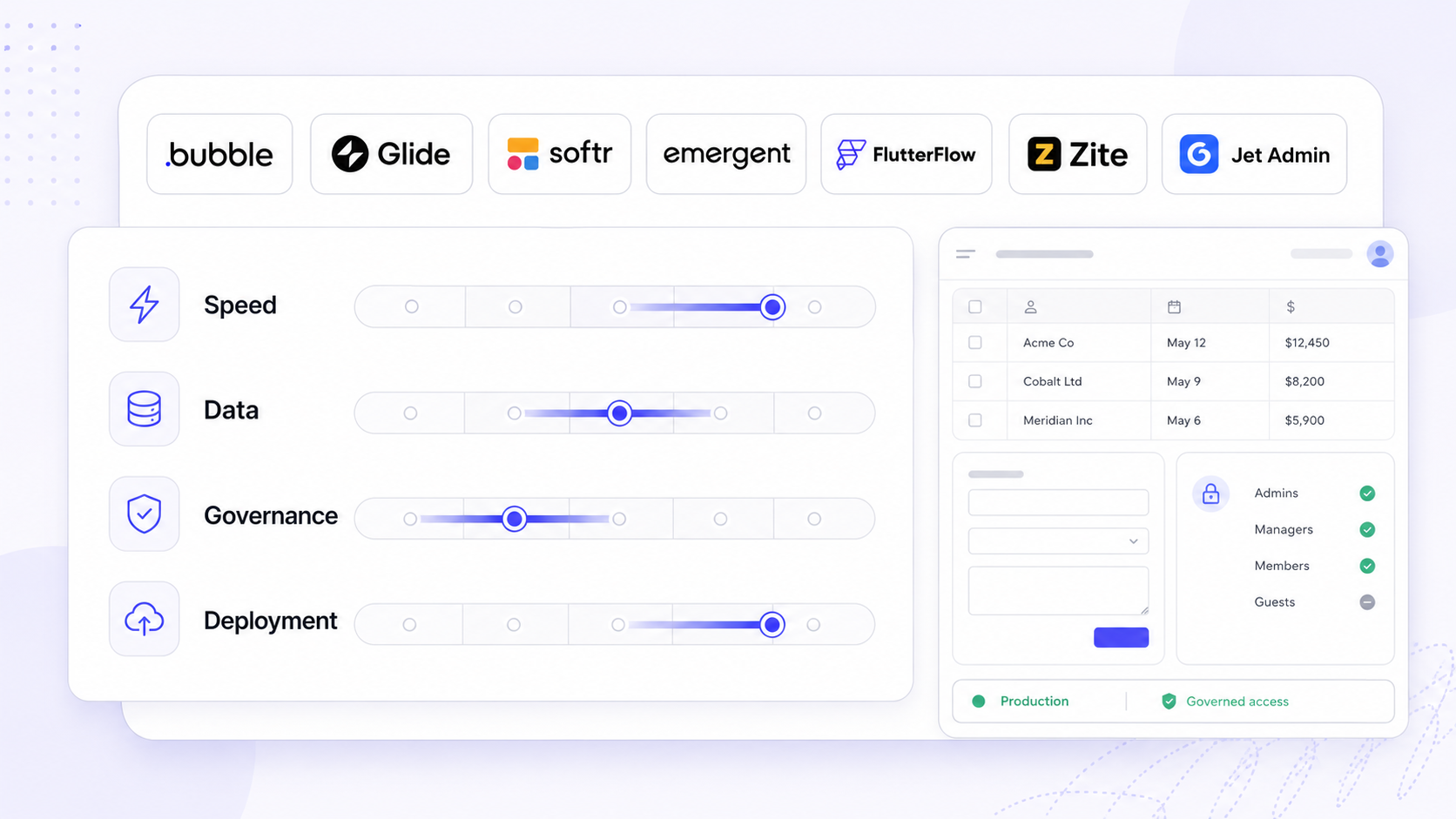
Finding the best no code app builder in 2026 is no longer about picking the tool with the nicest drag-and-drop canvas. It is about choosing a platform that can take an app idea from rough concept to a secure, maintainable production app - one that handles real data, enforces real permissions, and survives real usage by hundreds or thousands of people. This guide gives you a framework to evaluate platforms across the criteria that actually matter for business software, plus a practical checklist you can use before committing to any vendor.
Key Takeaways
- The best no code app builder is the one that takes you from prompt or prototype to a maintainable production app, not just a clickable mockup. Prioritize the full lifecycle: data, logic, auth, deployment, and ongoing maintenance.
- Teams should compare platforms on data and backend flexibility, governance (auth, roles, audit logs), extensibility (custom code and AI agents), and deployment model rather than evaluating UI widgets alone.
- This guide focuses on secure internal tools, client portals, and line-of-business apps. Platforms like Jet Admin are purpose-built for this category, connecting to existing databases, APIs, and SaaS tools to ship operational software on top of existing data.
- The article includes a practical evaluation checklist and a breakdown of leading app builders - Bubble, Glide, Softr, Adalo, FlutterFlow, Zite, Emergent, and others - along with guidance on when to use prompt-led agents versus traditional no code development.
- No-code platforms can reduce app development time from months to hours, but only if you pick the right one for your data, security, and deployment requirements.
What Is a No Code App Builder in 2026?
A no code app builder lets you create apps - web or mobile - using visual building blocks, natural language prompts, and templates instead of writing code. No-code platforms require no coding knowledge to build apps, and most include drag-and-drop interfaces for ease of use along with visual editors and templates for structuring screens and workflows.
Modern platforms are typically full-stack. They cover data modeling, backend logic, UI layout, user authentication, workflow automation, and deployment in a single workspace. That is a significant leap from the form-builder origins of earlier tools.
It helps to distinguish three categories. No code platforms use visual editors and templates and are faster for building prototypes than low-code alternatives. Low-code platforms allow for custom logic and API integrations and are better for complex backend requirements. Then there are prompt-led code generators - tools like Replit or Base44 - that output React or Next.js source code rather than hosting your app inside a proprietary runtime.
Concrete examples in 2026: Glide turns spreadsheets into responsive business apps without coding. Softr builds client portals using data from external platforms like Airtable. Adalo ships native mobile apps to the Apple App Store and Google Play. No-code platforms can reduce app development time from months to hours, making them practical for internal tools, operations dashboards, client portals, and lightweight customer-facing apps.
Who Actually Needs a No Code App Builder (and Who Doesn't)
The primary audience for no code app builders is operations leaders, product managers, IT teams, and developers who need to deliver secure business software quickly - without waiting months for a custom engineering sprint.
Core use cases cluster into four buckets. First, internal tools and admin panels built on top of existing databases and SaaS platforms. Second, client portals that give customers or partners controlled access to their data. Third, lightweight line-of-business apps for field teams handling inspections, approvals, or data collection. Fourth, quick prototypes and MVPs to validate a product concept before investing in a full software development cycle.
No code tools are faster for building prototypes, but traditional coding or low-code platforms remain better choices for extremely custom UX, hard real-time workloads, complex multi-region architectures, or heavy offline-first mobile experiences that demand deep device integration.
Developers also benefit from these platforms. They can use a no code app builder as a fast front-end for existing APIs, validate flows before committing to a custom stack, or offload simple CRUD tools so they can focus on core systems. Many no-code builders offer free tiers for building and prototyping apps, lowering the barrier to experimentation.
Core Criteria for Choosing the Best No Code App Builder
Choosing a no-code app builder should align with the app type and complexity required. Below is the evaluation framework this article uses to compare platforms. Each subsequent section maps specific tools and approaches back to these criteria so you can build your own shortlist.
- Data and backend options. Does the platform support databases, APIs, and spreadsheets? Can you run SQL, connect to warehouses, or use a built-in database?
- Auth and permissions. Does it support SSO, row-level and column-level access control, and separate flows for internal versus external users? Security features such as role-based access control are crucial for business applications.
- Integrations. How broad is the connector catalog - SaaS, AI providers, payment gateways, storage? No-code platforms can connect seamlessly with various technologies including payment processors and APIs.
- App building experience. Does it offer prompt-based scaffolding, drag-and-drop tools, or a visual logic editor?
- Extensibility. Can developers add custom code, import React components, or wire up AI agents and serverless functions?
- Testing, staging, and deployment controls. Are there separate environments, version history, rollback, and multiple deployment targets?
- Governance and compliance. Audit logs, SSO/SAML/SCIM, approval workflows, and on-prem options where needed.
- Vendor lock-in and export options. Can you export data, schemas, UI definitions, or full source code?
- Total cost of ownership. License fees, usage caps, external backend costs, and maintenance effort over time.
Key criteria for choosing a no-code app builder include scalability, integration capabilities, and learning curve. No-code platforms vary in their ability to handle complex workflows and data structures, so testing against real requirements is essential.
From Prompt to Production: How Modern No Code App Builders Work
The path from app idea to live deployment in 2026 typically follows this sequence: describe or design the app, scaffold it with AI or templates, refine the UI visually, connect real data sources, configure permissions, test, and deploy to users. No-code app builders offer specialized features including AI generation and app deployment, and many no-code platforms include AI features for app generation.
Three main workflows dominate the market:
Prompt-based building. You describe the app in natural language prompts and the platform scaffolds data models, UI screens, and workflows. Adalo's "Magic Start," Bubble's AI assist, and Glide's AI actions all follow this pattern. AI-powered no-code tools can automate app component generation using natural language prompts, making it possible to generate an entire app skeleton in minutes.
Visual drag-and-drop with logic. The classic no code approach: you assemble screens, data connections, and business rules manually in a visual editor. Bubble, Softr, and Glide all support this mode.
Agent and MCP/coding-agent workflows. AI agents call tools and backends under defined guardrails to build or extend parts of the app. This pattern is emerging across platforms that integrate with providers like OpenAI, Anthropic Claude, or Google Gemini.
The trade-off is real: AI can scaffold quickly, but teams must still audit security, data integrity, and UX before shipping. Visual editing remains necessary for production polish and long-term maintainability.

Data and Backend Options: Where Your App's Logic Really Lives
For internal tools and client portals, data architecture is often the most important choice - more critical than the visual builder UI. Database capabilities are essential, as many applications require user data management, and high-quality no-code builders provide native databases or real-time data synchronization with external sources.
The main backend patterns in no code development:
- Built-in database managed by the platform. Bubble offers a proprietary database; Adalo includes a relational built-in database with generous record limits on paid plans.
- External SQL/NoSQL databases. Platforms like FlutterFlow typically require external backends such as Firebase or Supabase.
- Spreadsheets. Google Sheets and Airtable serve as lightweight backends for tools like Glide and Softr - fast to set up but limited at scale.
- Backend-as-a-service. Platforms like Xano or Supabase provide databases plus logic endpoints, connected via an api connector.
Jet Admin illustrates the database-first approach. Its integrations catalog lists support for PostgreSQL, MySQL, Microsoft SQL, MariaDB, Oracle, AlloyDB, BigQuery, Snowflake, MongoDB, Firebase, Supabase, Airtable, Google Sheets, and more, letting teams build on existing data infrastructure without migrating.
Migration and lock-in implications are significant. If your data lives in your own database, switching the front-end builder later is straightforward. If everything is stored in a proprietary platform backend, you may be limited to CSV exports. For real business apps, look for support for relational joins, computed fields, indexing, and complex data relationships - not just flat tables.
Integrations: Connecting Your App Builder to the Rest of Your Stack
Modern no code apps rarely live in isolation. They must sync data and trigger workflows across CRM, support, billing, analytics, and AI providers. No-code builders can integrate with APIs and external data sources, and strong api support is a baseline requirement for any serious platform.
Key integration categories to evaluate:
- Databases and warehouses: PostgreSQL, MySQL, BigQuery, Snowflake, Redshift, Databricks, ClickHouse, CockroachDB.
- Productivity and storage: Google Sheets, Google Drive, Amazon S3, Google Cloud Storage, Azure Blob Storage.
- Business SaaS: Stripe, Salesforce, HubSpot, QuickBooks, Shopify, Intercom, Slack, Zendesk, Jira, GitHub.
- AI and LLM providers: OpenAI, Anthropic Claude, Google Gemini, DeepSeek, MCP.
- Authentication providers: Google OAuth, Auth0, OpenID/OIDC, token-based auth.
Jet Admin's integrations page provides a useful benchmark of what a broad, modern integration layer looks like - covering databases, SaaS, storage, AI, and auth in a single catalog.
Tools like Zapier, Make, and IFTTT are not no code app builders. They orchestrate background automations between services and often sit alongside a builder to extend workflow automation. Think of them as glue, not the structure itself.
Before committing to any platform, create an integration map listing every required system and run a proof-of-concept to confirm that connectors work as expected.
Auth, User Management, and Granular Permissions
Authentication and authorization are make-or-break for any app handling sensitive data - PII, payments, financial records, or health information. Security features such as role-based access control are crucial for business applications, and weak auth is the fastest way to disqualify an otherwise capable platform.
Capabilities to look for:
- SSO support. Google, Microsoft, Okta, Auth0, or any identity provider via OpenID/OIDC or SAML.
- Role-based access control (RBAC). The ability to restrict access at the level of pages, actions, rows, and columns - not just "admin vs. viewer."
- Internal vs. external user accounts. Separate onboarding and auth flows for employees (internal tools) versus clients or partners (client portals).
- Group- or team-based permissions. For larger organizations managing dozens of roles across departments.
Some platforms integrate with identity providers via OAuth or OpenID/OIDC. Jet Admin's authentication integrations, for example, include JetAuth, Google OAuth, Auth0, Supabase Auth, and Xano Auth, helping centralize user management across apps.
Common pitfalls include platforms that only offer basic password-based user authentication or that cannot enforce fine-grained permissions across multiple data sources. These limitations become bottlenecks quickly as you scale from a pilot to hundreds of users.
Involve your security stakeholders - IT and InfoSec - early when evaluating the best no code app builder for regulated environments.
Extensibility: When You Inevitably Need Some Code
Even with the best no code development platforms, many teams eventually need custom logic, data transforms, or UI components beyond what is built in. A platform that blocks extensibility will become a ceiling.
Main extensibility mechanisms to look for:
- Custom JavaScript or TypeScript functions that run as serverless actions or computed fields.
- Custom UI components - often React-based - that can be imported or embedded alongside native components. Jet Admin supports embedding custom components built with JavaScript, React, Vue, Angular, or vanilla HTML/CSS.
- Webhook-based integrations that trigger external services on app events.
- AI or MCP-style agents that call tools or APIs according to defined contracts under permission controls.
Compare this with prompt-led code generators that output full React or Next.js applications. These maximize freedom but push responsibility for hosting, CI/CD, and security back onto your team. Emergent allows full access to the generated code after app creation, making it an option for teams that want code export from day one.
When evaluating extensibility, check whether the platform lets you version and test custom code, keep custom logic close to the app for maintainability, and avoid breaking changes when the platform updates. Teams with in-house developers should favor platforms that explicitly support a hybrid no code and low-code model, so devs can safely extend what business users build.
App Building Experience: Drag-and-Drop vs Prompt-First vs Developer-Led
The right app building workflow depends on your team's skills. Most no code platforms include drag-and-drop interfaces for ease of use, but the spectrum is wider than that.
Business-led, visual-first. Non-technical users assemble apps using drag and drop tools with pre-built components. Glide, Softr, and Jotform Apps exemplify this pattern. Speed to first version is high; depth of customization is moderate.
Hybrid AI + visual. Teams start with an AI-generated entire app scaffold, then refine screen layouts and logic visually. Adalo's "Magic Start" and emerging Bubble AI workflows follow this model. No-code app builders often use visual editors and templates alongside AI features, combining speed with control.
Developer-led with AI assistance. Engineers use AI or MCP-style agents to generate or refactor React or Flutter code, then host apps in their own infrastructure. This is more like Replit, v0, or similar code-generation tools than traditional no code platforms.
Archetype | Speed | Control | Maintainability |
|---|---|---|---|
Visual-first | Fast start | Moderate | Good for simple apps |
Hybrid AI + visual | Fastest start | Moderate-high | Requires audit of generated logic |
Developer-led + AI | Moderate start | High | Best if team owns codebase |
Organizations with mixed skills should choose platforms supporting both prompt-based scaffolding and manual visual editing. That way, no one is locked into a single building style.

Testing, Staging, and Deployment for No Code Apps
Once apps go beyond simple forms or prototypes, robust testing and deployment workflows become essential - especially for internal tools that touch production data.
Key features to compare:
- Separate environments. Dev, staging, and production should be distinct so you can test without affecting live users.
- Version history. Changes to pages, workflows, and data models should be versioned with rollback options.
- Test modes. Sample data, sandboxed connectors, and the ability to simulate different user roles.
- Deployment targets. Web apps, PWAs with custom domains, or native iOS and Android packages for app stores.
Platform-specific contrasts matter here. Jotform Apps and Softr primarily deploy apps as web apps or PWAs. Adalo and FlutterFlow export native mobile apps for the Apple App Store and Google Play, supporting app store publishing directly. Bubble focuses on functional web apps with responsive design but does not produce true native builds without wrappers.
Jet Admin supports multiple environments (dev/staging/production), which is critical for teams managing complex apps across departments.
Prioritize platforms that make it easy to test role-based permissions and edge-case workflows before shipping to hundreds or thousands of users. A broken permission rule in production is far more costly than spending an extra day in staging.
Governance, Compliance, and Enterprise Readiness
Governance in this context means how your organization controls who can build, change, and access apps and data over time - and how that aligns with compliance requirements.
Capabilities to look for in an enterprise-ready no code app builder:
- Workspace-level roles. Builders, reviewers, and viewers with distinct privileges.
- Approval workflows. Changes to production should require review, not just a click.
- Audit logs. A record of who changed what and when.
- SSO/SAML and SCIM. Centralized user provisioning via identity providers.
- Data residency and self-hosting. On-premise or private cloud deployment for sensitive environments.
Some modern platforms, including Jet Admin, advertise enterprise-focused governance features and integration catalogs. However, always validate each vendor's current enterprise documentation and SOC/compliance certifications as of your evaluation date - vendor pages can change, and what was true six months ago may not reflect today's offering.
Involve security and compliance teams early when selecting a platform for regulated industries like finance, healthcare, or the public sector. Test how audit logs and permissions behave in real scenarios, not just in marketing demos.
Vendor Lock-In, Portability, and the Hidden Cost of "Free" Builders
Evaluating vendor lock-in is important when choosing a no-code platform. Lock-in means how hard it is to move your data, logic, and UI away from a given app builder once your business depends on it.
Three contrasting approaches:
- Code export platforms. FlutterFlow lets you export Flutter code (Dart), and some prompt-led builders export React or Next.js. This gives you a fallback if you outgrow the tool.
- Proprietary runtime platforms. Logic and UI are locked inside the vendor's environment; you can typically only export data as CSVs or partial schemas.
- Data-layer-first platforms. Tools like Jet Admin sit on top of your existing databases and APIs, so you retain full control of the data layer regardless of what happens with the front-end builder.
Long-term cost traps are common. Bubble's paid plans start at $69/month for 175,000 workload units, and costs can spike unpredictably as usage grows. Adalo's comparison data reports that Bubble pages can take 5–10 seconds to load on desktop and even longer on mobile under heavy workloads.
FlutterFlow's paid plans start at $39/month for unlimited projects. Softr's paid plans start at $59/month for three published apps. Glide's paid plans start at $25/month for one app and 100 users.
Most no-code builders offer free tiers for prototyping apps, but treat free plans as a way to evaluate fit, not as production infrastructure. Build a small but realistic pilot app, simulate a migration scenario, and confirm how to export data before scaling.
Overview of Leading No Code App Builders by Use Case
Here is a high-level view of where different no code platforms tend to fit, grouped by primary strength. This is not an exhaustive review - it is a starting point to help you shortlist two or three options per category.
Internal tools and client portals. Softr is great for building client portals on Airtable. Glide, Budibase, and AppSheet are also strong here. Jet Admin is purpose-built for building internal business tools and portals on top of existing databases and SaaS tools. Platforms like Bubble and FlutterFlow are ideal for startups aiming for scalable app solutions across multiple use cases.
Native mobile apps for app stores. Native mobile apps can be published directly to app stores using tools like FlutterFlow and Adalo. FlutterFlow is best for cross-platform mobile apps, generating them from prompts or Figma designs. Thunkable and Bravo Studio also serve this category.
Form-centric and survey apps. Jotform Apps, Typeform-style app wrappers, and similar app creators focus on form-driven workflows rather than full relational data models.
Prompt-led and AI-heavy web builders. Zite generates production-ready business software from plain English descriptions; its paid plans start at $19/month for 100 AI credits. Zite is best for custom business software. Emergent's paid plans start at $20/month for 100 credits. Bubble is ideal for building complex web applications with a visual programming interface. Popular no-code app builders include Bubble for complex web apps and Glide for rapid app creation.
Shortlist two to three options per category and validate them using the evaluation checklist later in this article.
No Code Builders for Internal Tools and Client Portals
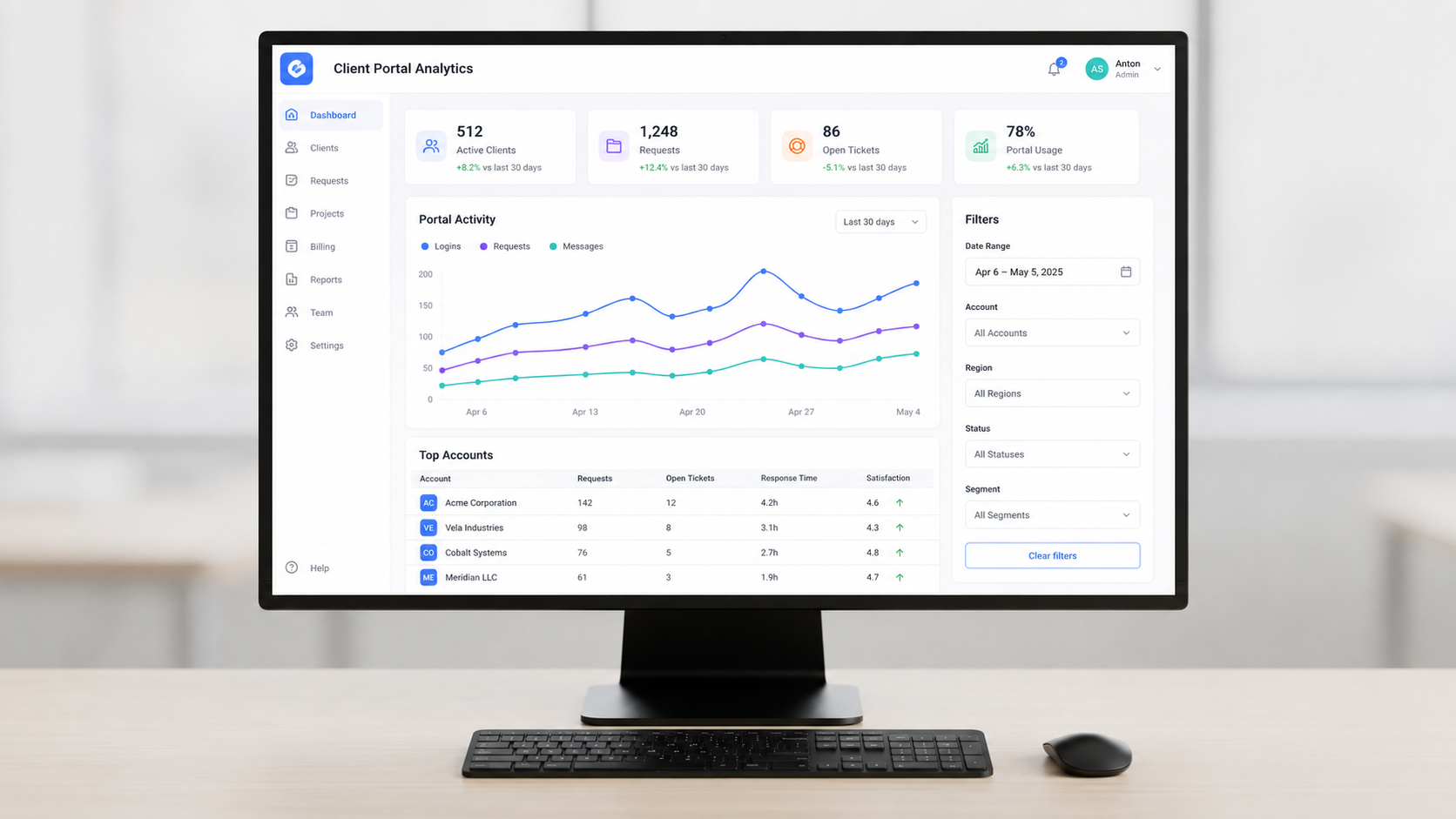
Internal tools and client portals typically require secure auth, row-level permissions, strong data connectors, table and grid views, forms, charts, and workflow automation. These are not simple apps - they are operational software that teams rely on daily.
Spreadsheet-first builders like Glide and Softr (when built on Airtable or Google Sheets) are great for quick wins. Softr builds client portals using data from external platforms like Airtable, making it fast to launch a partner-facing dashboard. But spreadsheet-powered apps can hit performance and governance limits as data grows beyond a few thousand rows.
Database and API-first builders like Budibase, AppSheet, and Jet Admin connect directly to PostgreSQL, MySQL, Snowflake, Salesforce, and other production systems, preserving existing data models. Jet Admin's integrations catalog - covering databases, SaaS tools like Stripe, HubSpot, and Slack, plus storage and auth providers - illustrates the depth needed for serious operations apps.
Concrete use cases for building internal tools include a customer success portal displaying ticket status and invoices, an operations dashboard aggregating warehouse and logistics KPIs, or an approvals tool that interfaces with Google Sheets and Slack. You might even build a booking app for scheduling field service appointments.
When teams outgrow spreadsheet-driven builders - hitting row limits, needing complex joins, or requiring fine-grained permissions - it is time to move to database- or API-driven solutions. These can handle millions of records and complex data relationships without the brittleness of formula-based logic.
No Code Mobile App Builders for iOS, Android, and Google Play
There is an important distinction between web apps delivered as PWAs and true native mobile apps published to the Apple App Store and Google Play. Native app builds matter when you need push notifications, offline support, camera or GPS access, or a presence in the app store.
Here is how leading mobile-focused no code app builders position themselves:
Adalo. A prompt- and visual-based builder with a built-in database that produces native android apps and iOS apps. Its paid plans support publishing to app stores. You can create mobile apps and deploy a simple branded app without writing code.
FlutterFlow. A visual builder that generates cross-platform mobile apps from prompts or Figma designs. FlutterFlow is best for cross-platform mobile apps, and teams can export flutter code for full source control. FlutterFlow's paid plans start at $39/month for unlimited projects.
Thunkable. A block-based builder popular in education and small projects, with direct publishing to iOS and Android.
Bravo Studio. A Figma-to-native bridge optimized for design-first teams wanting to build mobile apps from existing design files.
For operations teams, maintaining native apps requires store approvals, release cycles, and mobile QA - overhead that adds up. Many internal tools can run as responsive web apps installable as PWAs on any device. Choose a native app builder when you need offline usage, deep device integrations, or consumer apps distributed through social media platforms. Otherwise, favor web-first mobile app development to reduce complexity.
Spreadsheet-Powered and Database-First App Builders
Two dominant data approaches define no code app builders today.
Spreadsheet-powered app builders like Glide, Softr, and AppSheet treat Google Sheets or Airtable as the backend. Glide turns spreadsheets into responsive apps, giving non-technical teams instant value. The familiar spreadsheet UI makes collaboration easy, and you can create apps on top of data your team already manages. Pros: fast setup, easy collaboration. Cons: weaker data typing, harder scaling, brittle formulas as logic complexity grows.
Database-first builders connect directly to SQL or NoSQL backends. Jet Admin's integrations list includes PostgreSQL, MySQL, MongoDB, BigQuery, Snowflake, and many more. Pros: better performance, indexing, relational integrity, a single source of truth across tools. Cons: slightly steeper learning curve and the need for schema discipline.
A practical migration path: start with spreadsheet-powered MVPs to prove value and gather feedback. When you hit row or column limits, performance degradation, or need complex data relationships, move core data into a managed database and connect a builder that can straddle both worlds. Some platforms - including Jet Admin - support both Google Sheets and production databases simultaneously, letting you migrate incrementally rather than all at once.
How to Evaluate the Best No Code App Builder: A Practical Checklist
Use this checklist when comparing platforms in RFPs or internal discussions. It covers the full app lifecycle:
App scope
- What types of apps (internal tools, portals, native mobile apps) do we need in the next 12–24 months?
- Do we need to deploy apps to a web domain, PWA, or app store?
- Will we build simple apps, complex apps, or both?
Data
- Which databases, warehouses, and SaaS tools must we connect on day one?
- Are connectors native and tested, or will we need custom integration work?
- Do we need unlimited apps or a limited number of published projects?
Security
- Do we require SSO, SAML, or SCIM?
- Do we need row-level and column-level permissions?
- How are internal and external user accounts separated?
Governance
- Who can build? Who reviews? How are changes deployed?
- Are there audit logs capturing every modification?
- Does the platform support unlimited users or charge per seat?
Extensibility
- Can developers add custom code, custom components, or agents?
- Is code export available?
- Can we use unlimited published apps across environments?
Deployment
- Web, PWA, native iOS/Android?
- How are Google Play and Apple App Store releases handled?
- Does the platform support custom domains?
Portability
- What can we export - data, schemas, UI definitions, full code?
- What happens to our apps if we cancel the account?
Pricing
- How will costs scale with number of apps, builders, end-users, and data volume?
- Are there usage-based caps (like workload units) that could spike costs?
- Do paid plans start at a price point that fits our budget?
Run a time-boxed pilot - two to four weeks - where you build one real workflow in two or three shortlisted platforms and compare real outcomes, not only feature lists. This is the single most reliable way to identify the best no code app builder for your team.
When to Use Prompt-Led Builders, Agents, or Traditional No Code
Teams now face a meaningful choice between three approaches to create software applications.
Prompt-first is ideal when:
- You need rapid prototypes and MVPs where speed matters more than maintainability.
- You are building experimental internal tools that can tolerate occasional broken flows.
- Your developer-led team is comfortable reading and owning generated code.
- You want production ready apps from plain language descriptions - tools like Zite and Emergent target this scenario directly.
Traditional no code or hybrid no code plus agents is better when:
- You are building long-lived internal tools and client portals with clear audit and governance needs.
- Cross-functional teams where non-technical users must safely modify workflows.
- Regulatory or security constraints require tight control over data flows.
- You need powerful apps that handle complex business rules across multiple data sources.
Agent-based workflows add a new dimension. AI agents that can read data, call tools, and complete multi-step tasks are increasingly available within no code platforms - Jet Admin's integrations include OpenAI, Anthropic Claude, Google Gemini, DeepSeek, and MCP - but they require guardrails. Design a "human-in-the-loop" process where AI scaffolds apps but changes to production go through review, especially when agents can touch live data or financial systems.
Putting It All Together: Choosing the Best No Code App Builder for Your Team
The decision comes down to three main forks:
- Internal tools and client portals on existing data. Favor database- and API-first builders with strong governance and integration breadth - platforms like Jet Admin, Budibase, or AppSheet that connect to your data infrastructure without forcing a migration.
- Native consumer or field apps for iOS and Android. Favor mobile-first builders like Adalo or FlutterFlow that support app store publishing and offer code export.
- Rapid experiments and dev-heavy teams. Consider prompt-led builders that generate and export code, letting you own the output.
Start by documenting your app portfolio and data map. Choose two to three platforms aligned with your main use cases. Run a pilot and score each platform against the checklist above.
If you are exploring secure business apps on top of existing databases and SaaS tools, review platforms with broad integration catalogs and enterprise governance features - Jet Admin's integrations page is a good place to start for internal tools and portal use cases.
The most reliable path forward: build a small internal tool or client portal in your chosen platform, validate fit with real data and real permissions, and only then standardize across the organization.
FAQ: Choosing and Using No Code App Builders
The landscape moves fast. The information below reflects mid-2026 conditions - always verify current pricing and feature sets on each vendor's official site before making a commitment.
Can I migrate away from a no code app builder later if my needs change?
Migration difficulty depends on where your data and logic live. If your data stays in your own databases - PostgreSQL, MySQL, or similar - switching the front-end builder is relatively straightforward. If everything is stored in a proprietary backend, you may only be able to export CSVs or partial schemas. Some platforms like FlutterFlow offer full code export, while others keep UI and workflow logic locked in a proprietary runtime. Confirm export options - data, schema, code - before adopting any best no code app builder for mission-critical apps.
Are no code apps secure enough for finance or healthcare use cases?
Some no code platforms provide enterprise-grade controls including SSO, RBAC, audit logs, encryption, and self-hosting options that may support compliance frameworks like SOC 2 or HIPAA. Capabilities vary widely. Involve your security and compliance teams to review architecture diagrams, integration configurations, and data residency before rolling out in regulated environments. Never assume compliance based on marketing claims alone.
What's the difference between a no code app builder and workflow tools like Zapier or Make?
App builders create the interfaces - screens, forms, dashboards - that users interact with. They let you create apps, manage user accounts, and deploy a functional app. Workflow tools like Zapier or Make orchestrate background automations: notifications, cross-app syncing, and long-running processes. Use them together. The app builder handles UI and backend logic; the automation tool handles event-driven workflows between services.
How much technical knowledge do I need to create apps with no code?
No-code app builders allow users to create apps without coding, and no-code app builders allow app creation without writing code. That said, understanding basic data concepts - tables, relationships, filters - and logic like conditions and actions makes a significant difference in the quality of your output. Pair non-technical builders with a technically inclined partner (analyst, developer, or ops engineer) for data modeling and security decisions, even on the most user-friendly platforms.
Should my company standardize on a single no code app builder?
Many organizations benefit from standardizing on one or two primary platforms for governance, training, and support, while still allowing specialized tools - a separate mobile app builder, for instance - for edge cases. Evaluate through a formal pilot program and define clear guidelines for when teams should use the standard builder versus an exception. This avoids sprawl while keeping enough flexibility for the handful of use cases where other no code platforms are genuinely a better fit.