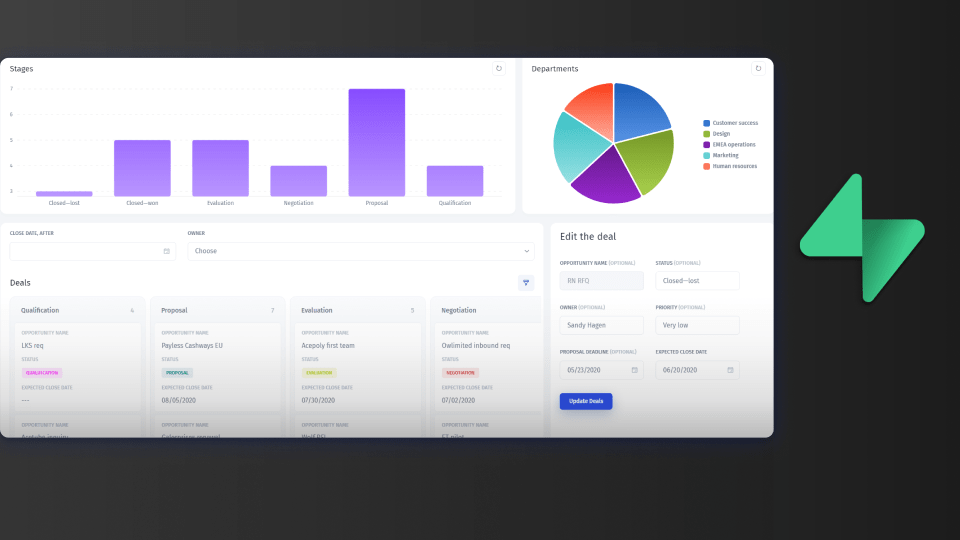
Supabase gives you Postgres, auth, storage and an API, so the backend is covered. What it does not give you is a frontend for the people who run the business: support agents looking up users, operations teams fixing orders, partners checking their accounts. Supabase Studio is a developer console, and handing it to those people gives them the whole project.
Below are eight ways to build a Supabase frontend or admin panel, grouped by what they build, with the point where each one stops. For database clients, see the best Supabase GUI tools.
What a Supabase frontend or admin panel needs to do
- Connect to Supabase's Postgres database or its API, without copying the data.
- Give each person a login and only the tables, rows and actions their role allows.
- Remember that a service-role or database connection bypasses row-level security, so access control has to live in the tool.
- Combine Supabase with the other systems the team uses, such as Stripe or a CRM.
- Leave Studio for developers.
The eight options at a glance
| Option | Builds | Code needed | Cost |
|---|---|---|---|
| Jet Admin | Admin panels, internal tools, portals | No | Free plan; paid tiers |
| Supabase Studio | Developer console | No | Included |
| Retool | Developer internal tools | Some JavaScript | Free tier; paid per user |
| Appsmith | Open-source internal tools | Some JavaScript | Free self-hosted; paid tiers |
| Refine | React admin framework | Yes | Open source |
| WeWeb | Customer-facing web apps | Low | Free tier; paid plans |
| FlutterFlow | Mobile and web apps | Low | Free tier; paid plans |
| Lovable | AI-generated React apps | Generated code | Free tier; paid plans |
Admin panels and internal tools
1. Jet Admin
Jet Admin connects to Supabase in a few clicks and builds admin panels, CRMs, approval flows and dashboards on your tables. You describe the app and Jet generates it, then refine it visually or in code. Data stays in Supabase, and you can join it with Postgres, Stripe, REST APIs and the rest of 200+ integrations. The same app can become a client, vendor or partner portal where each external user sees only their own records.
Each person signs in to Jet, not to your Supabase project. Granular permissions, SSO and audit logs are on the Business plan and above; unlimited users are on every plan, including Free.
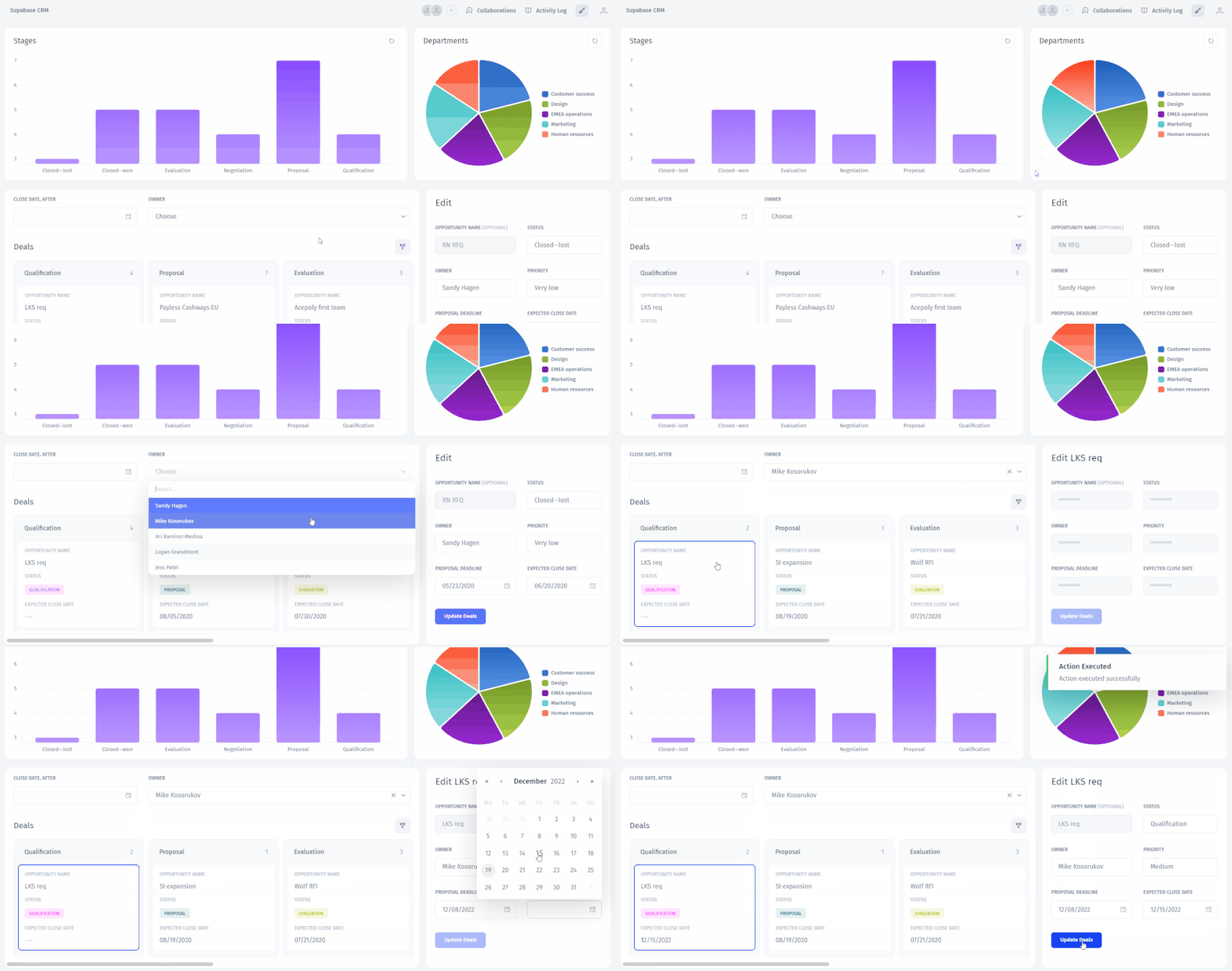
Where it stops: it is not for your consumer product UI, and project settings, auth configuration and edge functions stay in Supabase Studio.
2. Supabase Studio
Studio is Supabase's own dashboard, with a table editor, SQL editor, auth and storage management.
Where it stops: it is a developer console with project-wide access, not a tool for business users.
3. Retool
Retool has a Supabase integration, and developers build internal tools from components and JavaScript.
Where it stops: developer-built, with per-user pricing that grows with the team.
4. Appsmith
Appsmith is an open-source internal tool builder that connects to Supabase's Postgres database.
Where it stops: expect JavaScript for most logic, and self-hosting is yours to run.
5. Refine
Refine is a React framework with a Supabase data provider for building admin panels in code.
Where it stops: it is a framework, so every screen and permission is code you maintain.
Customer-facing frontends
6. WeWeb
WeWeb is a visual frontend builder with native Supabase auth and data.
Where it stops: it is built for product UIs; internal admin screens take extra work.
7. FlutterFlow
FlutterFlow builds Flutter mobile and web apps with Supabase support.
Where it stops: mobile-first, and back-office tools are not its focus.
8. Lovable
Lovable generates React apps from prompts, with Supabase as the default backend.
Where it stops: you own and maintain the generated code, including its access control.
See it built
In this walkthrough we connect Supabase, build a custom CRM for an internal team, and turn it into a multi-tenant sales portal for external partners, without code:
Which to use
- Business teams or partners need an admin panel or portal on Supabase, without code: Jet Admin.
- Developers are managing the project: Supabase Studio.
- Developers will build and maintain internal tools: Retool, Appsmith or Refine.
- You are building the customer-facing app: WeWeb, FlutterFlow or Lovable.
Frequently asked questions
Can I use Supabase Studio as an admin panel for my team?
You can, but everyone with access can see and change the whole project. A separate admin panel lets you limit each person to the tables and actions they need.
Do admin panel tools respect row-level security?
Tools that connect with the service role or a database user bypass RLS, so set permissions in the tool and use a restricted database role.
Should the admin panel and the product share a frontend?
Usually not. Internal tools change often and need permissions more than polish, so building them in the product codebase uses expensive developer time.
Build your Supabase frontend
Connect Supabase to Jet Admin and build an admin panel or portal for free.